3 Pencil Brushes
Resource Details
- Author
- Pixelstains
- Format
- ABR, TPL
- Size
- 3.9 MB
- Opens in
- Photoshop, GIMP
- Imports into
- Procreate, Affinity Photo, KritaShapes import fine. The Photoshop dynamics do not.
- Brush type
- Dynamic brushes
- Items in set
- 3
- Downloads
- 86.9k
- Added
- Apr 27, 2015
Description
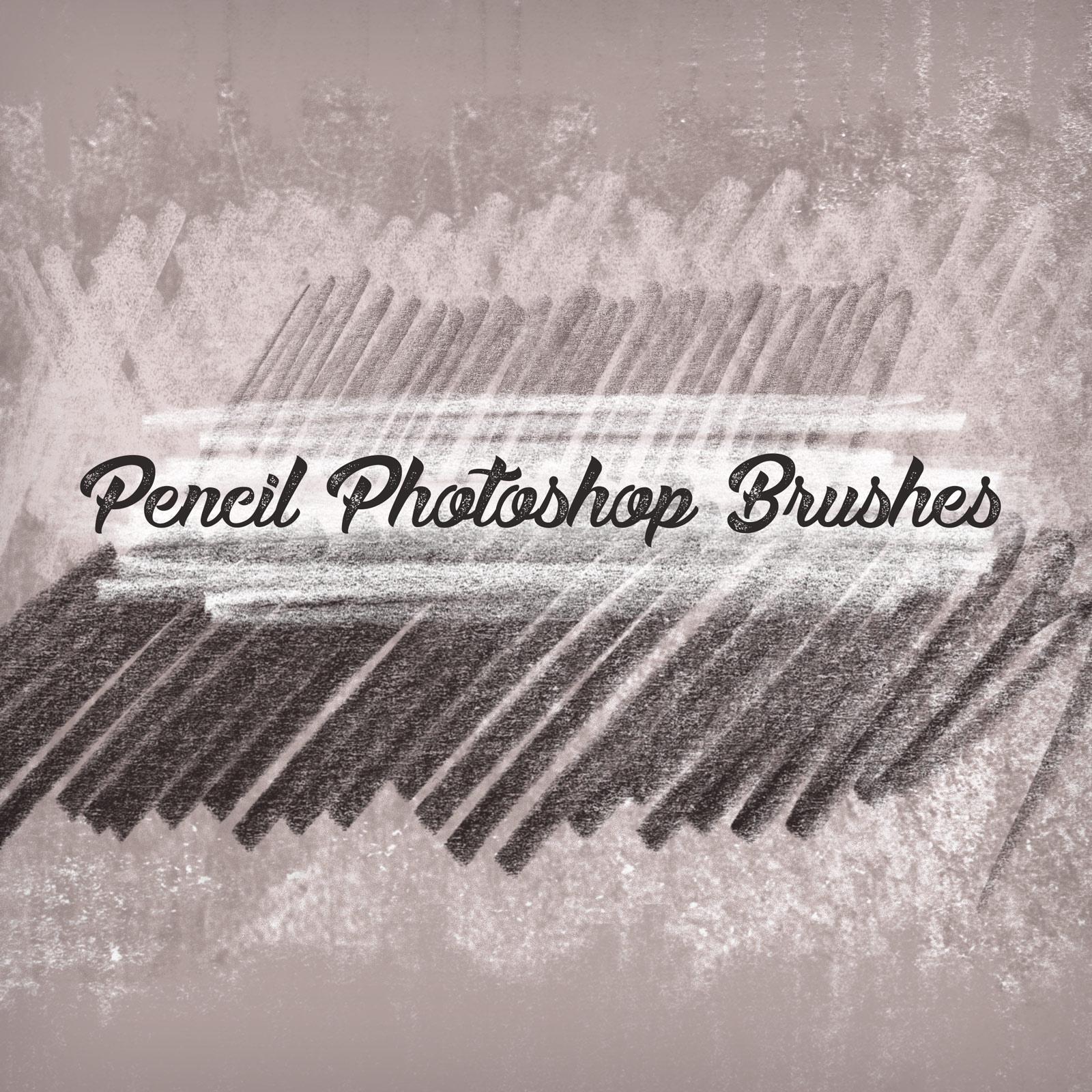
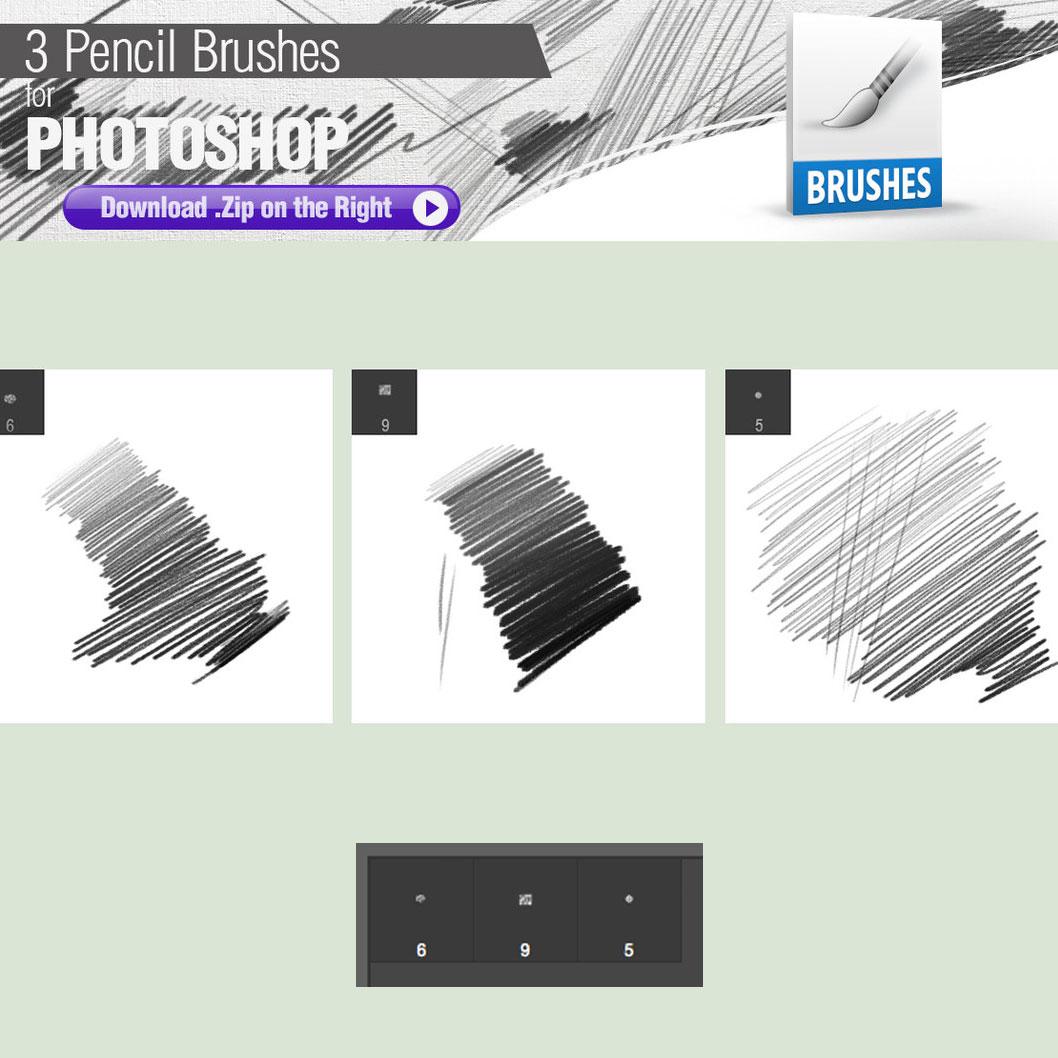
This free pack of 3 Photoshop Brushes is for achieving the traditional pencil look. The pencil pack contains three different brushes:
The first one is a 2B pencil. This is the Goldilocks pencil for traditional sketching, as it is neither too hard nor too soft. You can achieve a large range of values with it depending on how hard you push against the surface. The second brush is a 4B pencil. This is a personal favorite for those who prefer to use a light touch. The only downside in traditional media is that you have to sharpen it every 3 minutes, but in Photoshop you will not have to worry about that. The third one is a mechanical pencil. Tips:
Set a paper texture in the background and paint over it for a pleasant traditional effect.
Set your foreground color to black to be able to work within the full range of values.
What's Included