Light and Burst Brushes
Resource Details
- Format
- ABR
- Size
- 39.1 MB
- Opens in
- Photoshop, GIMP
- Imports into
- Procreate, Affinity Photo, KritaShapes import. Dynamics may not.
- Brush type
- Stamp brushes
- Items in set
- 19
- Downloads
- 86.7k
- Added
- Feb 6, 2018
LicenseCommercial
Learn morePreparing...
Description
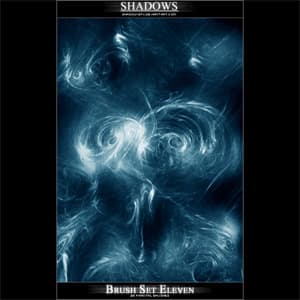
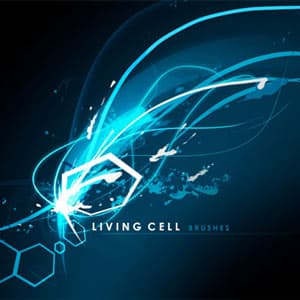
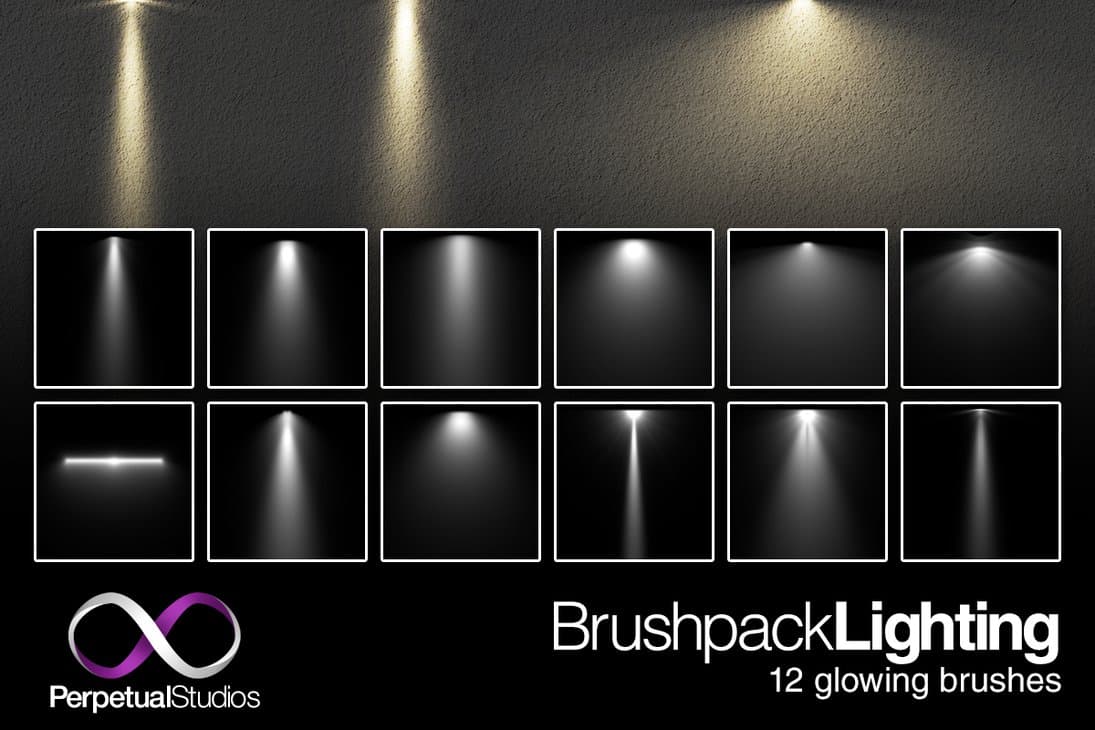
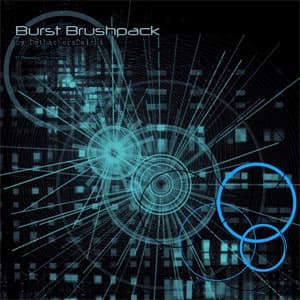
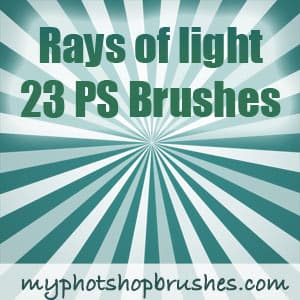
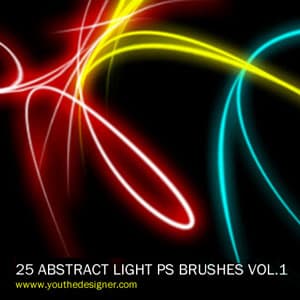
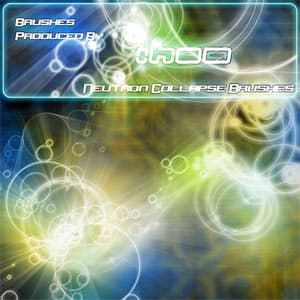
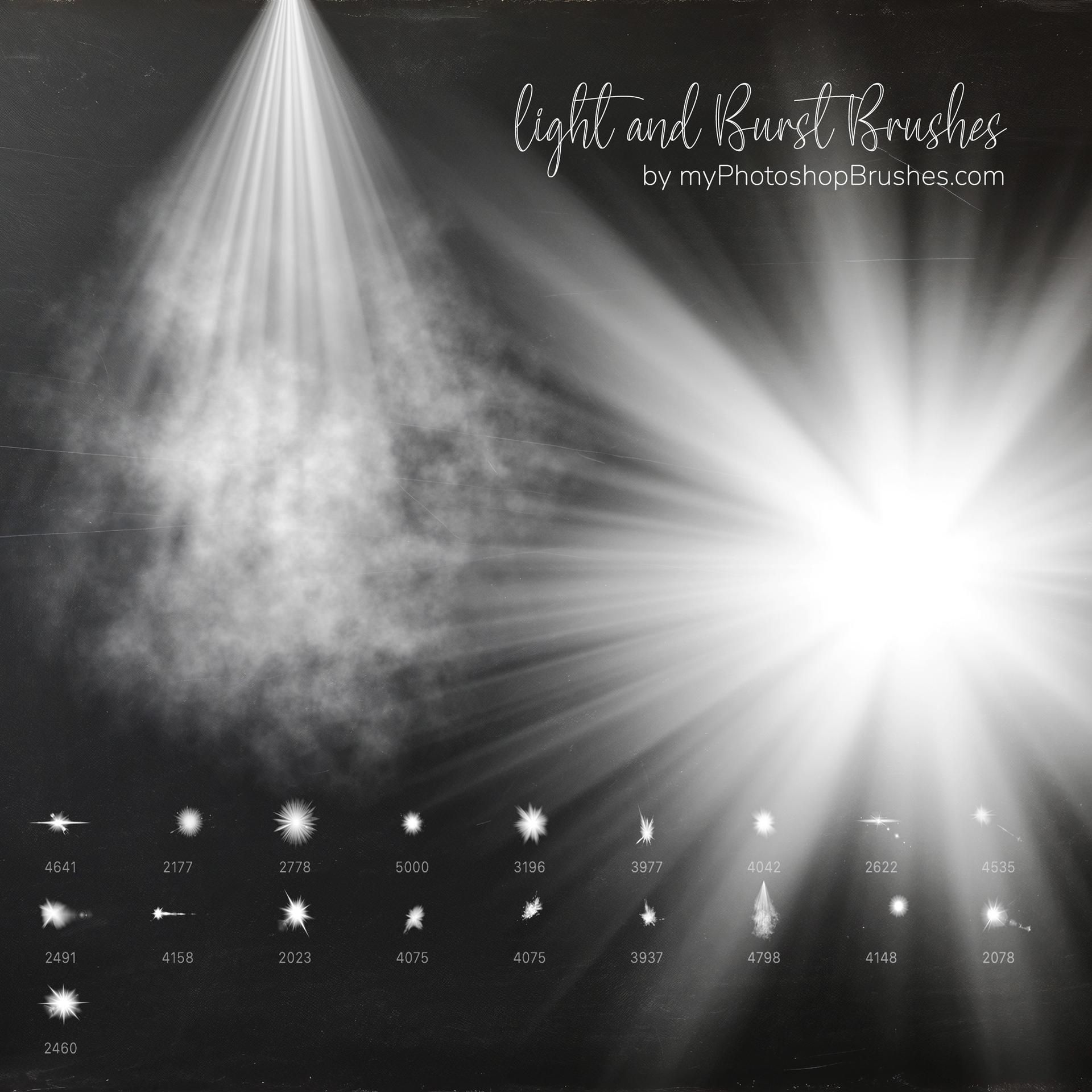
Introducing the 'Light and Burst Brushes' collection, a meticulously curated set of 19 top-notch Photoshop brushes available for free. This pack has been designed with precision to cater to artists, designers, and digital creators looking to enhance their work with a touch of brilliance.
Here's a glimpse of what you can achieve with these brushes:
Light Rays: Add a dramatic touch to your photos with shimmering rays of light that seem to pierce through the canvas.
Sun Beams: Recreate the warmth and glow of natural sunlight falling through trees, windows, or any imagined source.
Sunlight: Illuminate your artwork with the soft and glowing touch of natural sunlight, perfect for outdoor scenes or portraits.
Burst: Give your designs a dynamic edge with burst effects that radiate energy and motion.
Flare: Add lens flares or artificial light sources to enhance the aesthetics of your piece.
Explosion: From subtle sparks to grand explosions, you can recreate a spectrum of powerful moments.
Lighting Effects: Whether you're aiming for subtlety or drama, these brushes can mimic all kinds of lighting scenarios.
Decoration: Embellish your artworks with ornate and decorative brush strokes that can be both focal and supporting elements.
Backgrounds: Create mesmerizing backgrounds that can set the tone for your entire artwork.
Radiation: Emit a sense of power and danger with radiation effects, perfect for sci-fi or apocalyptic themes.
Abstract and Fantasy Art: Dive into the realms of imagination and create pieces that are both dreamy and out of this world.
Magical Effects: From fairy dust to powerful spells, enchant your viewers with captivating magical moments.
This collection is the perfect tool for elevating your digital creations to the next level. It covers everything from subtle lighting enhancements to dramatic special effects.
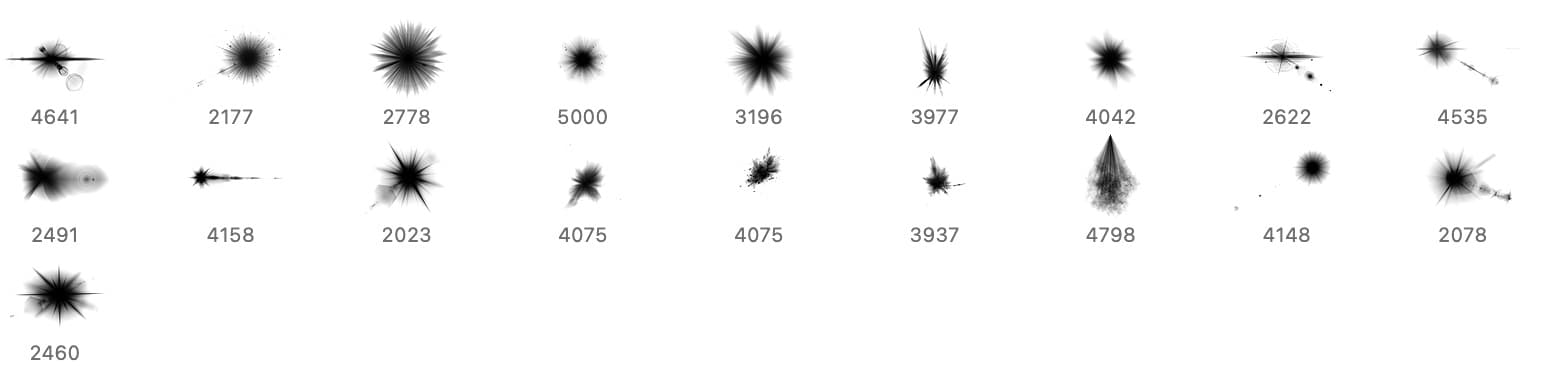
What's Included
Frequently asked questions
Is "Light and Burst Brushes" free to download?
Yes, this resource is free to download from MyPhotoshopBrushes, with no signup and no paywall. It is published under the Free for Commercial Use license, which allows commercial use. See the license panel on this page for the exact terms.
What file format does this download use?
The download is a ZIP archive containing .ABR files. Unzip it first, then use the files inside.
How do I use it in Photoshop?
Download the .ABR file and double-click it. Photoshop imports the set and appends it to the Brushes panel automatically. You can also drag the file onto the Photoshop window, or open Window → Brushes and choose Import Brushes from the panel menu.