10 Free Snow Photoshop Brushes
Resource Details
- Format
- ABR
- Size
- 830 KB
- Opens in
- Photoshop, GIMP
- Imports into
- Procreate, Affinity Photo, KritaShapes import. Dynamics may not.
- Brush type
- Stamp brushes
- Items in set
- 10
- Downloads
- 34.9k
- Added
- Jan 14, 2019
LicenseCommercial
Learn morePreparing...
Description
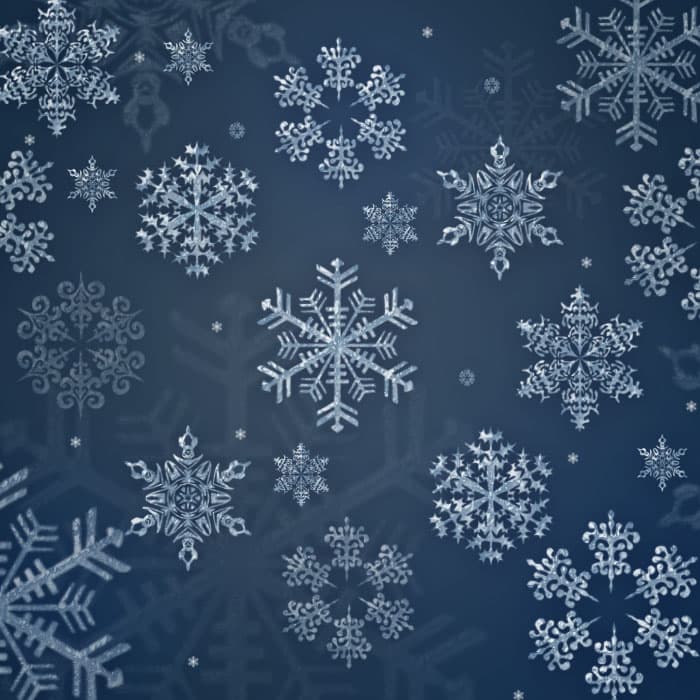
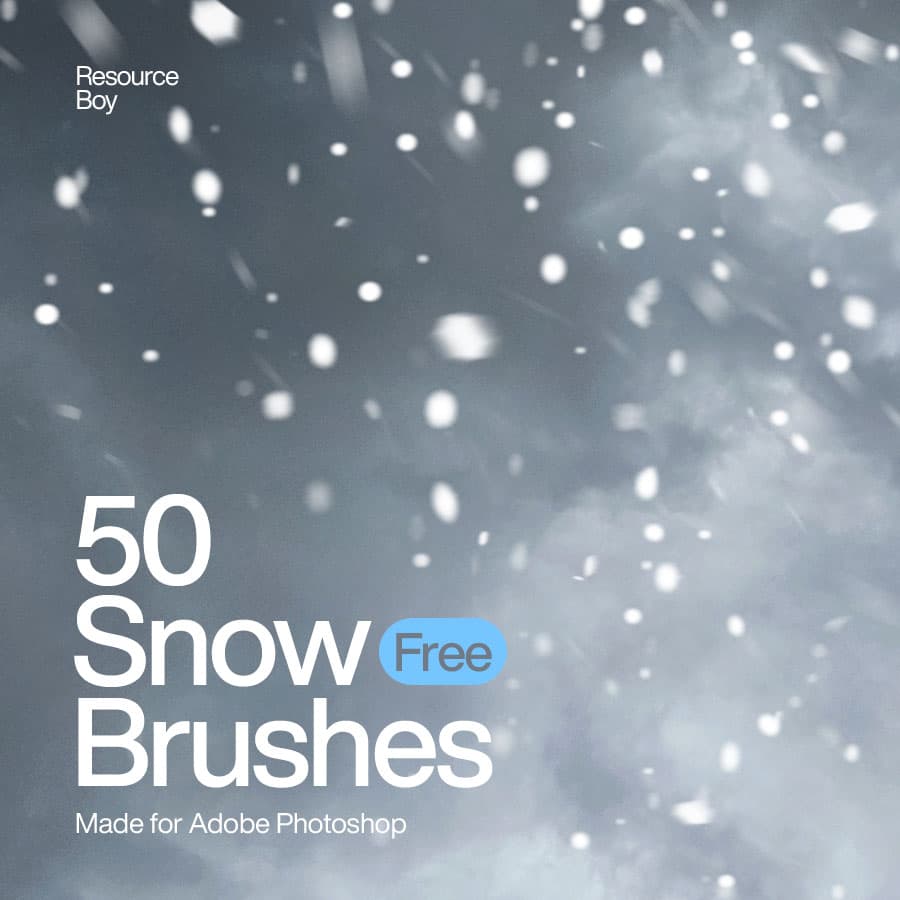
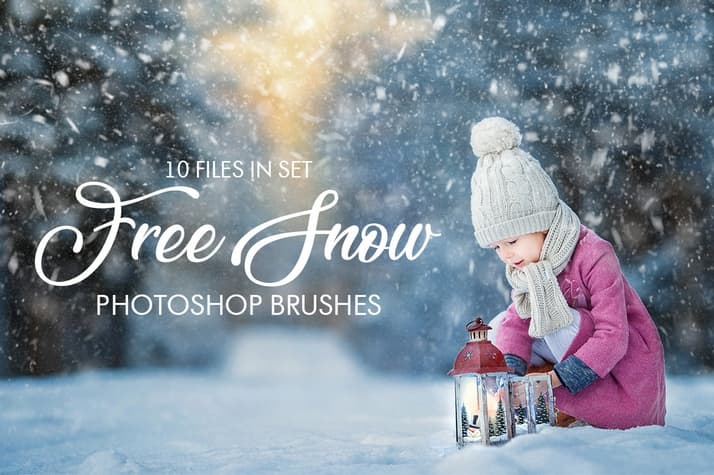
Make your winter photos magical and atmospheric in just a few clicks! Add realistic snow to your outdoor photos with the help of these 10 free snow Photoshop brushes. Add a real winter touch to your images or graphic projects easily and effectively. The bundle consists of 10 high-quality snow effect brushes, each 800+ pixels in size. They produce great-looking results for photo editing, flyers, banners, cards, and other seasonal projects.
What's Included

Frequently asked questions
Is "10 Free Snow Photoshop Brushes" free to download?
Yes, this resource is free to download from MyPhotoshopBrushes, with no signup and no paywall. It is published under the Free for Commercial Use license, which allows commercial use. See the license panel on this page for the exact terms.
What file format does this download use?
The download is a ZIP archive containing .ABR files. Unzip it first, then use the files inside.
How do I use it in Photoshop?
Download the .ABR file and double-click it. Photoshop imports the set and appends it to the Brushes panel automatically. You can also drag the file onto the Photoshop window, or open Window → Brushes and choose Import Brushes from the panel menu.