Leaves Free Brushes for Photoshop
Resource Details
- Format
- ABR
- Size
- 56.6 MB
- Opens in
- Photoshop, GIMP
- Imports into
- Procreate, Affinity Photo, KritaShapes import fine. The Photoshop dynamics do not.
- Brush type
- Mostly stamps, some use dynamics
- Items in set
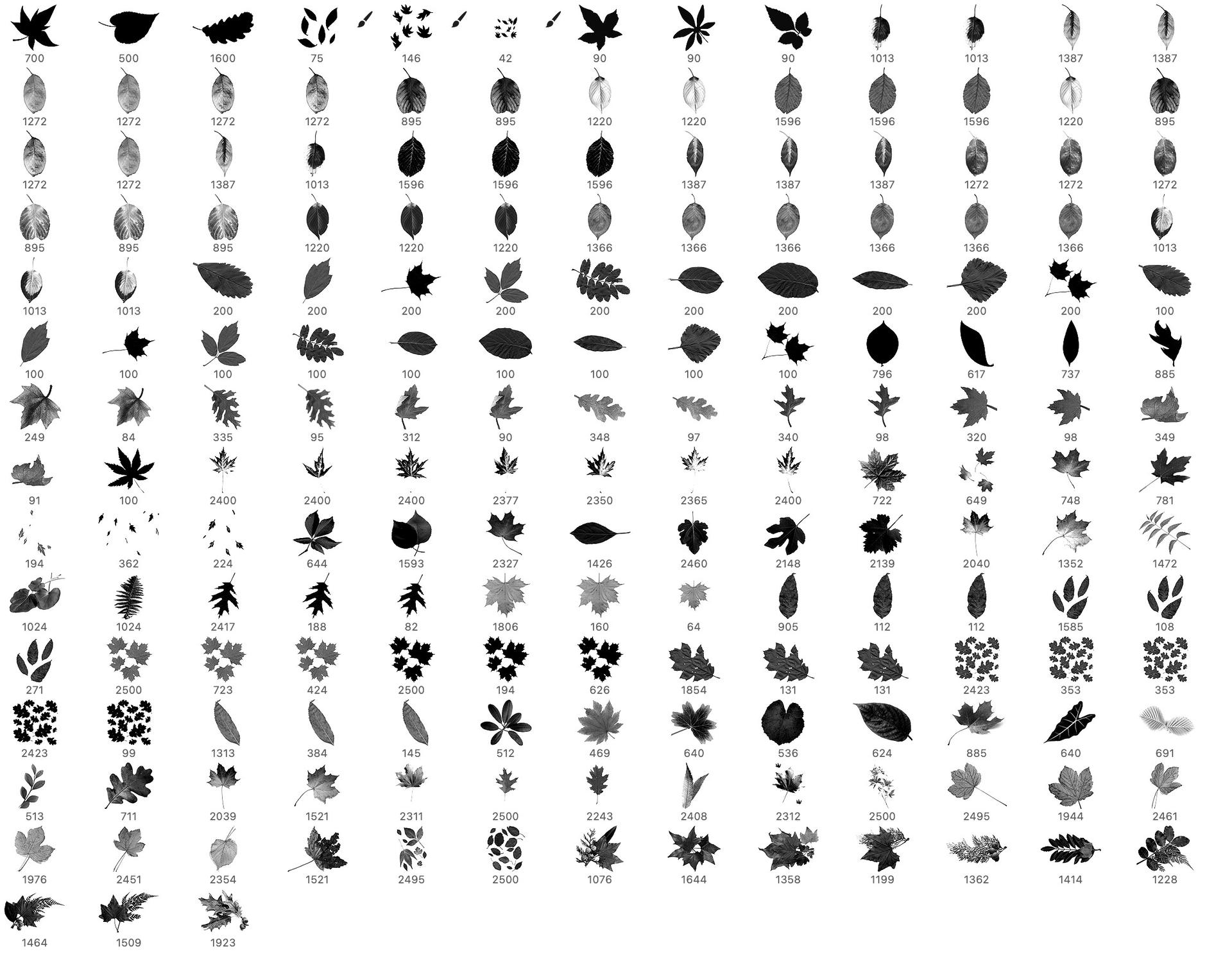
- 185
- Downloads
- 11.9k
- Added
- Sep 20, 2022
Description
Autumn is a time of change and transition, marking the end of the warm summer months and the start of the cool autumn season. As the days grow shorter and the temperatures start to drop, the leaves of many plants begin to change color, slowly turning yellow, red, and brown. It is a beautiful and magical time of year, when nature transforms itself before our very eyes. The leaves, which were once lush and green, take on a new life as they become symbols of the autumn season.
The falling leaves and vibrant foliage are not just a visual treat, they are also a reminder of the cycles of nature and the changing of the seasons. September is often seen as the peak of the autumn season when the leaves are at their most vibrant, and the air is filled with the crisp and refreshing scent of falling leaves.
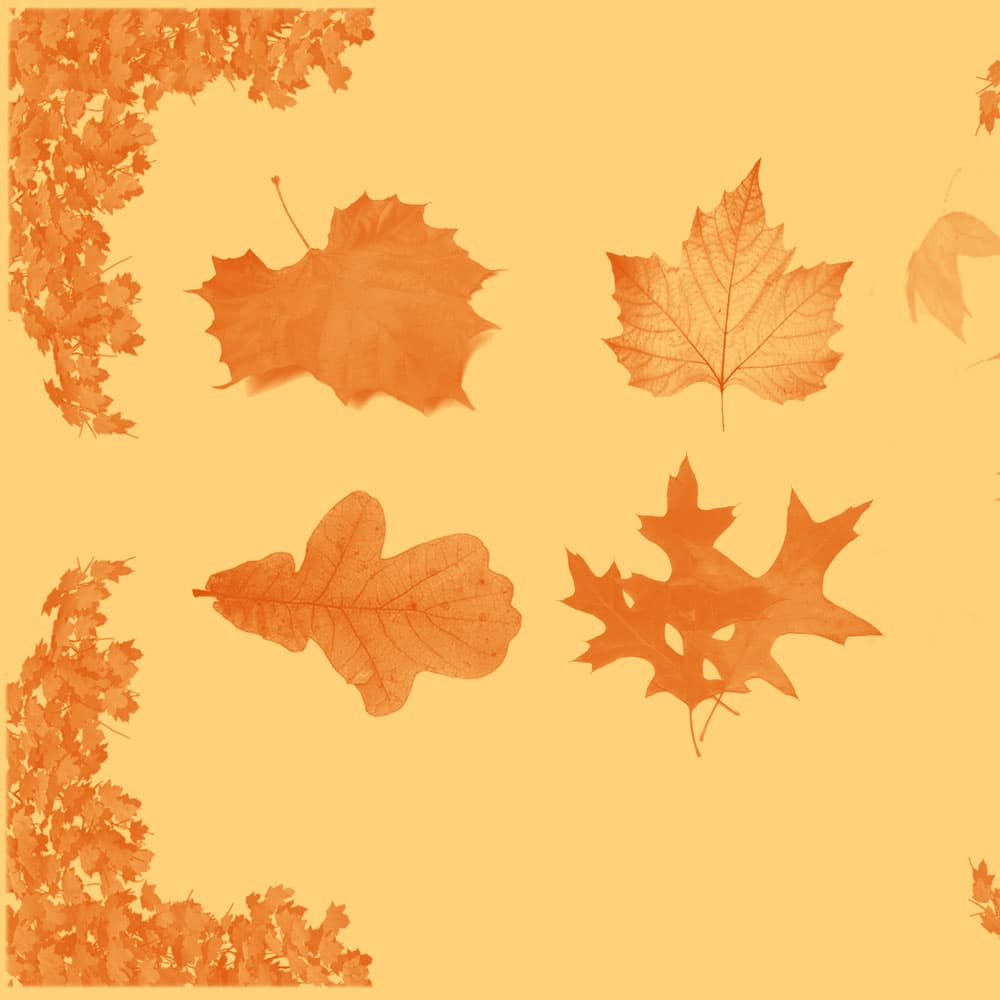
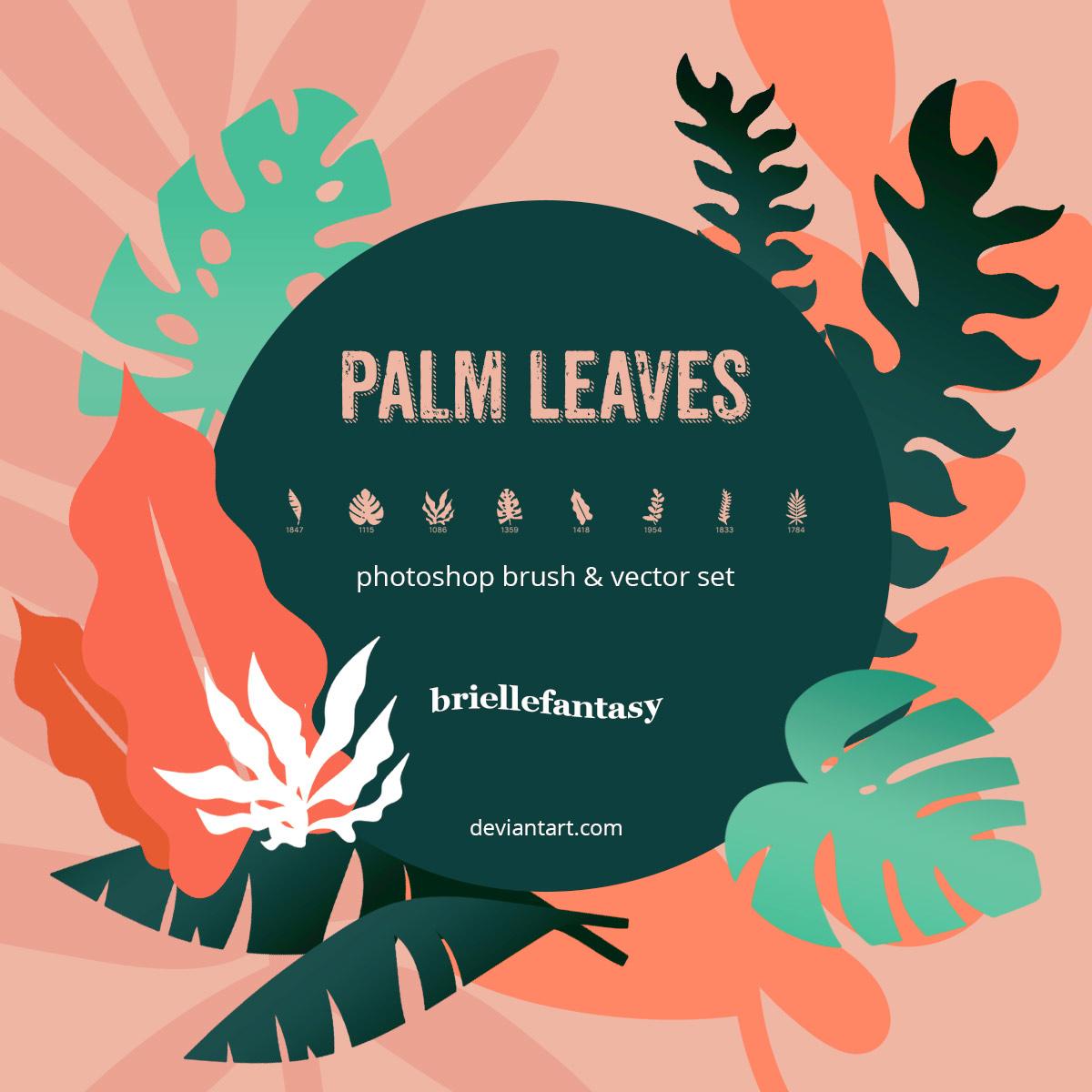
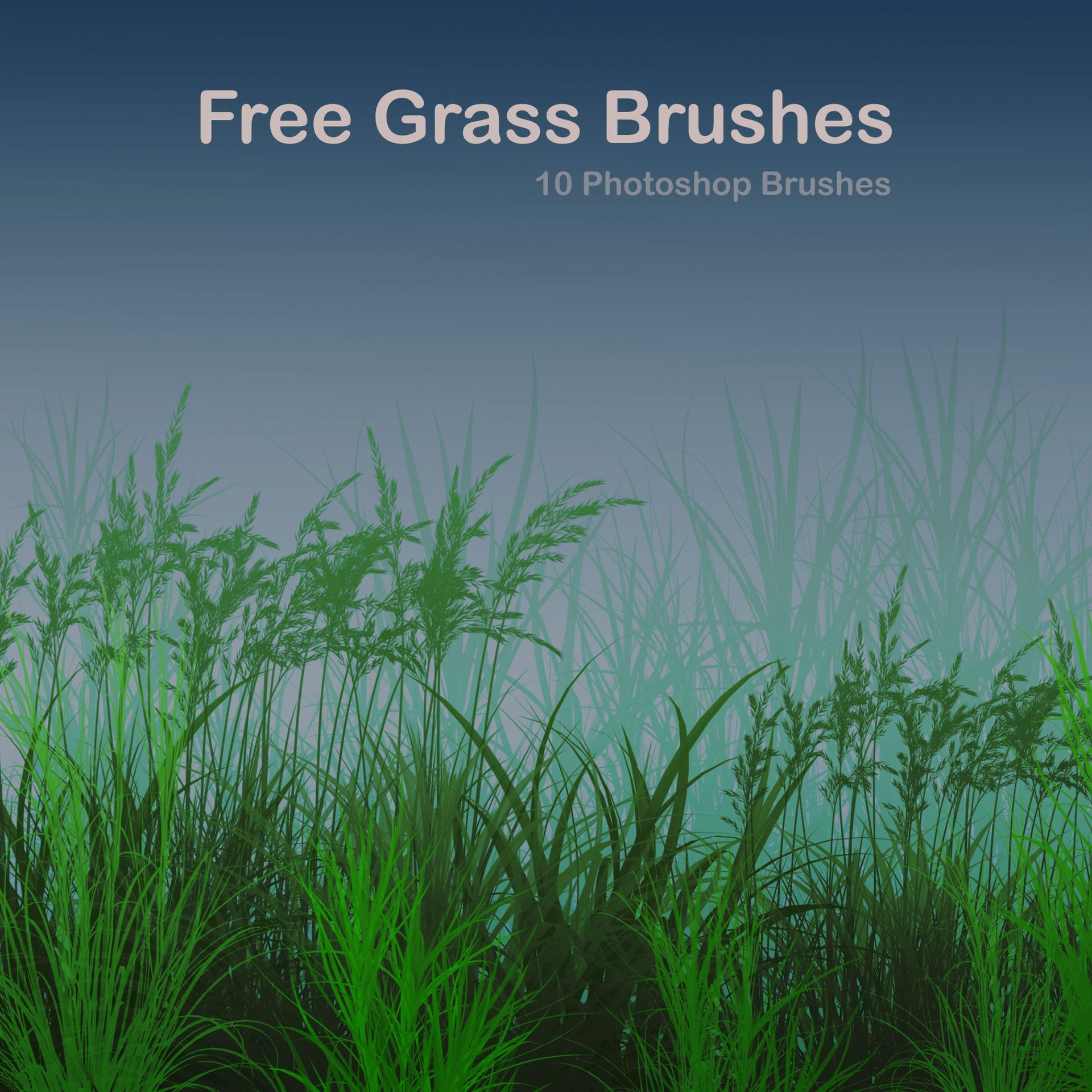
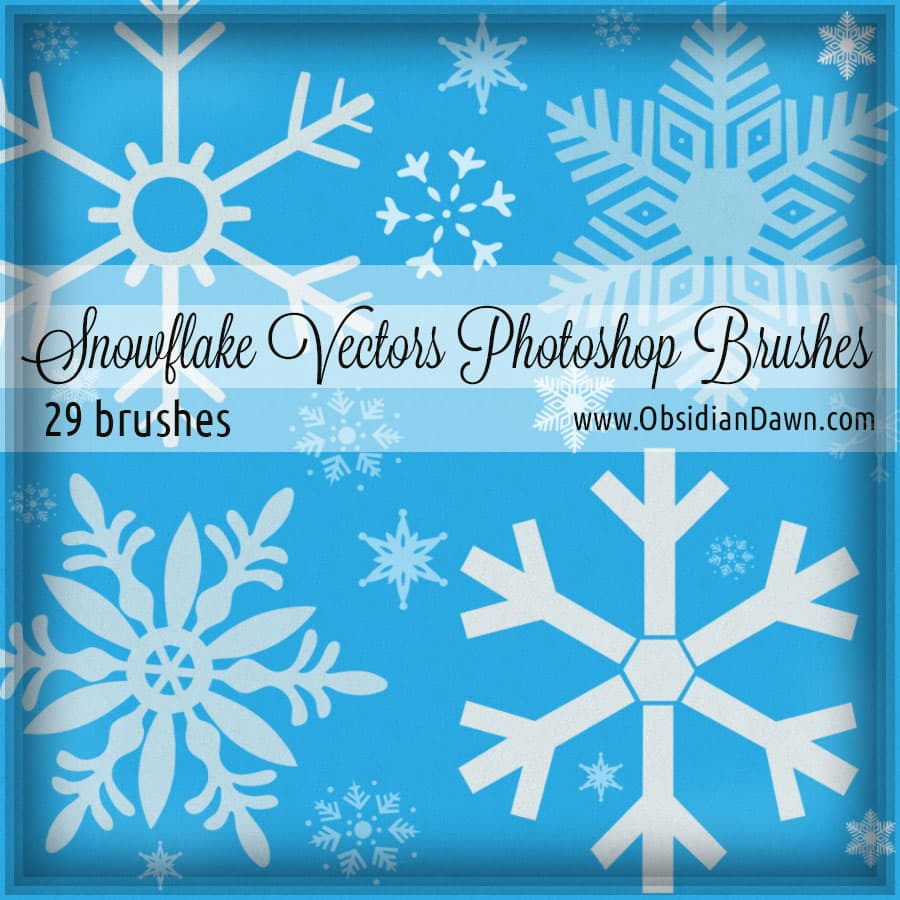
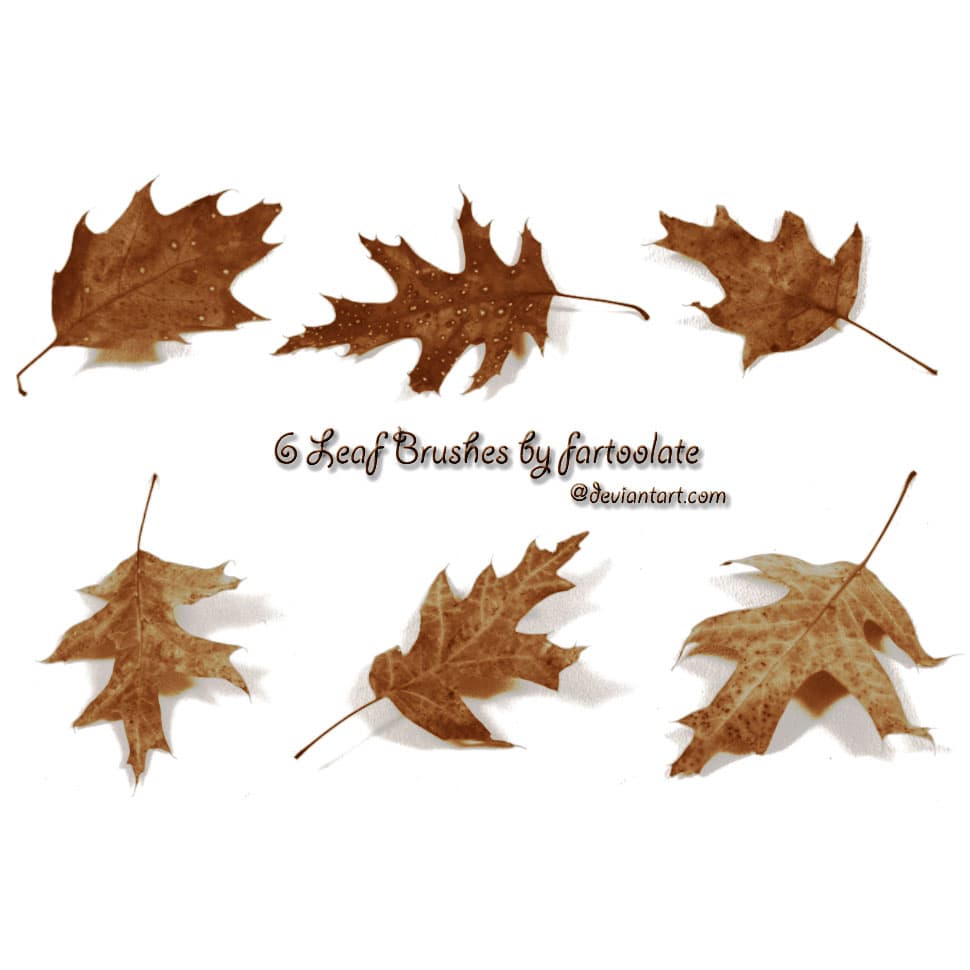
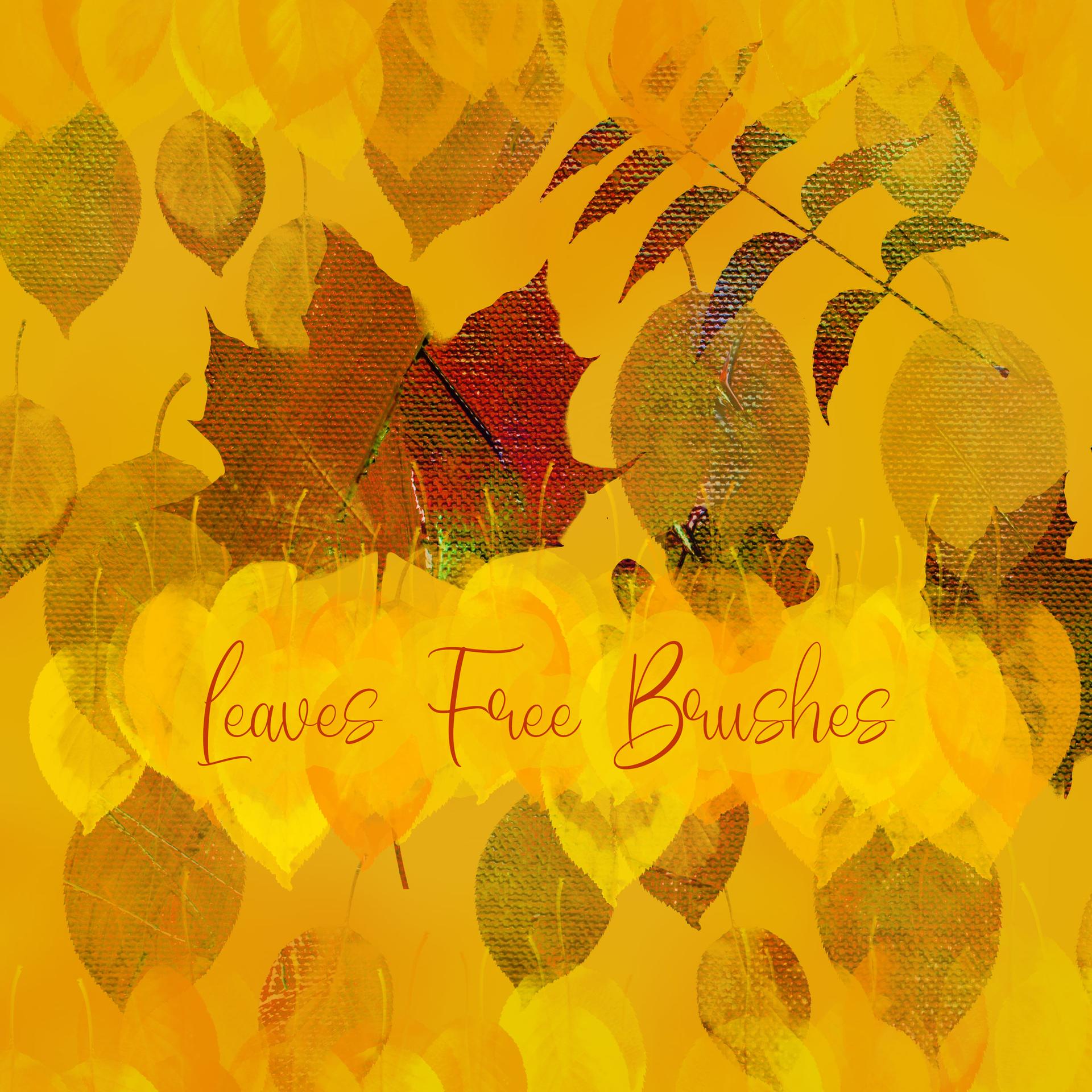
That's why today's leaf brush set is a great way to bring the essence of autumn into your projects. It's not just a few leaves, it's a big set of 185 Photoshop brushes, all available for free download. Whether you're an artist, designer, or simply someone who loves nature and the changing of the seasons, this set of leaf brushes is a great way to add a touch of autumn character to your projects and celebrate the beauty of nature.
What's Included