Free Photoshop Patterns
Free Photoshop patterns in PAT format to fill backgrounds, textures, and surfaces with a single click. Choose from geometric, floral, vintage, and minimal designs, each seamlessly tileable and ready to download for any personal or commercial project.
Browse Patterns
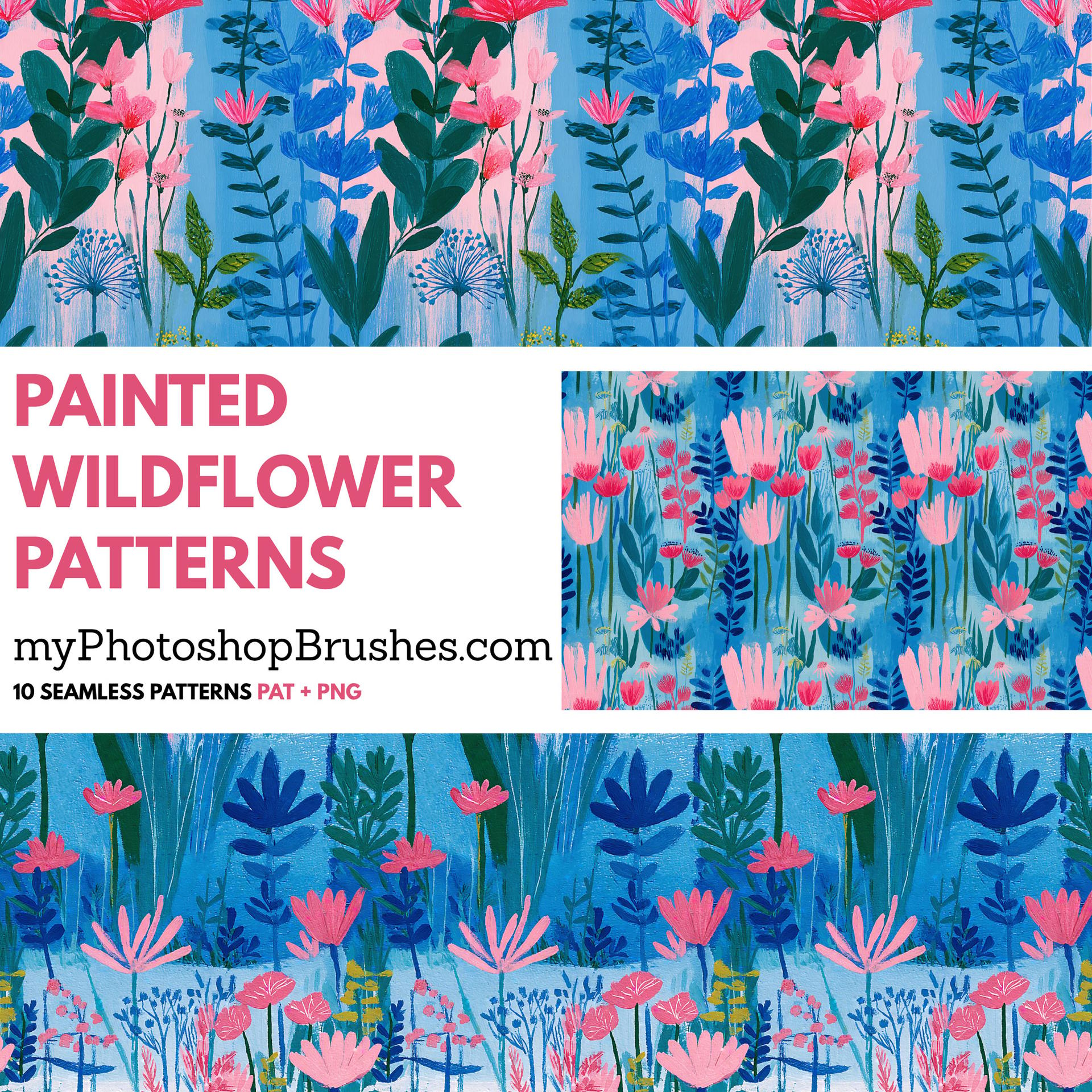
Painted Wildflower Patterns – Acrylic Floral Pack
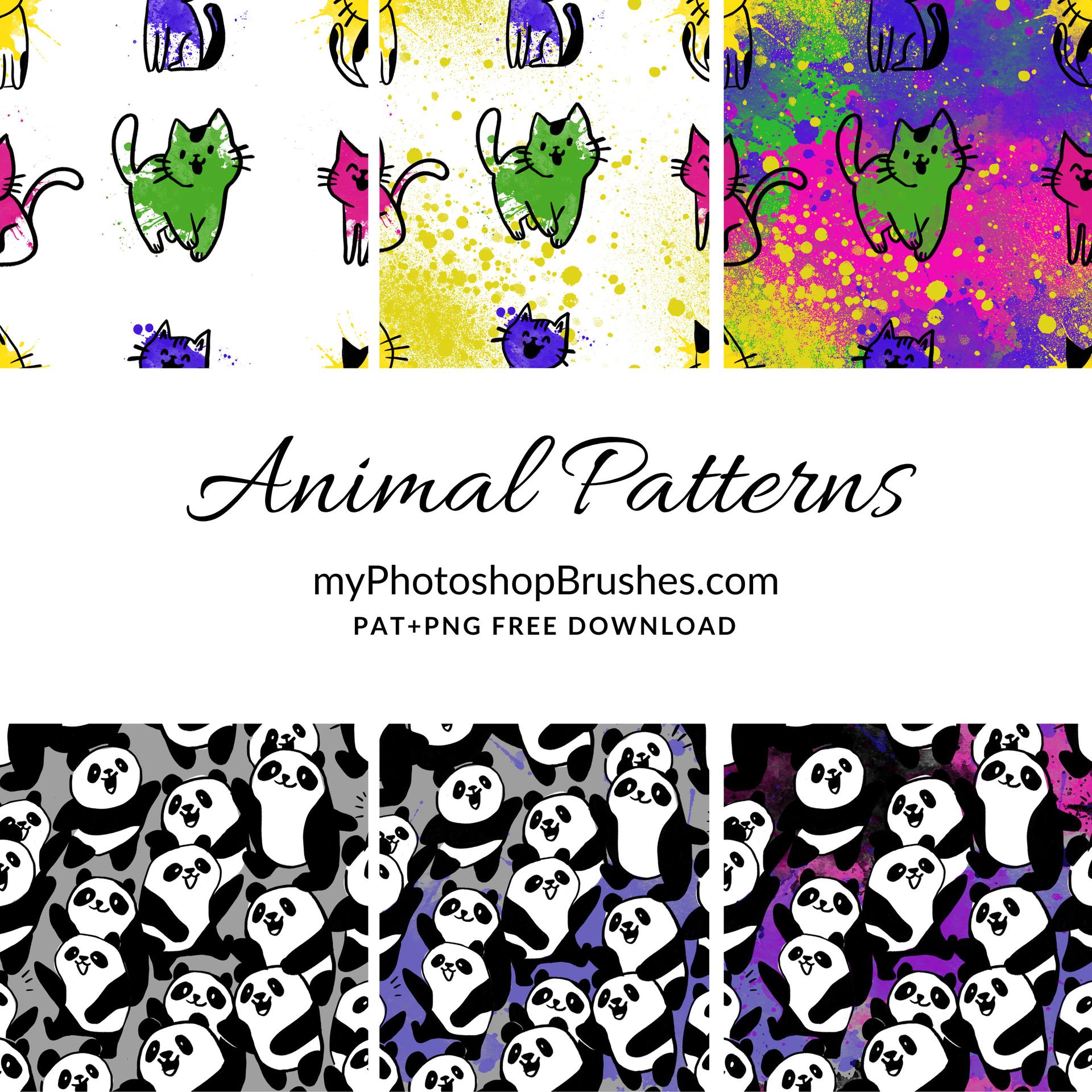
Cat and Panda Free Patterns
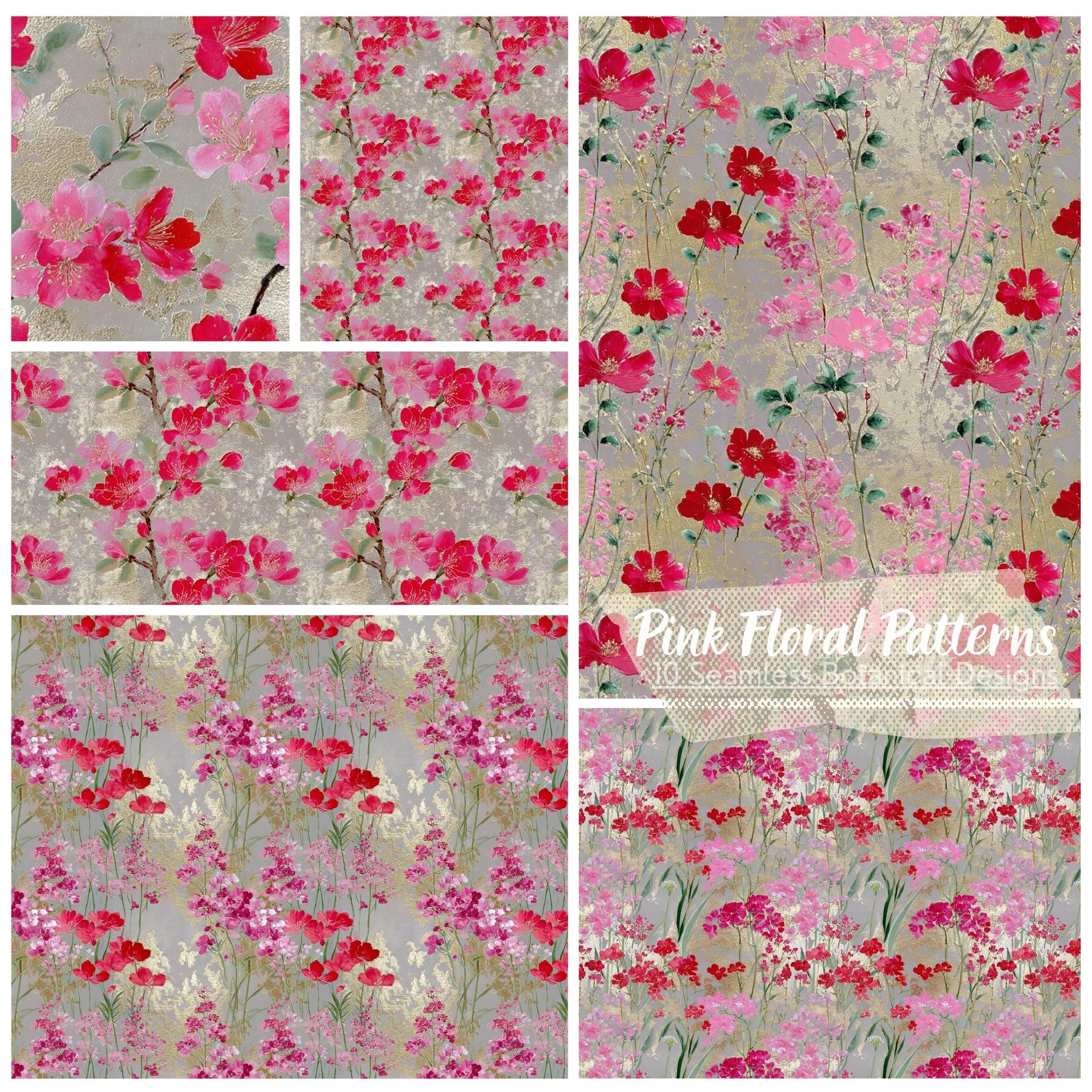
Pink Floral Patterns – 10 Seamless Botanical Designs
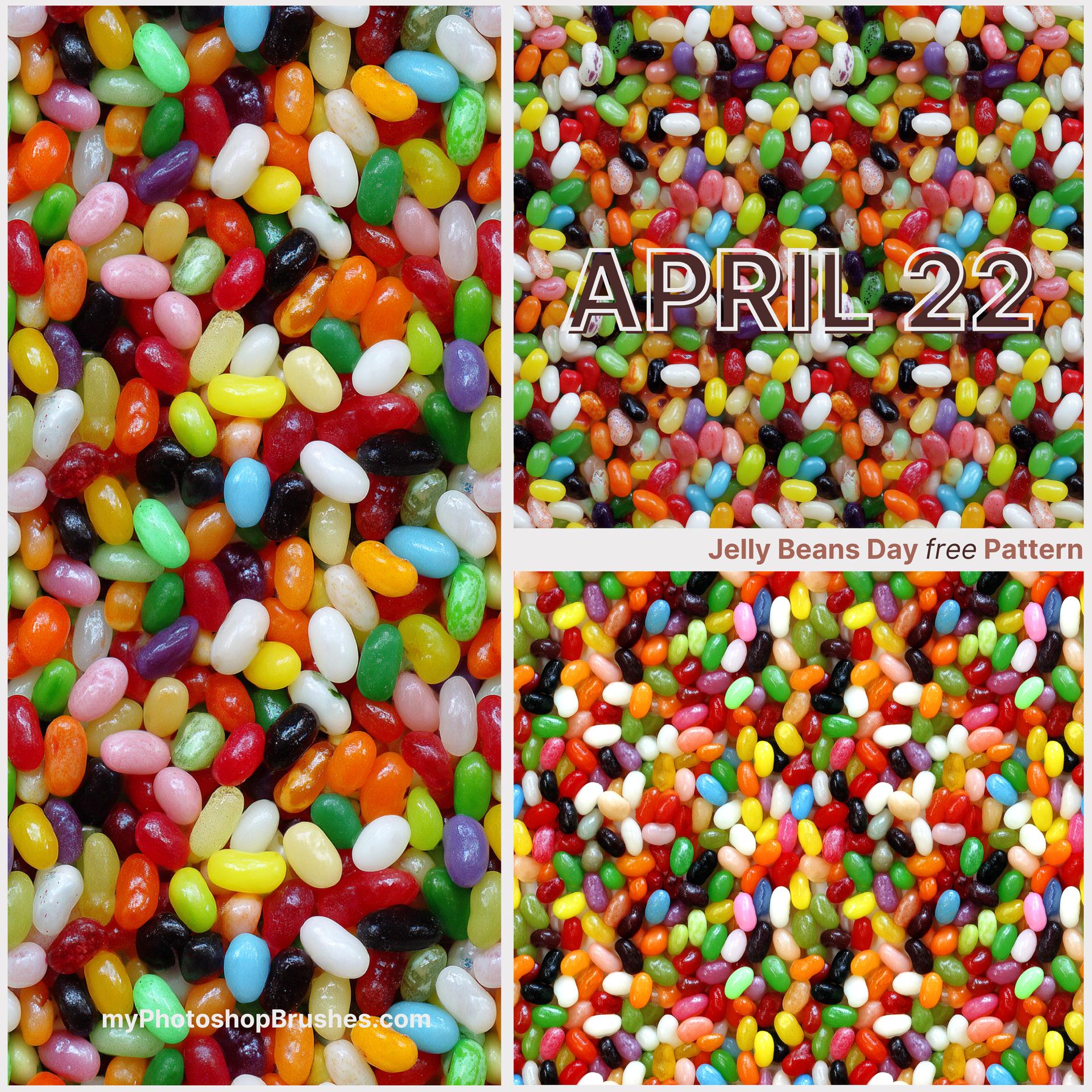
Jelly Beans Day free Pattern

Cat Patterns – Cute Seamless PS Patterns

6 Flower Patterns
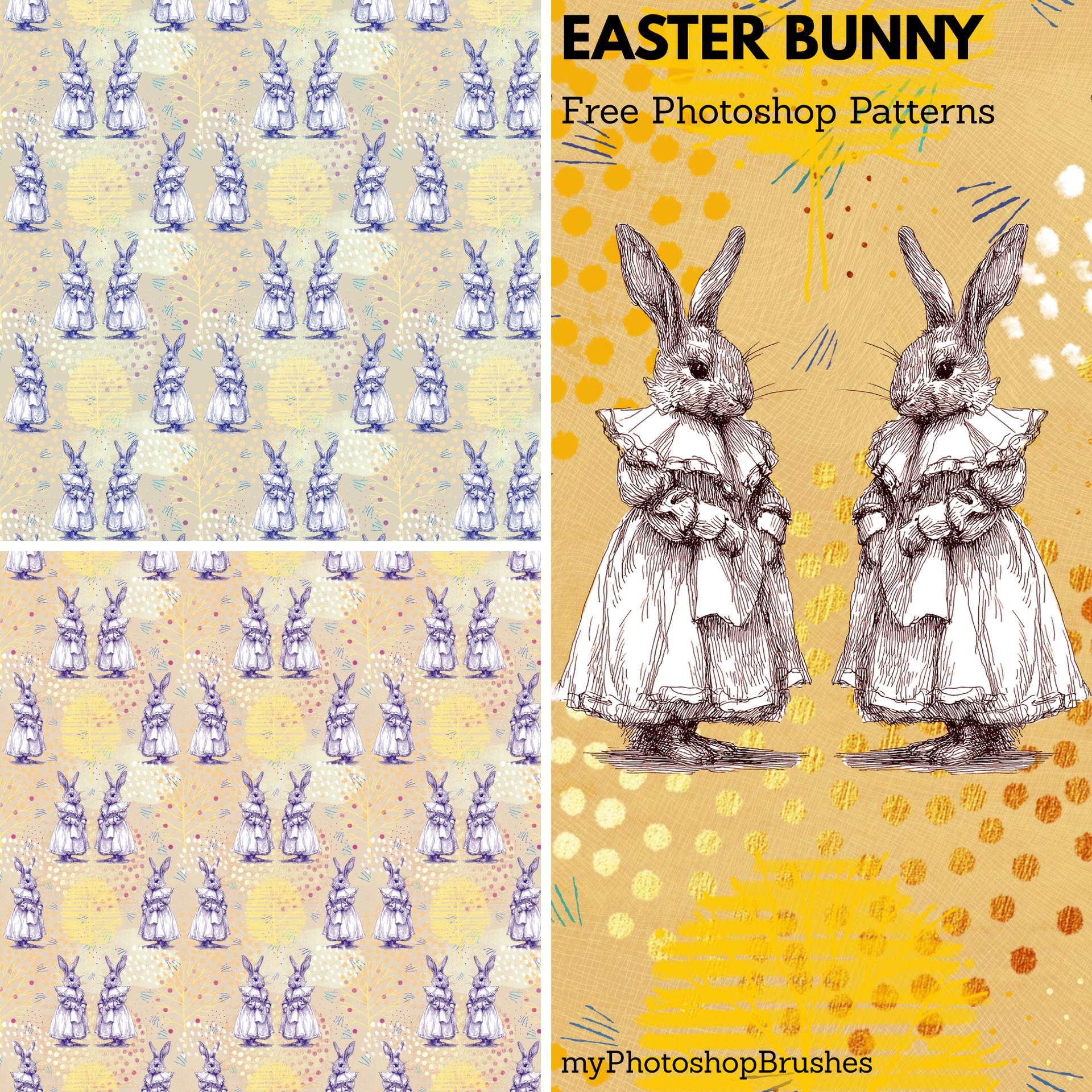
Easter Bunny Free Photoshop Patterns
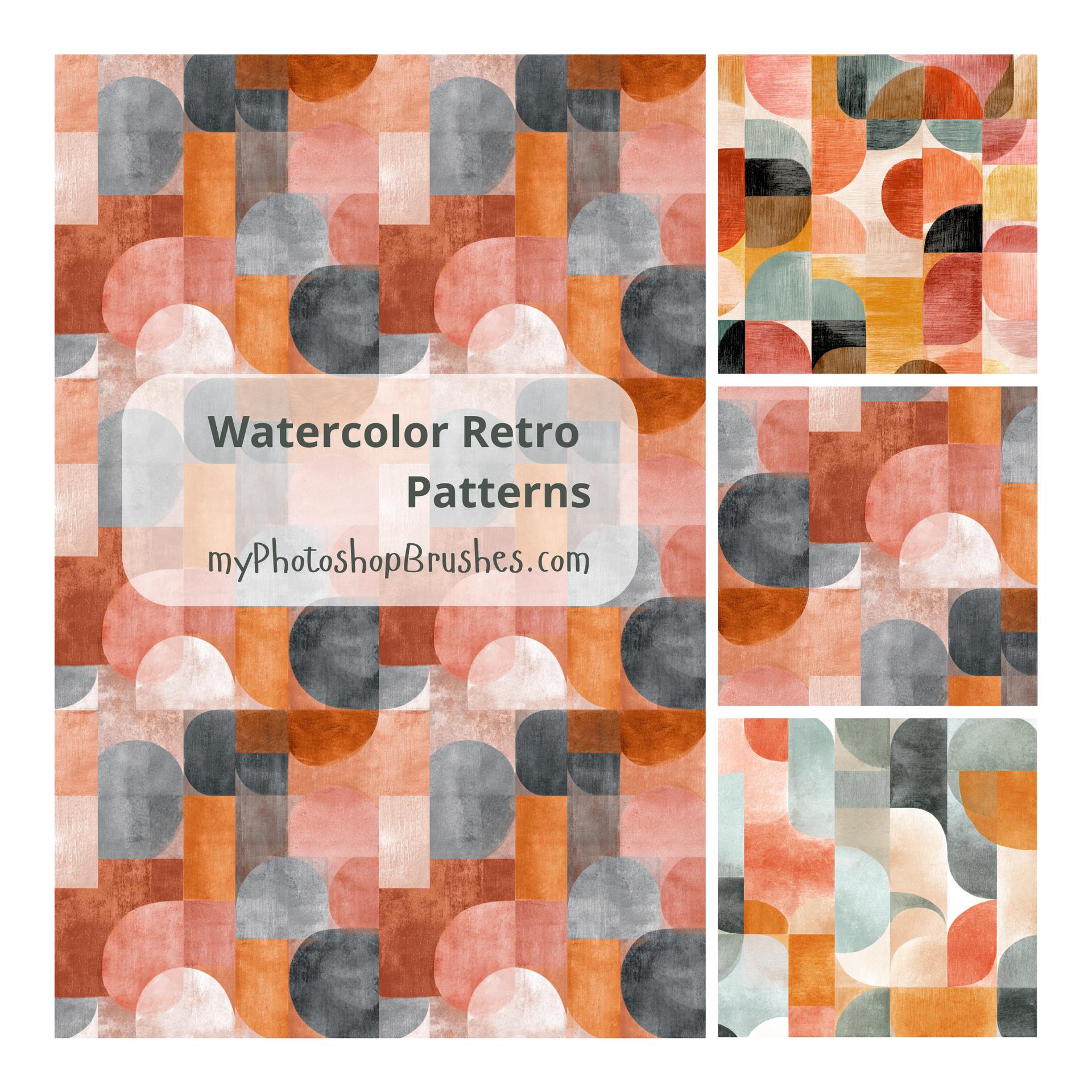
Watercolor Retro Free Patterns
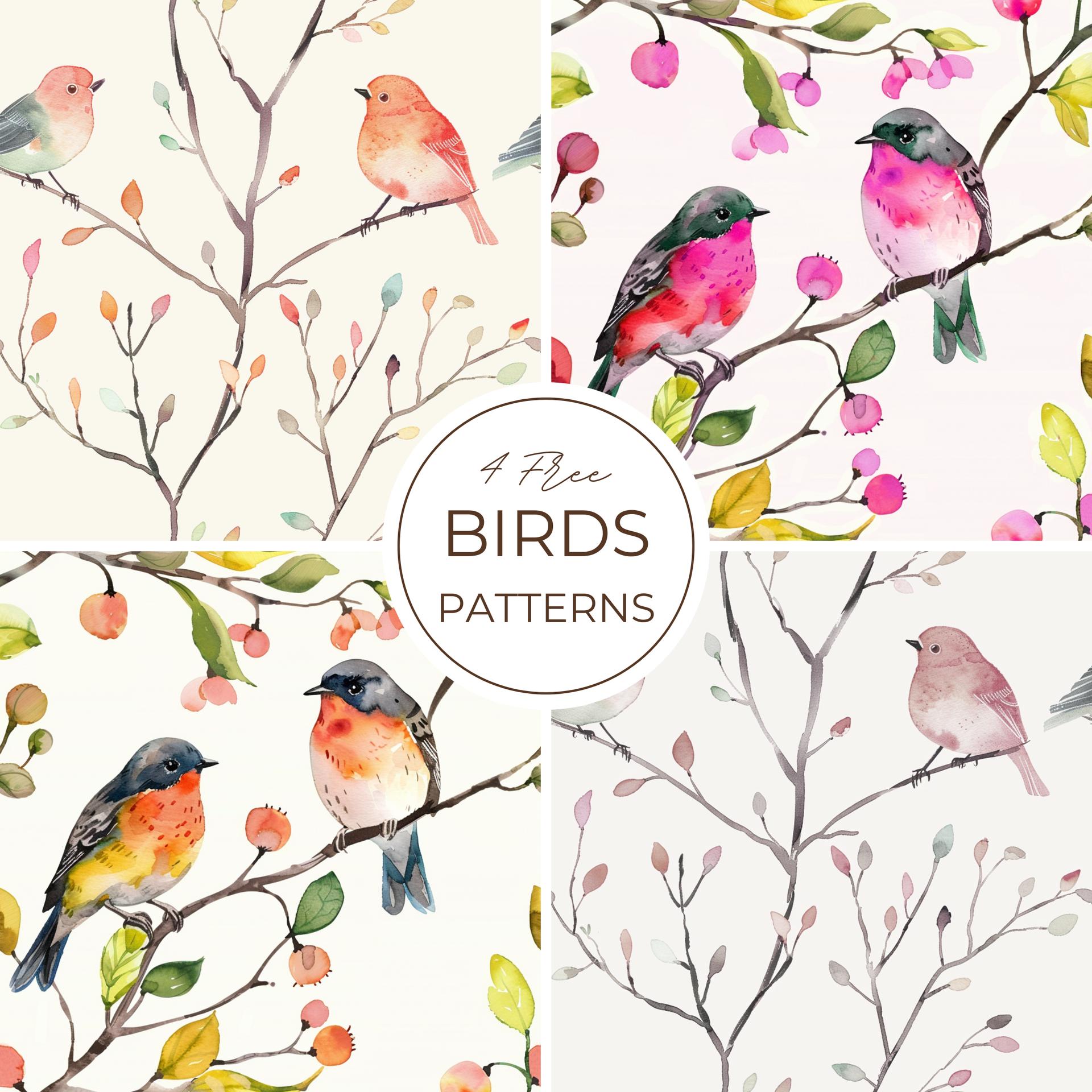
4 Free Birds Patterns
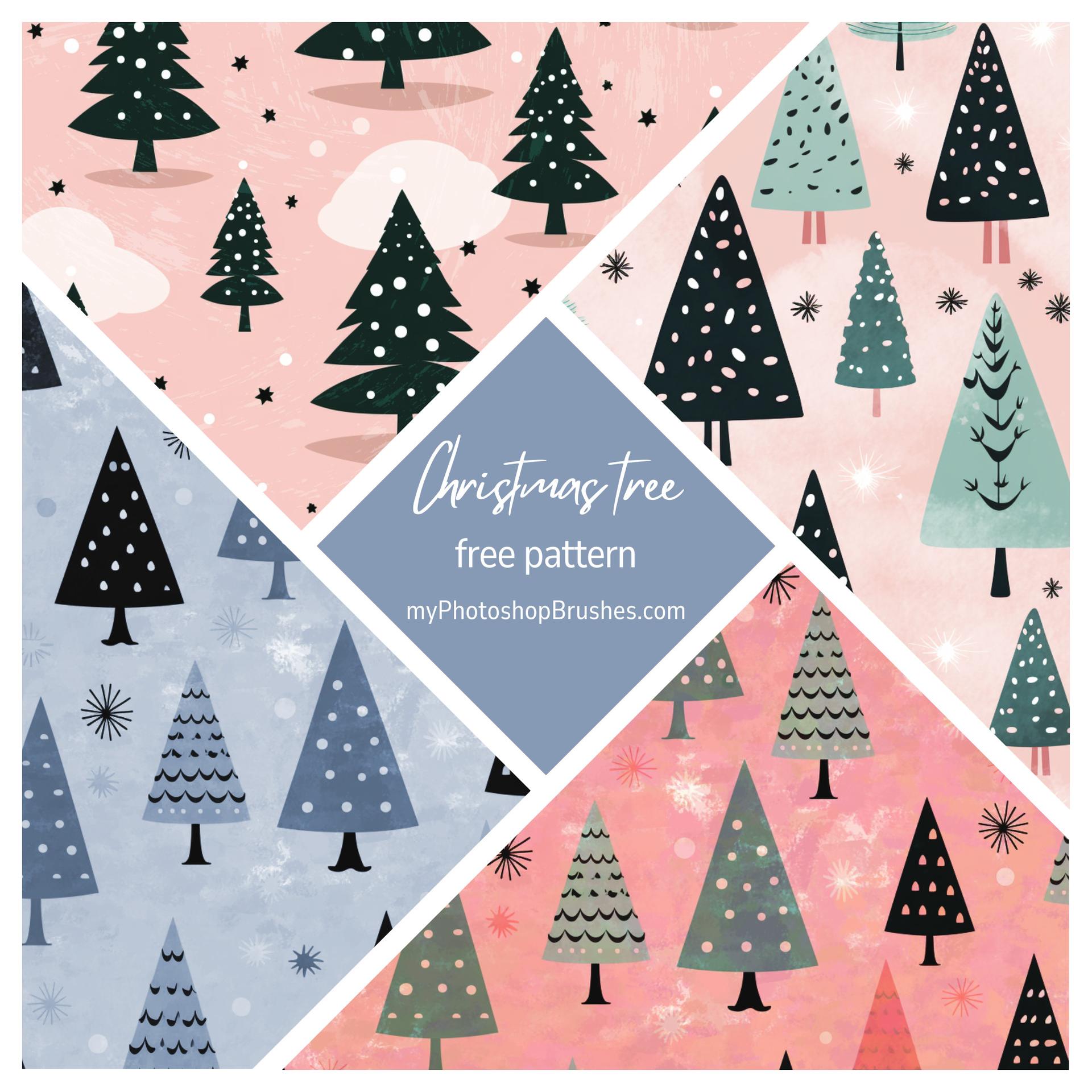
Christmas Tree Pattern
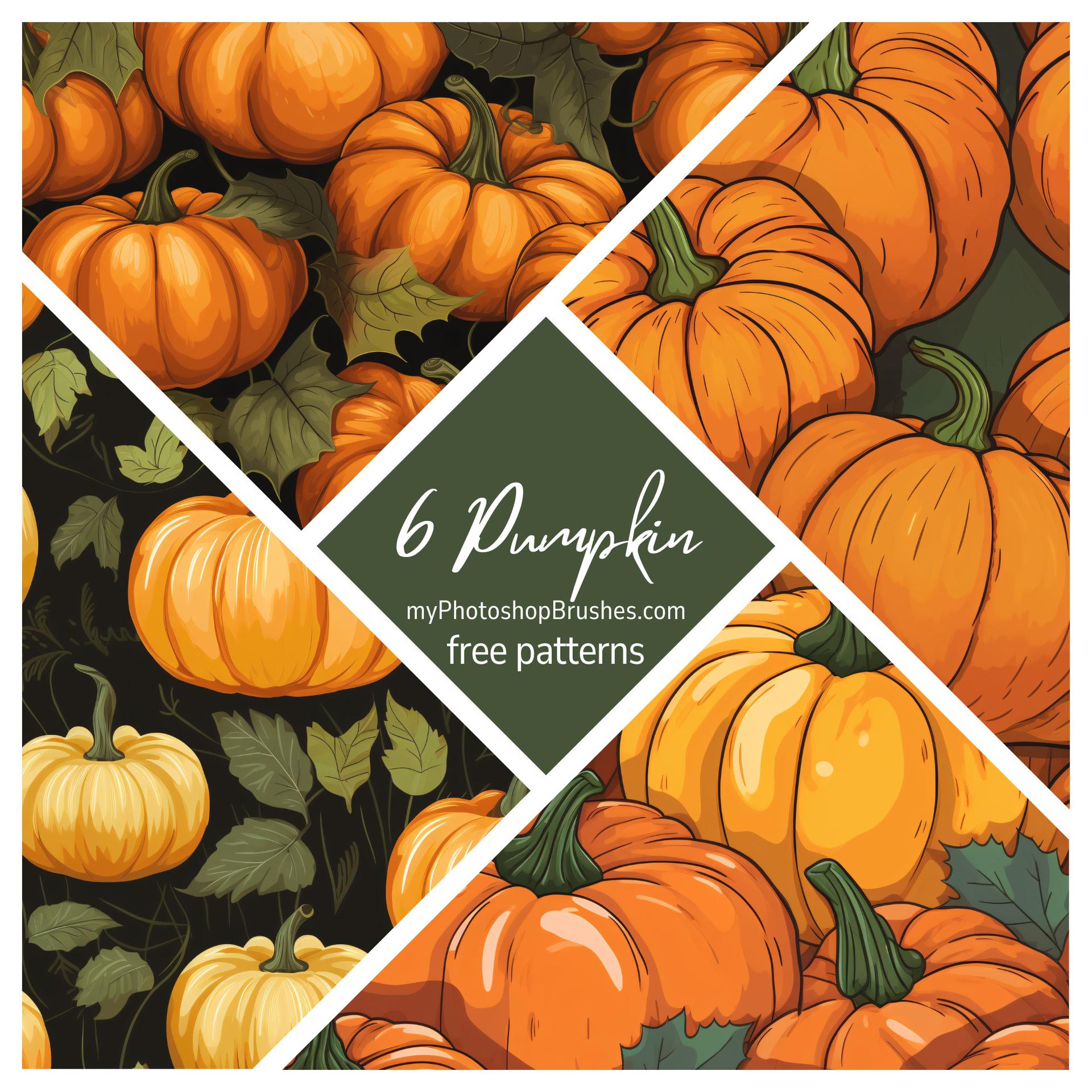
6 Pumpkin Patterns
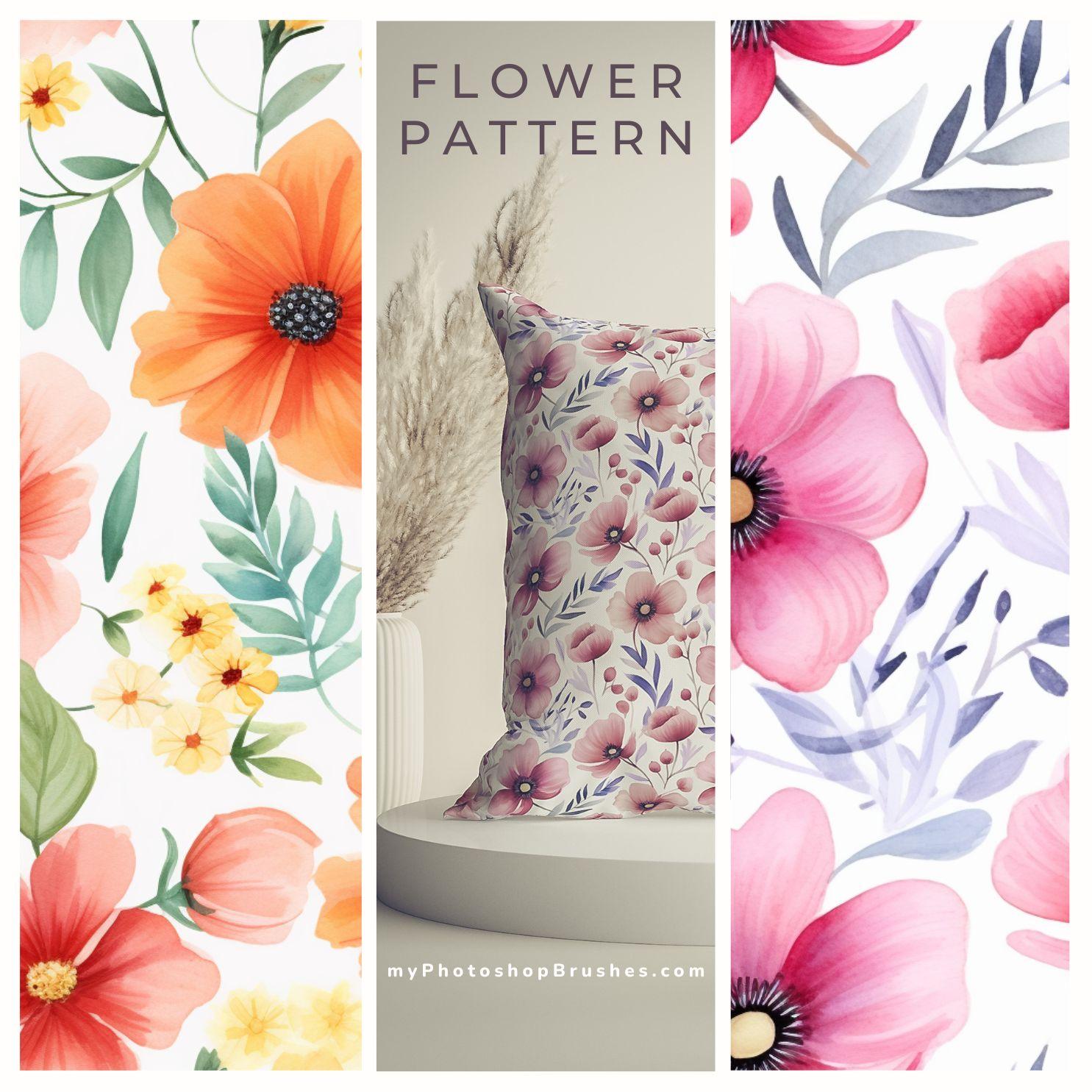
Flower Patterns
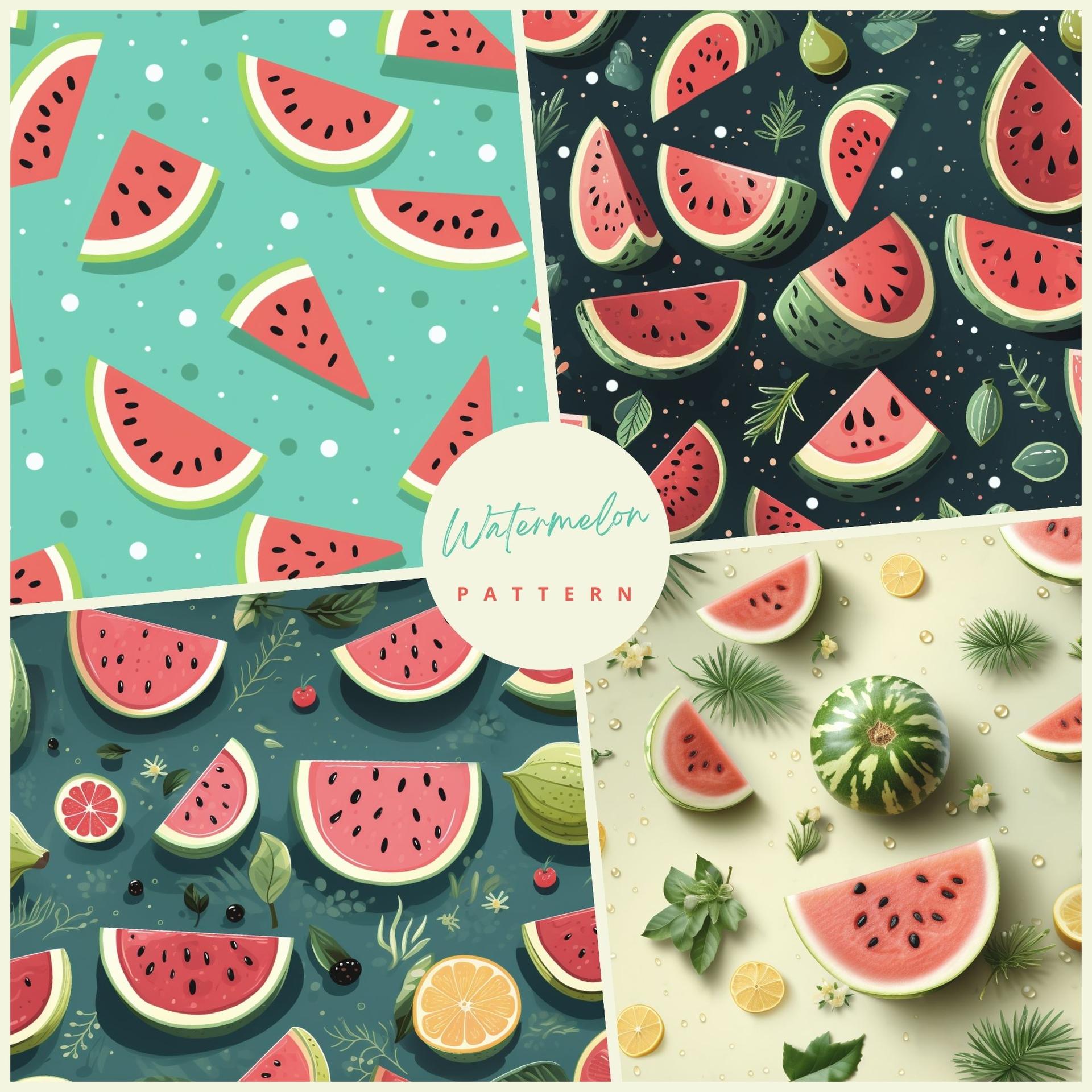
Watermelon Pattens
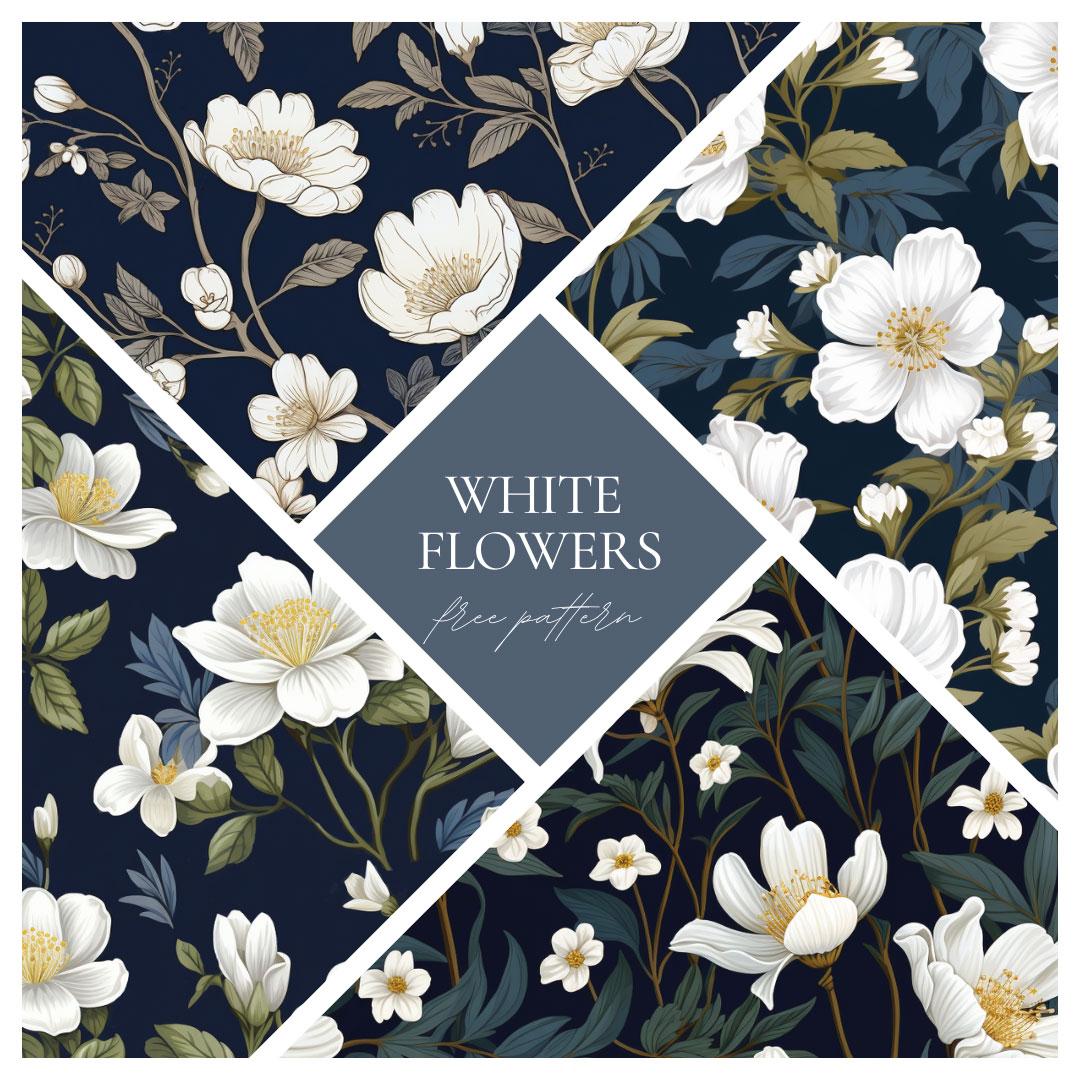
White Flower Free Pattern

Wood Pattern
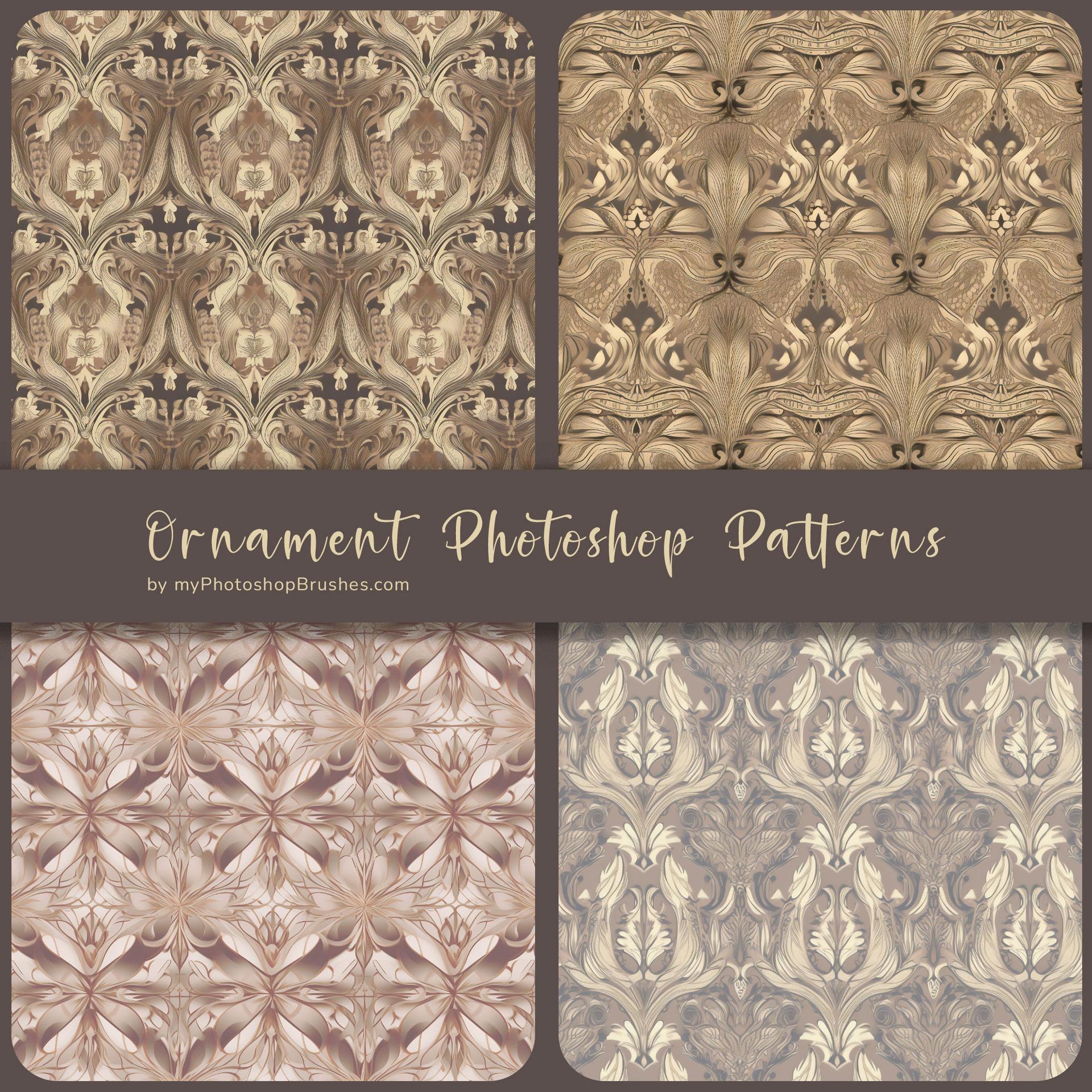
Beige and Brown Edition Ornament Patterns
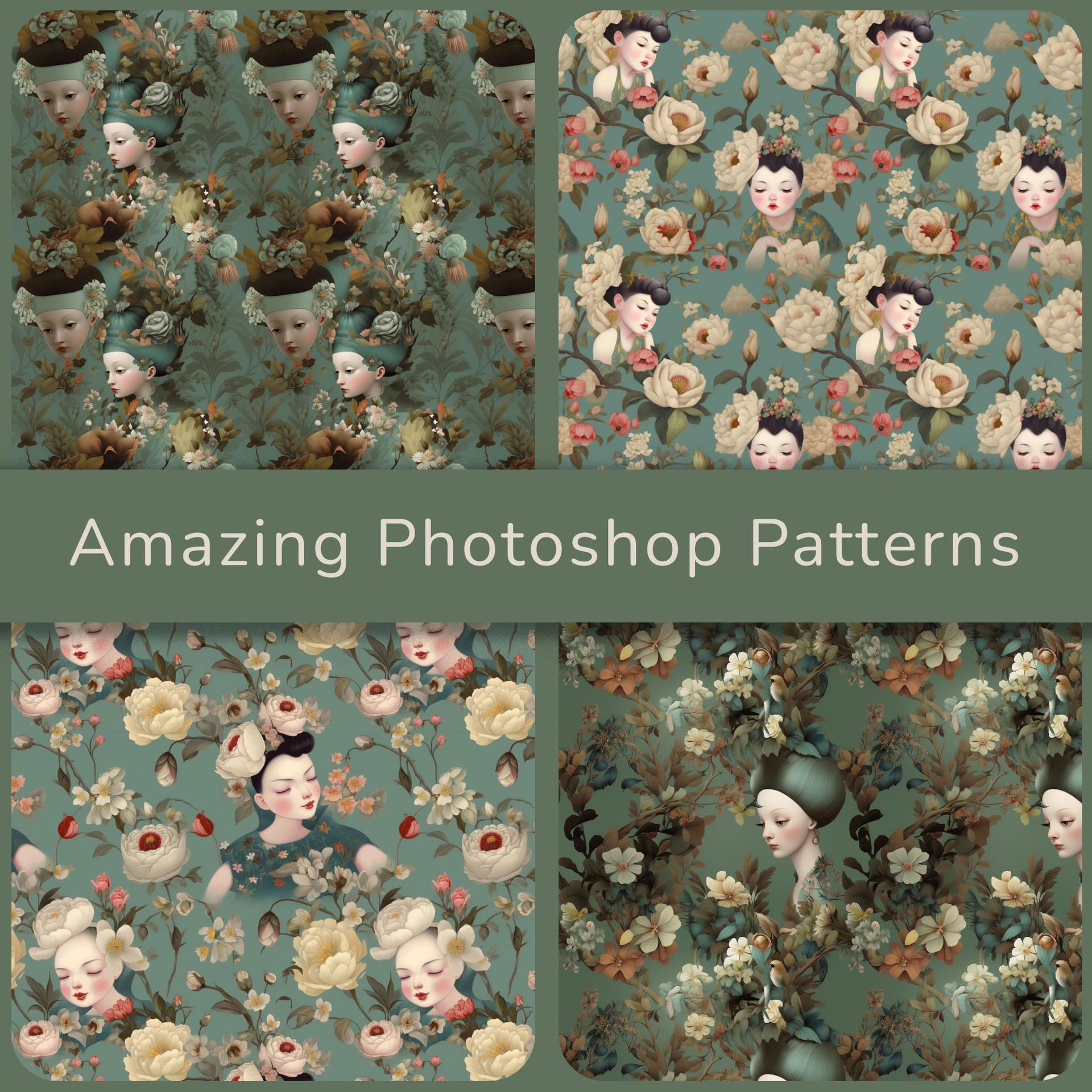
Vintage Extraordinaire Photoshop Patterns
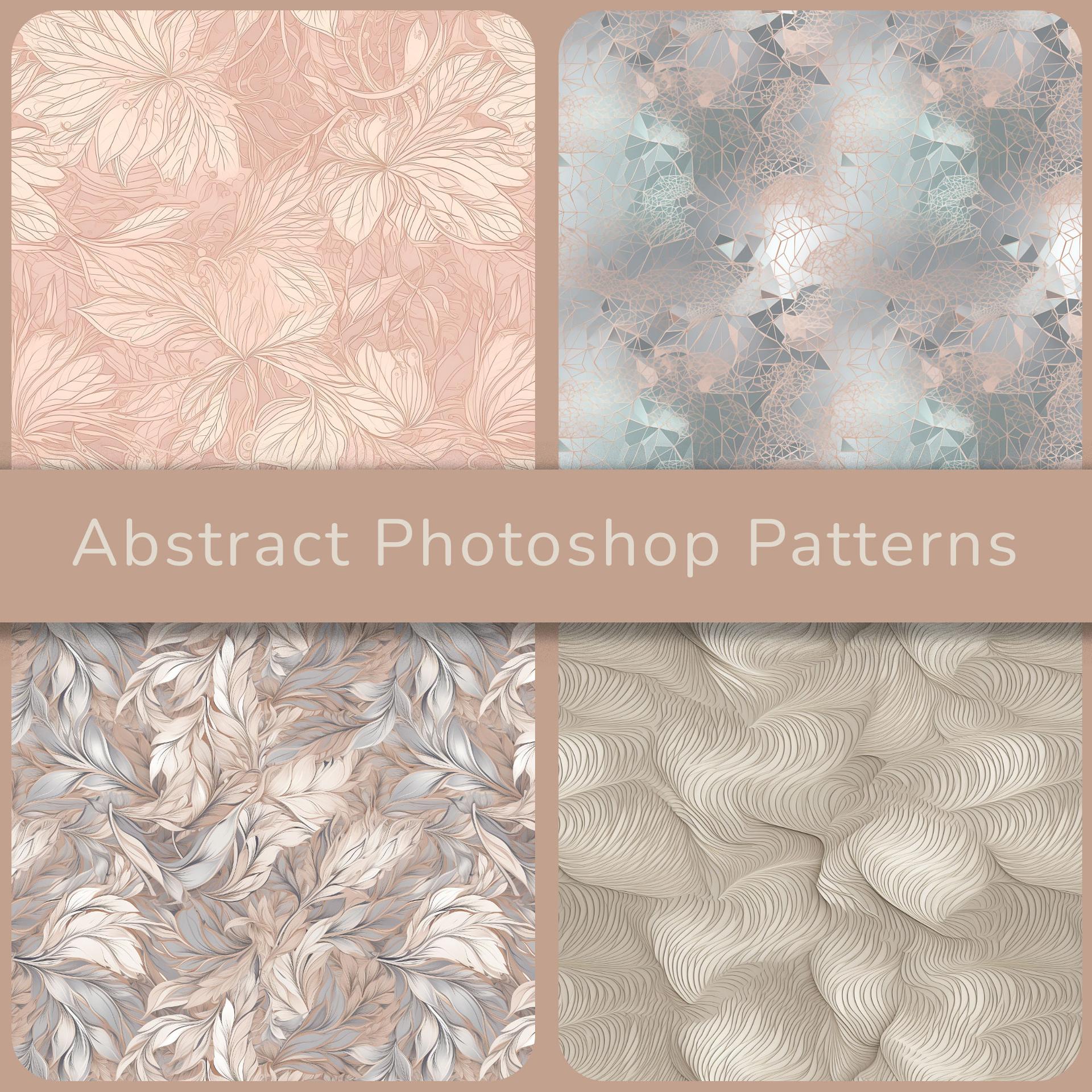
Delicate Abstract Photoshop Patterns
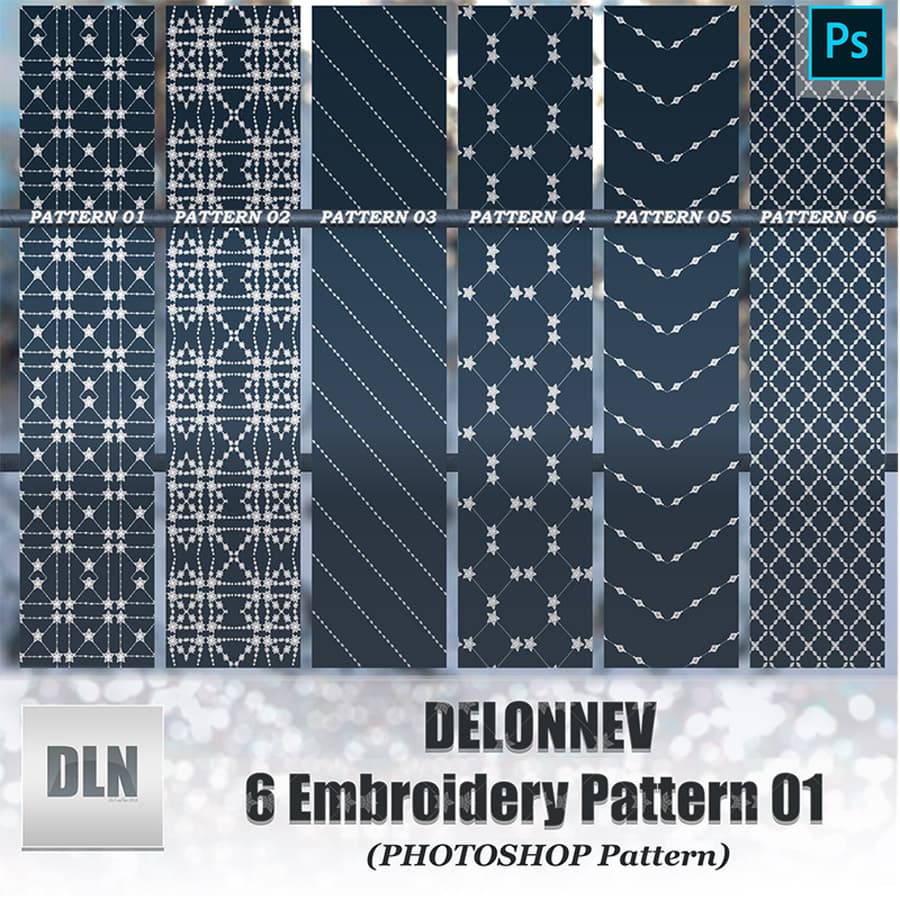
Delonnev 6 Embroidery Pattern 01
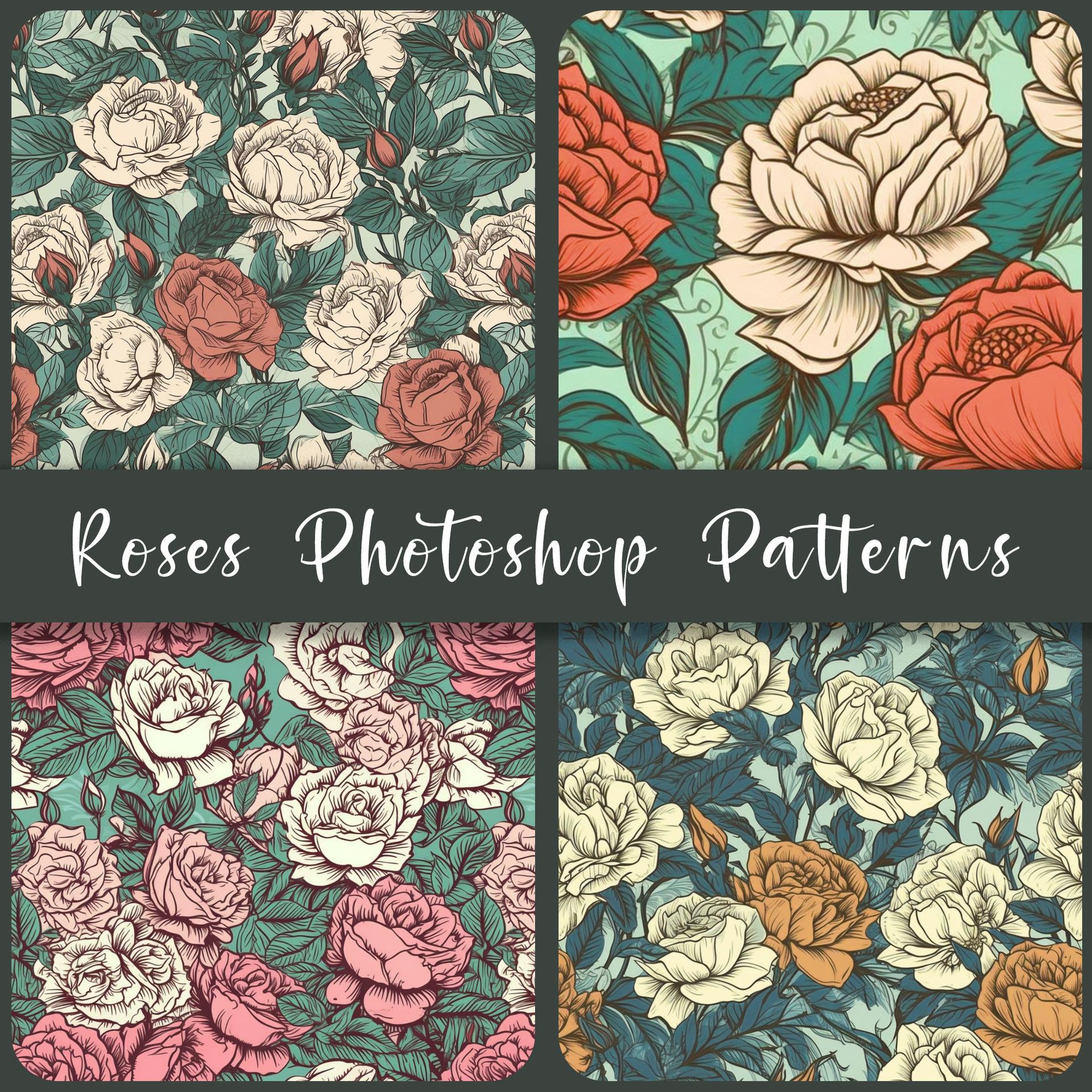
Free Roses Patterns
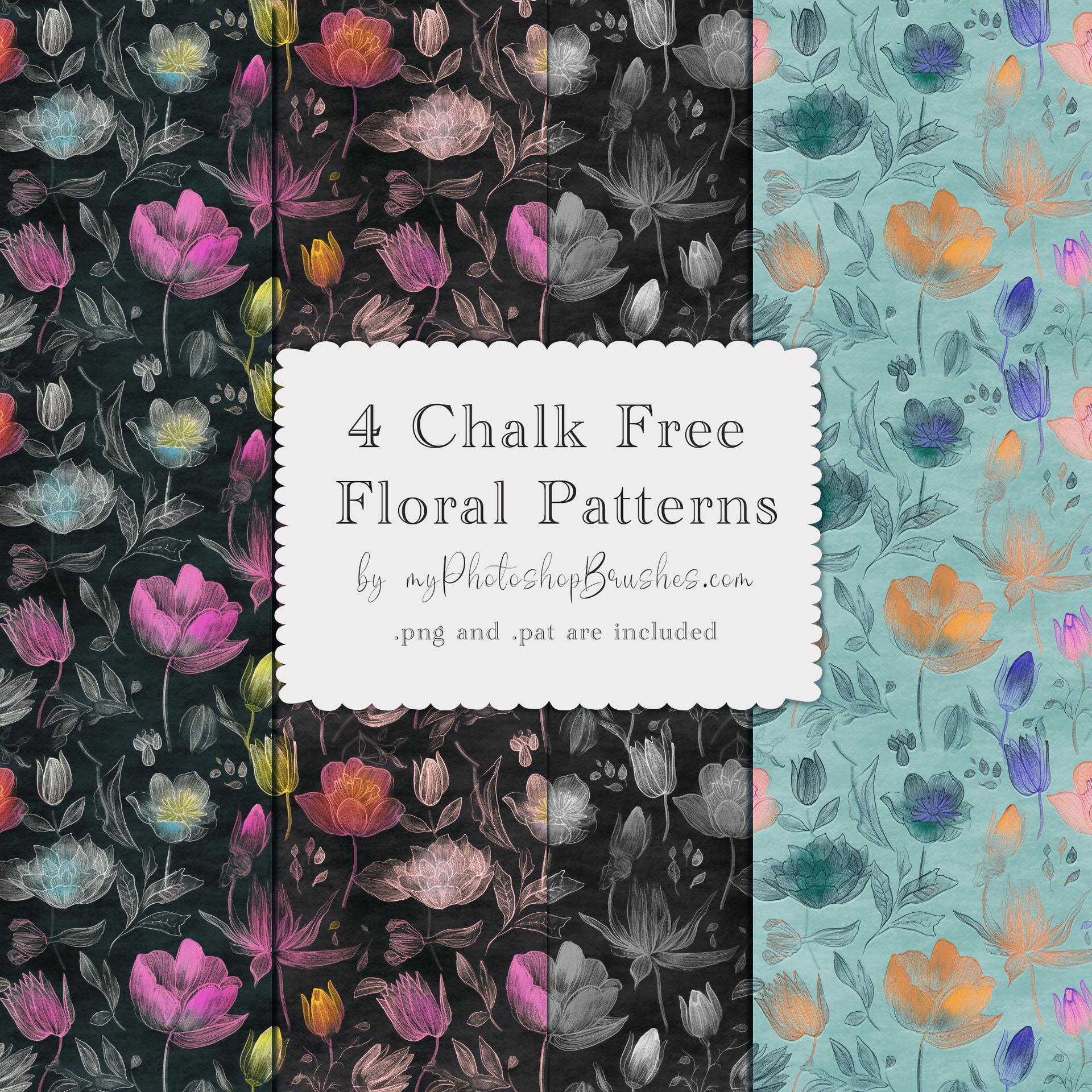
4 Free Chalk Floral Patterns
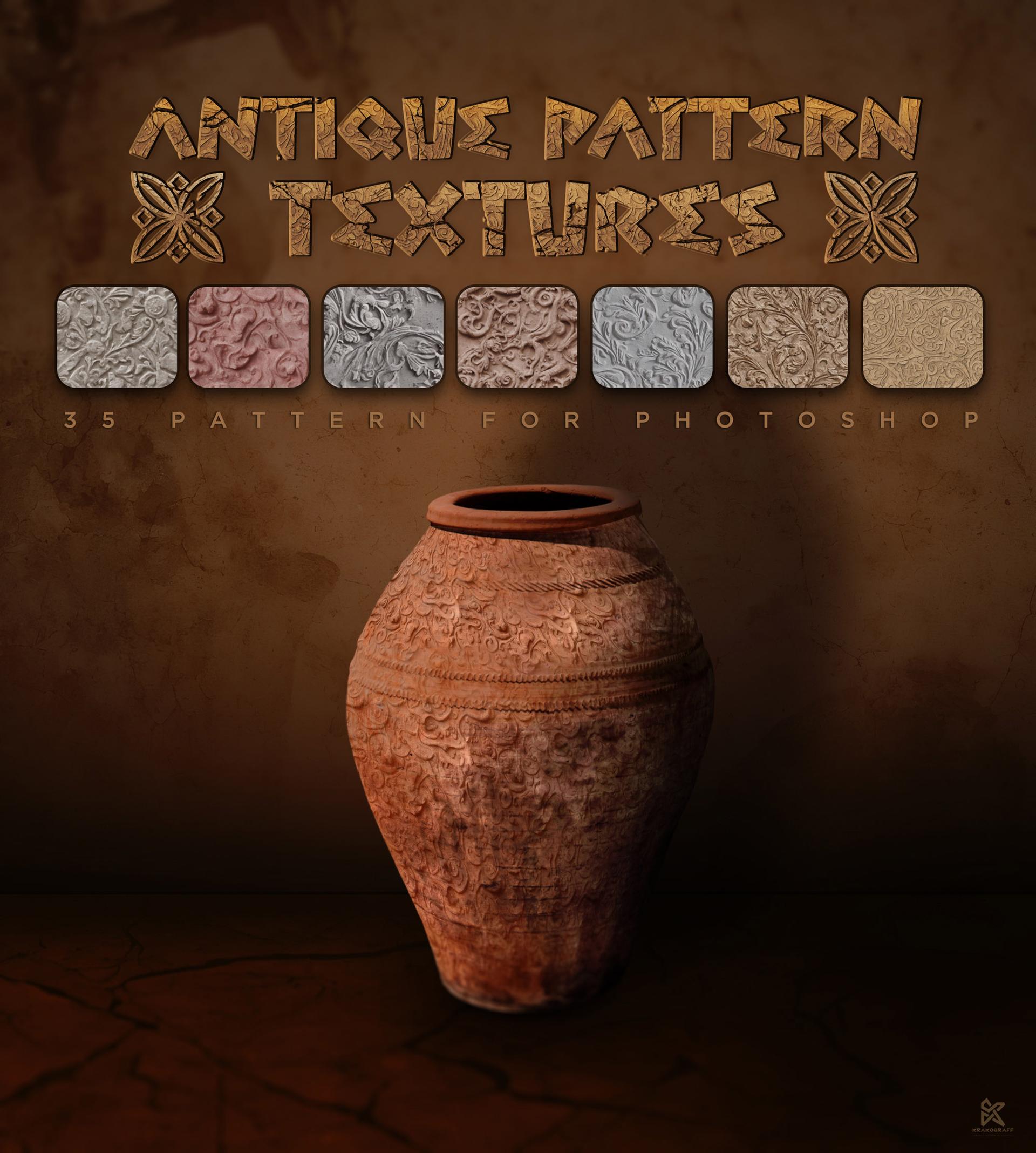
35 Antique Pattern Textures
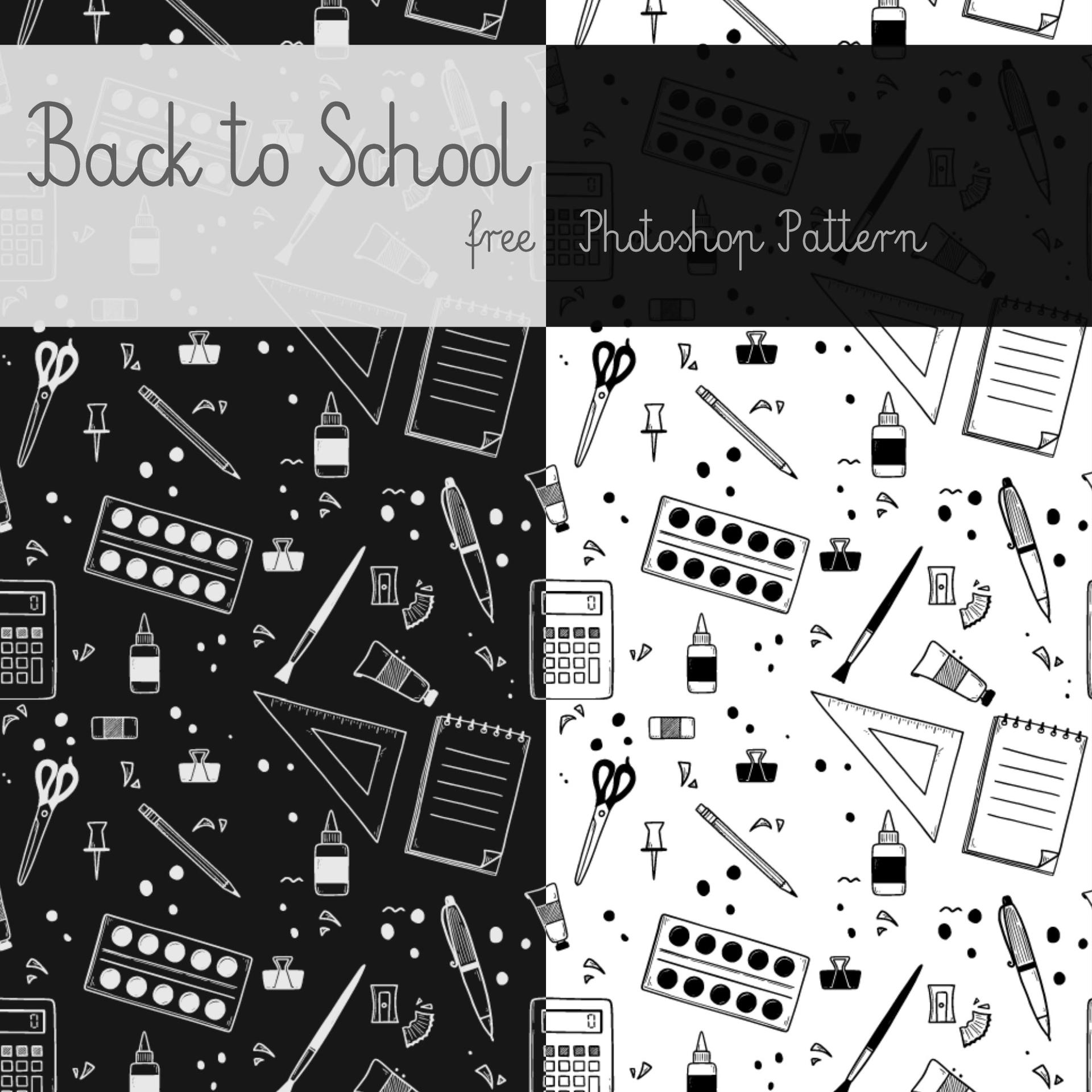
Back to School Free Pattern
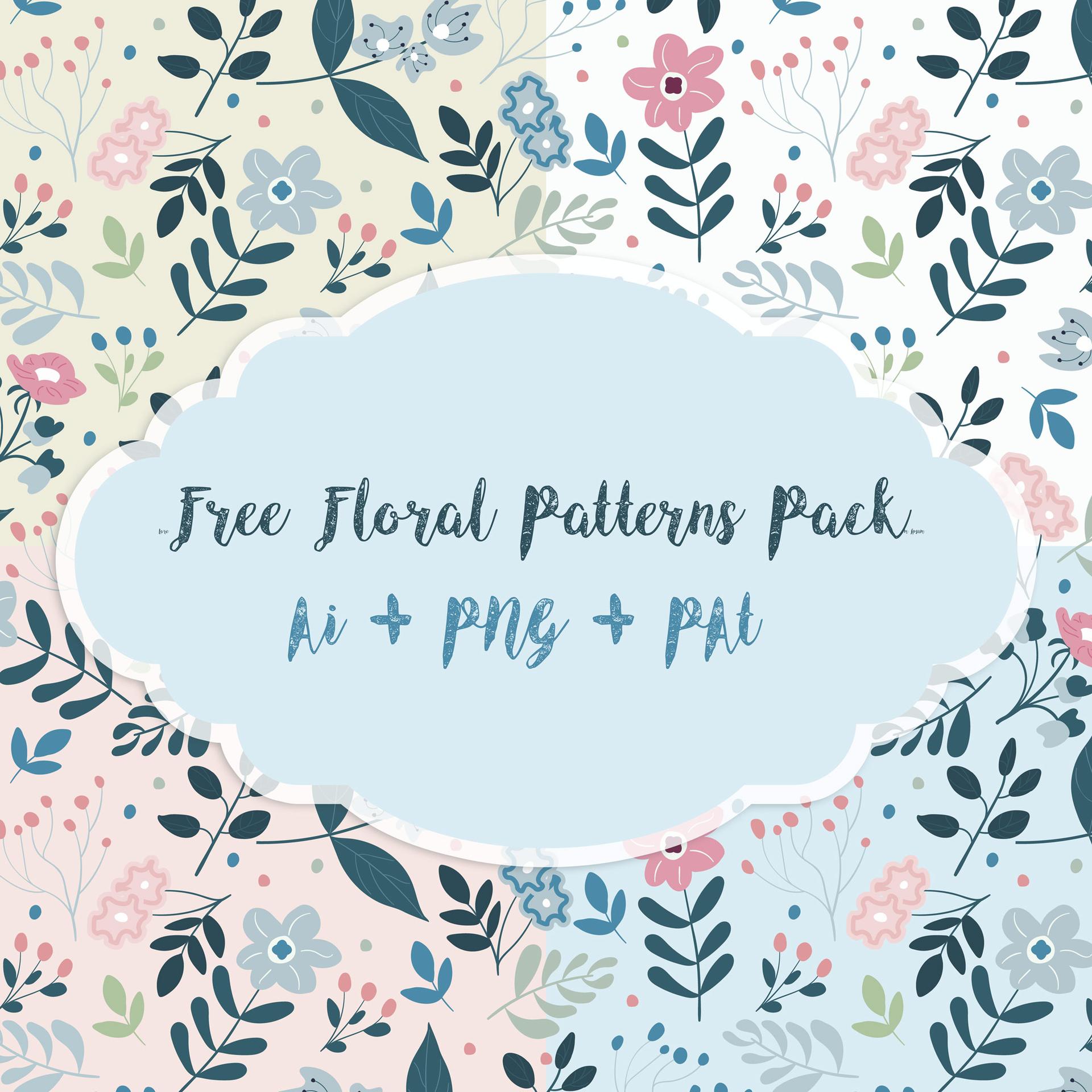
Floral Patterns
How to install Photoshop patterns in 2026
A .PAT file is Photoshop's pattern preset format. It is not an image you open. It is a small library that holds one or more tiles, each one a raster square Photoshop repeats edge to edge. Download a .PAT from any card on this page, then double-click it. Photoshop loads the whole set into its preset database and appends the tiles to the bottom of the Patterns panel, grouped under the pack's original name.
If double-clicking does nothing, open Window → Patterns, click the panel menu in the upper-right corner, and choose Import Patterns. The same menu lets you rename groups, reorder them, and delete sets you no longer need. On Photoshop CS6 and older the equivalent lives in Edit → Presets → Preset Manager, with Patterns selected in the dropdown.
Once a set is loaded, the fastest way to use it is a Pattern fill layer: Layer → New Fill Layer → Pattern. That keeps the tile live, so you can rescale it or swap it for another one later without touching the pixels underneath. Patterns also show up wherever Photoshop offers a texture: the Pattern Overlay in Layer Styles, the Bevel & Emboss texture slot, and the Pattern Stamp tool. Because a fill layer carries its own mask, you can paint the pattern in and out with a black brush instead of erasing.
One thing surprises people: a .PAT bundles the tiles inside itself, so the original PNGs are not shipped alongside it. Photoshop compresses each tile into the preset file and never writes it back out as an image. That is fine while you stay in Photoshop, but it means you cannot hand the tile to Figma, a CSS background, or Procreate by copying a file out of the download.
If that is where you are stuck (you have a .PAT and you need the flat tile back as an image), there is a way out. Photoshop can rebuild the tile at its exact original pixel size, and our guide to recovering the original PNG tile from a .PAT file walks through the measurement trick that gets you there without guessing at dimensions.
The other way around the problem is to skip the preset format altogether. Texture packs that ship as plain JPG images have no container to unpack, so the same file opens in Procreate, Affinity, and Krita exactly like any photo. You give up the one-click tiling a Photoshop pattern gives you and place the image as a layer instead, but the file travels everywhere you work.