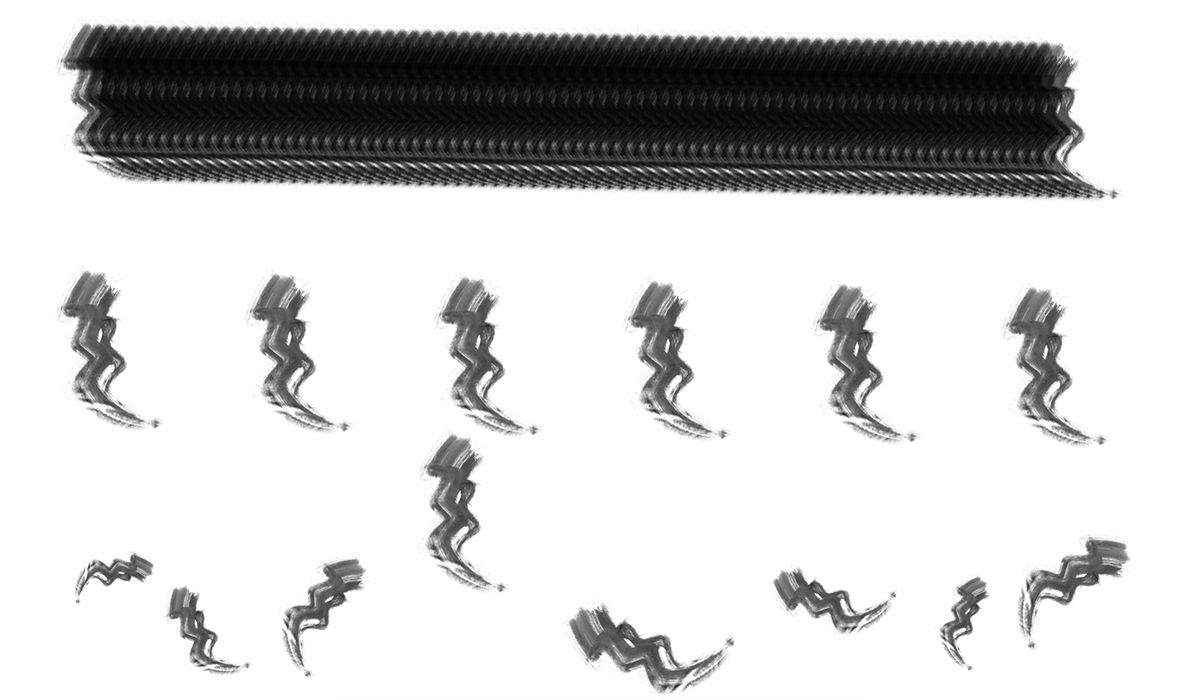
How to Create and Define Photoshop Brushes
A beginner-friendly, 7-step guide to creating your own custom Photoshop brushes from scratch, from scanning ink strokes to exporting shareable .abr files.
Guides
Practical guides to help you create, install, and use Photoshop brushes and patterns.
A beginner-friendly, 7-step guide to creating your own custom Photoshop brushes from scratch, from scanning ink strokes to exporting shareable .abr files.
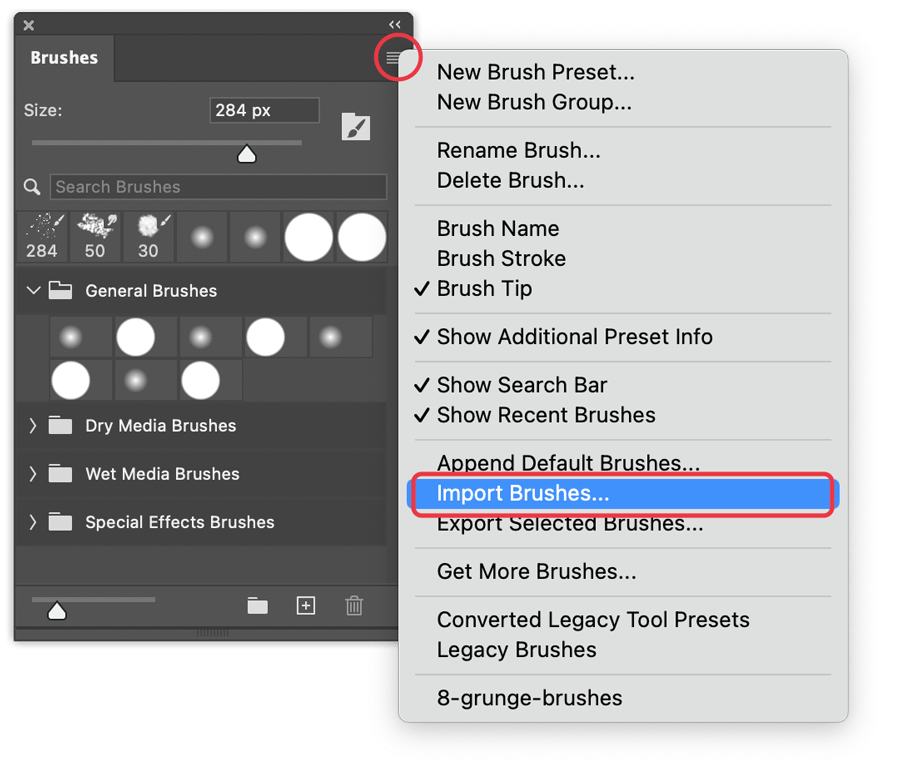
Two quick ways to install Photoshop brushes (.abr files): the instant drag-and-drop method and the traditional Import Brushes approach, plus tips on managing your collection.
A step-by-step guide to loading custom pattern files (.pat) into Adobe Photoshop, from placing the file to applying patterns using different techniques.
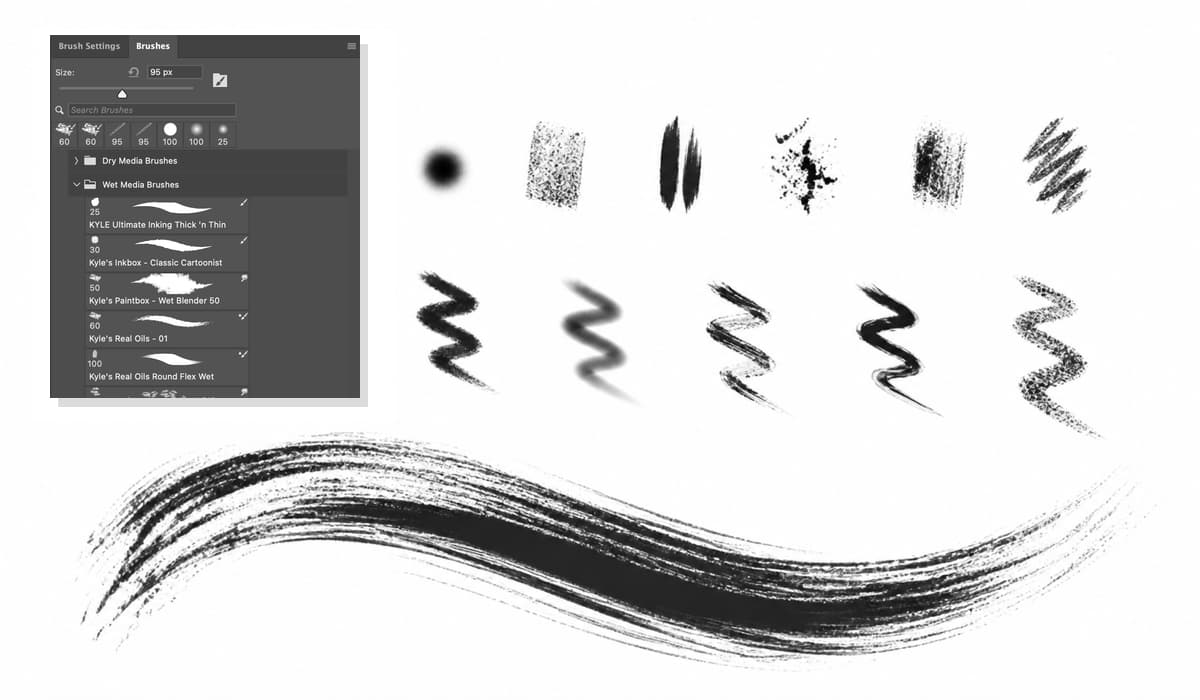
Master the Brush tool in 7 steps: panels, shortcuts, opacity vs flow, blend modes, pen pressure, layers, and masks.
Learn how to extract the original seamless PNG tile from a Photoshop .PAT pattern file. This quick Adobe Photoshop tip shows how to reveal the pattern’s original dimensions, recreate the exact repeat tile, export it as PNG-24, and optimize it for digital design, surface patterns, laser cutting, web textures, and creative projects. Perfect for pattern designers, graphic designers, and digital artists working with seamless textures and repeating patterns.