Halloween Free Brushes for Photoshop
Resource Details
- Author
- Free Download
- Format
- ABR
- Size
- 1.4 MB
- Opens in
- Photoshop, GIMP
- Imports into
- Procreate, Affinity Photo, KritaShapes import. Dynamics may not.
- Brush type
- Stamp brushes
- Items in set
- 5
- Downloads
- 4.9k
- Added
- Sep 30, 2022
Description
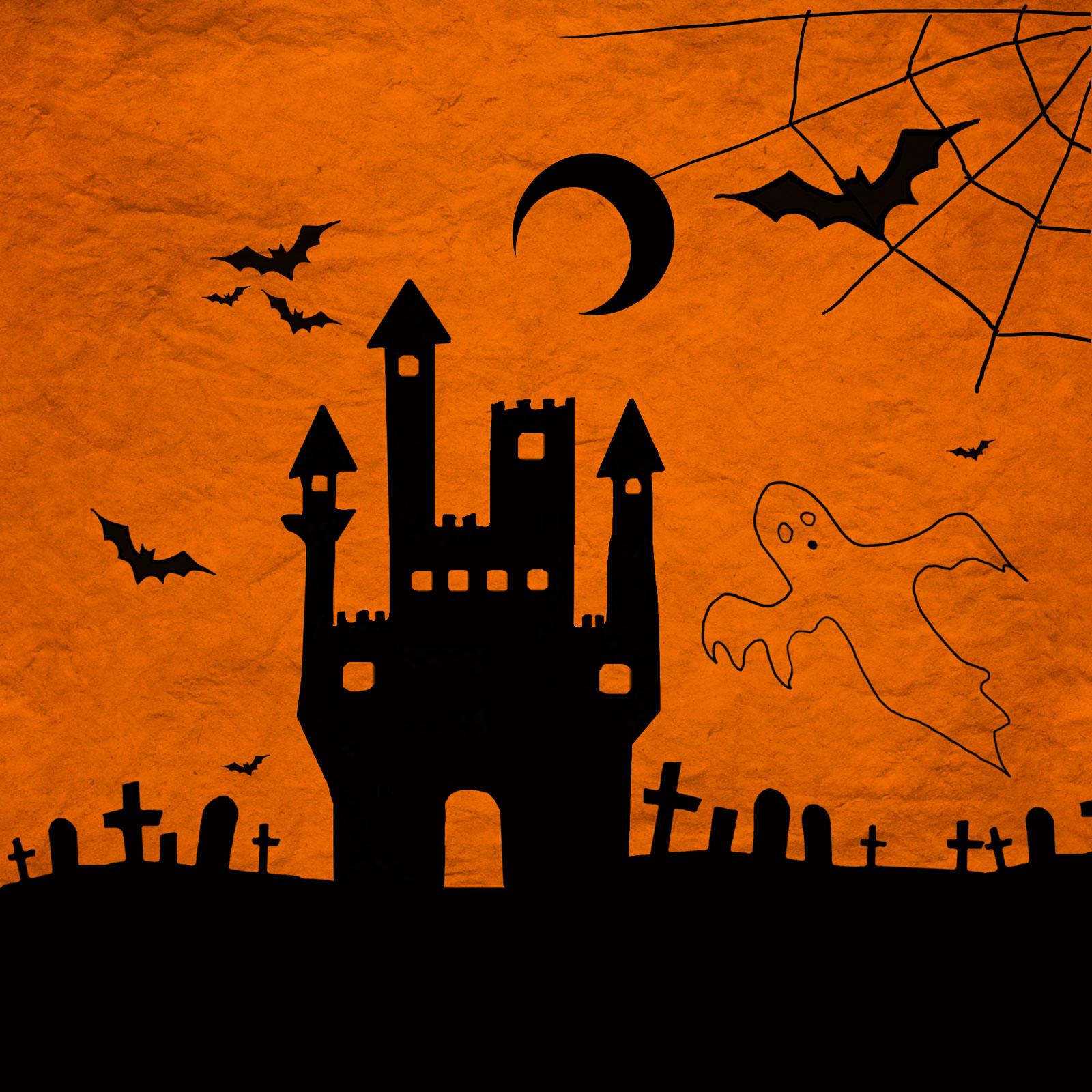
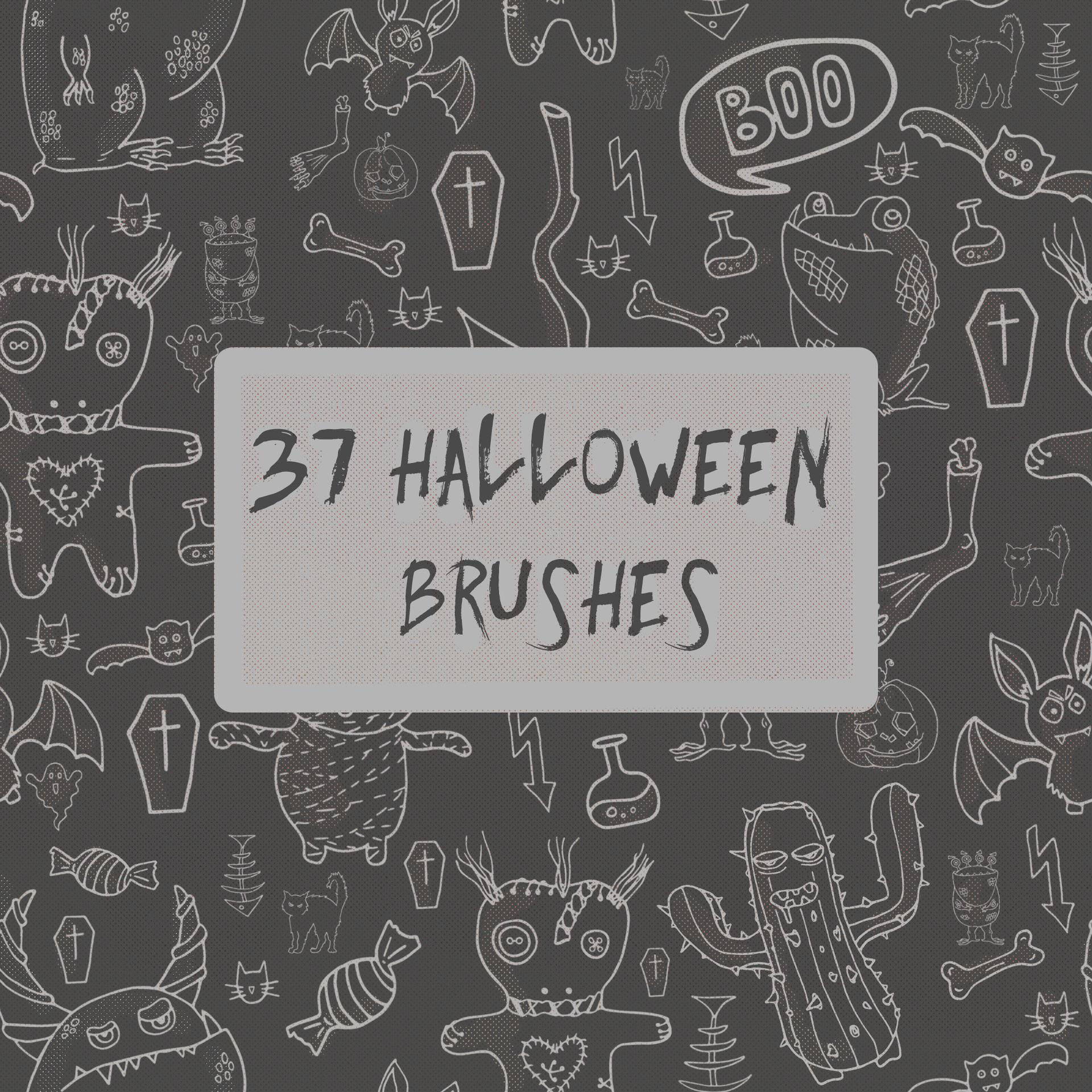
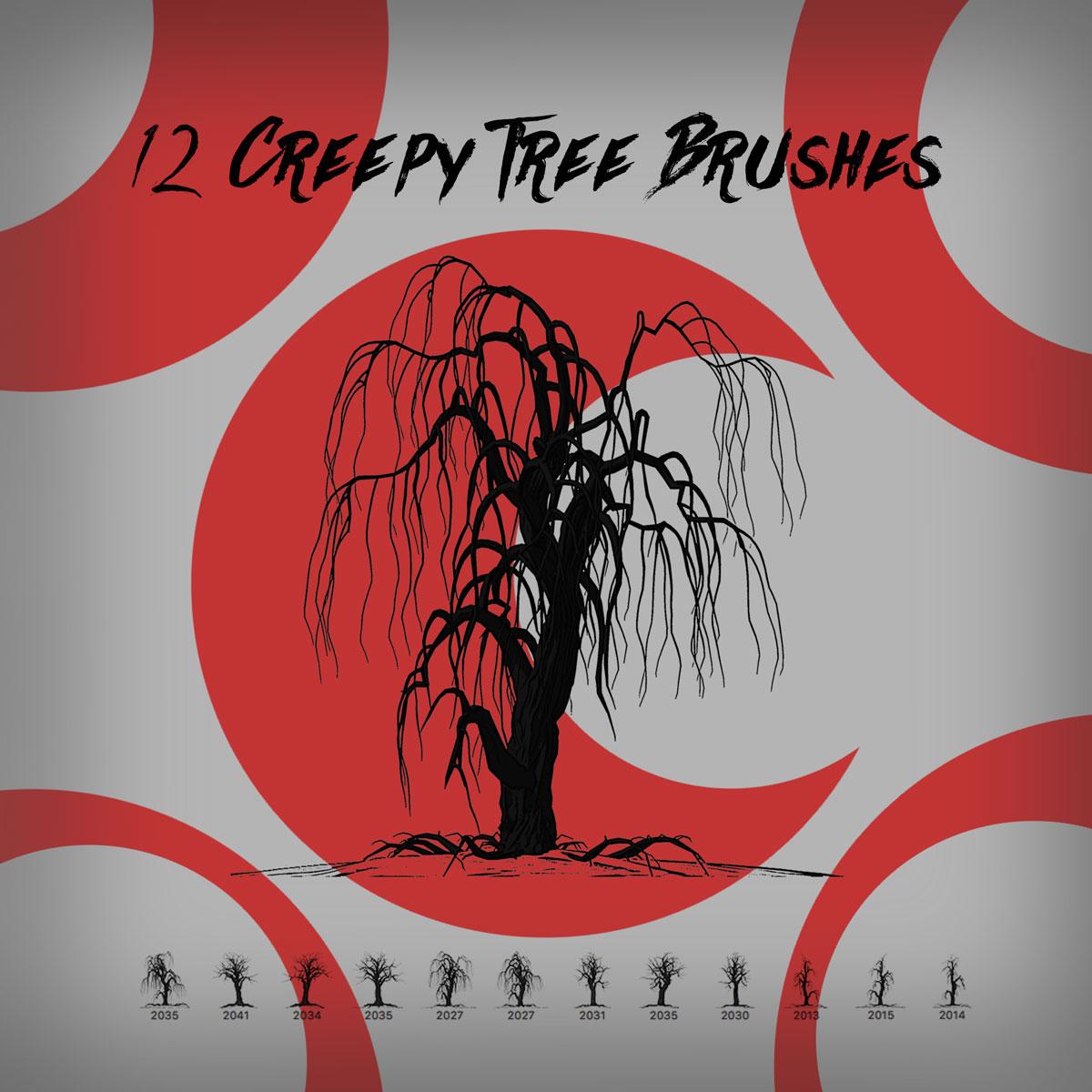
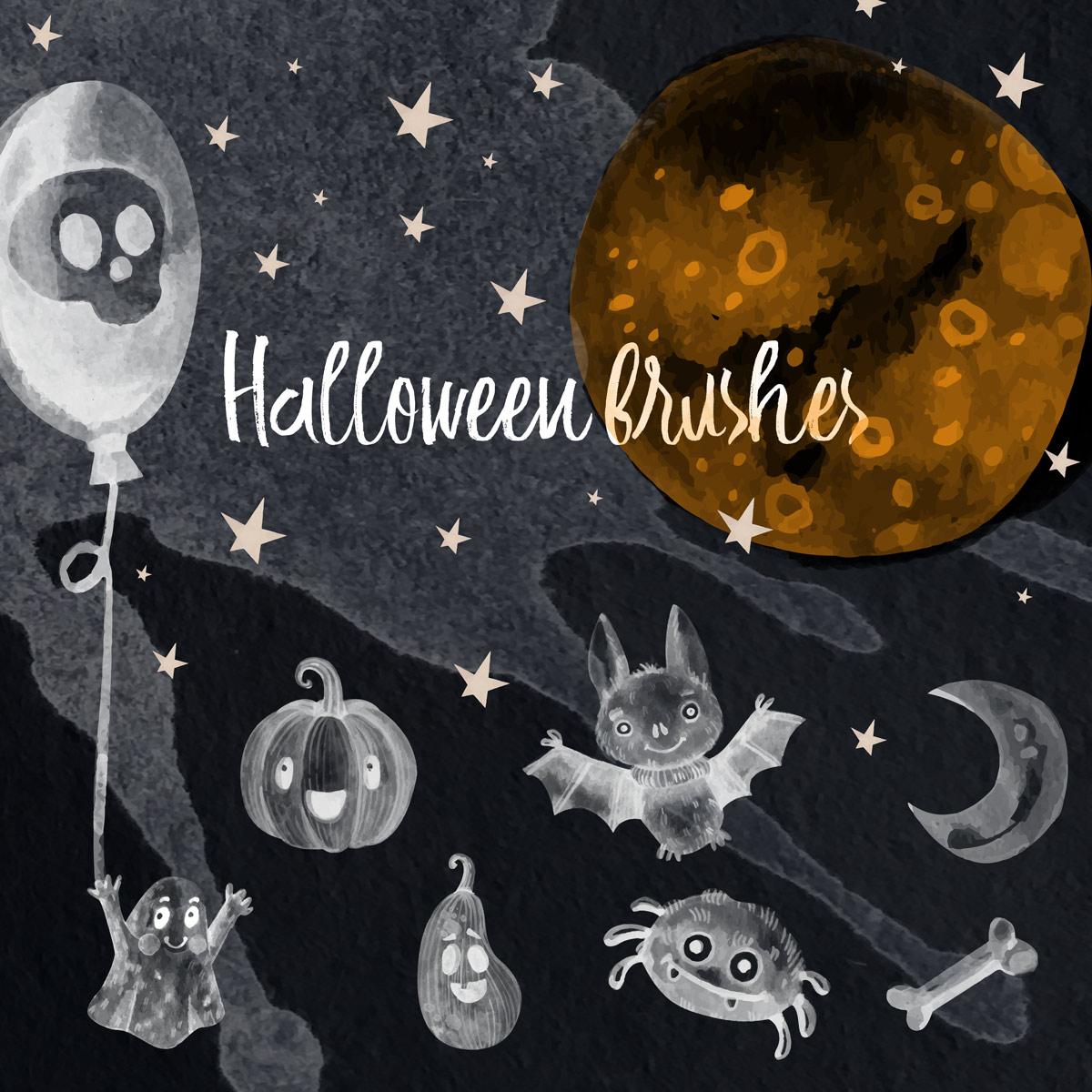
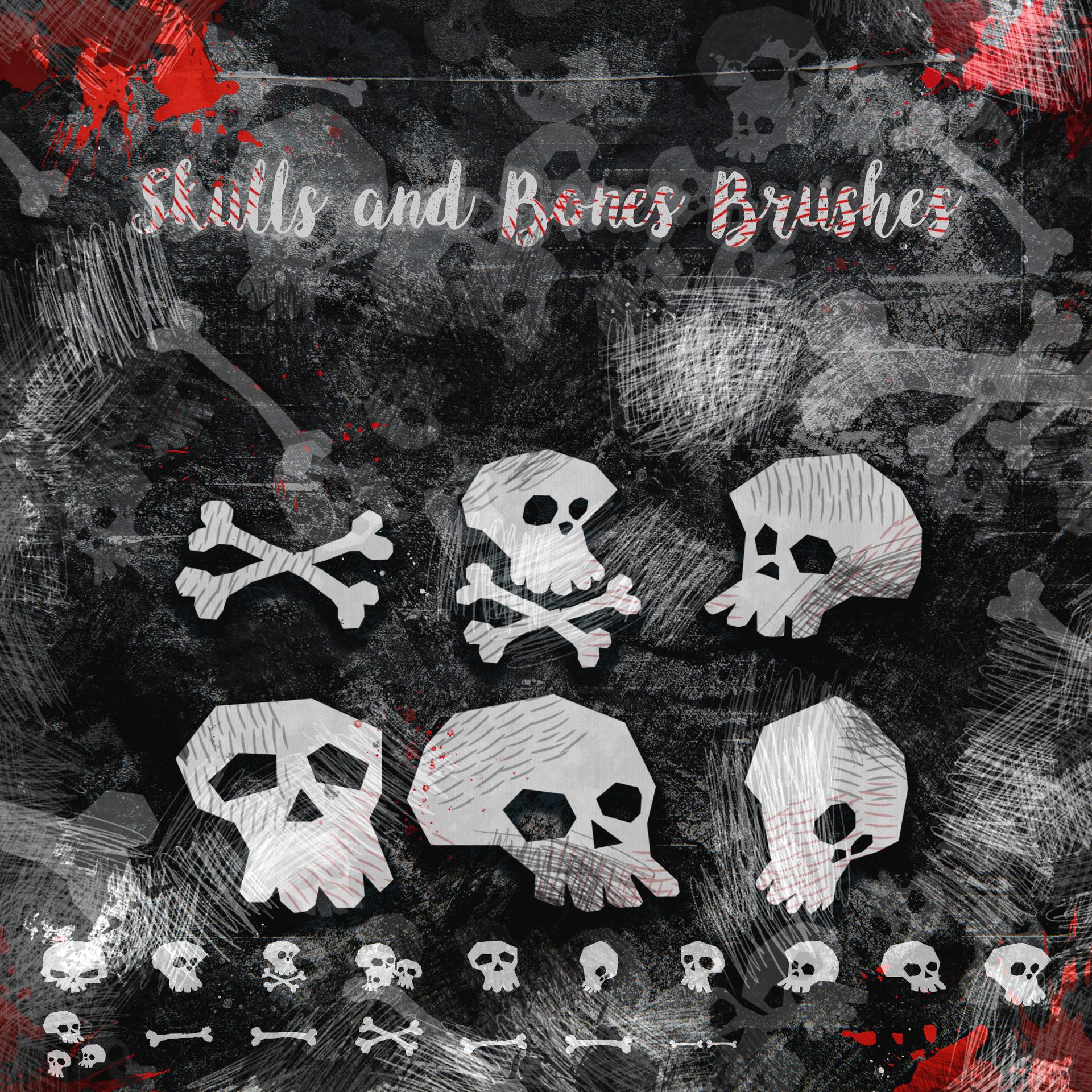
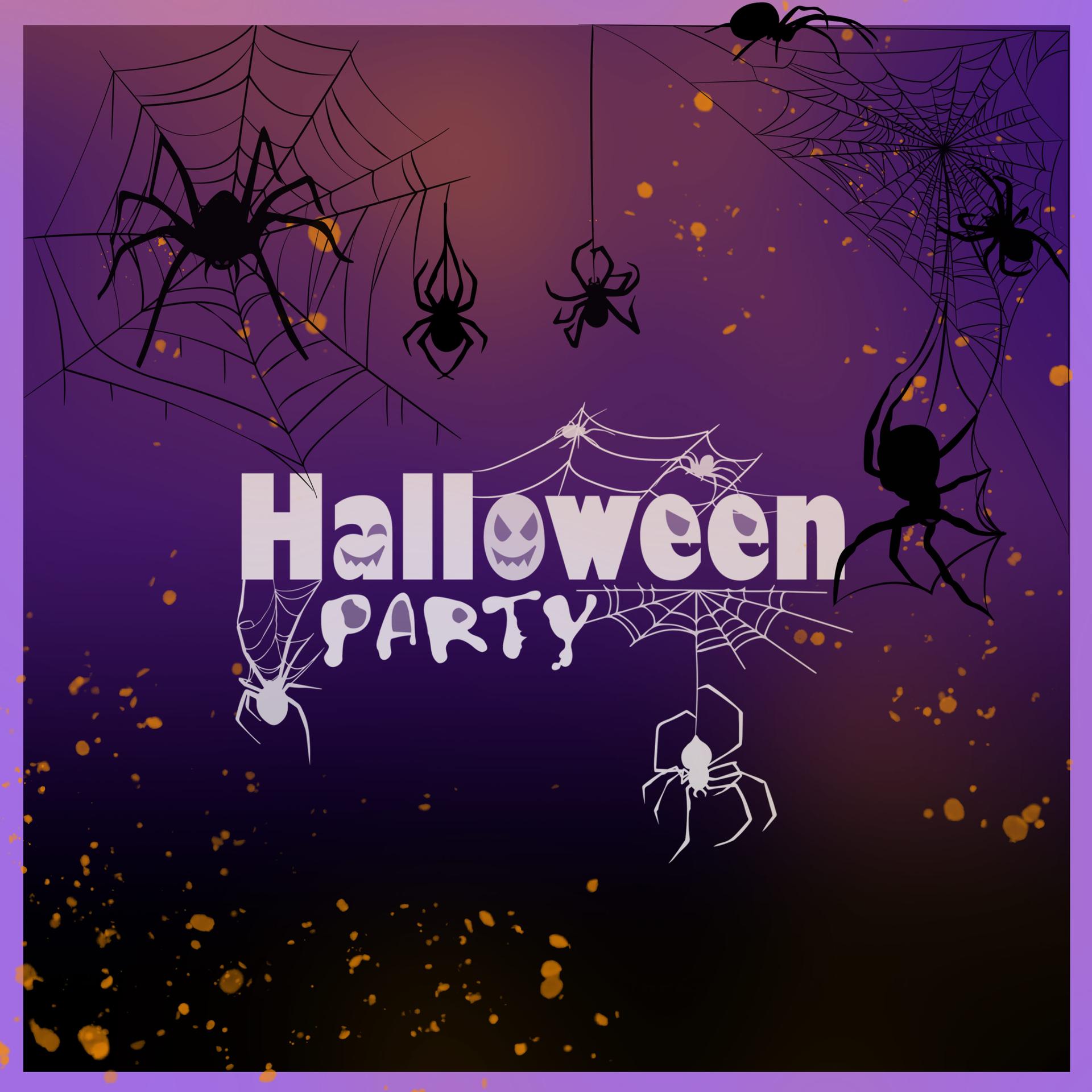
Get ready for the spookiest night of the year with the free Halloween brushes pack for Photoshop! Whether you're planning a Halloween party or just looking to add a touch of creepy to your designs, this pack has everything you need to get into the Halloween spirit.
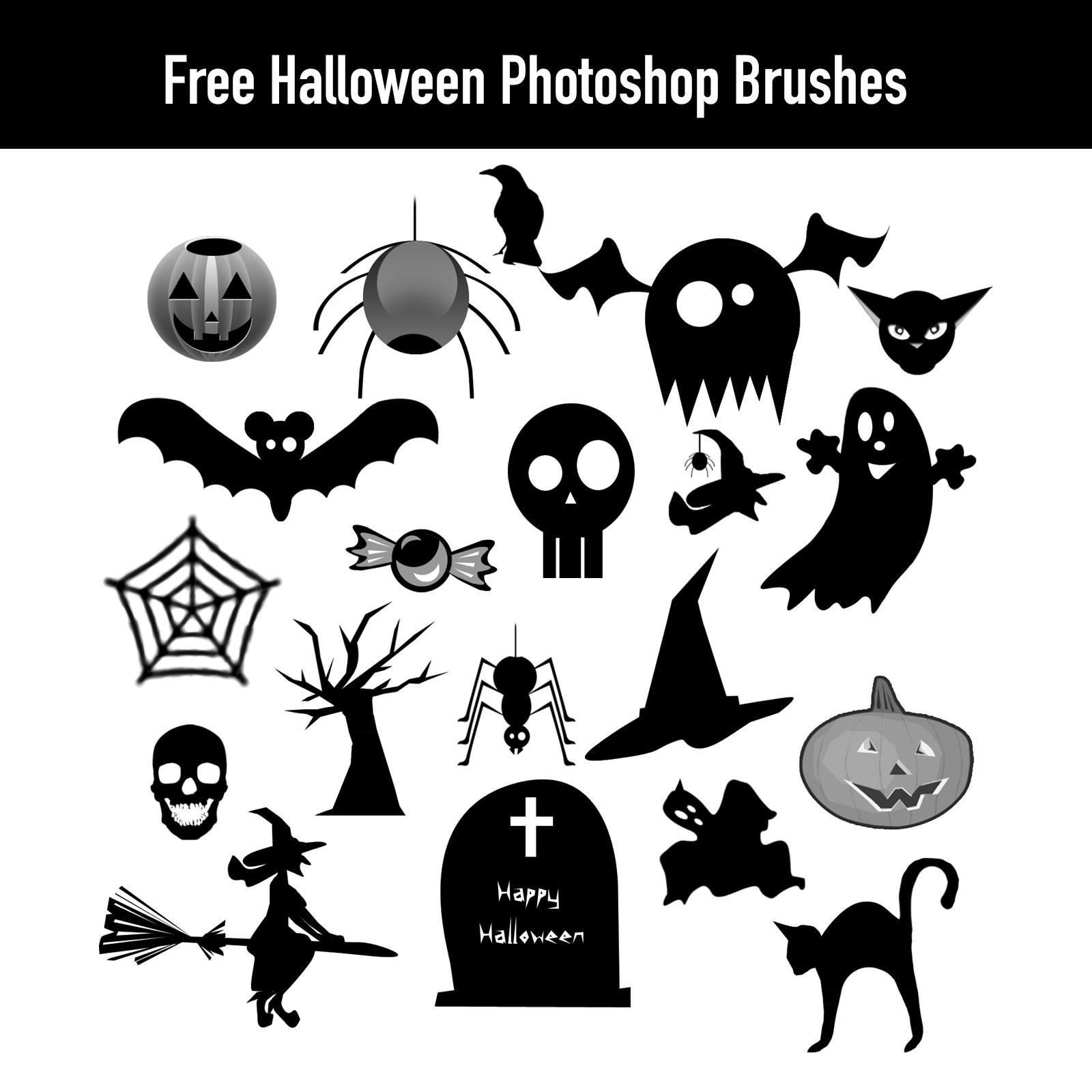
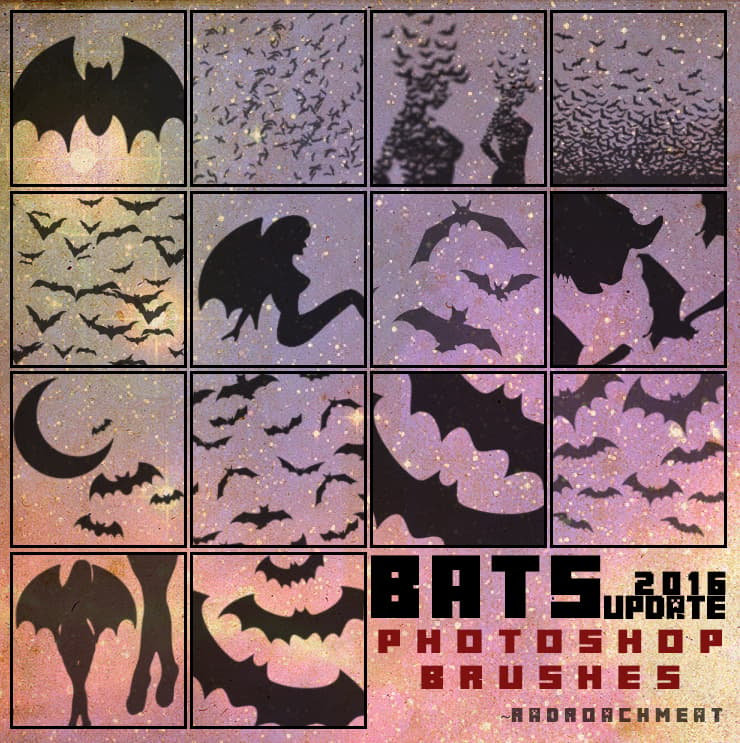
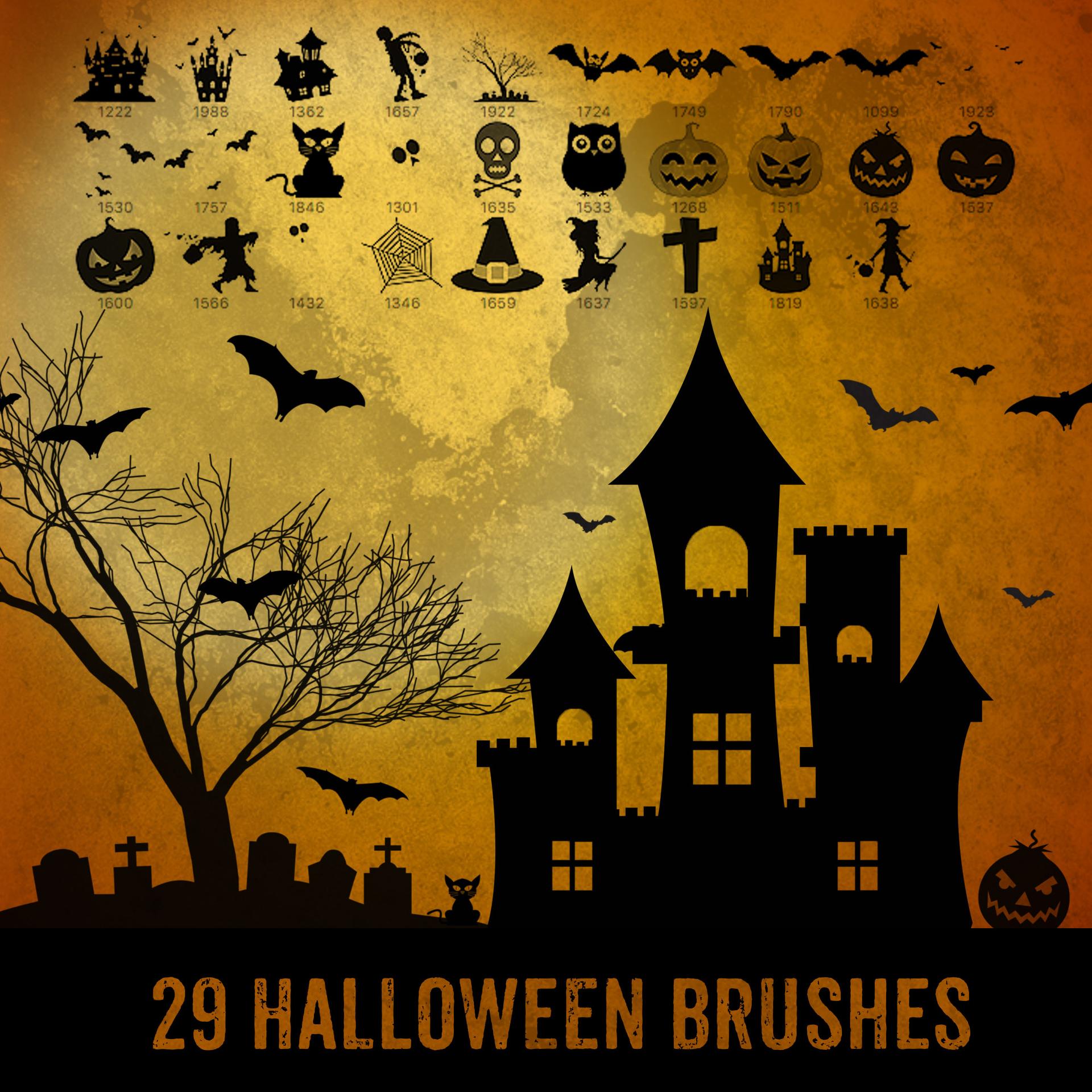
With brushes depicting spiders, cobwebs, and even Halloween invitations, you can easily create stunning designs that are both frightening and fun. These brushes are the perfect tool for adding a touch of eeriness to your designs, and with the versatility of Photoshop, you can customize them to suit your specific needs.
So why settle for boring designs when you can have designs that truly capture the Halloween spirit? With this free Halloween brushes pack, you'll have everything you need to create designs that are both creepy and creative. So don't wait, download the pack today and start getting into the Halloween spirit!
What's Included