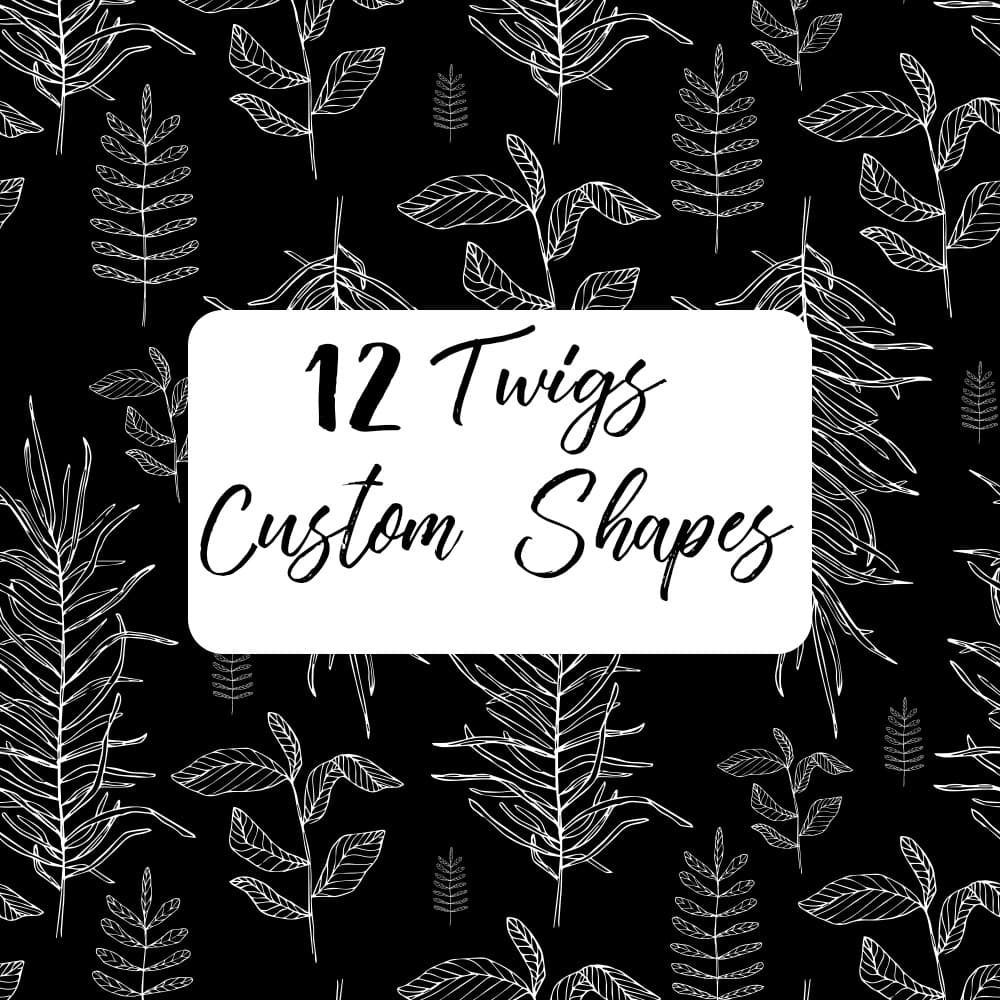
Leaves Custom Shapes

Resource Details
- Format
- CSH
- Size
- 92.5 KB
- Items in set
- 12
- Downloads
- 6.4k
- Added
- Nov 7, 2022
Description
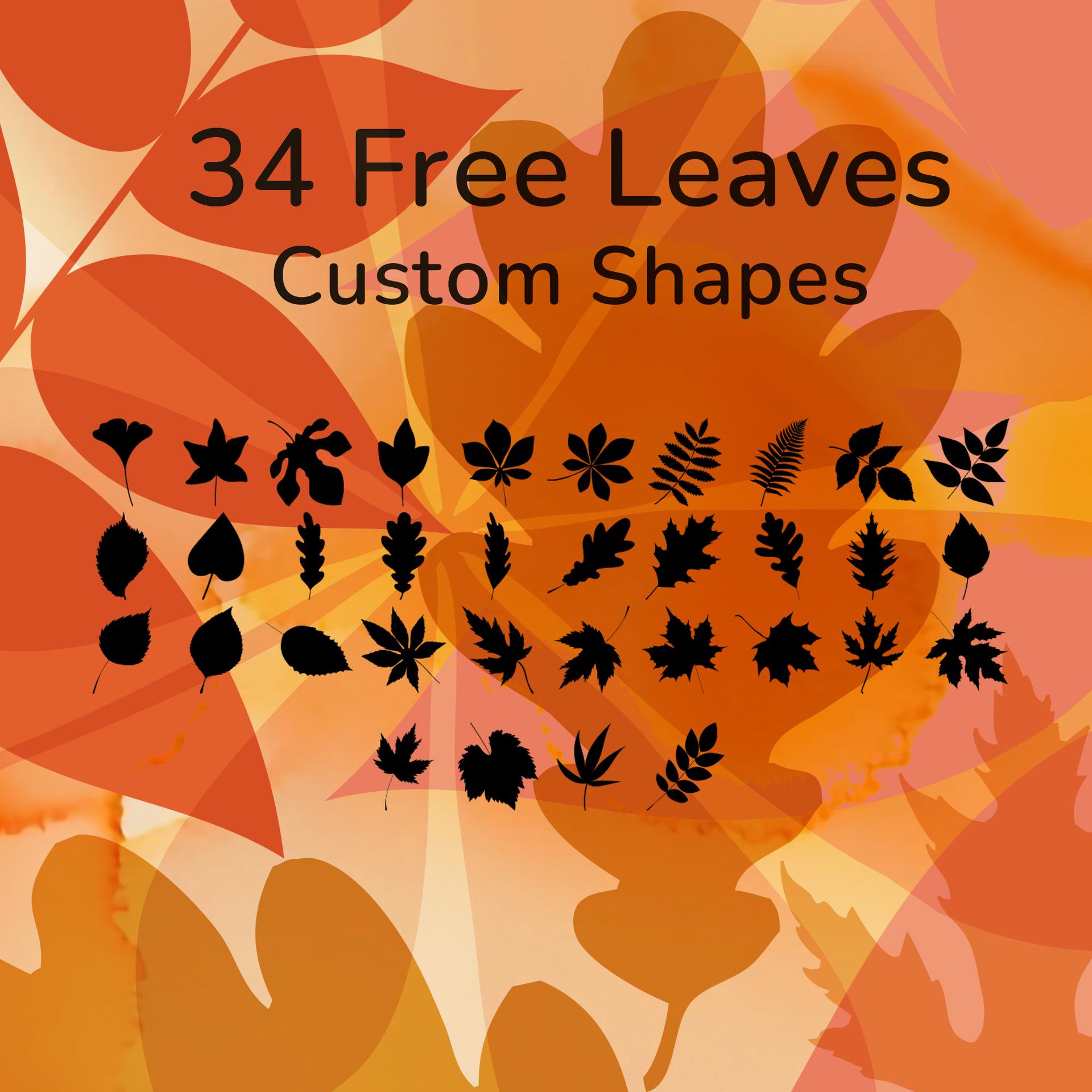
Autumn is a season of transformation and splendor in the natural world. As temperatures drop and days shorten, the leaves of many trees change color and fall to the ground. This seasonal shift has long been a source of fascination for botanists and has inspired artists and writers. Use this set of 12 free Photoshop leaf shapes to bring the essence of autumn into your artwork and add a touch of nature's magic to your designs. This pack includes some of the most recognizable trees of fall, such as acacia, maple, oak, tulip, and more. The peak months for fall foliage are September and October, making it the perfect time to take a stroll in the park and enjoy the changing colors of the leaves. Celebrate the seasons and the beauty of nature with this set of Photoshop custom shapes.
What's Included