Free PSD Ribbons Pack
Description
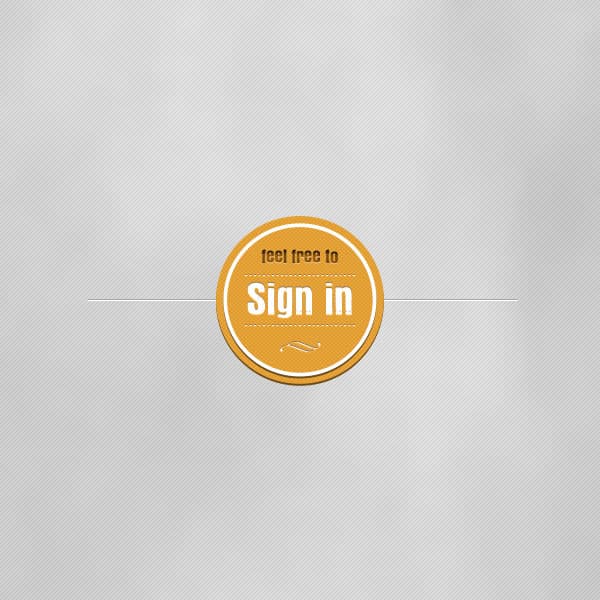
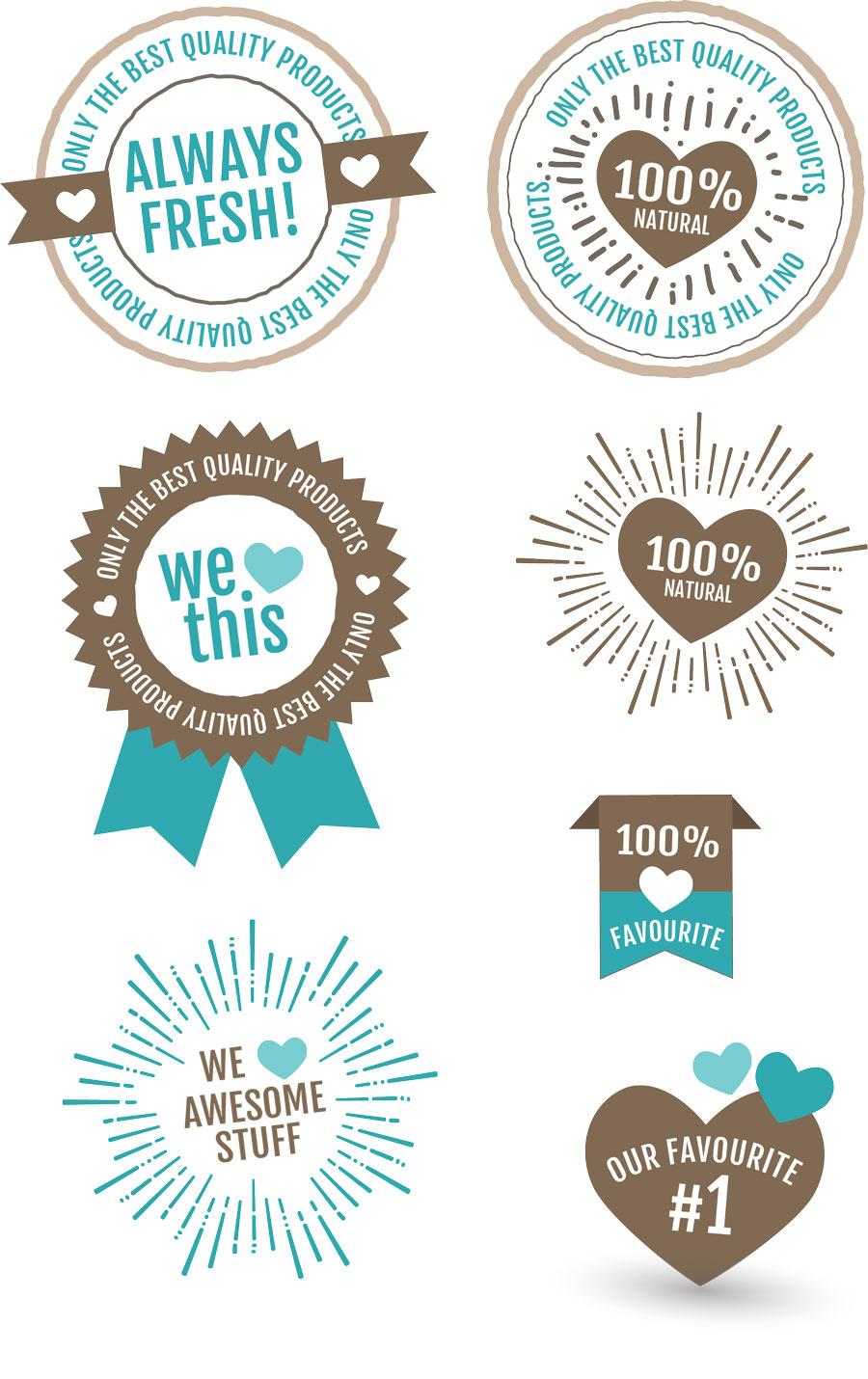
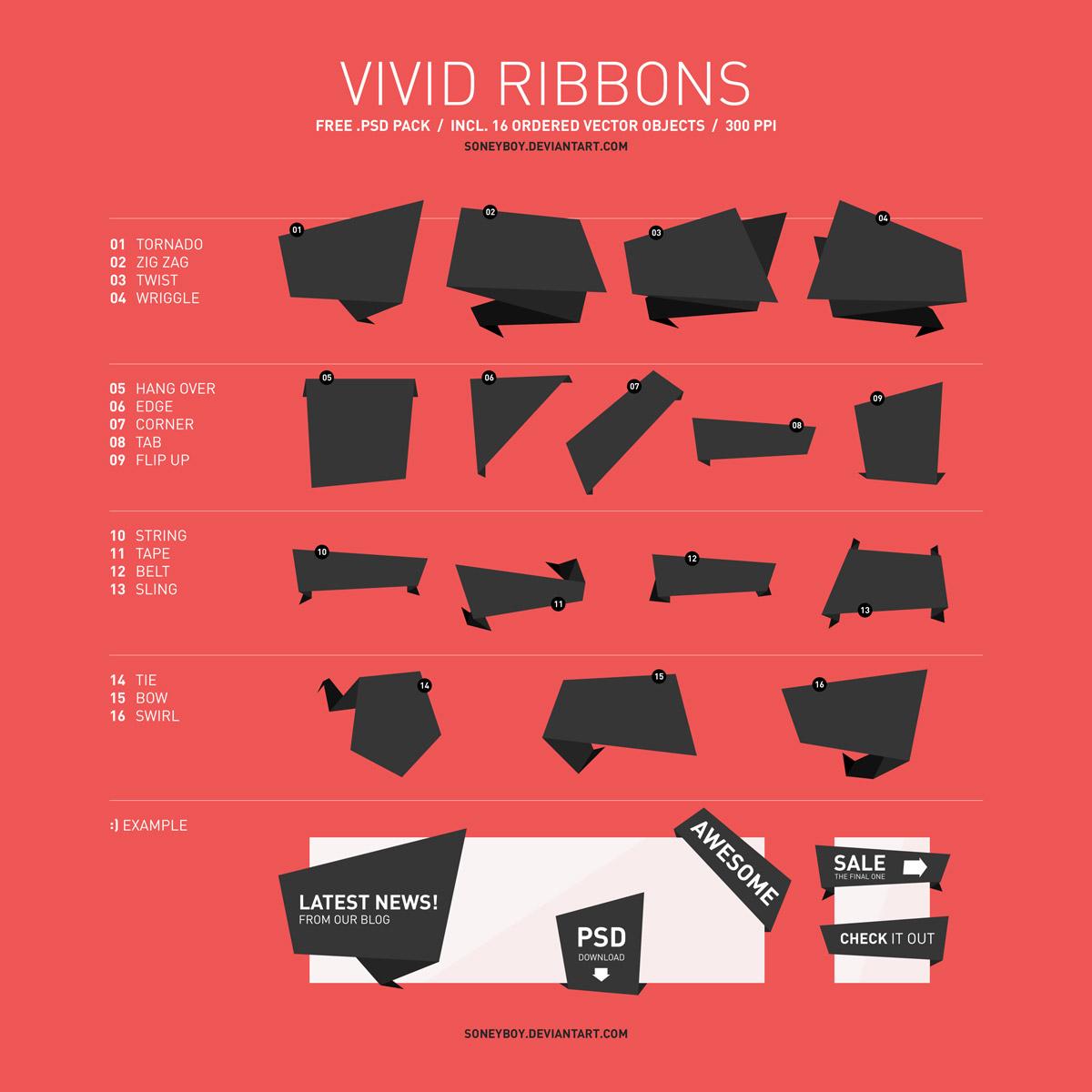
Add a touch of style and eye-catching flair to your designs with this versatile Ribbons Pack PSD file! This pack includes 21 meticulously crafted ribbon shapes that can be used for banners, advertisements, promotions, and more.
Each ribbon shape in this pack is thoughtfully designed with attention to detail, ensuring that they seamlessly integrate into your projects. Whether you're working on a website, a poster, a social media graphic, or any other design, these ribbons will instantly elevate your content and draw attention to key messages or important elements.
Customize the colors, sizes, and text to match your branding and creative vision effortlessly.
The best part? It's completely free! The PSD file uses fully editable layers, making it easy to adjust each ribbon to your exact specifications. These ribbons are ideal for sales banners, award badges, header decorations, and promotional materials. The variety of styles included ensures that you'll find the right ribbon for any occasion, from elegant curved designs to bold, straight-edge banners. This is a versatile resource that will become an invaluable asset in your design workflow, helping you create polished, professional-looking designs with ease.