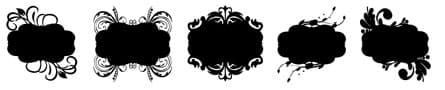
5 Ornamental Labels - Free Custom Shapes
Resource Details
- Author
- Free Vector
- Format
- CSH
- Size
- 33.9 KB
- Items in set
- 5
- Downloads
- 8.5k
- Added
- May 13, 2023
Description
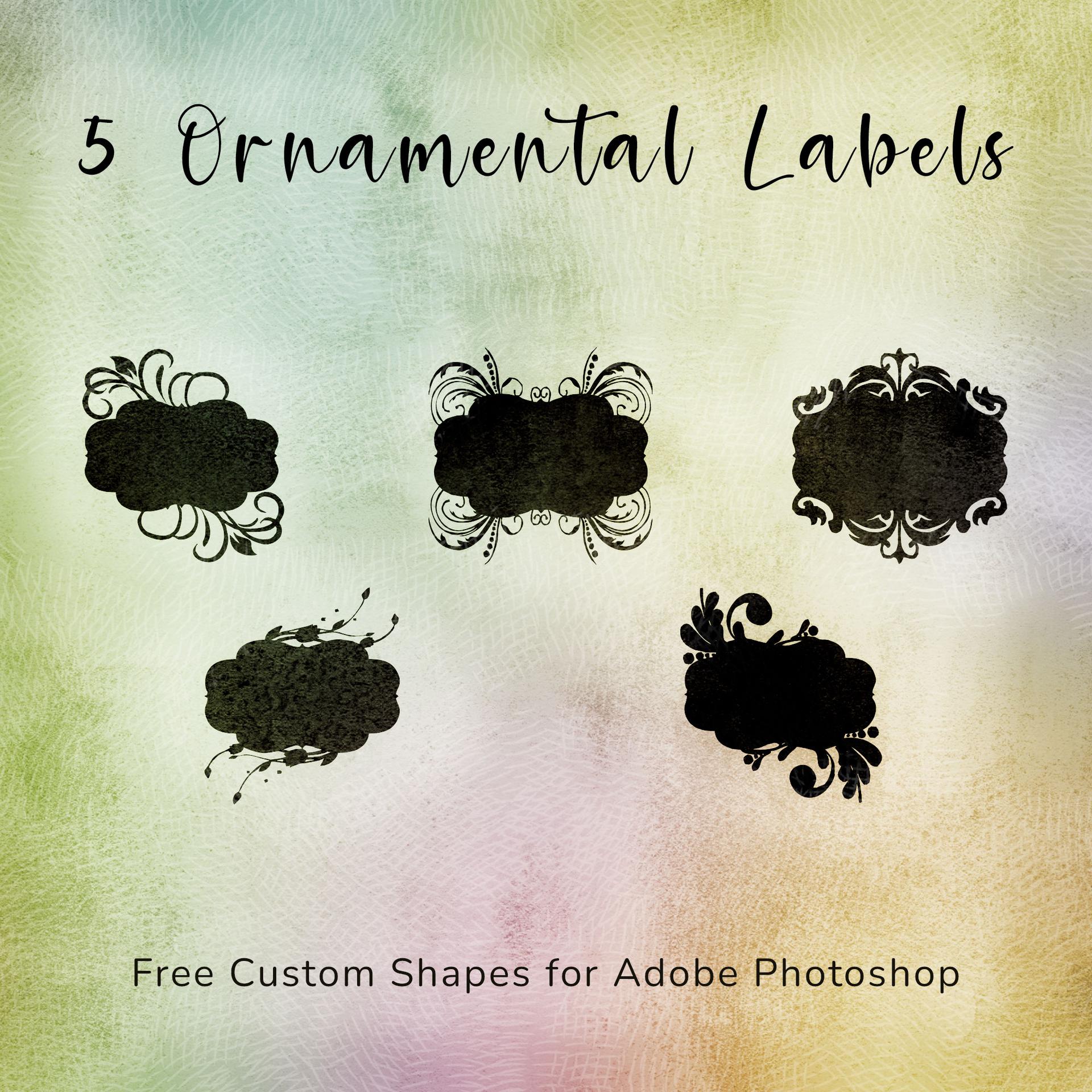
This stunning collection of 5 ornamental label custom shapes is designed exclusively for Adobe Photoshop users. This free pack brings a touch of elegance and sophistication to your design projects, adding a visually appealing element that will capture attention and enhance your creative compositions.
Each custom shape in this pack has been meticulously crafted with intricate details and exquisite craftsmanship. These ornamental labels offer a perfect blend of classic and modern design elements, making them versatile for a wide range of applications. Whether you're designing invitations, posters, packaging, or branding materials, these shapes will elevate your work to new heights of visual refinement.
With this free pack, you'll find a variety of label designs that cater to different aesthetic preferences. From delicate floral patterns to intricate borders and decorative accents, each shape exudes a unique charm and can be easily customized to suit your specific needs. Resize, rotate, or modify these shapes effortlessly to fit seamlessly into your design compositions.
The versatility of custom shapes in Adobe Photoshop allows you to effortlessly incorporate these ornamental labels into your projects. Simply load the custom shape library, choose your desired label, and place it onto your canvas. You can easily adjust the color, size, and position of each shape to achieve the desired effect.
What's Included