Plants Free Custom Shapes
Description
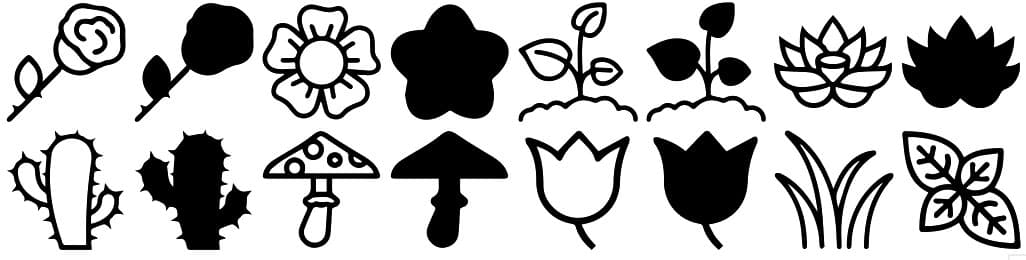
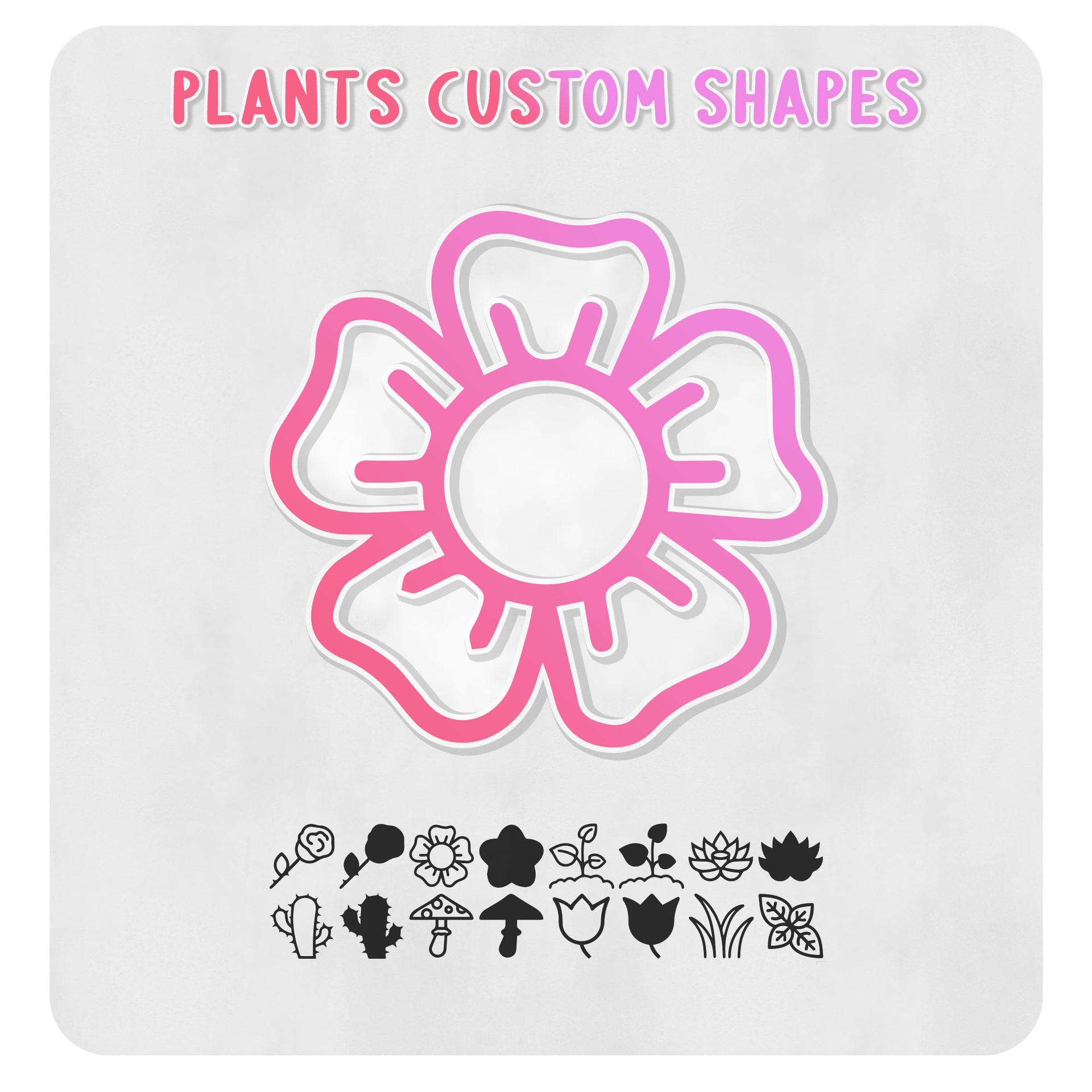
Discover this delightful pack of 16 free custom shapes inspired by nature's beauty. Get ready to enhance your design projects with these charming elements that include roses, cacti, toadstools, leaves, tulips, and lotus flowers.
These custom shapes bring the essence of nature right to your fingertips, allowing you to effortlessly incorporate captivating botanical elements into your artwork, graphics, or digital designs. Whether you're a graphic designer, illustrator, or simply a creative enthusiast, these versatile shapes are perfect for adding a touch of natural elegance to your creations.
With this pack of 16 free custom shapes, you'll have the freedom to explore your artistic vision and transform your designs into captivating works of art. Whether you're designing a logo, illustrating a book cover, or crafting a unique pattern, these shapes serve as the perfect foundation for your creativity.
Embrace the beauty of nature and unlock your imagination with these custom shapes. Download them today and embark on a creative journey where artistic expression and nature converge, allowing you to bring your designs to life with a touch of botanical elegance and organic beauty. These shapes are truly an offer that any creative enthusiast would not want to miss.
What's Included