19 Free Tree Brushes
Resource Details
- Format
- ABR
- Size
- 51.1 MB
- Opens in
- Photoshop, GIMP
- Imports into
- Procreate, Affinity Photo, KritaShapes import. Dynamics may not.
- Brush type
- Stamp brushes
- Items in set
- 19
- Downloads
- 8.1k
- Added
- May 31, 2023
Description
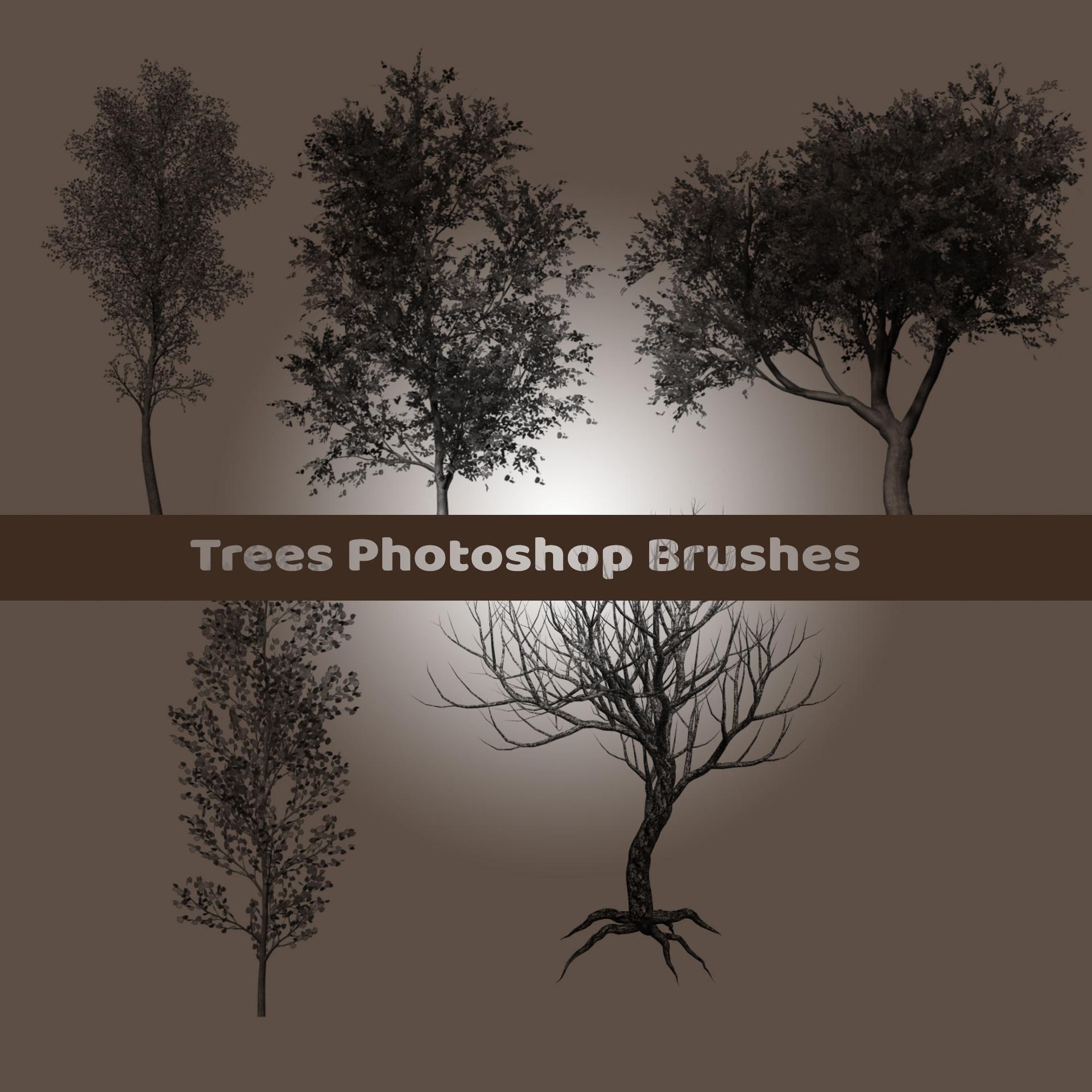
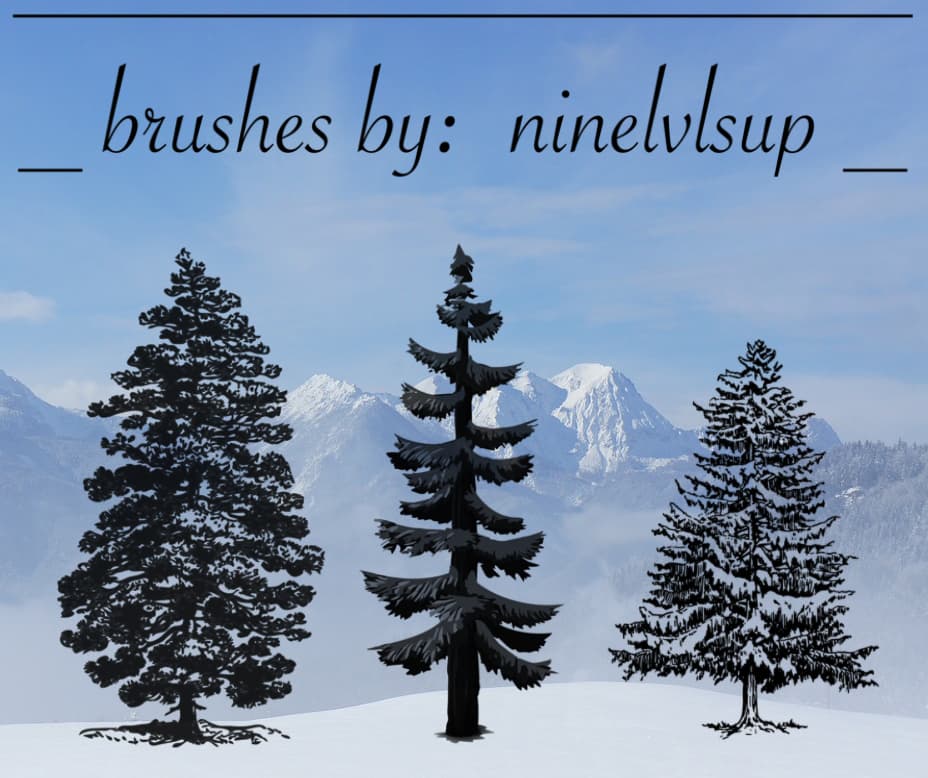
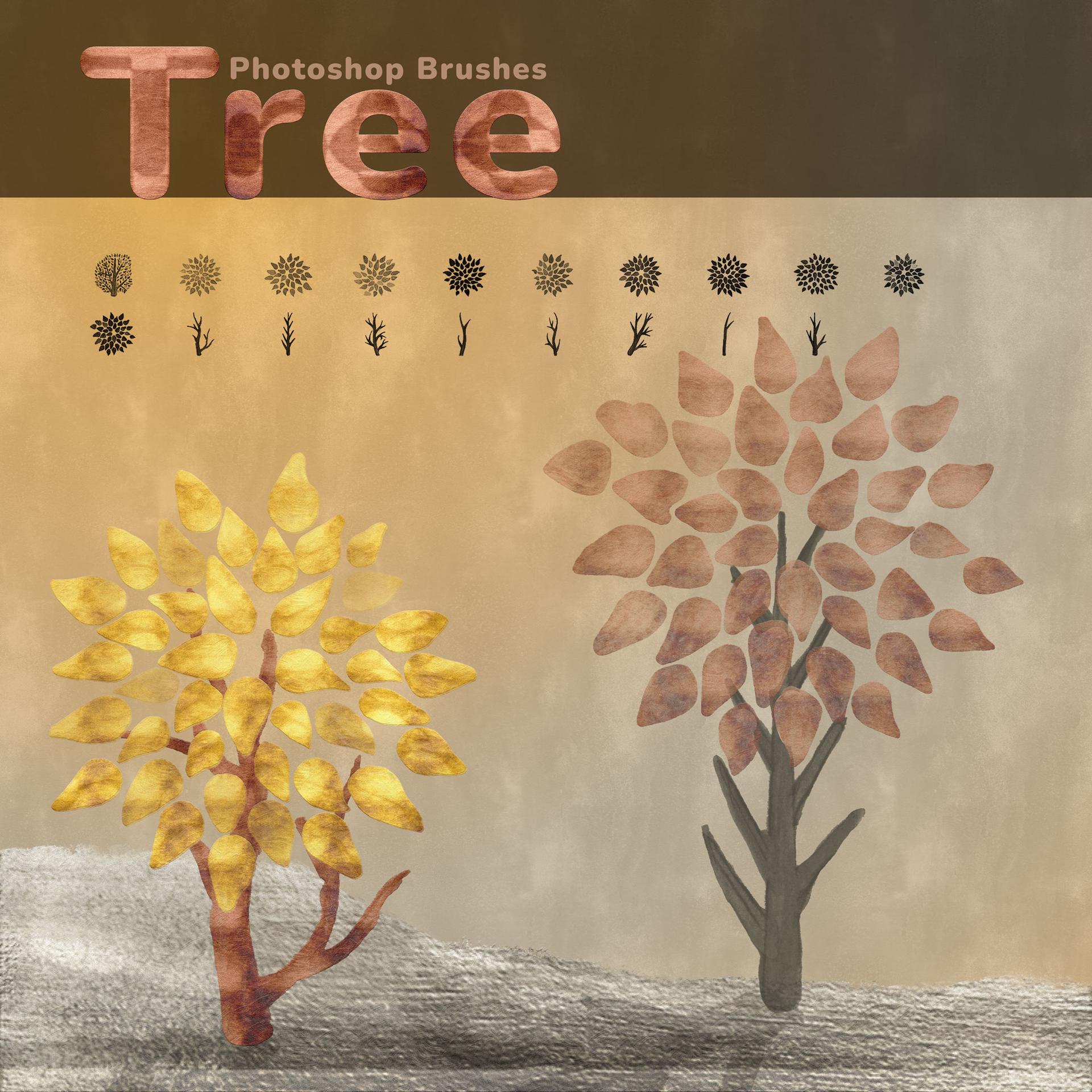
Step into the world of enchanting forests and whimsical landscapes with our pack of 19 free tree brushes for Adobe Photoshop. Designed with a distinctive fairy tale style, these brushes will truly transform your art into magical creations.
This brush set includes 18 separate trunk and crown brushes, allowing you to mix and match to create your own unique tree designs. Whether you're seeking to design a secluded forest, a mystical grove, or simply a solitary tree standing tall, these brushes give you the flexibility to bring your vision to life.
Each brush is exquisitely detailed, ensuring that your designs carry a whimsical and magical aesthetic reminiscent of beloved fairy tales. They're perfect for creating enchanting backgrounds, mystical landscapes, or for adding a touch of nature to your digital art.
The pack also includes a bonus brush, a full fairy-tale-inspired tree that's perfect for adding a standout feature to your designs.
Using the brushes is incredibly simple. Just download the pack, install it into your Photoshop brush library, and you're ready to embark on your fairy tale design journey!
These 19 Fairy Tale Tree Brushes for Adobe Photoshop are entirely FREE. Add a sprinkle of magic to your art toolbox today. Don't miss out on the opportunity to transport your designs to a land far, far away. Download now!
What's Included