Car Silhouette free Shapes
Description
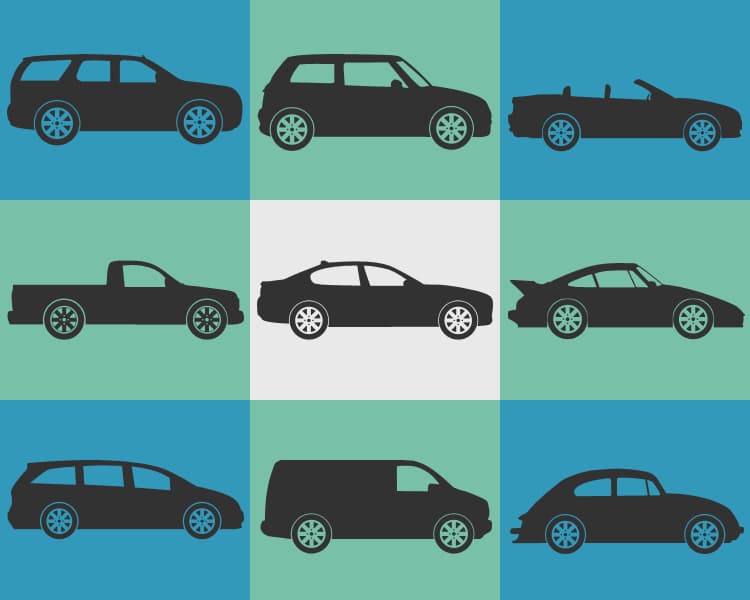
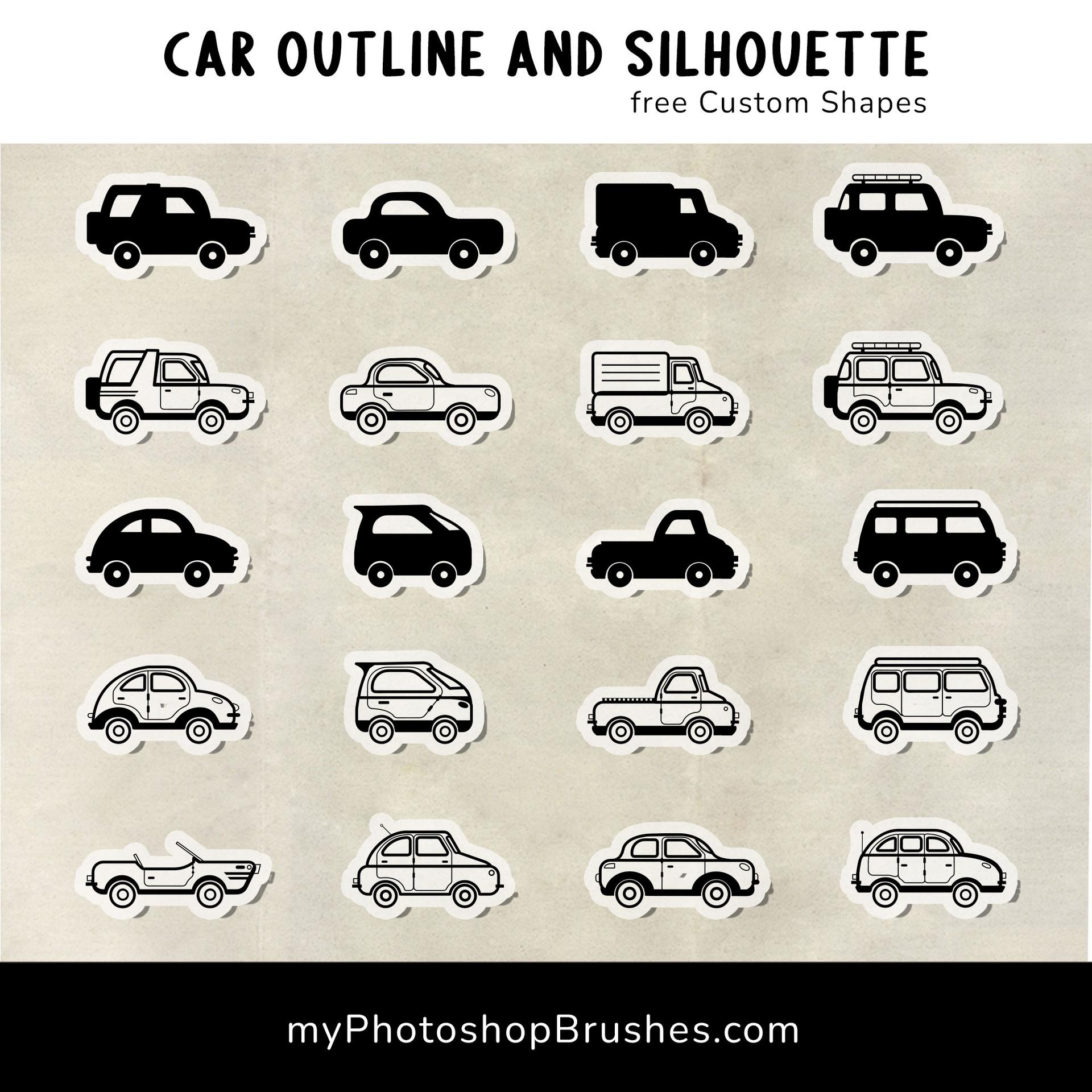
Rev your creative engines with our expansive set of 21 free Custom Shapes, featuring diverse car outlines and silhouettes! This collection has been meticulously designed for both car enthusiasts and graphic designers, offering a broad spectrum of shapes that cater to various aesthetic preferences and project needs.
From smart cars to classic vintage models, off-road SUVs to urban compact cars, this set has a vehicle silhouette for every occasion. Each custom shape, carefully crafted with attention to detail, will help you capture the dynamic essence of automotive designs in your digital art projects.
Ideal for creating logos, designing posters, enhancing infographics, or even developing game graphics, these shapes provide a convenient, time-saving solution for your design needs. With the ease of customization and scaling without loss of quality, the creative possibilities are endless.
Compatible with various versions of Photoshop, these custom shapes are easy to install and use. Start shifting your design projects into high gear with this exceptional free set of car outline and silhouette custom shapes today!
What's Included