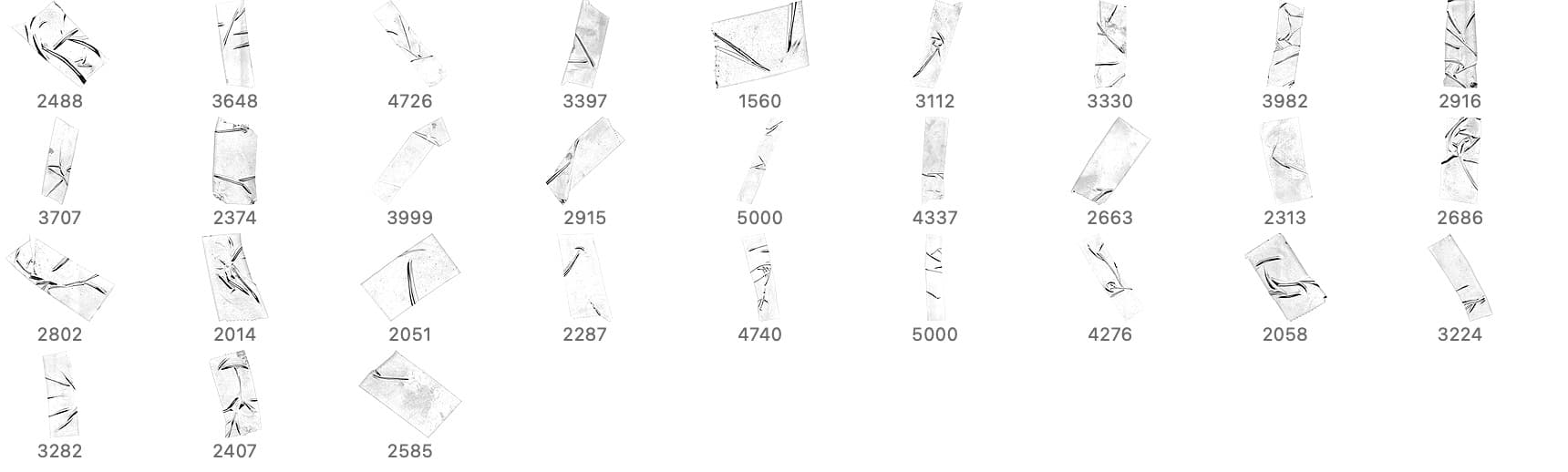
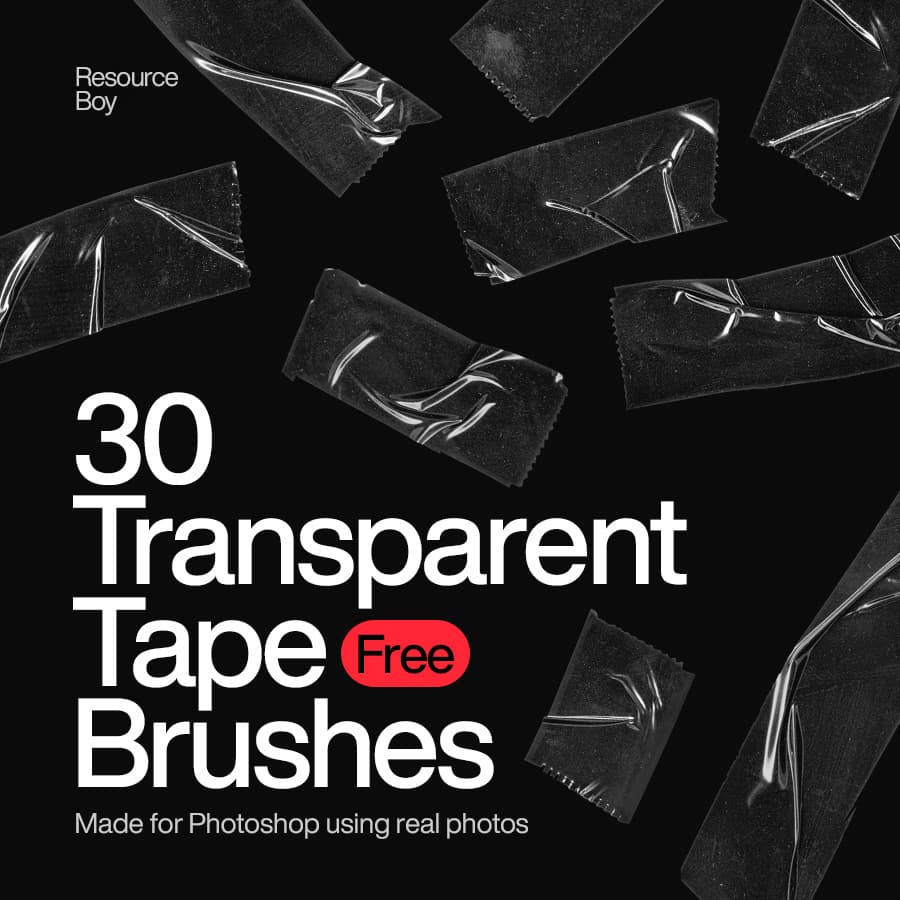
Transparent Tape Photoshop Brushes
Resource Details
- Format
- ABR
- Size
- 73.5 MB
- Opens in
- Photoshop, GIMP
- Imports into
- Procreate, Affinity Photo, KritaShapes import. Dynamics may not.
- Brush type
- Stamp brushes
- Items in set
- 30
- Downloads
- 14.4k
- Added
- Nov 28, 2023
Description
Transparent Tape Photoshop Brushes is a fantastic free resource for graphic designers and digital artists. Simulating the appearance of transparent adhesive tape, these brushes offer a quick and easy way to incorporate realistic tape effects into digital designs. Ideal for digital collages, scrapbooking, and various creative projects, these brushes add authenticity and depth to artwork. The transparency of the tape brushes provides a realistic touch, elevating the overall visual appeal of designs. This free product not only saves time but also enhances the quality of projects by adding intricate details effortlessly. Transparent Tape Photoshop Brushes exemplify accessibility in design, offering a valuable toolset for creative endeavors without any cost.
What's Included