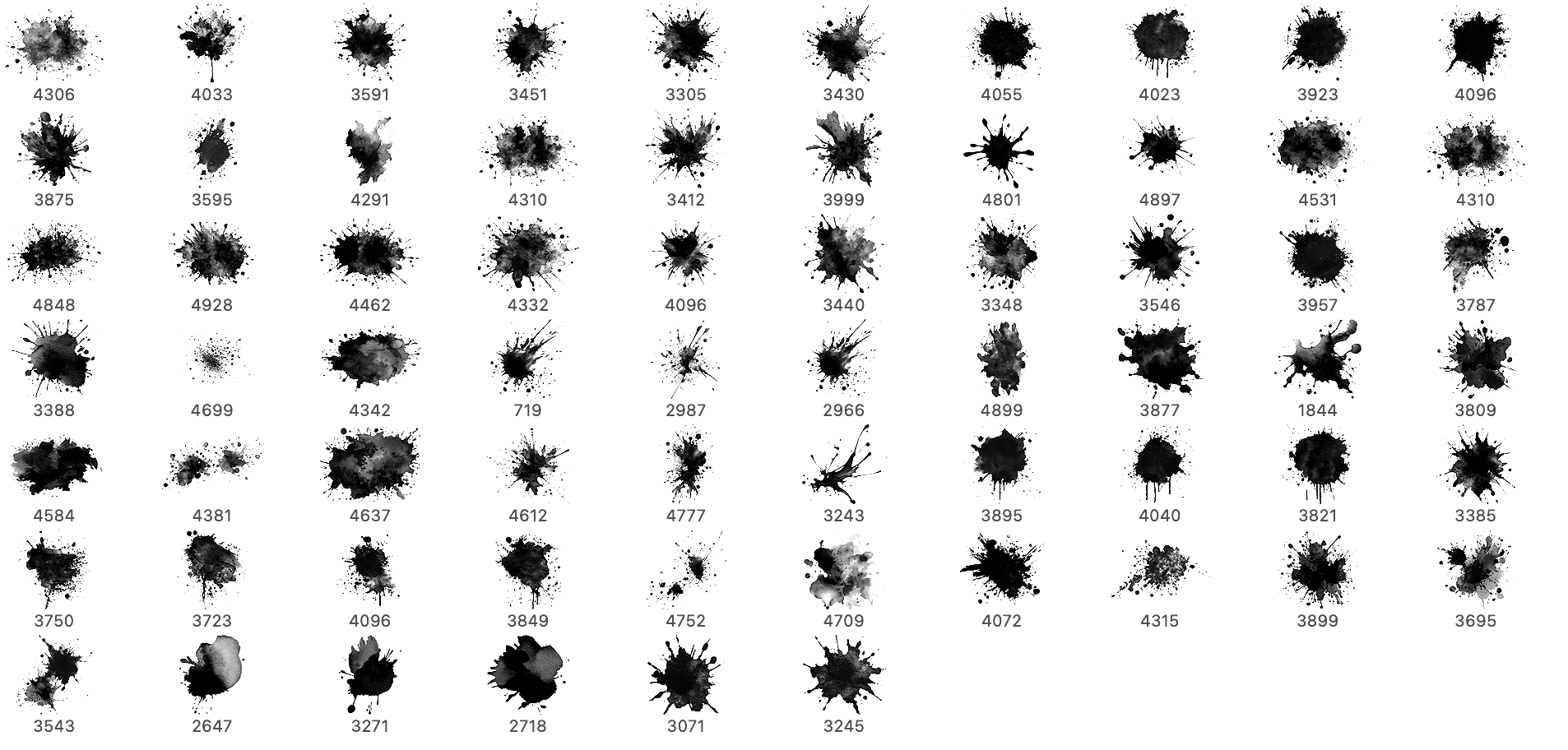
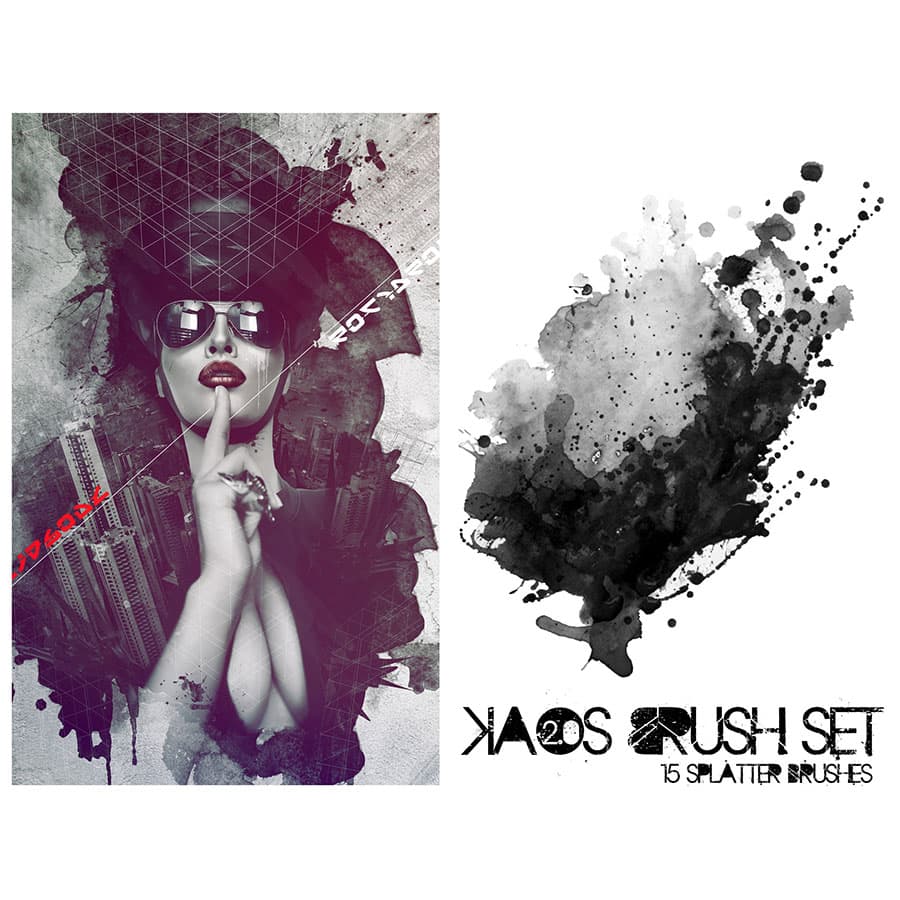
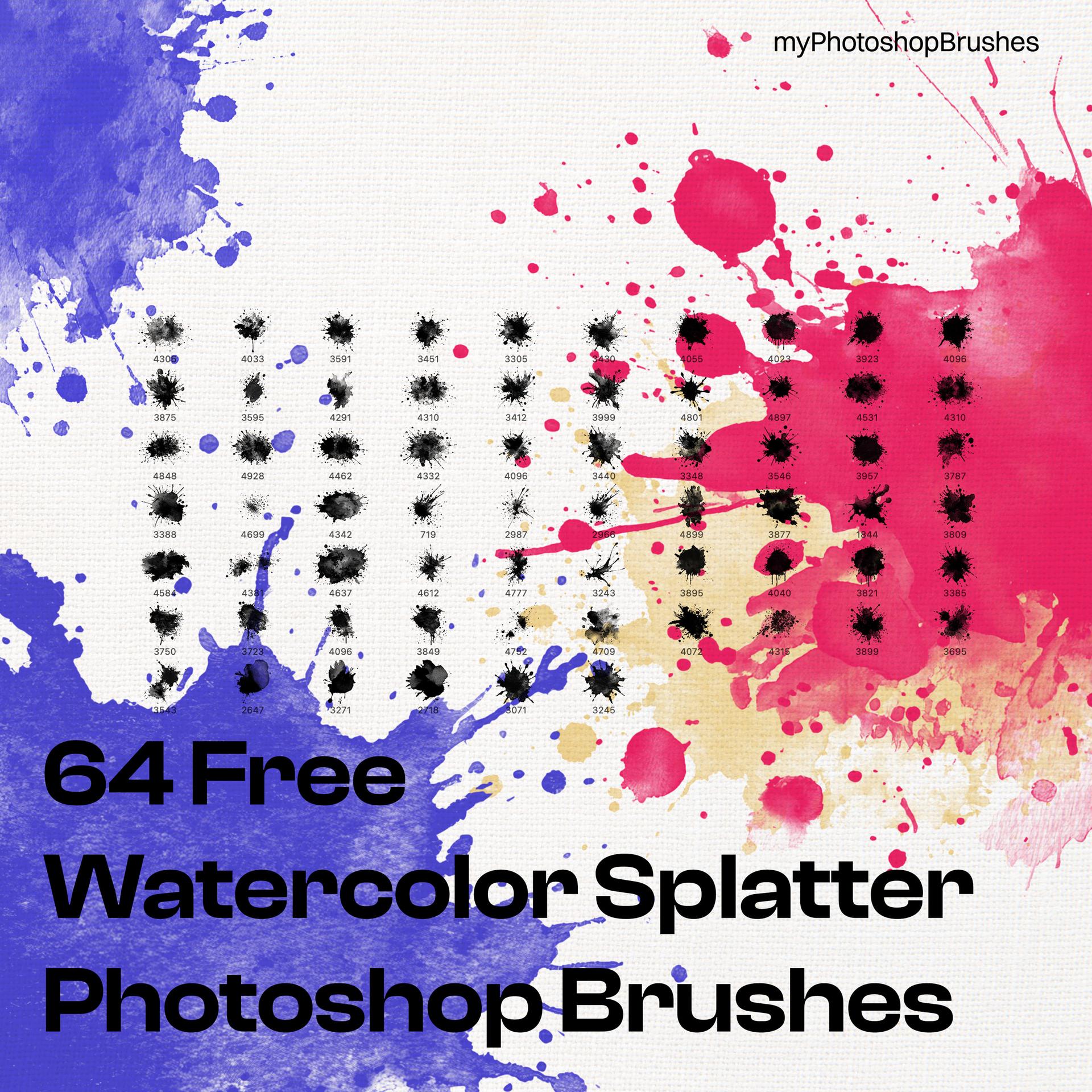
64 Free Watercolor Splatter Brushes
Resource Details
- Format
- ABR
- Size
- 193.6 MB
- Opens in
- Photoshop
- Imports into
- Procreate, Affinity, GIMPShapes import. Dynamics may not.
- Brush type
- Stamp brushes
- Items in set
- 64
- Downloads
- 3.4k
- Added
- Feb 24, 2026
Description
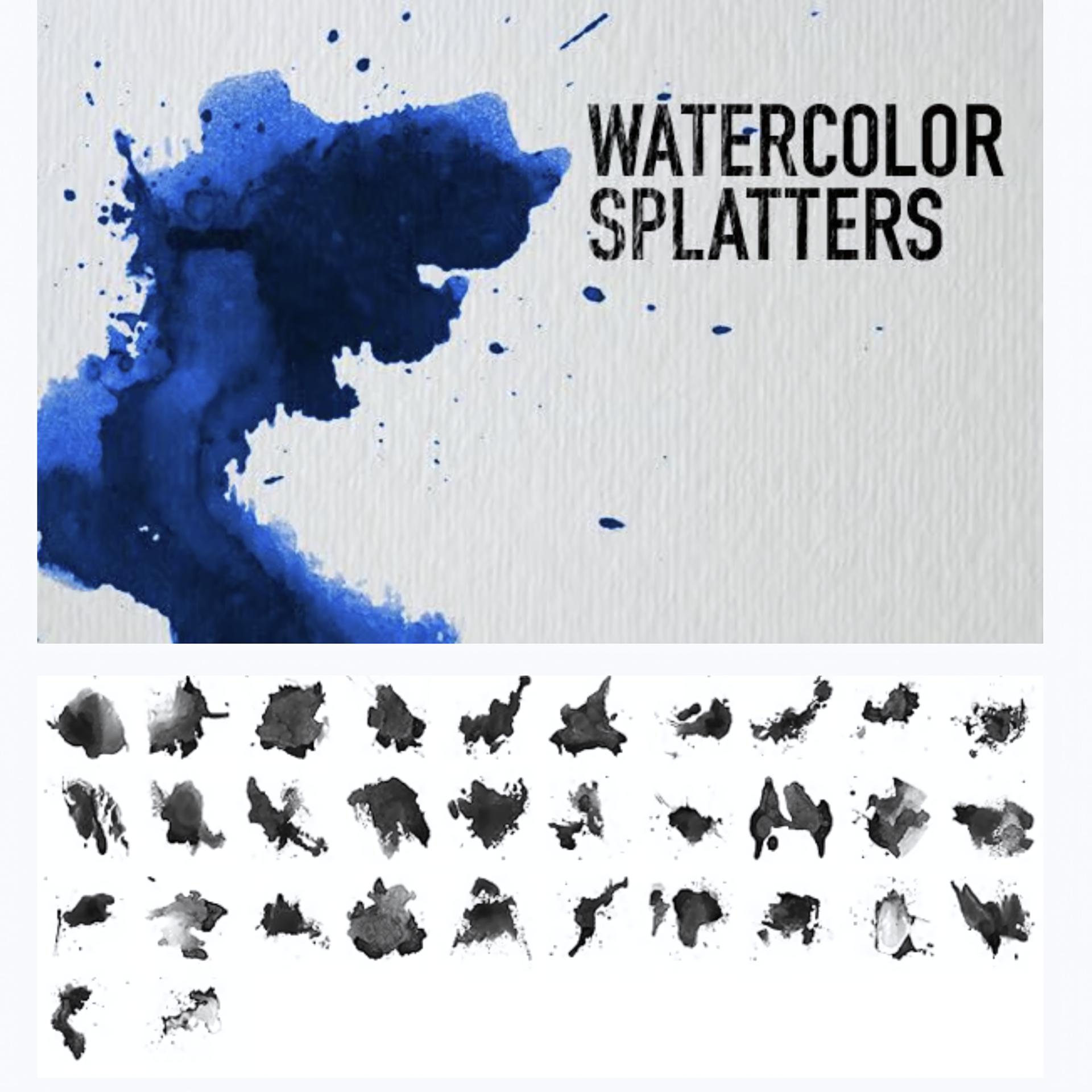
This free watercolor splatter brush pack for Adobe Photoshop offers a rich and versatile collection of organic, expressive textures inspired by real paint splashes and ink stains. The set features 64 high-resolution brushes designed to capture the natural unpredictability of watercolor, ranging from soft speckles and fine droplets to bold, energetic splashes with visible pigment density and layered buildup. Each brush preserves authentic edges, transparency, and tonal variation, allowing your work to retain the depth and fluidity of traditional media.
Perfect for posters, digital illustrations, textured backgrounds, branding materials, album artwork, and social media visuals, these brushes effortlessly add movement and artistic character to any composition. They are equally effective as subtle accents in clean, minimalist layouts, where a touch of imperfection can create contrast and visual interest. By introducing natural irregularities and handcrafted detail, this brush set helps break the sterile feel of purely digital design. It’s an excellent free resource for designers, illustrators, and creatives looking to explore watercolor-inspired effects while expanding their artistic toolkit.
What's Included