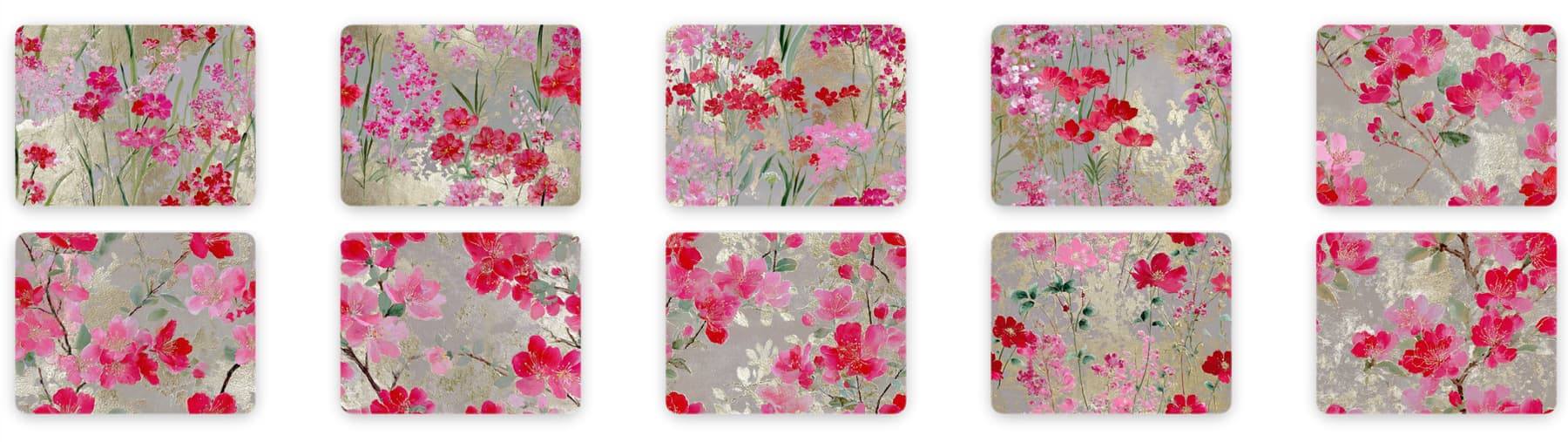
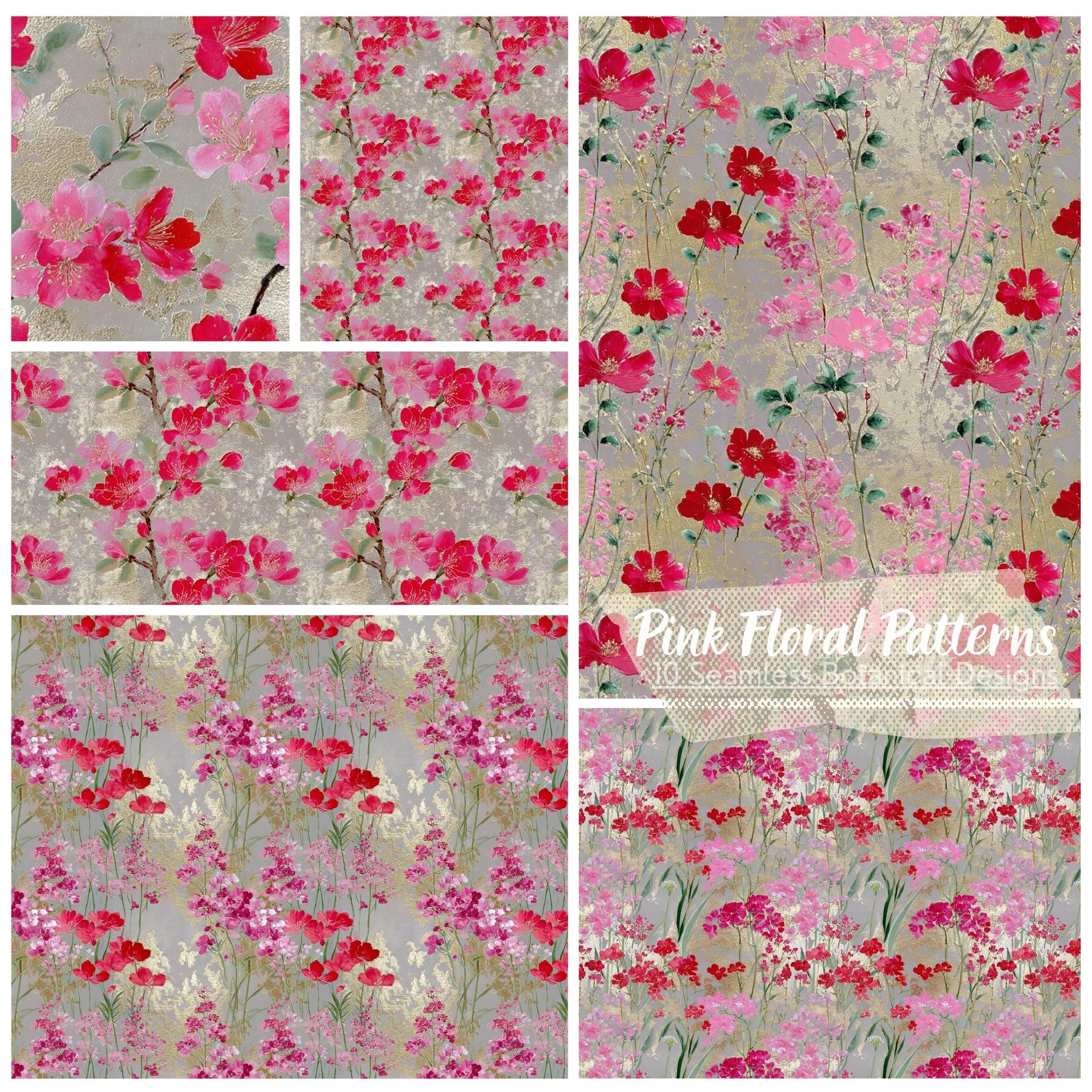
Pink Floral Patterns – 10 Seamless Botanical Designs
Resource Details
- Format
- PAT, PNG
- Size
- 53.1 MB
- Items in set
- 10
- Downloads
- 420
- Added
- Apr 24, 2026
Description
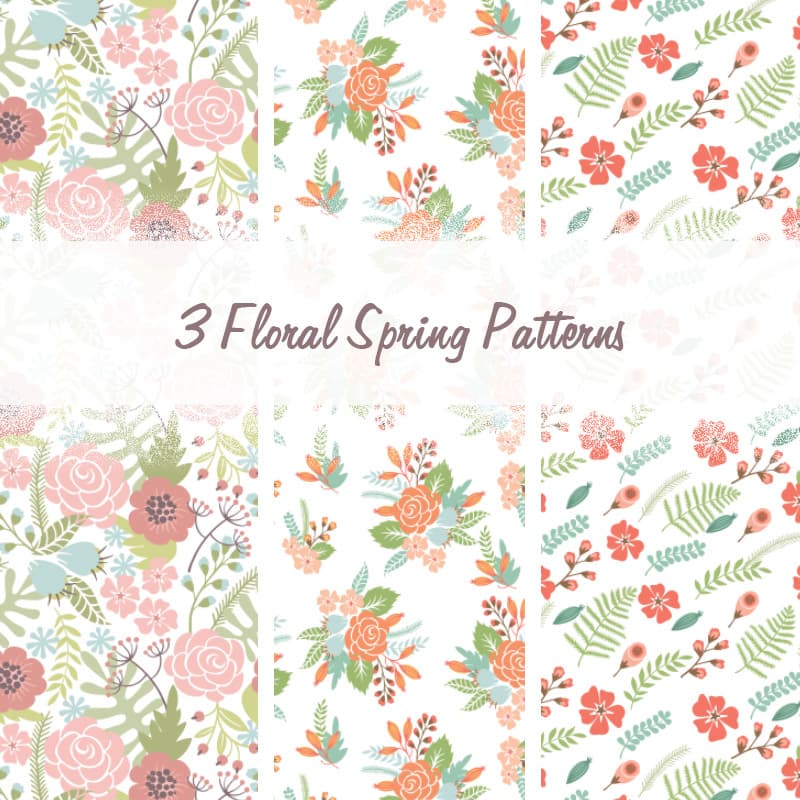
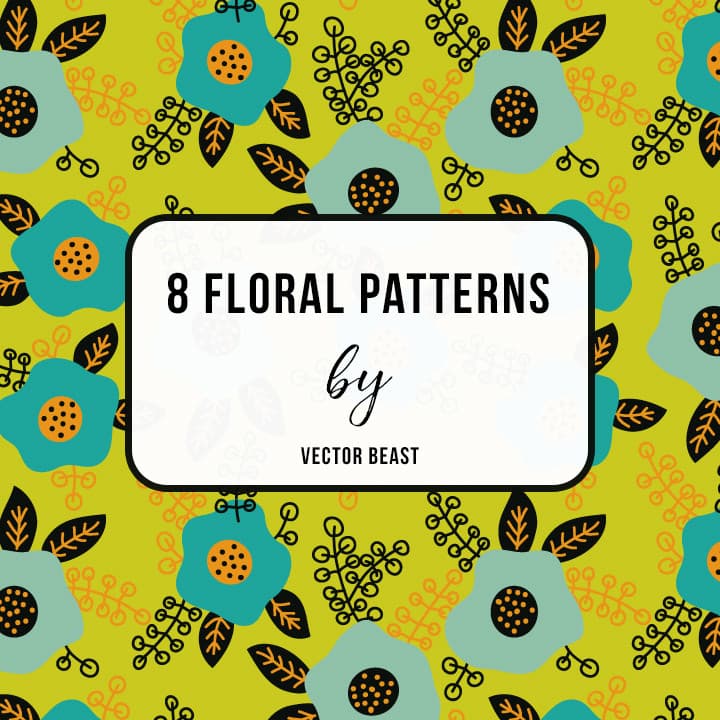
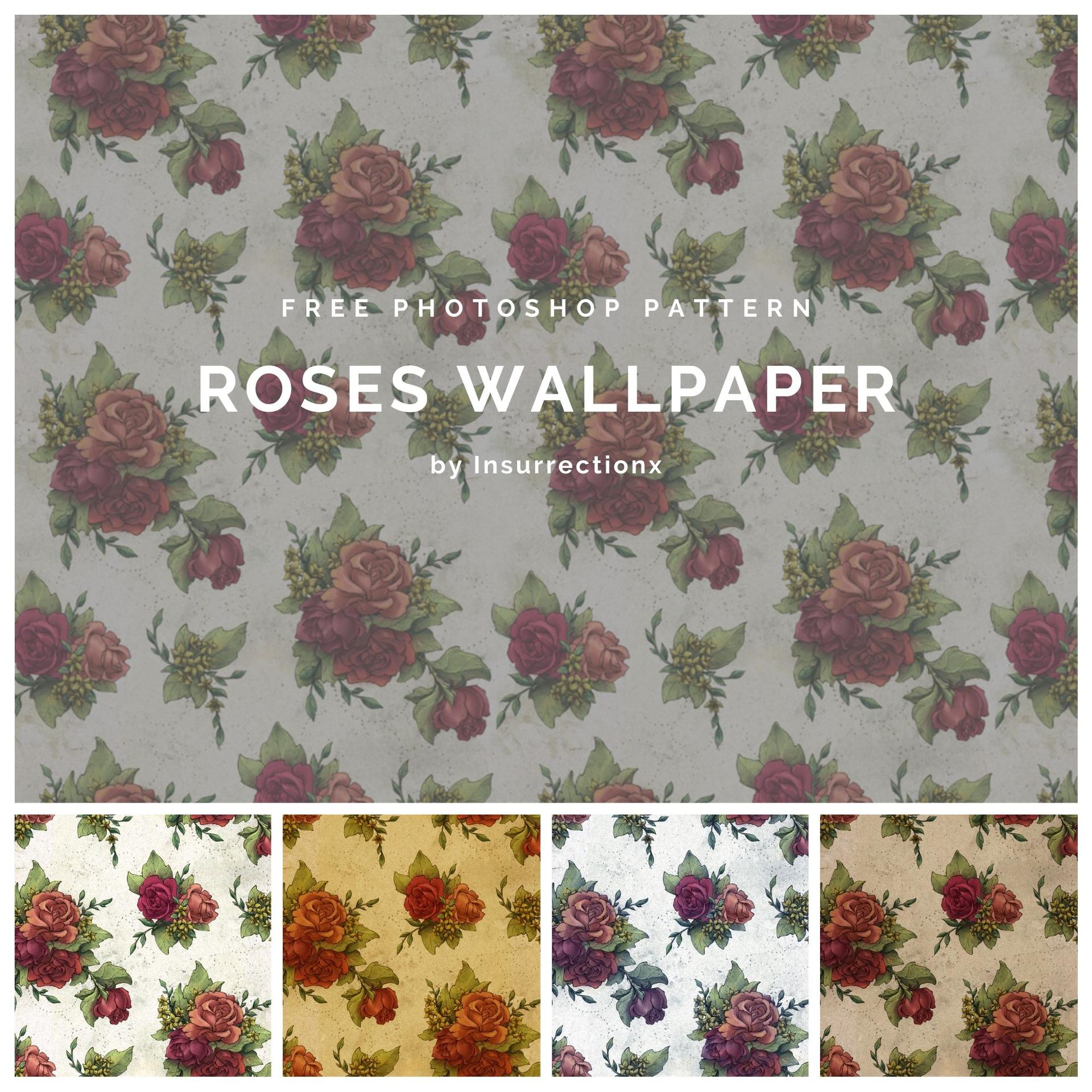
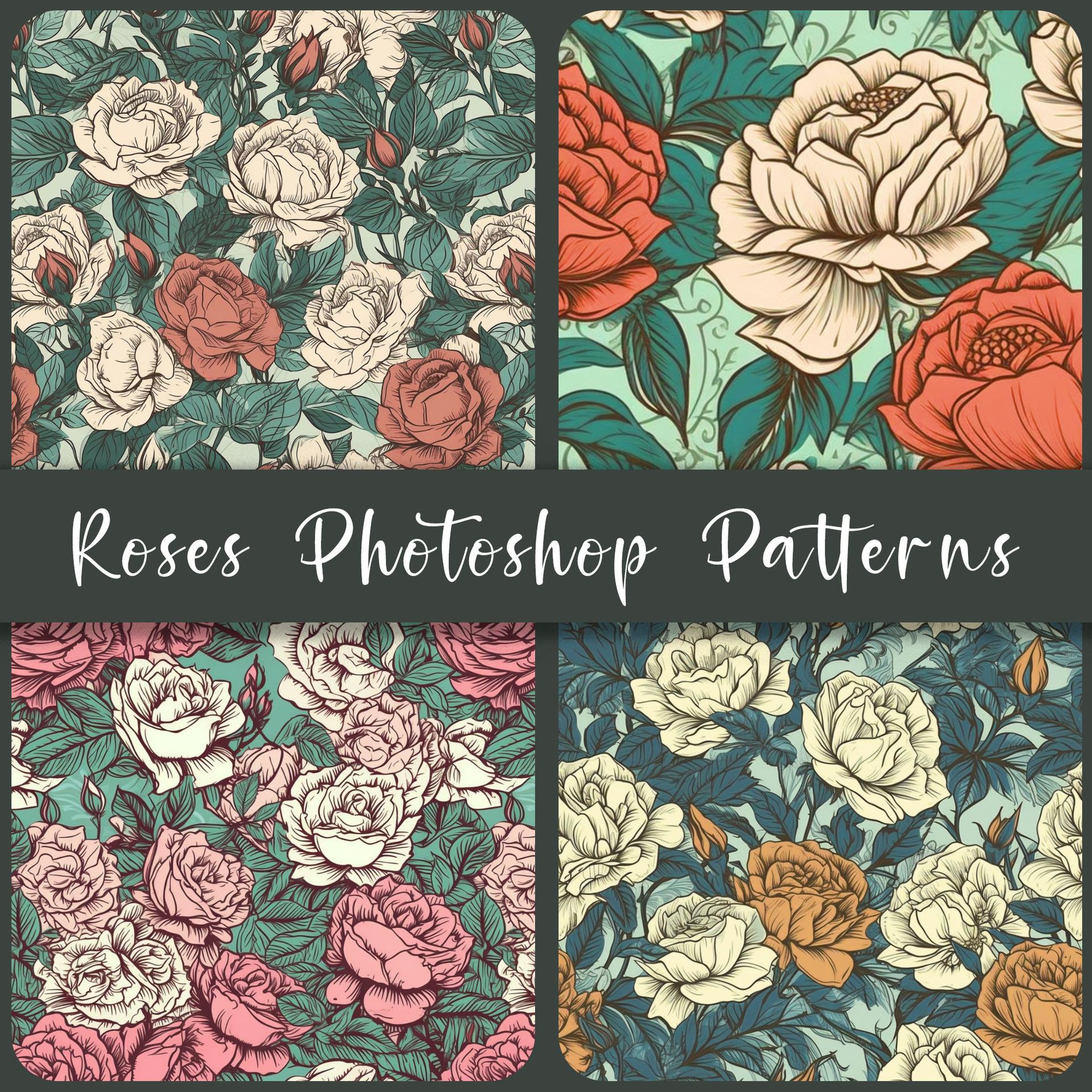
Ten patterns, one coherent world. Each one built around the same palette (hot pink, deep crimson, soft magenta) laid over backgrounds that shift between grey and warm gold, like aged silk catching the light. The flowers change from piece to piece: loose wildflower clusters and tall grasses in some, heavy cherry blossom branches in others. Together they hold the way a well-curated collection should.
The style sits at the intersection of Eastern botanical illustration and loose, gestural watercolor. Gold leaf motifs surface through the backgrounds, giving the patterns a texture that reads as deliberately luxurious rather than decorative-generic. Nothing here is flat.
What's in the pack:
- 10 high-resolution seamless floral patterns
- Two distinct visual families: meadow wildflowers and cherry blossom branches
- Consistent palette across all files: mix and match without clashing
- Delivered as PAT (ready to load directly in Photoshop) and PNG (for use anywhere else)
Works well as repeating fabric or wallpaper mockups, editorial backgrounds, packaging for beauty or lifestyle products, or layered beneath type that needs something richer than a solid colour to sit against.
What's Included