Free Lace Brushes
Resource Details
- Format
- ABR
- Size
- 24 MB
- Opens in
- Photoshop, GIMP
- Imports into
- Procreate, Affinity Photo, KritaShapes import fine. The Photoshop dynamics do not.
- Brush type
- Mostly stamps, some use dynamics
- Items in set
- 96
- Downloads
- 2.2k
- Added
- Jun 3, 2026
Description
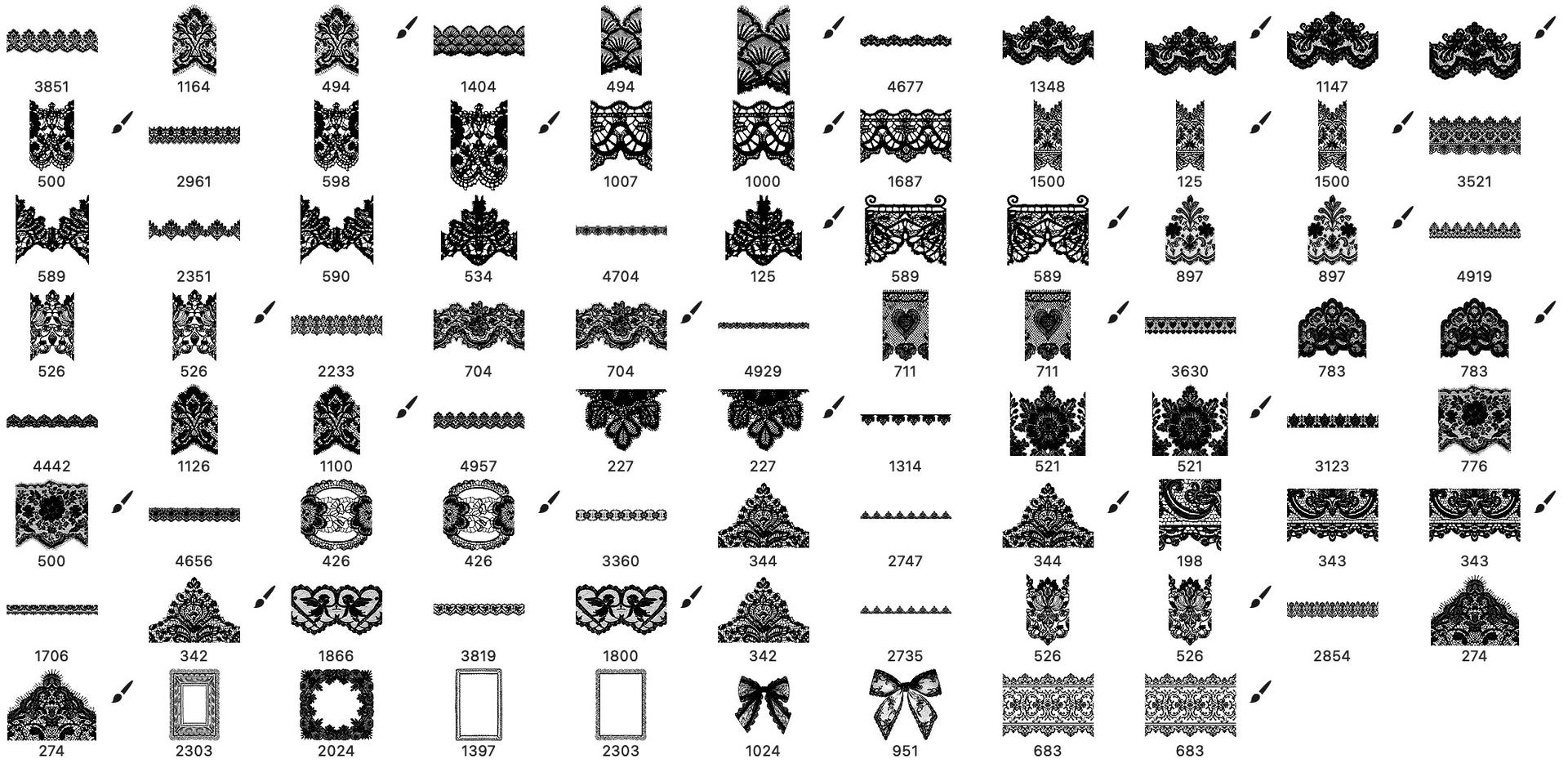
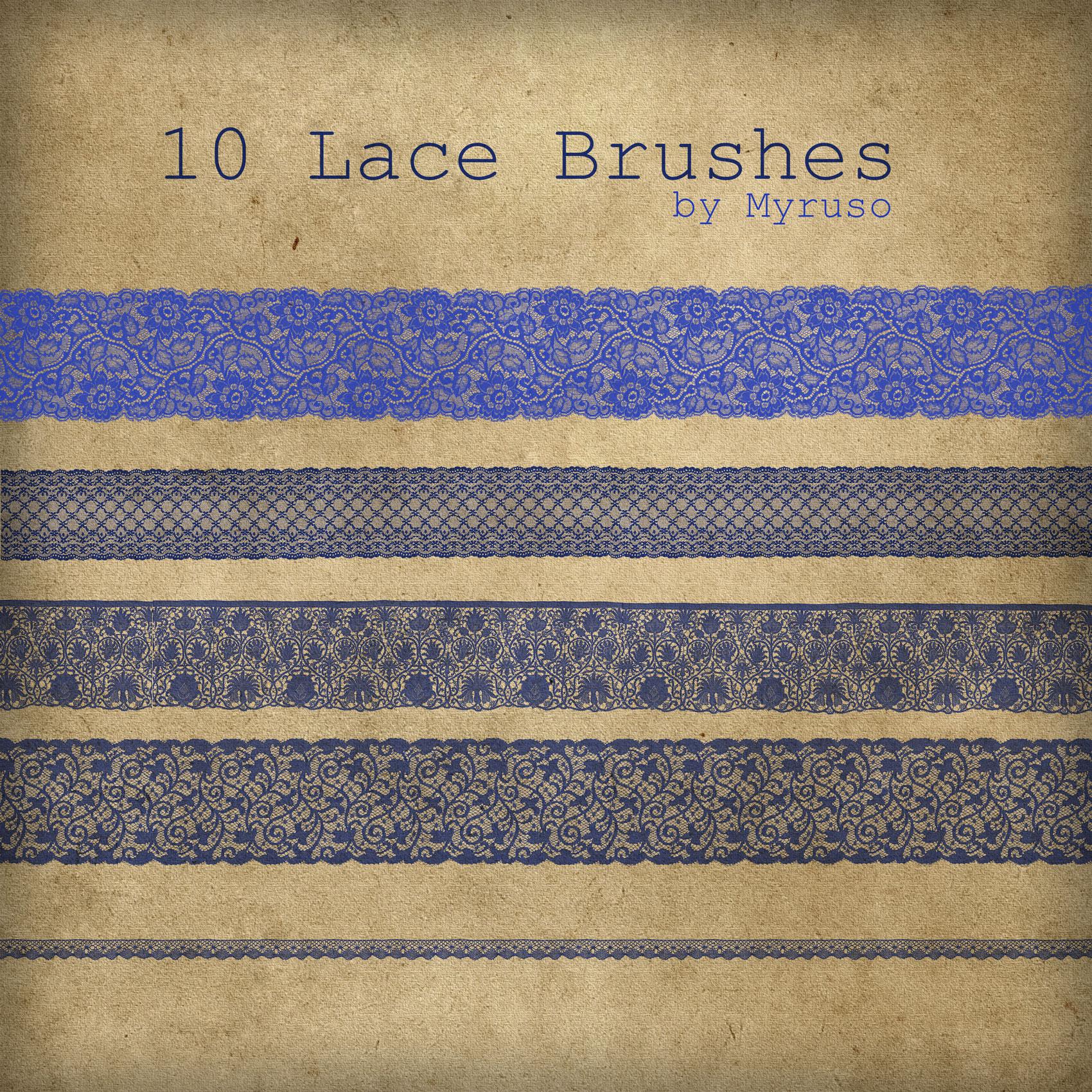
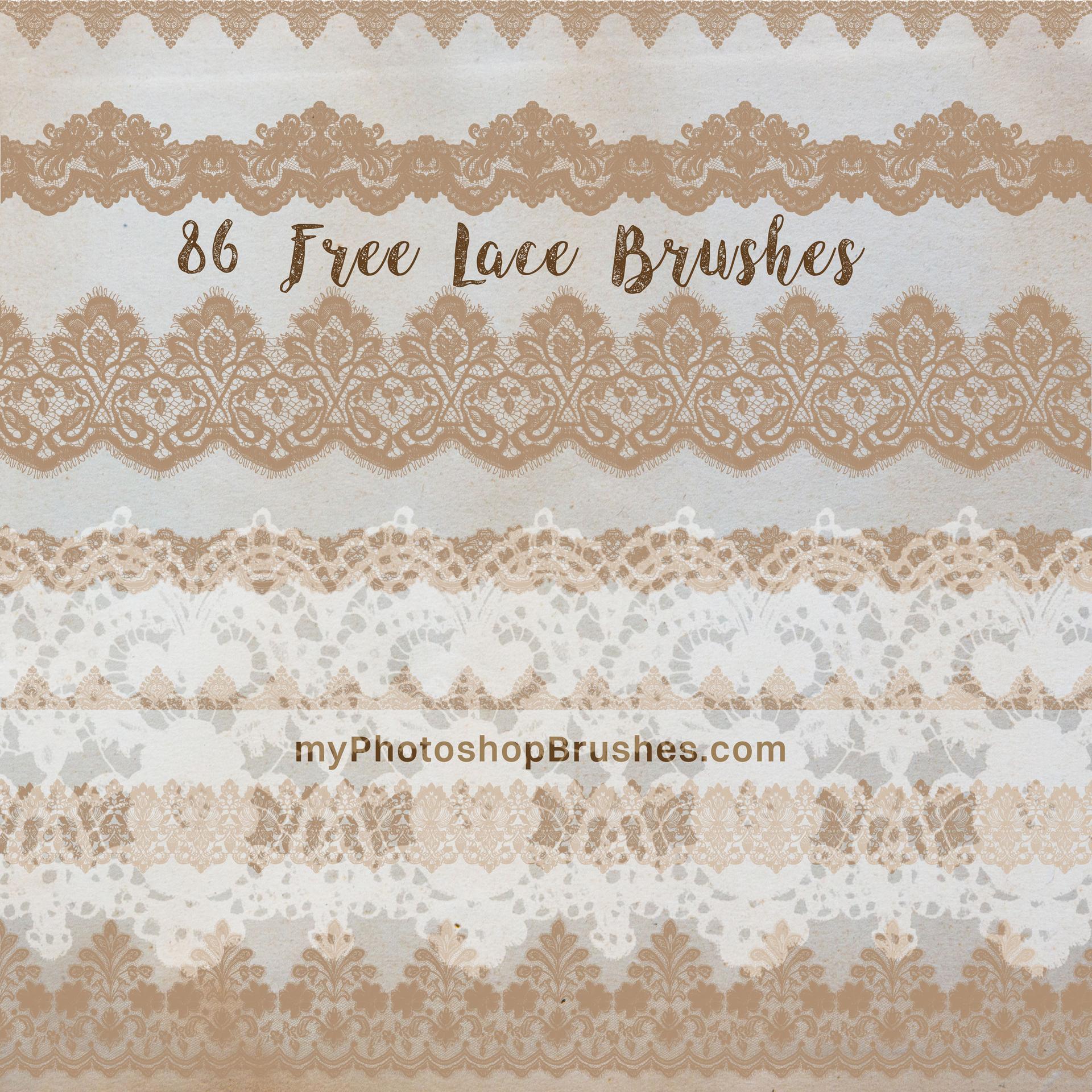
Lace is one of those textures that almost never survives being faked by hand in Photoshop: it's too fine, too repetitive, too quick to flatten into mush. This set sidesteps that entirely. Eighty-six lace edges, frames and motifs with the netting, the eyelash trim and the tiny floral knots all holding their detail at full size.
There are two kinds of brush in here, and the difference is worth knowing before you start:
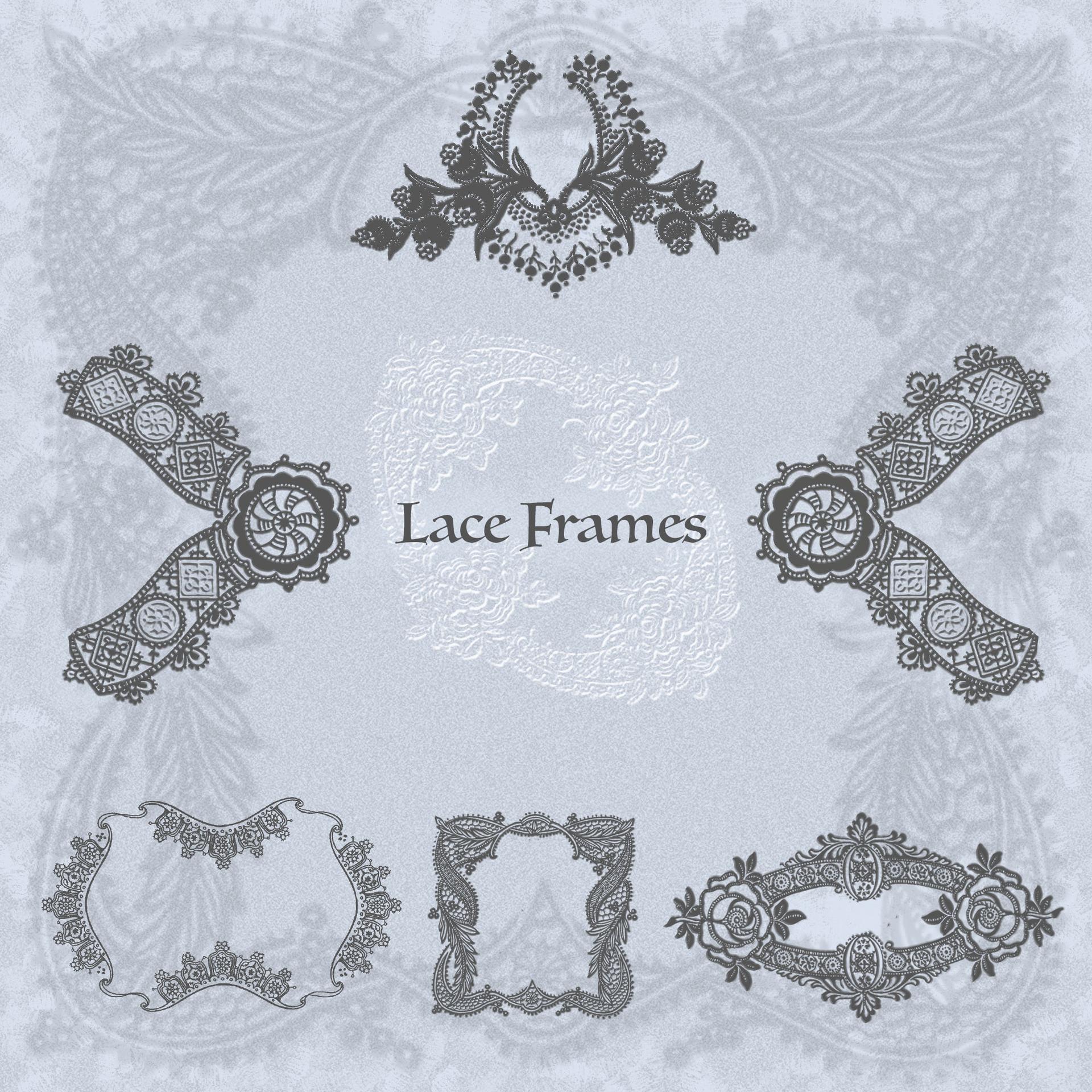
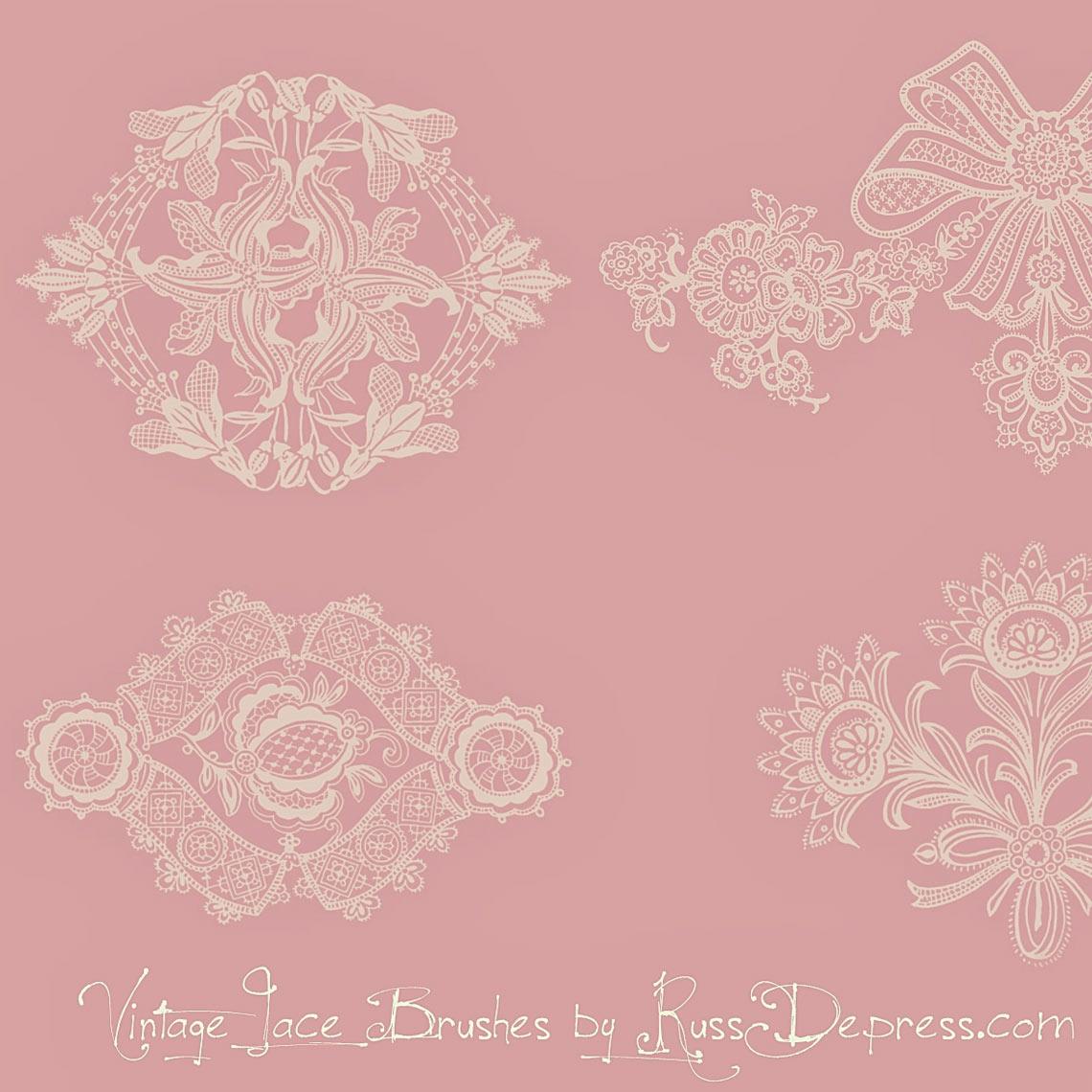
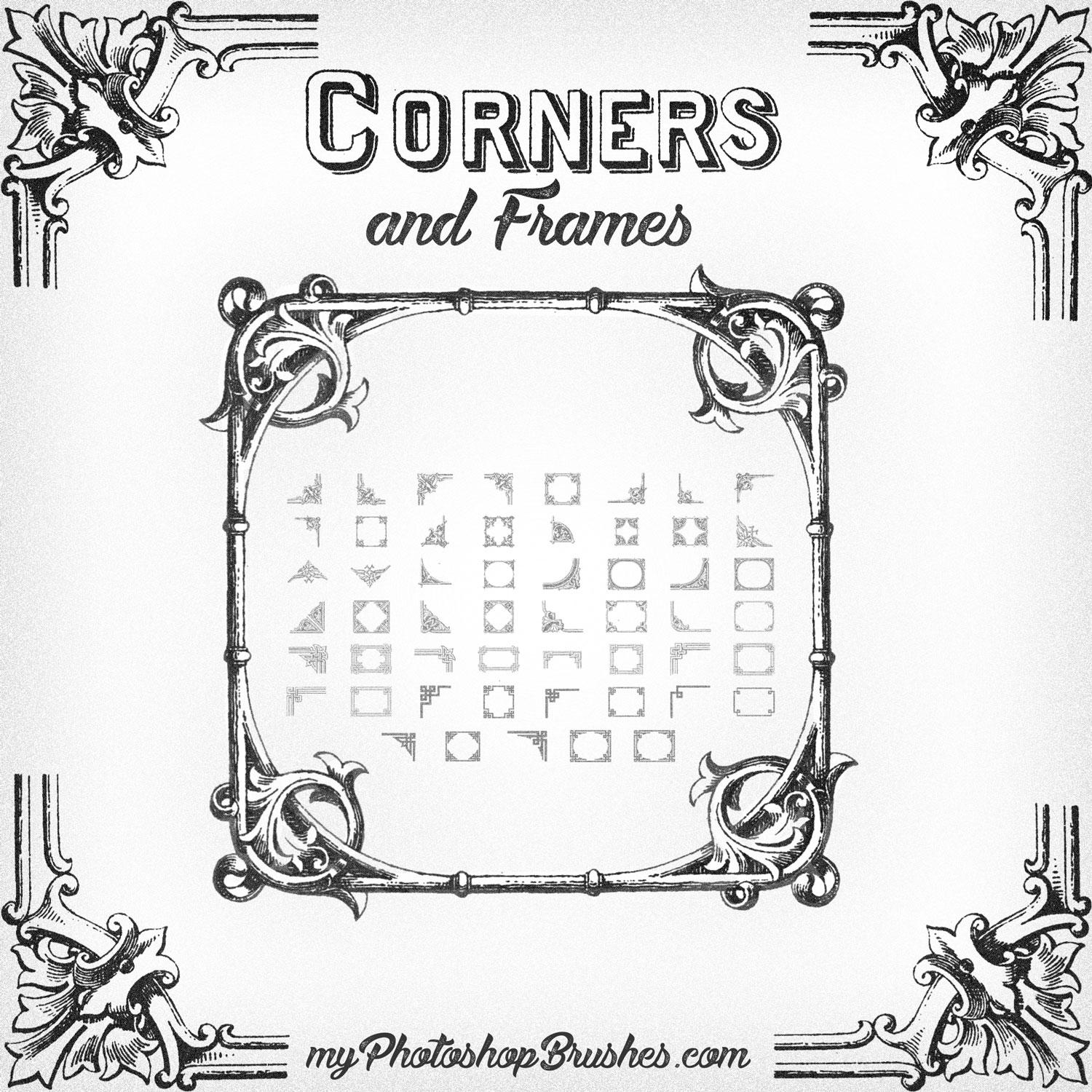
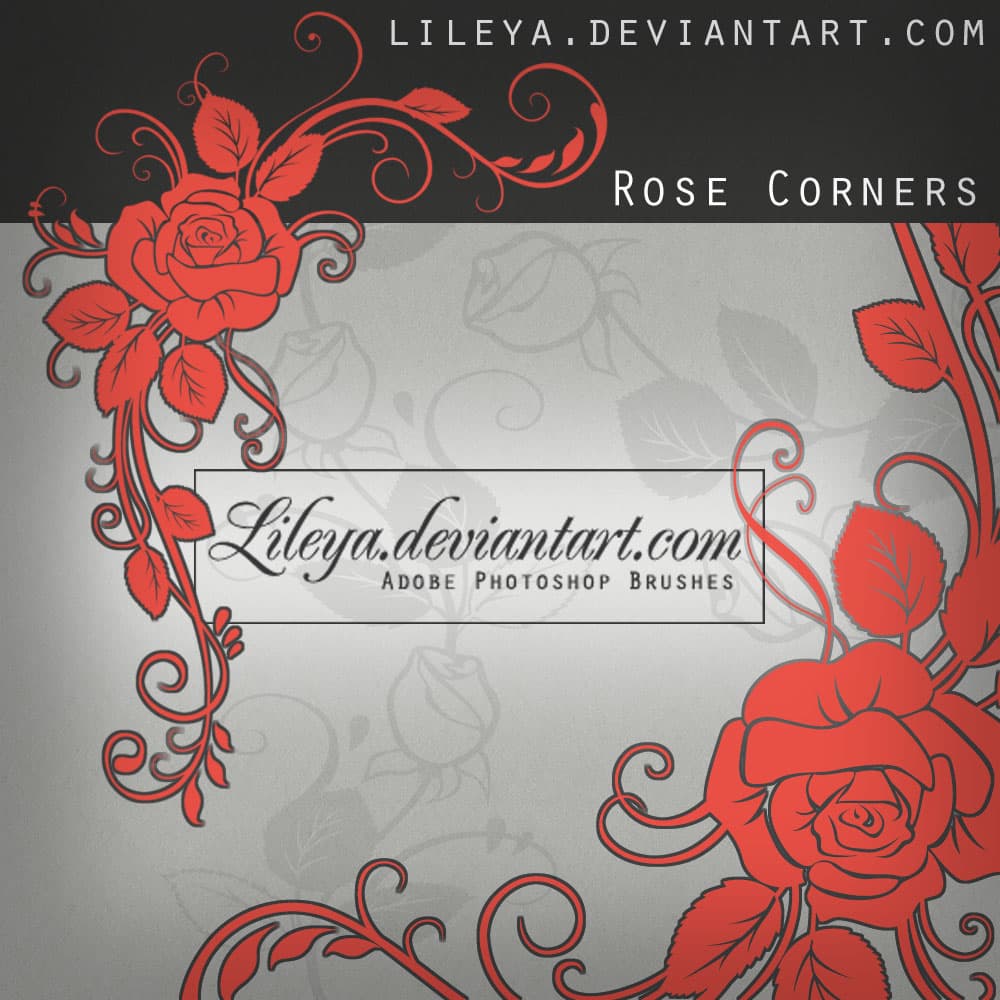
- Stamp brushes: single-press pieces. Corner motifs, square and rectangular lace frames, cherub hearts, ribbon bows, and the pennant-shaped tabs that hang to a point. Stamp once, scale to taste, done.
- Path-stroke brushes: the long, tileable border strips. Set one as your active brush, draw a path along any edge or curve, then stroke the path to run continuous lace that repeats cleanly without an obvious seam.
The mood is vintage and openly romantic: scalloped Chantilly-style edges, dense floral lace, delicate trims that taper down to a single thread. It carries most of the styling for wedding invitations and save-the-dates on its own, but it pulls its weight just as well on scrapbook and journal layouts, boudoir and lingerie branding, certificate and menu borders, and anything reaching for a shabby-chic or antique feel.
Free to download. Standard ABR file, high resolution, loads into any recent version of Photoshop the same way every brush set does: drag it in and the whole library is ready.
The aged paper backdrop in the previews comes from 10 Free Paper Textures, another free download here on the site.
What's Included