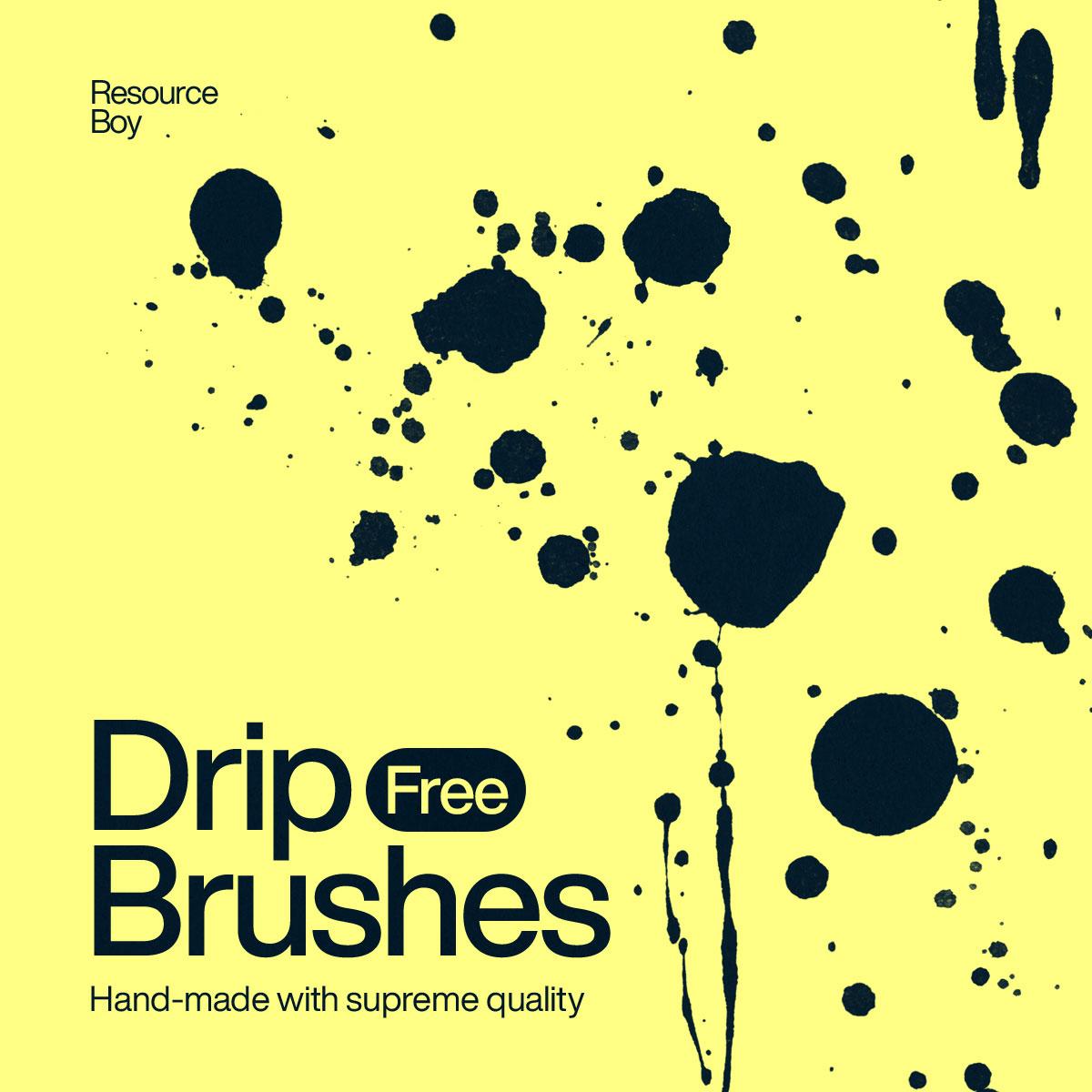
100+ Drip Photoshop Brushes
Resource Details
- Format
- ABR
- Size
- 18.8 MB
- Opens in
- Photoshop, GIMP
- Imports into
- Procreate, Affinity Photo, KritaShapes import. Dynamics may not.
- Brush type
- Stamp brushes
- Items in set
- 106
- Downloads
- 1.4k
- Added
- Jul 5, 2026
Description
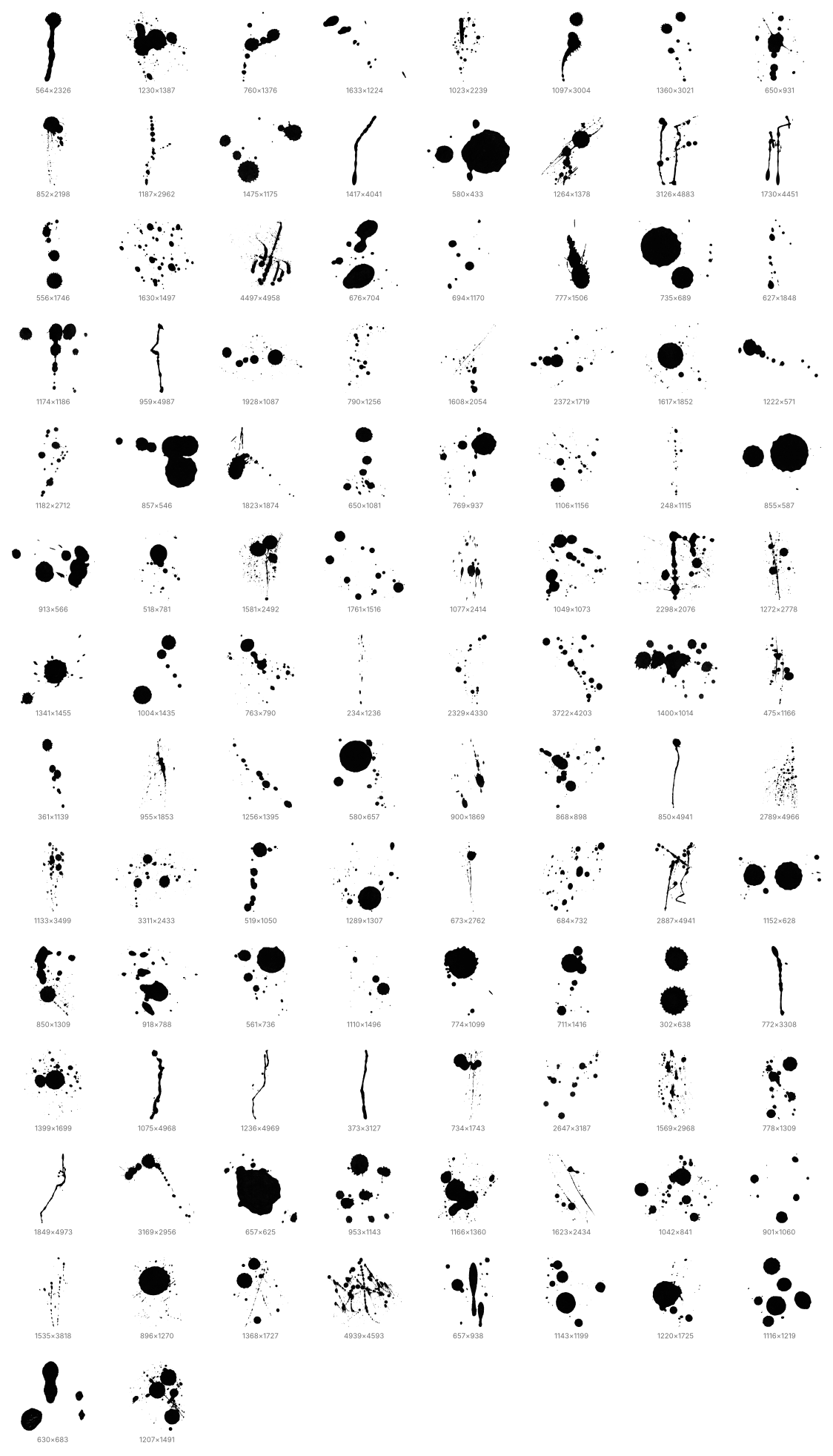
Create bold dripping effects, liquid trails, wet ink marks, and expressive paint details with this collection of 100+ drip brushes for Adobe Photoshop. These brushes are designed to add a handmade, realistic, and artistic look to your projects, making them perfect for grunge posters, horror graphics, street-style artwork, music covers, album designs, social media visuals, and experimental digital compositions. Each brush gives you a different dripping shape, helping you build natural liquid textures without creating them manually.
This pack is a practical tool for designers who want to add movement, messiness, and dramatic texture to their work in a fast and flexible way. Simply load the brushes into Photoshop, choose the drip style you need, and apply it to text, photos, backgrounds, logos, or graphic elements. Whether you want to create a melting paint effect, a dark ink composition, or a raw urban design, these 100+ Photoshop drip brushes give you an easy way to produce striking and professional results.
What's Included