24 Free Pastel & Chalk Brushes
Resource Details
- Format
- ABR
- Size
- 6.2 MB
- Opens in
- Photoshop, GIMP
- Imports into
- Procreate, Affinity Photo, KritaShapes import fine. The Photoshop dynamics do not.
- Brush type
- Mostly stamps, some use dynamics
- Items in set
- 24
- Downloads
- 1.5k
- Added
- Aug 30, 2026
Description
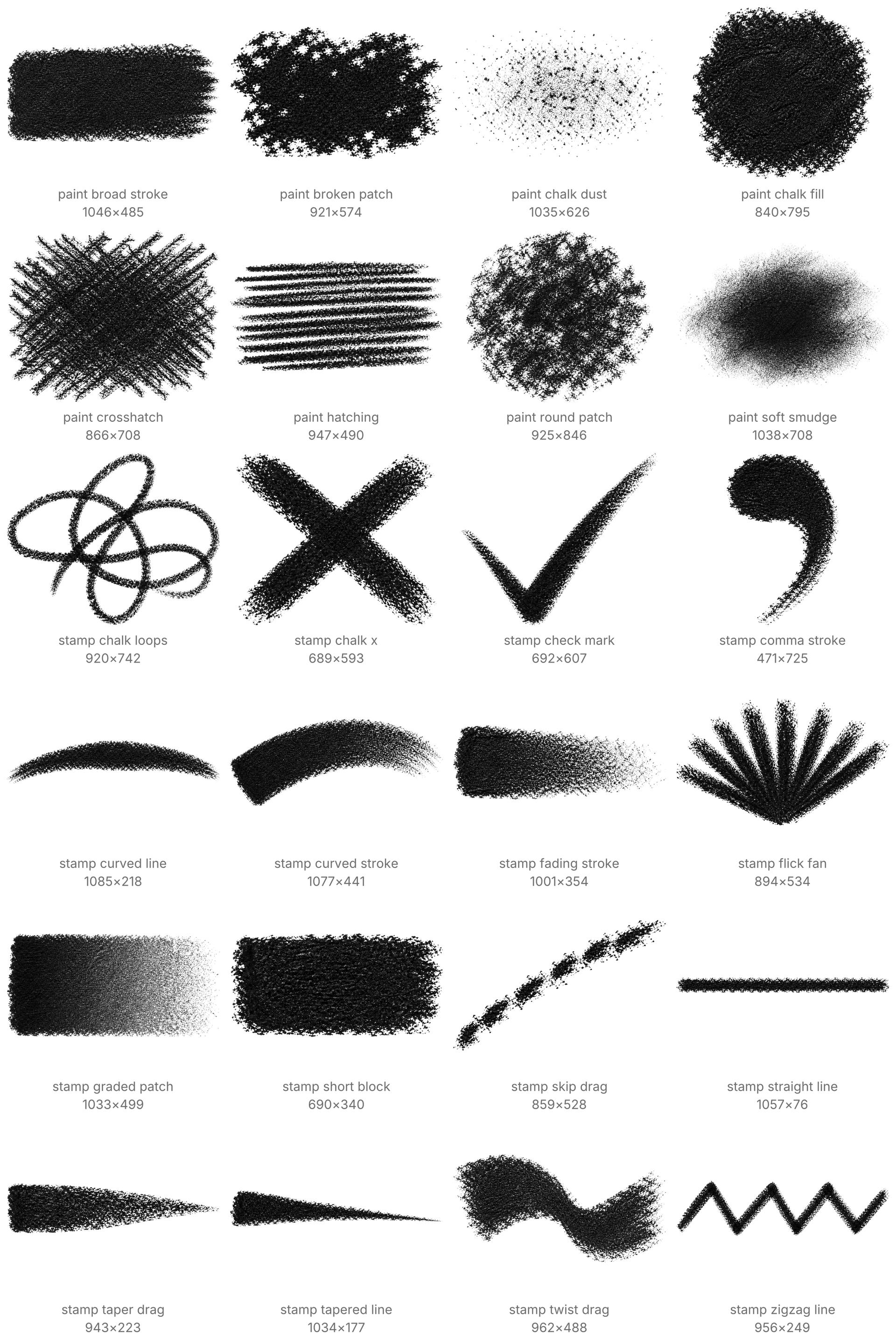
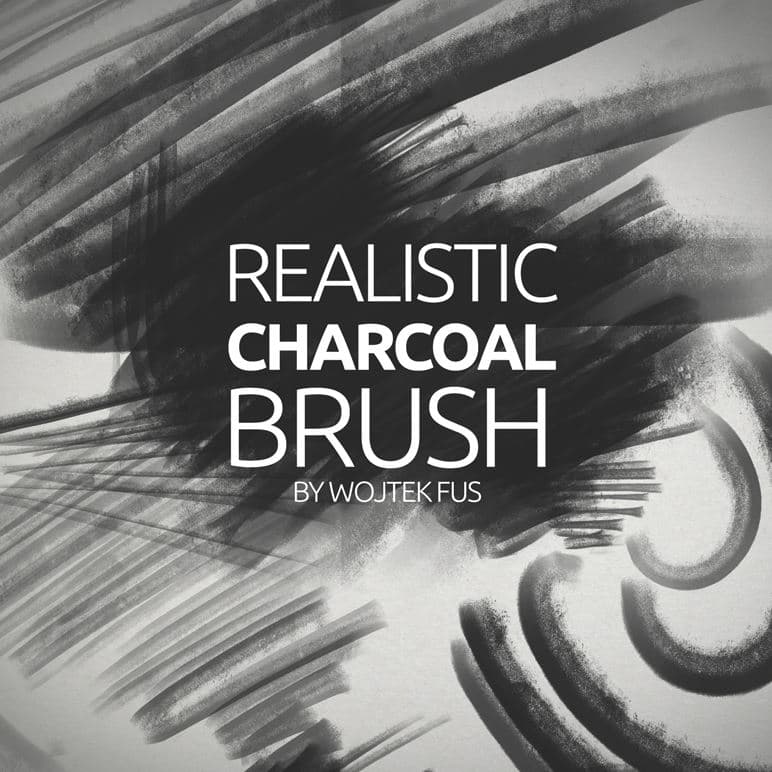
Chalk has no texture of its own. The grain in a chalk stroke is the tooth of the paper showing through, and these tips keep that tooth. A mark made with them looks drawn on paper even on a flat white canvas.
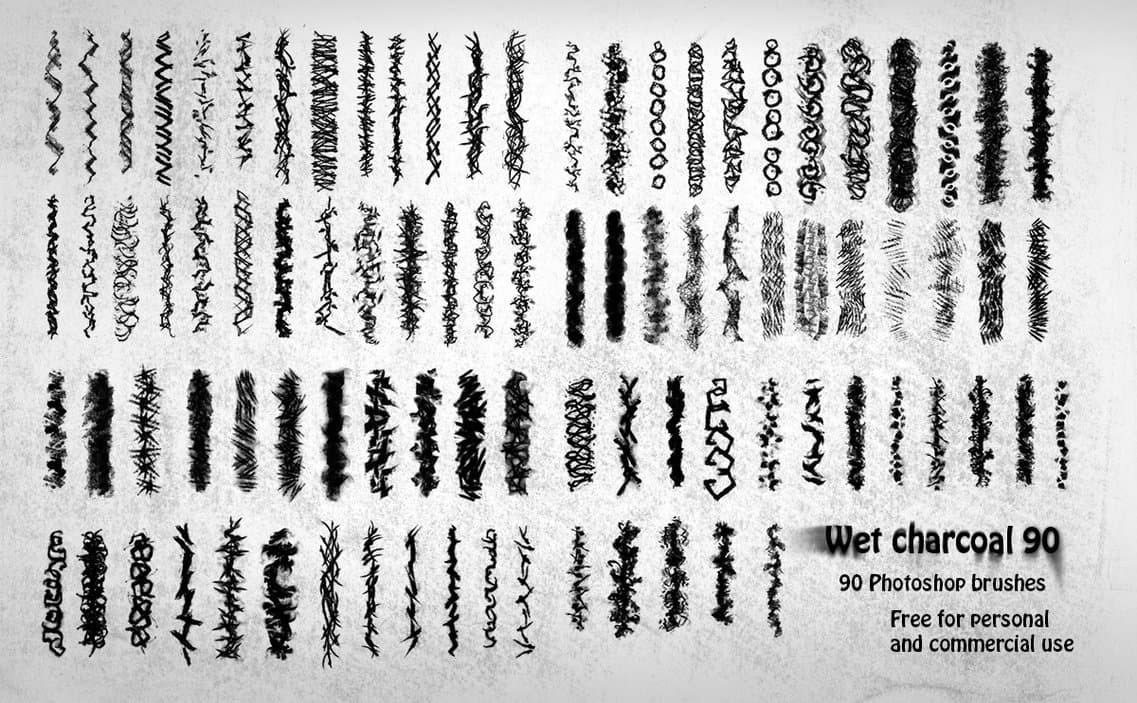
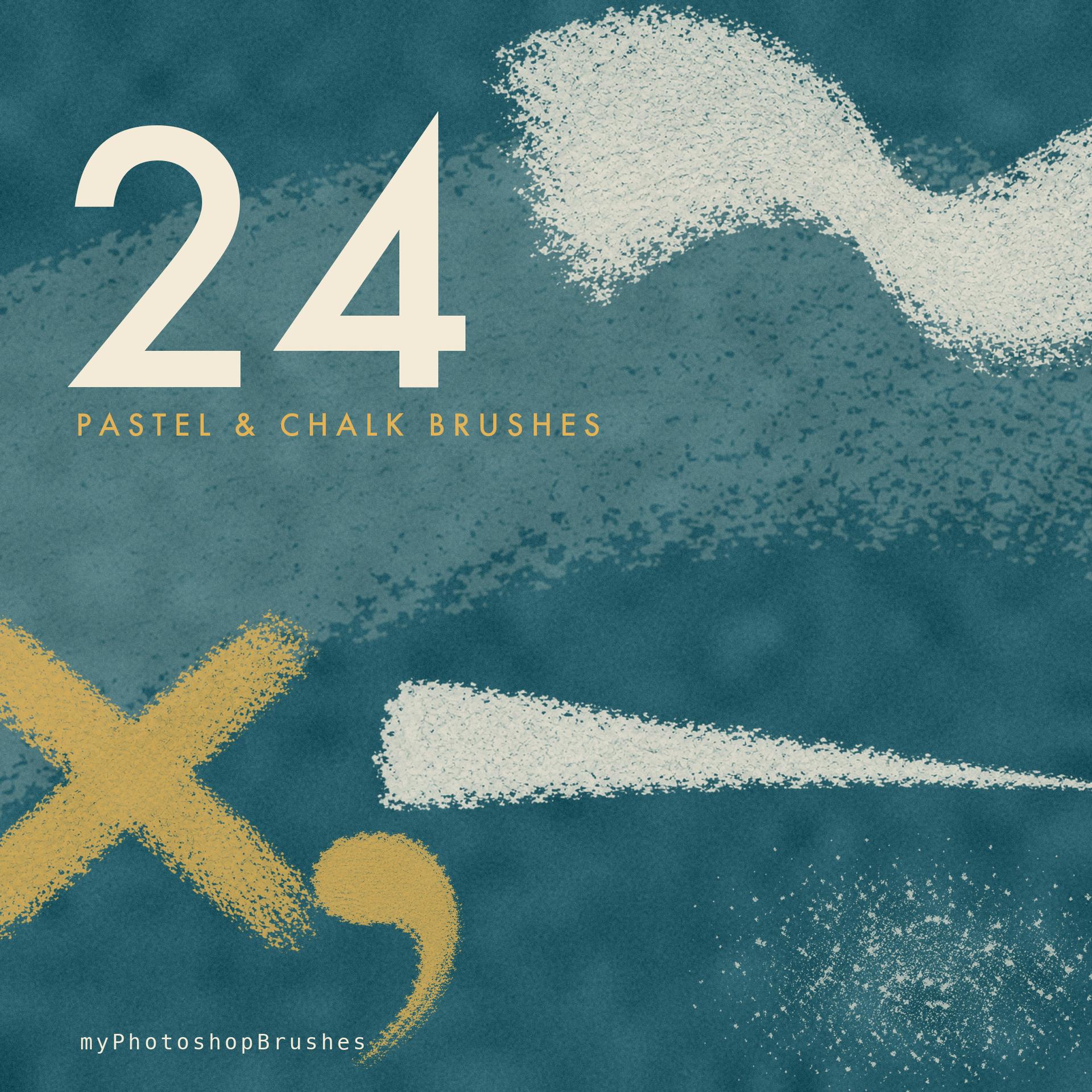
Twenty-four tips of black dry pastel and chalk. Ten are strokes you drag: a broad side stroke, a short block, a wide curved sweep, a wedge tapering to a spike, an S-shaped twist, a stroke that fades as the pressure drops, and drawn lines running straight, tapered, arced and zigzag. Fourteen are patches and glyphs you stamp: a scumbled round patch, a rubbed smudge, a graded patch running dark to light, an eroded patch full of bare-paper holes, a worked near-solid fill, a skipping drag broken into aligned fragments, a cloud of fine chalk dust, parallel hatching, a crosshatch, a tangle of loops, a comma flick, a fan of short flicks, a crossed X and a checkmark. The long side of every tip is between 689 and 1085 px.
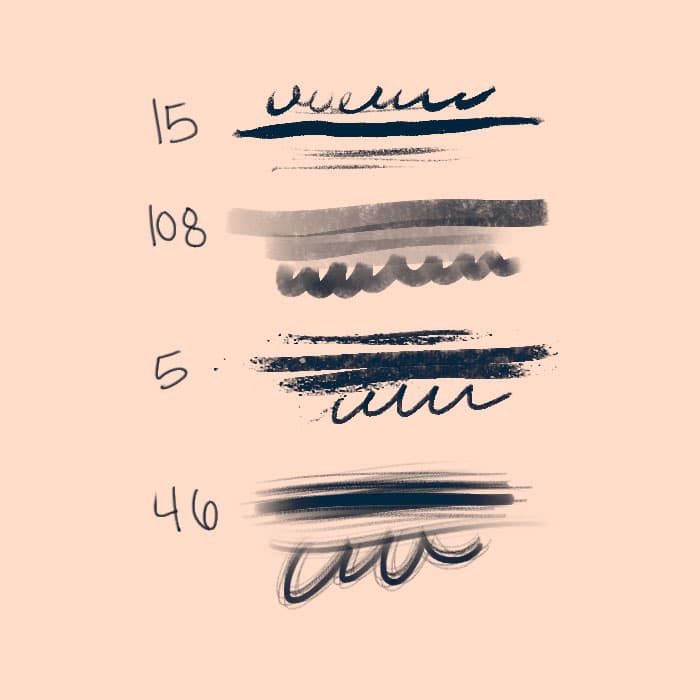
Each tip carries its own brush settings. The strokes are tuned for continuous marks, with tight spacing and pressure driving size. The patches and glyphs are tuned to stamp, so hatching stays hatching instead of smearing into a band.
The grain is coarse everywhere. Two tips are not what their names suggest. The smudge is charcoal-gray, not black, and the dust is a crisp speckle, not soft powder. Nothing in the set is wet. No washes, blots or ink edges. For soft blended shading, run a smudge tool over the marks afterwards.
What's Included