16 Free Graphite & Pencil Photoshop Brushes
Resource Details
- Author
- myPhotoshopBrushes
- Format
- ABR
- Size
- 12.7 MB
- Opens in
- Photoshop, GIMP
- Imports into
- Procreate, Affinity Photo, KritaShapes import fine. The Photoshop dynamics do not.
- Brush type
- Dynamic brushes
- Items in set
- 16
- Downloads
- 434
- Added
- Oct 13, 2026
Description
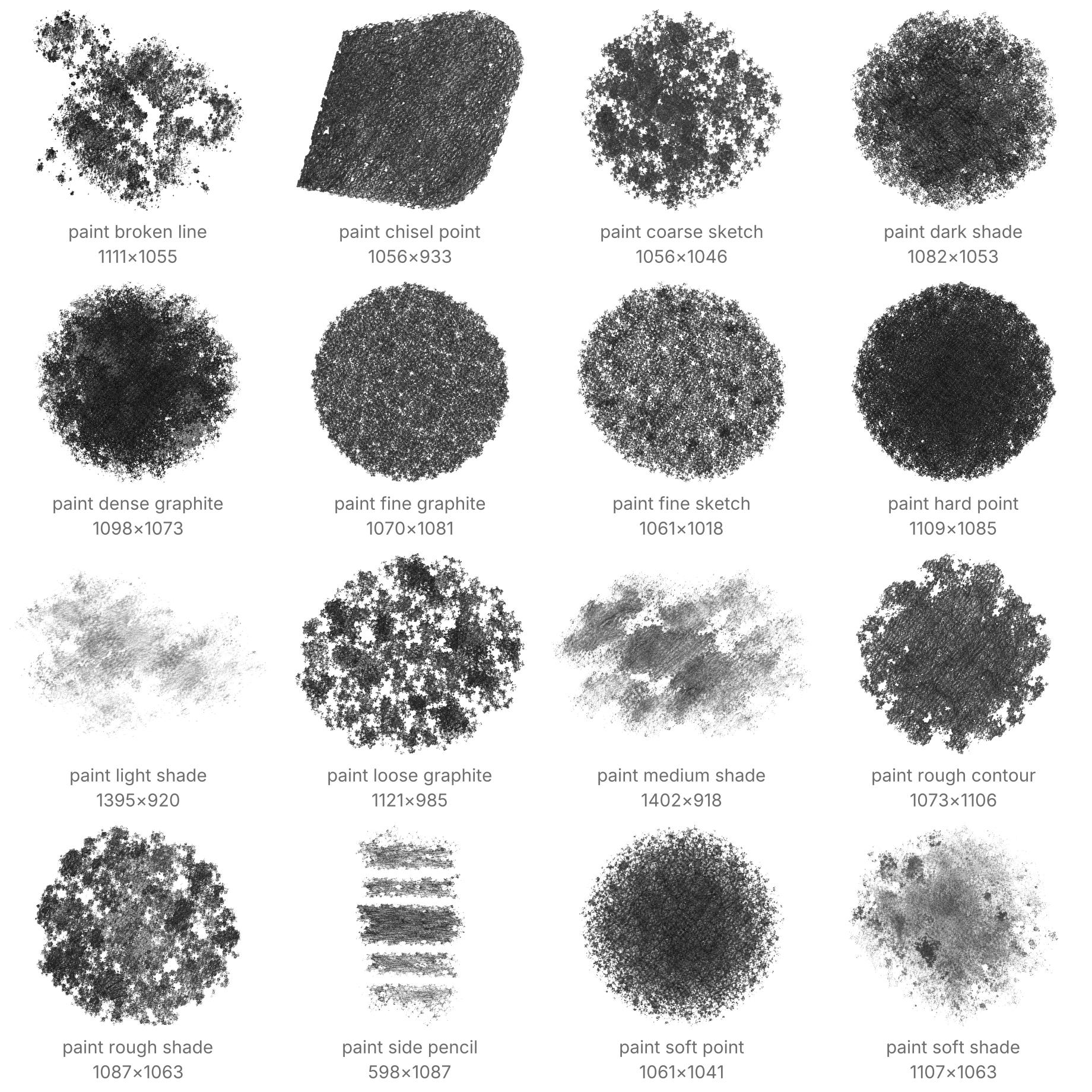
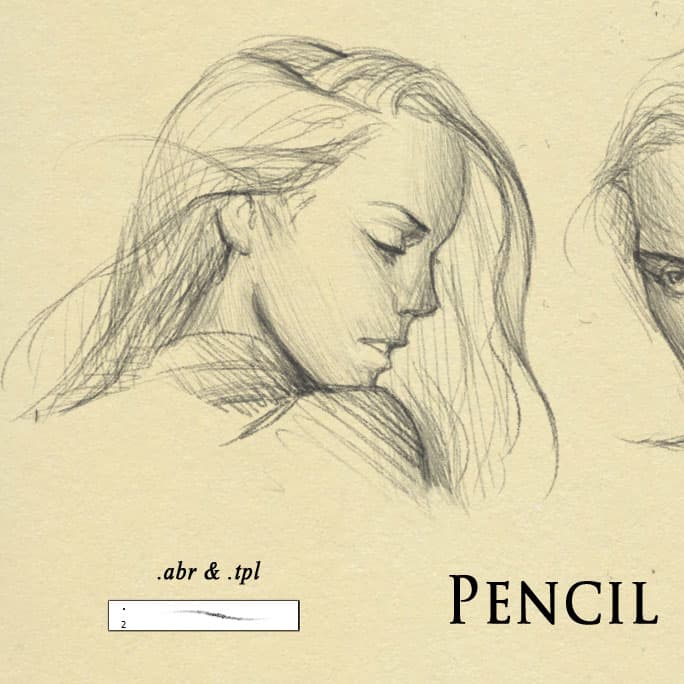
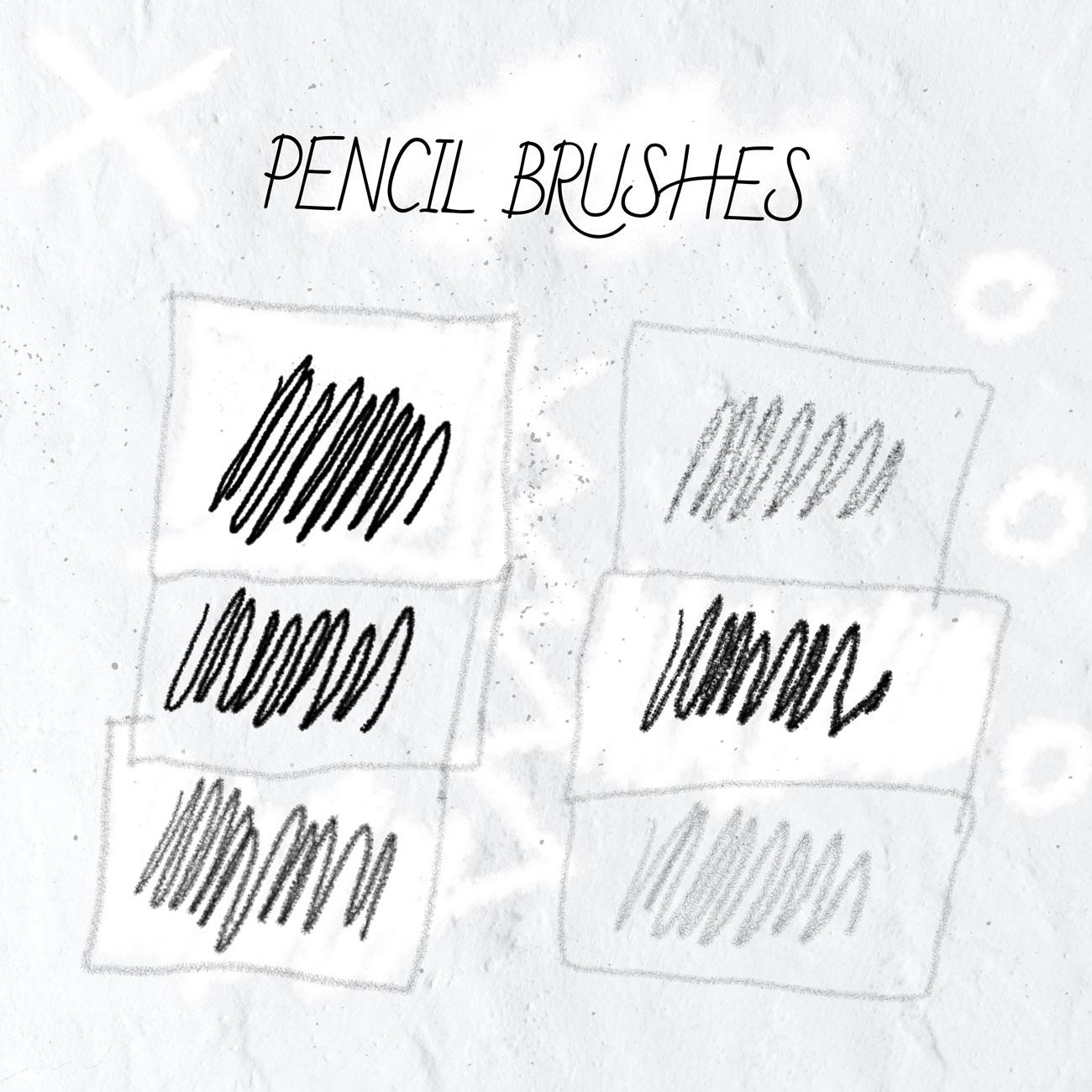
Graphite marks need room for both clear edges and uneven deposits. This set lets you draw a precise contour, loosen it into a sketch and develop the same drawing with light or dark pencil shading.
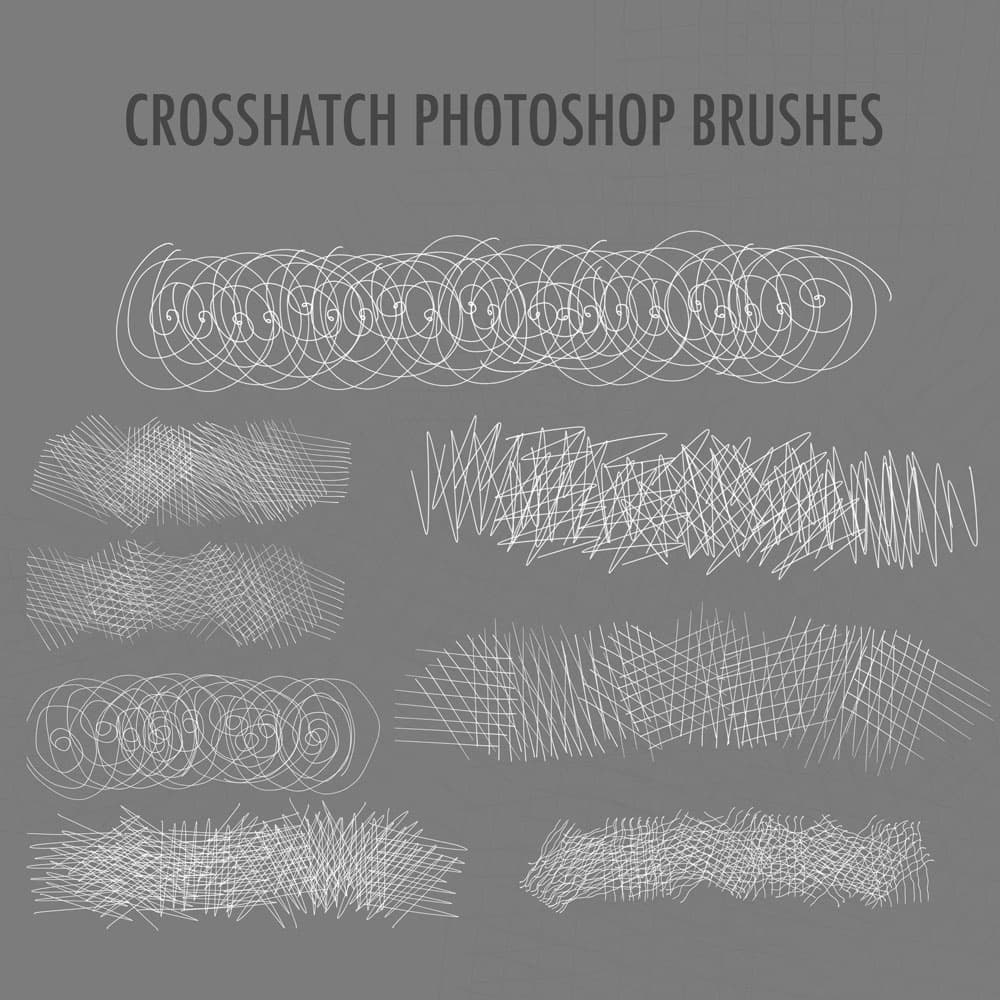
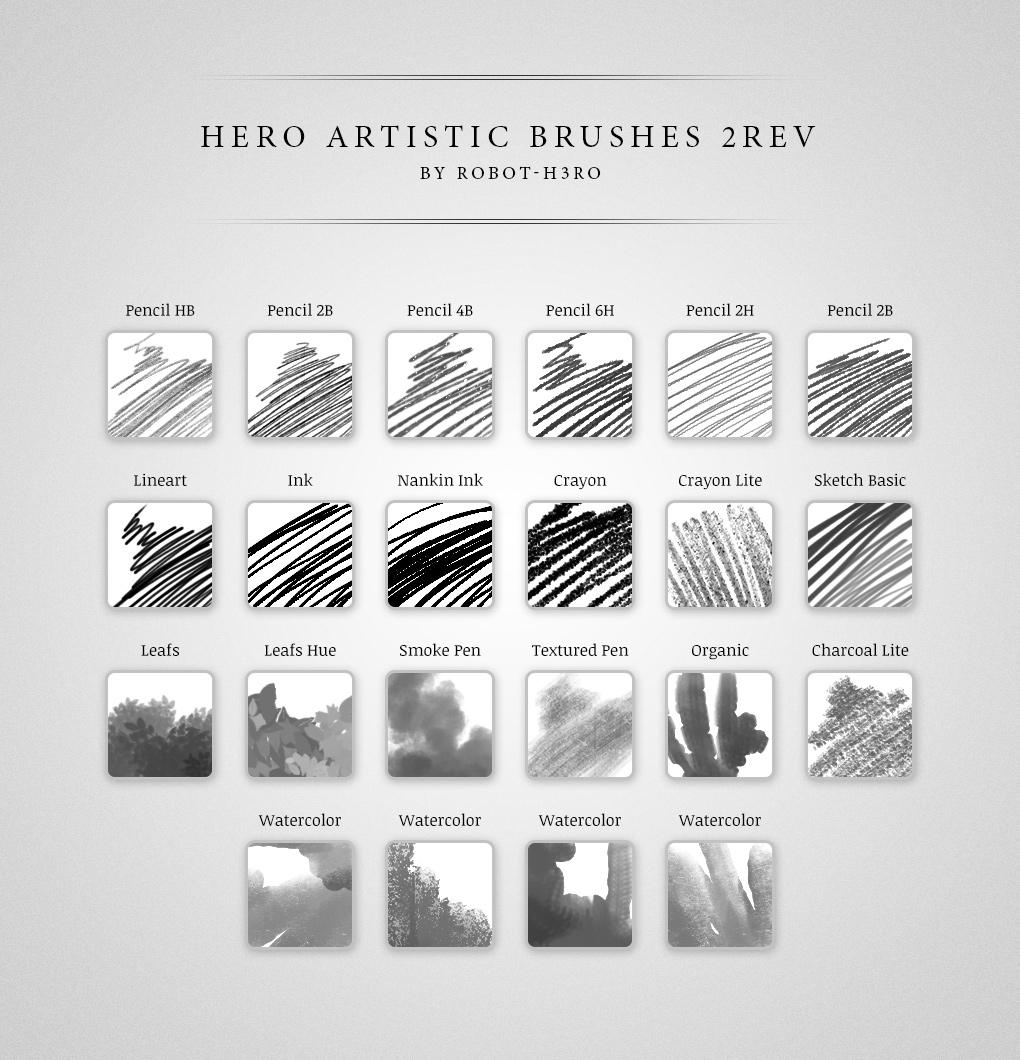
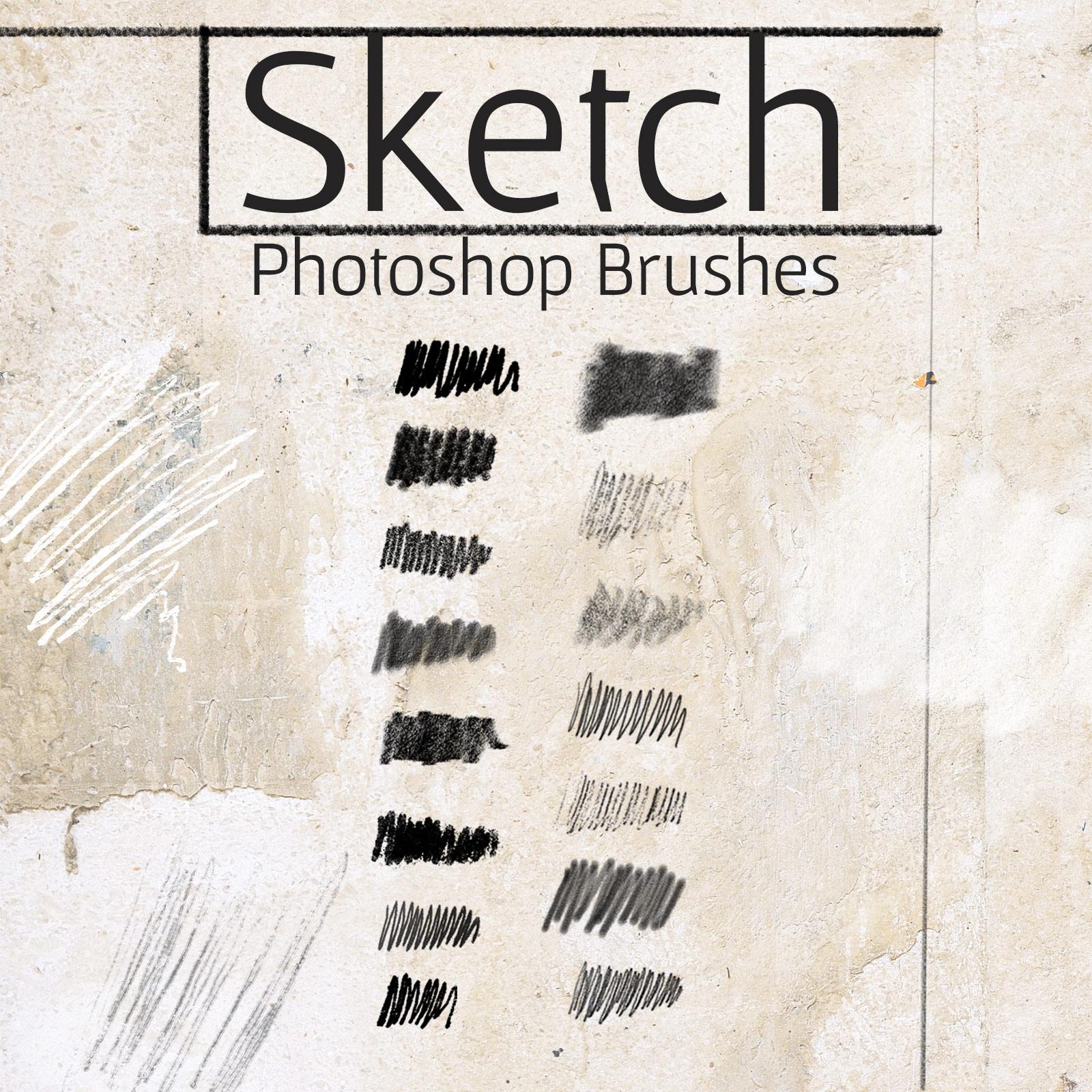
There are 16 named drawing presets: six for contours, four for sketching and six for shading. Compact points suit small details, while broader contacts leave porous tone or the parallel tracks of a pencil held on its side. Paper tooth is embedded in the brushes, so the grain works on an ordinary layer without importing a background.
Select a brush size for your canvas before drawing. On a 1400 x 1000 px canvas, 8–24 px is a useful range for lines and 80–150 px for shading. Make several light passes to deepen a shadow. Pressure-sensitive presets vary size or opacity when used with a compatible stylus. Fine grain becomes less distinct as the brush gets smaller.
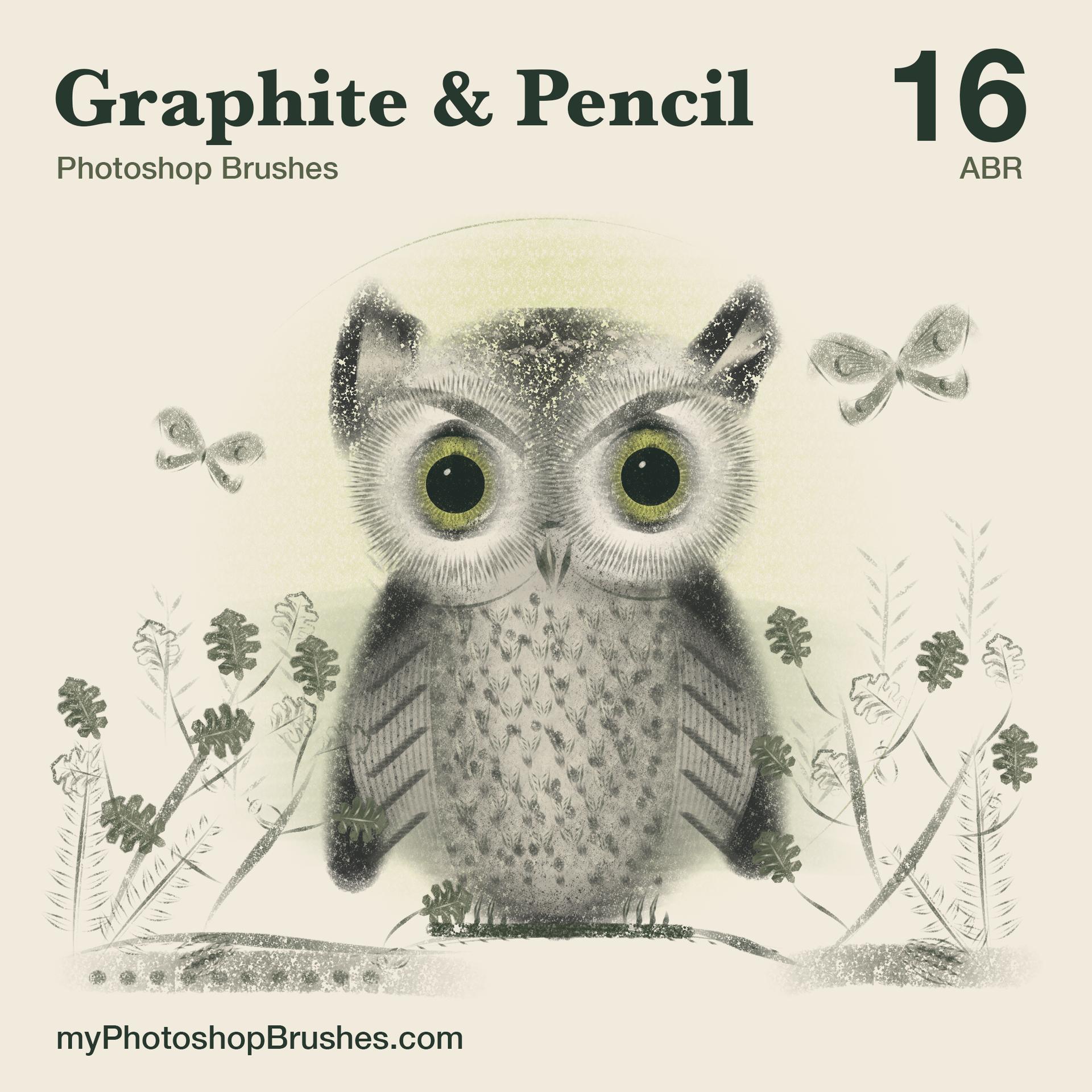
All sixteen presets share a single .abr file. A license document accompanies it in the ZIP. In Photoshop, open the Brushes panel and choose Import Brushes to load the file. Separate paper backgrounds, erasers, blending tools and the preview artwork are not part of the download. Personal artwork and commercial projects are covered by the enclosed license without an attribution requirement.
What's Included