12 Free Distressed Halftone Photoshop Brushes
Resource Details
- Author
- myPhotoshopBrushes
- Format
- ABR
- Size
- 29.6 MB
- Opens in
- Photoshop, GIMP
- Imports into
- Procreate, Affinity Photo, KritaShapes import. Dynamics may not.
- Brush type
- Stamp brushes
- Items in set
- 12
- Downloads
- 11
- Added
- Oct 19, 2026
Description
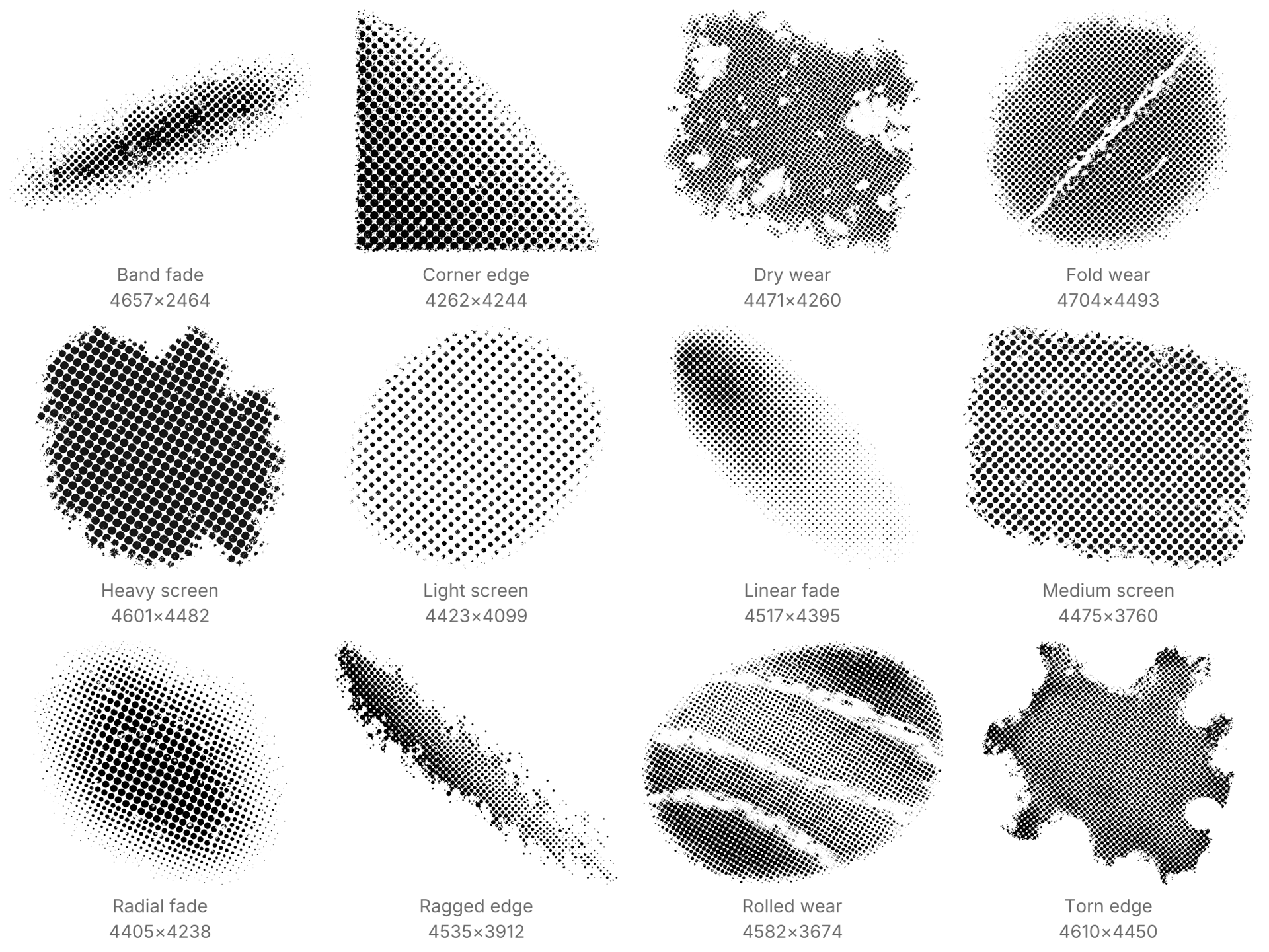
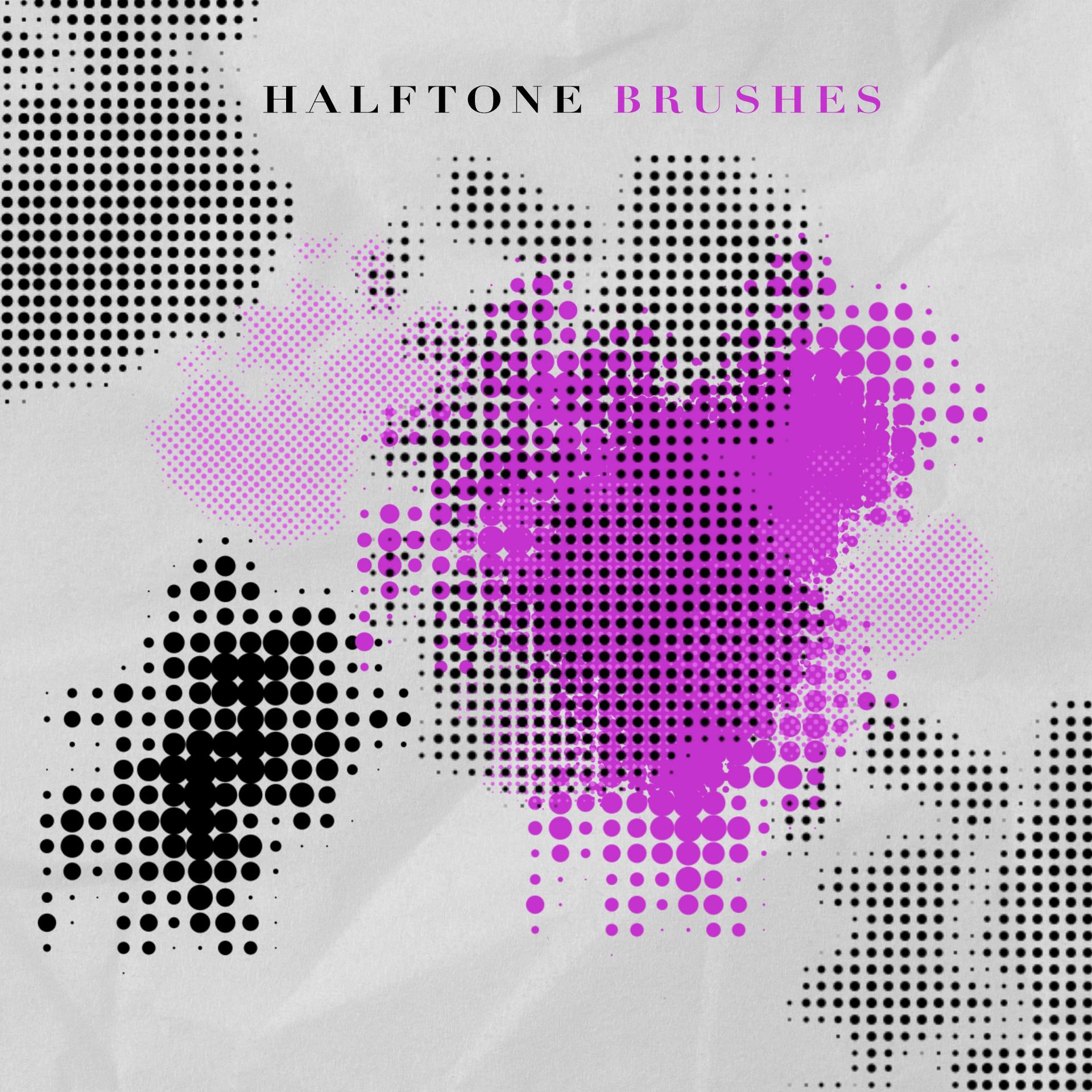
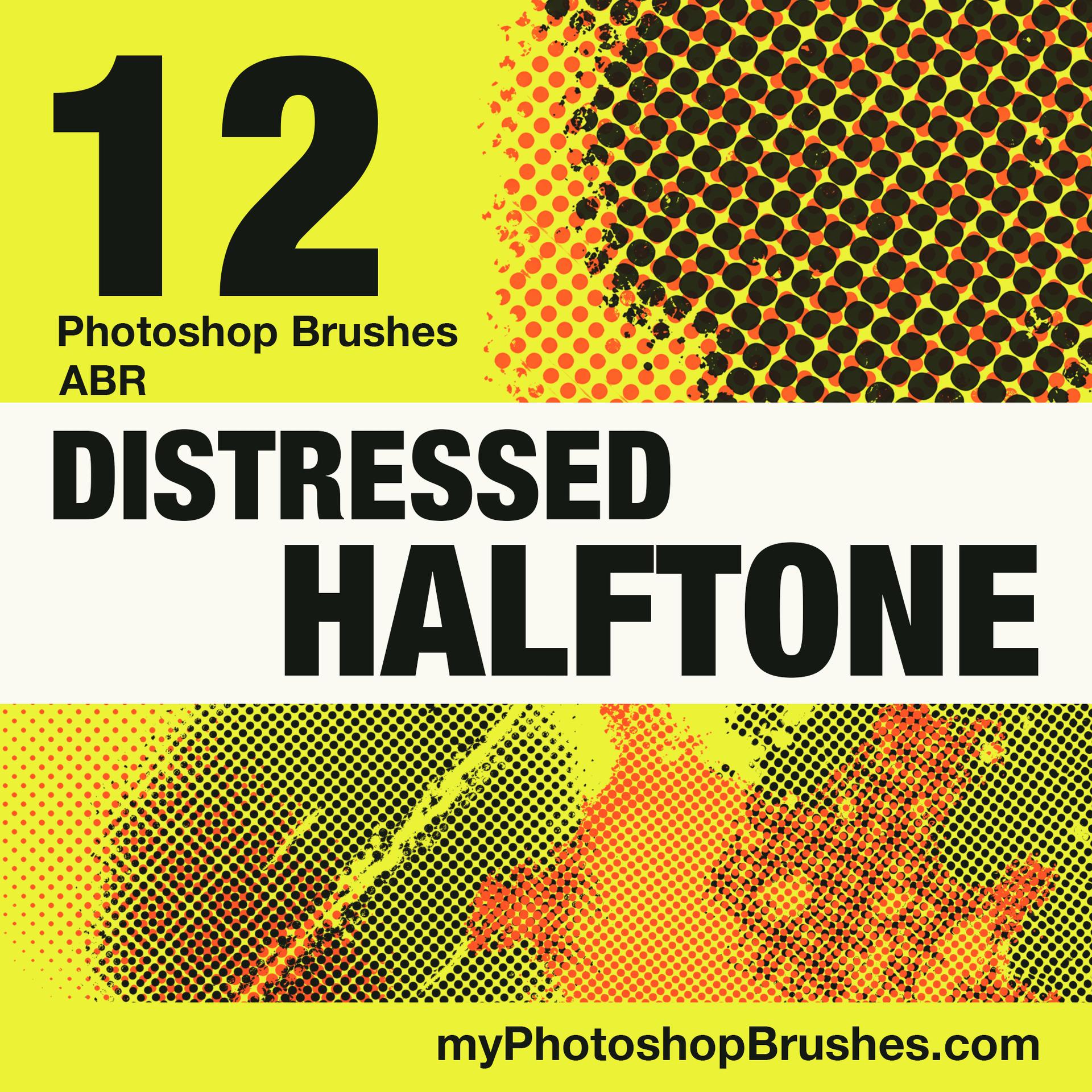
A dot screen gives a flat shape a printed tone while leaving space for the image beneath. These halftone stamps add that texture in one impression, from open light screens to dense ink fields with worn gaps.
Twelve named presets include three screen densities, three fades, three wear patterns and three irregular edges. Tone changes through the size and spacing of visible dots. Rubbed islands, broken bands and a narrow crease interrupt the screen with uneven white openings.
Choose the foreground ink color, then click on a new layer to place a patch. Its position and angle remain fixed until you change them. An impression in a layer mask can reveal the underlying image through the same dotted pattern. The presets use fixed size and opacity, without automatic scatter or pressure response.
The raster tips have a longest side of 4262–4704 px, equivalent to roughly 36–40 cm at 300 ppi. Inspect the intended print size before export, as reduction can close fine gaps between dots. These patches do not turn a photograph into a halftone image or tile as seamless patterns.
The ABR installs through Import Brushes in Photoshop. License.txt accompanies the ZIP and permits personal projects and commercial artwork. No credit is required.
What's Included