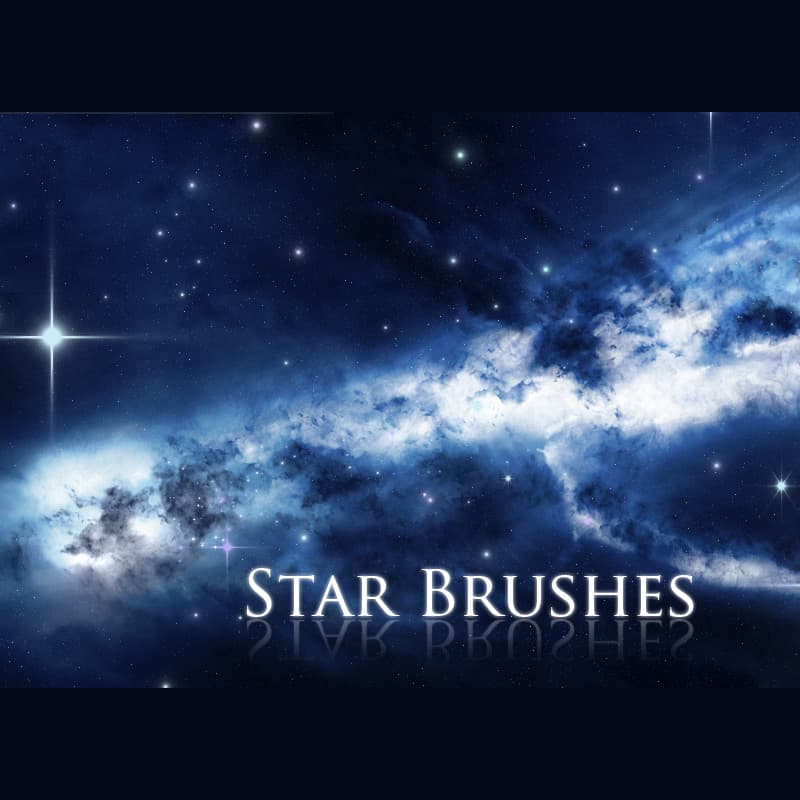
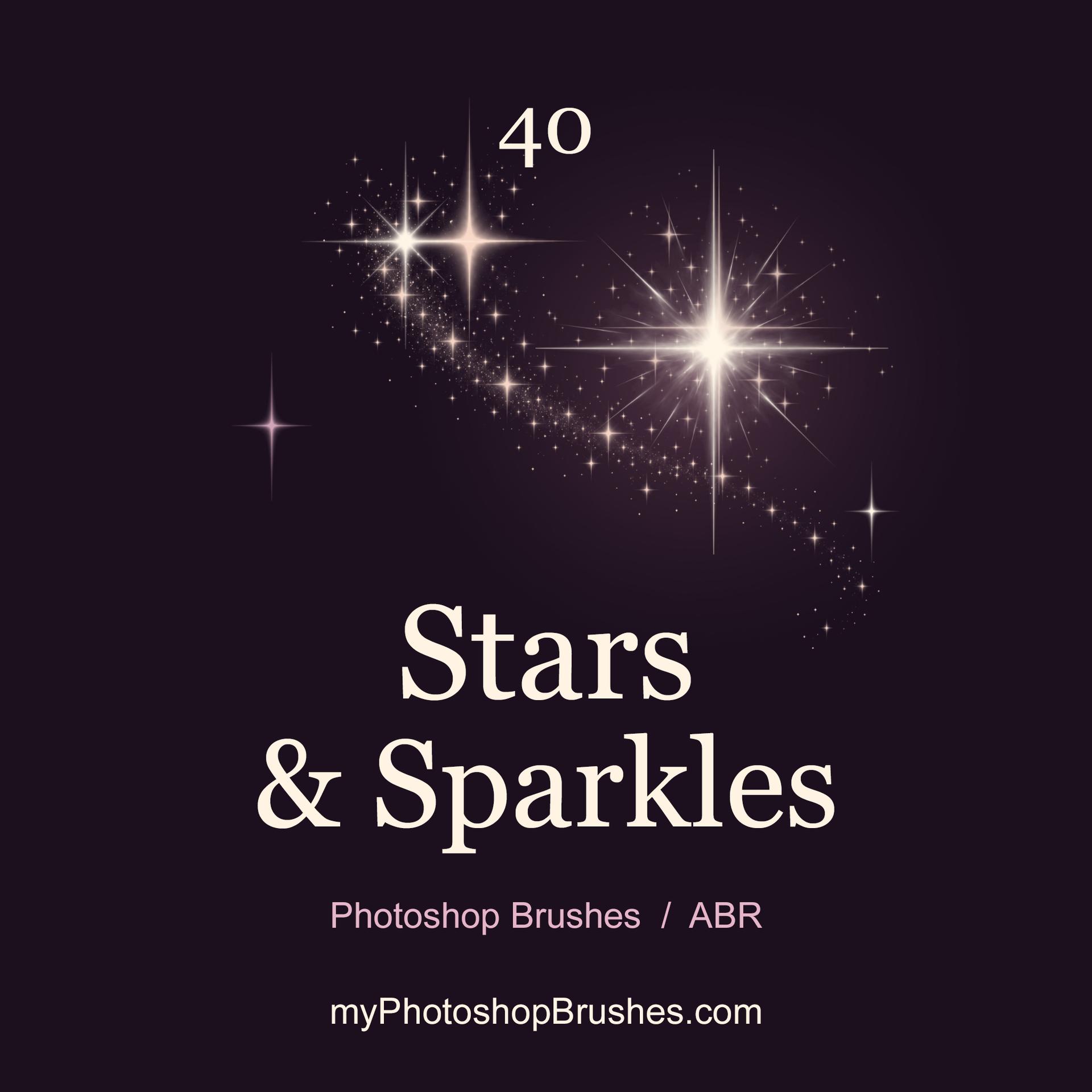
40 Free Stars & Sparkles Photoshop Brushes
Resource Details
- Author
- myPhotoshopBrushes
- Format
- ABR
- Size
- 5.4 MB
- Opens in
- Photoshop, GIMP
- Imports into
- Procreate, Affinity Photo, KritaShapes import. Dynamics may not.
- Brush type
- Stamp brushes
- Items in set
- 40
- Downloads
- 10
- Added
- Oct 25, 2026
Description
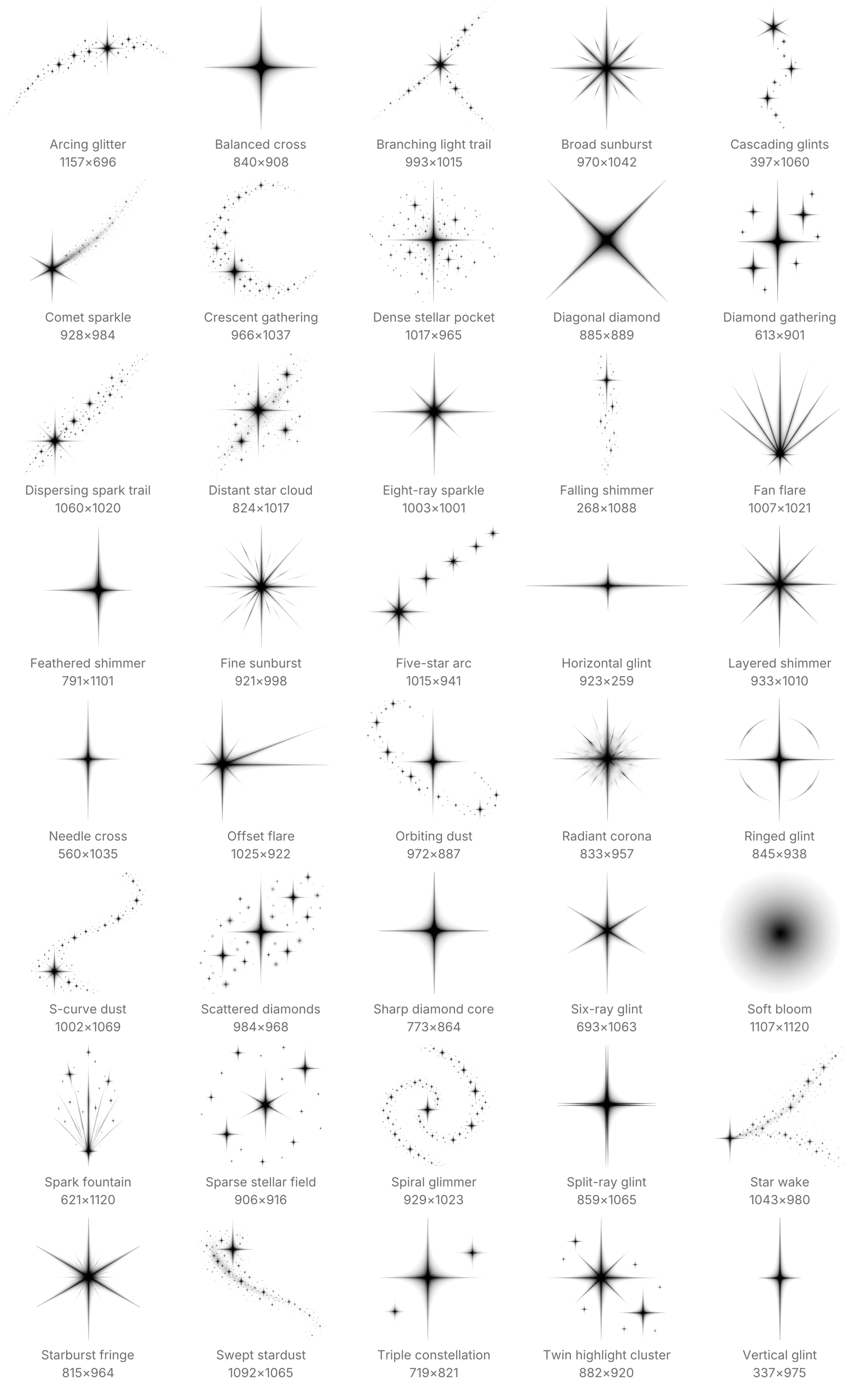
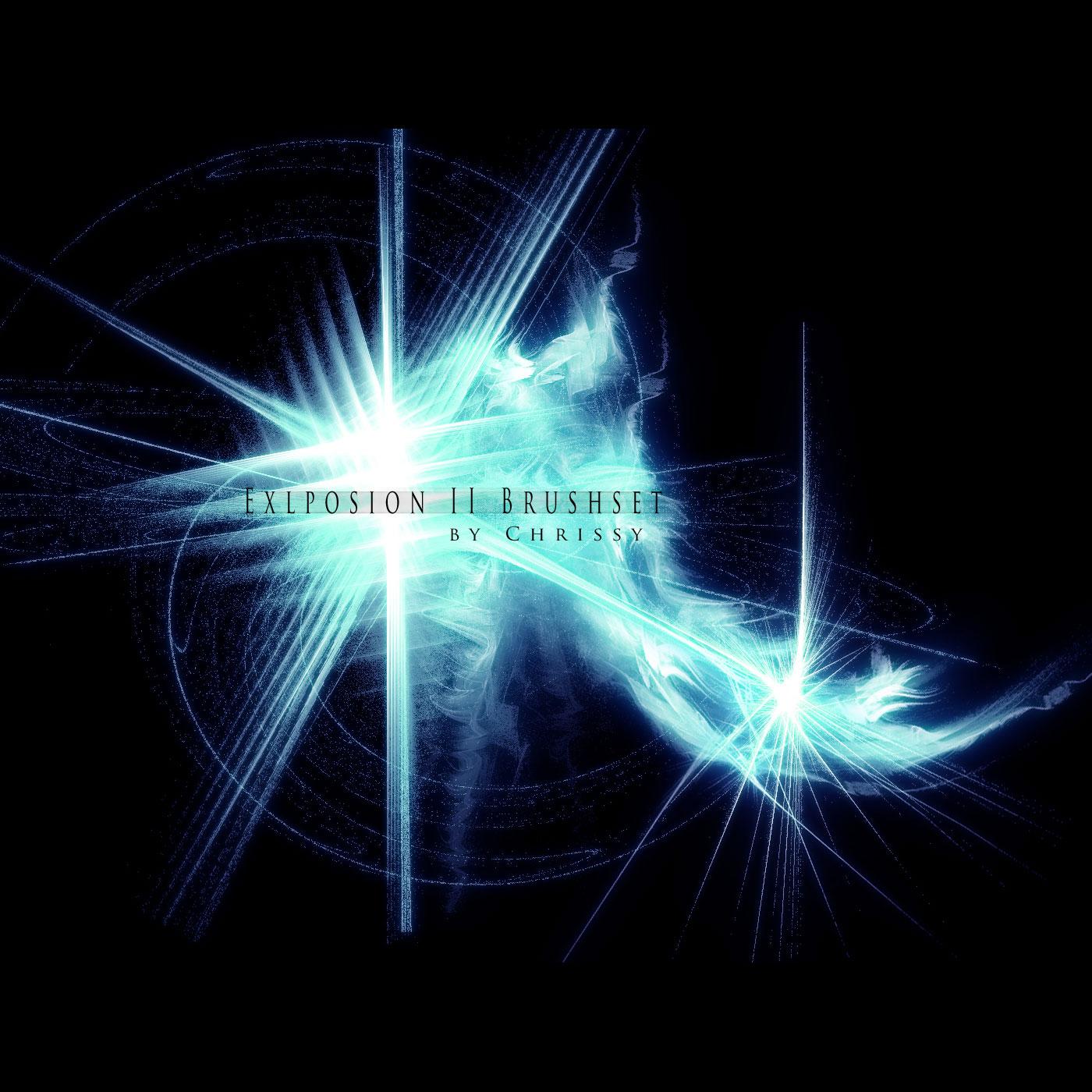
On a dark image, these soft-edged stamps give small highlights a bright center and fading rays. They work around luminous lettering, on reflective details in a product composite or as floating accents in a fantasy illustration. The foreground color determines whether an impression reads as white light, a colored glint or a dark mark.
The forty presets combine twelve individual highlights, eight radiant bursts, ten star clusters and ten stardust trails. Single glints offer precise points of light, while irregular clusters and tapered particle streams provide larger arrangements with open space between the marks. Gray transitions soften the coverage without a rectangular background.
For a bright accent, sample a light color from the artwork and stamp beside a reflective edge on a separate layer. Keep the largest glint near the focal point and use smaller impressions sparingly around it. A trail preset places its complete particle shape with one click. Size, angle and opacity stay under your control, with no automatic scattering or pressure response.
Tip dimensions range from 821 to 1157 px on the longer side. Reduction makes fine rays and isolated particles less distinct. These brushes supply grayscale coverage, so any extra glow, blending effect or color treatment belongs to your Photoshop document.
After unzipping, load the ABR through the Brushes panel's Import Brushes command. It contains all forty named presets. The accompanying License.txt permits private and commercial artwork without required credit. No photographic backgrounds, colored overlays or layer effects accompany the presets. Recreate lighting treatments in your own document, using your artwork and preferred layer settings.
What's Included