18 Free Frost & Ice Photoshop Brushes
Resource Details
- Author
- myPhotoshopBrushes
- Format
- ABR
- Size
- 6.4 MB
- Opens in
- Photoshop
- Imports into
- Procreate, Affinity, GIMPShapes import fine. The Photoshop dynamics do not.
- Brush type
- Mostly stamps, some use dynamics
- Items in set
- 18
- Downloads
- 4
- Added
- Nov 26, 2026
Description
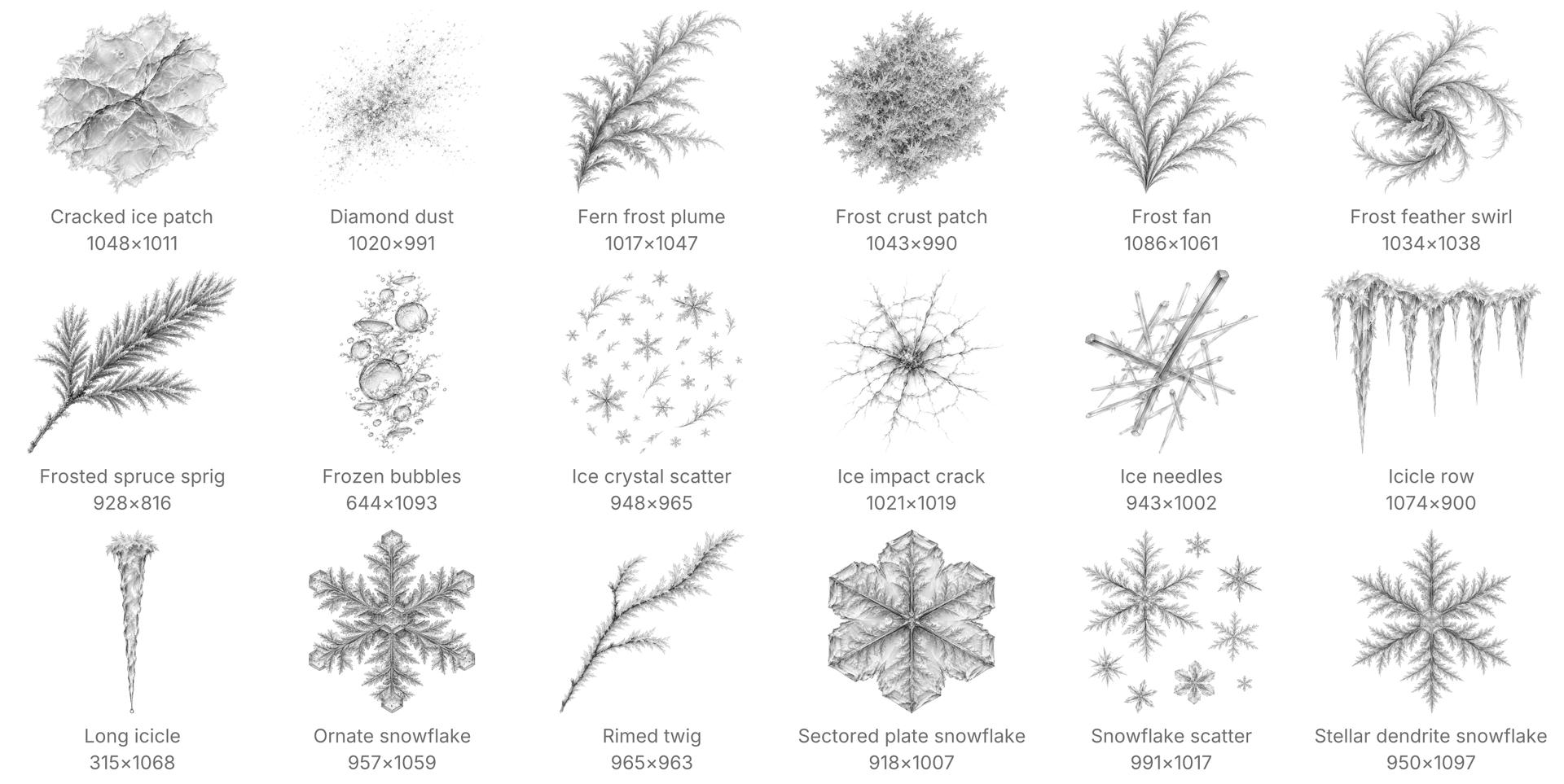
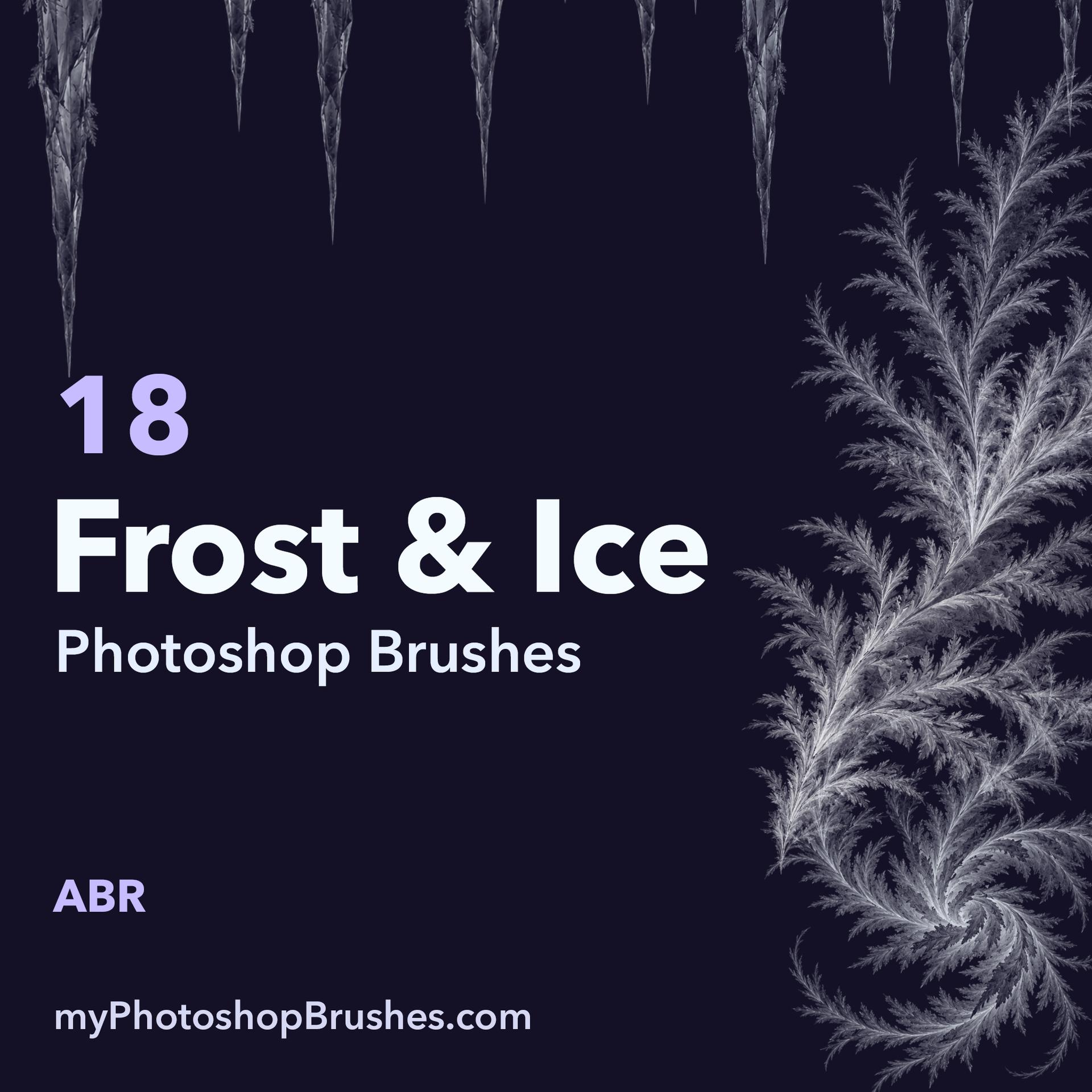
Painted in white on its own layer, one plume from this set turns a dark window photo into frosted glass, and the icicle row hangs a frozen edge under a shop sign or a headline. The tips are grayscale, so their dense parts print solid while thinner ice stays translucent and lets the picture behind it show through.
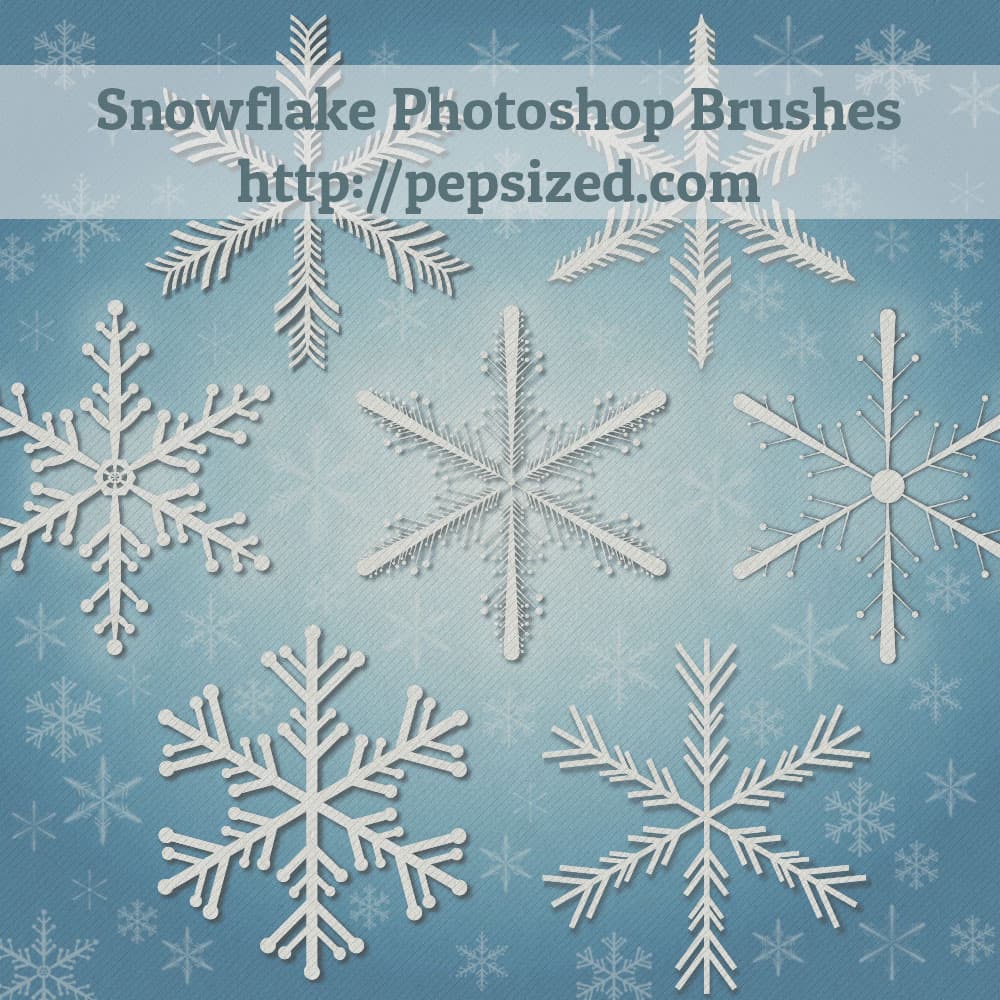
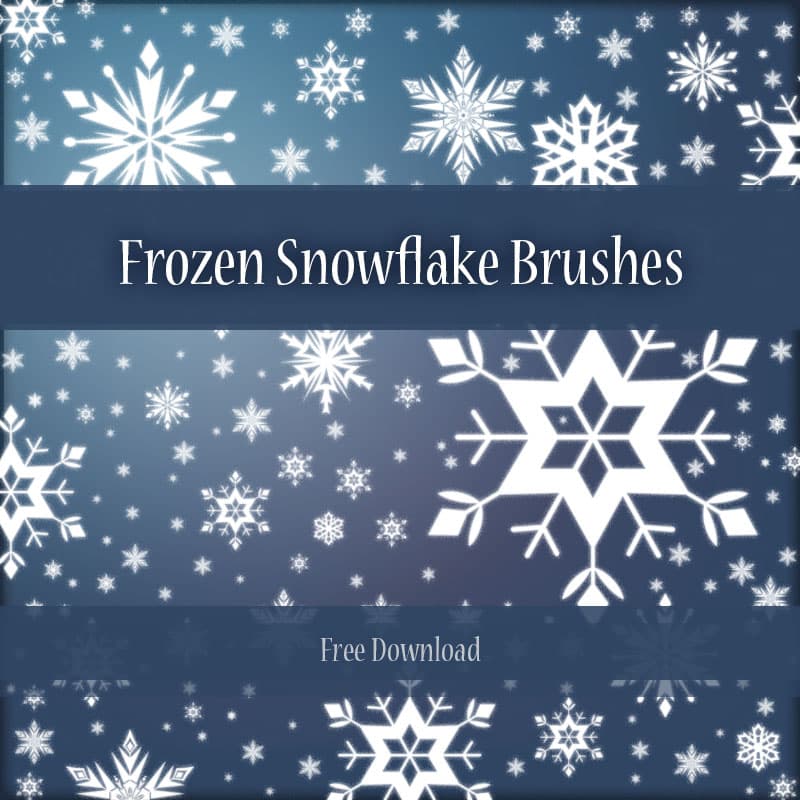
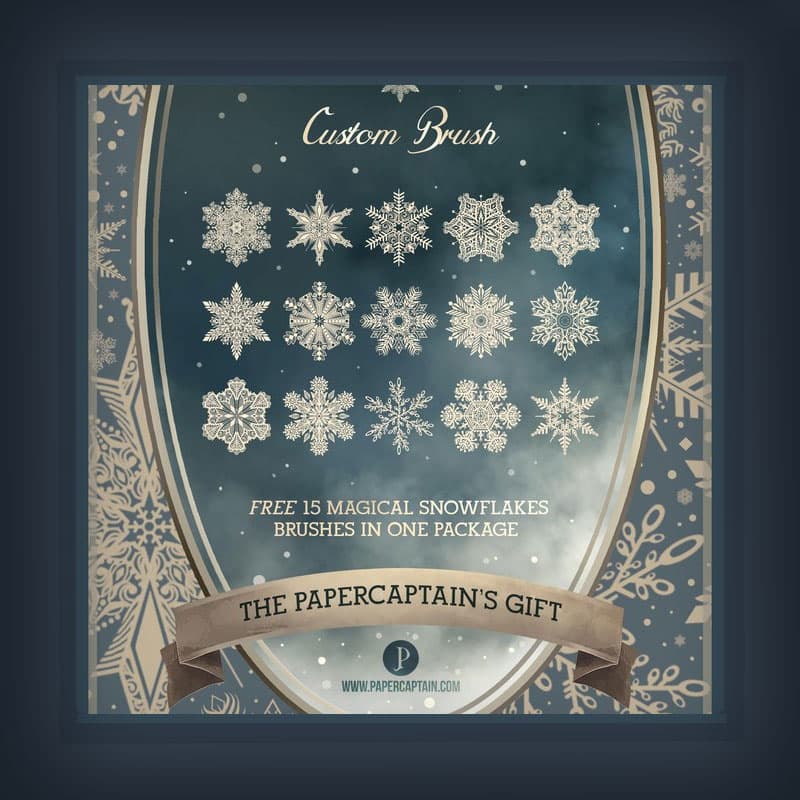
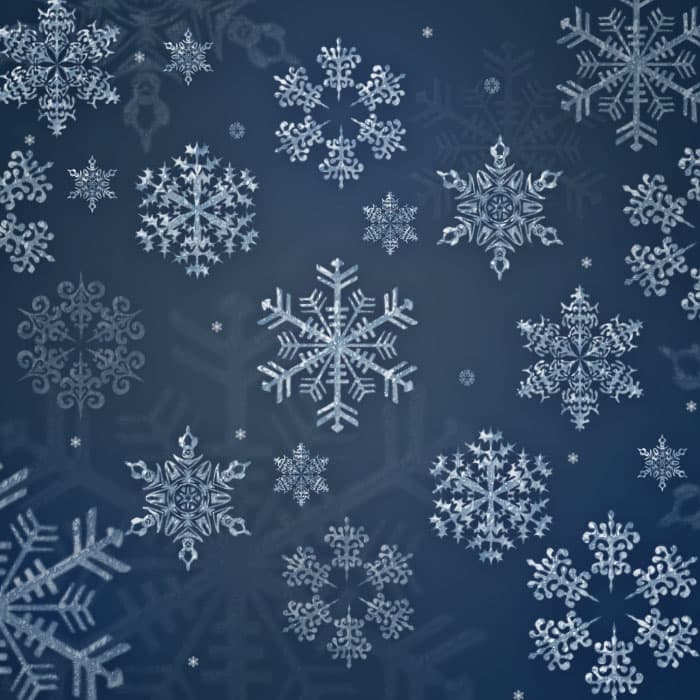
Fifteen of the eighteen presets are fixed stamps: frost fronds that fan out from one point or swirl around a center, three snowflakes seen flat from above, a rimed twig, a frosted spruce sprig, crossed ice needles, a cracked sheet, an impact fracture, a column of trapped bubbles, a frost crust and two icicle forms. The other three spray as you drag. Ice crystal scatter and Snowflake scatter drop separate flakes along a stroke, while Diamond dust spreads fine glints for cold air or snowfall caught in a light beam.
Icicles point down and every stamp keeps the angle it was drawn at, so set the angle in Brush Settings when a frozen edge has to run along a side of the frame. Small fern-like frost growth appears on most shapes, the snowflakes and bubbles included, which keeps the set consistent but means smooth textbook crystals are not part of it.
Import Brushes in the Brushes panel menu loads the ABR as one group of eighteen presets, each 928 to 1097 px on its longer side. No colors, layer styles, photographs or overlay textures come with it, and License.txt allows commercial projects without a credit line.
What's Included