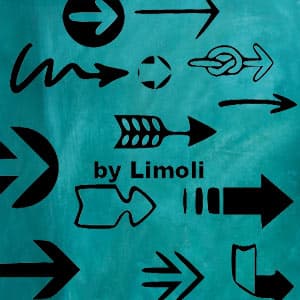
40 Free Hand-Drawn Arrow Custom Shapes
Resource Details
- Author
- myPhotoshopBrushes
- Format
- CSH, SVG
- Size
- 129.9 KB
- Items in set
- 40
- Downloads
- 2
- Added
- Nov 28, 2026
Description
An arrow drawn by hand next to a price, a button or a face in a screenshot reads as a personal note, where a clean geometric arrow reads as interface. These forty arrows bring that marker-on-paper look to slides, video thumbnails, tutorials and product shots while staying sharp vector paths at any size.
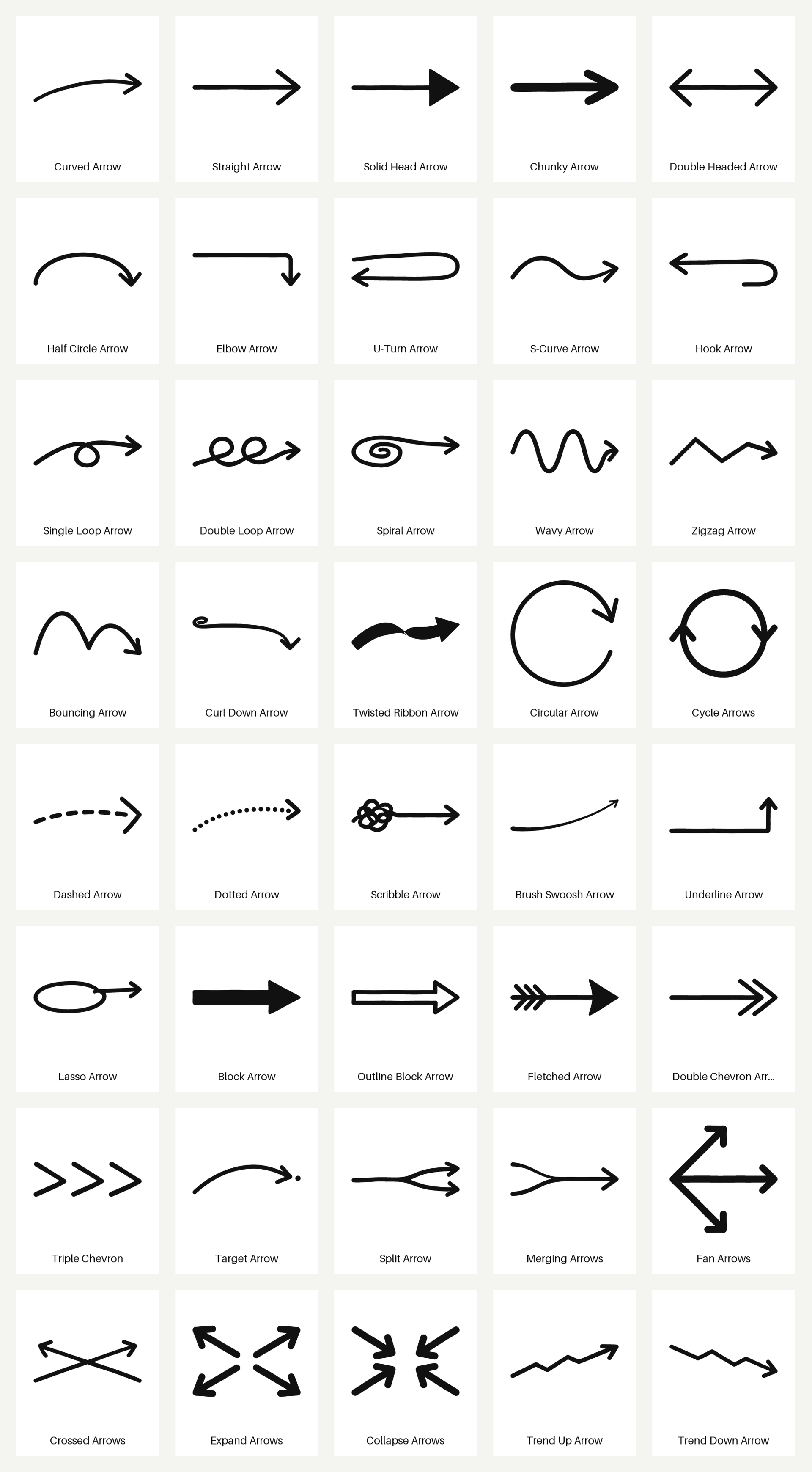
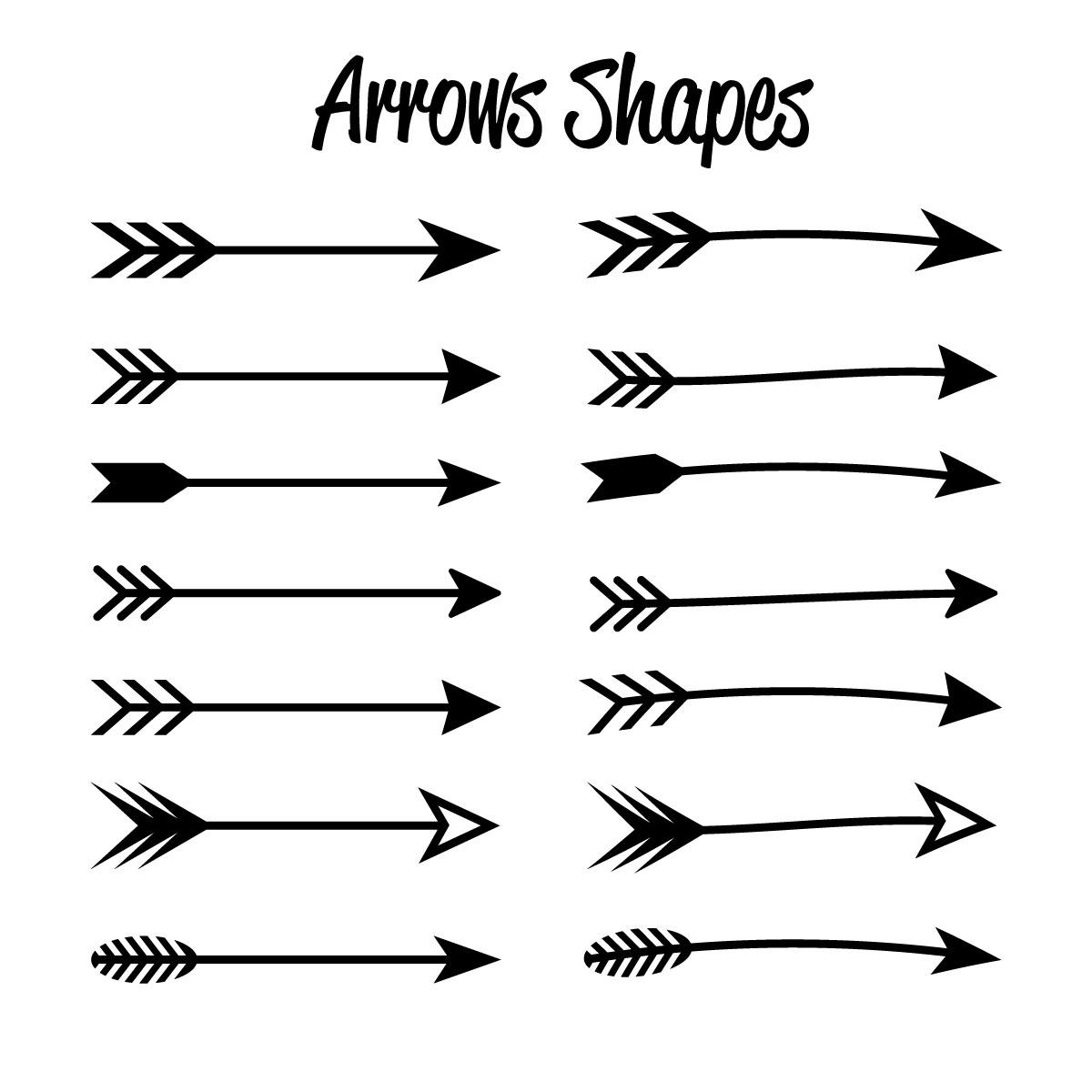
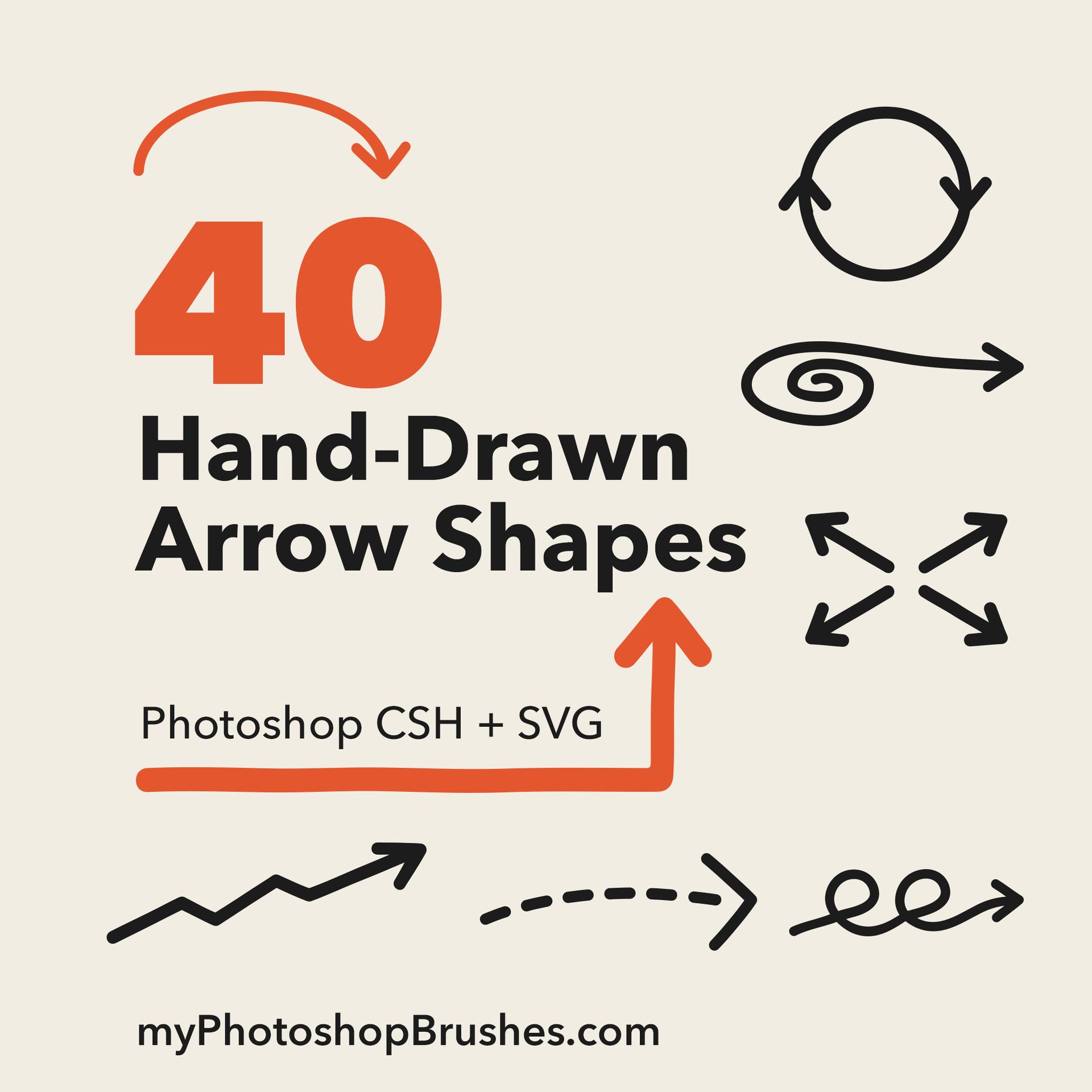
Most shapes share one line: a felt-tip mark with a slight wobble, uneven weight and rounded ends, finished with an open head made of two short strokes. A chunky arrow, a twisted ribbon, a tapering brush swoosh and solid-head arrows vary that weight on purpose. Straight, curved, hooked, elbow and U-turn arrows sit next to loops, a spiral, waves, a zigzag and a bouncing path. Circular and cycle arrows, dashed and dotted lines, an underline and a lasso that end in a head, block and outline block arrows, chevrons and a feathered arrow follow. Branching and grouped arrows split, merge, fan out, cross, expand and collapse, and two trend arrows climb and fall like a chart line.
Each marker line is a filled outline, not a stroked path. That keeps the wobble and the weight intact when the shape is scaled, and it changes how effects behave: the shape layer's stroke or a Stroke layer style traces both edges of the line and turns a solid arrow into a hollow double-line one. Line thickness grows and shrinks with the shape, so arrows placed at very different sizes on one page will not share the same marker weight.
Every arrow points one way. Free Transform rotates or flips it toward whatever it should point at, and the layer's fill sets its color, so one arrow can be black on a white slide and yellow on a dark thumbnail. Import Shapes, found in the menu of the Shapes panel, takes the .csh and adds the forty arrows together in a new group. Separate SVG files of the same arrows open in Illustrator, Figma or Inkscape, or go to a cutting machine for stickers and vinyl.
Speech bubbles, hand-lettered words and circles or underlines without a head are not included, and each arrow is one flat color. Client and commercial work is allowed with no credit line, as License.txt states.
What's Included