11 Retro Roses Brushes
bymyPhotoshopBrushes(opens in a new tab)30.0kdownloadsAdded Apr 22, 2020
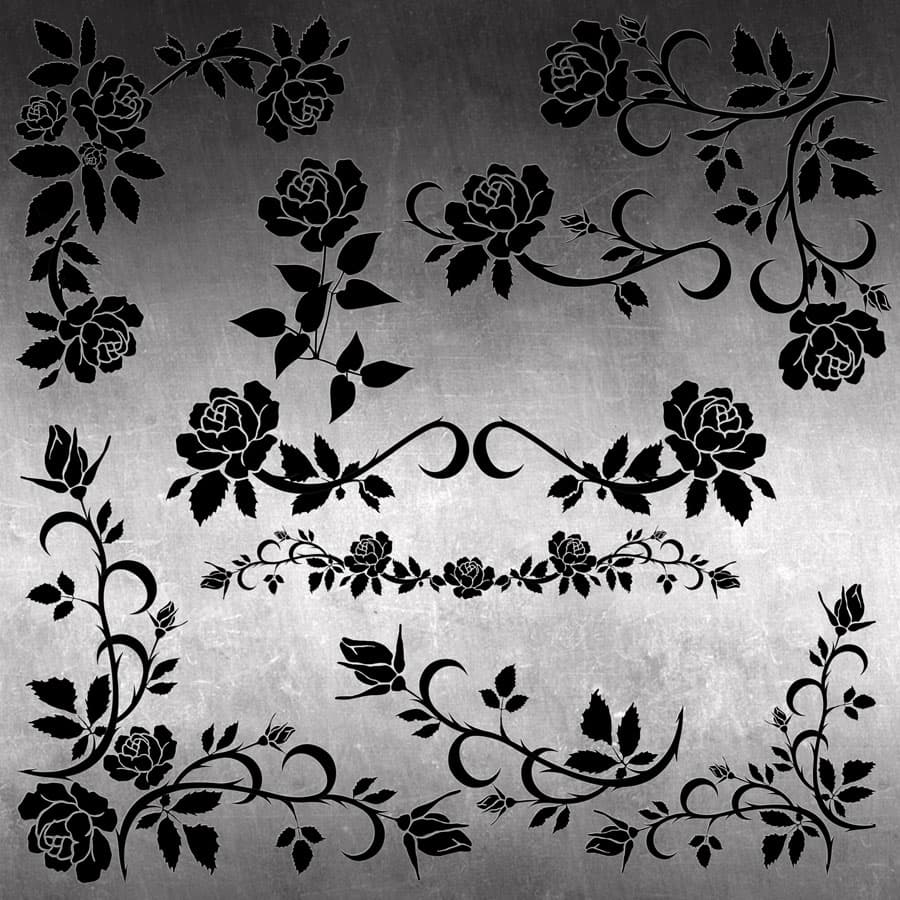
11 Retro Roses Brushes - Nature Photoshop brush preview 1

What's Included

11 Retro Roses Brushes - Schematic

Description

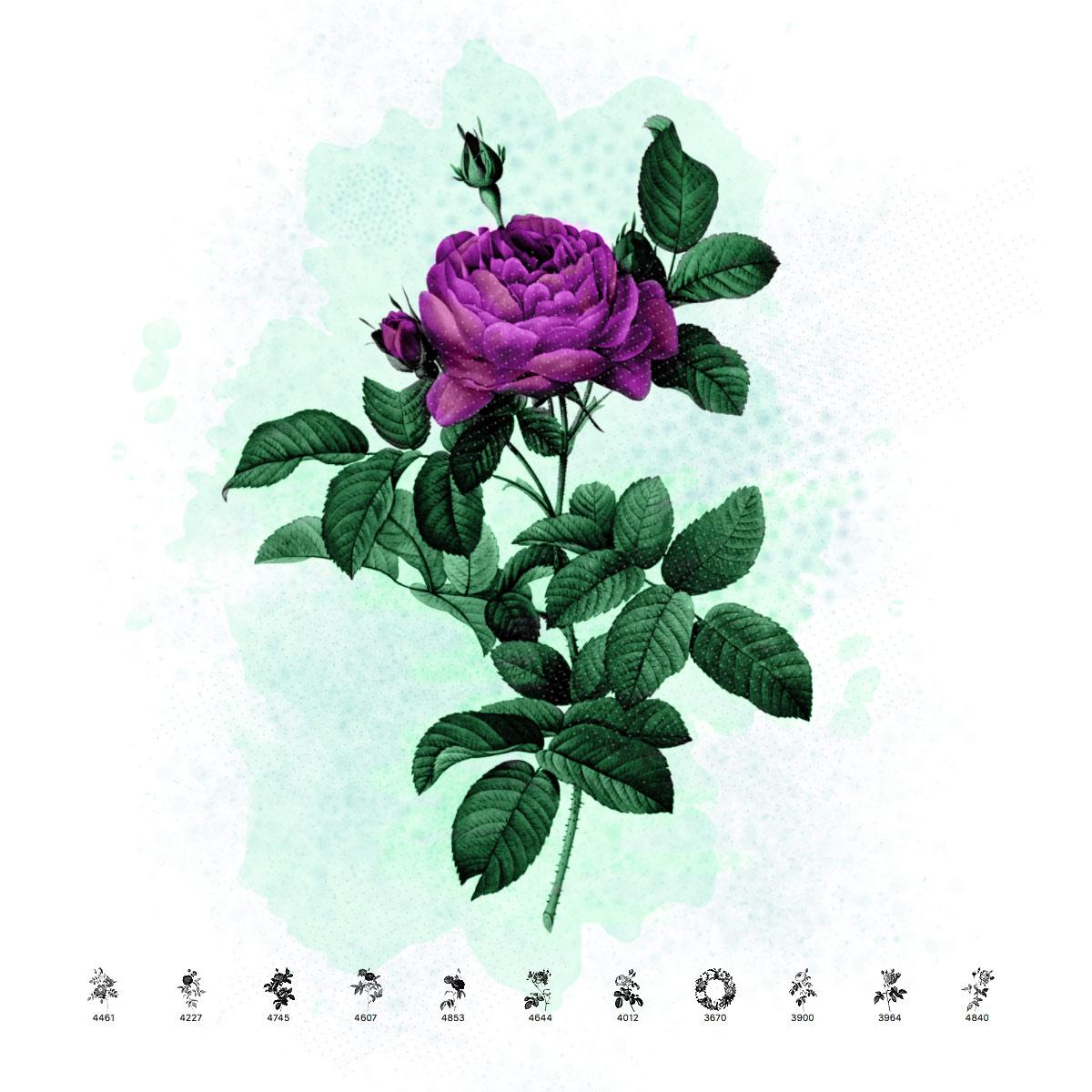
The roses painted by Redoute are very realistic. He captured the beauty of these fantastic flowers in remarkable detail. The rose is a symbol of love, embodying its dual nature - beauty and suffering. This set of brushes consists of 10 beautiful rose branches and one wreath. The original illustrations come from the book "Les roses" by Pierre-Joseph Redoute, published in Paris by Imprimerie de Firmin Didot, 1817-24. Redoute painted countless beautiful roses. This pack offers a small sample of his work in the form of brushes for Photoshop. The originals come from the Library of Congress. These retro rose brushes are ideal for creating vintage-themed greeting cards, elegant wedding invitations, botanical art prints, and romantic decorative designs.
Frequently asked questions

Is "11 Retro Roses Brushes" free to download?
Yes, this resource is free to download from MyPhotoshopBrushes, with no signup and no paywall. It is published under the Free for Commercial Use license, which allows commercial use. See the license panel on this page for the exact terms.
What file format does this download use?
The download is a ZIP archive containing .ABR files. Unzip it first, then use the files inside.
How do I use it in Photoshop?
Download the .ABR file and double-click it. Photoshop imports the set and appends it to the Brushes panel automatically. You can also drag the file onto the Photoshop window, or open Window → Brushes and choose Import Brushes from the panel menu.