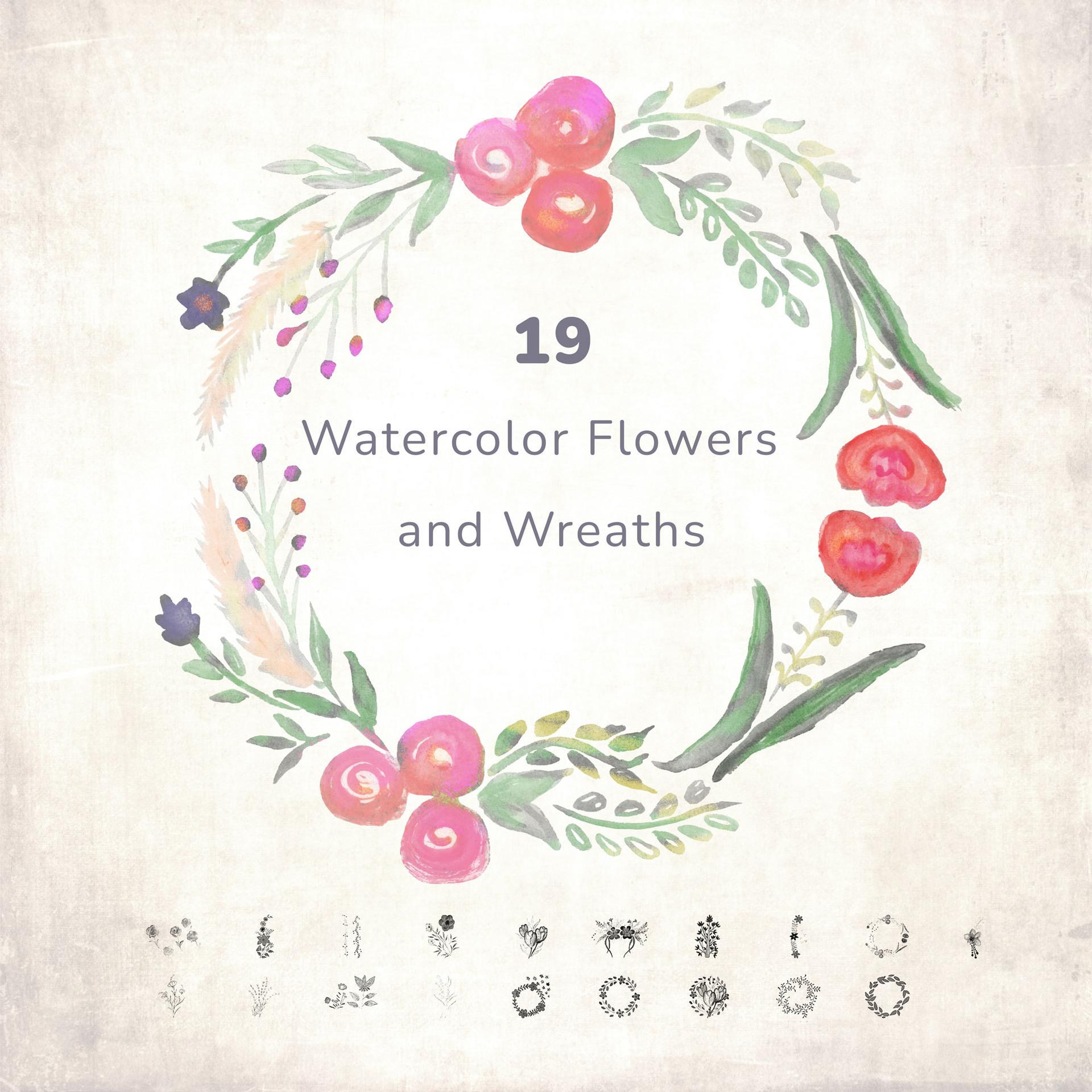
19 Free Watercolor Flowers and Wreaths
Resource Details
- Format
- ABR
- Size
- 54 MB
- Opens in
- Photoshop, GIMP
- Imports into
- Procreate, Affinity Photo, KritaShapes import. Dynamics may not.
- Brush type
- Stamp brushes
- Items in set
- 19
- Downloads
- 12.0k
- Added
- May 30, 2023
Description
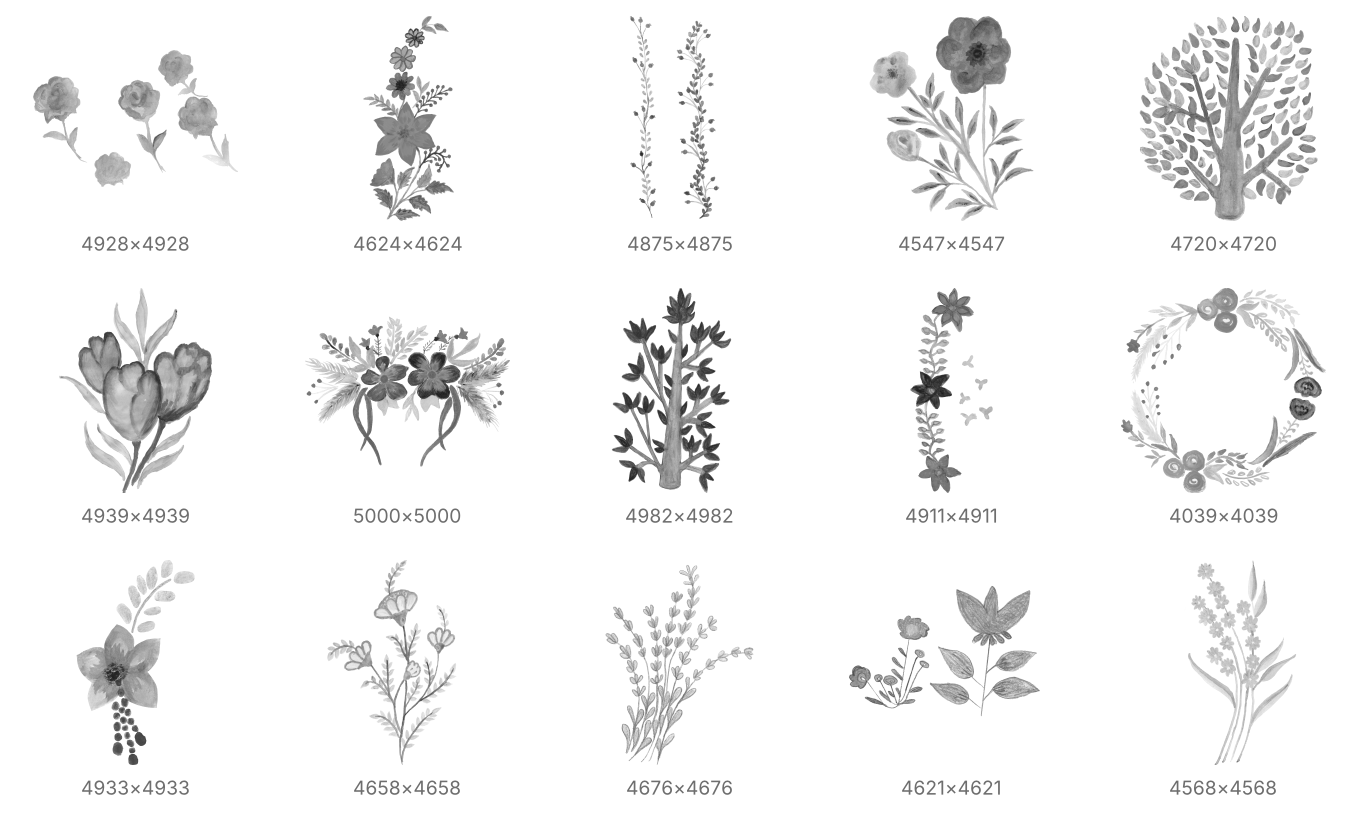
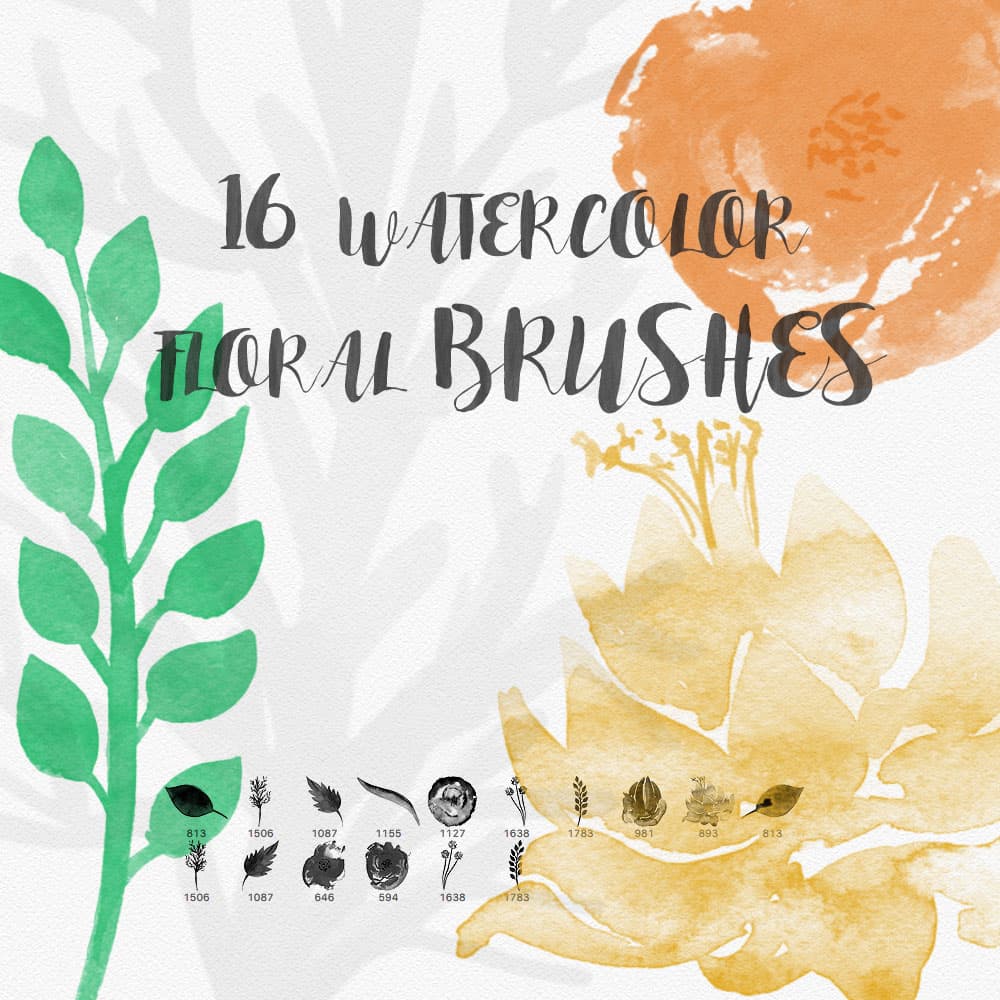
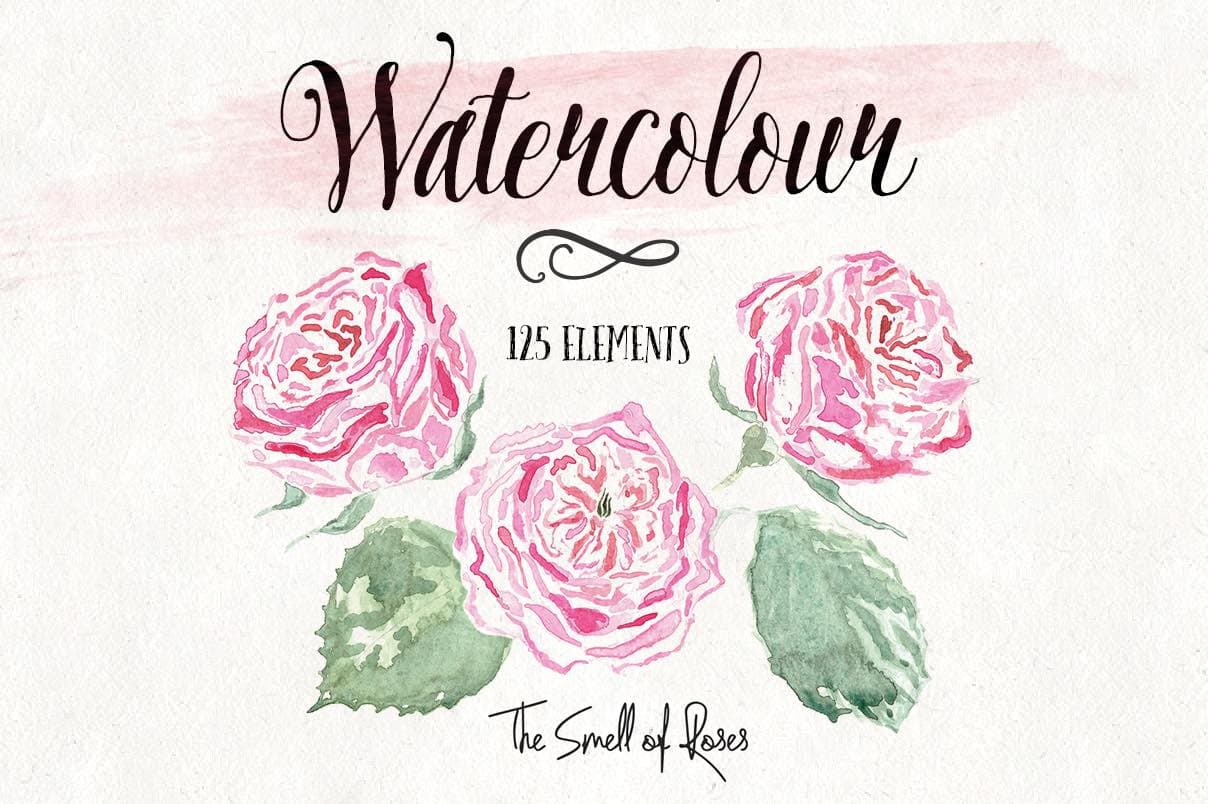
Elevate your digital artwork and designs with our "Lush Blossom" pack of 19 Watercolor Floral and Wreath Photoshop Brushes. These meticulously handcrafted brushes emulate the delicate and unique charm of watercolor florals, giving you the power to infuse your work with a touch of nature's beauty.
The pack comprises 19 high-resolution brushes that include a diverse assortment of flowers, bouquets, and wreaths. From delicate daisies to bold sunflowers and soothing lavender, this set offers you a rich palette of botanical elements to bring your ideas to life. Moreover, the 6 unique wreath brushes are perfect for creating invitations, logos, and other design projects that require an ornate and elegant border.
Each brush in this set maintains its vibrant, watercolor texture, allowing for a realistic, organic feel. You can blend and customize these brushes to suit your needs, creating endless possibilities for unique designs. The brushes are easy to use and are compatible with all recent versions of Adobe Photoshop.
Whether you're a professional graphic designer, a digital artist, or simply someone who loves to explore the beauty of nature through art, our Lush Blossom Watercolor Floral and Wreath Photoshop Brushes are the perfect addition to your toolkit. Unleash your creativity, and bring a touch of natural elegance to your digital canvas.
What's Included