Border Brushes for Photoshop
Resource Details
- Format
- ABR
- Size
- 2.8 MB
- Opens in
- Photoshop, GIMP
- Imports into
- Procreate, Affinity Photo, KritaShapes import. Dynamics may not.
- Brush type
- Stamp brushes
- Items in set
- 9
- Downloads
- 132.0k
- Added
- Aug 26, 2008
LicenseCommercial
Learn morePreparing...
Description
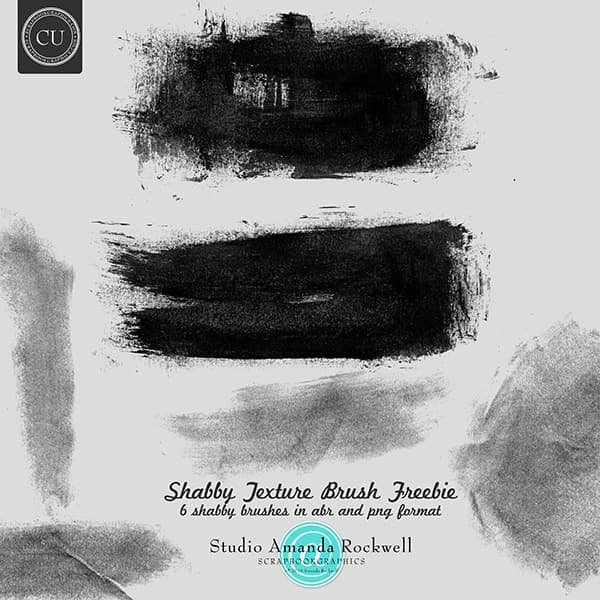
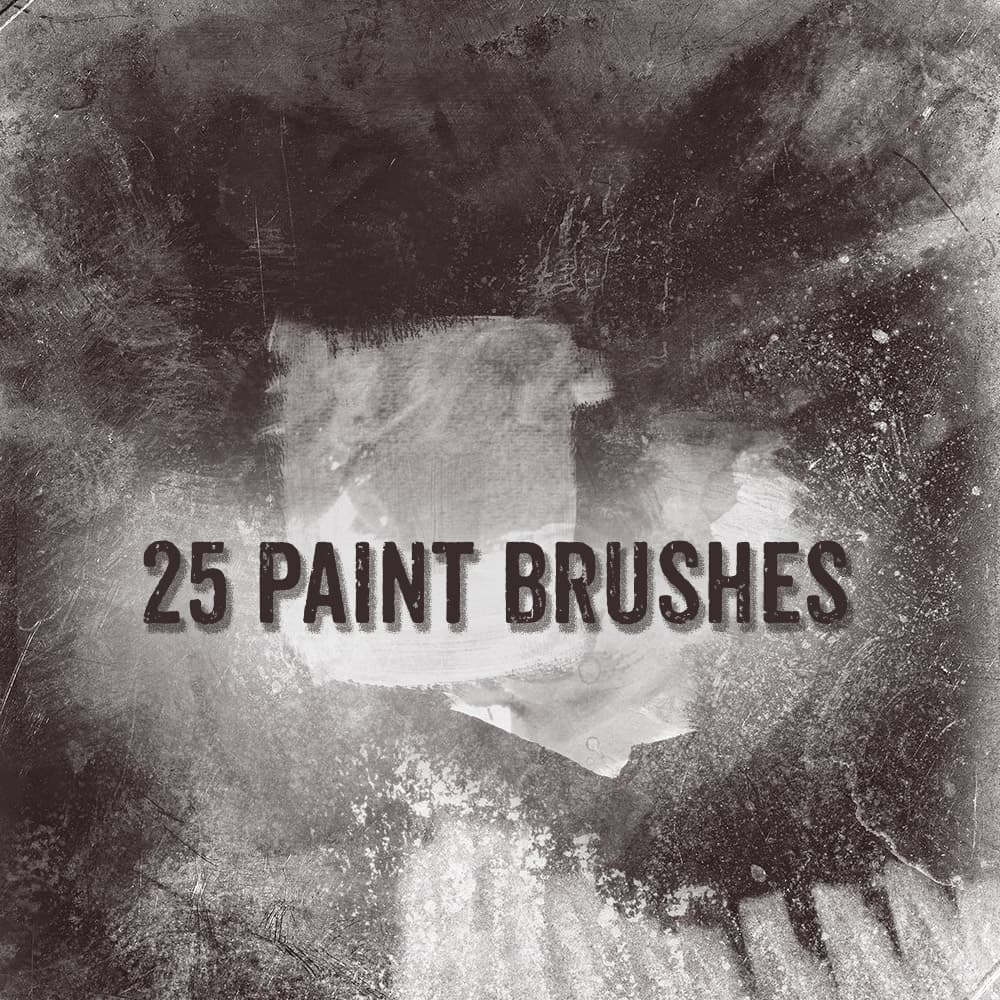
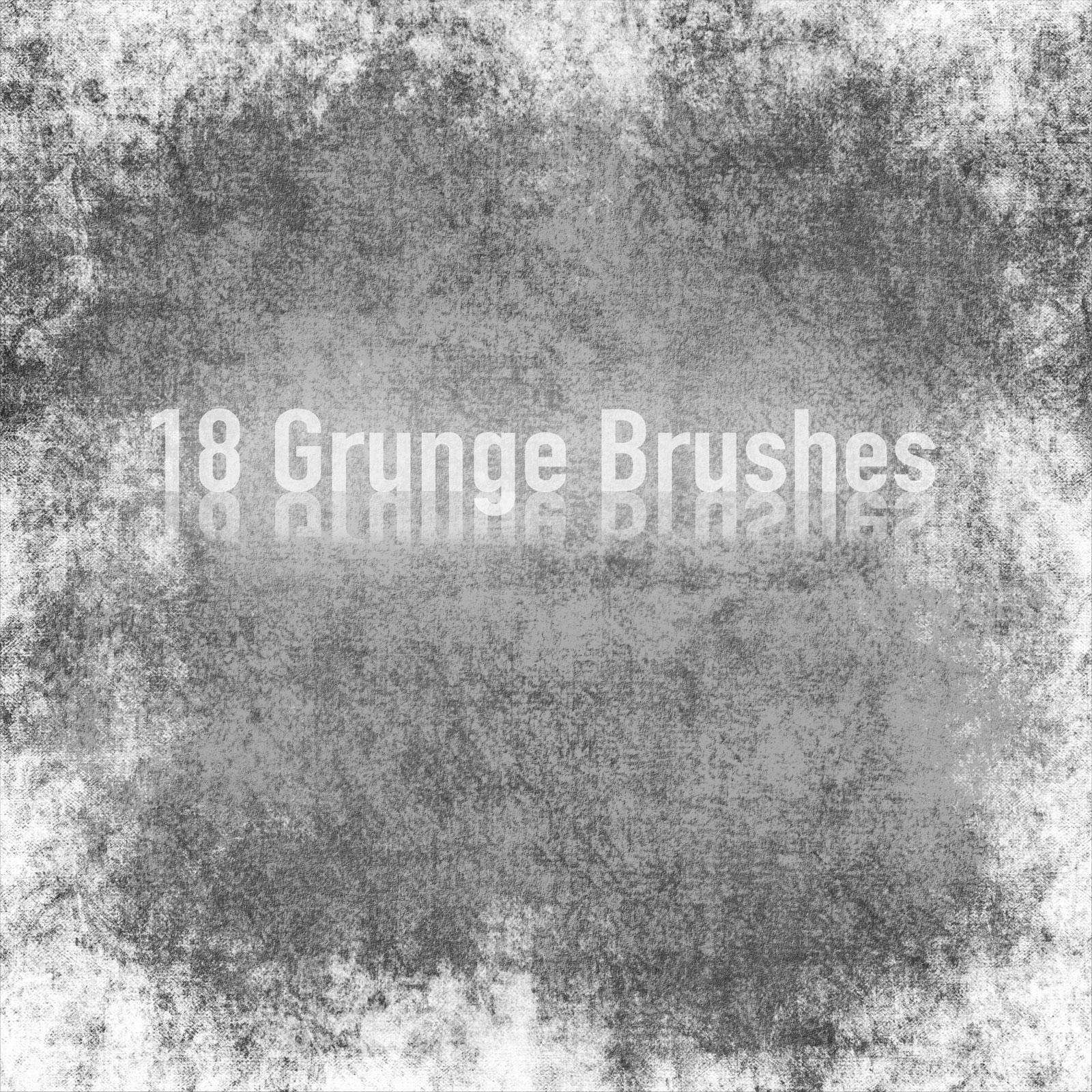
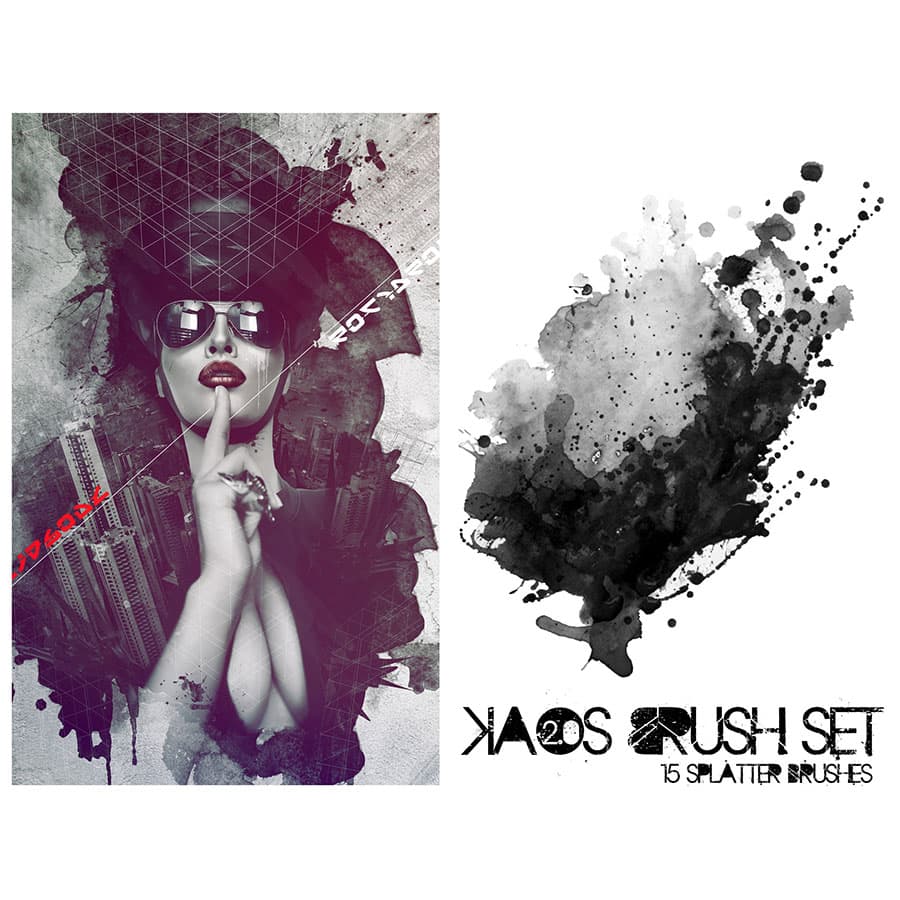
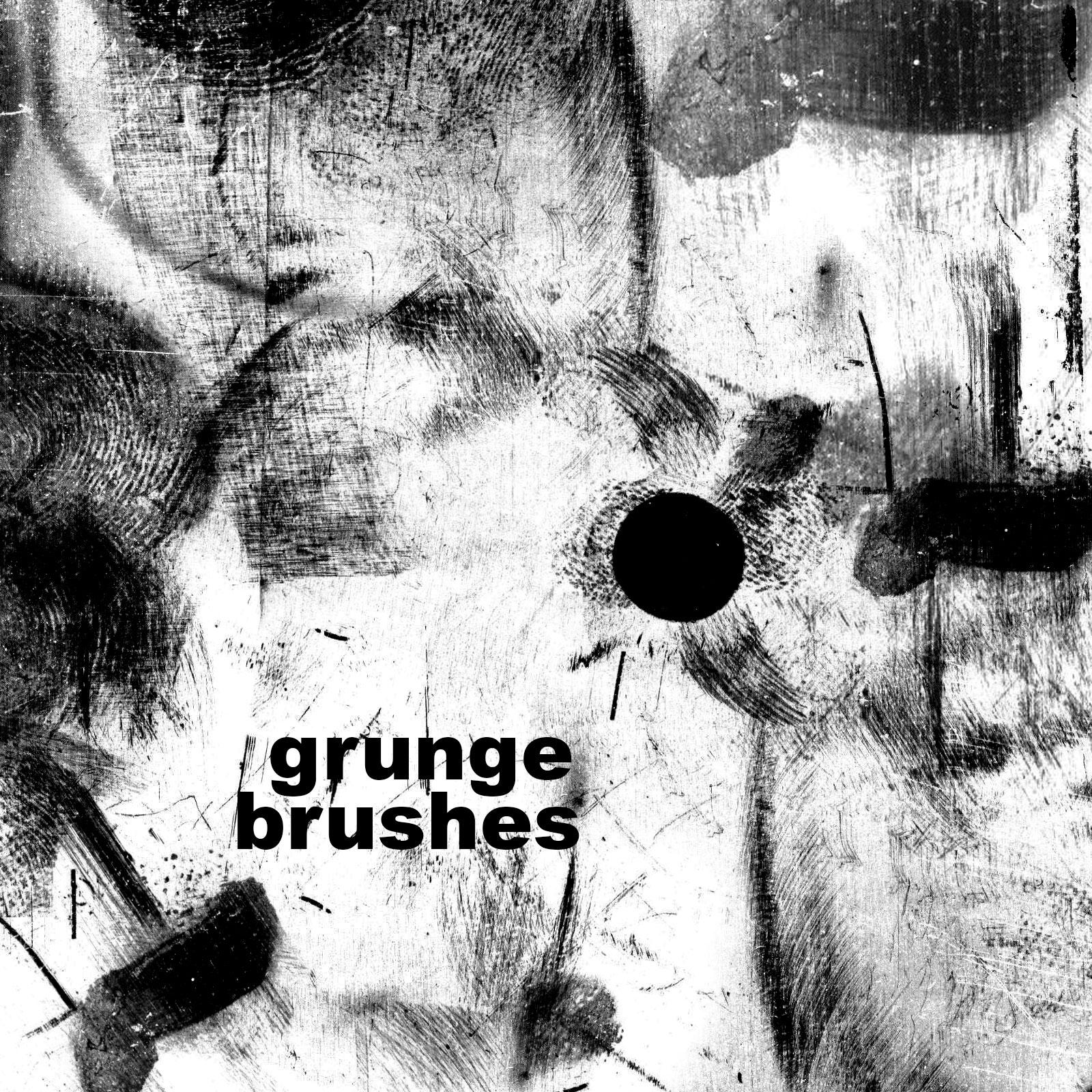
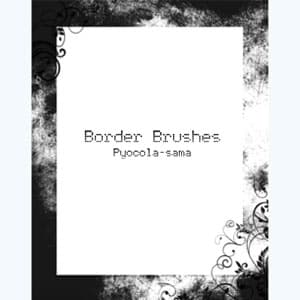
If you want your project to have a grunge character, then be sure to download this pack of free brushes. It contains nine frames with a highly textured surface. One of them includes swirls of elements. These grunge border brushes for Photoshop are perfect for creating distressed photo frames, vintage-style layouts, and adding a raw, textured edge to your artwork and design projects.
What's Included

Frequently asked questions
Is "Border Brushes for Photoshop" free to download?
Yes, this resource is free to download from MyPhotoshopBrushes, with no signup and no paywall. It is published under the Free for Commercial Use license, which allows commercial use. See the license panel on this page for the exact terms.
What file format does this download use?
The download is a ZIP archive containing .ABR files. Unzip it first, then use the files inside.
How do I use it in Photoshop?
Download the .ABR file and double-click it. Photoshop imports the set and appends it to the Brushes panel automatically. You can also drag the file onto the Photoshop window, or open Window → Brushes and choose Import Brushes from the panel menu.