Grunge Graphics
132 free resources: 115 brushes, 5 textures, 5 procreate brushes, 4 patterns, 1 images, 1 styles & gradients, 1 free psd
Browse Grunge resources
Grunge design lives on damage: scratched packaging, photocopied posters, rusted signage, and paper that has been folded one too many times. The look is quick to describe and slow to build, because convincing wear is irregular. Painted scratches repeat. A noise filter sits flat on top of the artwork instead of underneath it. The eye catches both within a second. What survives scrutiny is damage that happened somewhere real and got scanned once. The 125 sets gathered here are that kind of source material: ink that spread wrong, walls that cracked, edges that tore, spray that ran past the stencil. Between them they hold 3,659 individual files, and they have been downloaded 9.3 million times, which says less about the files than about how often a layout needs roughing up.
Most popular
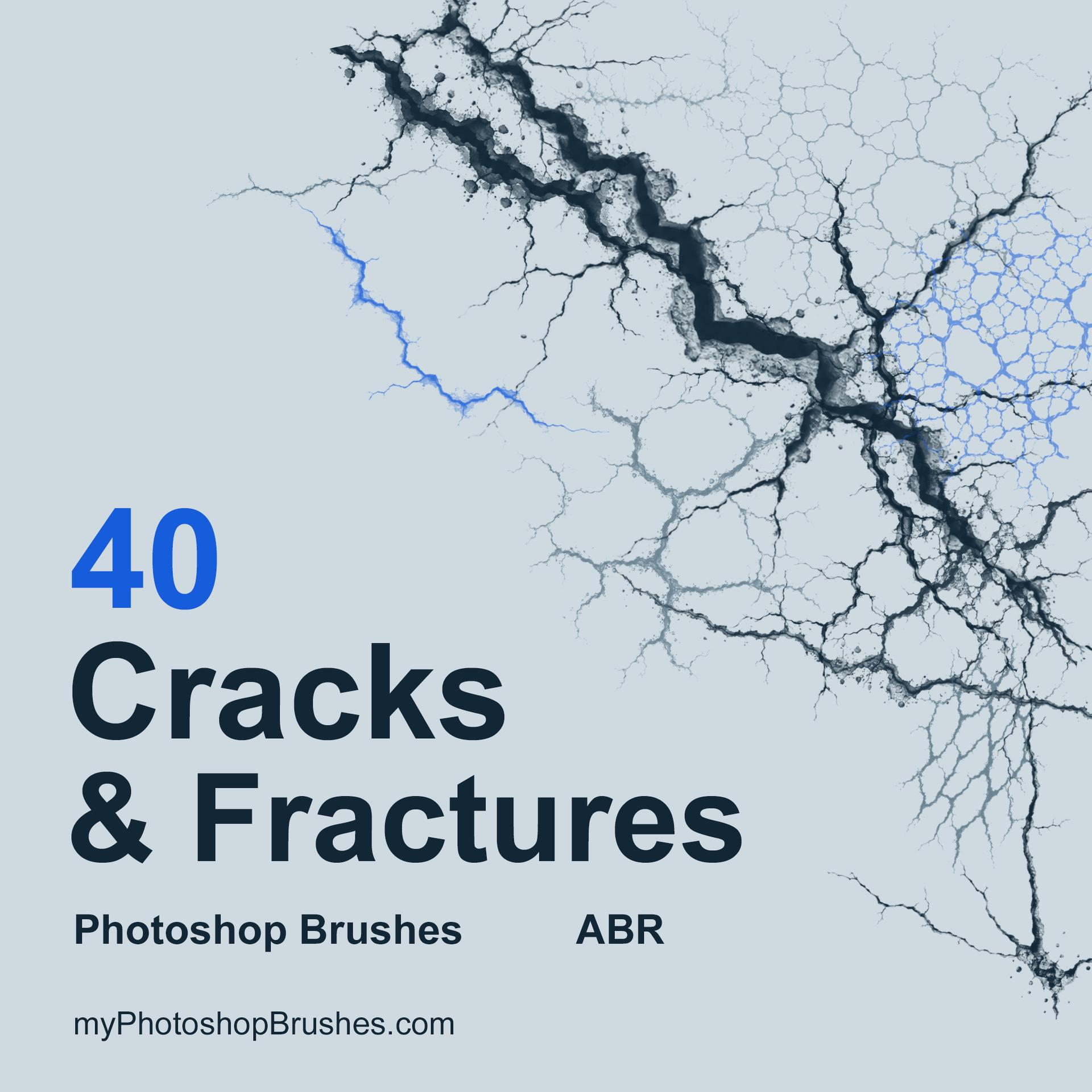
40 Free Cracks & Fractures Photoshop Brushes
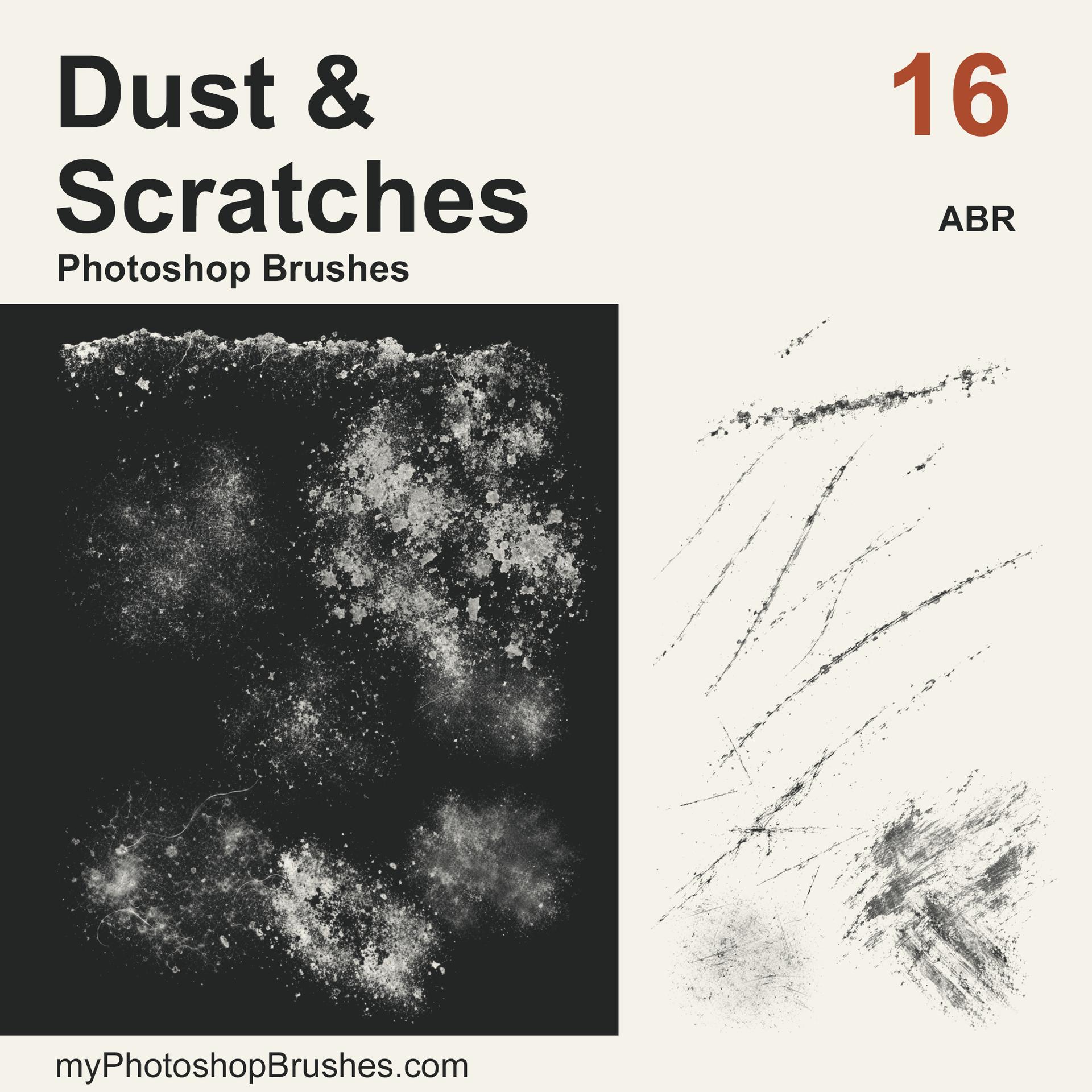
16 Free Dust & Scratches Photoshop Brushes
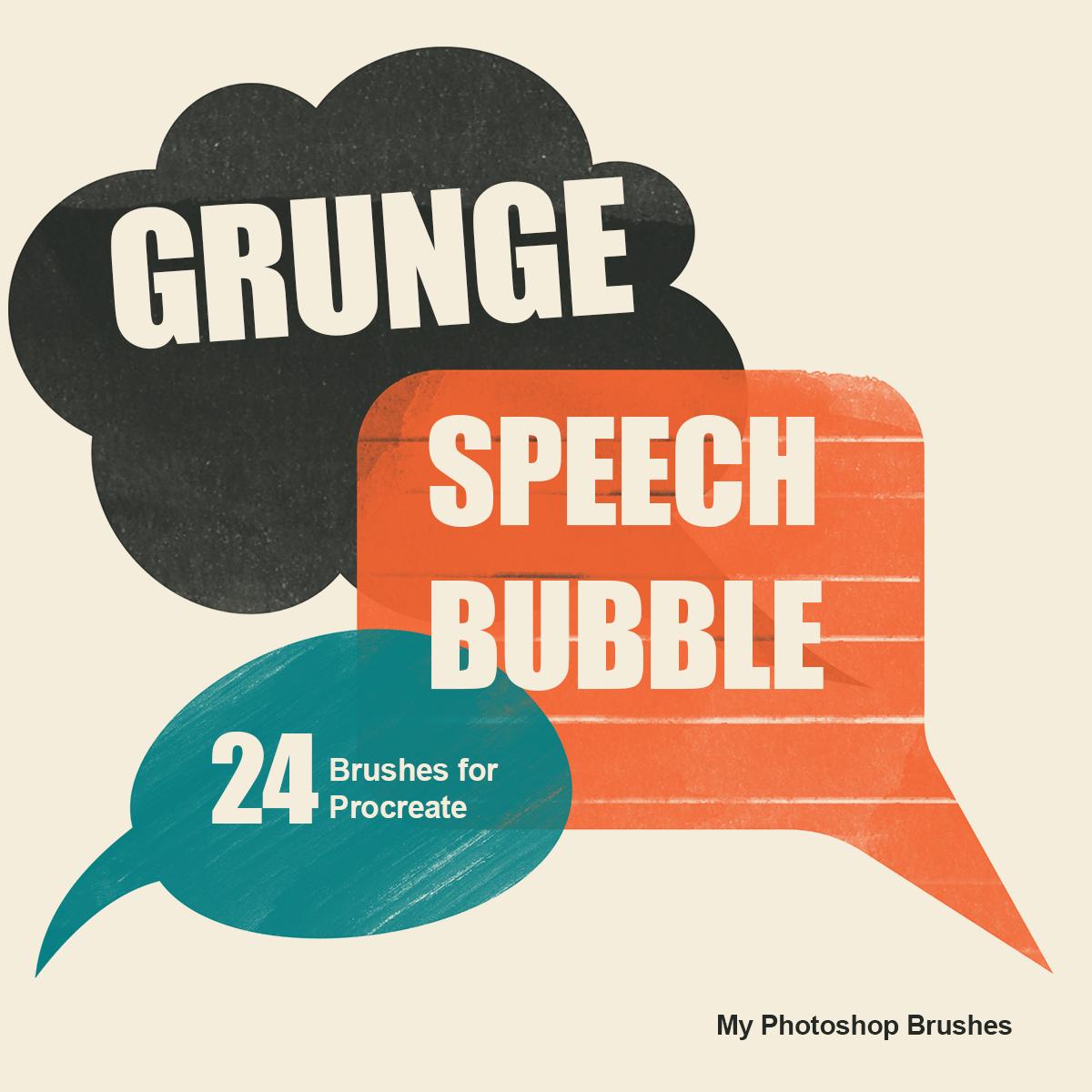
Grunge Speech Bubble Procreate Brushes
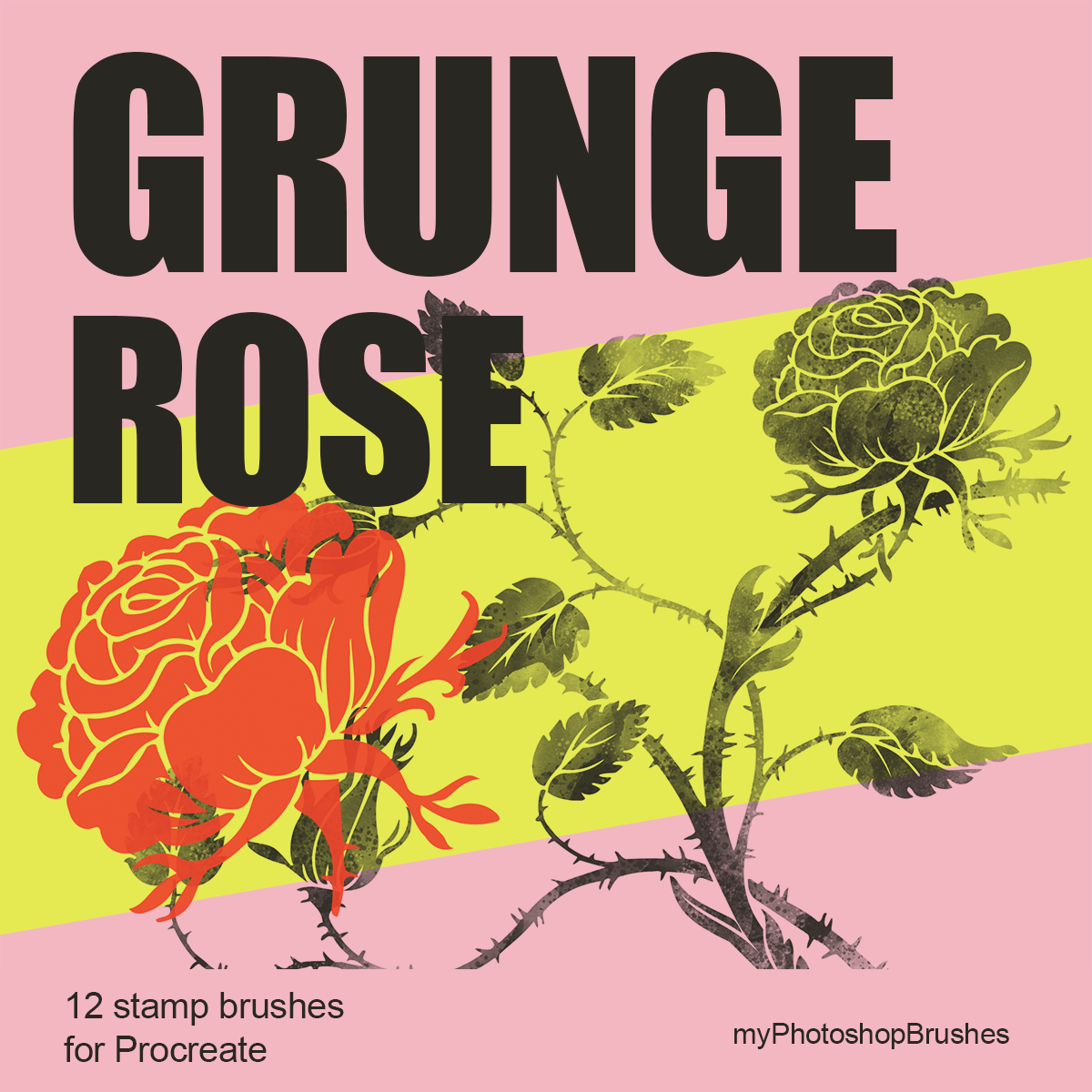
Grunge Rose Procreate Brushes
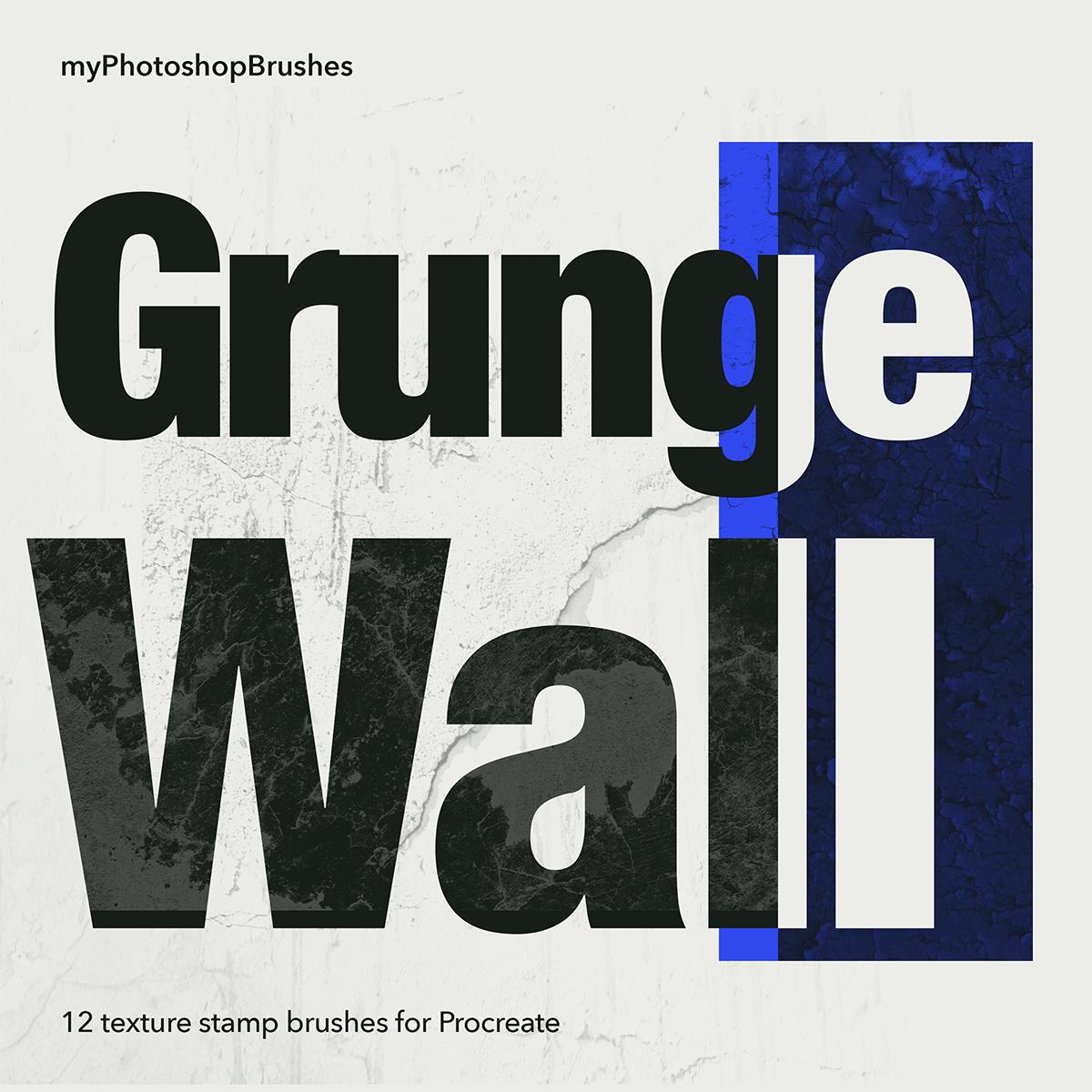
Grunge Wall Procreate Brushes
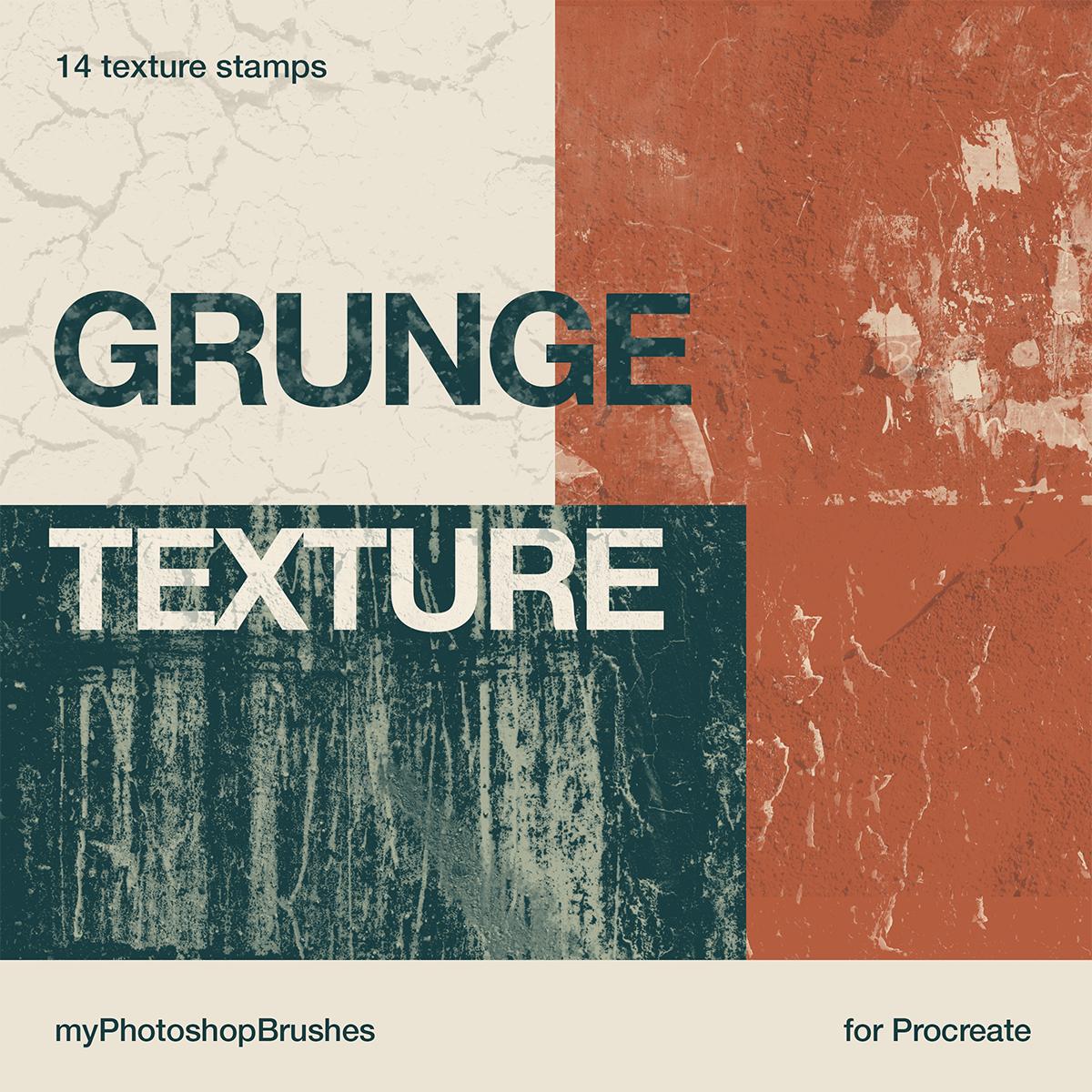
Grunge Texture Procreate Brushes

Valentine Hearts Procreate Brushes
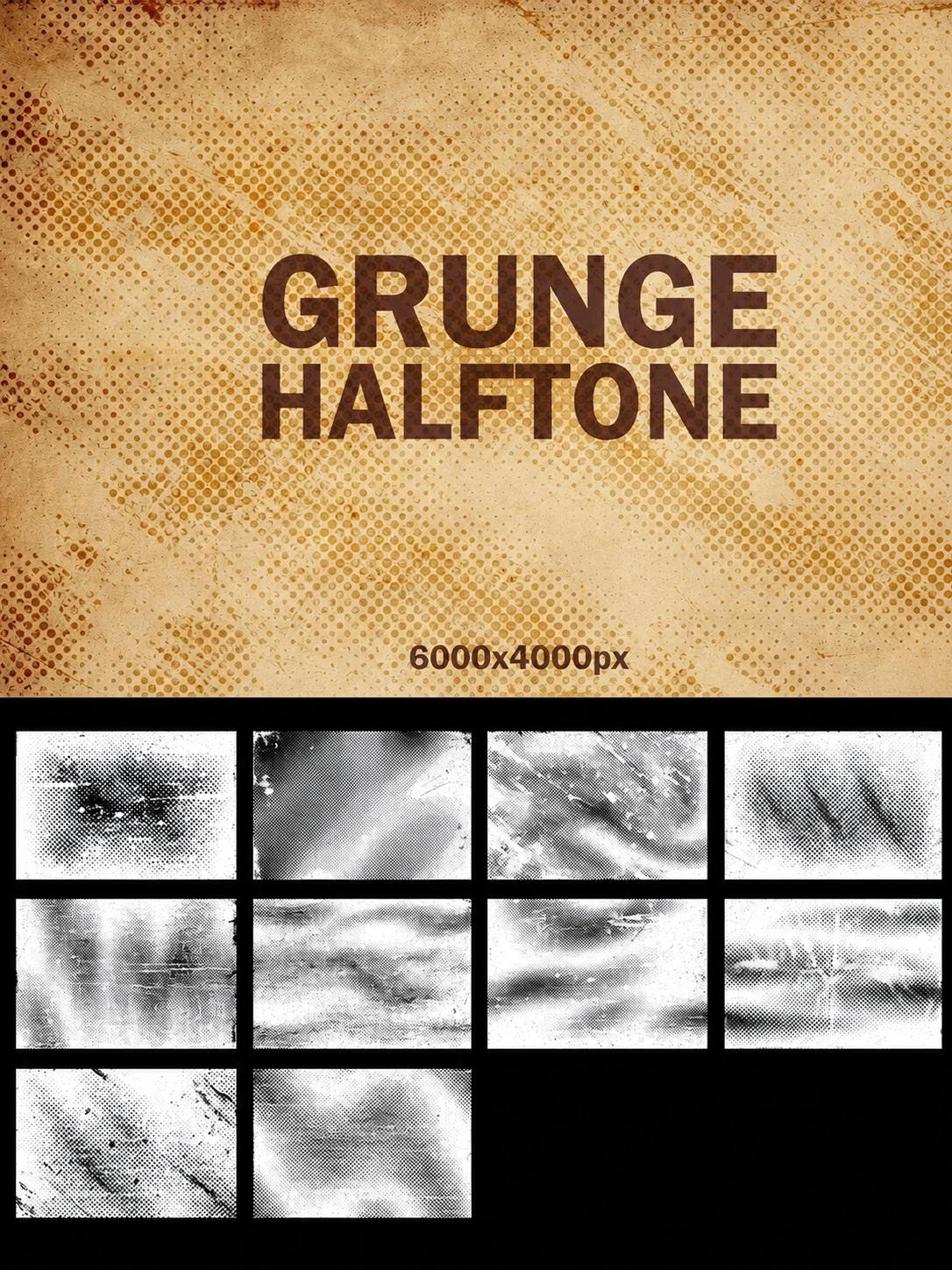
Grunge Halftone Textures
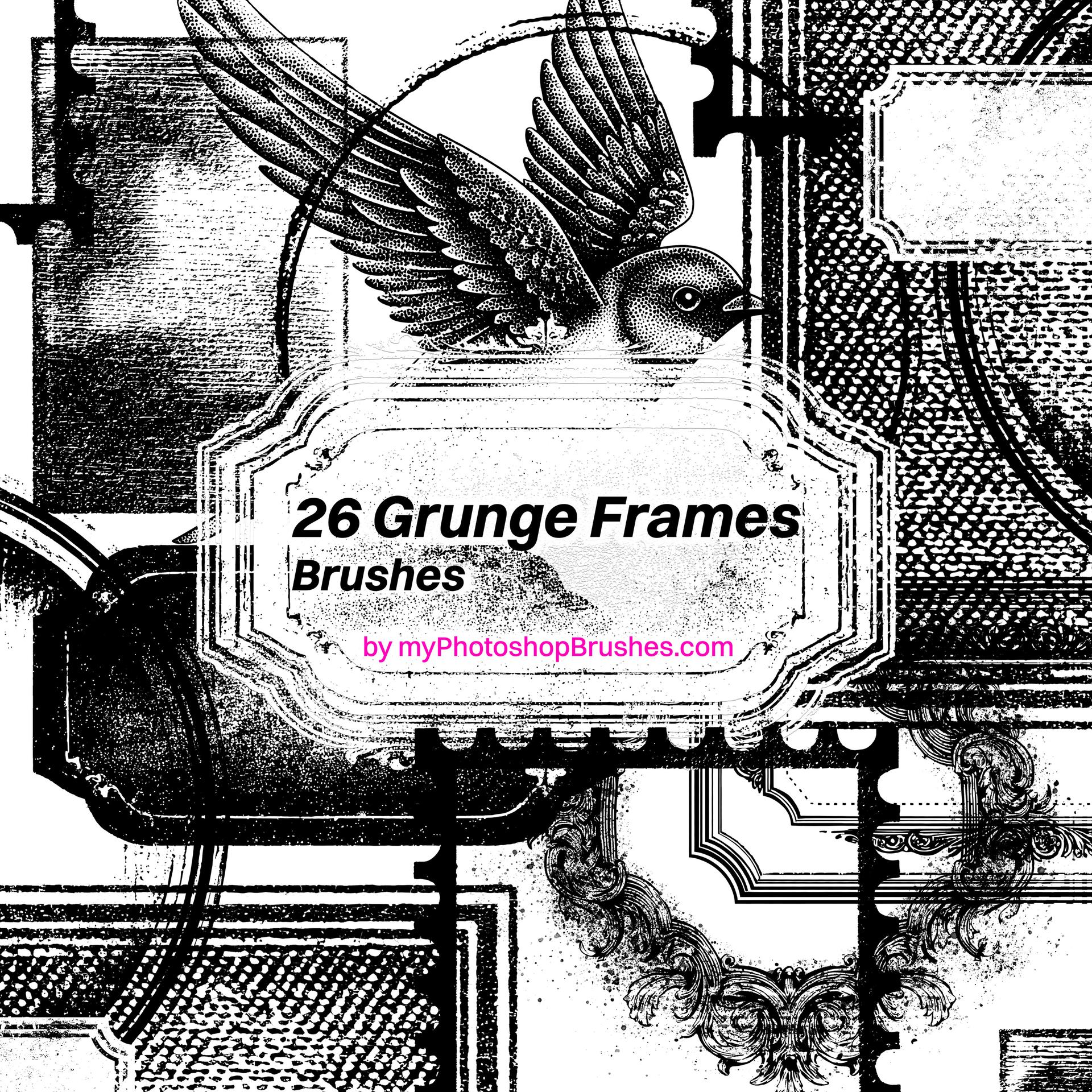
Grunge Frame Brushes
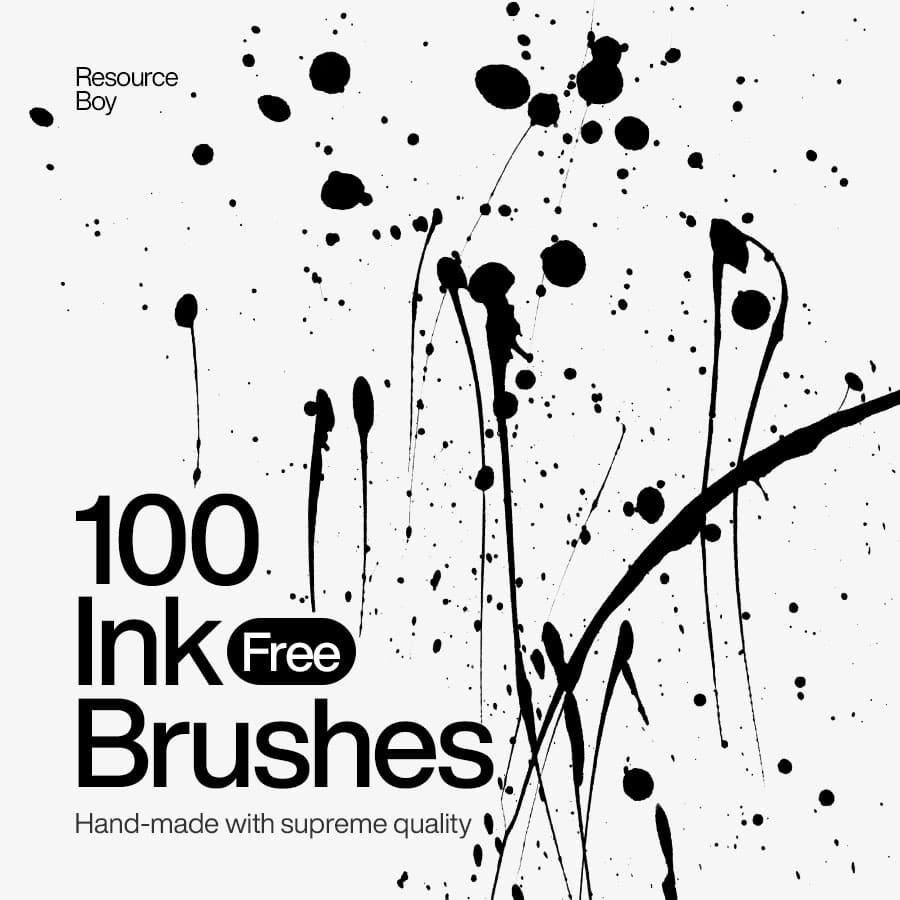
100 Ink Photoshop Brushes
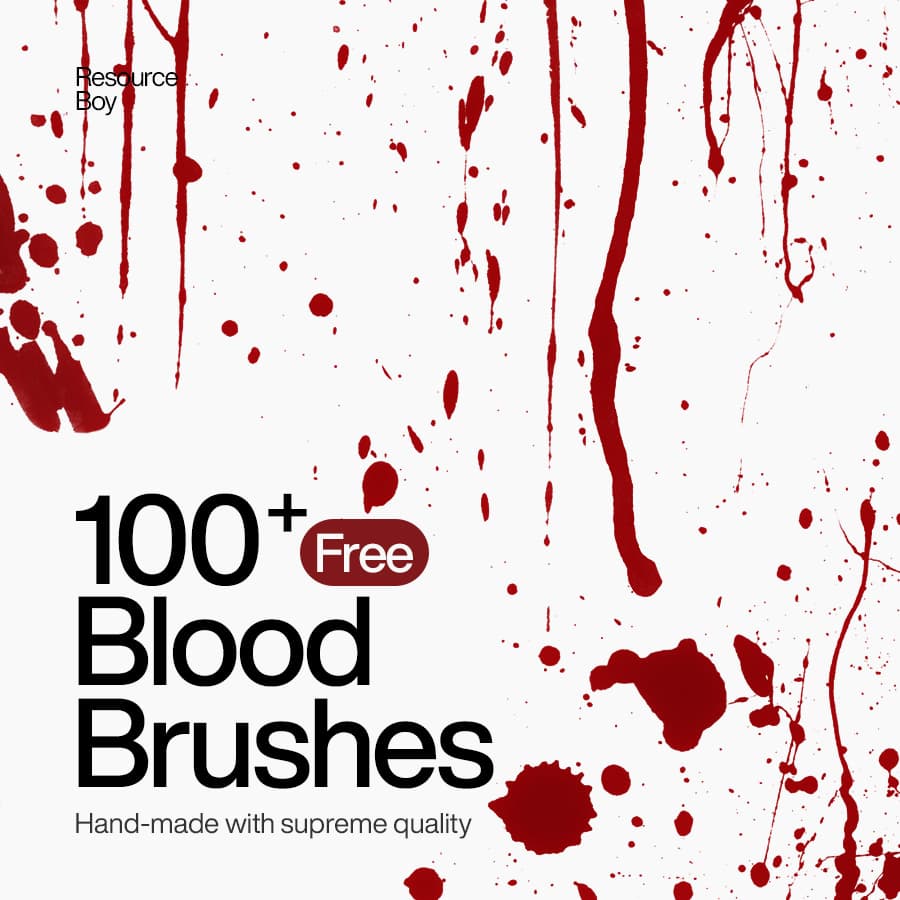
100+ Blood Photoshop Brushes
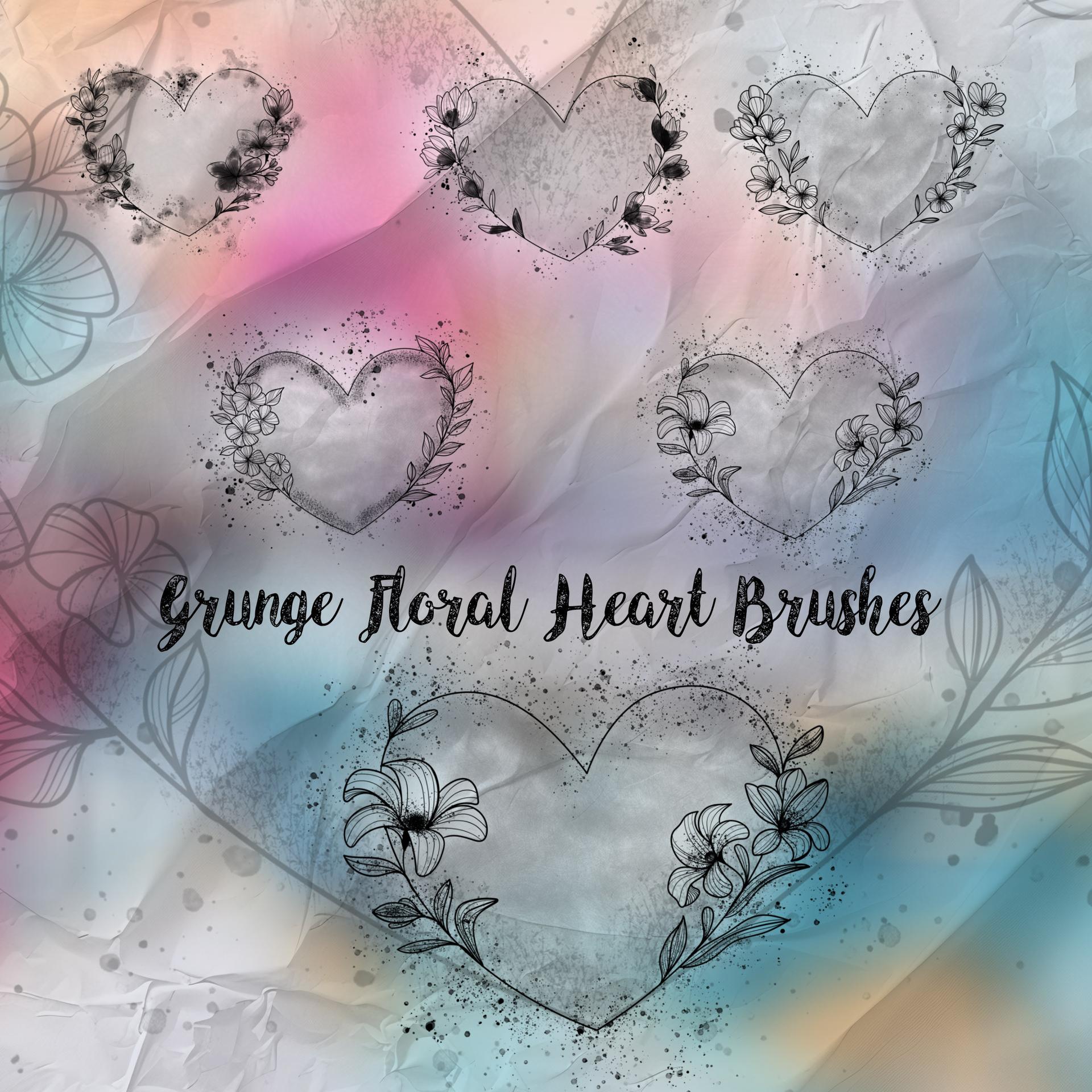
Grunge Floral Heart Brushes
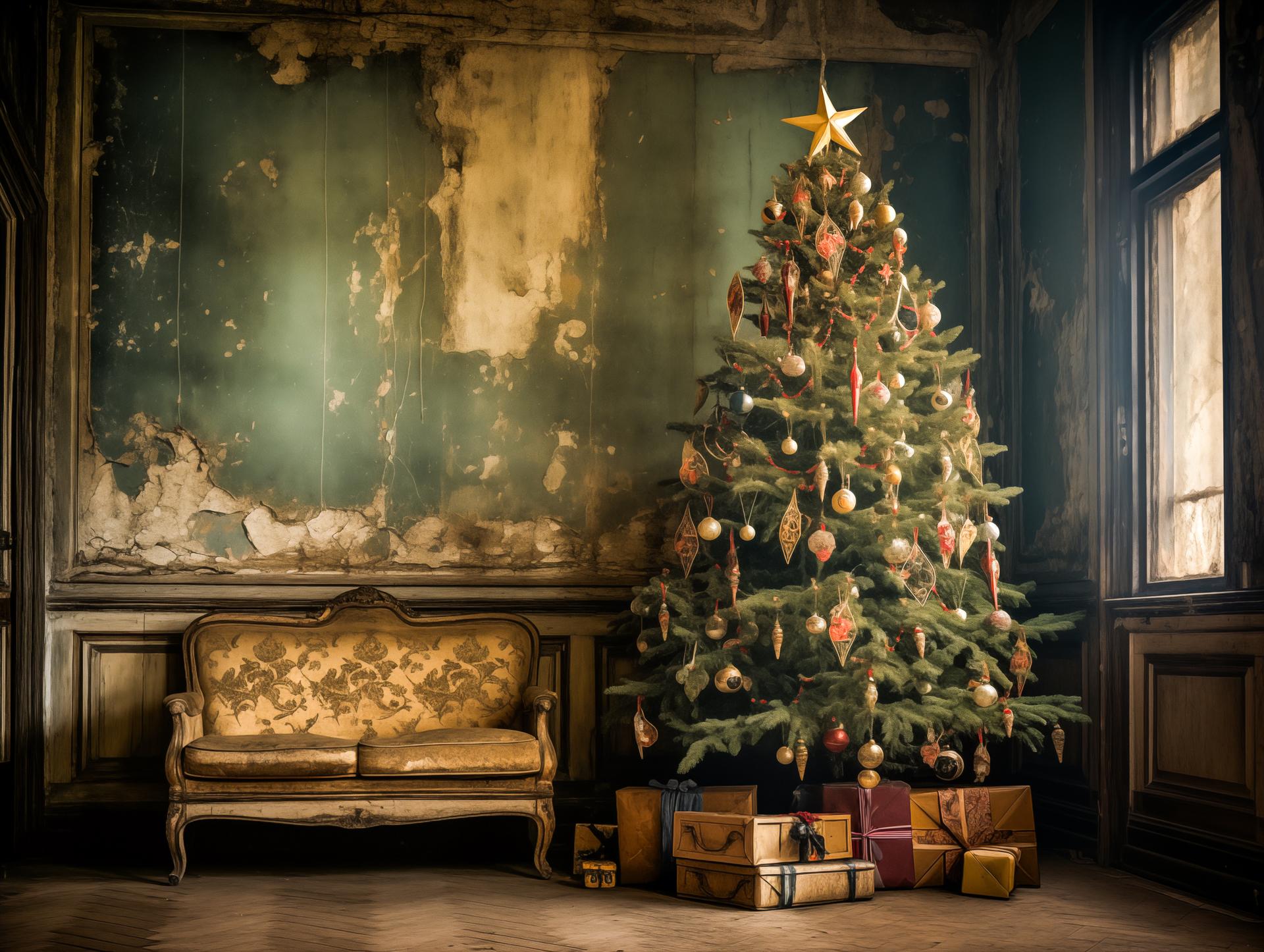
Timeless Christmas Tree Charm
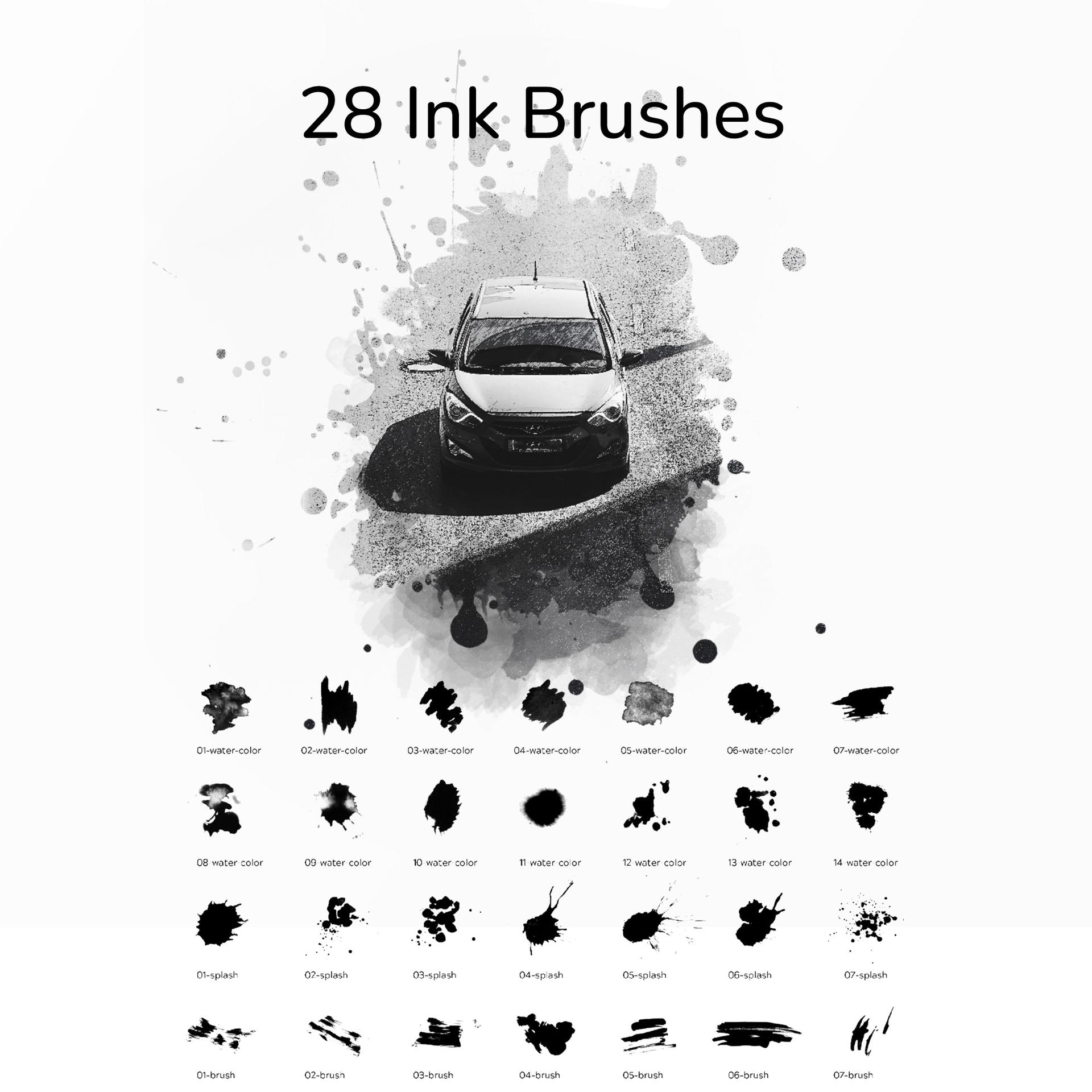
28 Ink Brushes
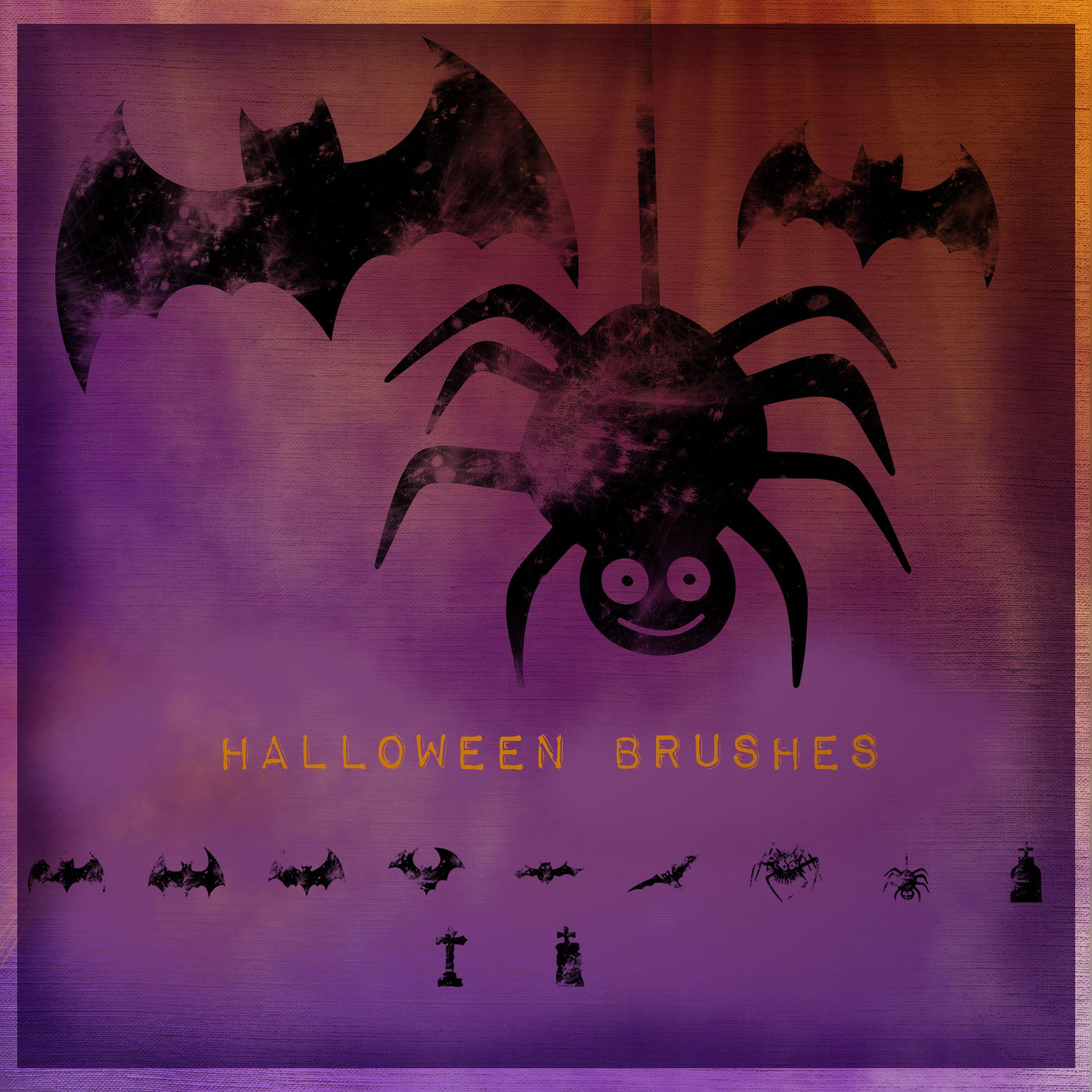
11 Halloween Brushes
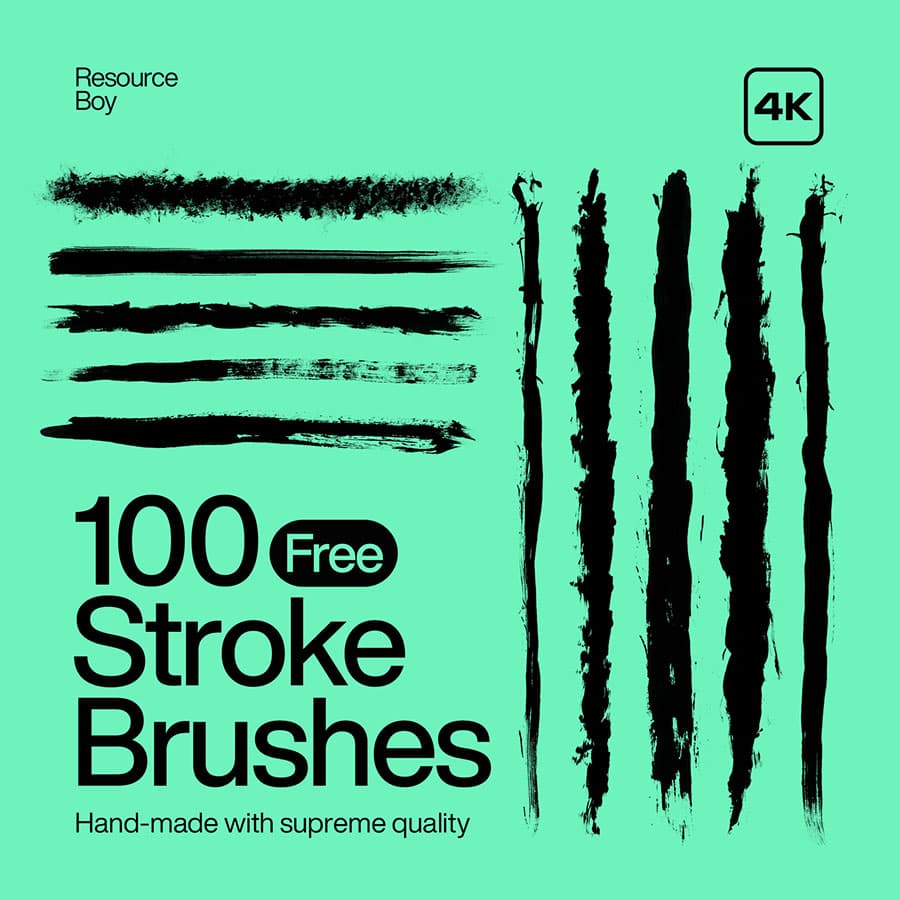
100 Stroke Photoshop Brushes
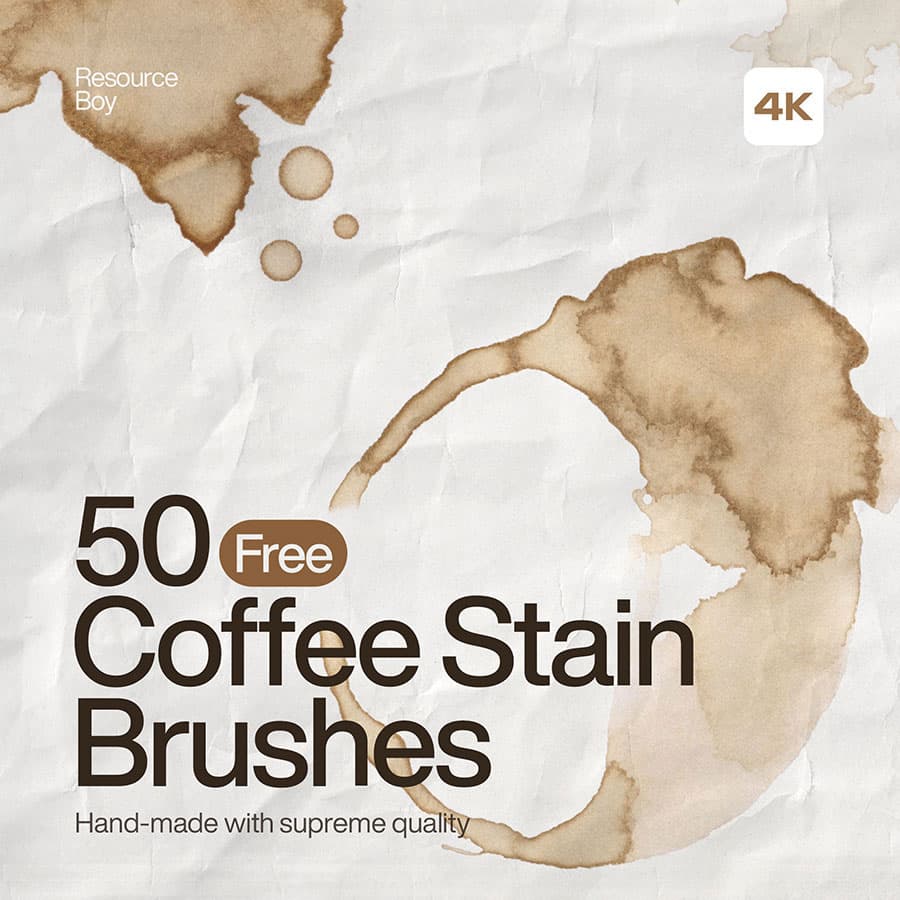
50 Coffee Stain Photoshop Brushes
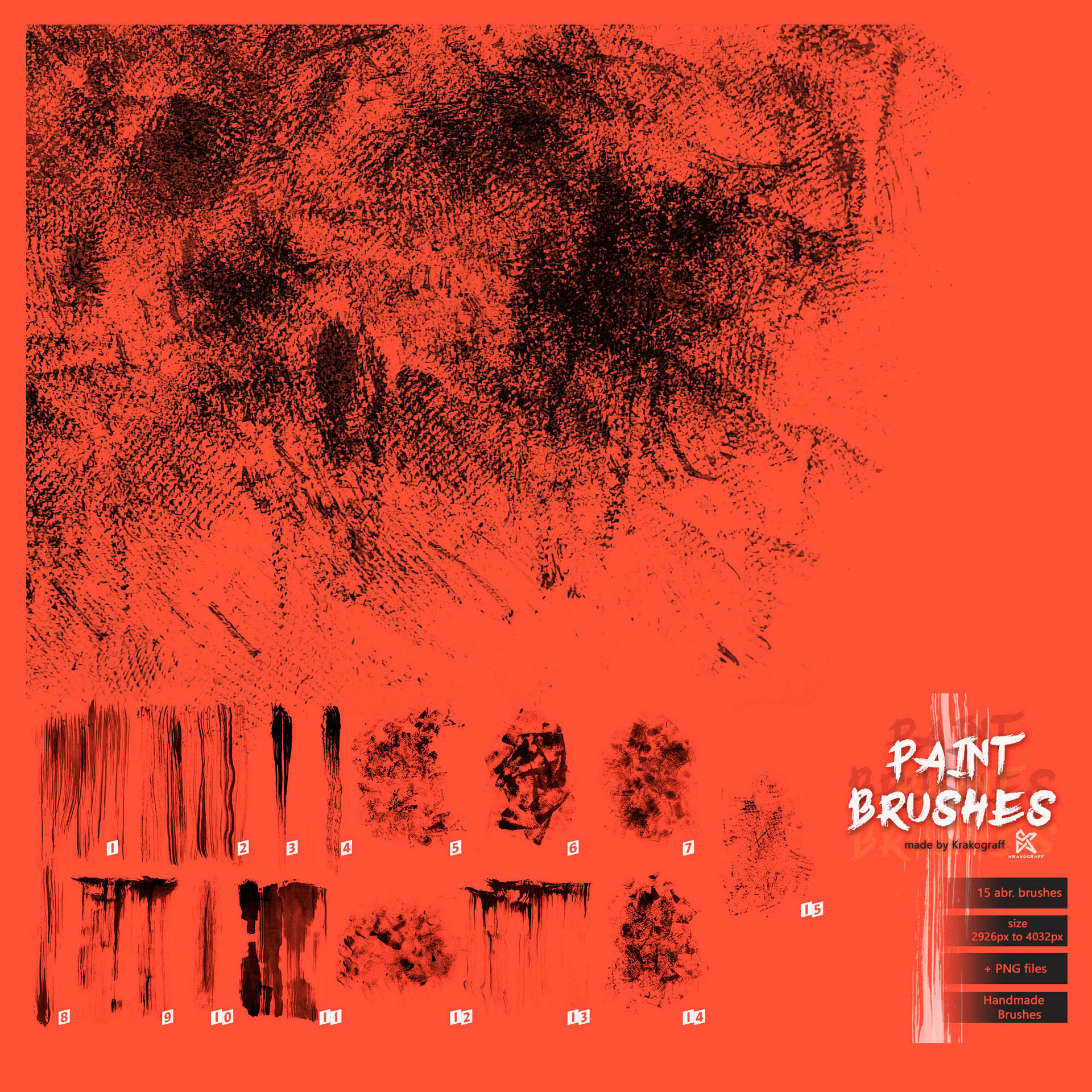
15 Paint Stroke Brushes
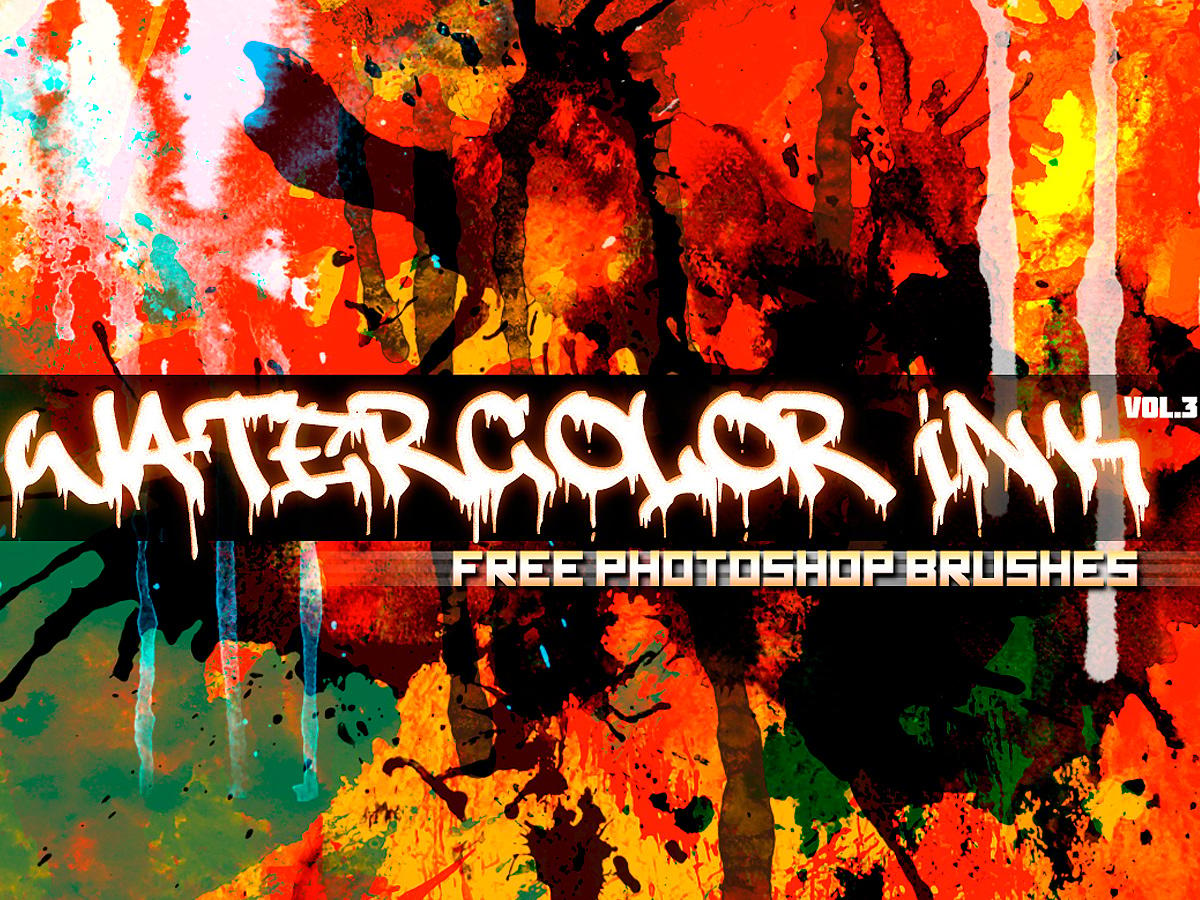
Watercolor & Ink brushes - Vol.3
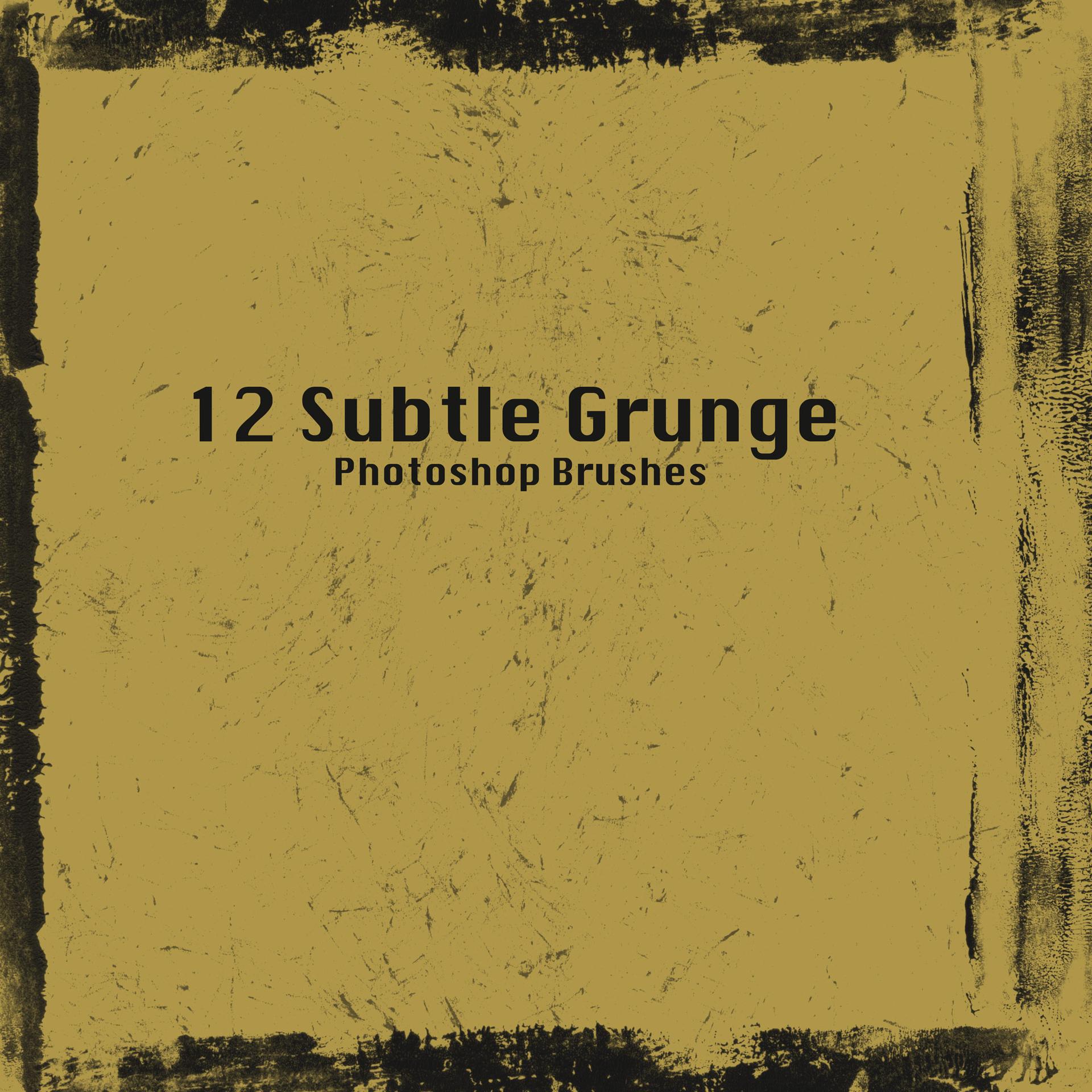
12 Free Subtle Grunge Brushes
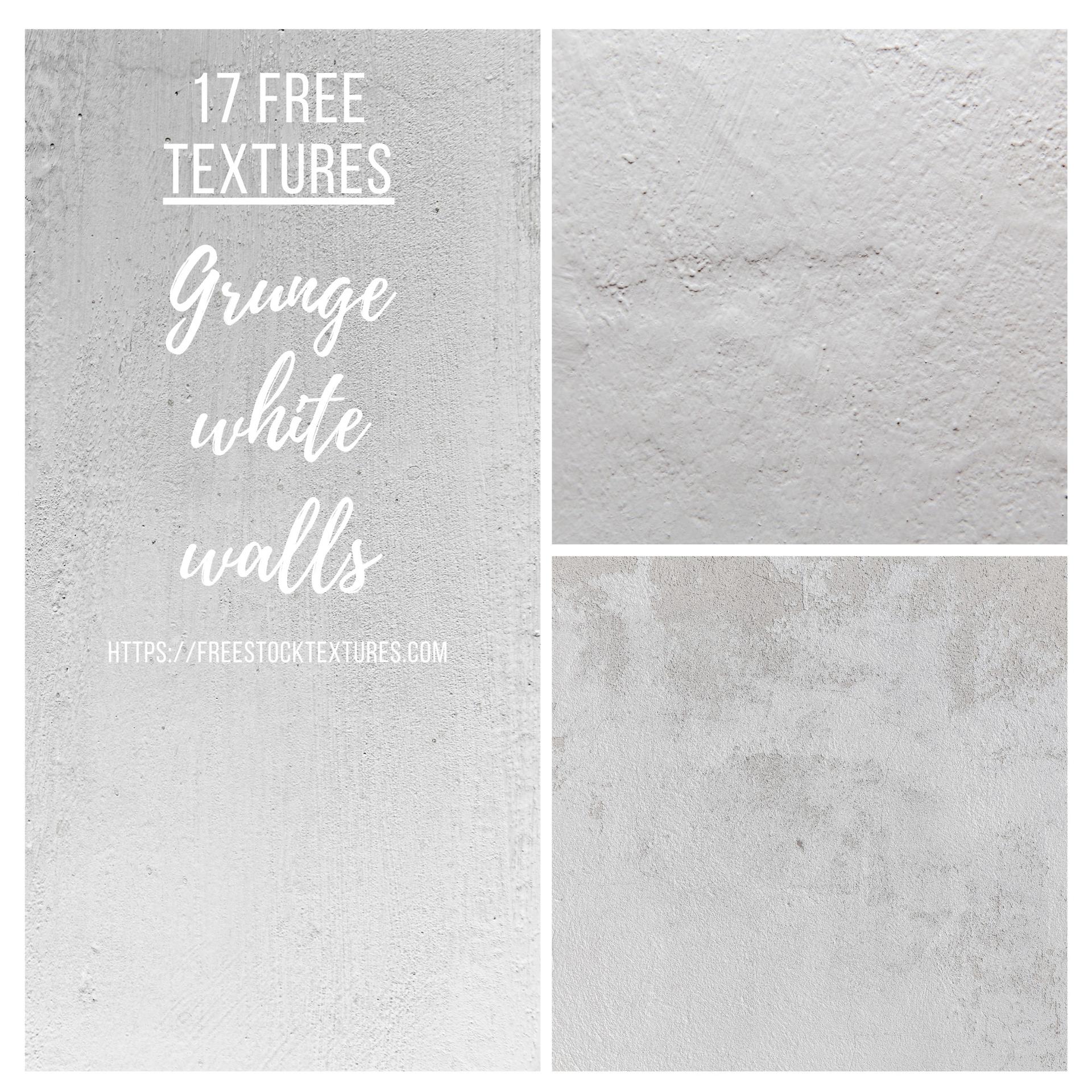
17 Free White Grunge Wall Textures
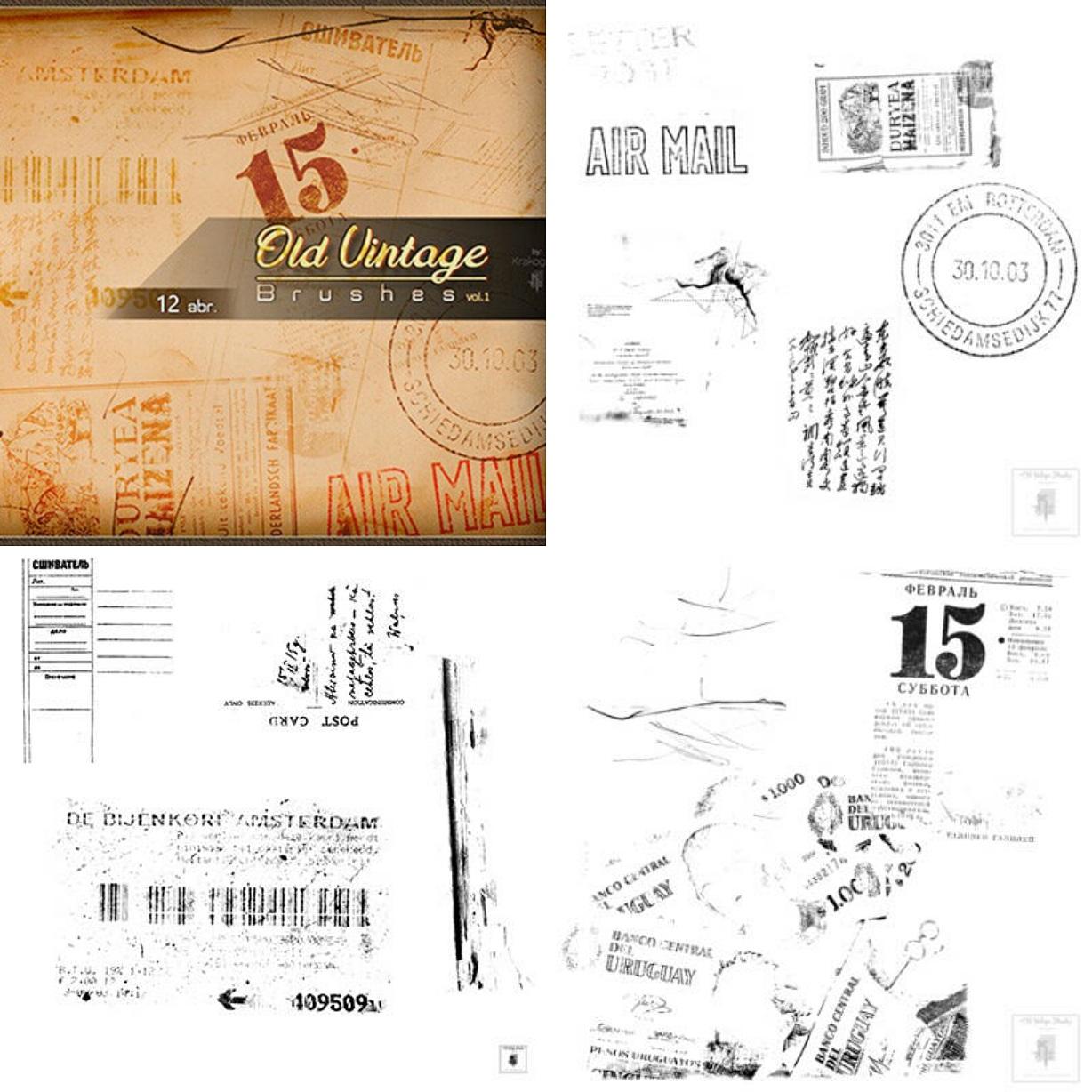
12 Old Vintage Brushes
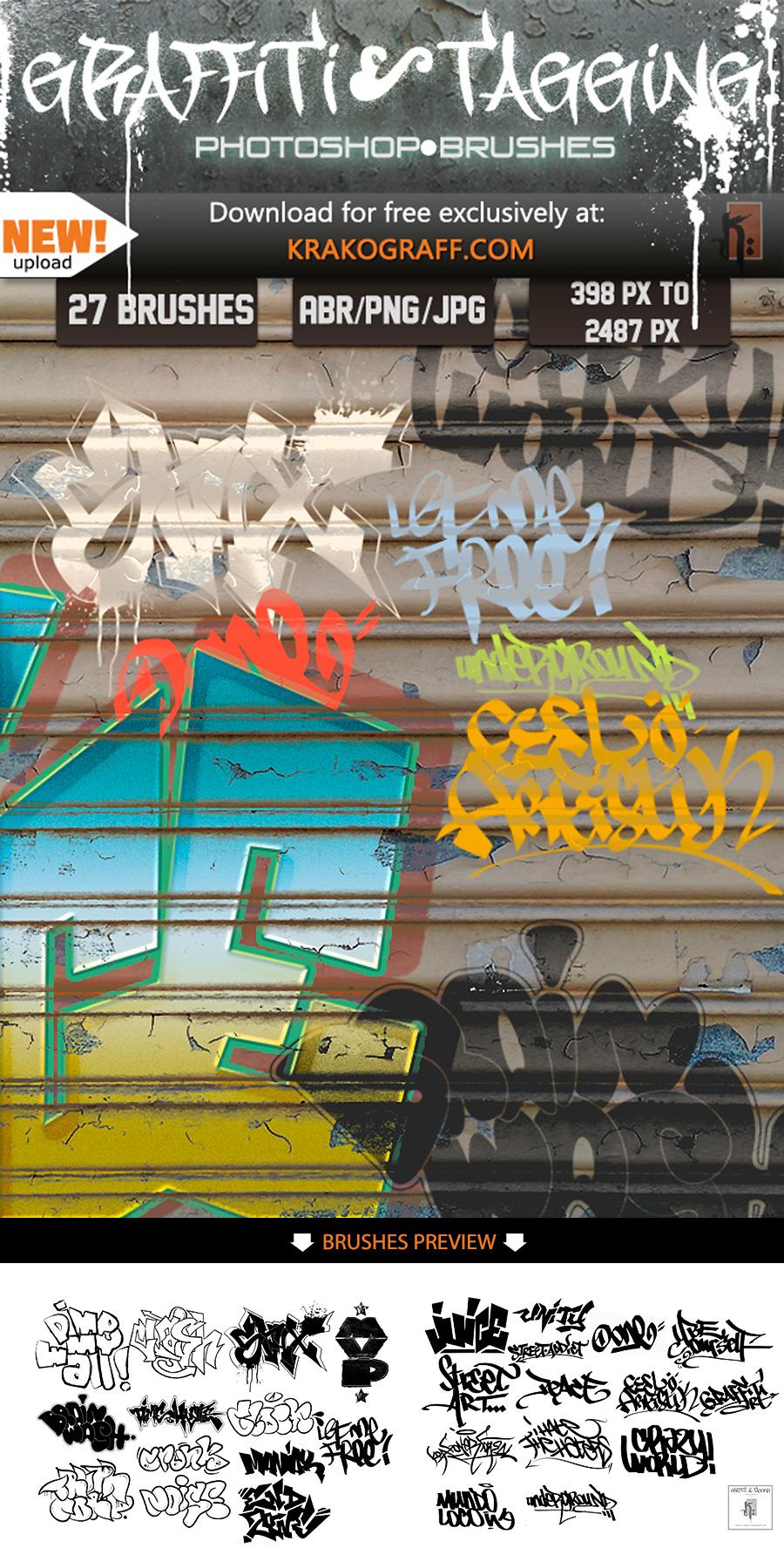
Graffiti & Tagging Brushes
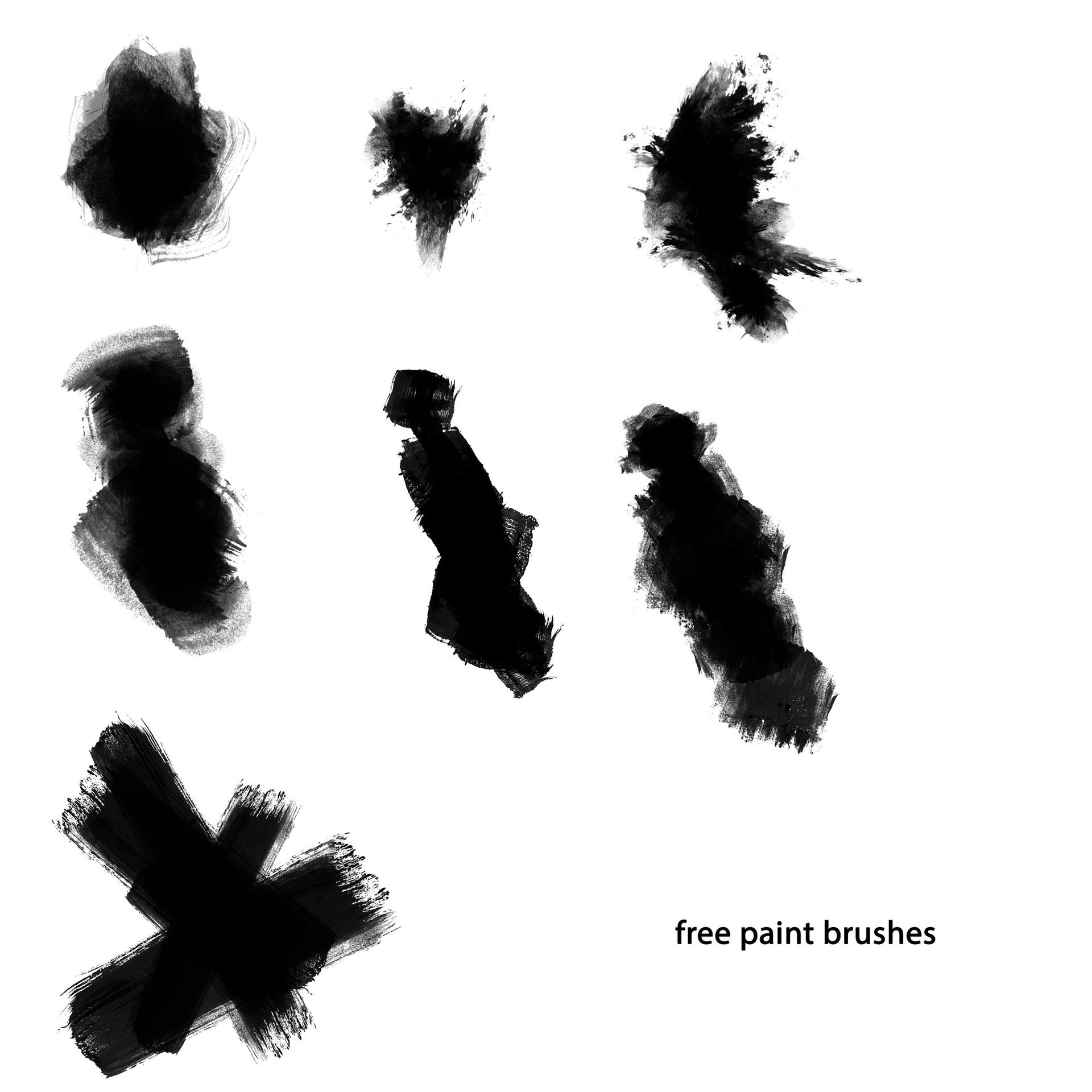
Real Paint Brushes
Where the dirt actually goes
Music and event print is the obvious home. A gig poster gets a photocopied halftone, a torn edge, and a stamp of spray across the headline, and the whole thing is printed once on cheap stock where the ink will spread anyway. At 300 dpi, brush size matters more than style: a 2500 px splatter stamped across an A2 sheet keeps its edge, while the same mark scaled up from 800 px turns to mush at the ink boundary.
Packaging and label work pulls in the opposite direction. A craft label is often 40 mm across, so heavy rust and deep cracks collapse into a grey smear at that size. Fine grain and a single dry-brush pass along one edge read as wear; anything more reads as a printing fault. The safe method is to keep the distress on a layer mask over the logo lockup rather than on the artwork, so the mark can be softened after the first proof comes back harsher than the screen suggested.
Photo work uses the same files at the other extreme. Dust, scratches and frame damage sell a photograph as archival, and because the marks were captured rather than generated they survive a print downsample where filter noise breaks up. Set a texture brush to multiply, knock back the saturation, and paint the damage into the shadows instead of across the whole frame.
Web and interface work has a constraint the print cases do not: file weight. A 3000 px overlay on a full-bleed hero costs more than the effect is worth, which is where the tileable files earn their place. A seamless dirt tile a few hundred pixels square repeats across the viewport for a fraction of the payload, and how to install patterns covers loading the .PAT sets if you have not done it before.
Apparel is the strictest of the lot. Screen printing reduces everything to a halftone, and thin scratches below roughly a point drop out entirely on the mesh, so pick the coarser sets and check the artwork in greyscale before it goes to the printer.
What's in the collection
Brushes carry the collection: 113 of the 125 sets are brush packs, and 102 arrive as a plain .ABR with nothing else in the archive. The rest splits into five texture sets, four pattern files, one layered PSD, a stock image and a style preset.
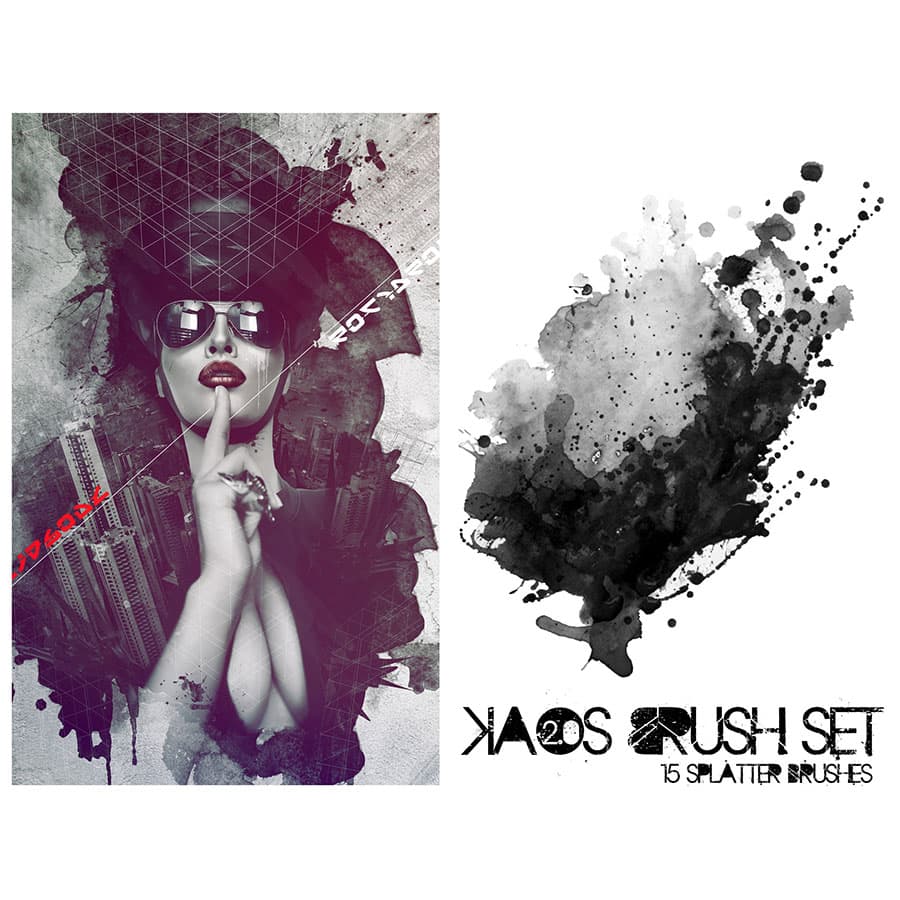
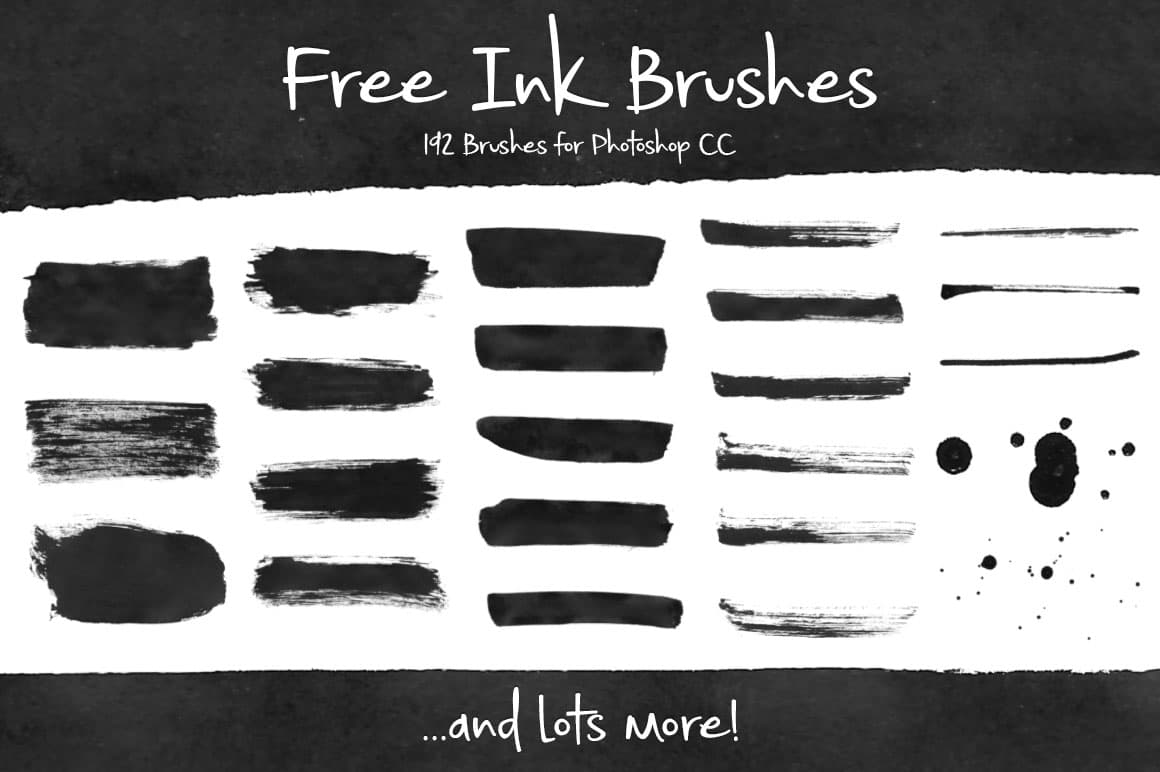
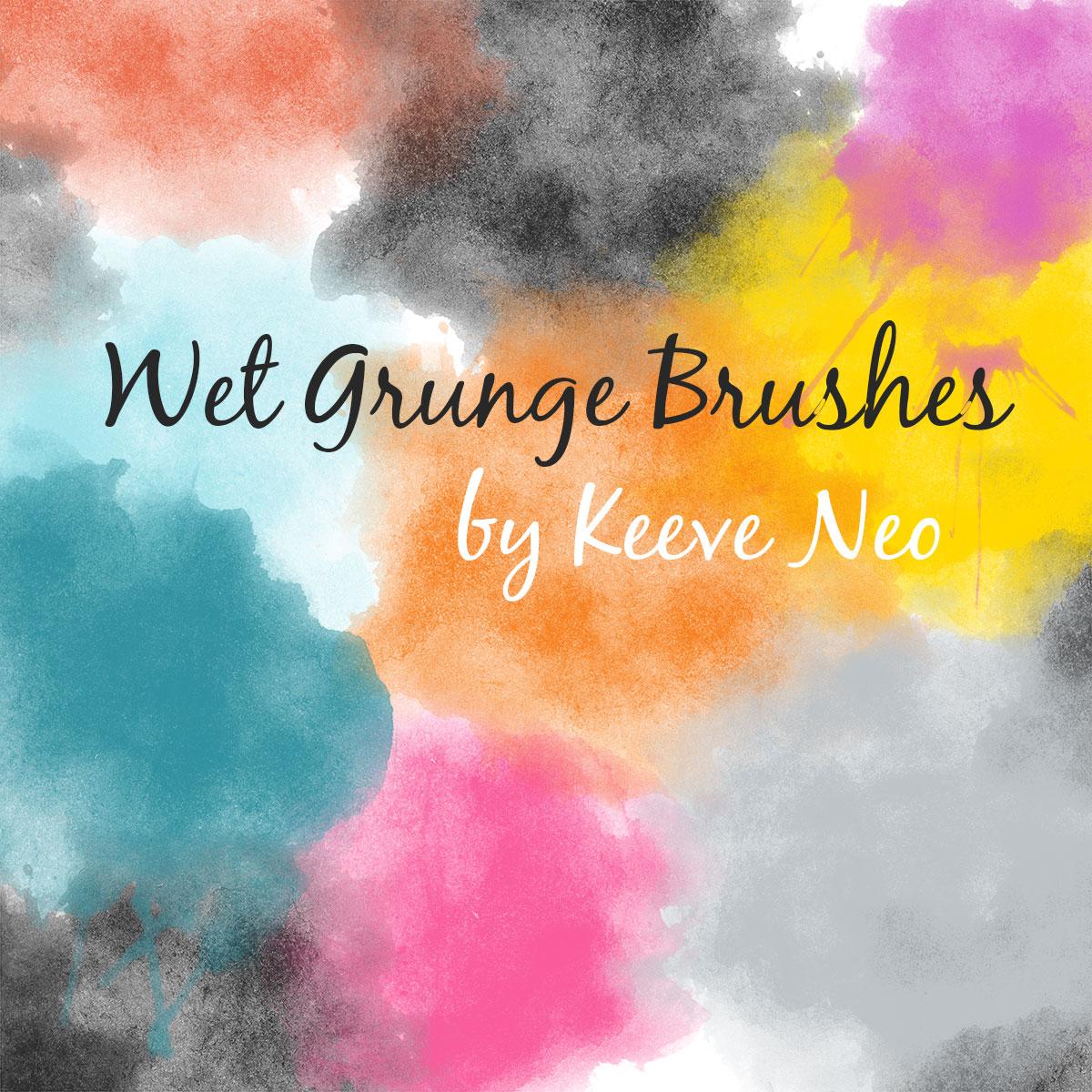
Splatter and ink dominate the top of the list. 15 Free Splatter Brushes has been downloaded over half a million times and is the set most people arrive for, while 192 Free Ink Brushes trades polish for volume, with 192 stamps in one archive: flicked nibs, dragged strokes, and the mark a dropped bottle leaves. Ultimate Grunge is the other heavyweight, 153 brushes of general-purpose wear in a single pack. Wet Grunge Brushes Set is smaller at nine brushes, but the marks have a spread and a soft edge that dry stamps cannot fake, and 16 Free Spray and Splashes covers aerosol overspray, which behaves differently from ink and is worth keeping separately.
Surface damage is the second cluster. Demolished Cracks and Cracks Textures both handle masonry and rendered walls, while Old Frame Picture and Border Brushes deal with edges, the part of a distressed layout that usually gives it away. On the tileable side, 12 Grunge Stripes Patterns is the most used of the .PAT files, with a little over 200,000 downloads.
Licensing is set per item rather than per tag, and the split here is favourable: 90 of the 125 sets are free for commercial use outright and 11 more allow it with attribution. Fifteen are personal use only, and the remaining nine carry Creative Commons terms with their own conditions. The item page states which applies before you download.
Choosing a style
Most of what is here falls into three bands, and they do not do the same job.
Fine grain and dust is the quiet end: paper fibre, faint speckle, a light vignette of dirt. It works where the design has to stay legible, so editorial layouts and book covers, or anything carrying a lot of small type. At 10 to 20 per cent opacity it reads as texture rather than as an effect, and it is the only band that holds up when the whole thing is scaled down to thumbnail size.
Scratch and spray is the middle, and the busiest part of the collection. Splatter, dry-brush drag, stencil overspray, photocopied halftone. This is poster and merch territory, where the mark is part of the composition rather than a wash behind it. Keep these on their own layer and mask them back; painting them straight onto artwork is the fastest way to lose an afternoon.
Rust, cracks and torn edges is the heavy end, and it needs room. On a busy layout the detail turns into visual noise, but on a large format with space around the type it does what no filter manages. Test in greyscale early, because heavy wear that looks controlled in colour often turns to mud once the contrast drops.
Whichever band you are working in, the sets load the same way, and how to install brushes walks through it. If you want a pattern tile as a paintable overlay rather than a fill, extracting the original PNG from a .PAT file is a short detour worth knowing.
Frequently Asked Questions
Are the grunge brushes on this page free for commercial use?
Most of them are. Ninety of the 125 sets here are free for commercial work outright and eleven more allow it if you credit the author. Fifteen are personal use only, and nine carry Creative Commons terms. The licence belongs to the individual set rather than to the tag, so open the item page and read the licence block before you use anything in paid work.
How do I install grunge brushes in Photoshop?
Unzip the download, then drag the .ABR file onto the open Photoshop window and the set appears at the end of your brush list. If that does not work, use Edit, Presets, Preset Manager, set the type to Brushes and click Load. The brushes stay loaded between sessions, so it is a one-time step per set.
What is an ABR file?
It is Photoshop's own brush format, and it holds a whole set rather than a single brush. Each brush inside is a greyscale stamp plus its settings for size, spacing and scattering. Outside Adobe's own software, few applications read those settings properly, which is why 102 of the sets here ship as a plain .ABR with nothing else in the archive.
Can I use these grunge brushes in Procreate?
Partly. Procreate imports an .ABR set and converts the stamps, but it drops the Photoshop-specific dynamics, so scattering and dual-brush behaviour do not carry over. Single-stamp texture brushes, which most of these grunge sets are, come through well. Splatter and spray sets usually need their spacing adjusted by hand afterwards.
Do Photoshop grunge brushes work in Illustrator?
No. Illustrator uses its own brush definitions and cannot load an .ABR file. If you need the same marks in vector work, place a brush stamp as a raster image and trace it, or export the mark as a PNG on a transparent background and use it as a linked graphic instead.
What is the difference between a grunge brush and a grunge texture?
A brush is a stamp you paint with, so you decide where the damage lands and how strong it is. A texture is a finished image you lay over the design and mask back. Brushes suit edges, logos and small areas; textures suit full backgrounds. This collection is mostly brushes, with five texture sets and four tileable patterns.
Can I change the colour of a grunge brush?
Yes. Photoshop brushes paint in whatever foreground colour is active, because the stamp itself is greyscale and works as an opacity map. Set the colour first, then paint. For a layer you have already painted, a clipped Solid Color adjustment or a Color Overlay will recolour the whole thing without repainting it.
Why do my grunge brushes look blurry when I paint with them?
You are painting above the brush's native size. Each stamp is a fixed bitmap, so pushing a 500 pixel brush up to 2000 pixels softens every edge. Check the size the set was drawn at and stay at or below it, or stamp several times at native size instead of scaling one mark up.