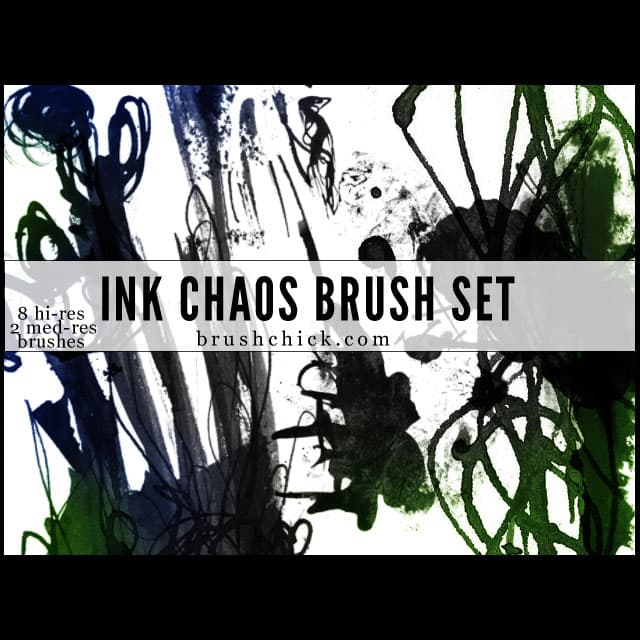
Ink & Chaos Brush Pack
Resource Details
- Author
- Brush Chick
- Format
- ABR
- Size
- 4.4 MB
- Opens in
- Photoshop, GIMP
- Imports into
- Procreate, Affinity Photo, KritaShapes import. Dynamics may not.
- Brush type
- Stamp brushes
- Items in set
- 10
- Downloads
- 37.5k
- Added
- May 4, 2015
Description
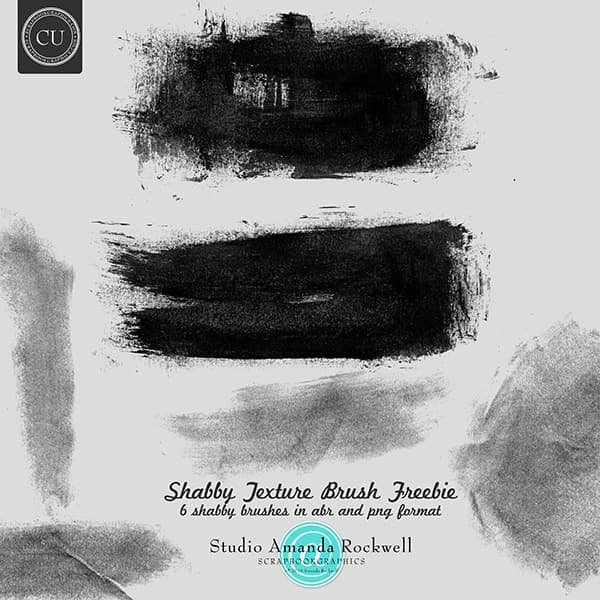
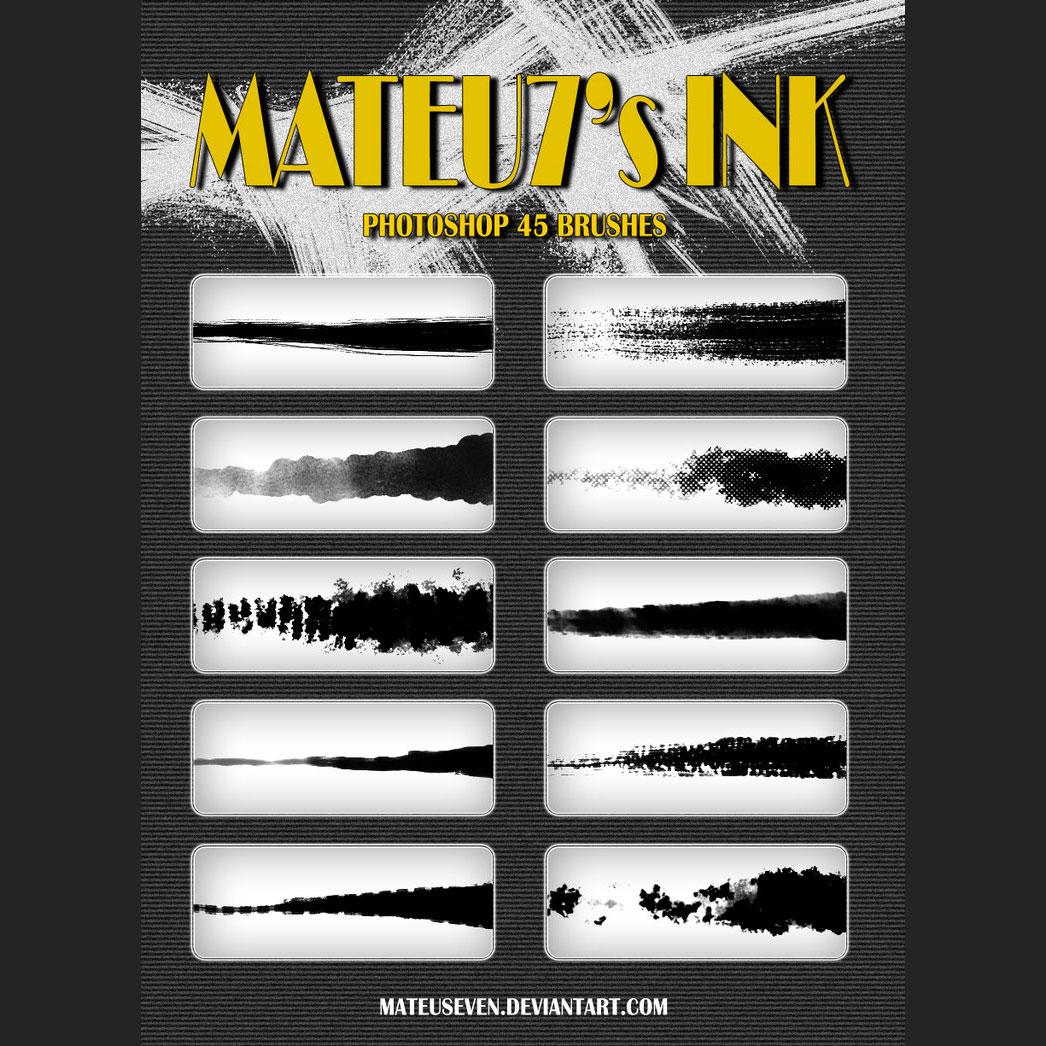
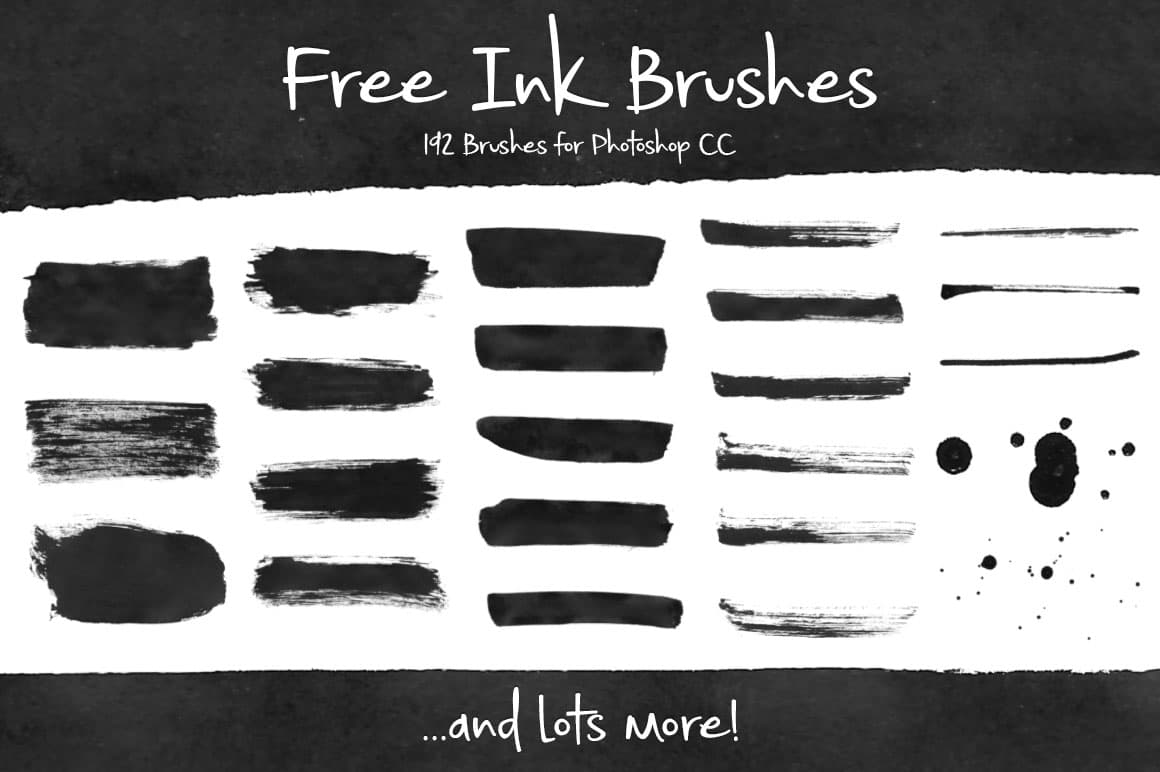
8 high-resolution and 2 medium-resolution grunge ink brushes between 600-2500 pixels each, in an ABR file. These brushes are great quality and free for your use, commercial or personal. Perfect for adding dimension and authentic gritty texture to your digital or print projects. These were made with real art supplies after growing tired of finding low-quality, generic grunge brushes on the web, and they have been a personal go-to set for many years before being shared publicly. The result is a collection of truly unique ink textures that stand apart from typical grunge brush packs. Please give credit where credit is due. Do not attempt to sell these as your own work, or upload them on other sites and claim them as yours. Support and comments are always appreciated. If you have used these brushes in a project, sharing a link to your finished work is always welcome and greatly encouraged.
What's Included