11 Retro Roses Brushes
Resource Details
- Format
- ABR
- Size
- 47.8 MB
- Opens in
- Photoshop, GIMP
- Imports into
- Procreate, Affinity Photo, KritaShapes import. Dynamics may not.
- Brush type
- Stamp brushes
- Items in set
- 11
- Downloads
- 30.1k
- Added
- Apr 22, 2020
Description
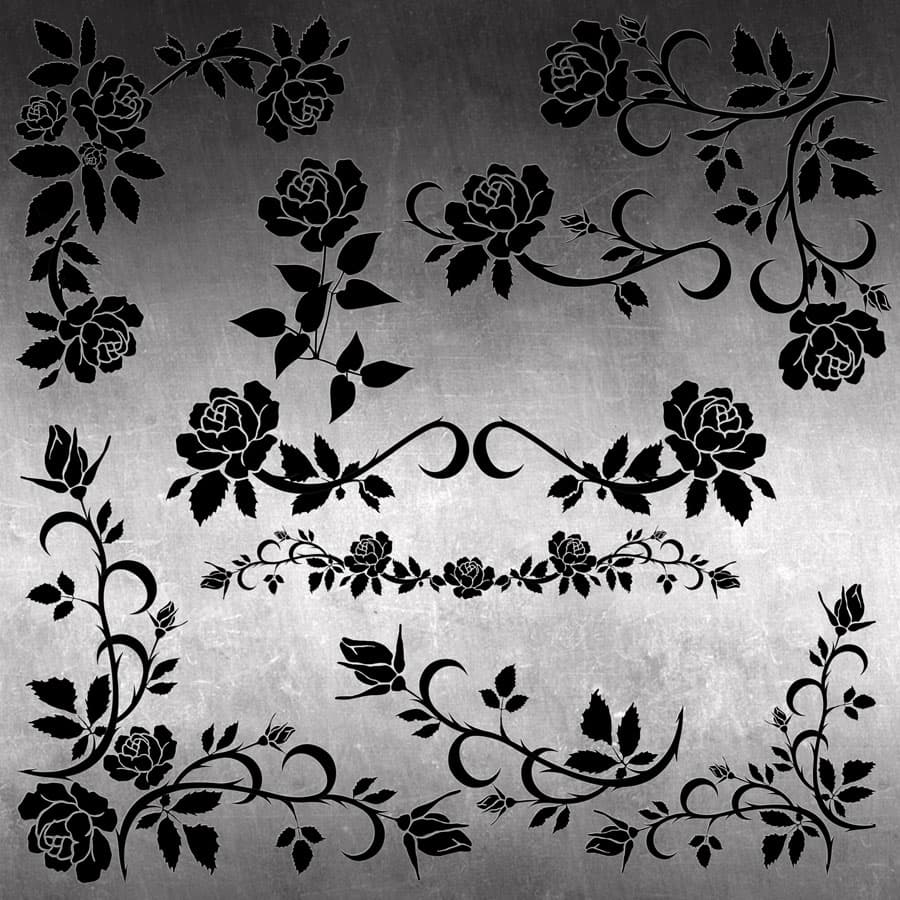
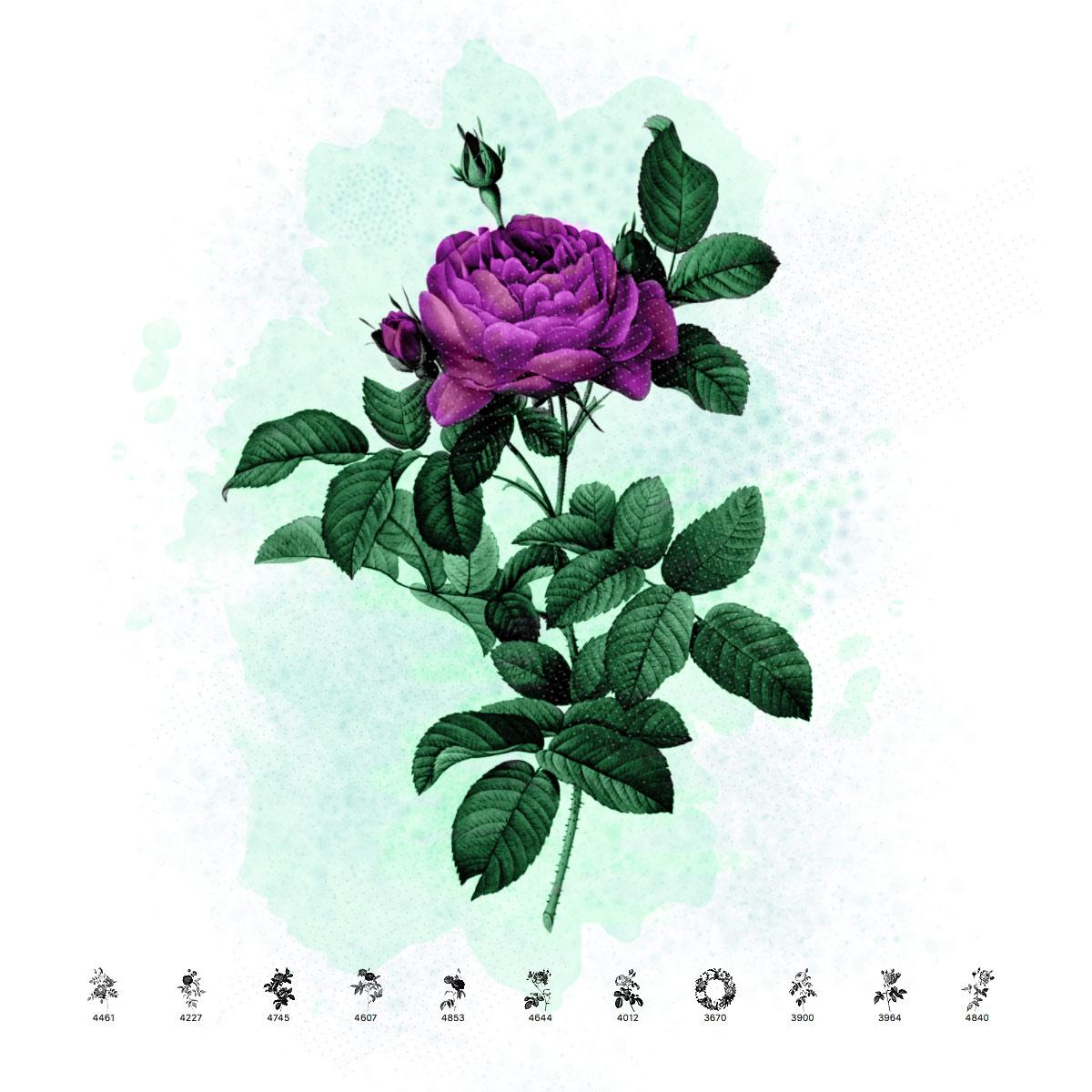
The roses painted by Redoute are very realistic. He captured the beauty of these fantastic flowers in remarkable detail. The rose is a symbol of love, embodying its dual nature - beauty and suffering. This set of brushes consists of 10 beautiful rose branches and one wreath. The original illustrations come from the book "Les roses" by Pierre-Joseph Redoute, published in Paris by Imprimerie de Firmin Didot, 1817-24. Redoute painted countless beautiful roses. This pack offers a small sample of his work in the form of brushes for Photoshop. The originals come from the Library of Congress. These retro rose brushes are ideal for creating vintage-themed greeting cards, elegant wedding invitations, botanical art prints, and romantic decorative designs.
What's Included