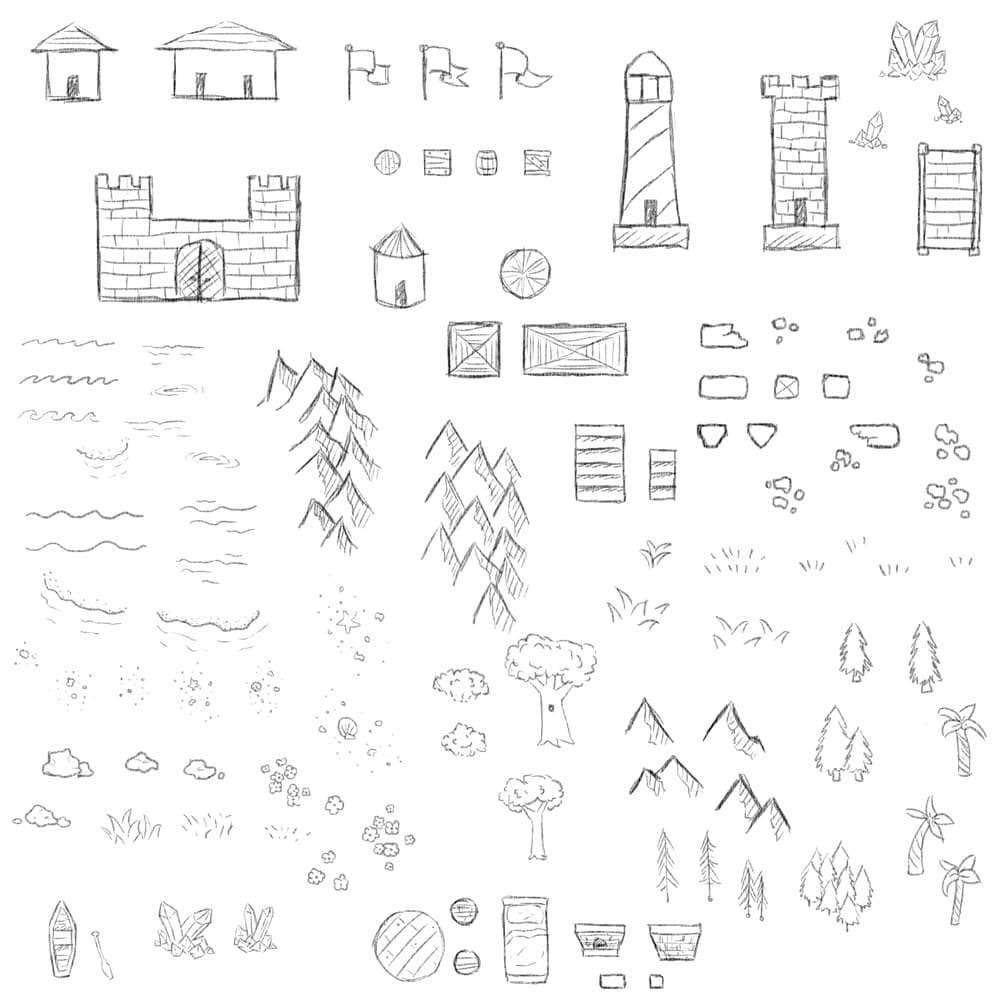
Free Brushes for Creating Maps
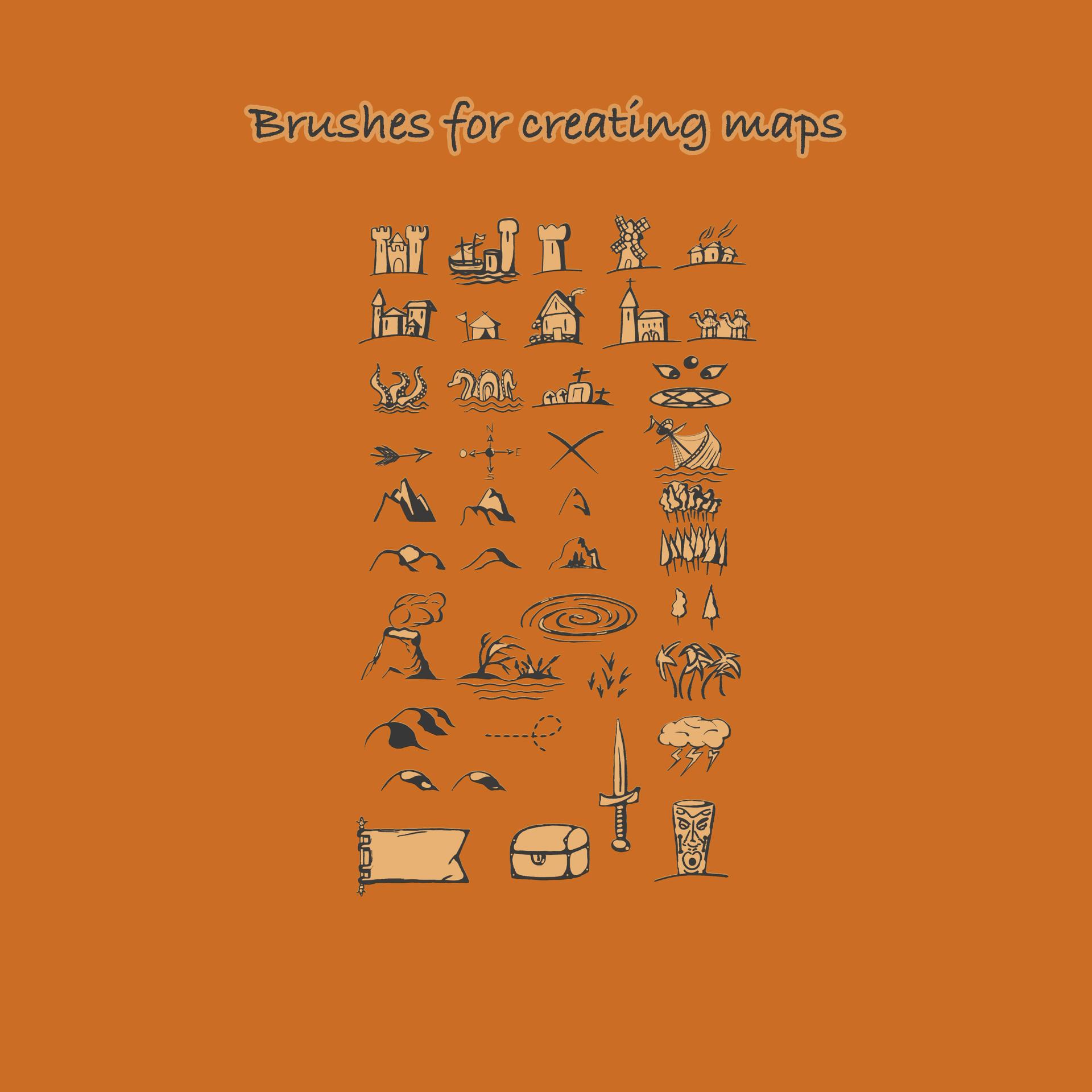
Resource Details
- Format
- ABR
- Size
- 2.2 MB
- Opens in
- Photoshop, GIMP
- Imports into
- Procreate, Affinity Photo, KritaShapes import fine. The Photoshop dynamics do not.
- Brush type
- Mostly stamps, some use dynamics
- Items in set
- 46
- Downloads
- 4.8k
- Added
- Sep 15, 2022
Description
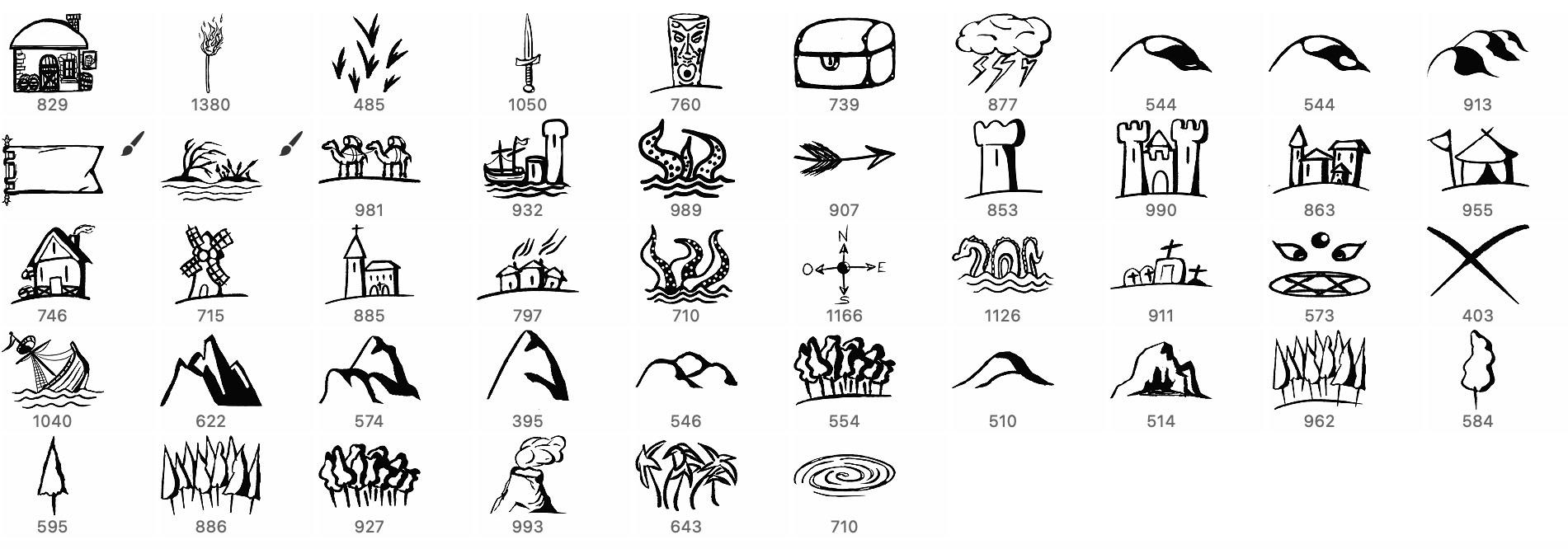
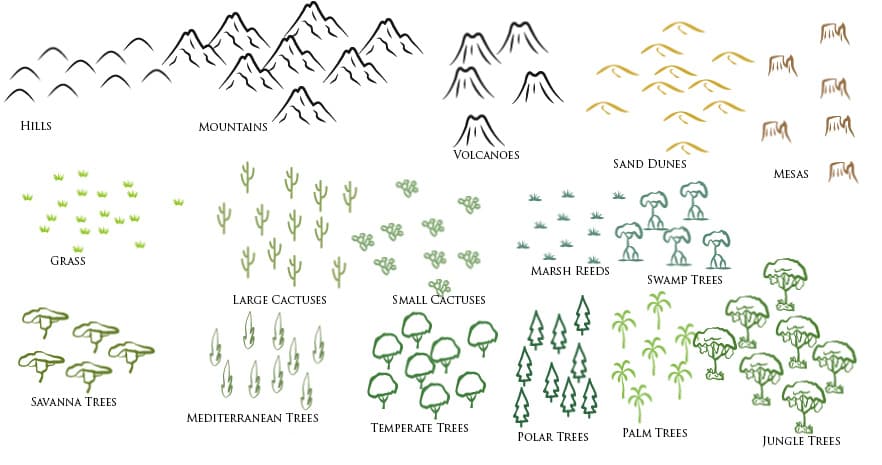
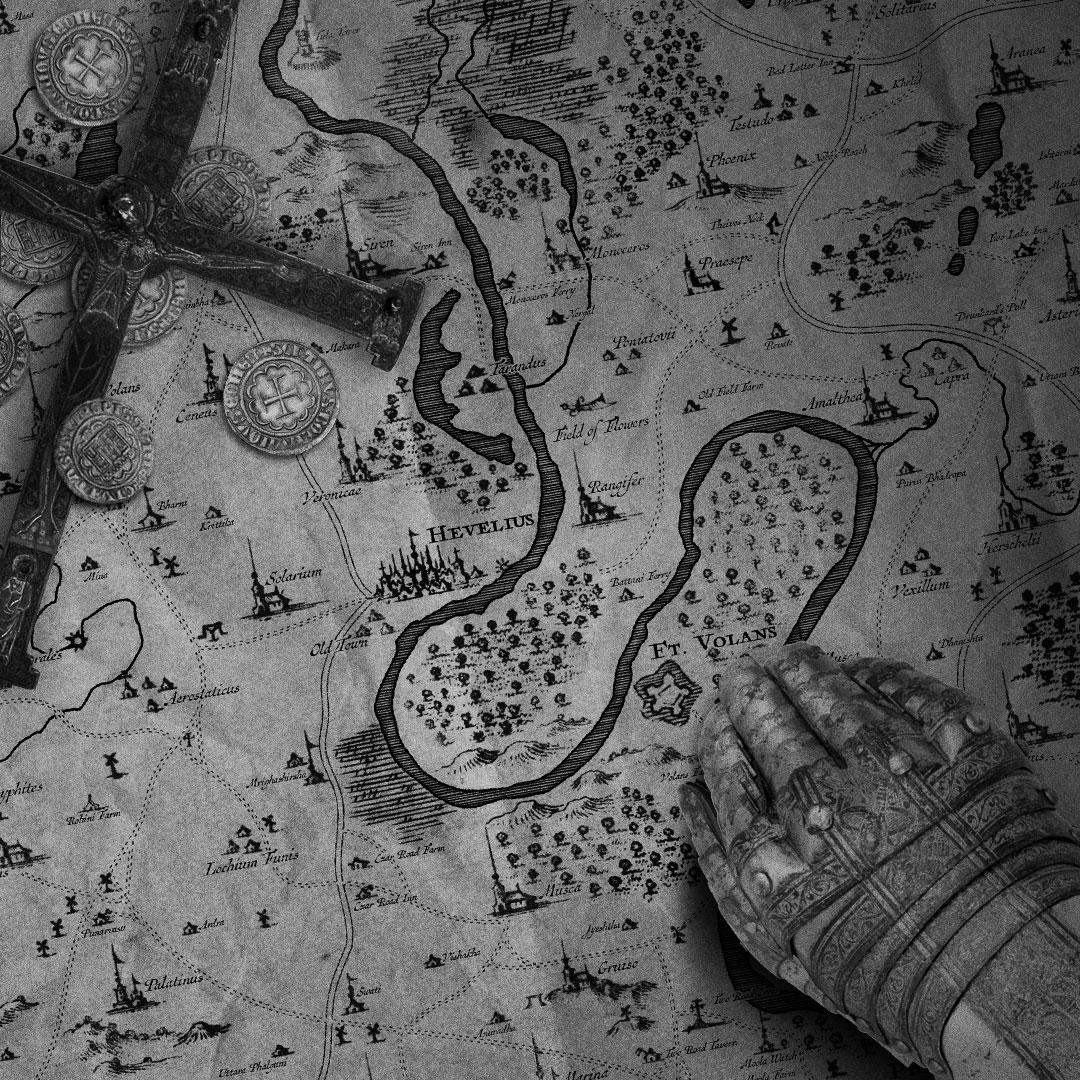
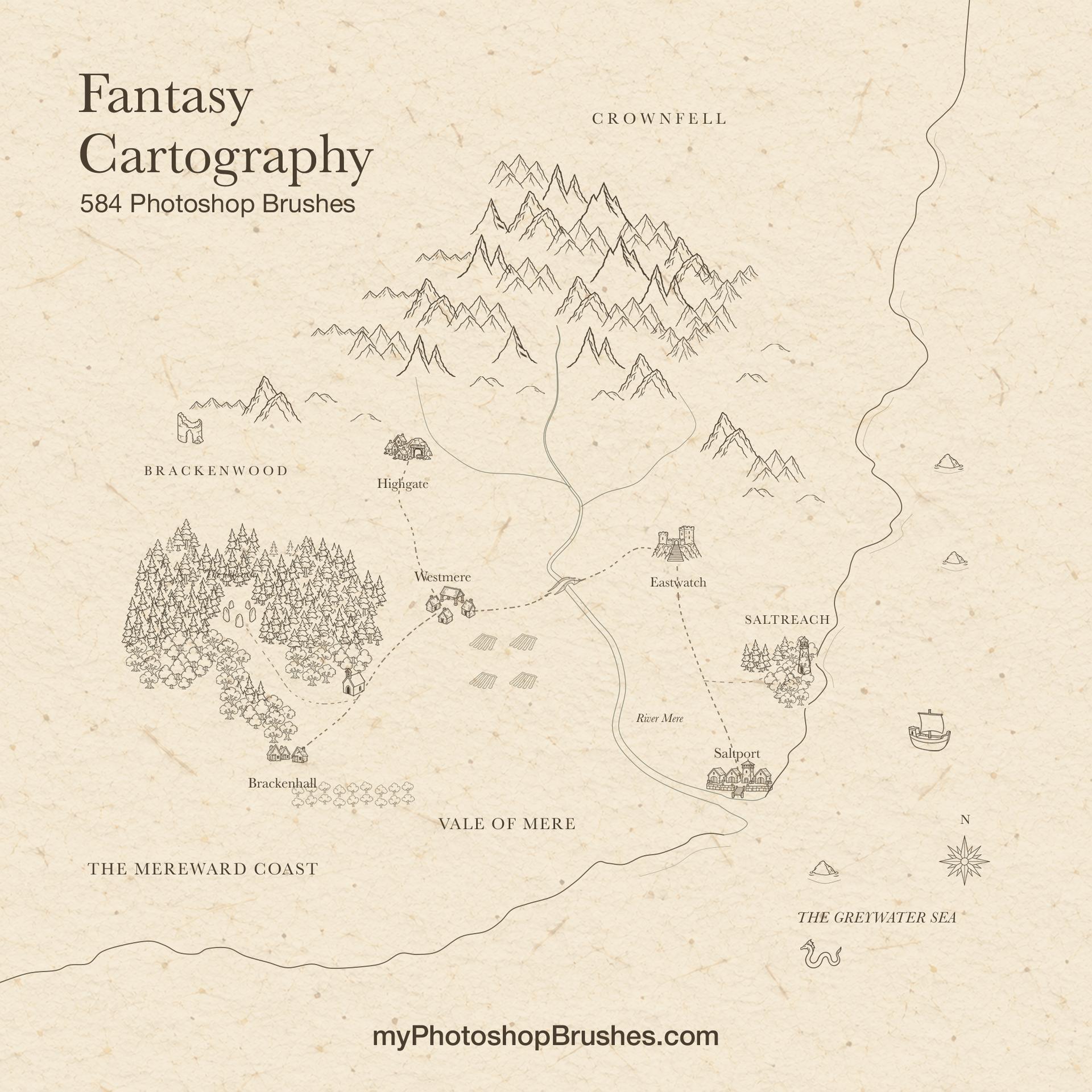
The set of brushes for creating maps is designed for all the enthusiasts of role-playing games. With 46 items in the set, there is a wide range of brushes to choose from, including buildings, caravans, castles, churches, forests, mountains, swords, and many others. These brushes are perfect for those who love to create detailed, immersive worlds for their RPG games. This set of brushes is available for free commercial use, which means you can use it for all your personal and commercial projects without any limitations. The brushes are also easy to use: just download the 2.2 MB file and start creating your maps right away. The brush palette is versatile, and you can use them to create anything from a small village to a sprawling empire. Whether you're a beginner or an experienced map creator, this set of brushes is perfect for tabletop RPG campaigns, fantasy novels, and game design projects.
What's Included