584 Free Fantasy Cartography Brushes
Resource Details
- Author
- myPhotoshopBrushes
- Format
- ABR
- Size
- 5 MB
- Opens in
- Photoshop, GIMP
- Imports into
- Procreate, Affinity Photo, KritaShapes import fine. The Photoshop dynamics do not.
- Brush type
- Mostly stamps, some use dynamics
- Items in set
- 584
- Downloads
- 259
- Added
- Sep 30, 2026
Description
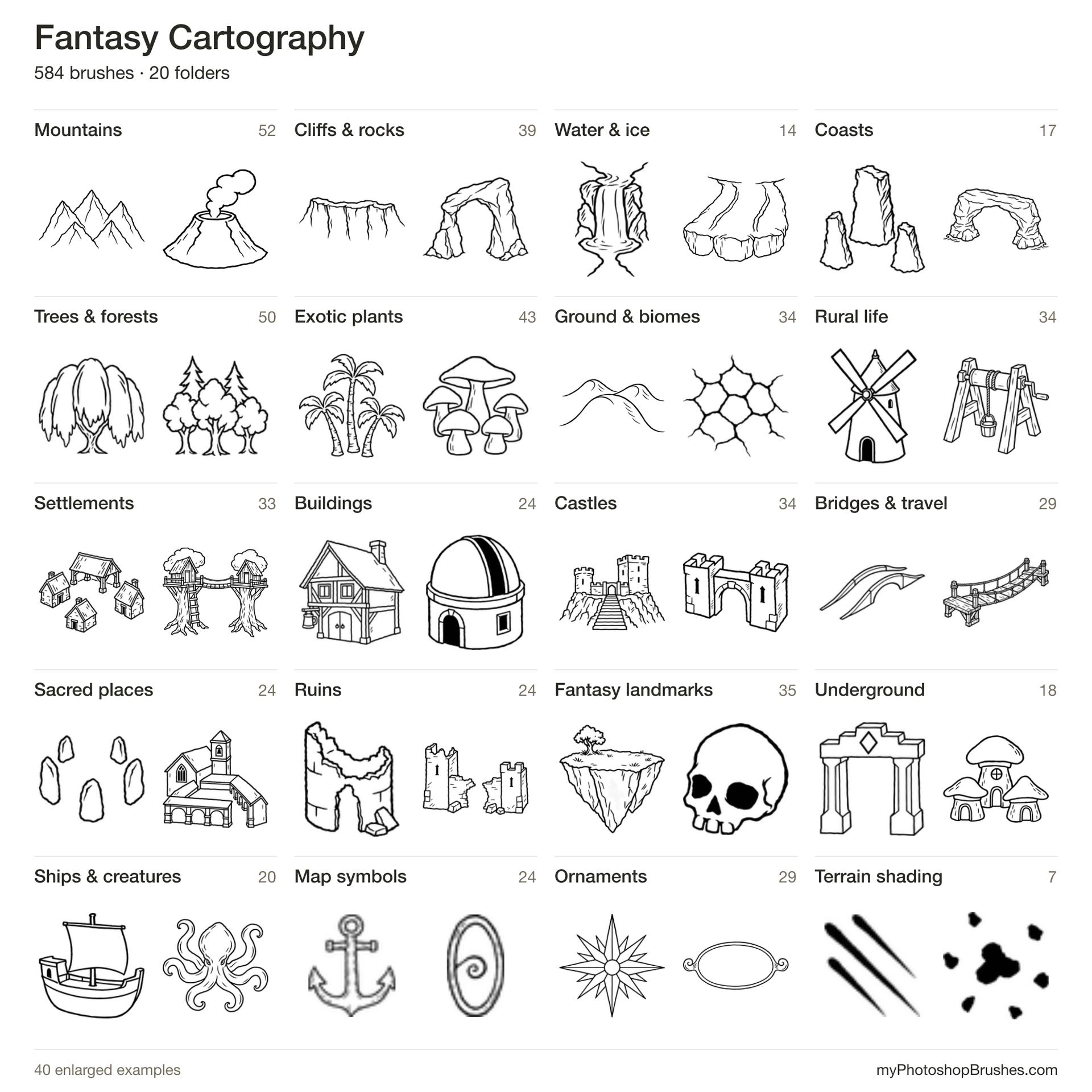
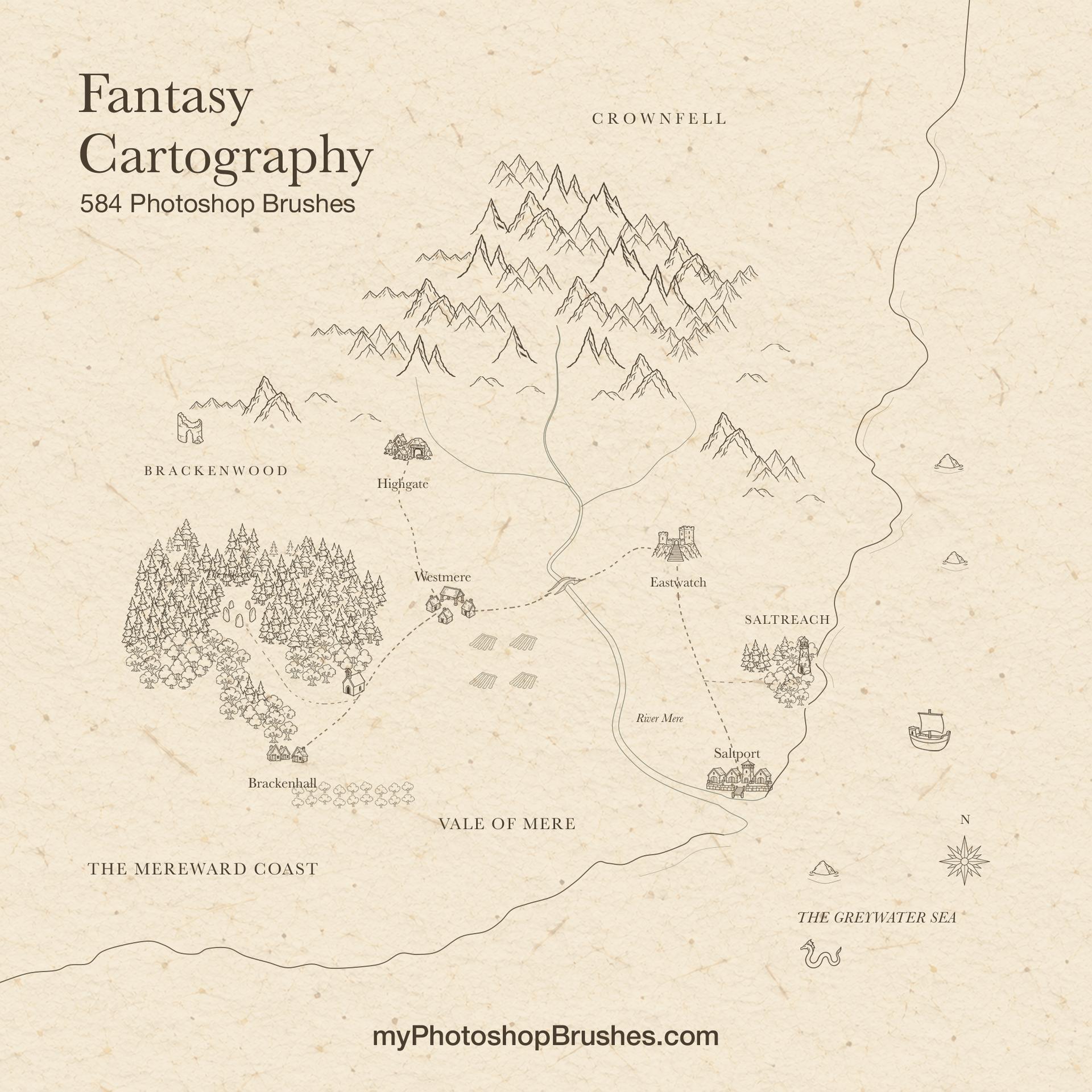
Choose where a mountain pass ends, where a town belongs and how dense its surrounding forest should be. Fantasy Cartography supplies the small ink symbols for those decisions, with separate object stamps and brushes that repeat local details along your own gestures.
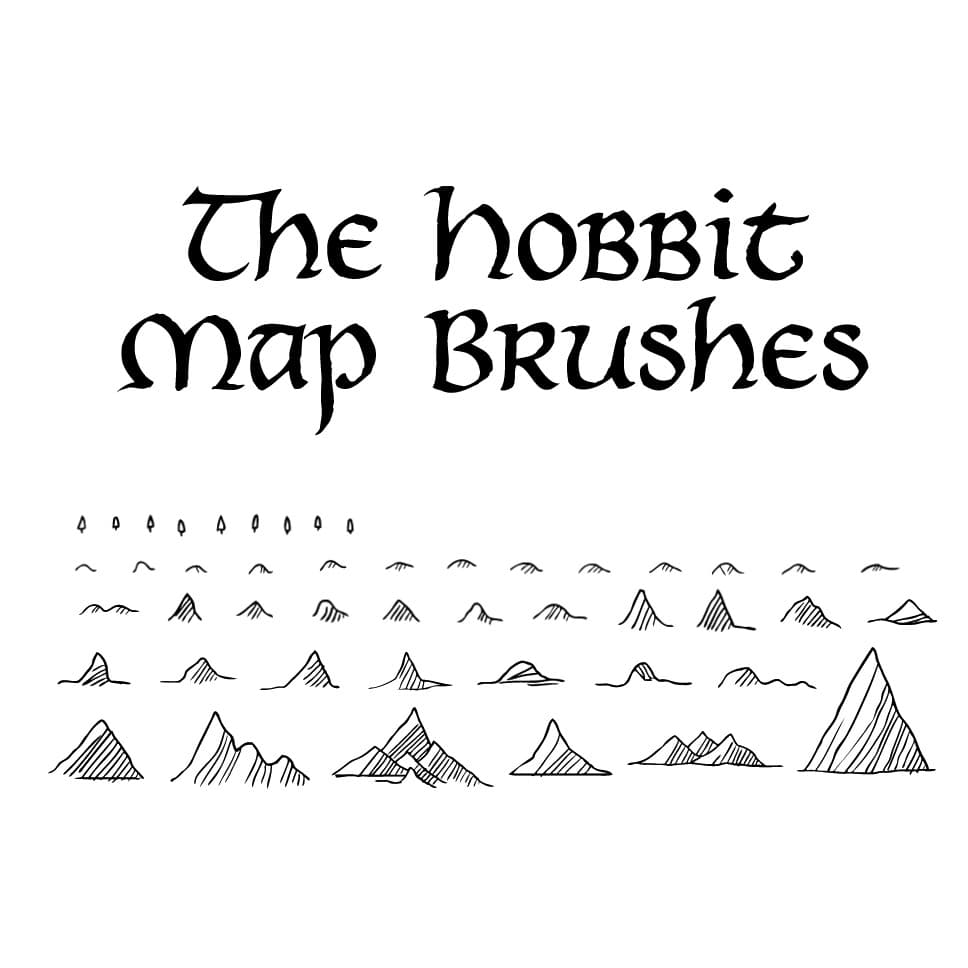
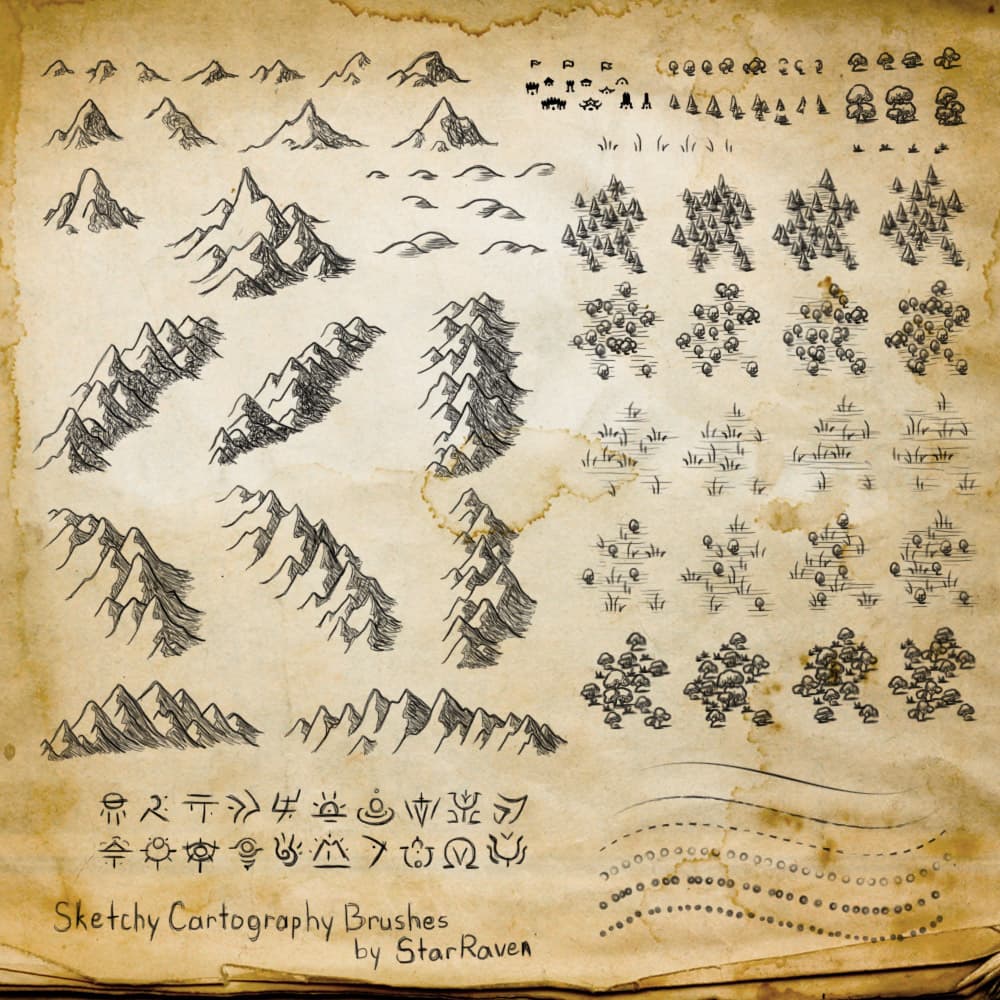
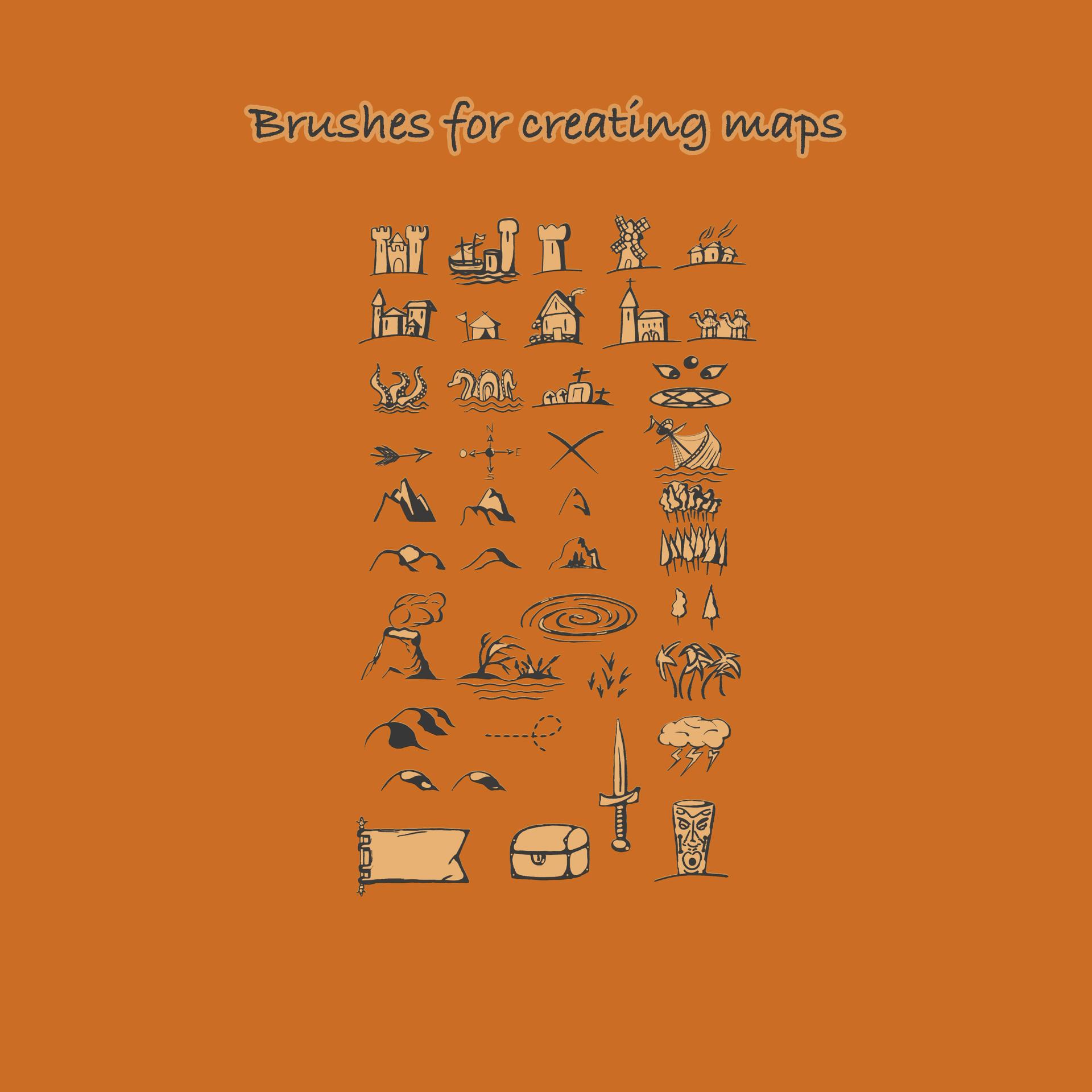
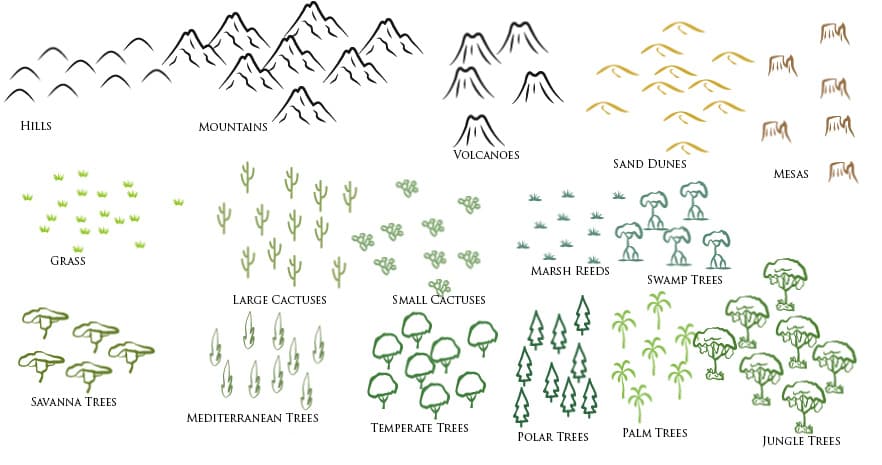
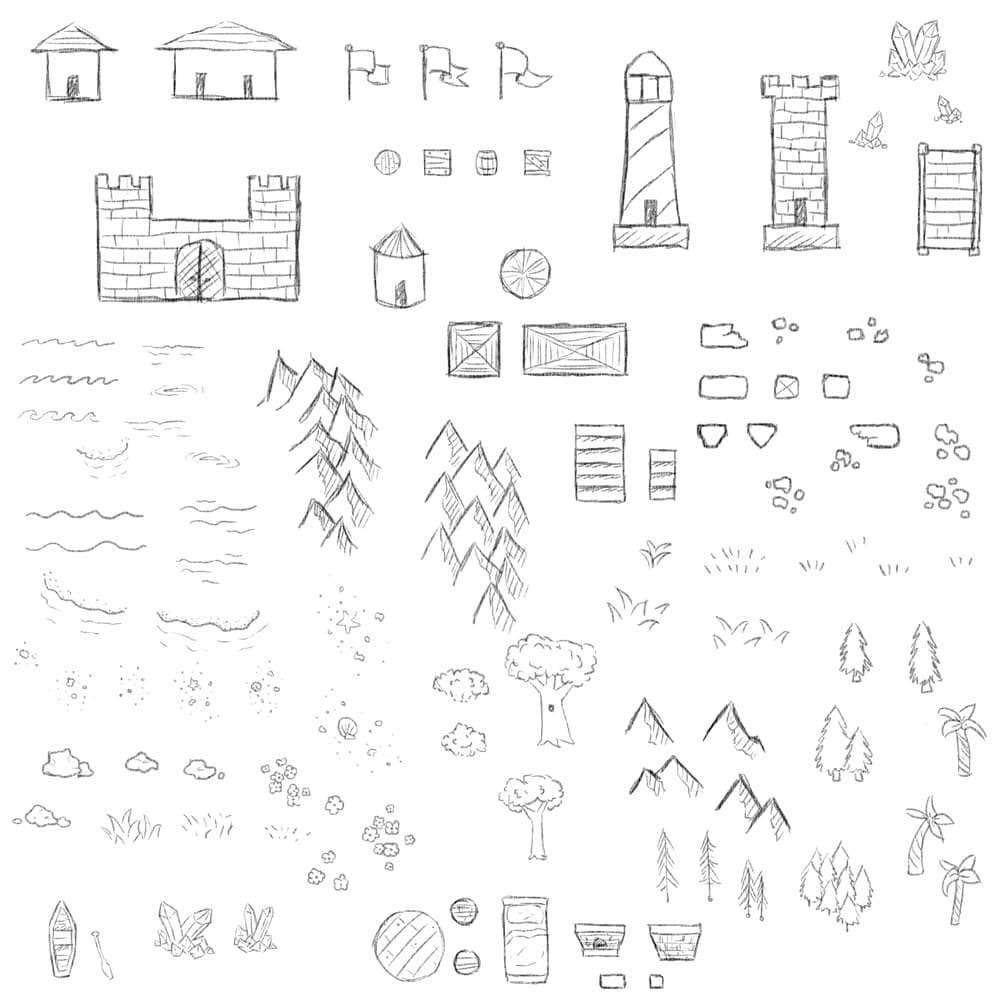
The ABR contains 584 named presets in 20 topic folders: 502 stamps and 82 repeat brushes, built from 545 distinct drawings. Terrain, vegetation, settlements, fortifications, ruins, crossings, landmarks, sea objects and map ornaments share simplified outlines. Names beginning with Stamp place an individual object. Names beginning with Stroke repeat marks such as trees, rocks, fences, masonry or decorative units.
Relative scale is built into the working sizes. Grass marks are smaller than trees, and grouped terrain can occupy more space than a single building. This edition doubles the working sizes of the original set, with a 128 px reference size and individual presets ranging from 24 to 256 px to preserve relative scale. The tips are rebuilt from the full-resolution source drawings. Use the supplied sizes as a starting point and judge each impression at the final map zoom.
Fifty-eight repeat brushes include a restrained size variation of approximately 90 to 100 percent. The other repeat brushes keep their tested settings where even spacing or matching units matter. Place sharp ornamental corners separately, and use the geometric meander on straight sections.
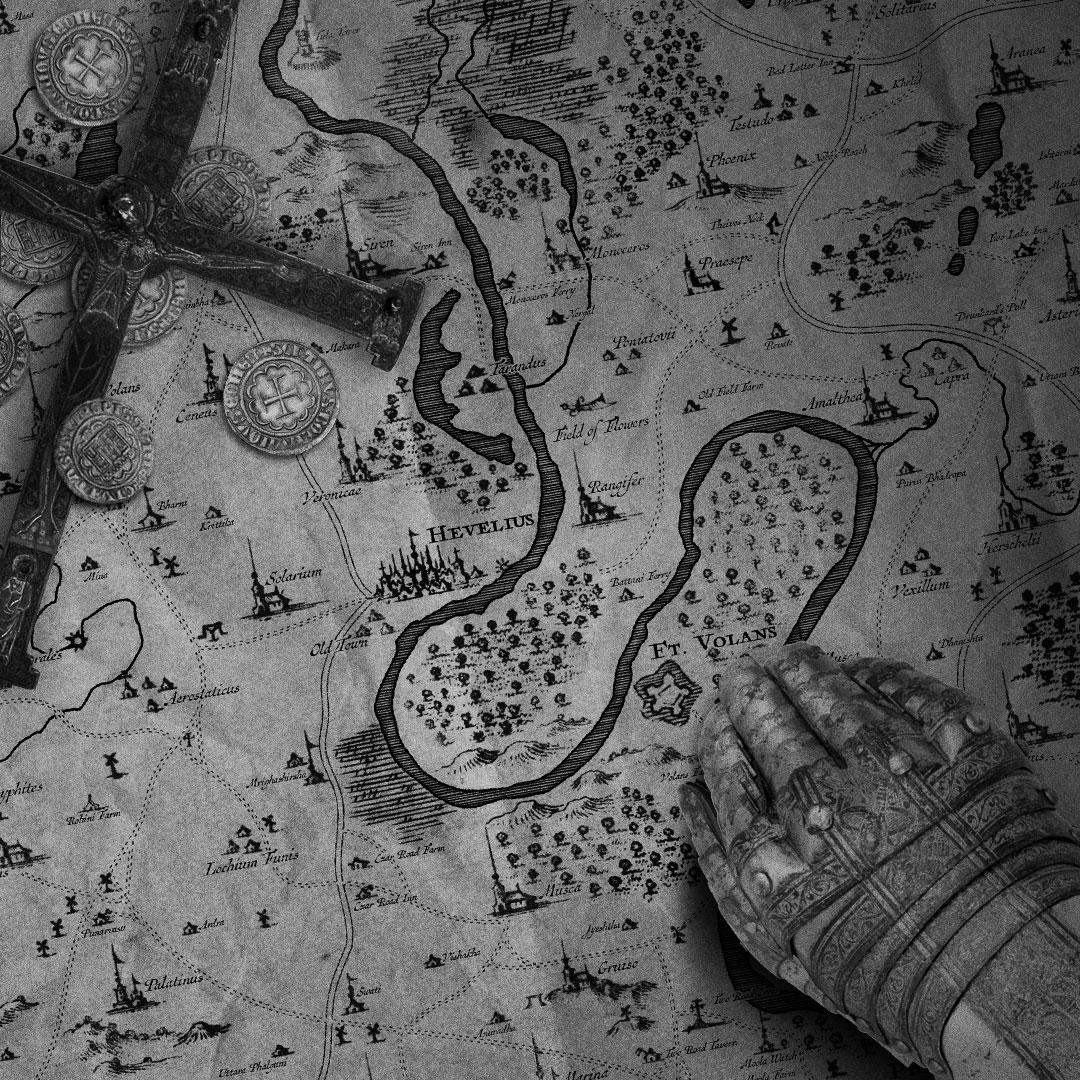
Draw the coastline, lake and continent outlines, roads and river courses yourself, then add the objects and local textures. The set does not draw complete geographic outlines or routes. Keep map structure and symbols on separate layers so a crossing, settlement or forest patch can move without repainting the land.
Import Fantasy Cartography.abr through the Photoshop Brushes panel. The download includes the ABR and License.txt. You can use the brushes in client work or your own projects without credit. License.txt sets out the redistribution restrictions.
What's Included