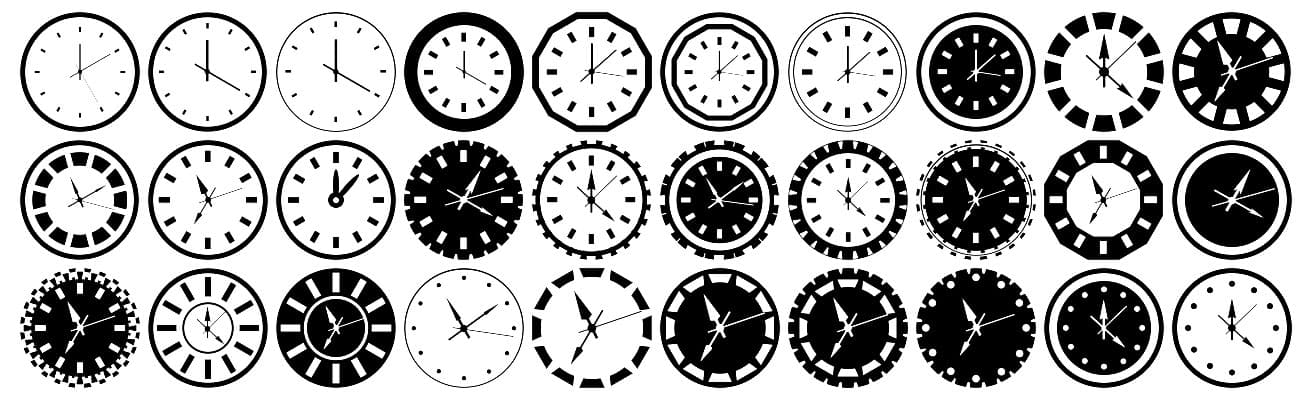
30 Free Clock Custom Shapes
Description
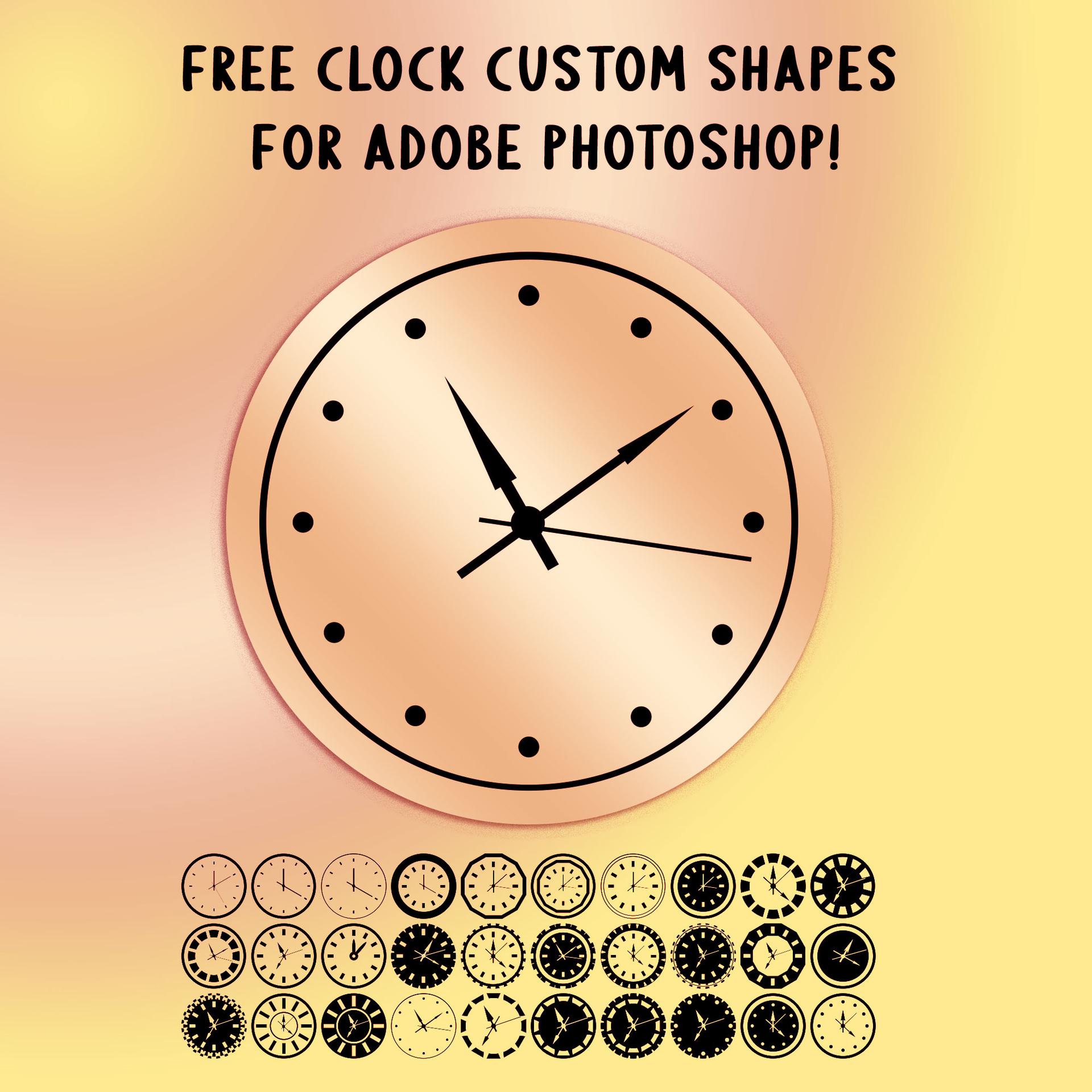
This newest offering for time-conscious designers is a pack of 30 Free Clock Custom Shapes! These simple, circular vector shapes are perfect for adding a touch of style and functionality to your designs.
Whether you're creating a logo, infographic, or any time-related design, these clock custom shapes will make your work stand out. Each shape is meticulously designed to represent different clock face styles, ensuring versatility and flexibility for your projects.
With 30 unique clock shapes to choose from, you'll have a wide variety of options at your fingertips. From hour hands to minute marks, these vector shapes are ready to assist you in capturing time's essence.
This pack is completely free to download! Whether you're a seasoned designer or just starting out, these clock custom shapes will make time management a breeze in your design workflow. They are ideal for watch brand identities, time management apps, scheduling graphics, educational materials, and any project that calls for a clean, recognizable clock motif. The vector format ensures they scale perfectly at any size.
What's Included