Tree Top View Photoshop Brushes
Resource Details
- Format
- ABR
- Size
- 37.7 MB
- Opens in
- Photoshop, GIMP
- Imports into
- Procreate, Affinity Photo, KritaShapes import. Dynamics may not.
- Brush type
- Stamp brushes
- Items in set
- 43
- Downloads
- 9.2k
- Added
- Mar 30, 2026
LicenseCommercial
Learn morePreparing...
Description
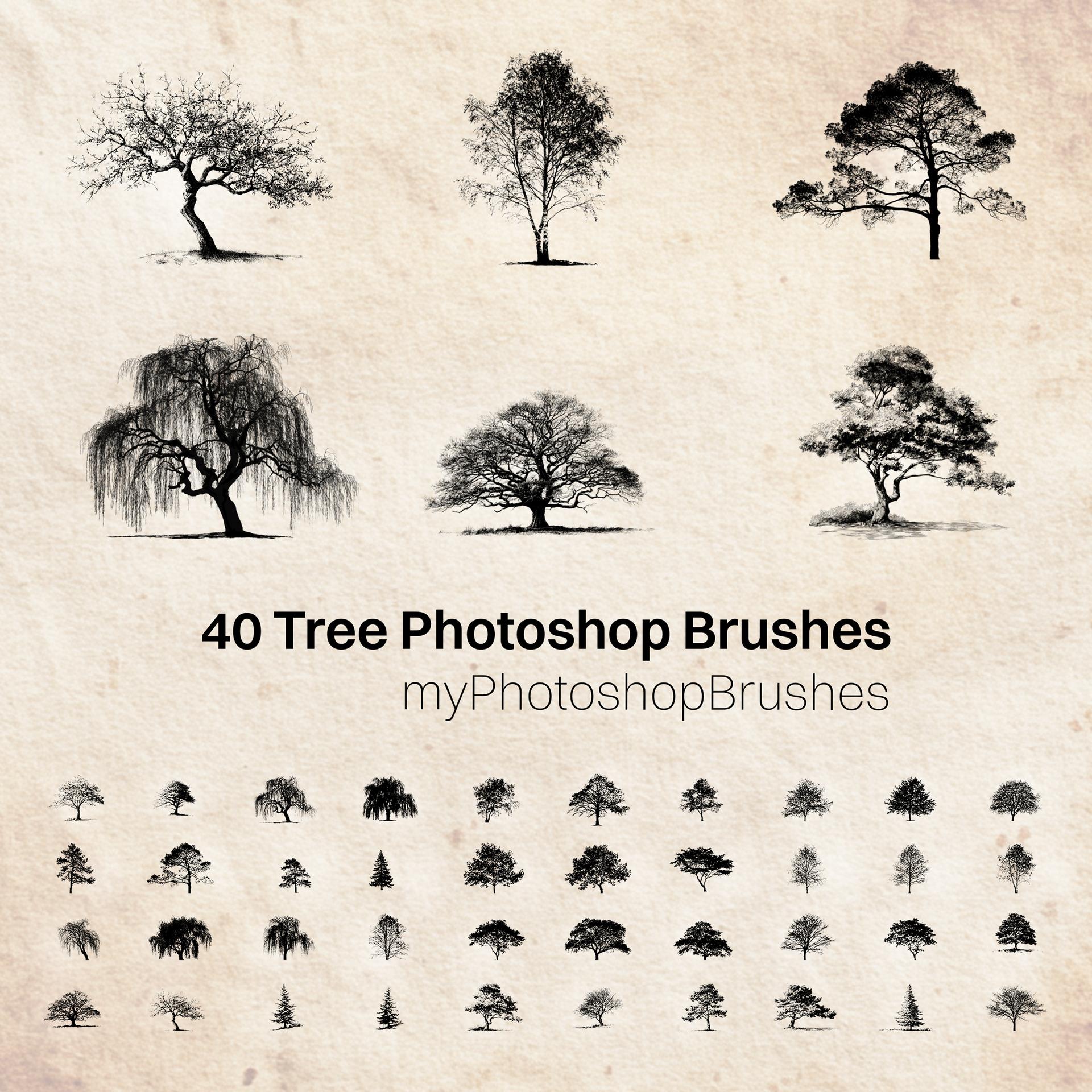
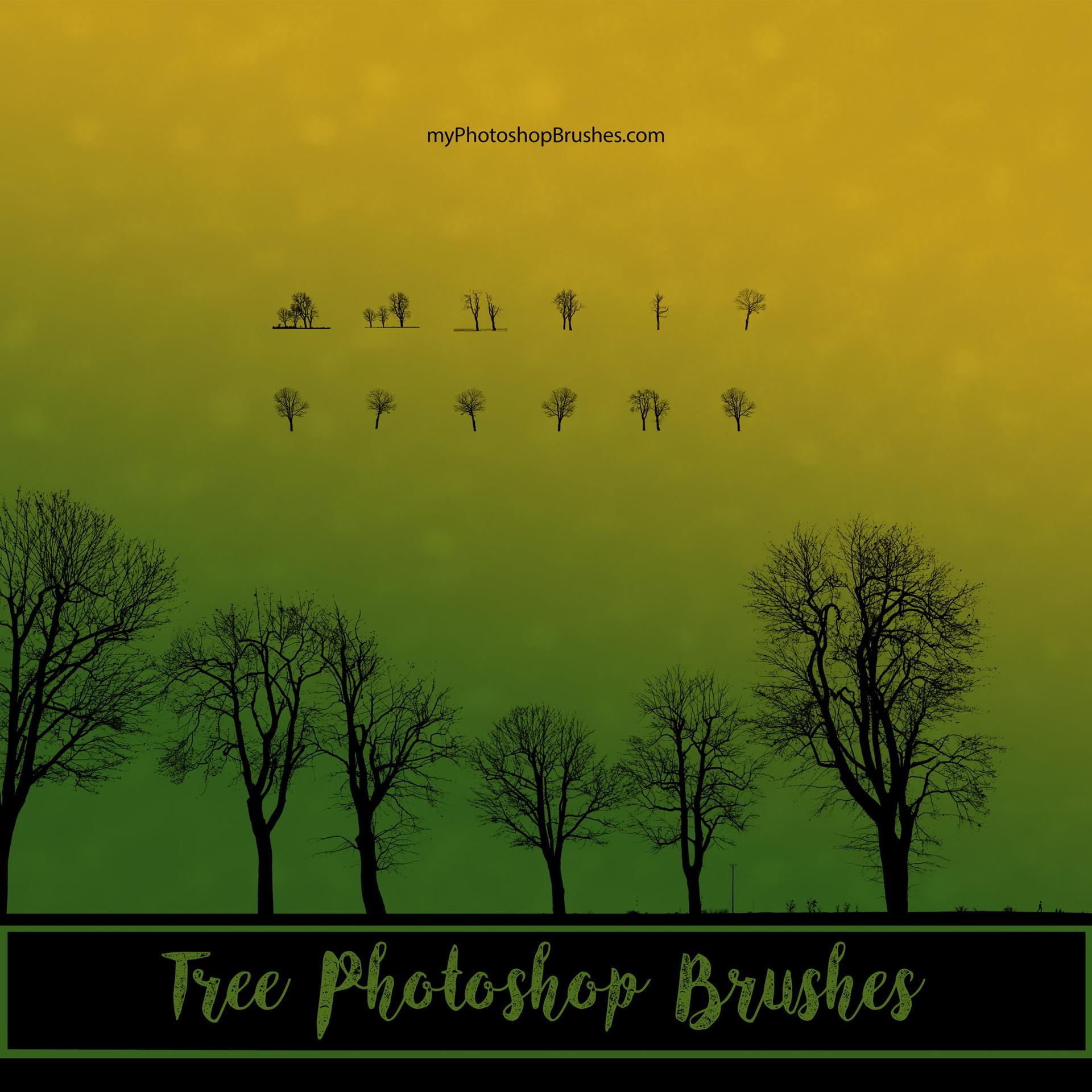
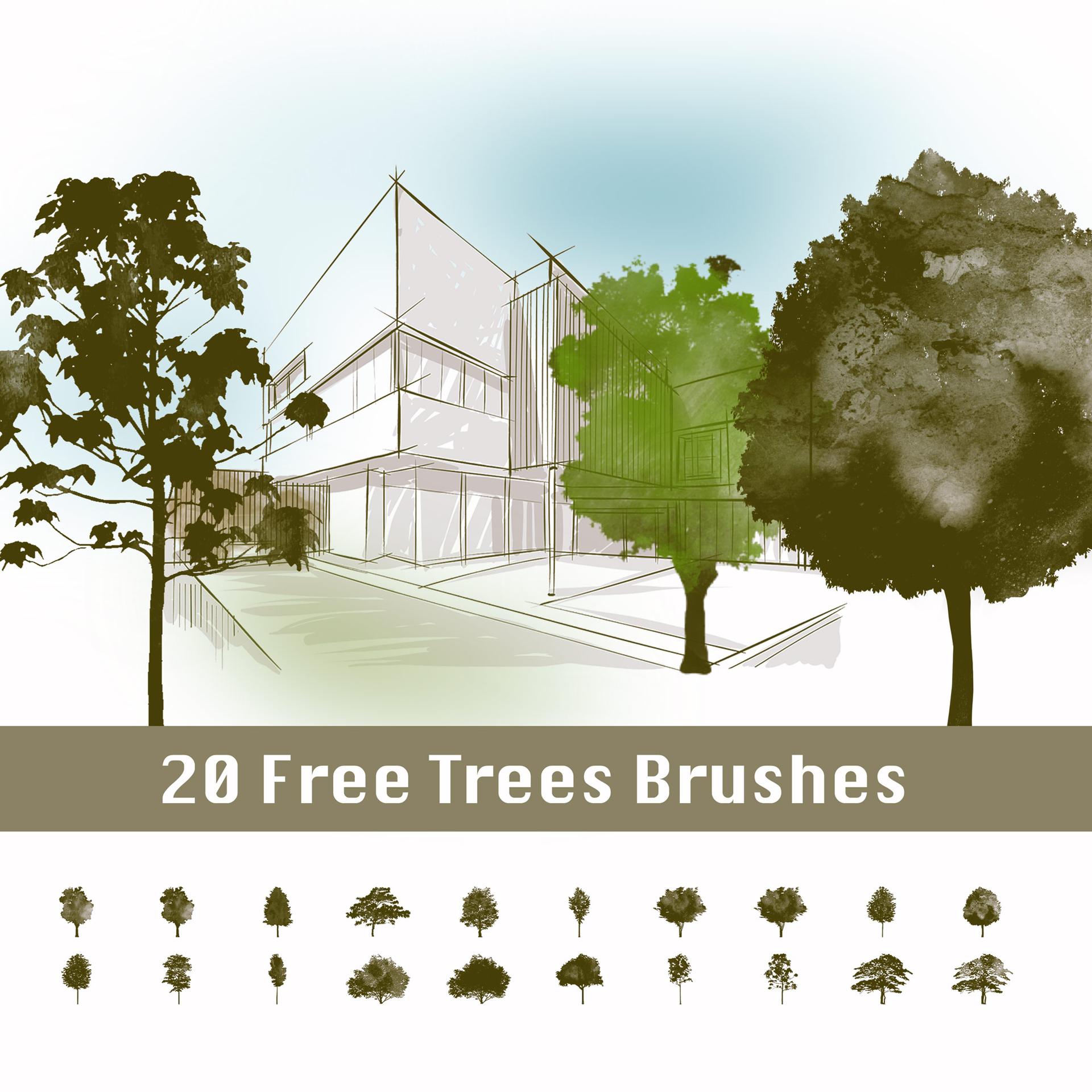
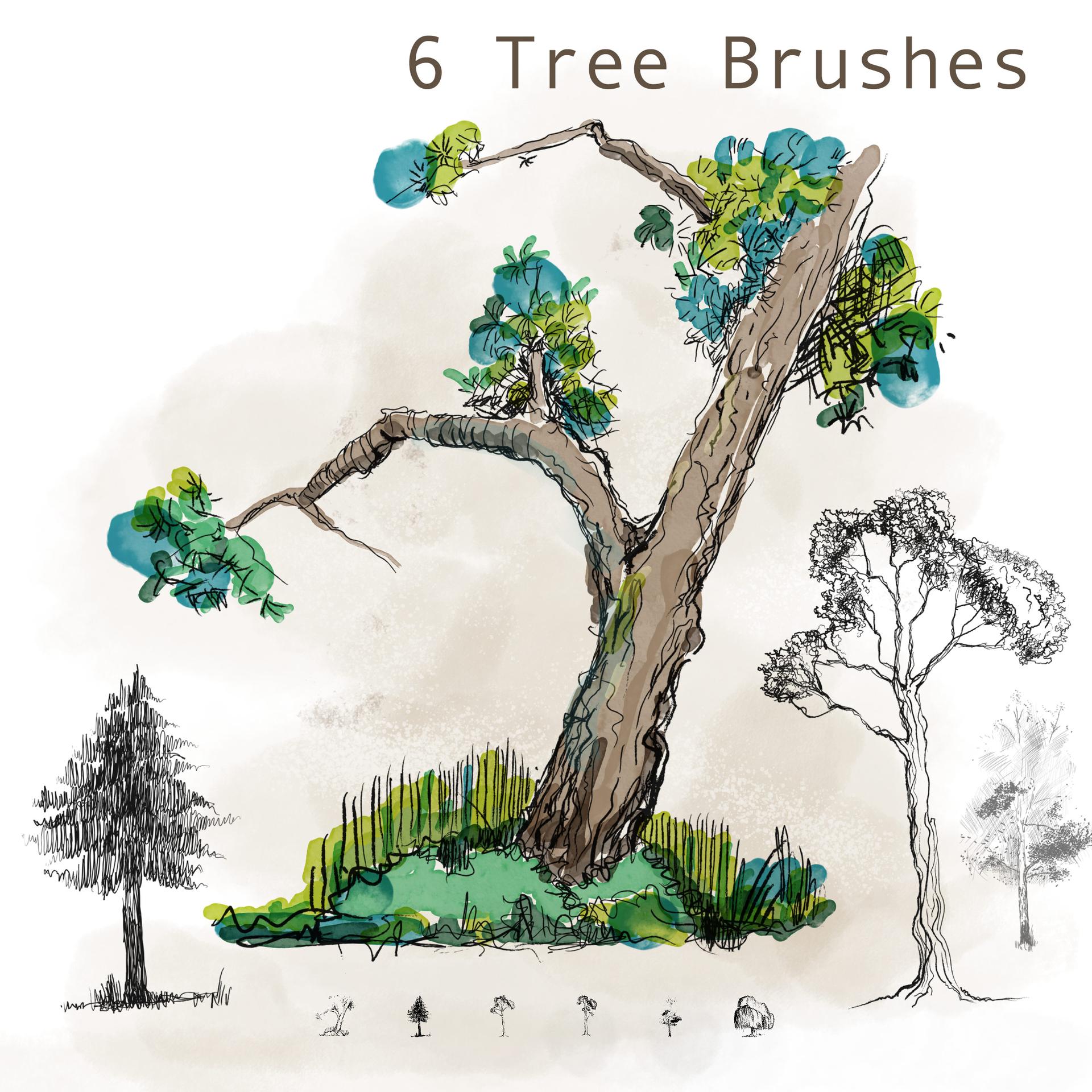
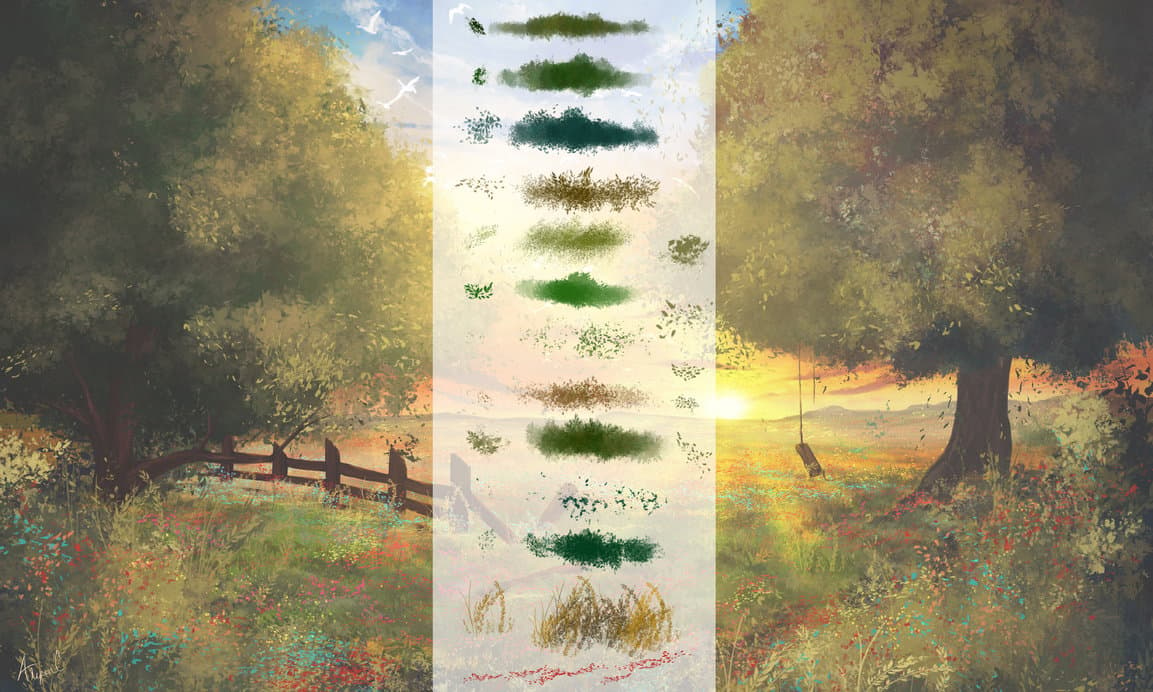
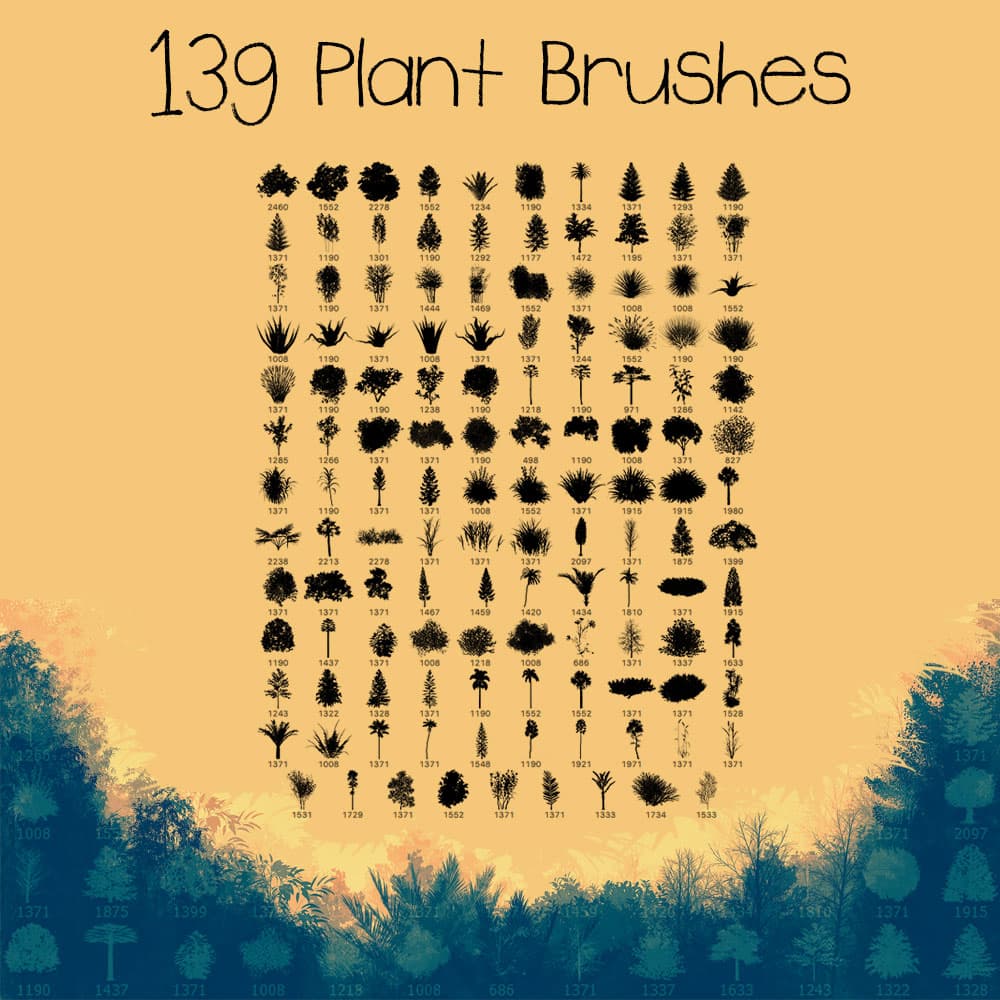
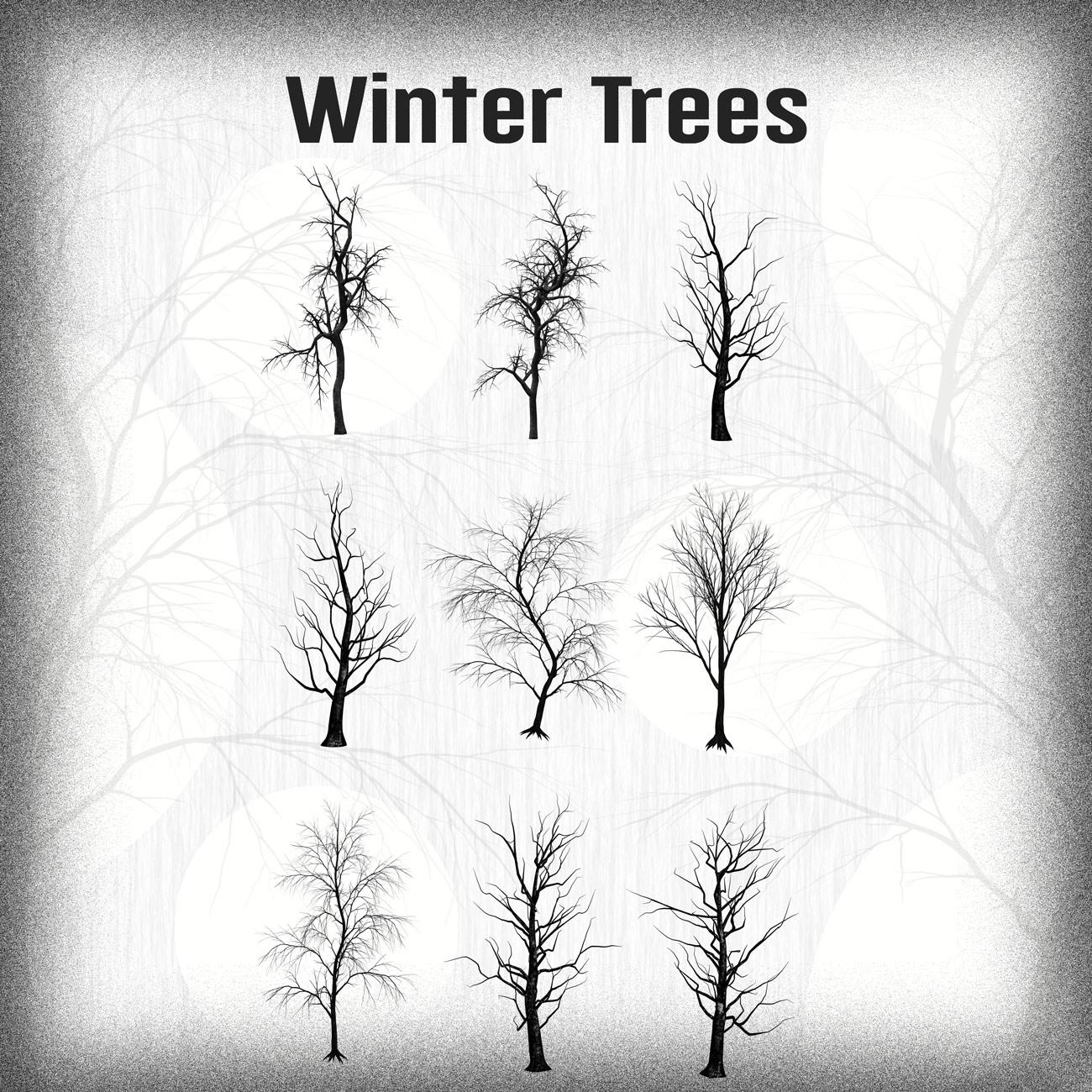
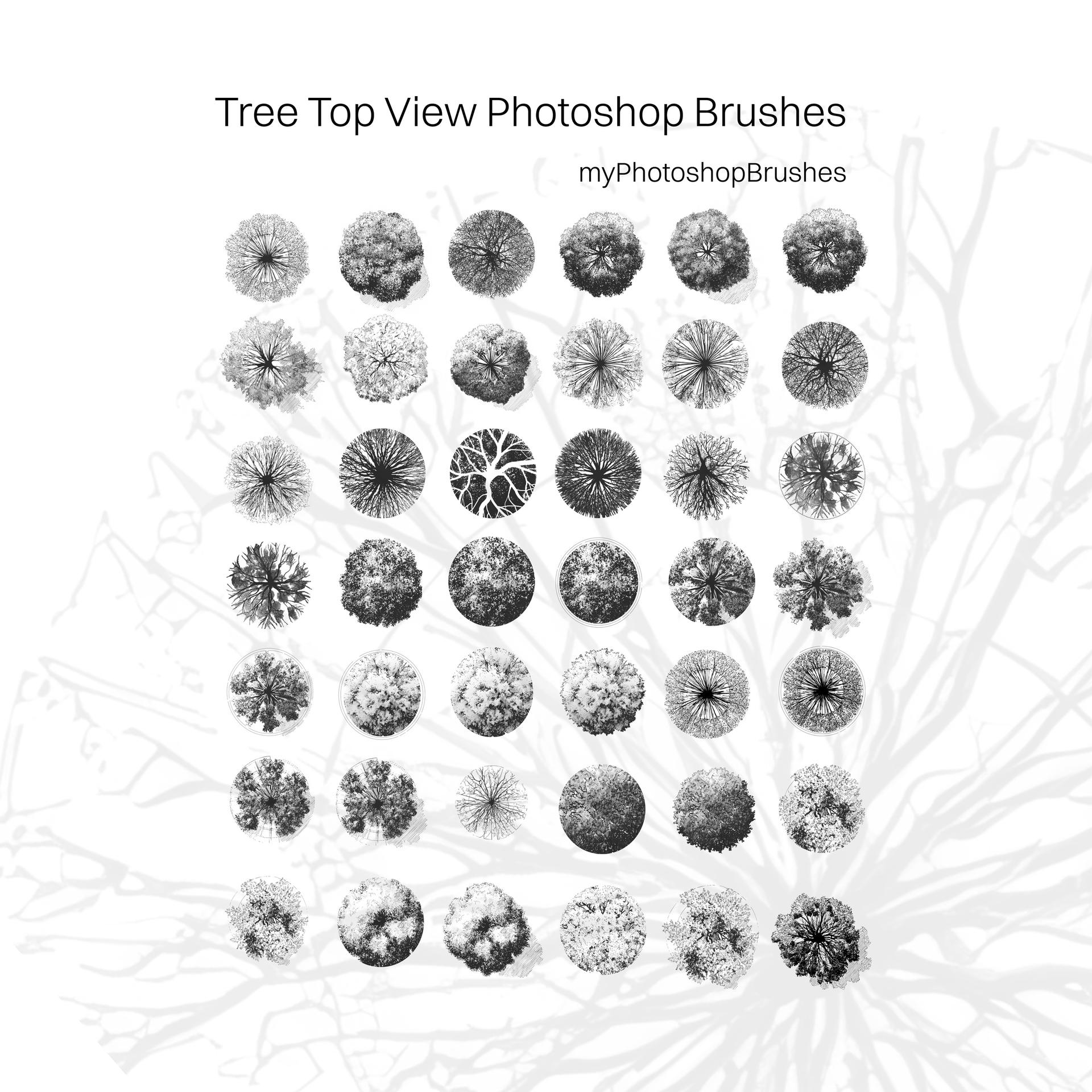
This is a set of tree brushes created from a top view, designed to be practical and easy to use in everyday projects. You’ll find a mix of different shapes and densities (from light, airy canopies to more compact, textured forms), so it’s easier to avoid that repetitive, copy-paste look.
They work well for things like maps, site plans, and landscape concepts, but you can also use them in illustrations or any project where you need a quick way to suggest greenery without drawing everything from scratch.
What’s inside:
- A variety of tree top shapes
- Different levels of detail and texture
- Clean, ready-to-use brush presets
Useful for:
- Landscape and site plans
- Maps and game design
- Architecture presentations
- General illustration work
Just load them into Photoshop and start placing trees. Simple as that.
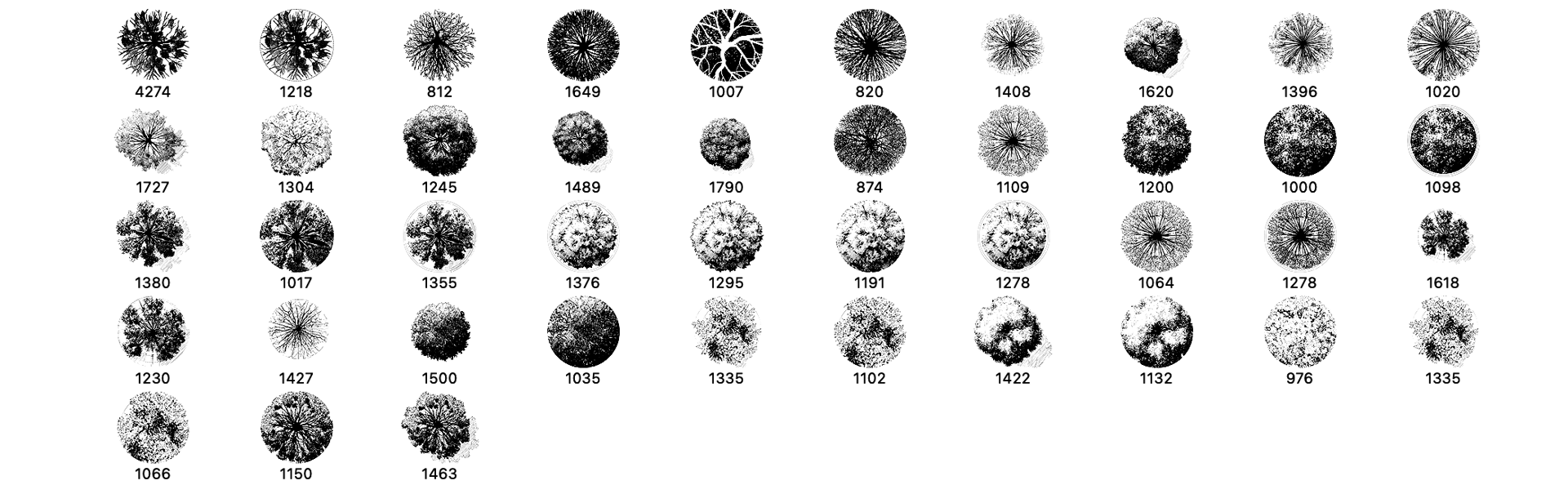
What's Included
Frequently asked questions
Is "Tree Top View Photoshop Brushes" free to download?
Yes, this resource is free to download from MyPhotoshopBrushes, with no signup and no paywall. It is published under the Free for Commercial Use license, which allows commercial use. See the license panel on this page for the exact terms.
What file format does this download use?
The download is a ZIP archive containing .ABR files. Unzip it first, then use the files inside.
How do I use it in Photoshop?
Download the .ABR file and double-click it. Photoshop imports the set and appends it to the Brushes panel automatically. You can also drag the file onto the Photoshop window, or open Window → Brushes and choose Import Brushes from the panel menu.