Cat Patterns – Cute Seamless PS Patterns

Resource Details
- Format
- PAT, PNG
- Size
- 21.4 MB
- Items in set
- 3
- Downloads
- 312
- Added
- Apr 21, 2026
Description
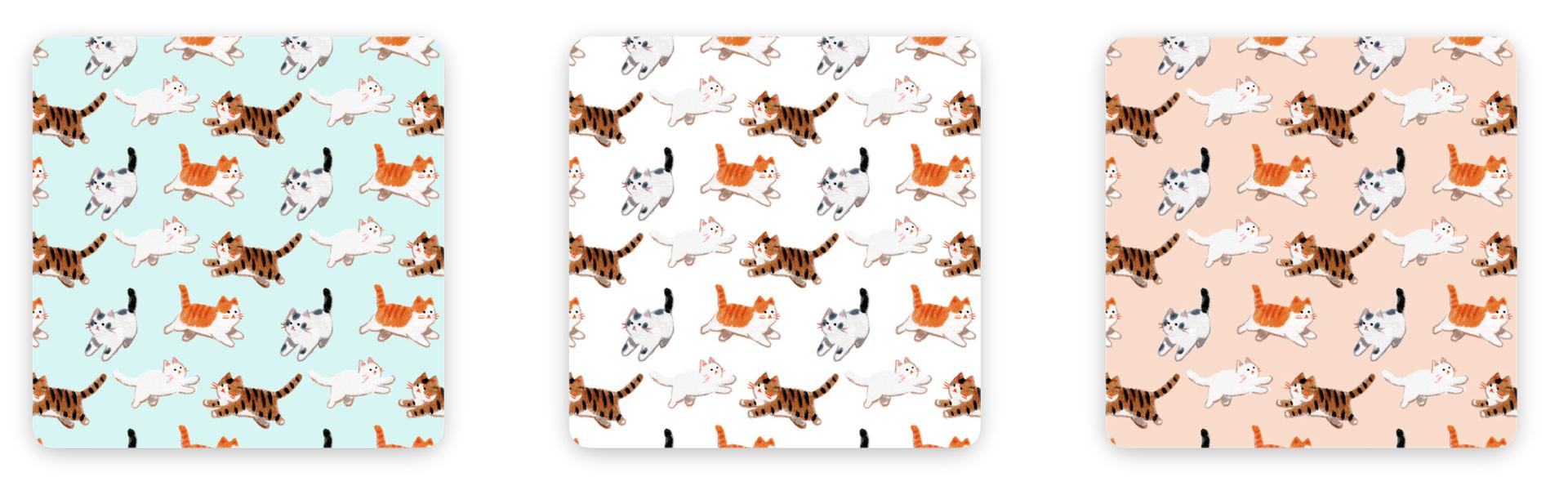
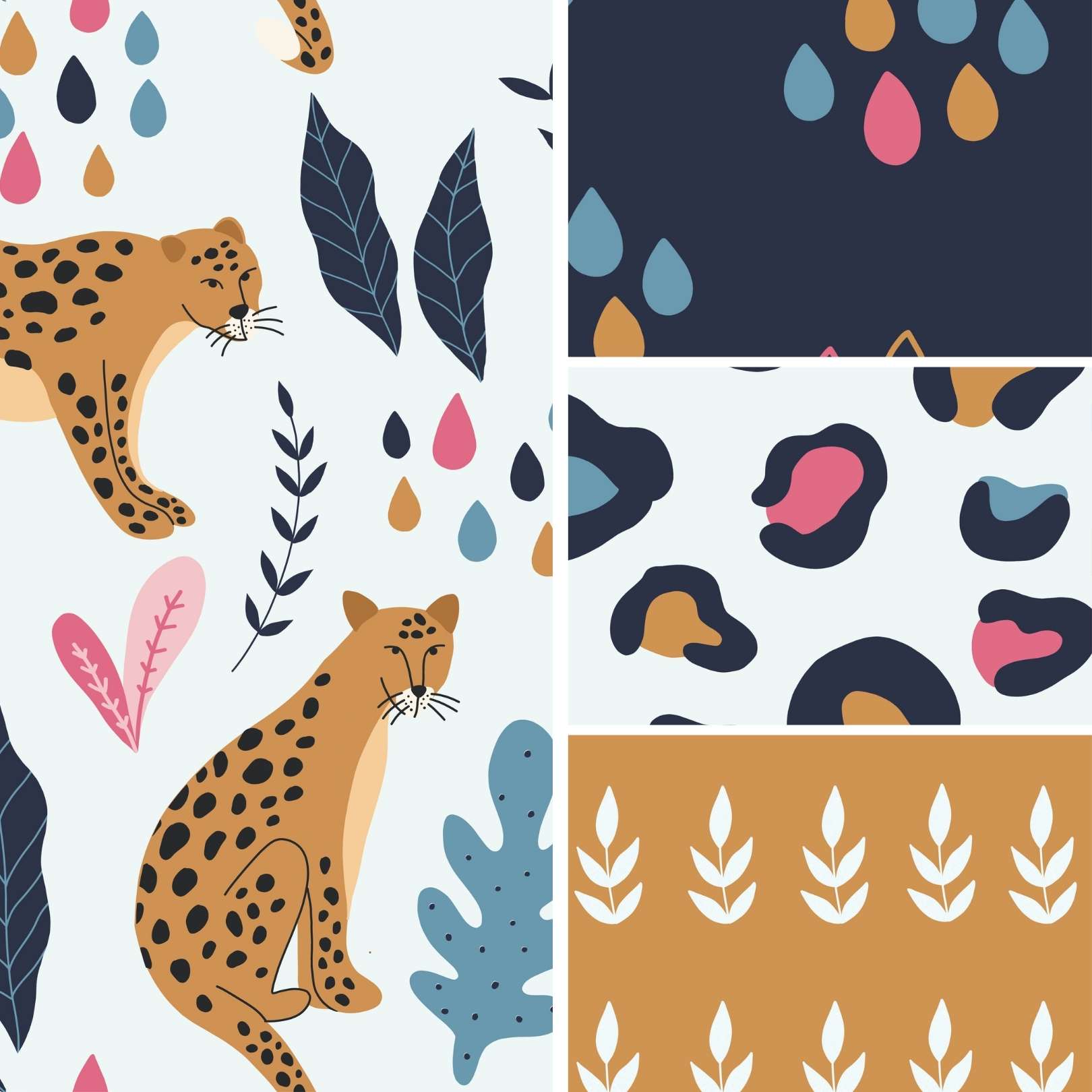
Three cats. Three color backgrounds. All running somewhere, apparently in a hurry.
The illustrations have a specific hand-drawn quality: soft, slightly chalky, like colored pencil on textured paper rather than clean vector. The orange tabby, the dark striped one, and the calico with the grey-and-white patches each get their own personality through pose and color, and all three repeat across the pattern without ever feeling mechanical. The spacing is loose enough that the design breathes.
Color variants included:
- Mint / soft teal background
- White (clean, neutral; works over almost anything)
- Warm peach / blush
All three tile seamlessly. Drop any of them onto a layer and they cover any canvas edge-to-edge without visible repeat lines.
The style lands somewhere between children's stationery and the kind of print you'd see on a tote bag in a Tokyo bookshop. That makes these **Cat Photoshop patterns **unusually versatile: equally at home on a birthday card mockup, a fabric design comp, a packaging concept, or a kids' app background. The peach version in particular pairs well with script typography for greeting card work; the mint reads cooler and more editorial.
Comes as both PAT and PNG files, so you can load them directly into Photoshop or drop the tiles into any other app that handles images.
What's Included