Halftone Animals – Photoshop Brushes with Dot Pattern Silhouettes
Resource Details
- Format
- ABR
- Size
- 1.8 MB
- Opens in
- Photoshop, GIMP
- Imports into
- Procreate, Affinity Photo, KritaShapes import. Dynamics may not.
- Brush type
- Stamp brushes
- Items in set
- 9
- Downloads
- 956
- Added
- May 15, 2026
Description
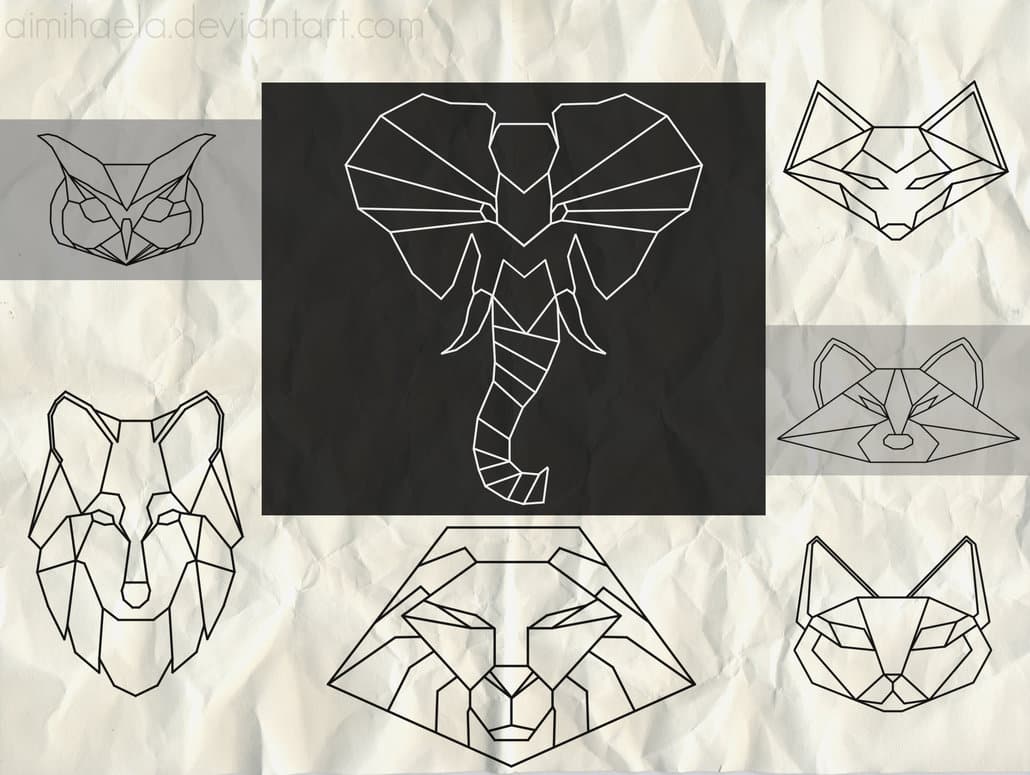
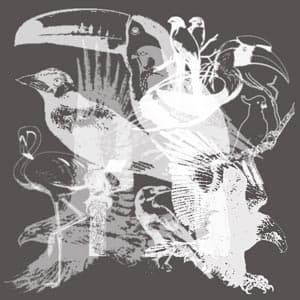
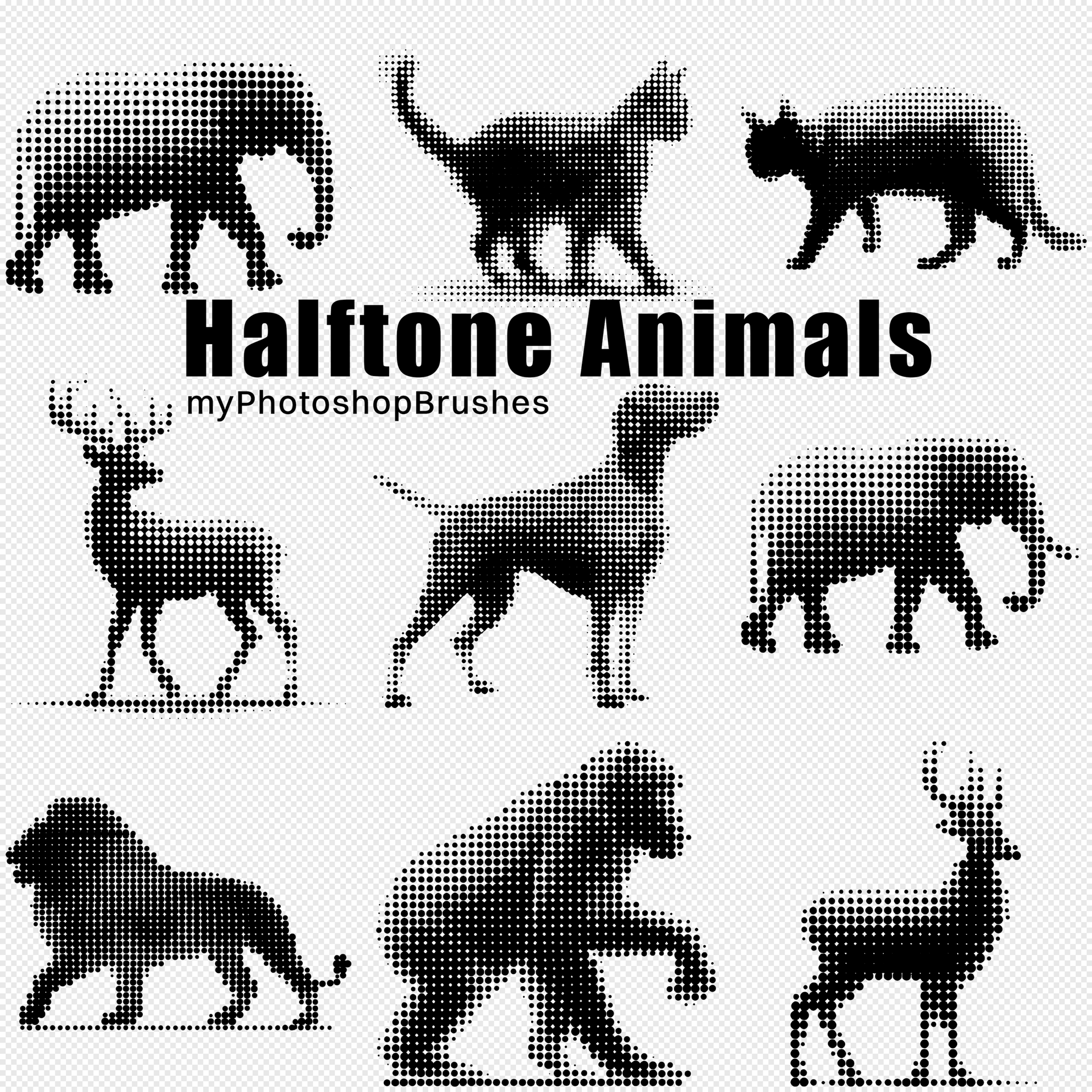
Halftone has a particular kind of nostalgia to it: the look of old newsprint and offset-printed posters, where the dots do the shading work. This brush set takes that aesthetic and runs it through nine animal silhouettes: elephant, big cat, deer, moose, dog, lion, bear, and a few more, each one built from varying halftone densities that give weight and dimension without ever losing that graphic, high-contrast quality.
The silhouettes aren't just simple fills. The dot patterns thin out at the edges and cluster at the core, so each animal reads as a proper form: light on the legs and ears, heavier through the body. It's the kind of detail that makes a brush actually useful rather than decorative.
What's in the pack:
- 9 ABR brushes, one per animal silhouette
- Halftone dot construction: edges feather naturally, centers hold
- High-resolution, suitable for both print and screen work
Good fit for: band merchandise, poster design, editorial illustration, t-shirt graphics, urban and street-style branding. The aesthetic lands somewhere between mid-century print design and contemporary streetwear, versatile enough that the same brush could appear in a concert poster and a packaging mockup without looking out of place.
What's Included