Animal Doodles Brushes
Resource Details
- Format
- ABR
- Size
- 21.1 MB
- Opens in
- Photoshop, GIMP
- Imports into
- Procreate, Affinity Photo, KritaShapes import. Dynamics may not.
- Brush type
- Stamp brushes
- Items in set
- 33
- Downloads
- 566
- Added
- May 11, 2026
Description
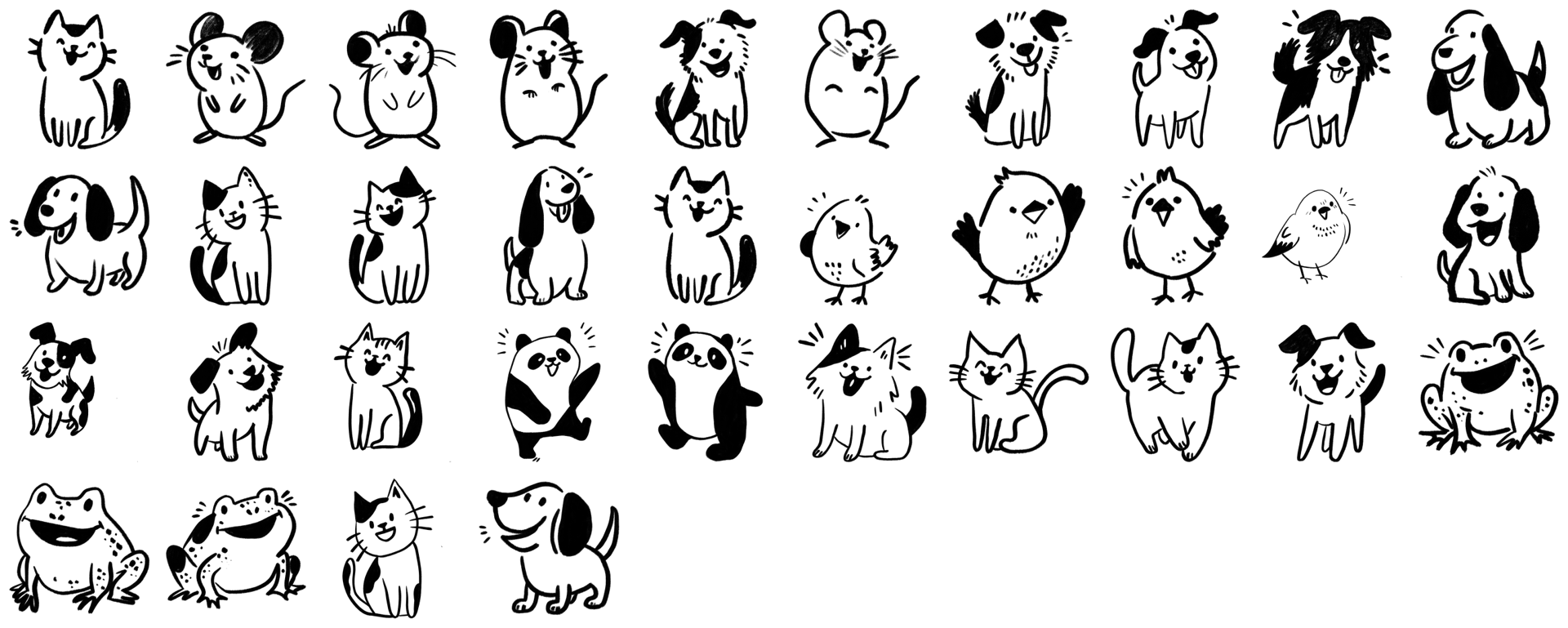
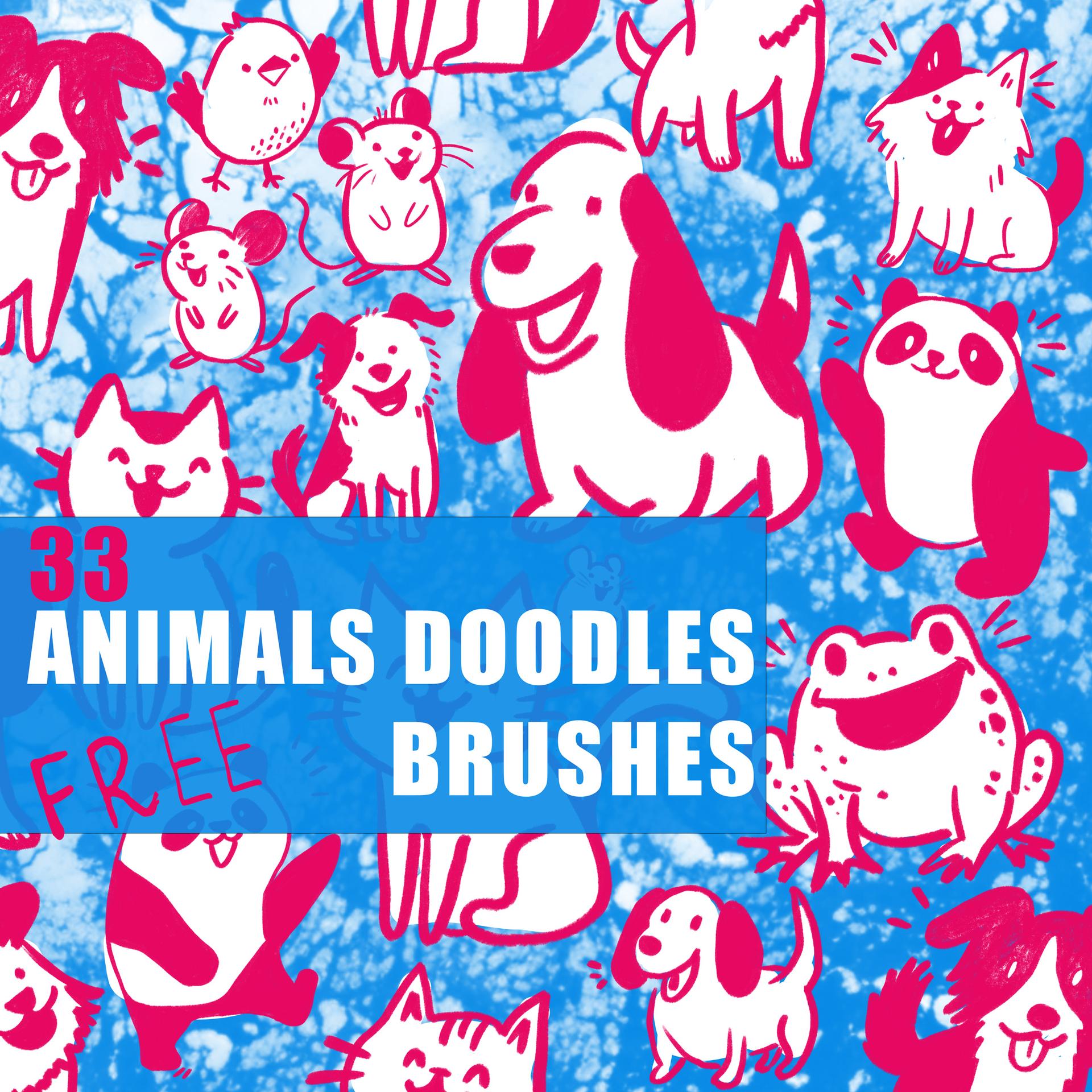
Cute animals do real work. They carry birthday cards, anchor kids' worksheets, soften app onboarding flows, and rescue social posts that would otherwise scroll past unnoticed. The 33 stamp brushes in this set give you a small zoo to deploy: dogs, cats, mice, birds, frogs, and a couple of pandas, all drawn in the same loose ink style so the cast holds together visually.
The line work has some grit to it. Not the over-polished vector look; closer to felt-tip on textured paper, with little flecks and breaks in the fills. Each animal is a single-click stamp; drop it in, resize, recolour, done.
What's in the pack:
- 33 unique animal stamp brushes (ABR format)
- A dozen-plus dogs in mixed breeds and moods, several cats, small birds, mice, pandas, and a few cheerful frogs
- High-resolution, comfortable for print as well as screen
Need repeating artwork instead of single stamps? There's a matching seamless animal pattern set built from these exact brushes, ready-made for wrapping paper, kids' fabric prints, packaging backgrounds, and phone wallpapers.
Load the ABR, pick a colour, start dropping animals where you need them.
What's Included