Smoke Photoshop Brushes
Resource Details
- Format
- ABR
- Size
- 192.3 MB
- Opens in
- Photoshop, GIMP
- Imports into
- Procreate, Affinity Photo, KritaShapes import. Dynamics may not.
- Brush type
- Stamp brushes
- Items in set
- 37
- Downloads
- 5.6k
- Added
- Jul 4, 2026
Description
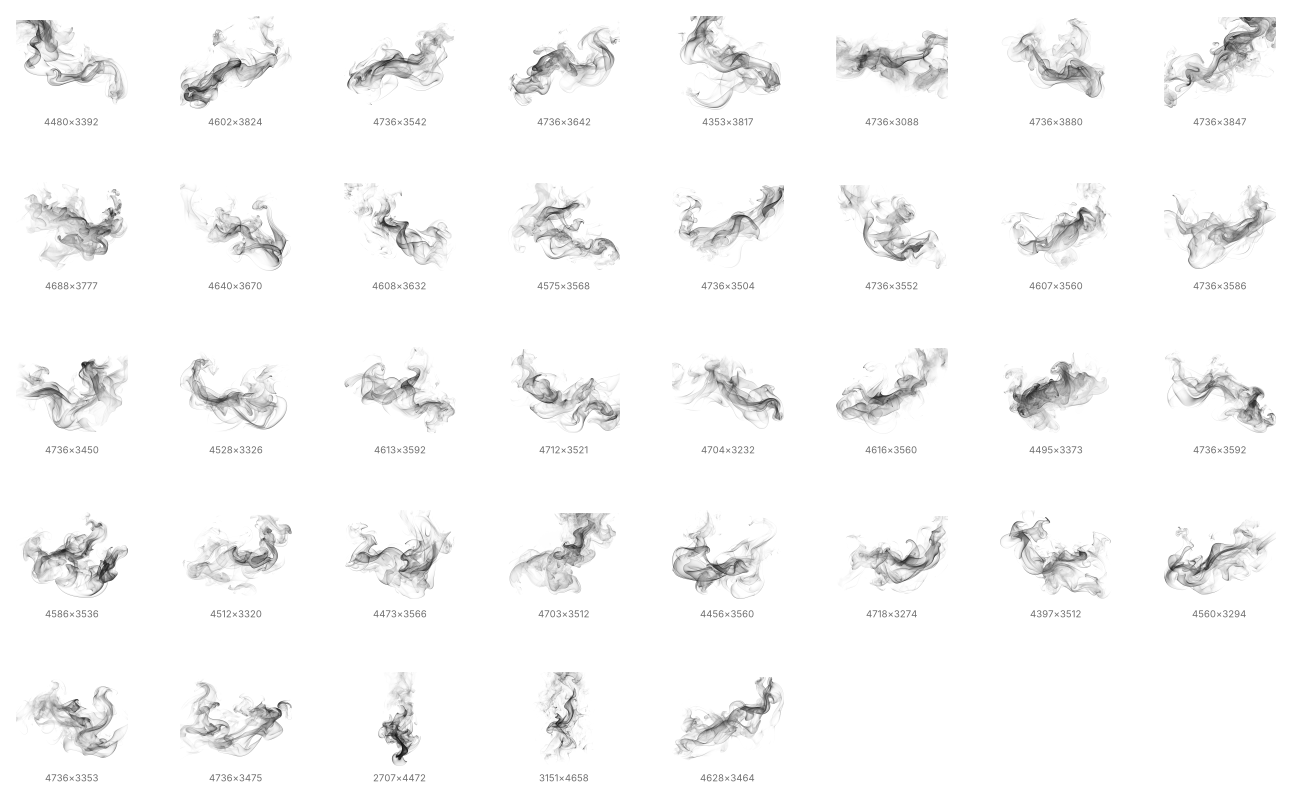
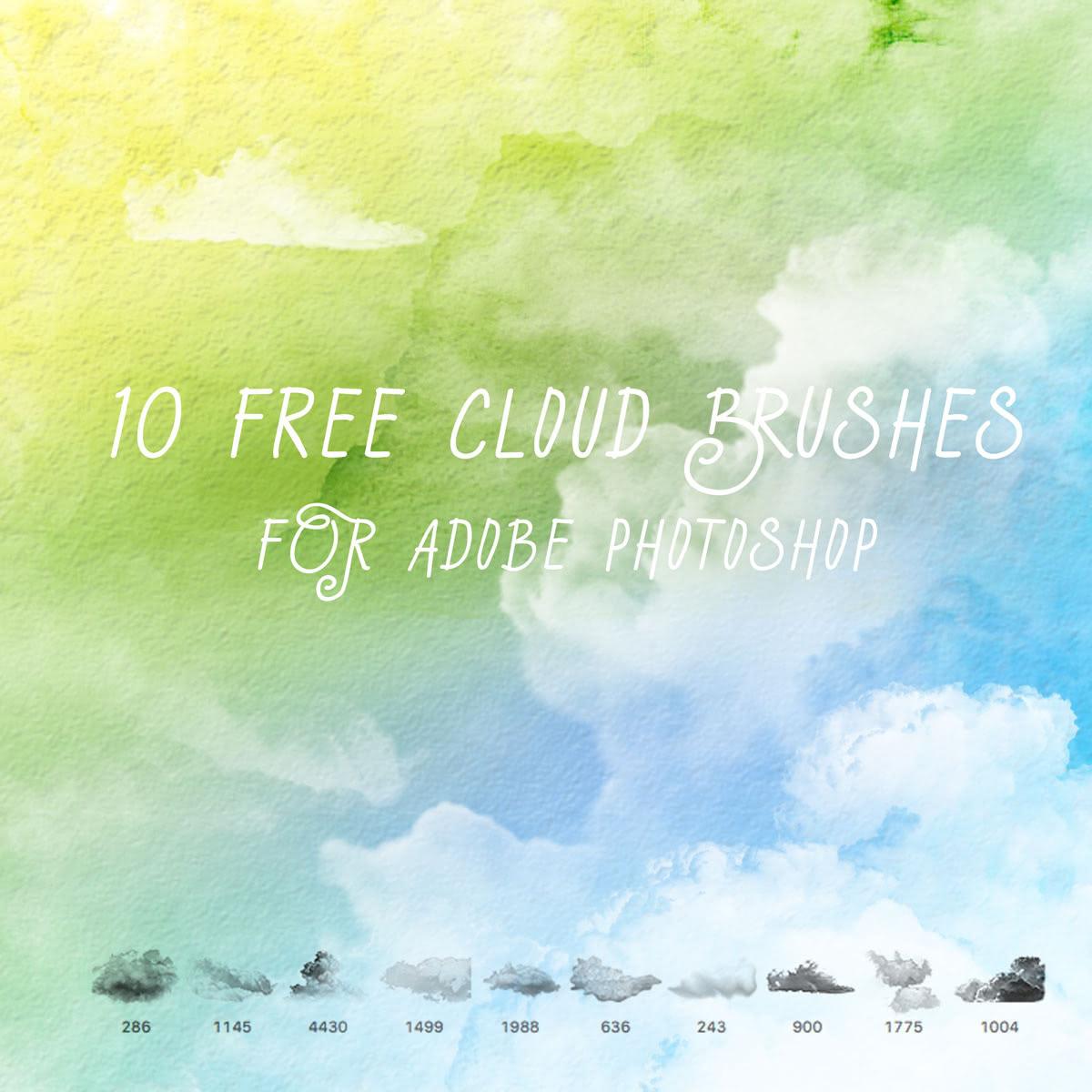
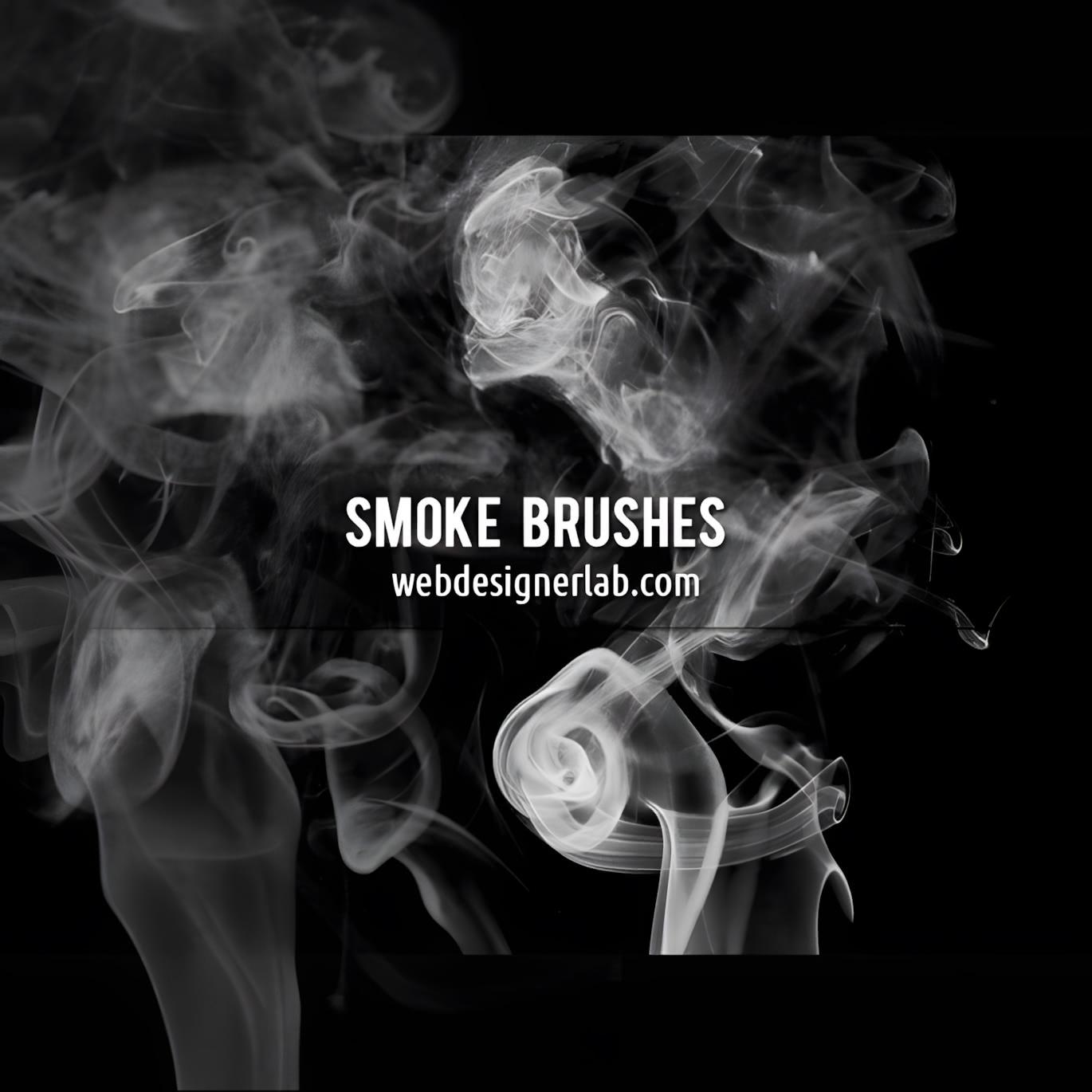
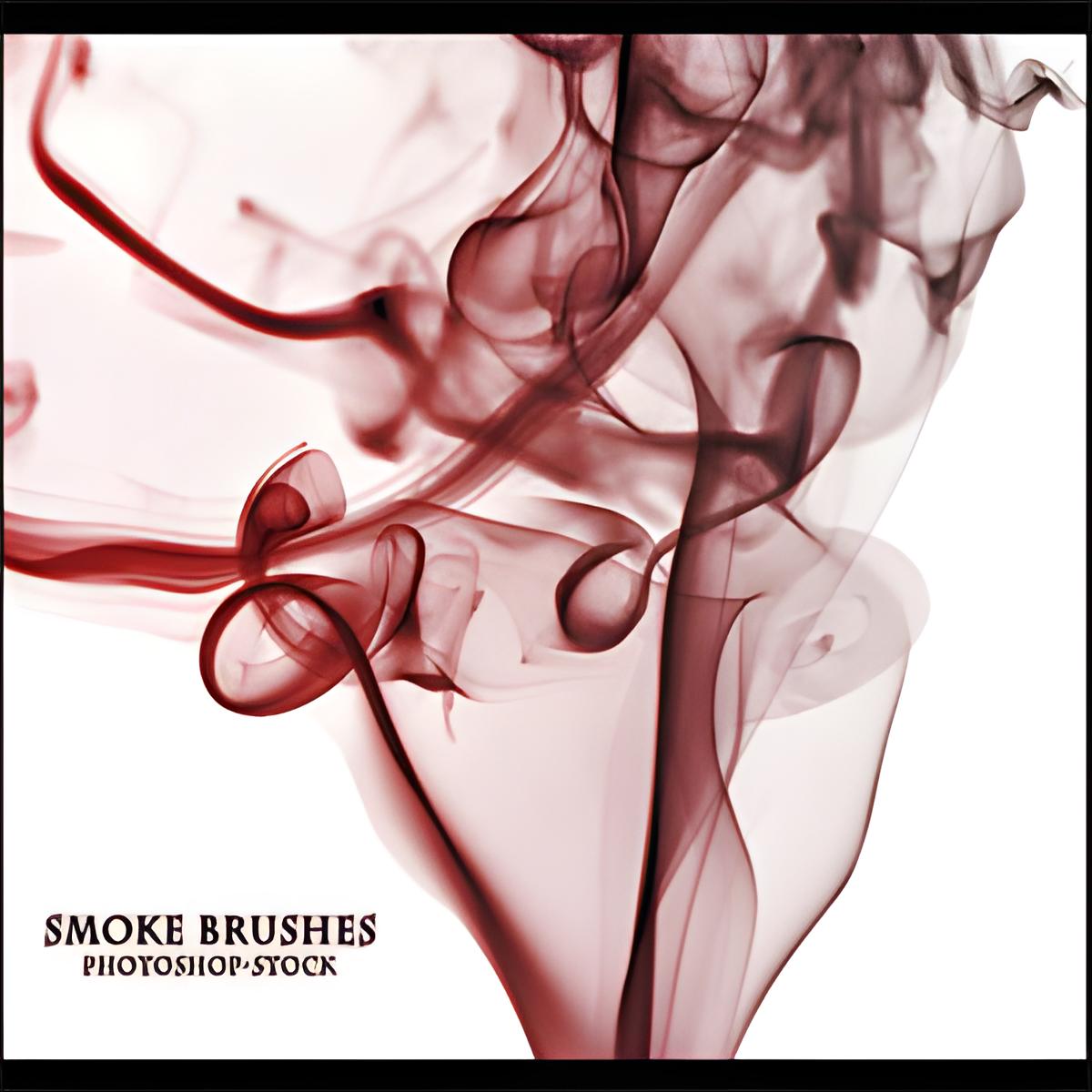
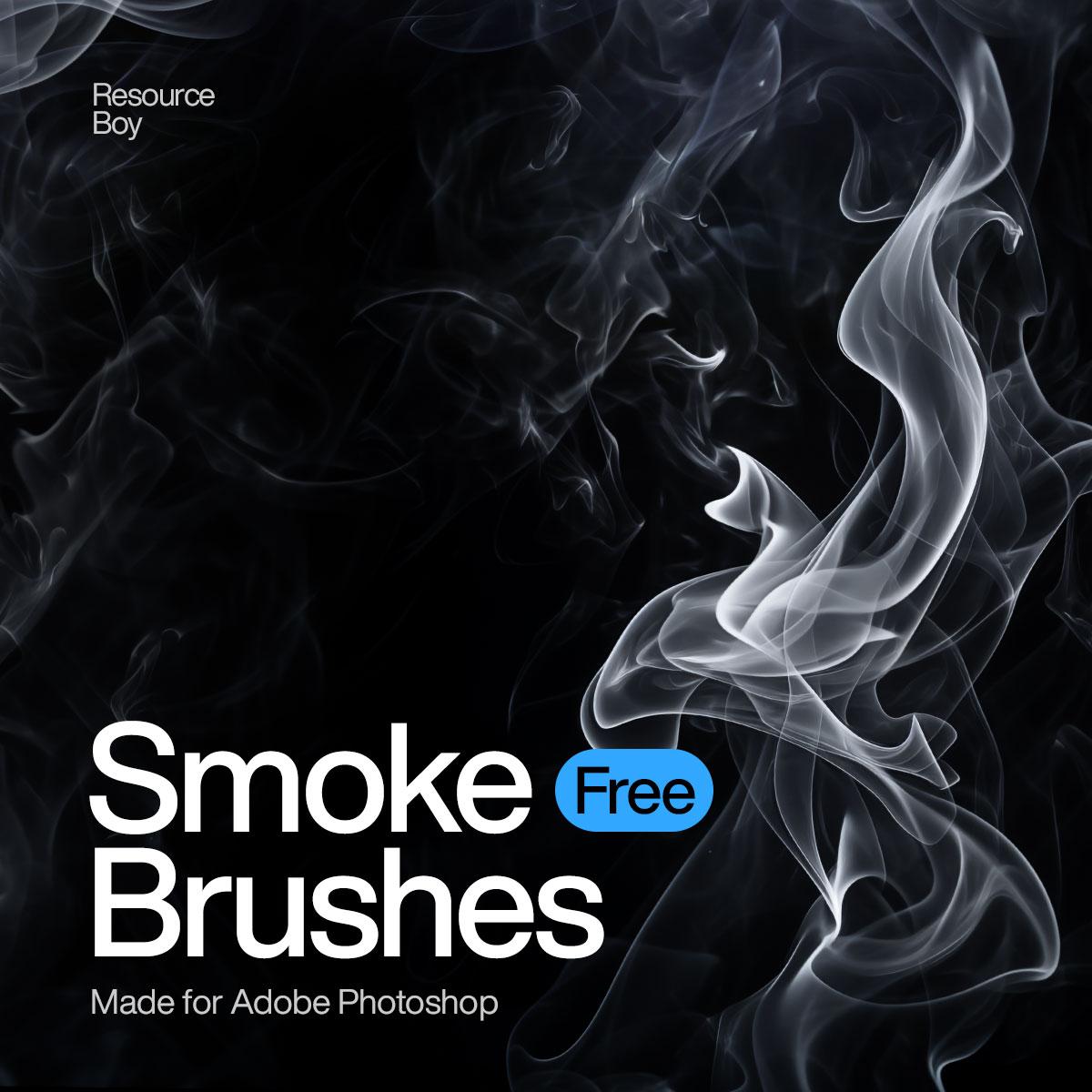
Add realistic smoke, haze, and dramatic atmosphere to your designs with this high-resolution smoke brush pack for Adobe Photoshop. These brushes are made to help you create soft smoky backgrounds, cinematic overlays, moody poster effects, abstract compositions, and realistic vapor details with just a few clicks. The natural flow, transparent edges, and detailed smoke shapes make them useful for both subtle texture work and bold visual effects.
This brush collection is a great choice for designers working on album covers, posters, banners, social media graphics, website headers, photo manipulations, and creative digital artwork. Simply load the brushes into Photoshop, choose the smoke style you need, and apply it directly to your project. Whether you want to build a dark cinematic scene or add a soft atmospheric touch, these Photoshop smoke brushes give you a flexible and professional way to enhance your artwork.
What's Included