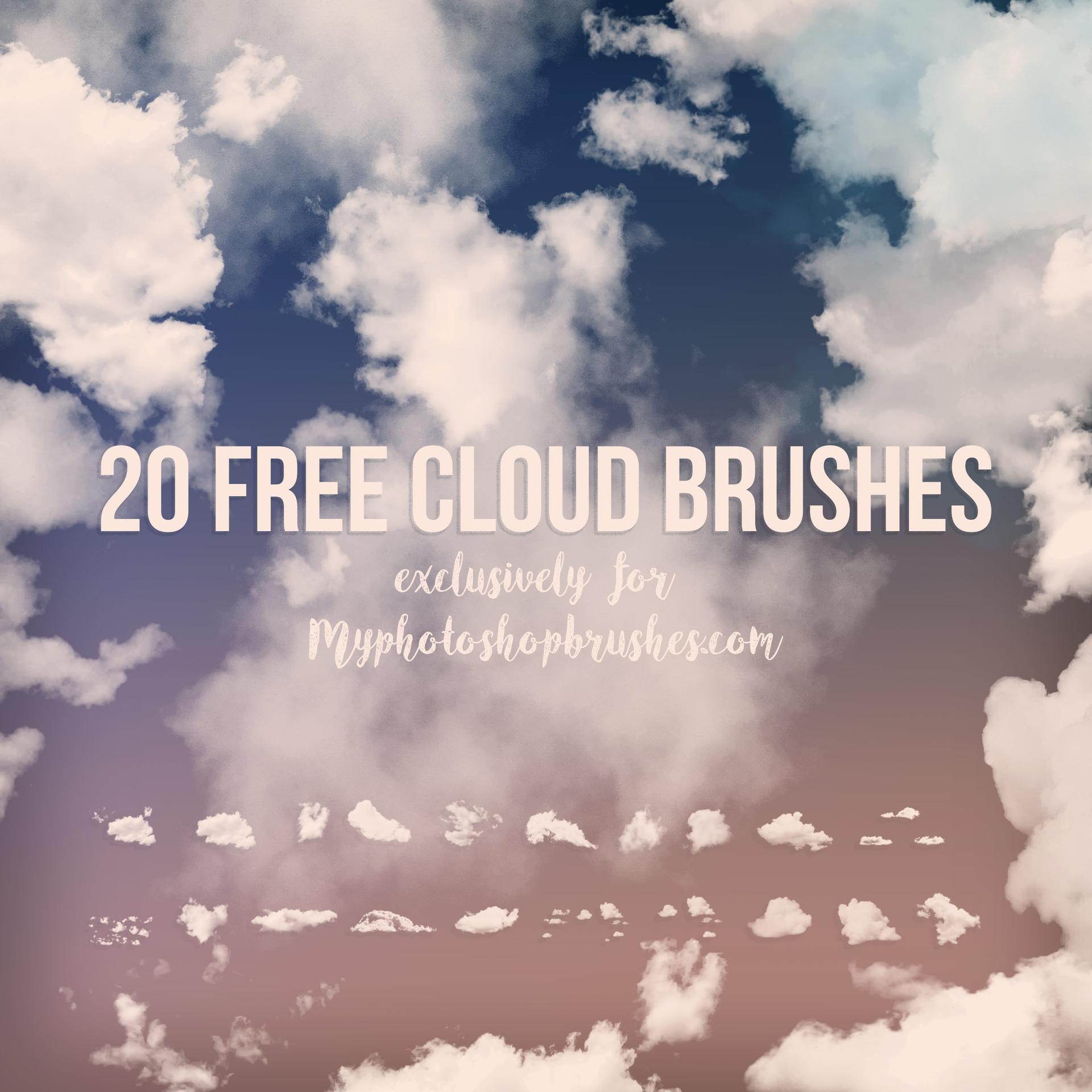
48 Free Clouds & Mist Photoshop Brushes
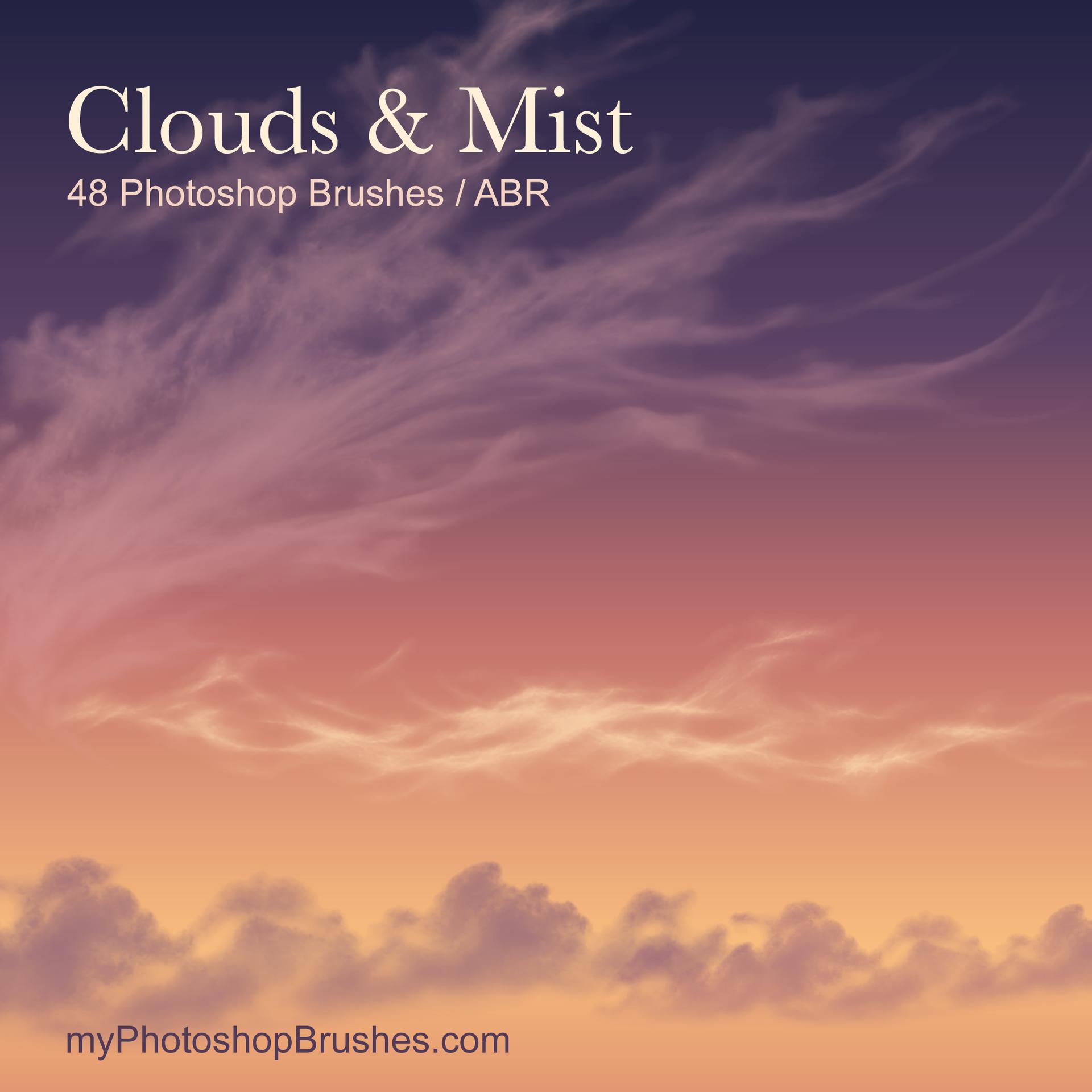
Resource Details
- Author
- myPhotoshopBrushes
- Format
- ABR
- Size
- 16.2 MB
- Opens in
- Photoshop
- Imports into
- Procreate, Affinity, GIMPShapes import. Dynamics may not.
- Brush type
- Stamp brushes
- Items in set
- 48
- Downloads
- 2
- Added
- Nov 19, 2026
Description
A pale mist layer can push a ridge into the distance while leaving its outline visible. These sampled cloud and fog impressions let you place that atmosphere where a landscape composite needs it, with open edges that reveal the image underneath.
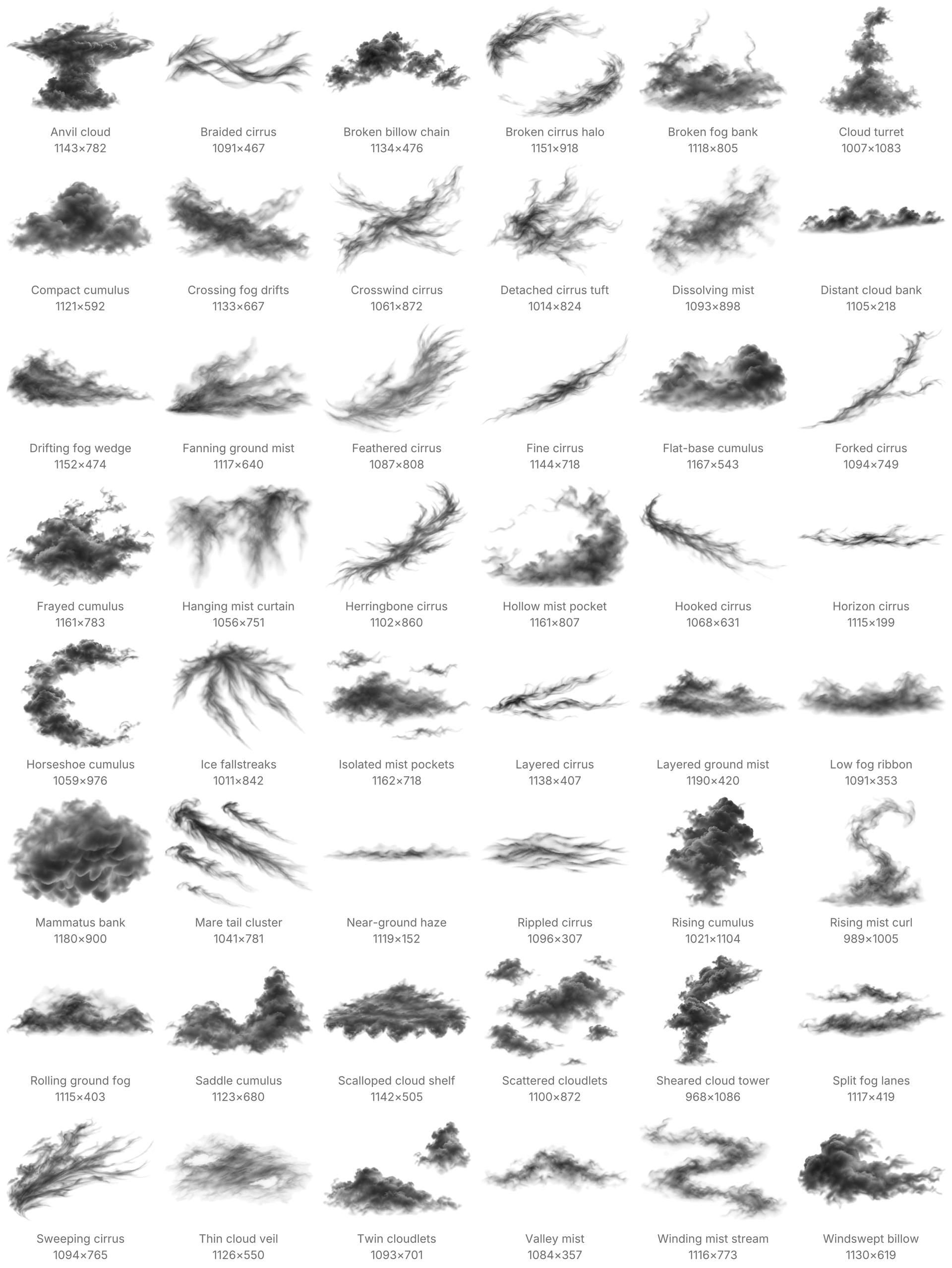
The collection divides evenly between cumulus clouds, cirrus formations and ground mist. Its 48 named stamps range from compact billows and broken cloud banks to fine filaments, low haze and separate drifting pockets. Each preset places a complete formation. The gray values control coverage rather than carrying a fixed sky color.
Start with a light foreground color sampled from the scene. Use a new transparent layer for the first impression. Adjust its position, scale and opacity to suit the depth of the landscape. A distant veil usually needs less contrast than a nearby cloud. Keep different depth planes on separate layers so you can balance them independently. A click leaves a static impression. Stylus pressure and random scatter do not alter it.
Each sampled tip has a longer dimension of 1005–1190 px. Fine wisps become less distinct at small sizes. This is an atmospheric stamp set for deliberate placement, with no continuous cloud-painting behavior.
Unzip the download and import its ABR from the Photoshop Brushes panel. One file holds all 48 presets. License.txt covers personal work and paid client projects. Credit is not a condition of use. The download supplies brush presets, without photographic scenes or the cover composition.
What's Included