Redaction Photoshop Brushes
Resource Details
- Format
- ABR
- Size
- 105.8 MB
- Opens in
- Photoshop, GIMP
- Imports into
- Procreate, Affinity Photo, KritaShapes import. Dynamics may not.
- Brush type
- Stamp brushes
- Items in set
- 224
- Downloads
- 1.9k
- Added
- Jul 15, 2026
Description
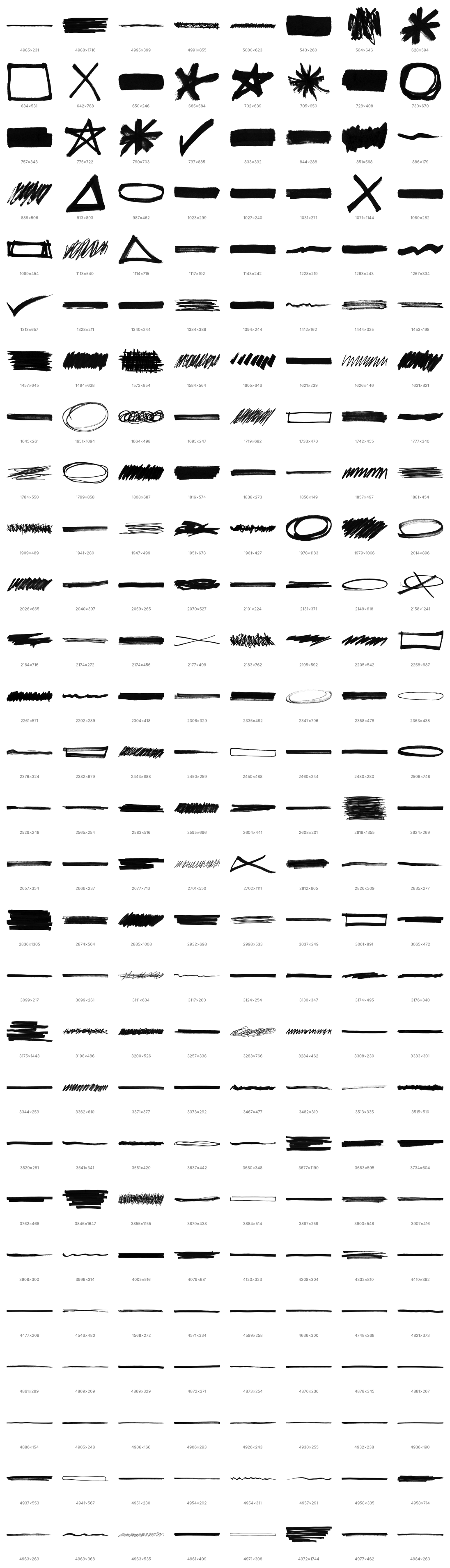
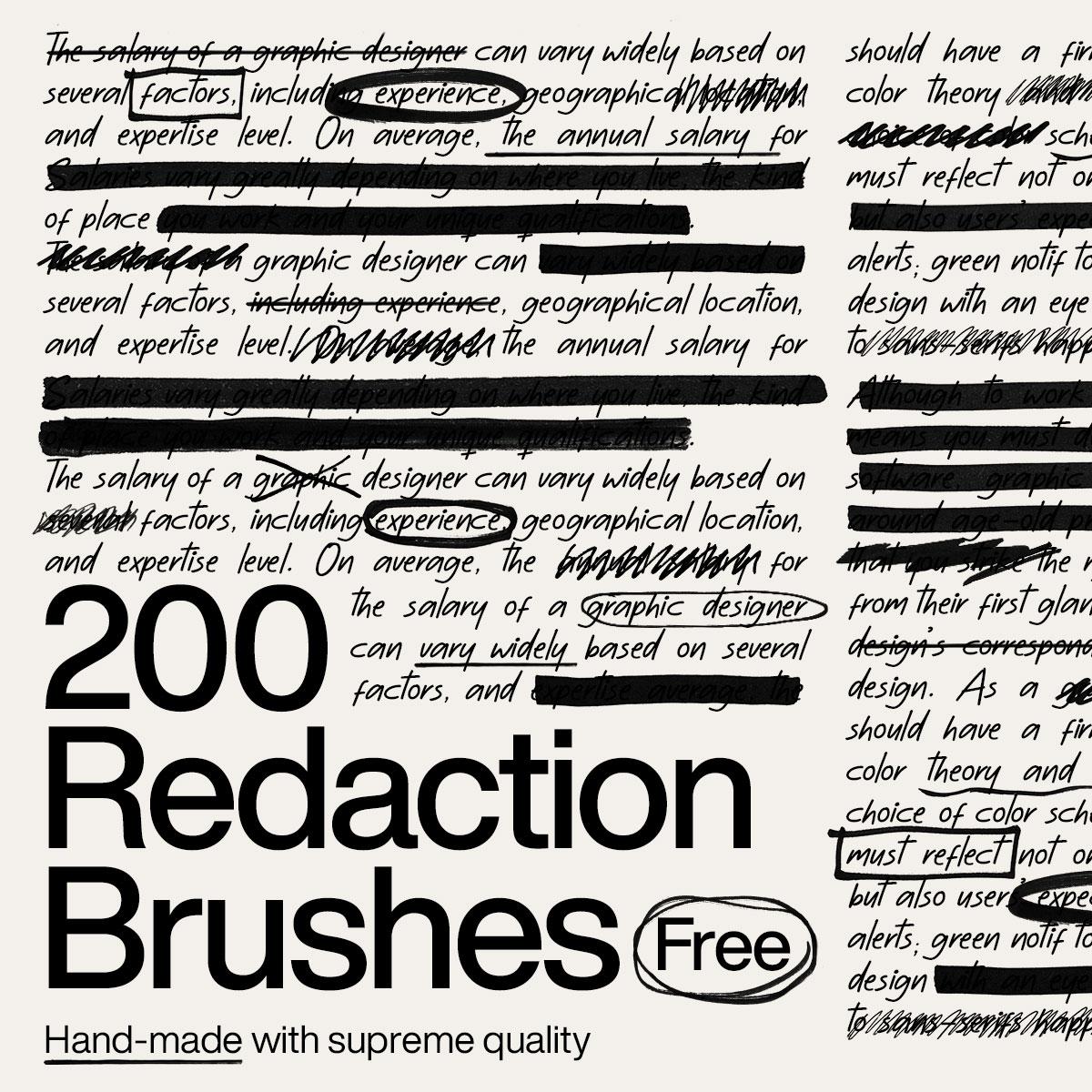
Add authentic redacted marks, bold marker strokes, and rough censorship effects to your artwork with this extensive collection of over 200 redaction Photoshop brushes created by Resource Boy. Featuring thick lines, uneven scribbles, crossed-out shapes, and realistic hand-drawn textures, the pack delivers an organic and convincing look. It is ideal for editorial graphics, confidential-document concepts, protest-inspired artwork, grunge posters, experimental typography, and distressed compositions.
Every brush was handmade and carefully scanned by Resource Boy to preserve the natural imperfections, ink details, and pressure variations of real marker strokes. Designers can use the brushes to cover text, emphasize visual elements, create textured backgrounds, or add expressive finishing touches in seconds. Easy to install and use in Adobe Photoshop, this versatile collection provides a fast way to achieve realistic redaction effects across a wide range of creative projects.
What's Included