24 Free Halloween Woodcut Photoshop Brushes
Resource Details
- Author
- myPhotoshopBrushes
- Format
- ABR
- Size
- 61.6 MB
- Opens in
- Photoshop, GIMP
- Imports into
- Procreate, Affinity Photo, KritaShapes import. Dynamics may not.
- Brush type
- Stamp brushes
- Items in set
- 24
- Downloads
- 195
- Added
- Oct 7, 2026
Description
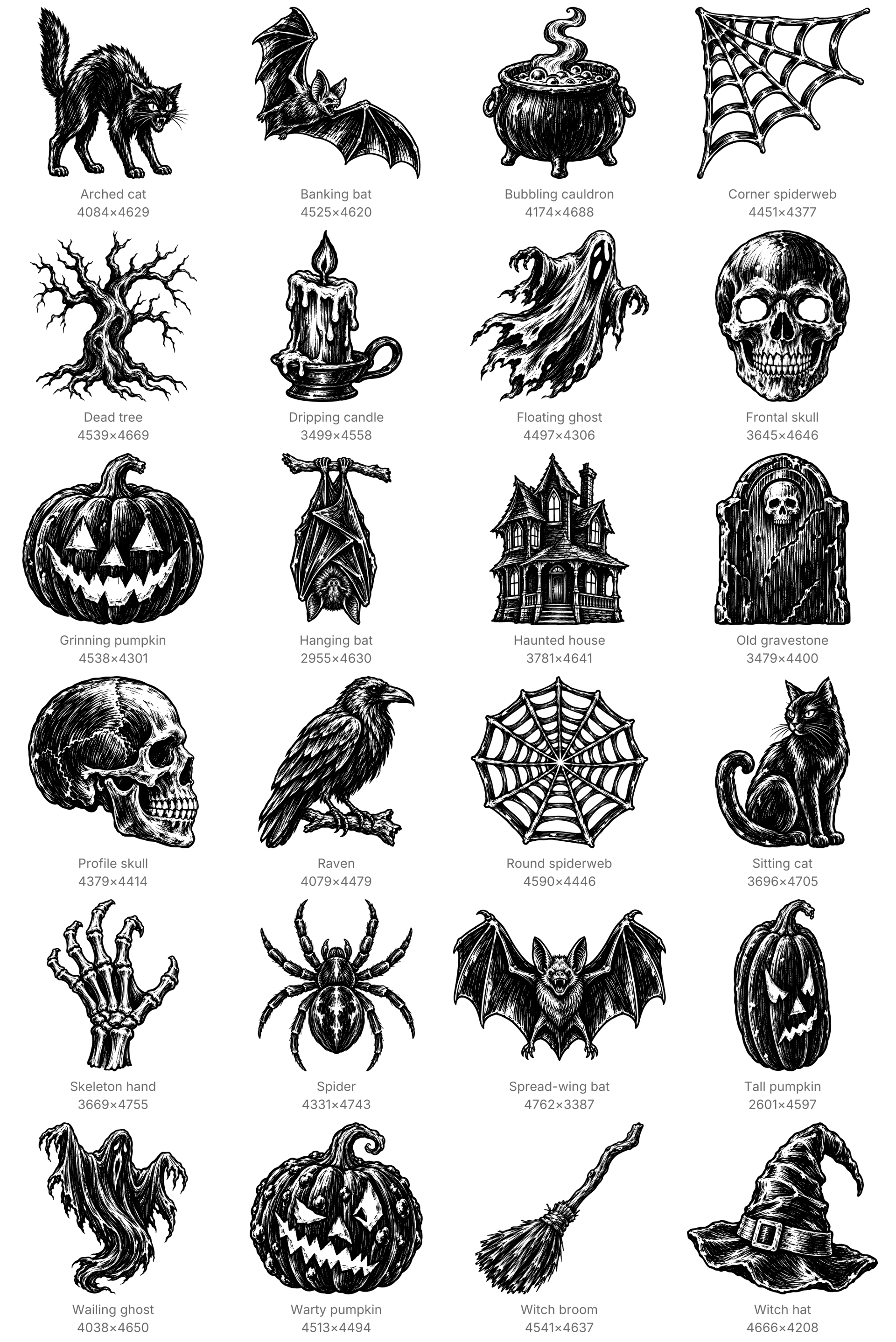
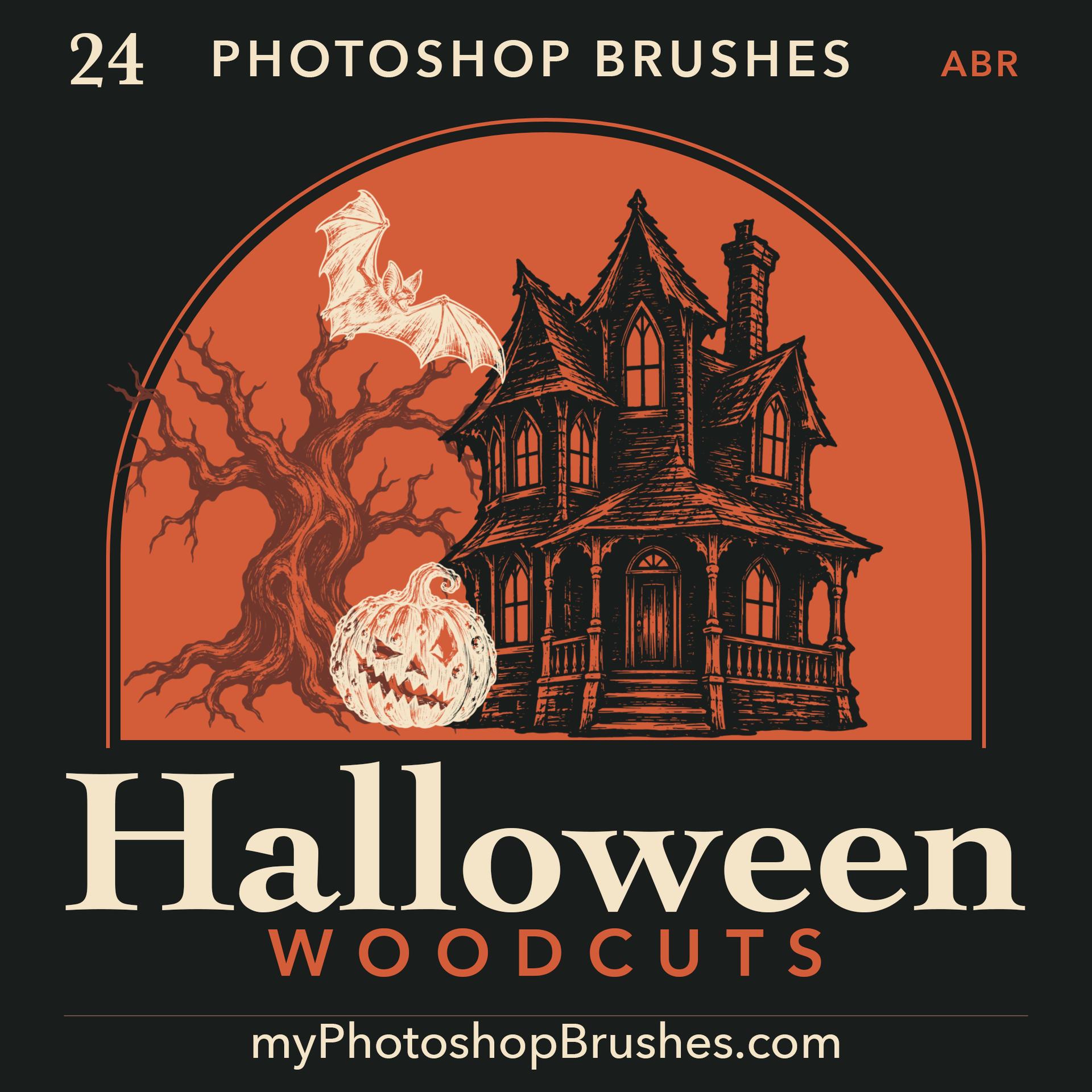
Give Halloween posters a carved-ink finish with bold silhouettes and rough white cuts. These 24 woodcut-style stamps work as large focal illustrations or smaller accents around event titles, invitations and seasonal packaging.
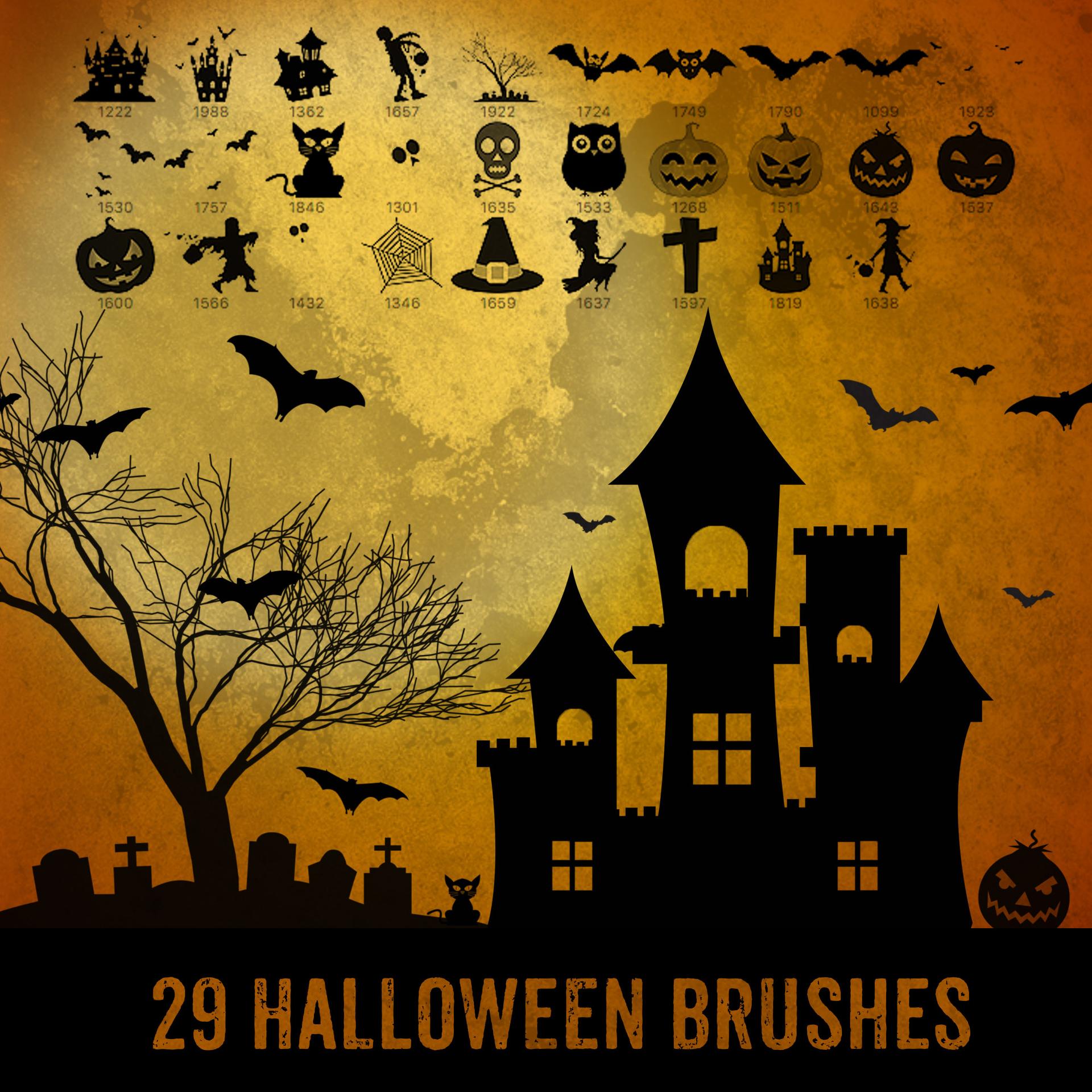
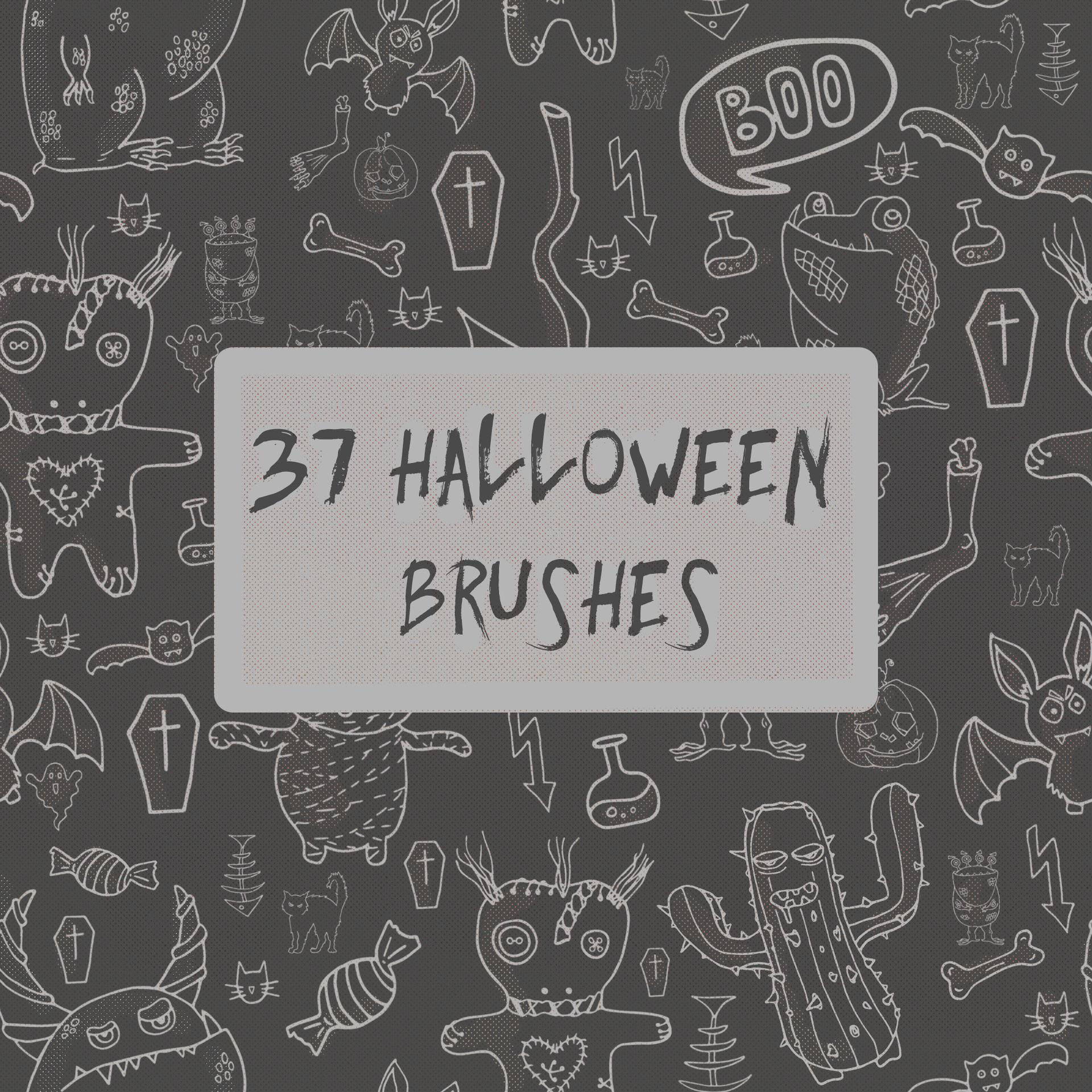
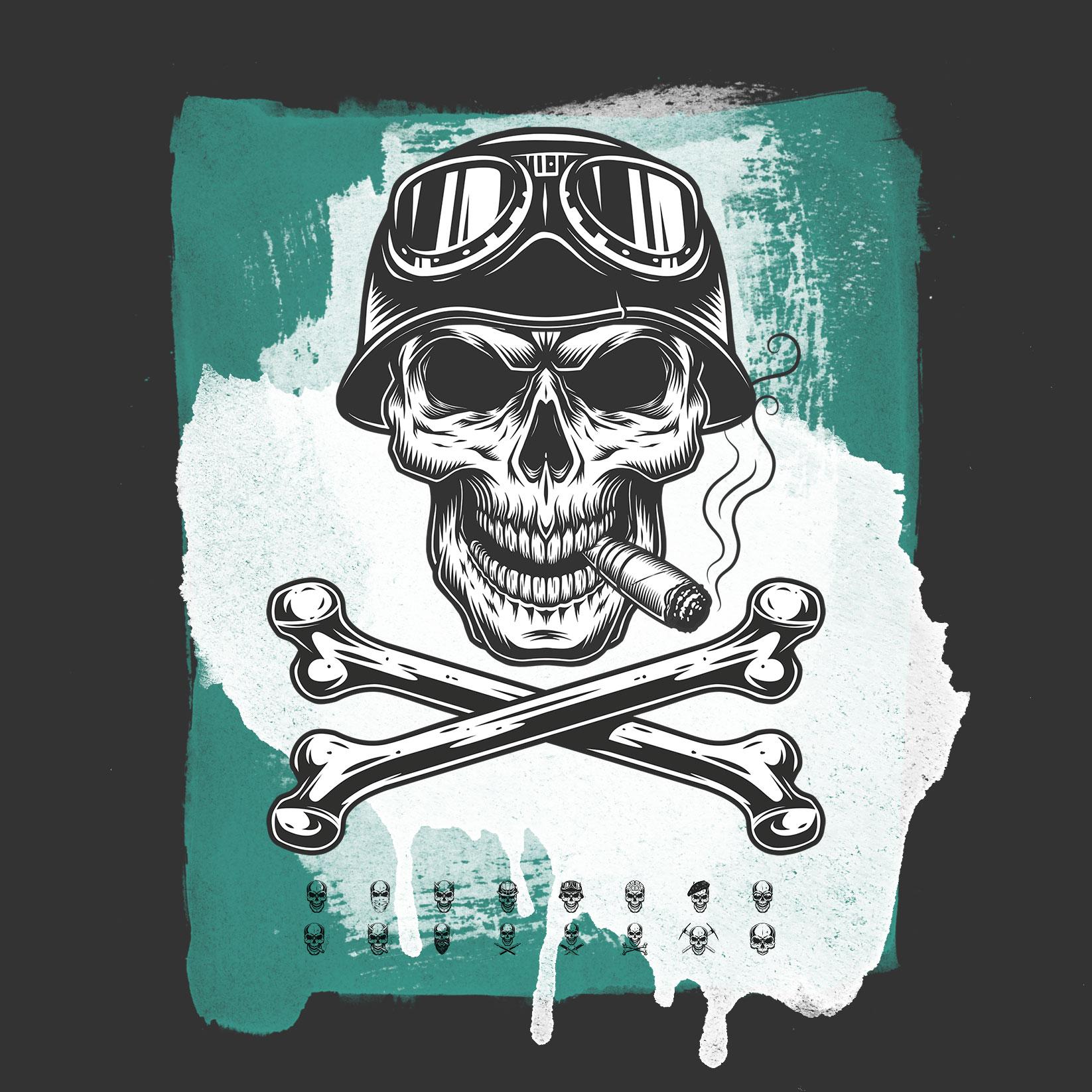
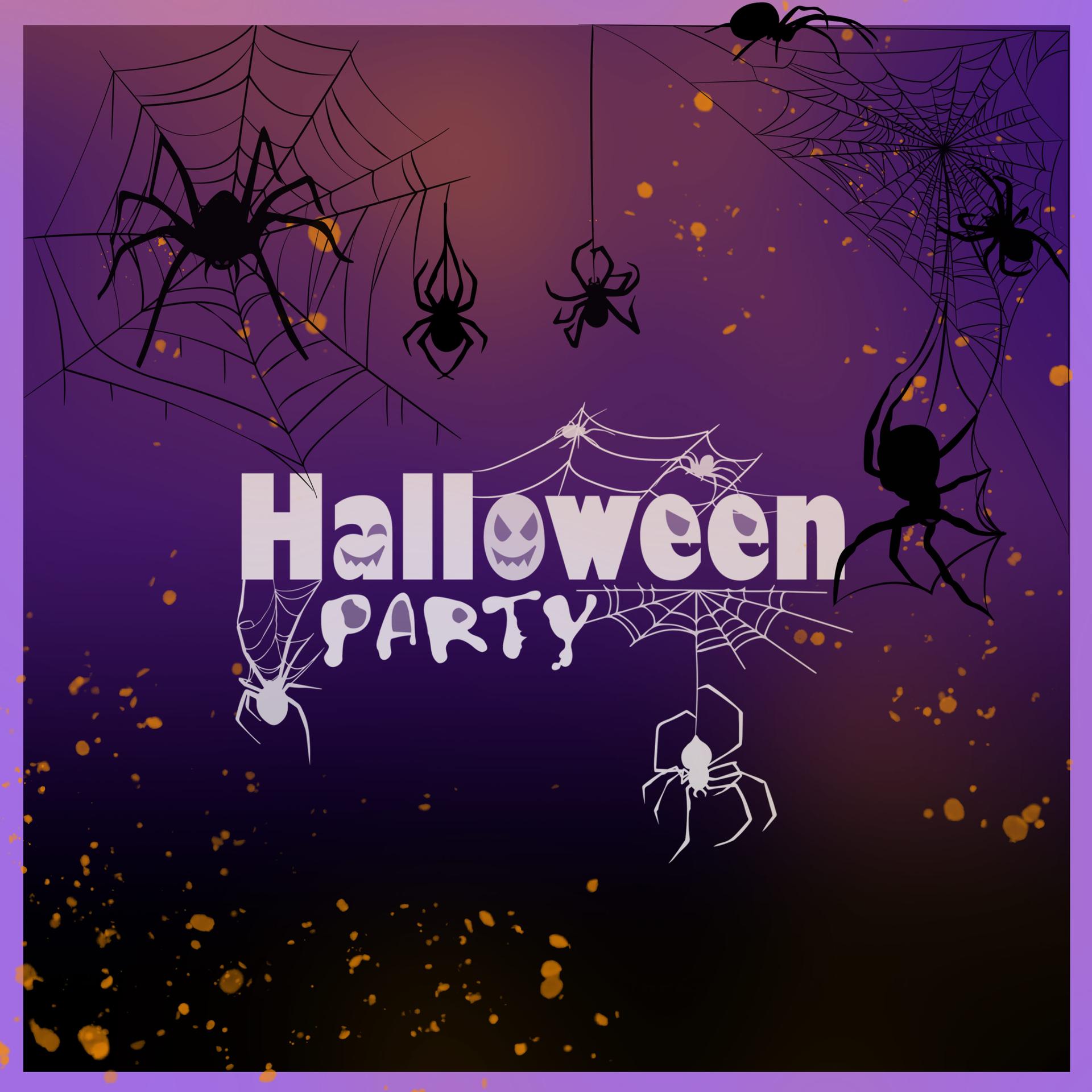
Pumpkins, bats, ghosts, skulls and cats share the set with webs, witchcraft objects, a haunted house, a gravestone, a clawed skeletal hand, a candle, a raven and a bare tree. Each named preset places one complete illustration in your chosen foreground color. The white cuts remain open to the layer underneath.
The tips measure 4400 to 4762 pixels along their longer side. Place each motif on its own layer so you can move and recolor it independently. For print layouts, check the impression at your intended physical size and resolution. Fine carved marks become less visible when reduced.
This download supplies 24 static Photoshop stamps in one ABR, plus License.txt. Import the ABR from the Brushes panel menu, choose a preset and click once to place it. The pack contains no poster templates, lettering or continuous drawing brushes. The enclosed license allows commercial artwork and private projects without requiring attribution.
What's Included