24 Free Gouache Photoshop Brushes
Resource Details
- Author
- myPhotoshopBrushes
- Format
- ABR
- Size
- 13.4 MB
- Opens in
- Photoshop, GIMP
- Imports into
- Procreate, Affinity Photo, KritaShapes import fine. The Photoshop dynamics do not.
- Brush type
- Dynamic brushes
- Items in set
- 24
- Downloads
- 414
- Added
- Oct 11, 2026
Description
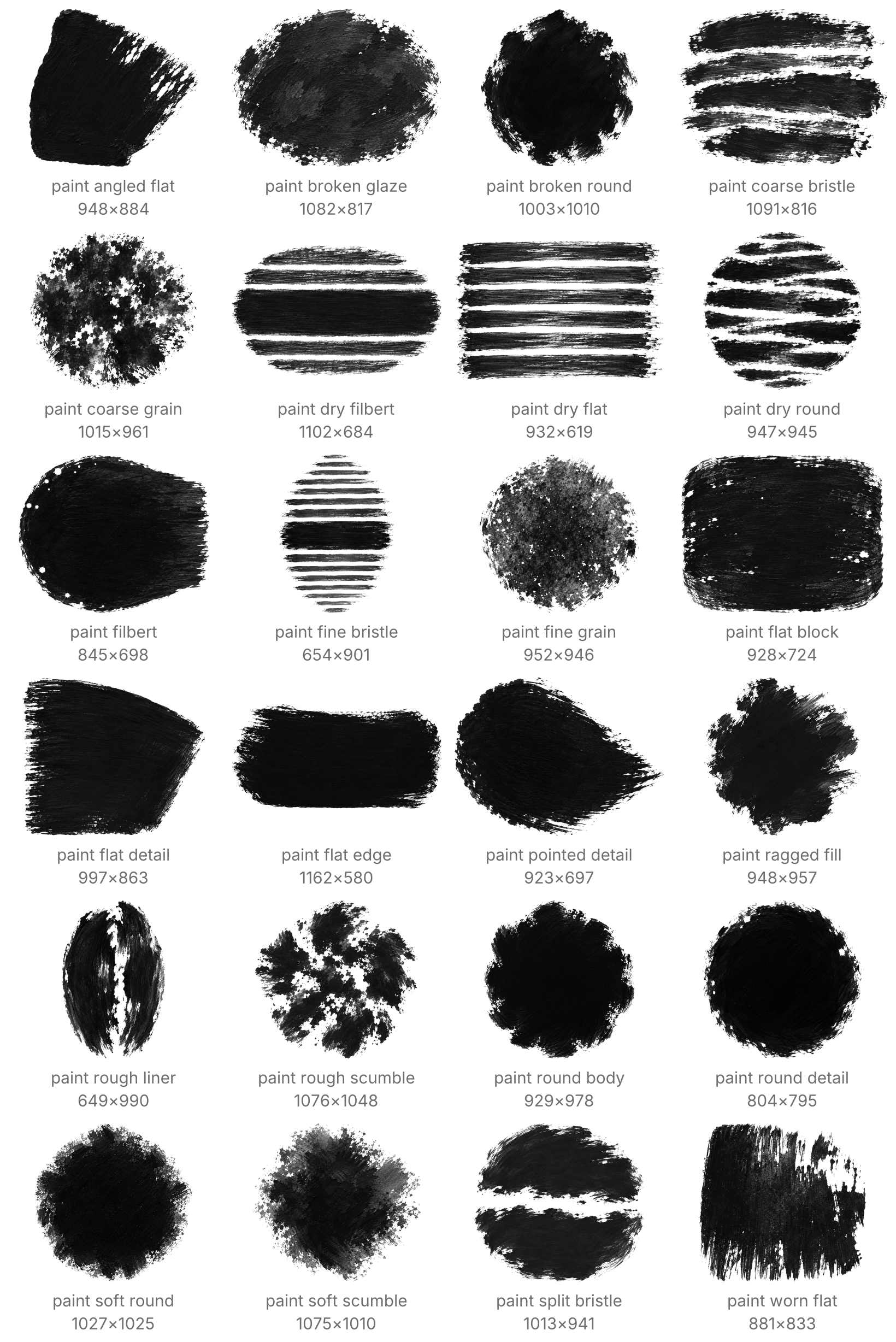
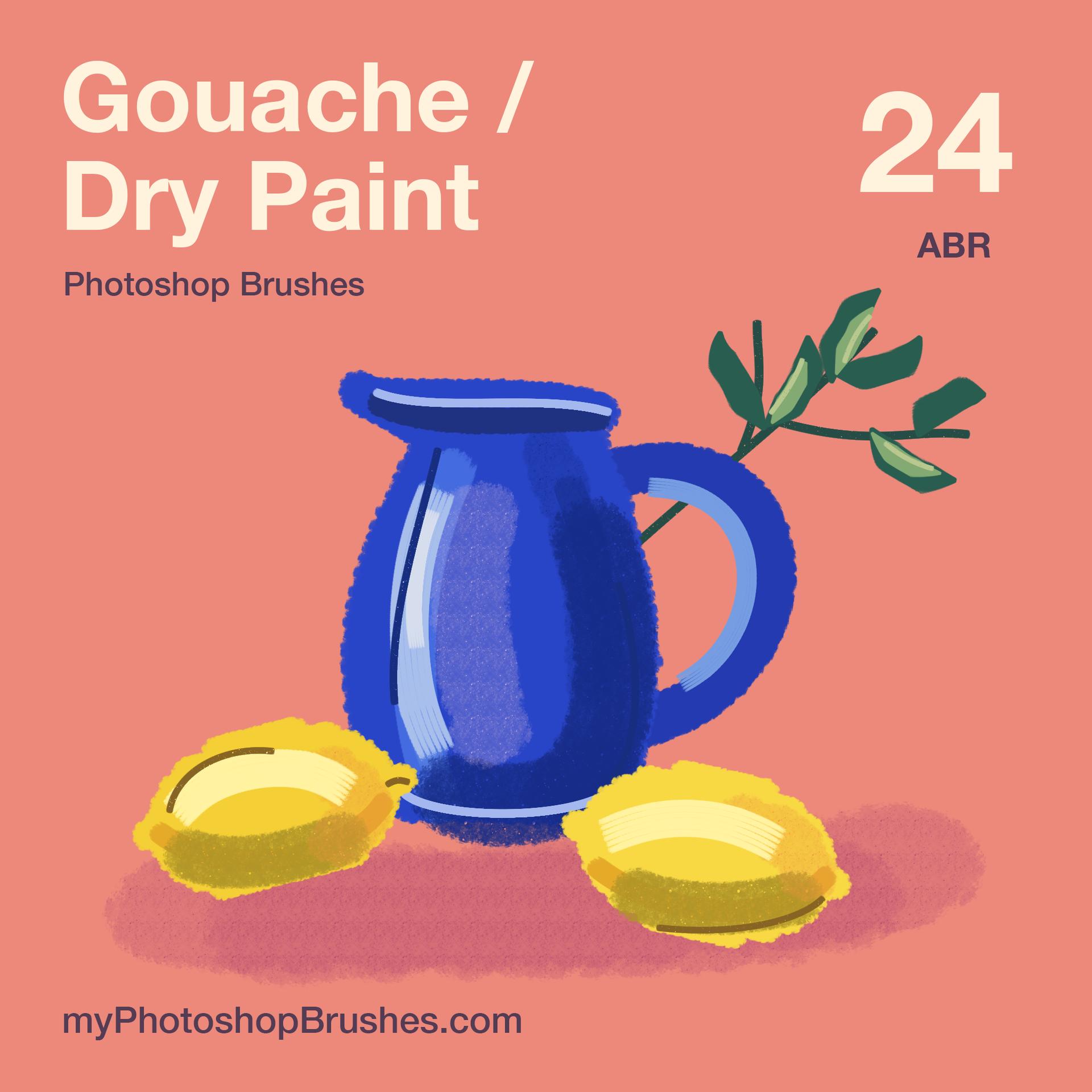
Paint broad matte shapes, then break their edges with dry bristles and pigment grain. Gouache gives an illustration both dense color and visible gaps in the paint, with marks that follow your own strokes.
The 24 named Photoshop brushes include eight opaque paint brushes, eight dry paint brushes, four grain and glaze brushes, and four detail brushes. Flat and rounded tips handle different edges. Grain brushes leave small openings, while the broken glaze builds translucent color over earlier strokes. Layer your chosen colors to create the artwork. These are sampled painting brushes, with no wet paint mixing.
Pressure changes size or opacity according to the preset. A pressure-sensitive stylus is needed for those responses. Try broad shapes around 150 px and detail strokes around 20 px, then adjust for your canvas. At small sizes, fine bristle gaps become less visible. Keep color shapes, texture passes and line work on separate layers when you want to revise them independently.
Install the .abr file using Import Brushes in the panel menu. Your download contains the presets and License.txt in a ZIP archive. No paper images or finished illustration files accompany the brushes. The license permits client work and private artwork without credit.
What's Included