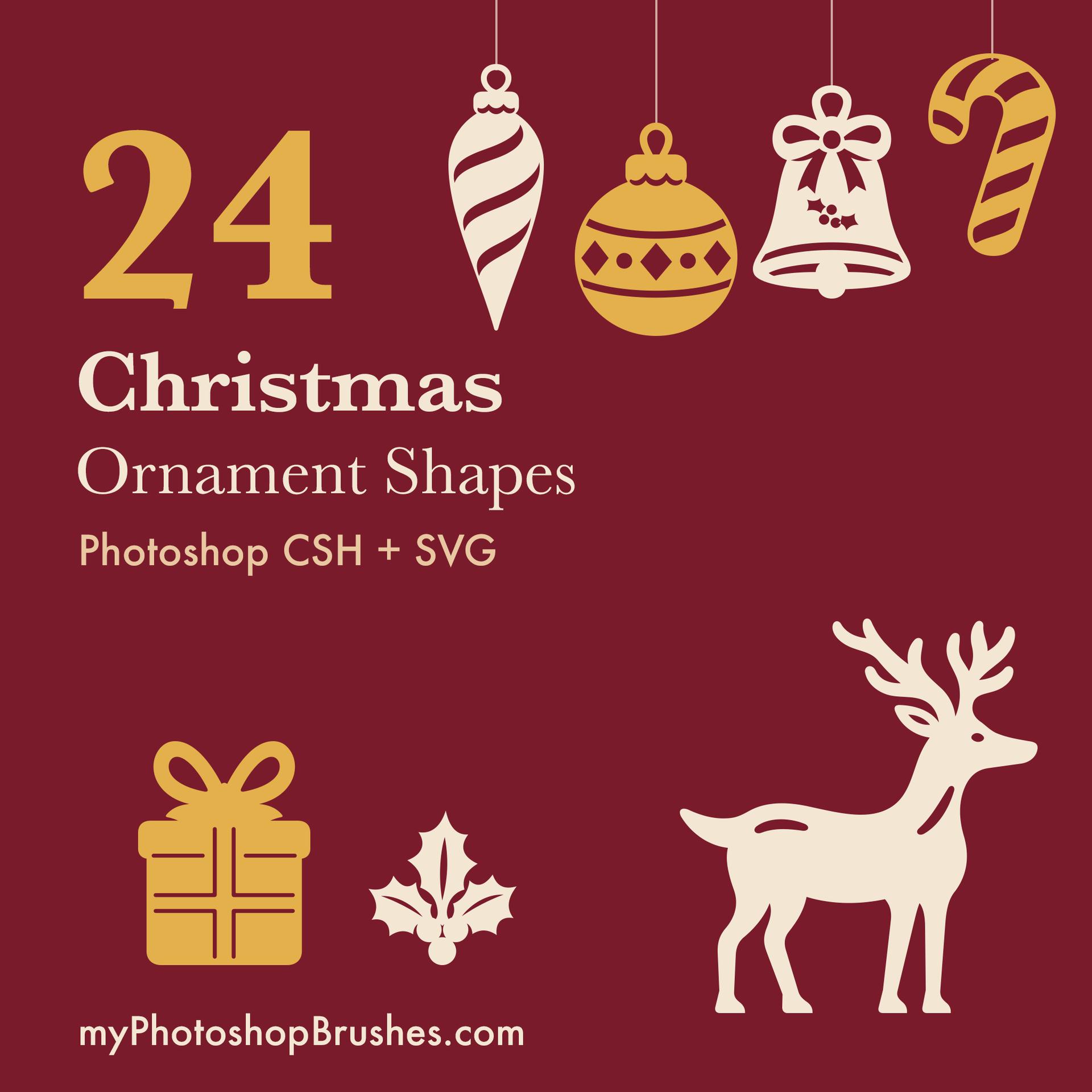
24 Free Christmas Ornament Custom Shapes
Resource Details
- Author
- myPhotoshopBrushes
- Format
- CSH, SVG
- Size
- 201.3 KB
- Items in set
- 24
- Downloads
- 1
- Added
- Nov 23, 2026
Description
Photoshop keeps a custom shape as a path, so the same Christmas motif can be a 40-pixel icon on a web banner and a full-height cut-out on a printed card without turning soft. This set covers the ornaments and small symbols that holiday layouts keep reaching for.
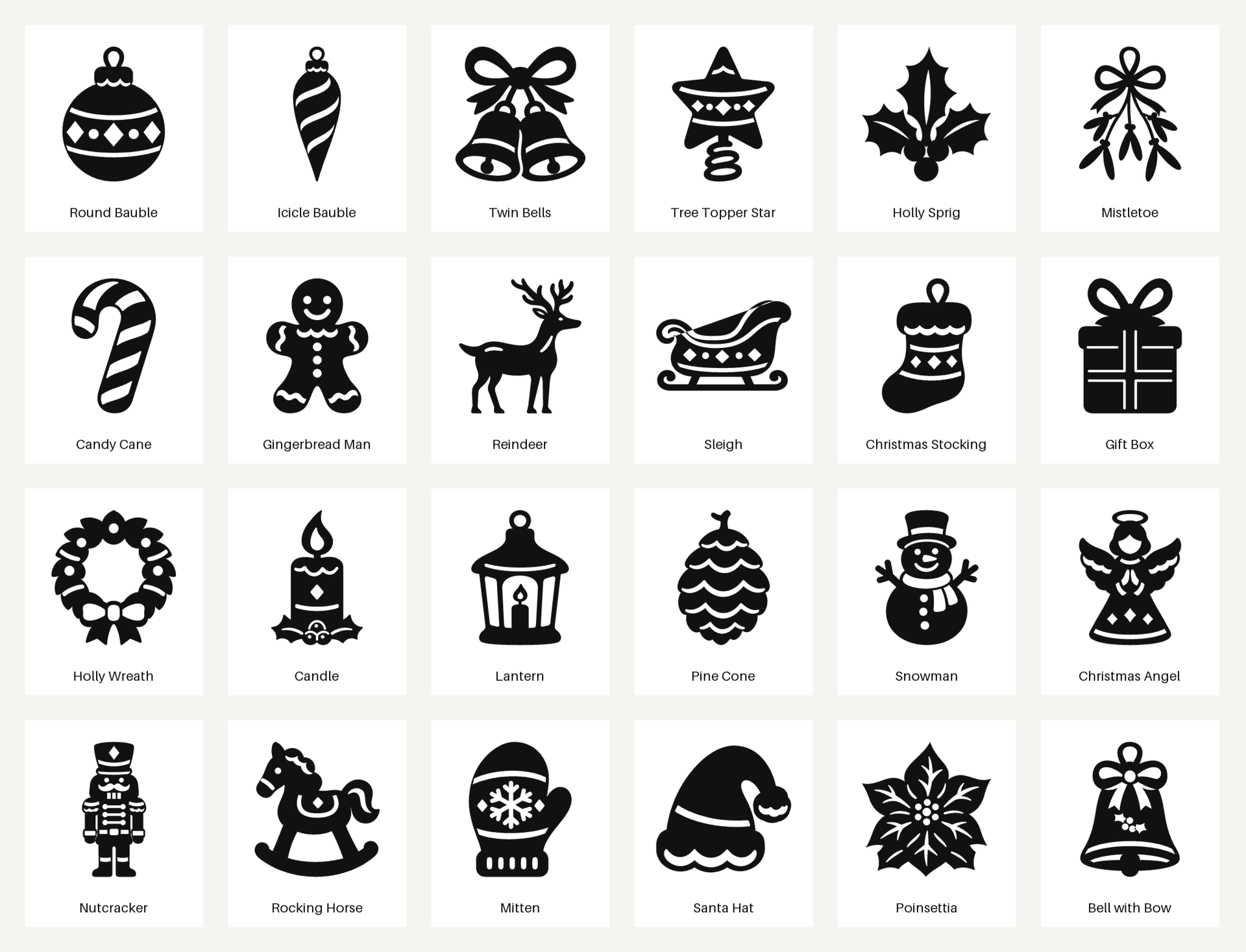
Baubles, a tree-topper star, bells, holly, mistletoe, a poinsettia and a wreath share the collection with a candy cane, a gingerbread man, a reindeer, a sleigh, a snowman, an angel, a nutcracker and a rocking horse. A stocking, a gift box, a candle, a lantern, a pine cone, a mitten and a Santa hat complete the twenty-four. Christmas trees and snowflakes are left out on purpose, because the site already has separate shape packs for both.
Every shape is drawn in one manner: a solid silhouette whose detail is cut out as open space, like the diamond-and-dot bands on the bauble, the stocking and the sleigh. Those cut-outs are real holes in the path. A shape layer filled with red over a photograph lets the photograph show through them, and strokes, layer styles, clipping masks and anchor-point edits behave as they do on any vector shape.
Open the Shapes panel menu, pick Import Shapes and select the .csh file to get all twenty-four presets in one group, then drag a shape onto the canvas or draw it with the Custom Shape tool. The svg folder carries the same outlines as separate files for Illustrator, Figma, Inkscape or a cutting plotter.
Each silhouette is a single flat color with no gradients, lettering or ready-made card layout. Client work, products you sell and personal projects are all covered by the terms in License.txt, and none of them require attribution.
What's Included