
Christmas Graphics
115 free resources: 56 images, 38 brushes, 11 patterns, 3 custom shapes, 3 styles & gradients, 2 free psd, 2 procreate brushes
Browse Christmas resources
Christmas artwork has a deadline problem: retail campaigns are signed off in September and cards go to print in October, long before anyone feels festive. Working on snow and pine in late summer is normal in this trade, and it is the main reason a stocked library beats drawing from scratch. Nobody is in the mood, the brief is usually vague, and the same six motifs have to be recombined into a card, a banner, a window graphic and a wrapping paper without any of them looking like the others. The 113 sets here hold 1,042 individual brushes, shapes and tiles, downloaded 1.39 million times between them, with snowflakes and pine doing most of the heavy lifting and everything else filling the gaps around them.
Most popular
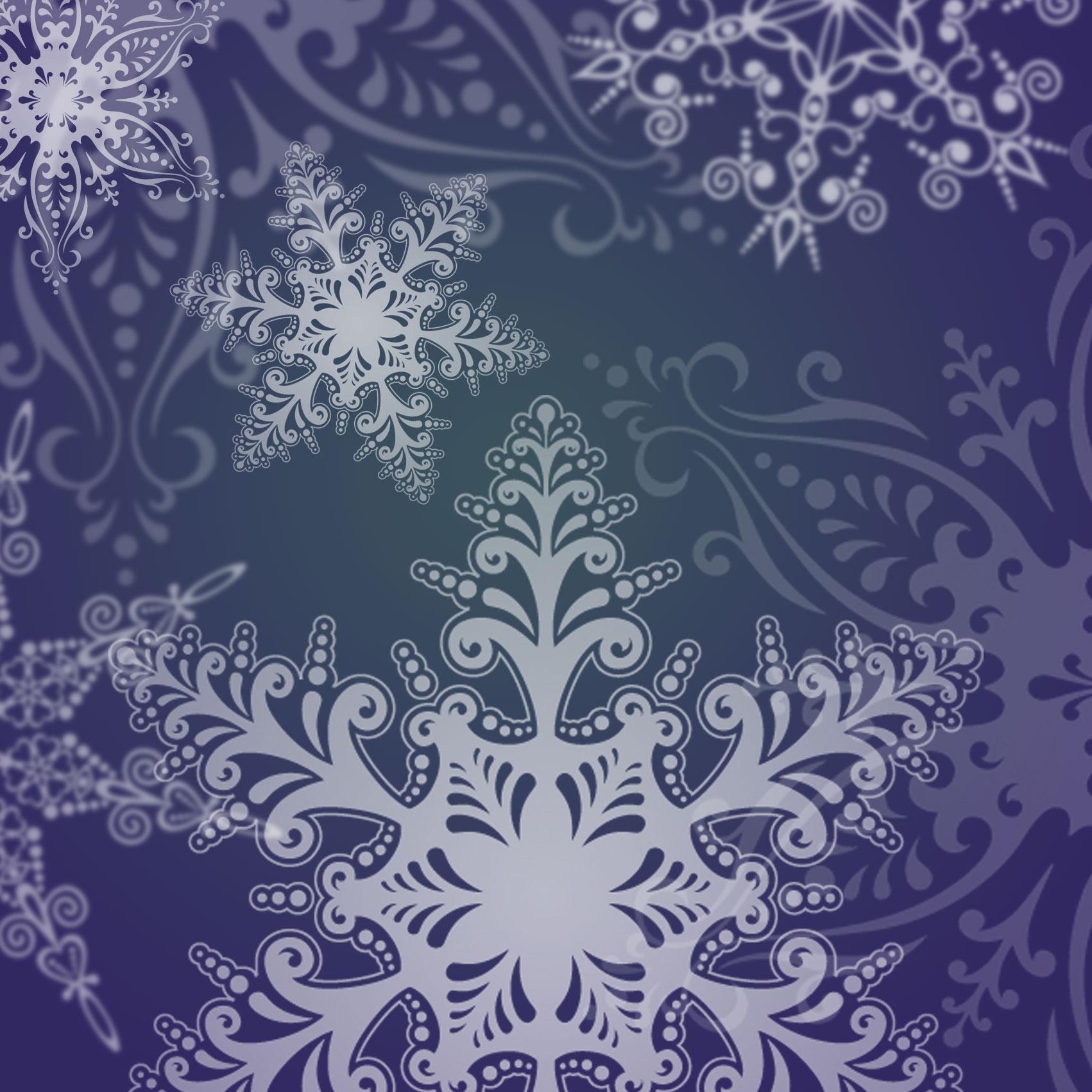
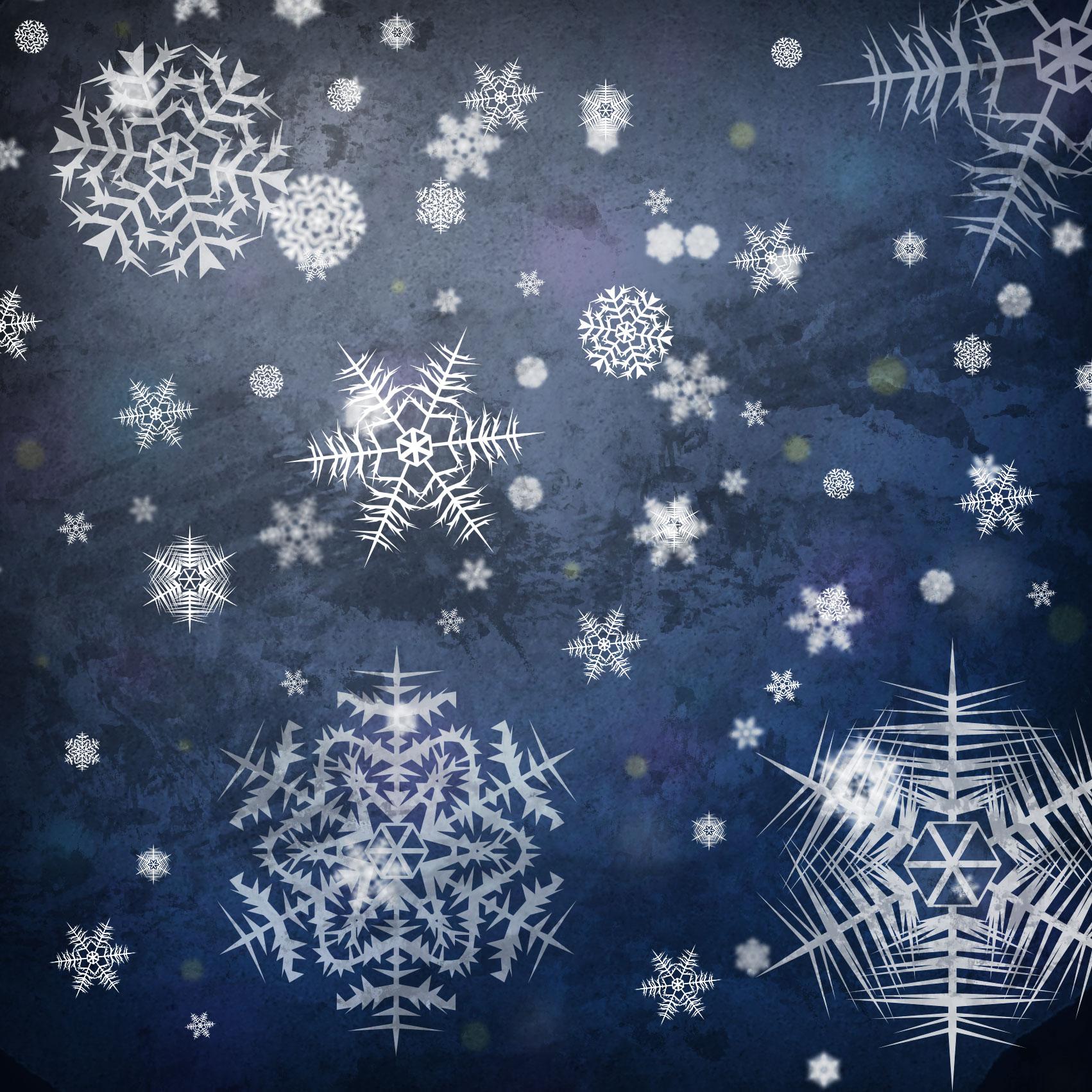
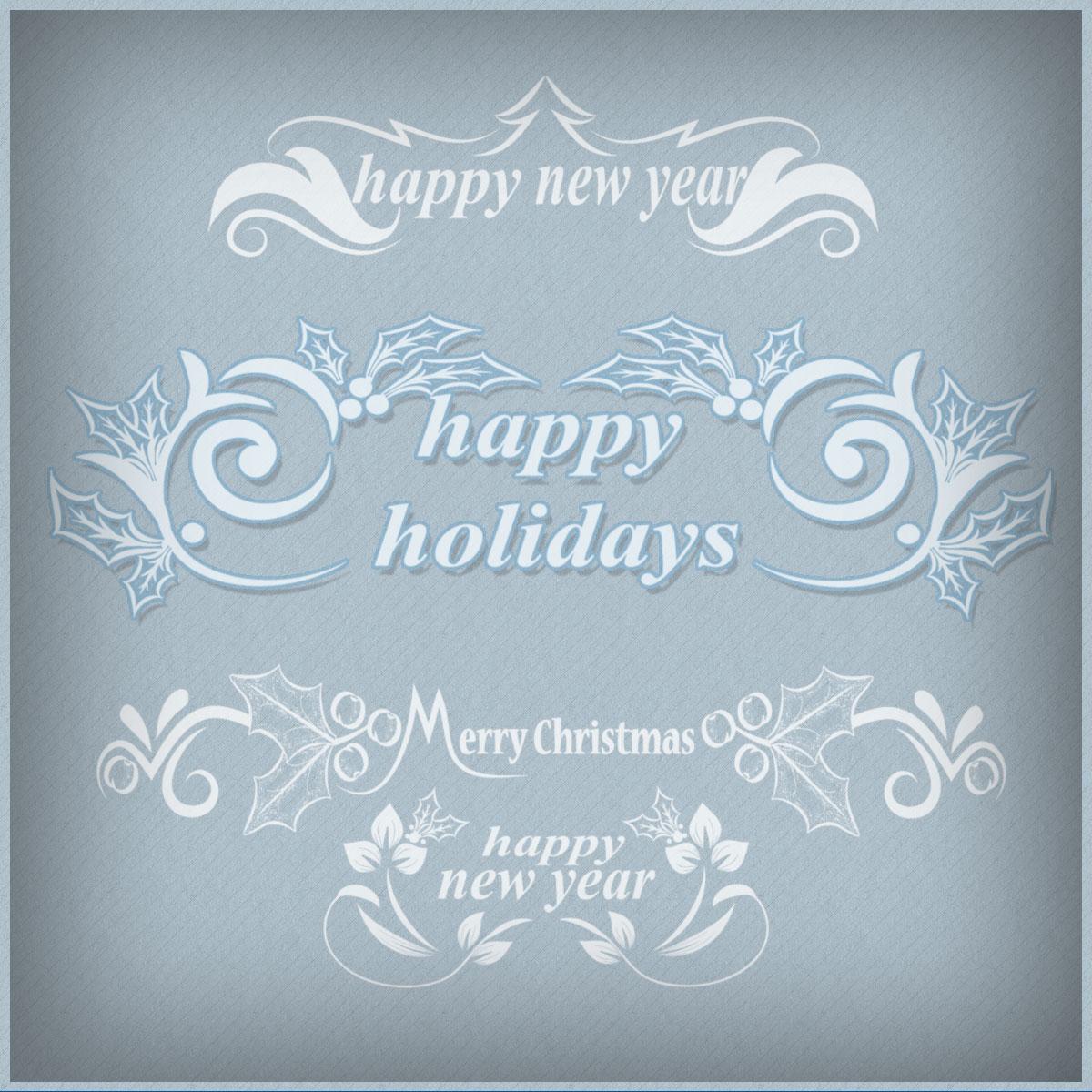
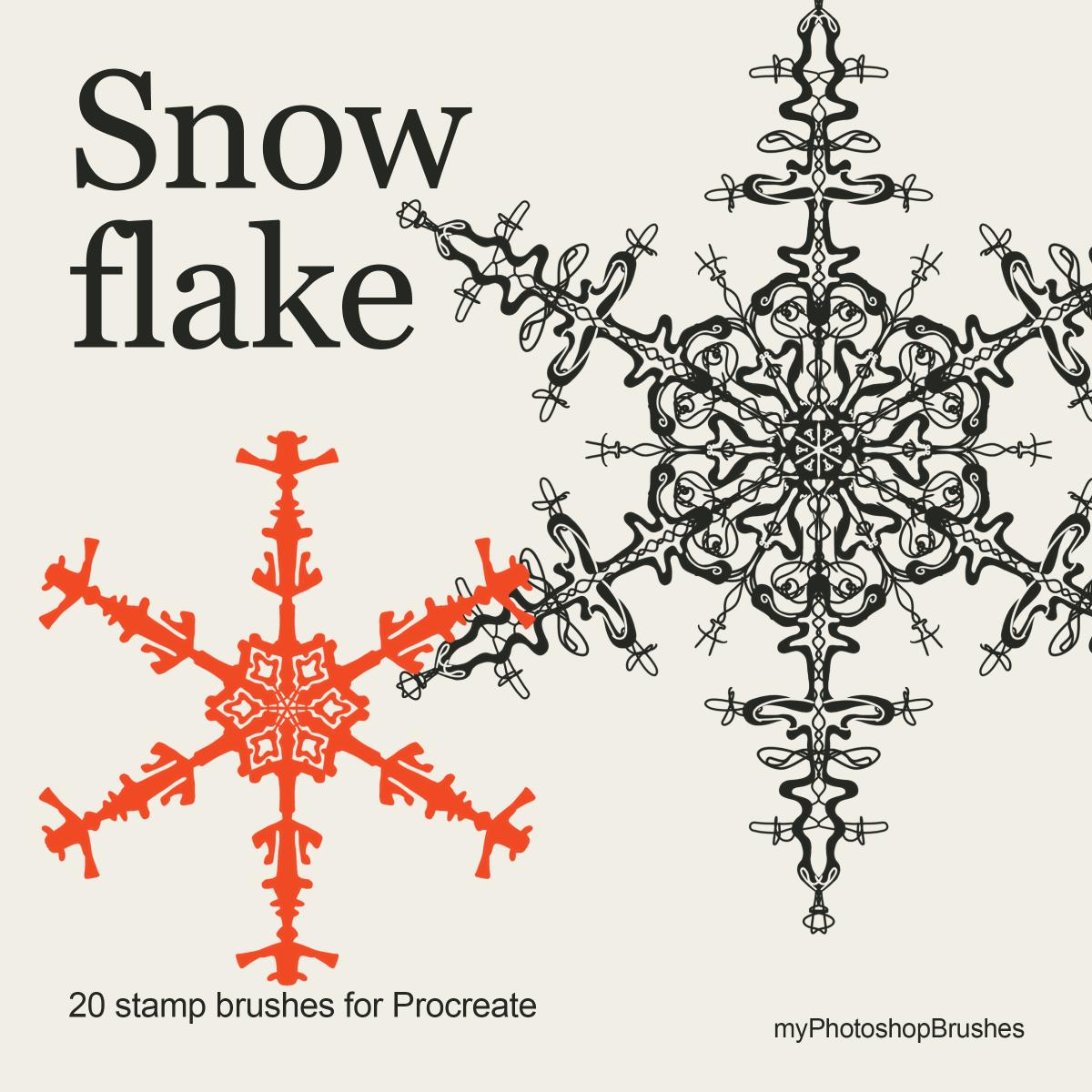
Snowflake Procreate Brushes
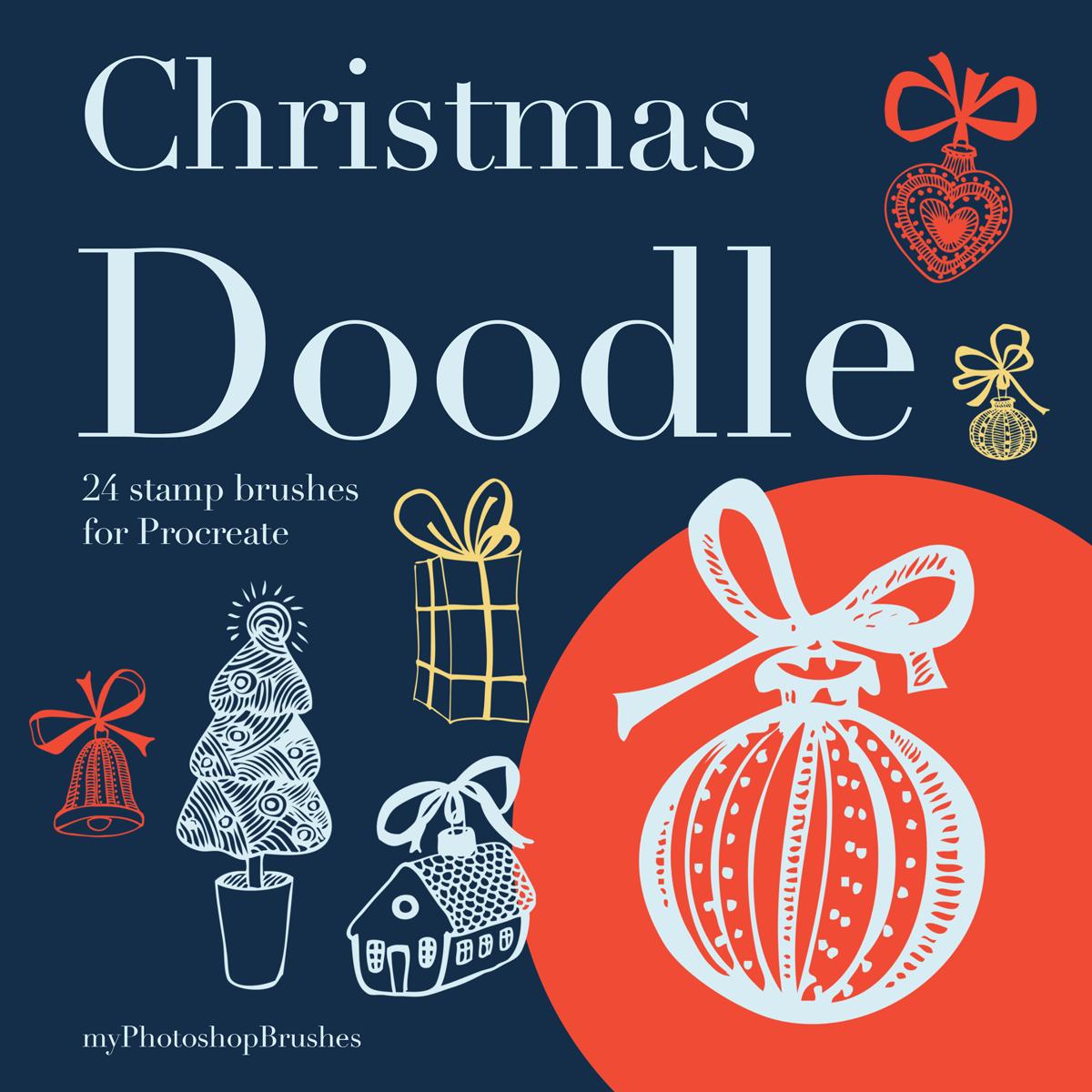
Christmas Doodle Procreate Brushes
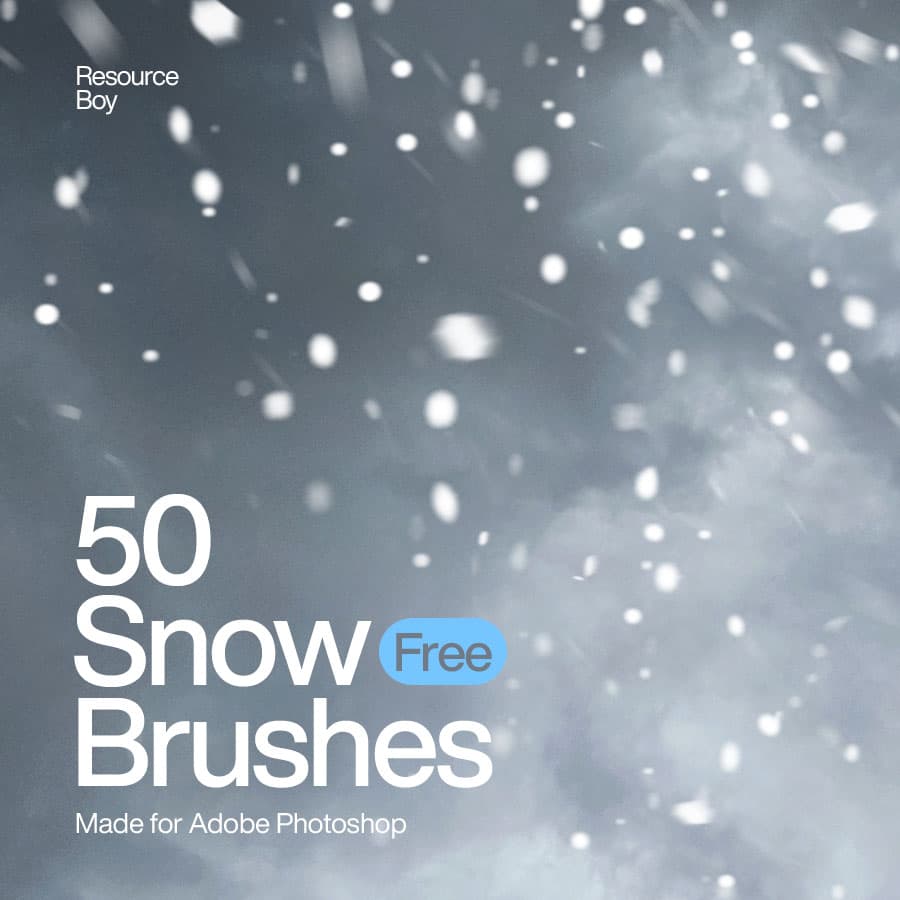
50 Snow Photoshop Brushes
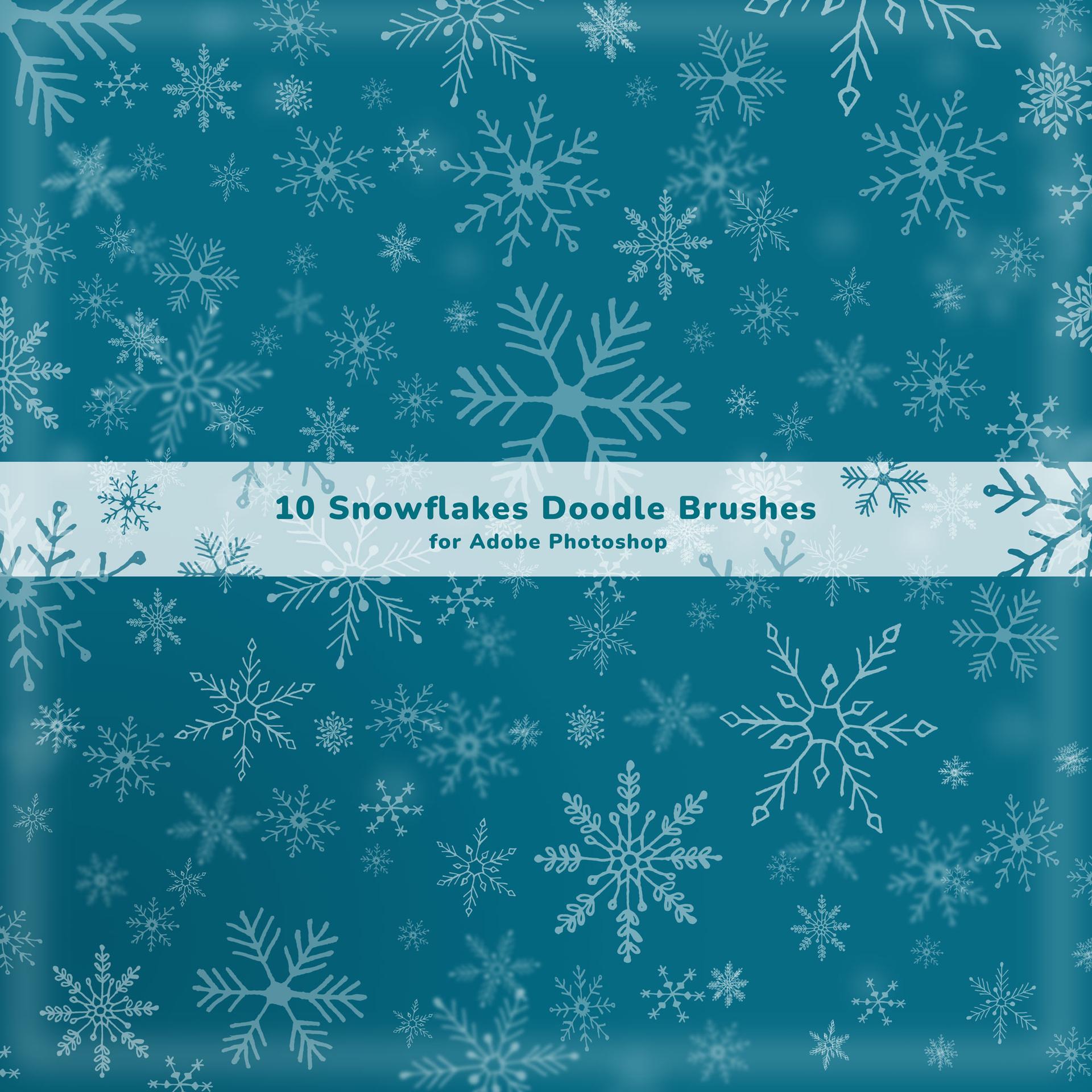
10 Snowflakes Doodle Brushes for Adobe Photoshop

Golden Bokeh Dreamscape
Golden Christmas Elegance
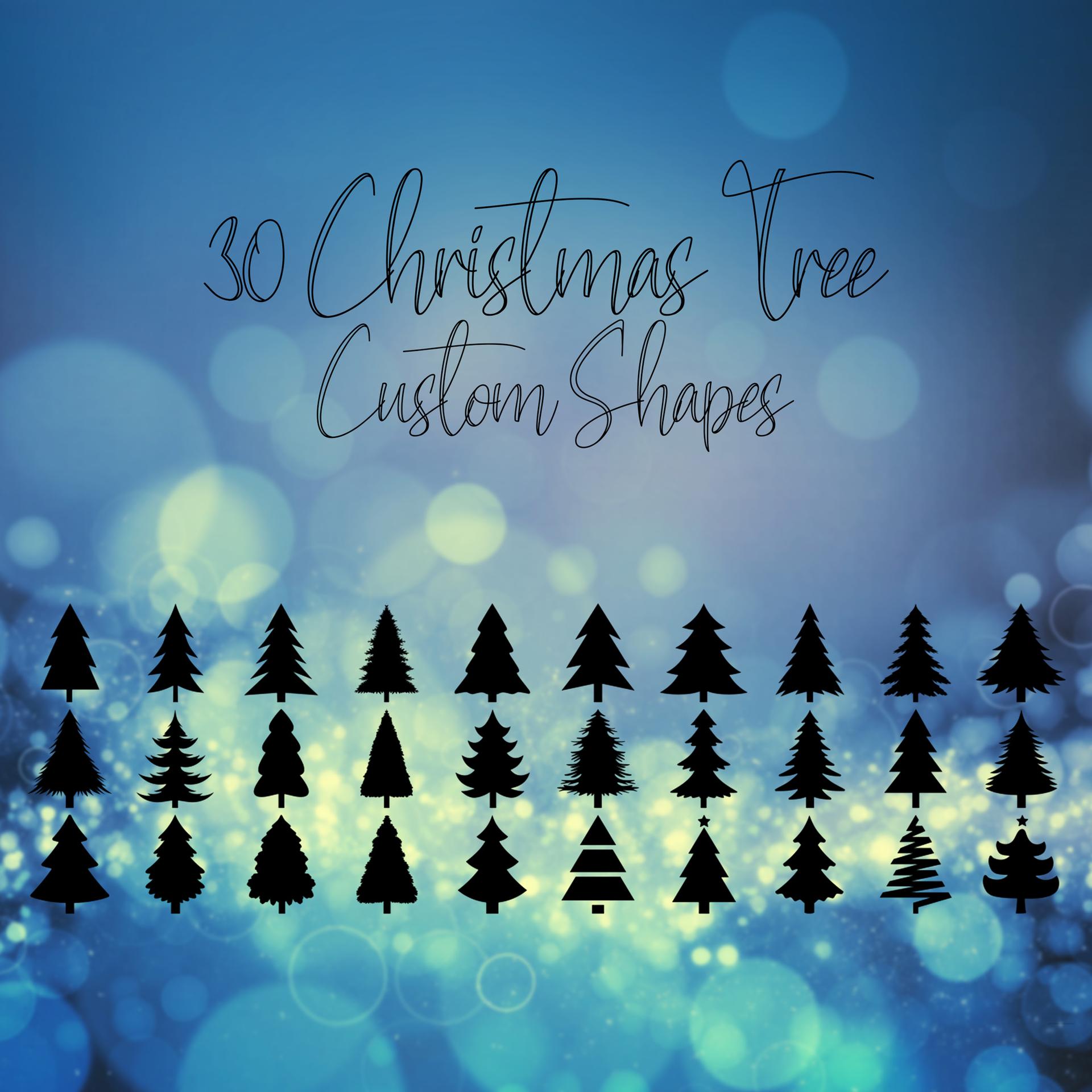
30 Christmas Tree Custom Shapes
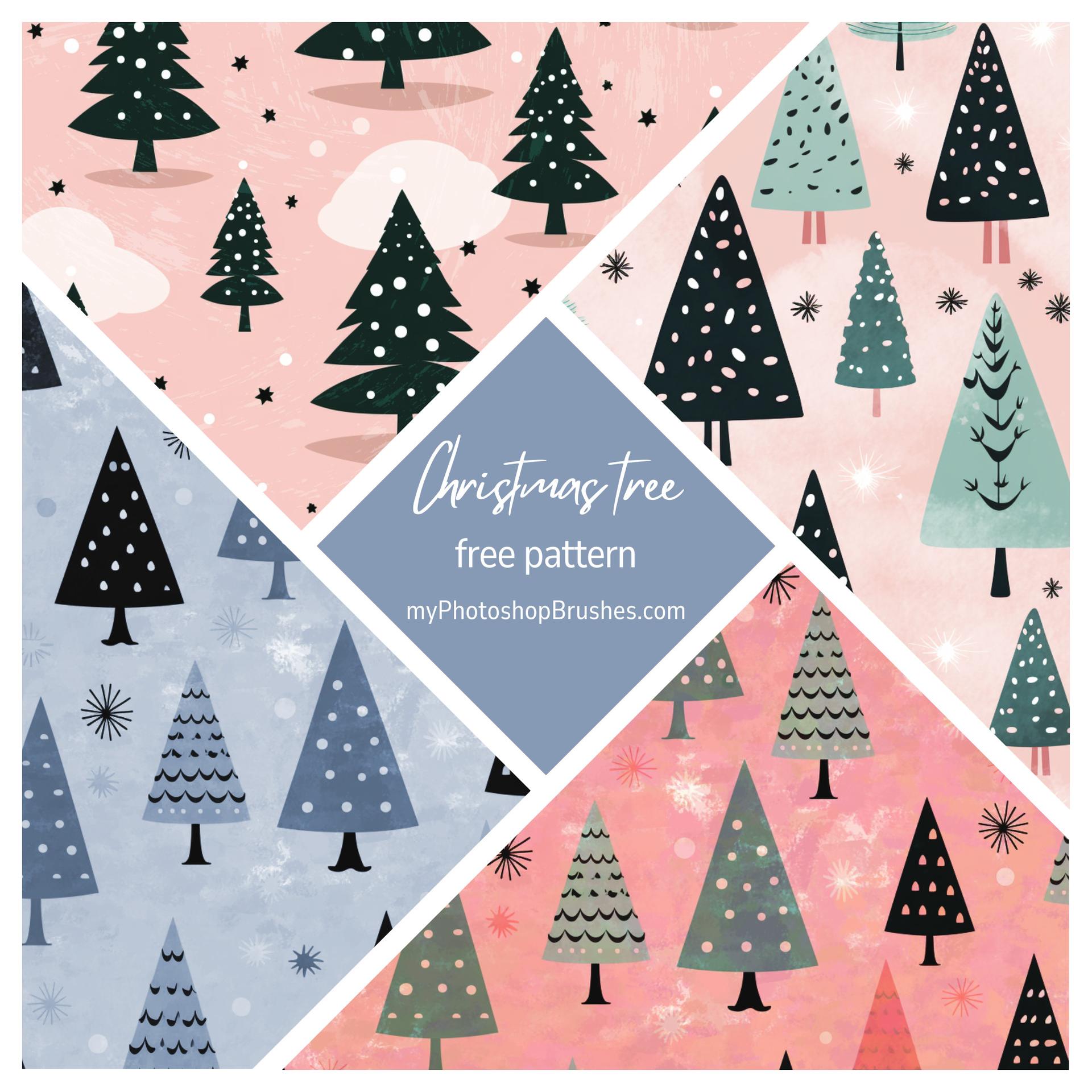
Christmas Tree Pattern
Timeless Christmas Tree Charm

Holiday Whispers in Golden Light
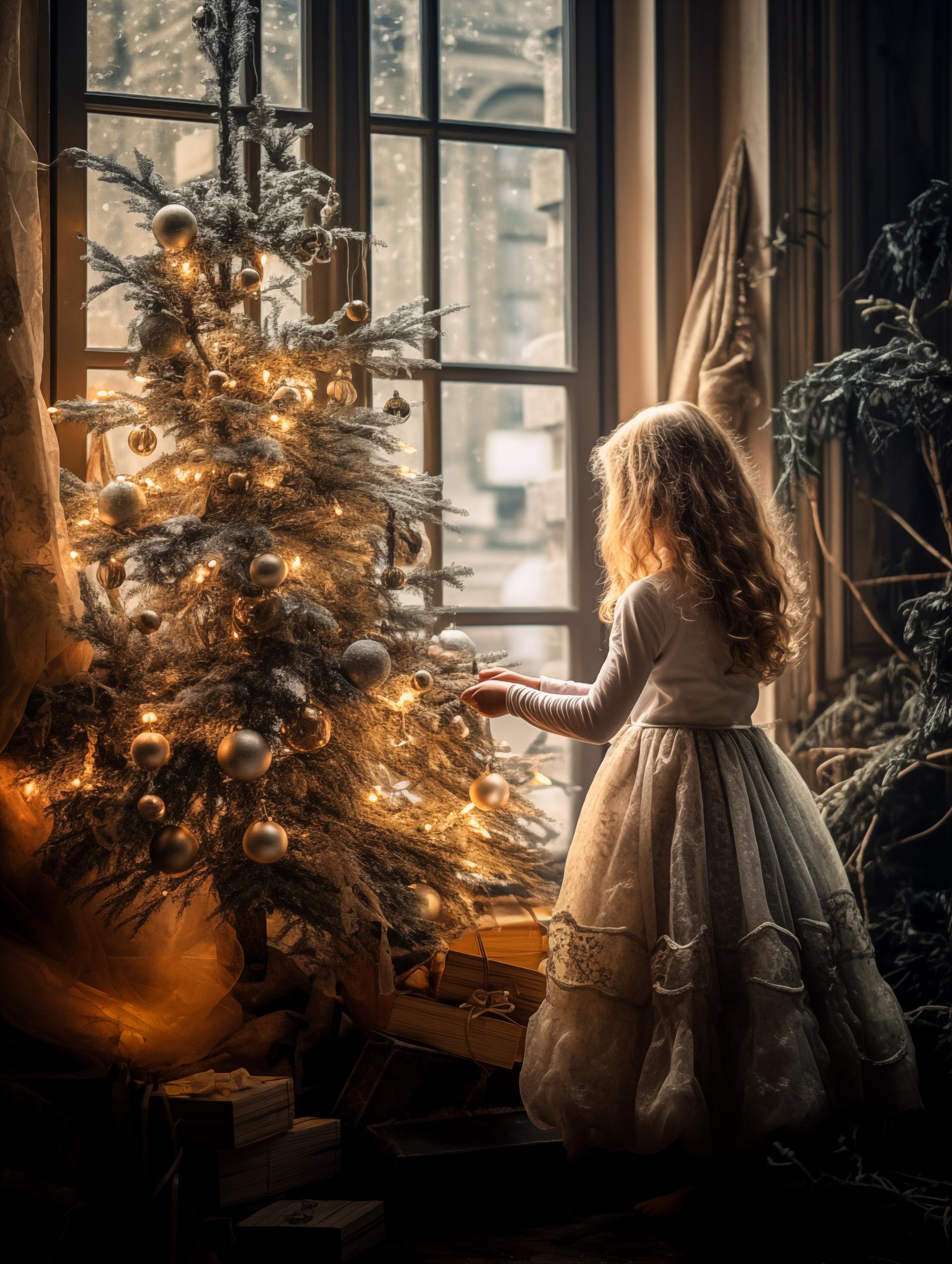
Enchanted Christmas Morning
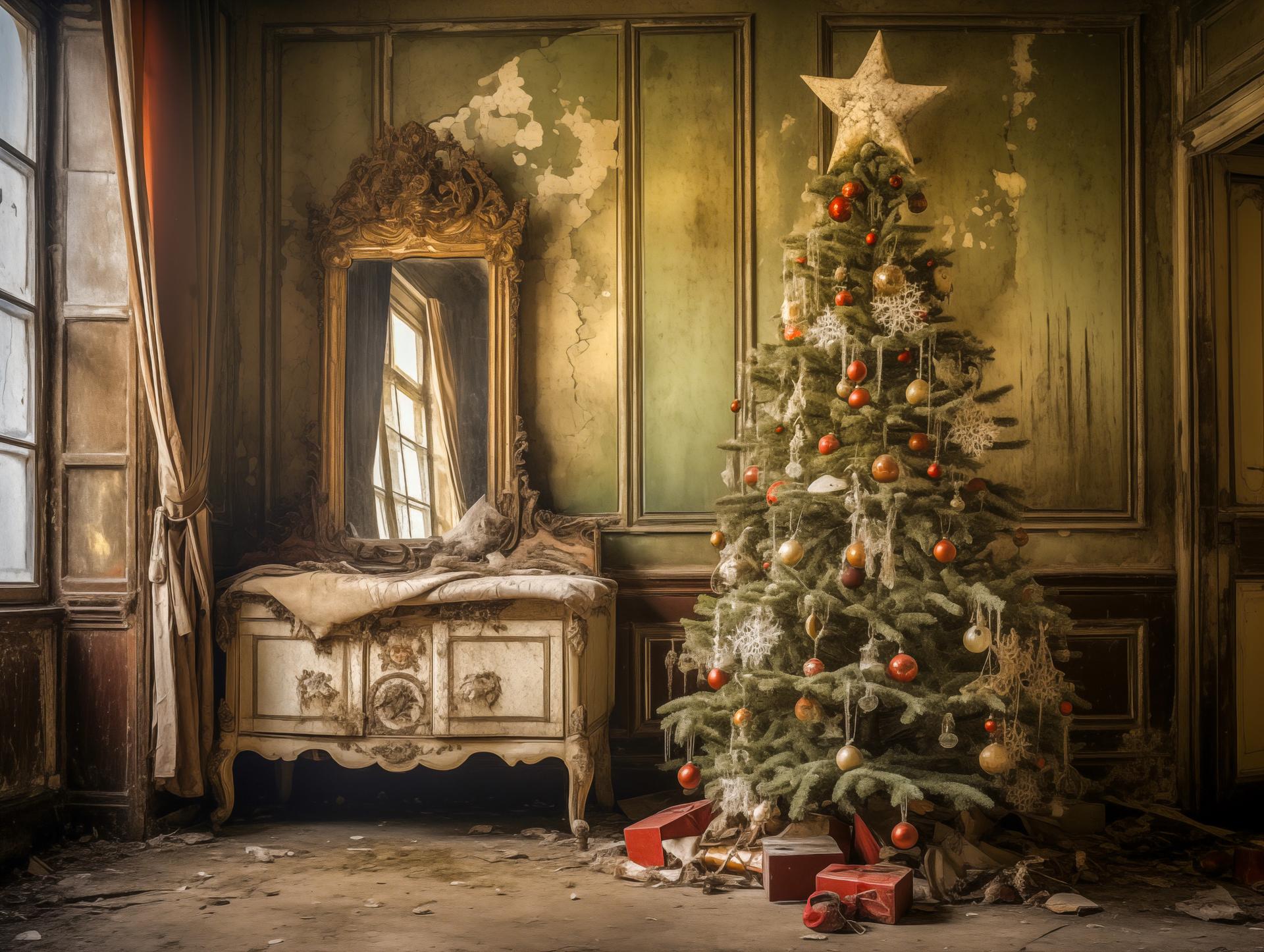
Forgotten Holiday Splendor
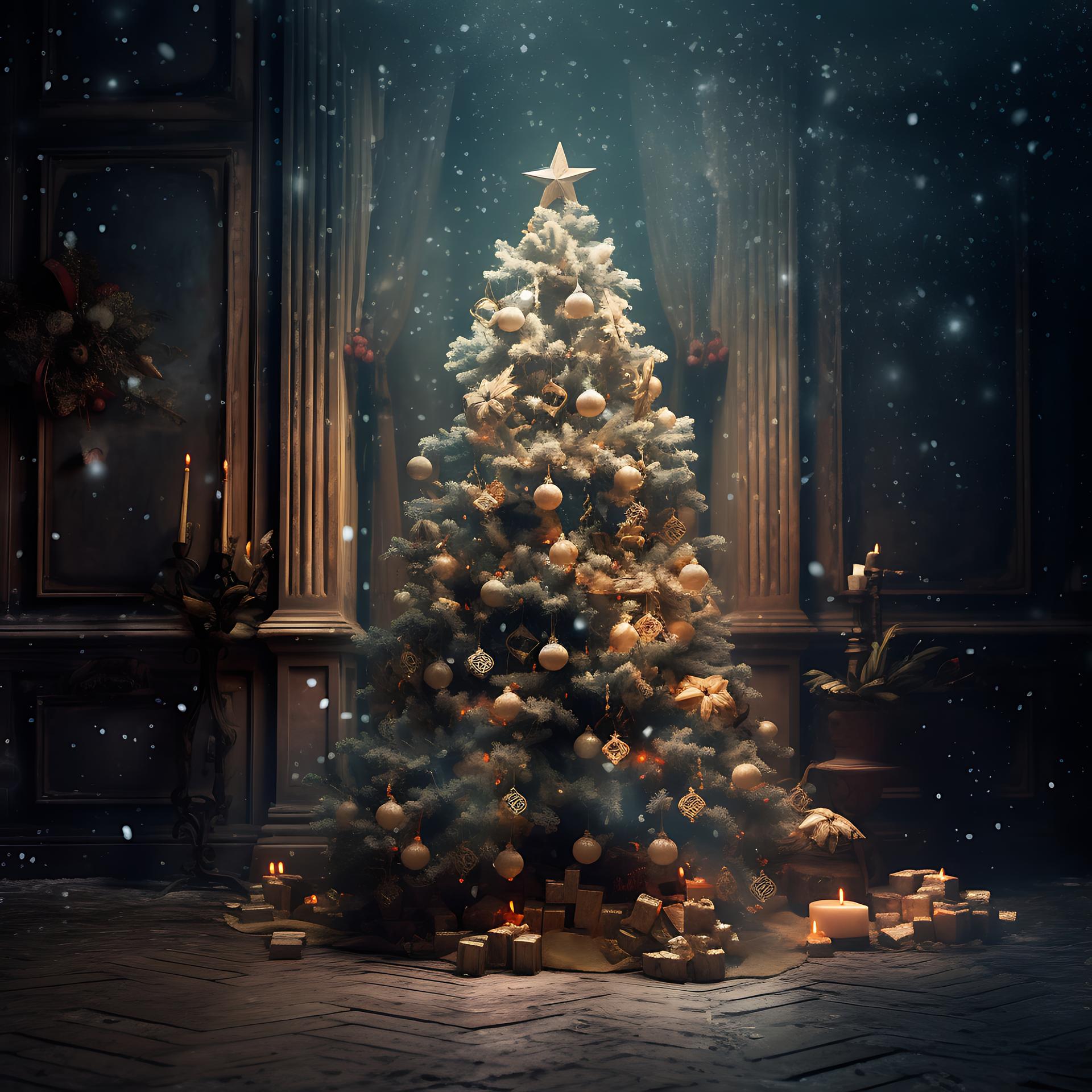
Enchanted Evening by the Christmas Tree
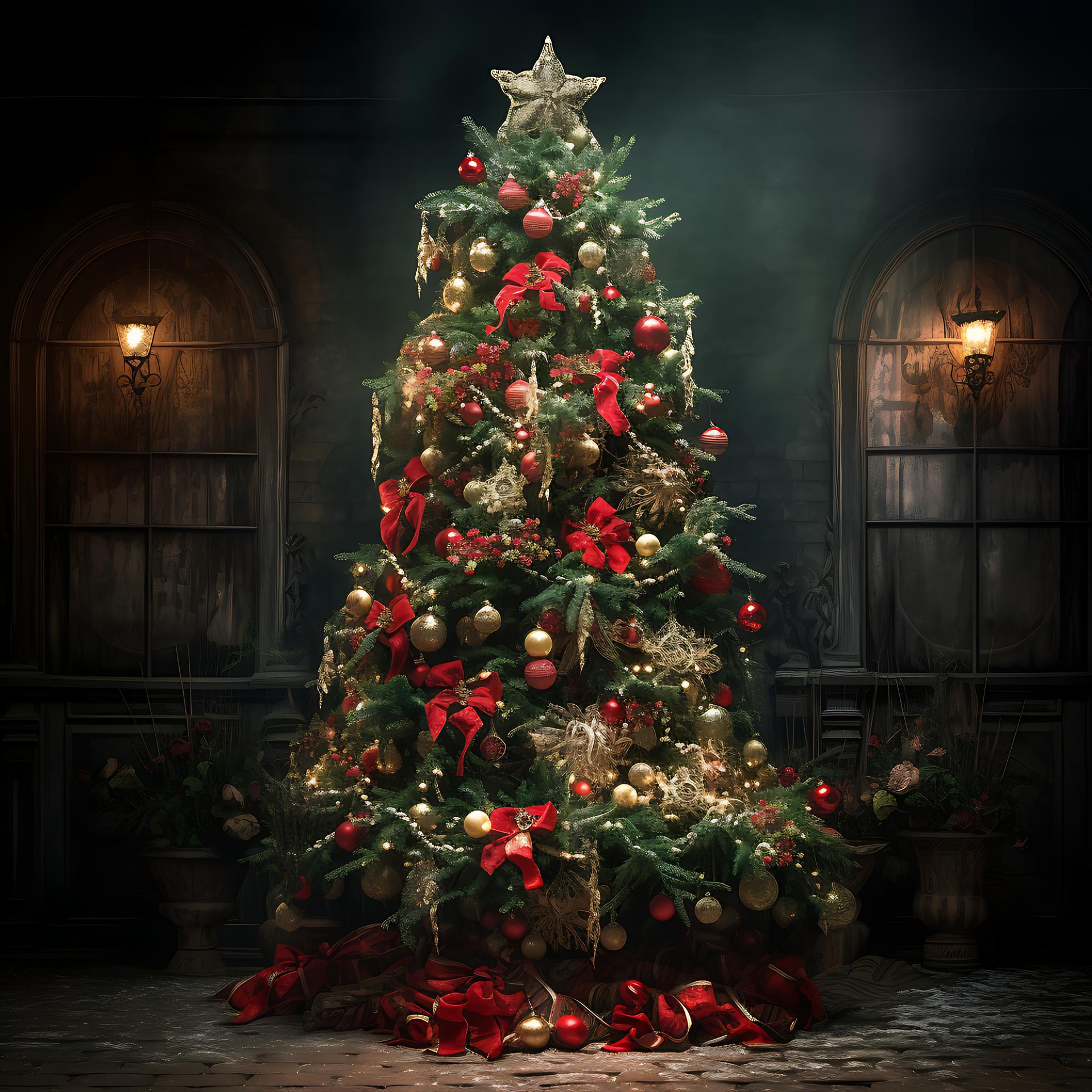
Enchanted Christmas Tree
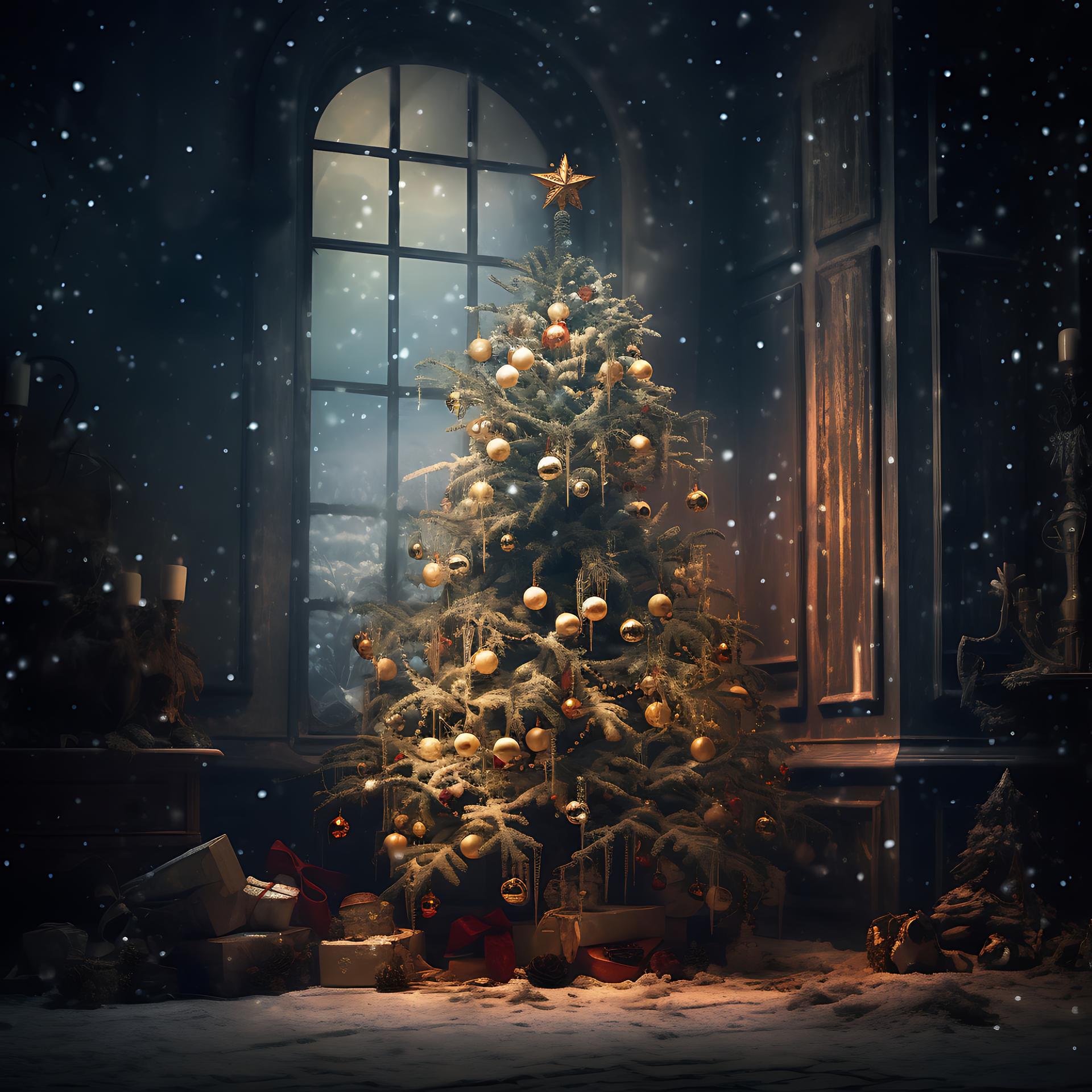
Yuletide Glow
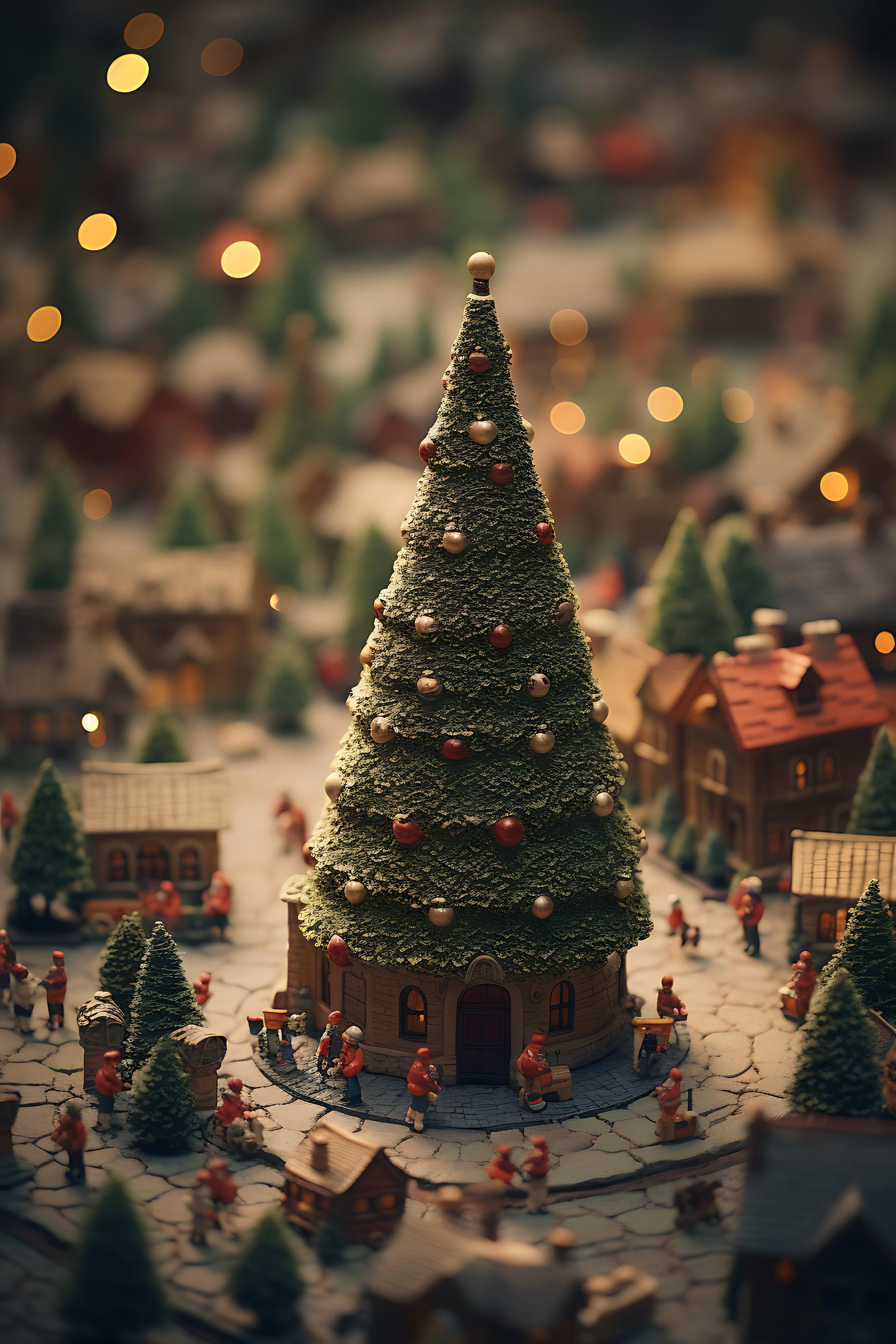
Tilt Shift Christmas Tree
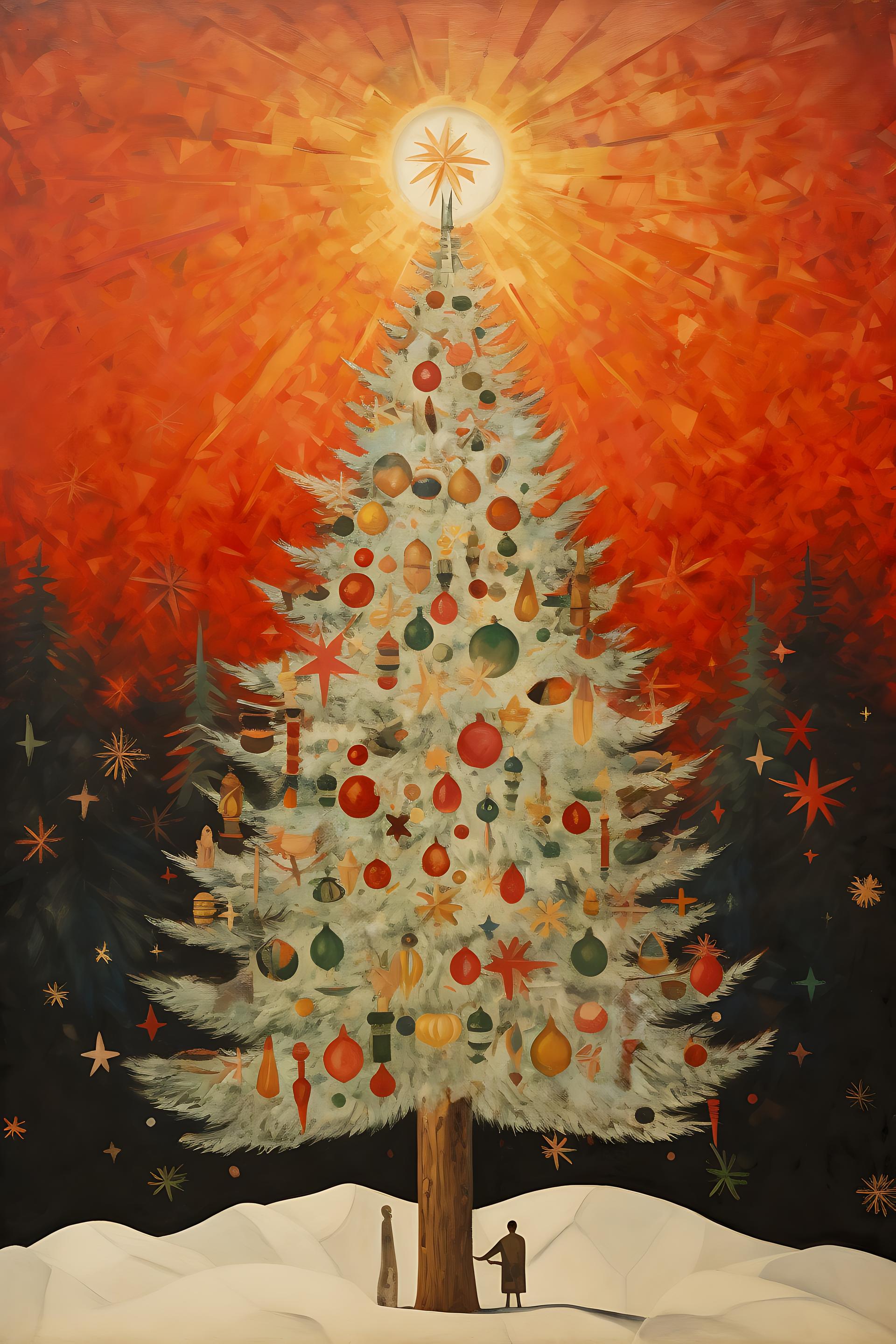
Radiant Dawn over Christmas Tree
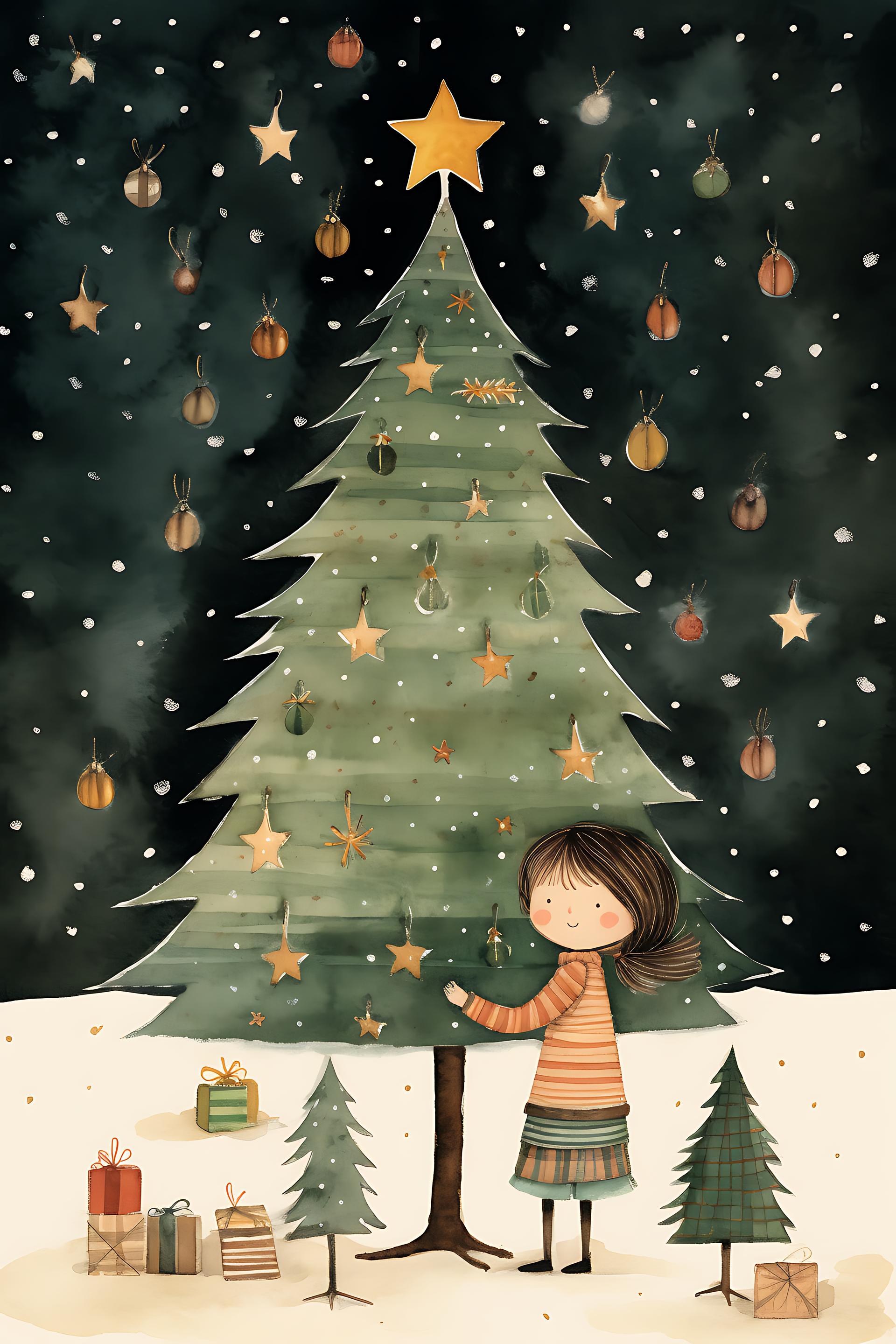
Magical Christmas Starlight
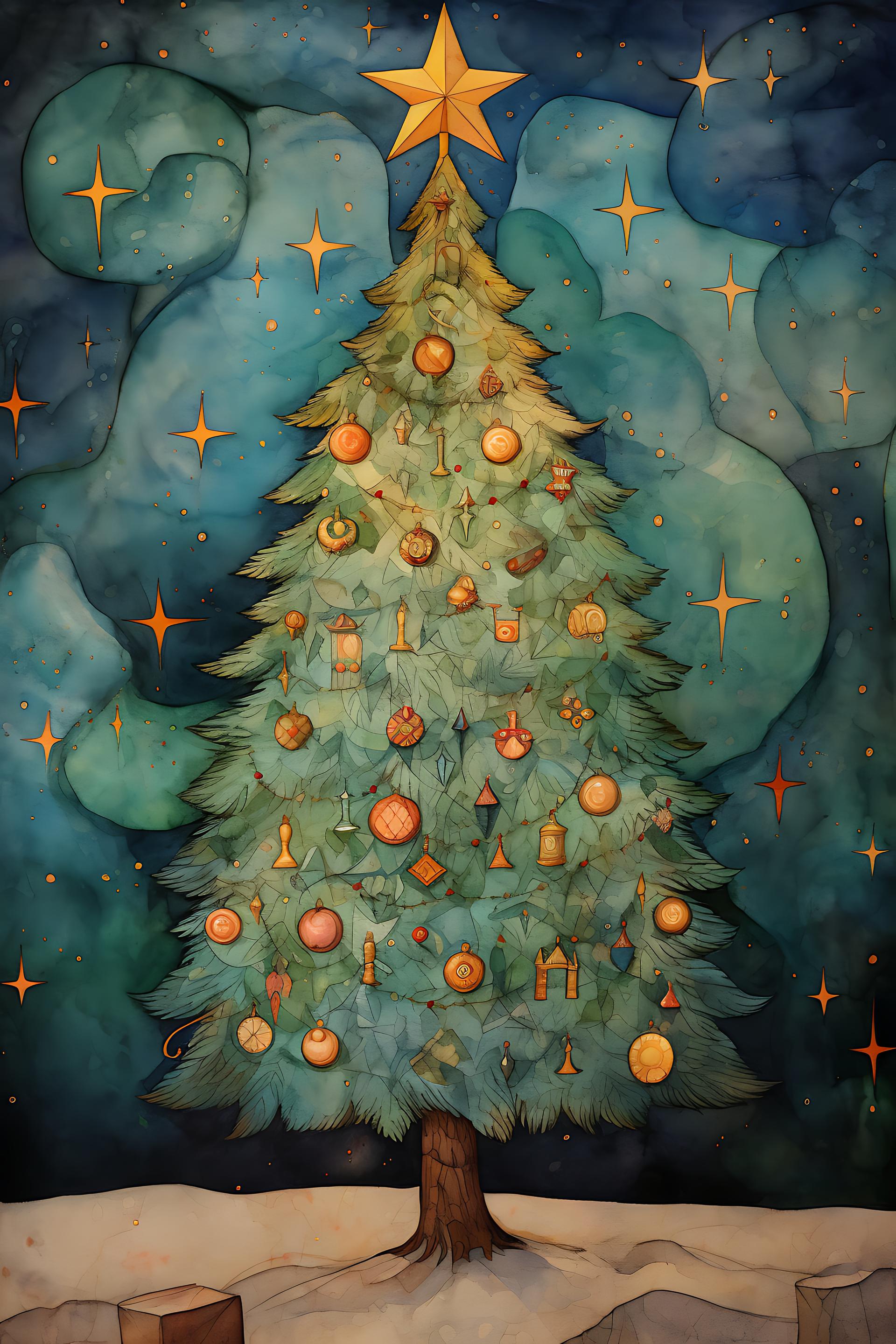
Enchanted Evening Christmas Tree
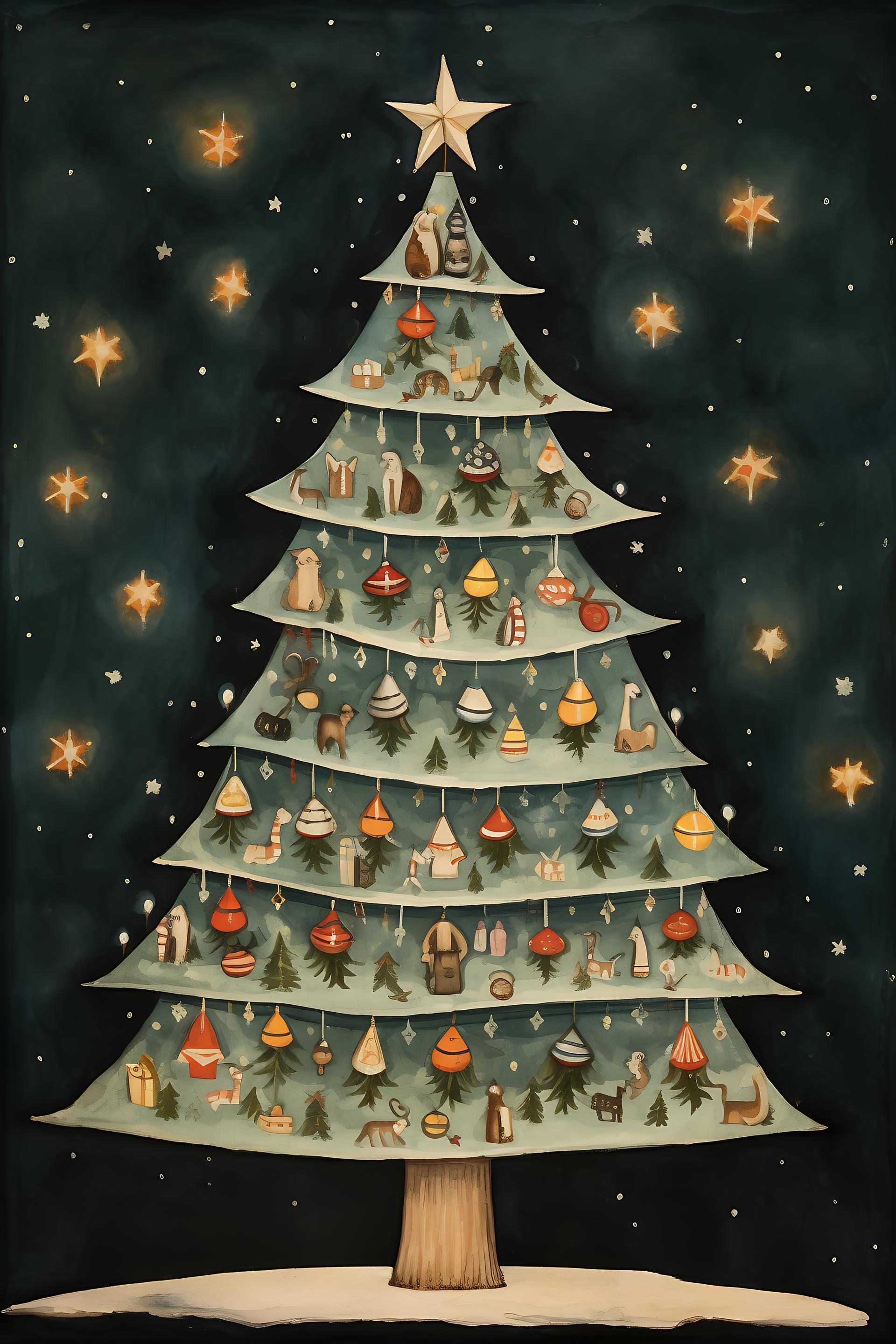
Starlit Woodland Christmas Tree
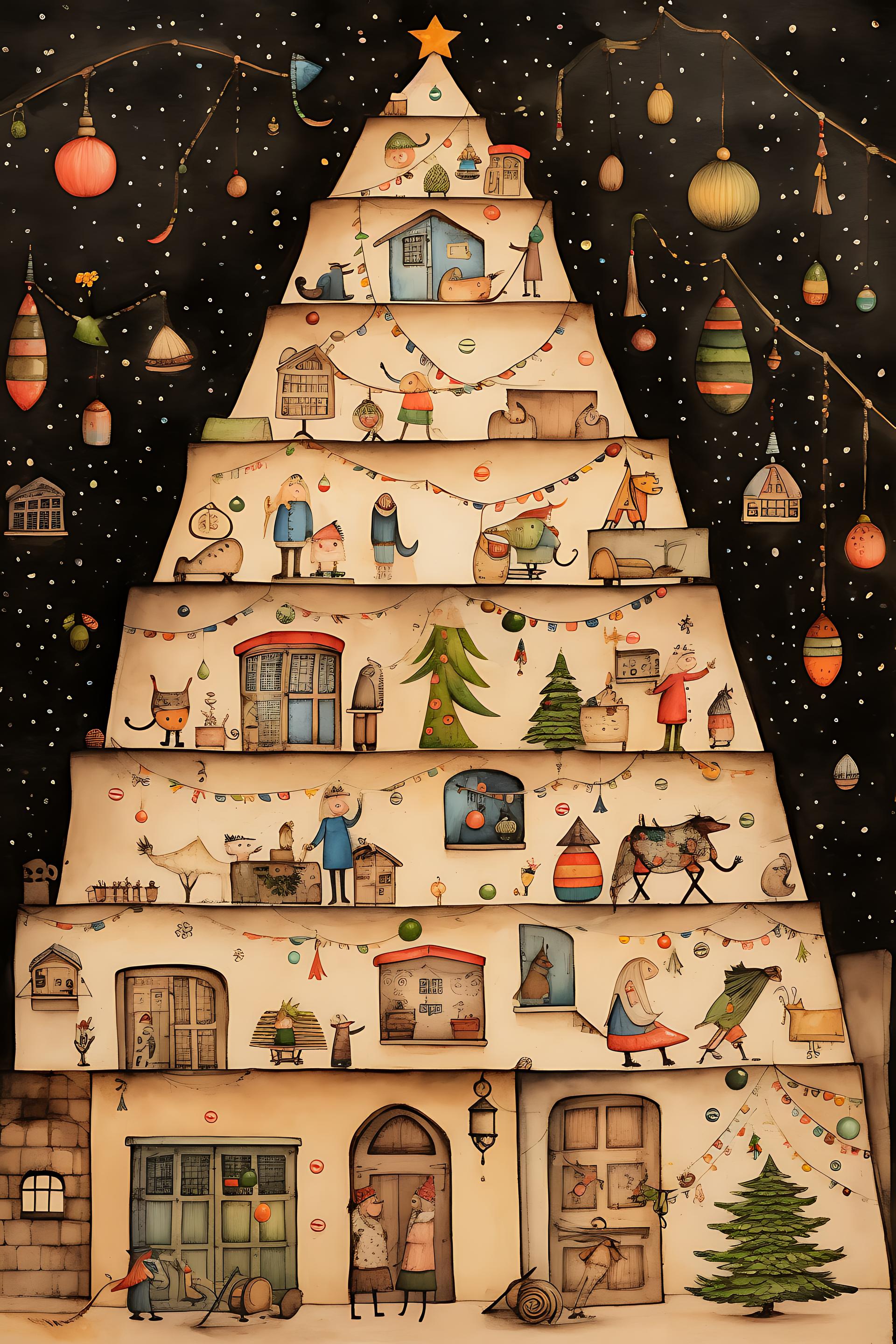
Enchanted Christmas Village Tree
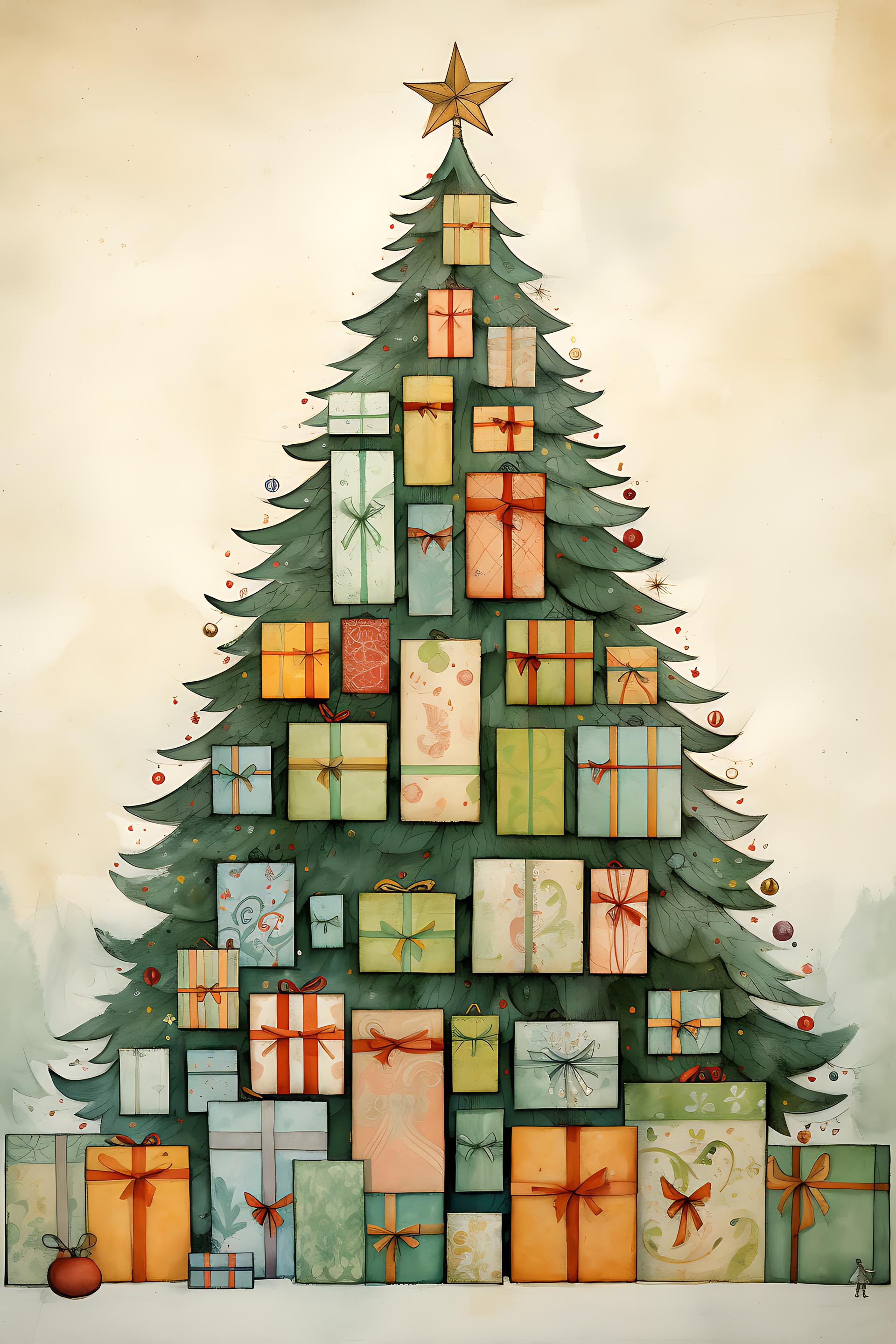
Whimsical Gift-Filled Christmas Tree
Rustic Yuletide Charm
Star-Topped Splendor: A Majestic Christmas Celebration
Where holiday assets meet the print schedule
Packaging and retail print come first in the calendar and last in forgiveness. Seasonal ranges are proofed in autumn and printed once, often with a metallic finish, and foil needs artwork that reduces to solid black with a hard edge. A watercolour snowflake cannot be foiled. The vector shape sets are the right tool for that job, since a custom shape holds its edge at any size and separates cleanly for a spot plate, while a soft brush stamp does neither.
Greeting cards are the volume work, and the constraint is size rather than process. A snowflake that looks intricate at screen size becomes a grey dot on a 105 mm card, so the detailed stamps belong on the front at full scale and the simplified ones belong inside, on the envelope and on anything small. Print a proof at actual size before approving a set, because monitors flatter fine detail.
Email and social have a trap the print work does not: dark mode. A snowflake exported as black artwork on a white background disappears the moment a client's mail app inverts the layout, and roughly half of them now do. Export festive elements as white or coloured PNGs with real transparency, and check the result against both a light and a dark canvas before sending.
Wrapping paper and repeating backgrounds are where the pattern files earn their place, and they scale differently from everything else here. A tile that reads well on screen at 100 per cent often repeats visibly across a metre of paper, so test the tile at the size it will actually print. Loading them takes a moment: our guide on how to install patterns covers it, and if you want the underlying artwork rather than the fill, extracting the original PNG from a .PAT file gets you the tile as an editable image.
What's in the collection
The numbers here tell a slightly misleading story, so it is worth being precise. Photography and illustration is the largest group by count at 56 items, but the 38 brush packs carry almost all of the actual use: the images together account for around 15,000 downloads while the collection as a whole has passed 1.39 million. Treat the images as decorative backgrounds and the brushes as the working tools.
Snowflakes dominate, and reasonably so. Snowflakes Ornaments is the most downloaded item on the page at over 117,000, five ornate stamps that ship with PNG versions alongside the .ABR. For sheer volume, 96 Snowflake Brushes is the deepest file in the collection, with Snowflake Vectors adding 29 cleaner geometric variants and 12 Snowflakes Brushes and Frozen Snowflakes covering the middle ground. Snowflake Custom Shapes is the vector option at 82,000 downloads and the one to reach for when the artwork has to scale or separate for print.
Beyond snow, Christmas Tree Brushes covers conifer silhouettes in eight styles, Ice Brush for Photoshop handles frost and crystal effects across 14 stamps, and Christmas Holidays Text Brushes gives you 20 ready lettering stamps for cards that need a greeting rather than a drawing. 26 Christmas Brushes, Lovely Christmas Brushes and Christmas Handmade Brushes fill in ornaments, baubles and hand-drawn motifs. Eleven seamless patterns round the collection out, the deepest being Free Christmas Photoshop Patterns at 40 tiles, alongside three custom shape sets, three layer style files (two of which are gold treatments rather than anything specifically festive) and two layered PSD documents, a gift card mock-up and a candy cane.
Licensing is the cleanest of any collection on the site: 104 of the 113 sets are free for commercial use outright, two more with attribution, five are personal use only and two carry Creative Commons terms.
Choosing a style
Holiday work splits into three looks, and mixing them is what makes a seasonal range feel incoherent across pieces.
Traditional and hand-made covers watercolour, hand lettering and drawn ornament. It reads warm and personal, suits cards and small-batch products, and needs digital printing to survive, since the soft edges and tonal range are exactly what foil and single-colour processes throw away.
Clean vector is the Scandinavian direction: flat trees, geometric snowflakes, limited palette. It prints in one or two colours, foils properly, scales without argument, and it is what most retail branding has moved towards over the last decade.
Vintage and distressed sits apart, leaning on engraved ornament and worn overlays. It suits spirits, hospitality and anything that wants to look like it predates the current century.
One technical detail worth knowing whichever direction you take: real snowflakes are six-sided, and a surprising number of decorative sets are drawn with five or eight points. Nobody will file a complaint, but a card that mixes six-point and eight-point flakes looks subtly wrong to the eye without the viewer working out why. Pick one geometry per layout. If you want to build your own stamps from scanned drawings, our guide on how to create Photoshop brushes walks through it, and for the next holiday on the calendar our collection of Valentine brushes picks up where this one leaves off.
Frequently Asked Questions
Are these Christmas brushes free for commercial use?
Almost all of them. A hundred and four of the 113 sets allow commercial work with no conditions, two more ask for a credit, five are limited to personal projects and two carry Creative Commons terms. That makes this the least restricted collection on the site, but the terms still sit on the individual item, so check before a paid job.
How do I load the brush and shape sets into Photoshop?
Unzip the archive and drag the .ABR onto an open Photoshop window; the stamps land at the end of the brush list. Custom shapes arrive as .CSH and load the same way, appearing in the shape picker. Layer styles are .ASL files and go into the Styles panel through its menu.
Do any of the sets include PNG files?
A few do. Snowflakes Ornaments, Christmas Holidays Text Brushes and 26 Christmas Brushes each ship PNG versions next to the brush file, which saves a step when you need transparent artwork for email or social. For everything else, stamp onto an empty layer and export as PNG to get the same result.
Are there brushes for Christmas lettering and greetings?
Yes. Christmas Holidays Text Brushes holds 20 ready-made lettering stamps, which covers cards that need a greeting rather than an illustration. They work as artwork rather than as type, so you cannot edit the wording, but they avoid the licensing questions that come with using a display font commercially.
How do I add falling snow to a photograph?
Put a new layer above the photo, set it to Screen, and stamp small snowflakes in white at varying sizes. Raise Scattering and Size Jitter in Brush Settings so the flakes land irregularly. A slight motion blur on the nearest layer sells the movement, and two or three layers at different scales give you depth.
Do the layer styles work on any text?
They do, and on shapes too. Two of the three style files here are gold treatments and the third is a festive set, and since a layer style is applied rather than baked in, you can retype the text afterwards and the effect follows. Bear in mind that styles scale with the layer, so a preset built for large display type needs its settings reduced on small text.
Why do my snowflakes come out grey rather than white?
Because the brush paints in the current foreground colour, and the stamp itself is greyscale. Set the foreground to pure white before painting, and check the layer opacity and flow, since a soft stamp at 40 per cent flow reads as grey on a first pass. Building up two passes usually fixes it.
Can I use these christmas brushes outside Photoshop, in Procreate or GIMP?
Yes, with one route per app. GIMP opens an .ABR file directly, no conversion needed, and Procreate and Affinity Photo import the set through their brush panels. Krita picks up the tip shapes, though it treats them as brush-tip textures rather than complete brushes. Expect the stamp shapes, from snowflakes to ornaments, to carry over cleanly, while dynamics such as scattering may vary, so full Photoshop is still the closest match to the previews.