Cloud Brushes
Resource Details
- Author
- The Luna Regina
- Format
- ABR
- Size
- 15.6 MB
- Opens in
- Photoshop, GIMP
- Imports into
- Procreate, Affinity Photo, KritaShapes import. Dynamics may not.
- Brush type
- Stamp brushes
- Items in set
- 22
- Downloads
- 170.9k
- Added
- Jan 21, 2008
Description
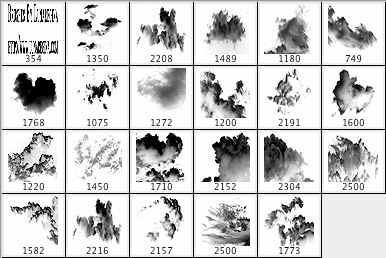
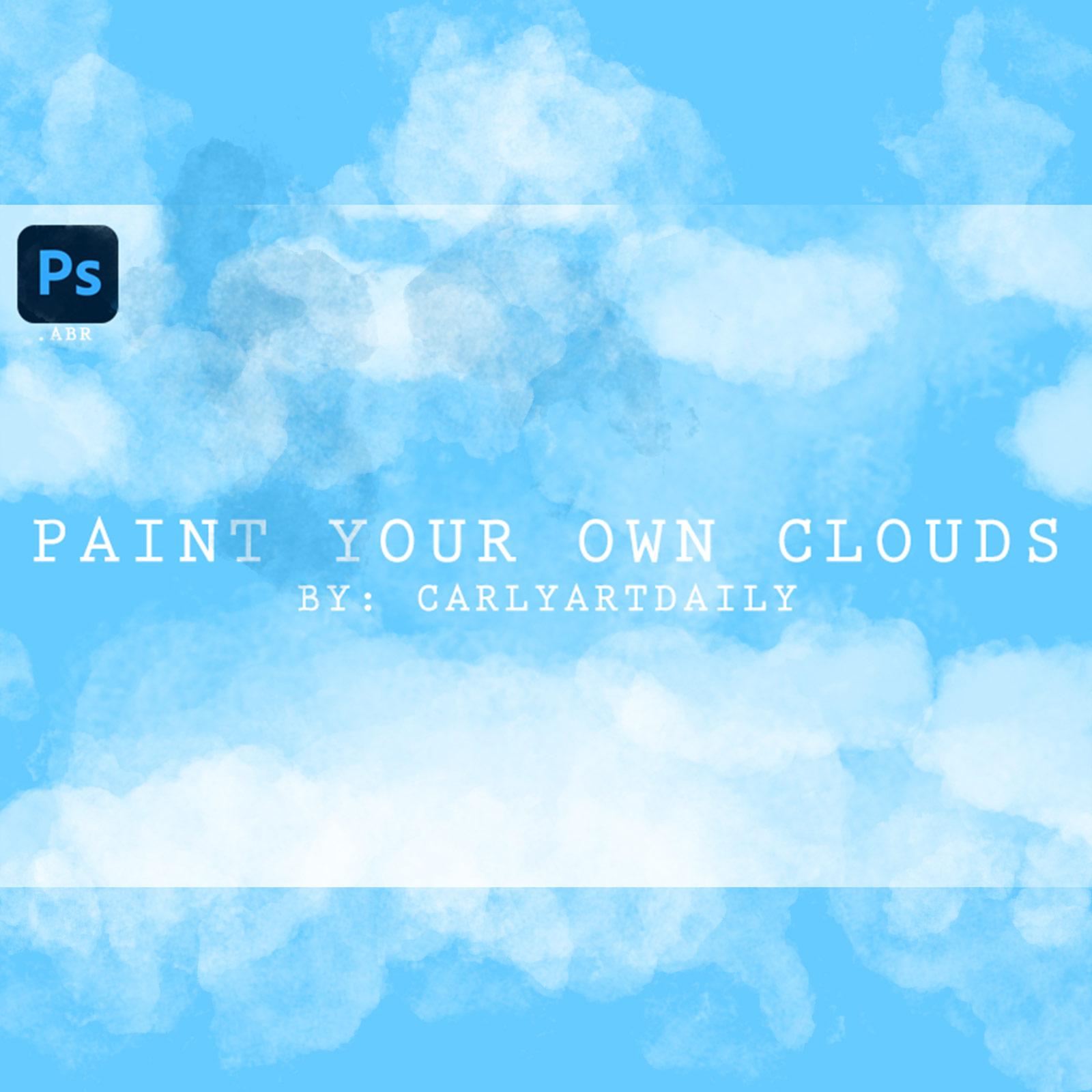
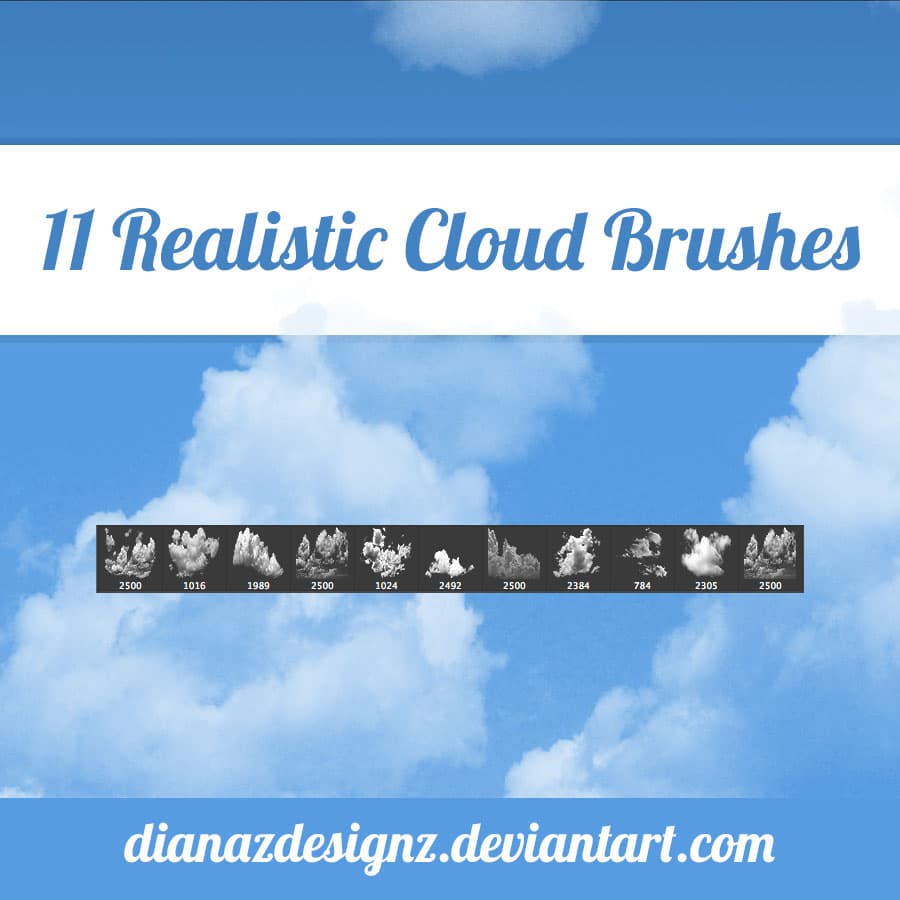
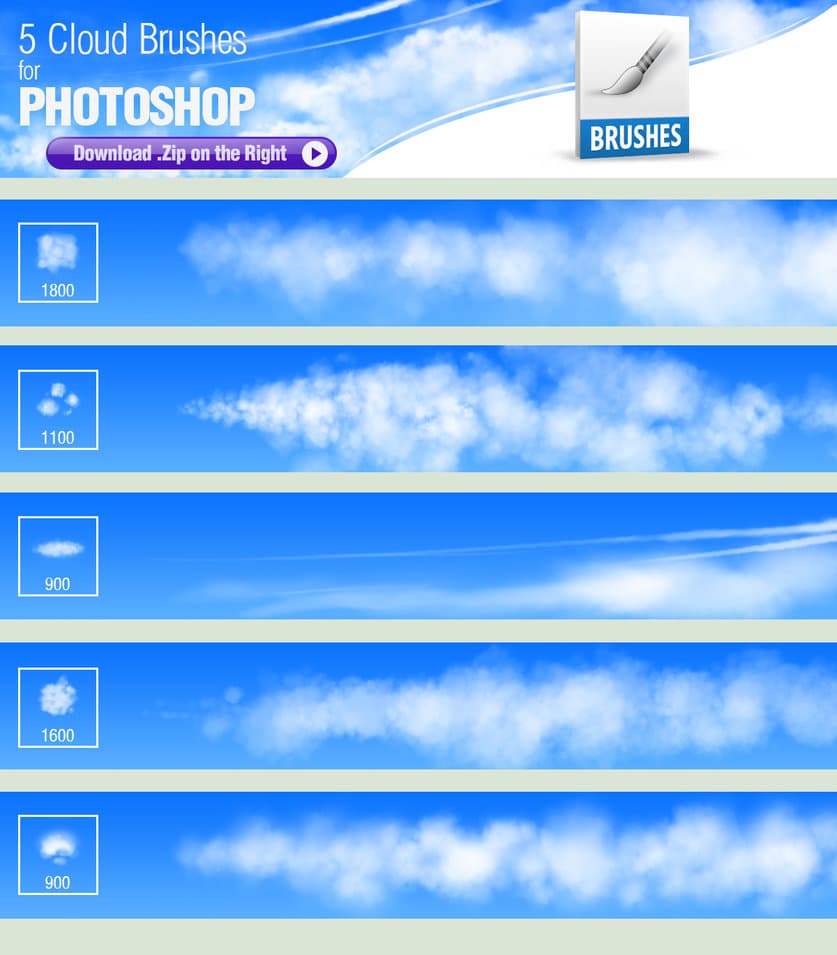
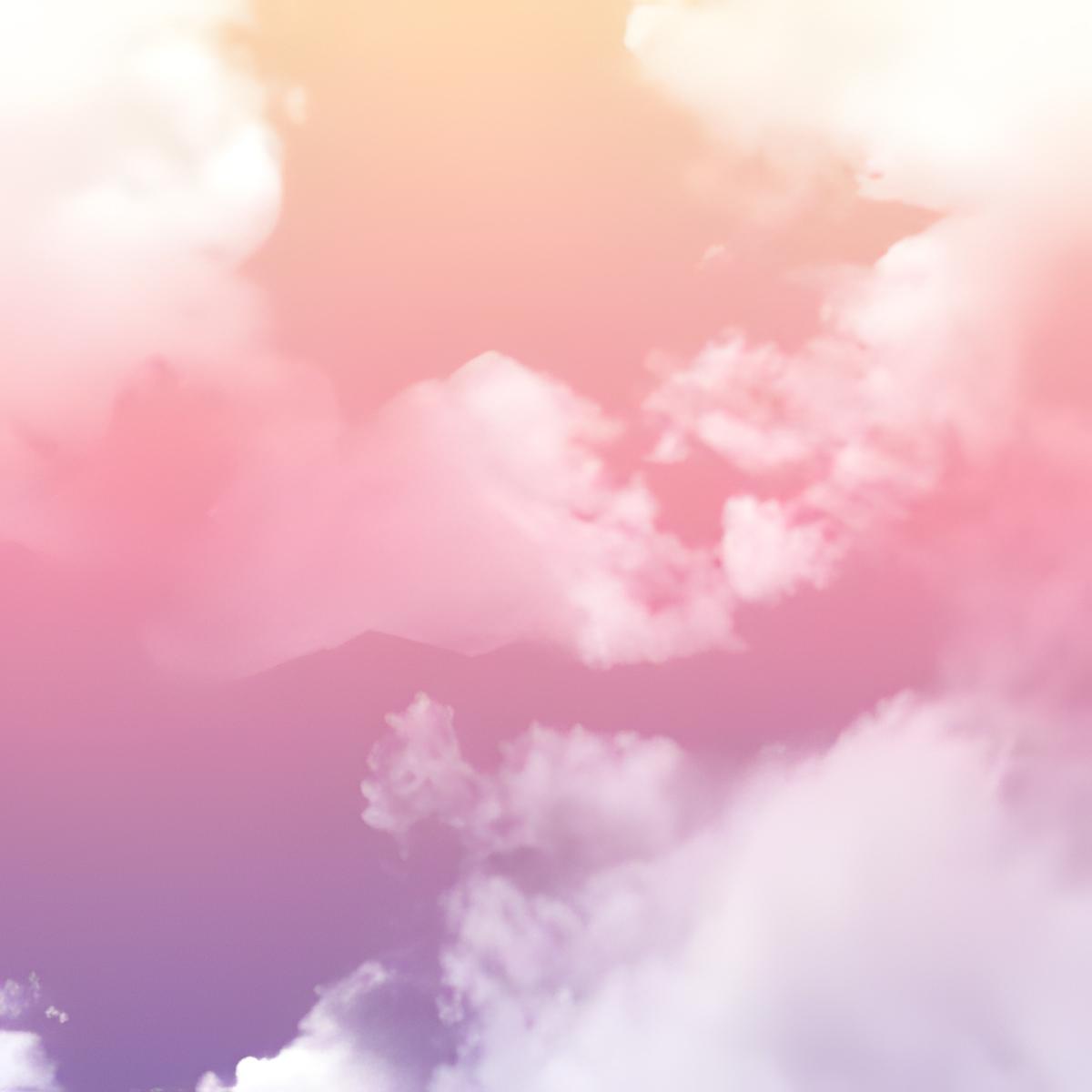
A set of 22 Adobe Photoshop cloud brushes, designed to elevate your digital artwork and graphic designs to new heights. This versatile collection of brushes features a variety of cloud formations, from wispy cirrus clouds to dramatic thunderheads, all carefully crafted to bring realism and depth to your compositions.
Whether you are creating atmospheric landscapes, surreal dreamscapes, or celestial backdrops, these brushes offer endless possibilities for adding dynamic cloud effects to your artwork. Each brush is optimized for use with Adobe Photoshop, ensuring smooth and effortless strokes and excellent color fidelity.
With 22 unique brushes to choose from, you will have everything you need to create stunning cloudscapes in no time. This collection is a must-have for landscape artists, photo editors, and anyone looking to add realistic sky elements to their work.
What's Included