Sky Design Assets
28 free resources: 25 brushes, 2 images, 1 procreate brushes
Browse Sky resources
A flat white sky ruins more outdoor photographs than any other single problem, and it is the easiest one to fix after the fact. Overcast light is good for faces and terrible for backgrounds, so a shot that works everywhere else arrives with a blank band across the top third. Painting cloud structure back in is quicker than reshooting and more convincing than pasting in a stock photograph, because you control where the light comes from. The 27 sets collected here hold 413 individual brushes, mostly cloud formations and night-sky elements, and they have been downloaded 2.43 million times between them, which is the highest figure of any collection this size on the site. Retouchers use them most, but the same files turn up in concept art, book covers and album sleeves.
Most popular
Cloud Procreate Brushes
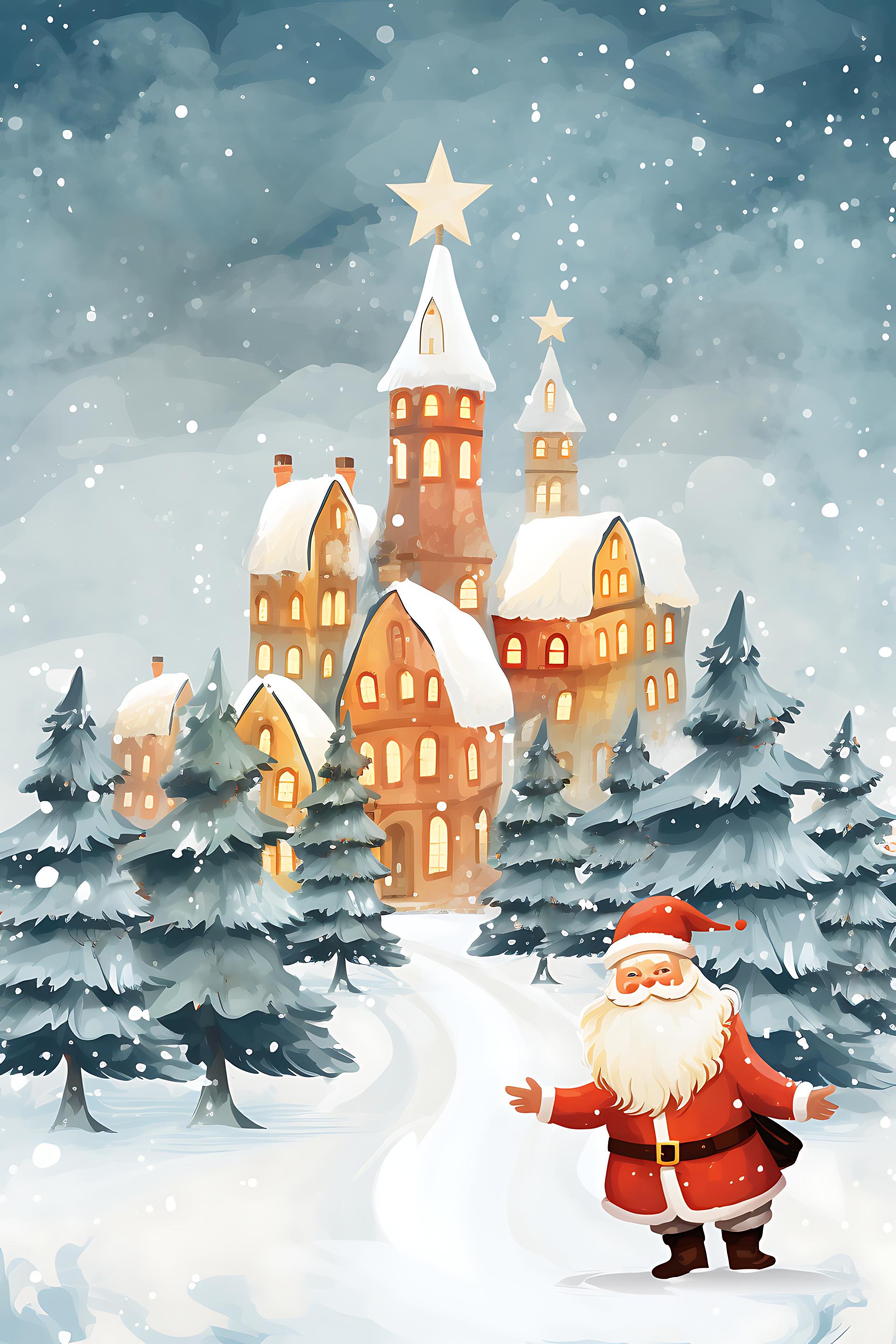
Santa's Snowy Village

Christmas Tree
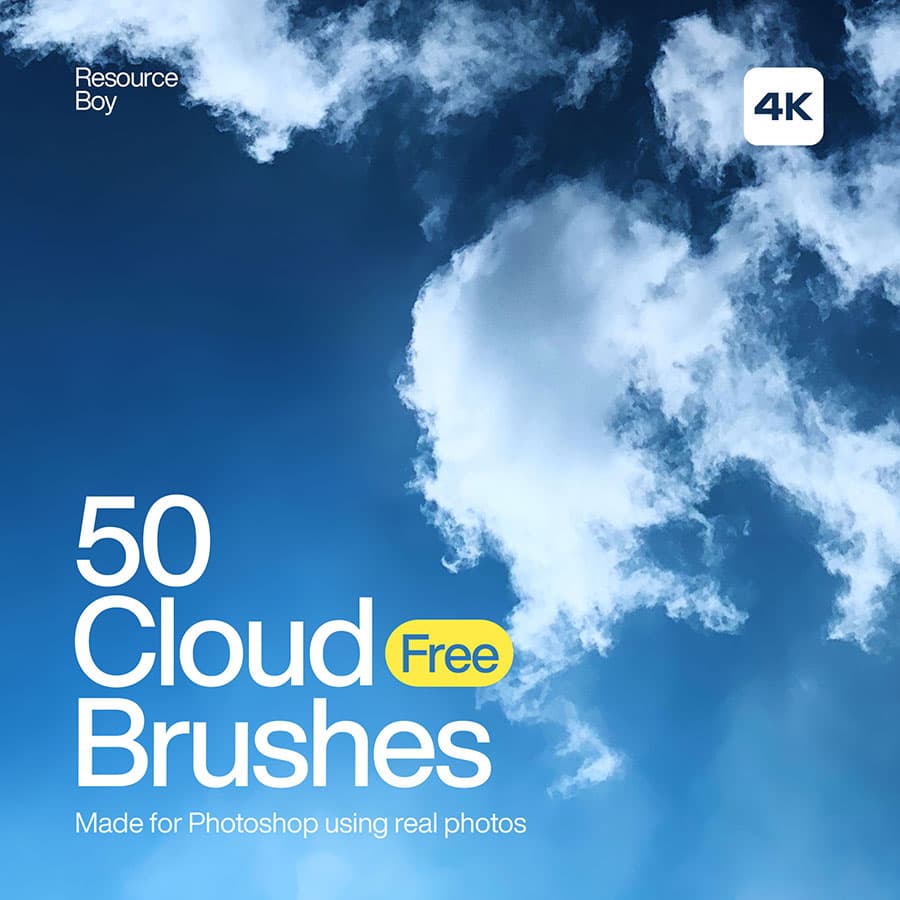
50 Cloud Photoshop Brushes
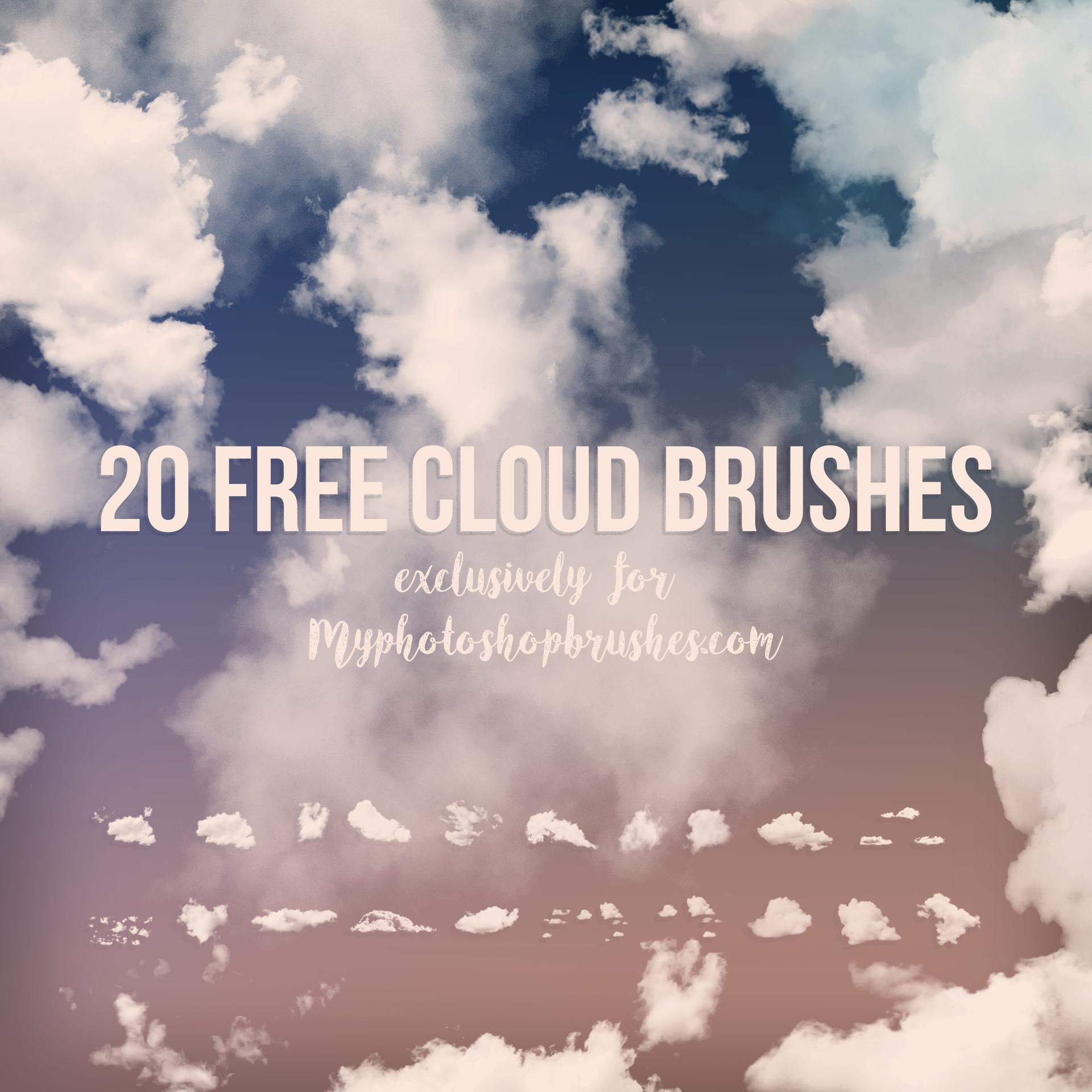
Free Cloud Brushes by MyPhotoshopBrushes
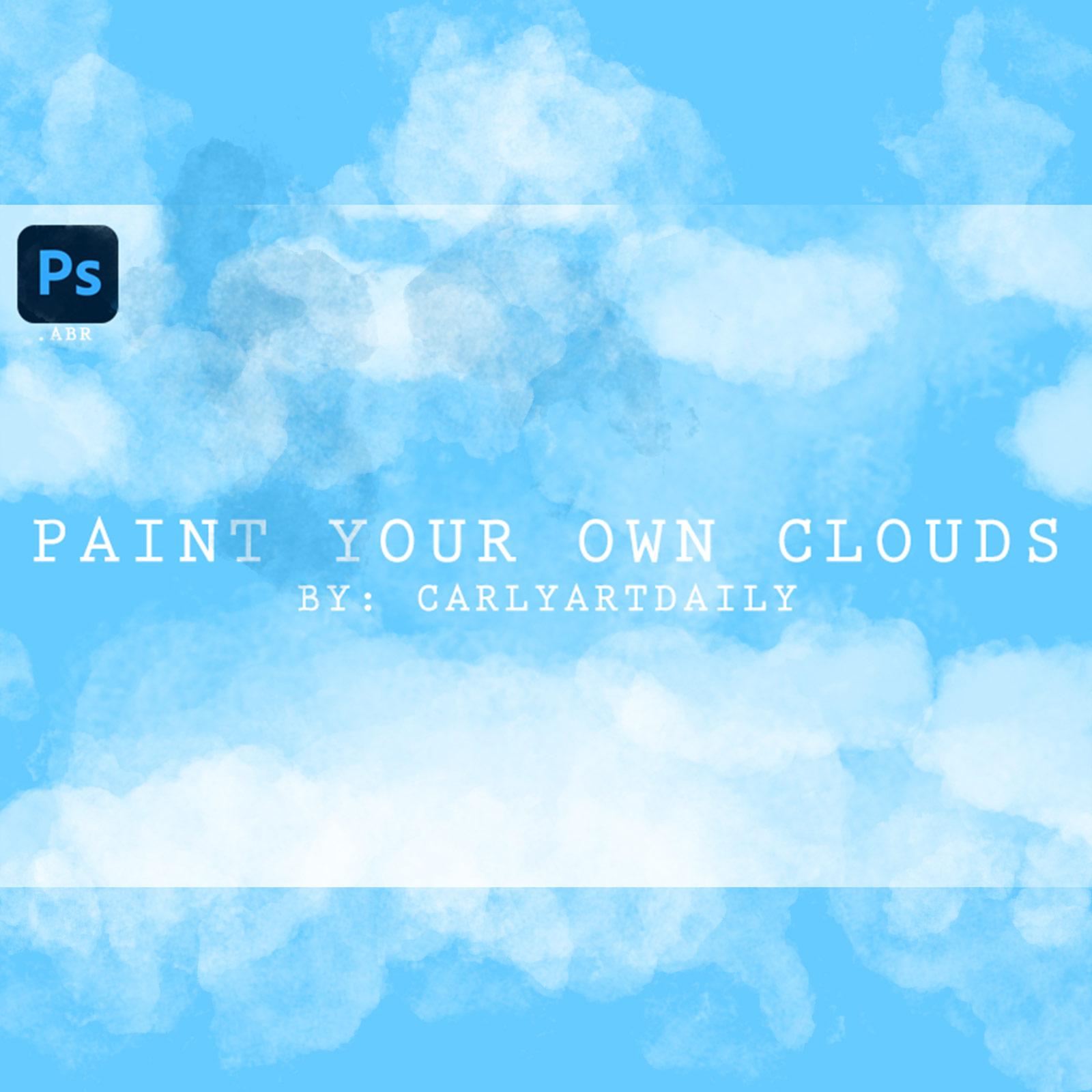
Paint your own Clouds - Photoshop Brushes
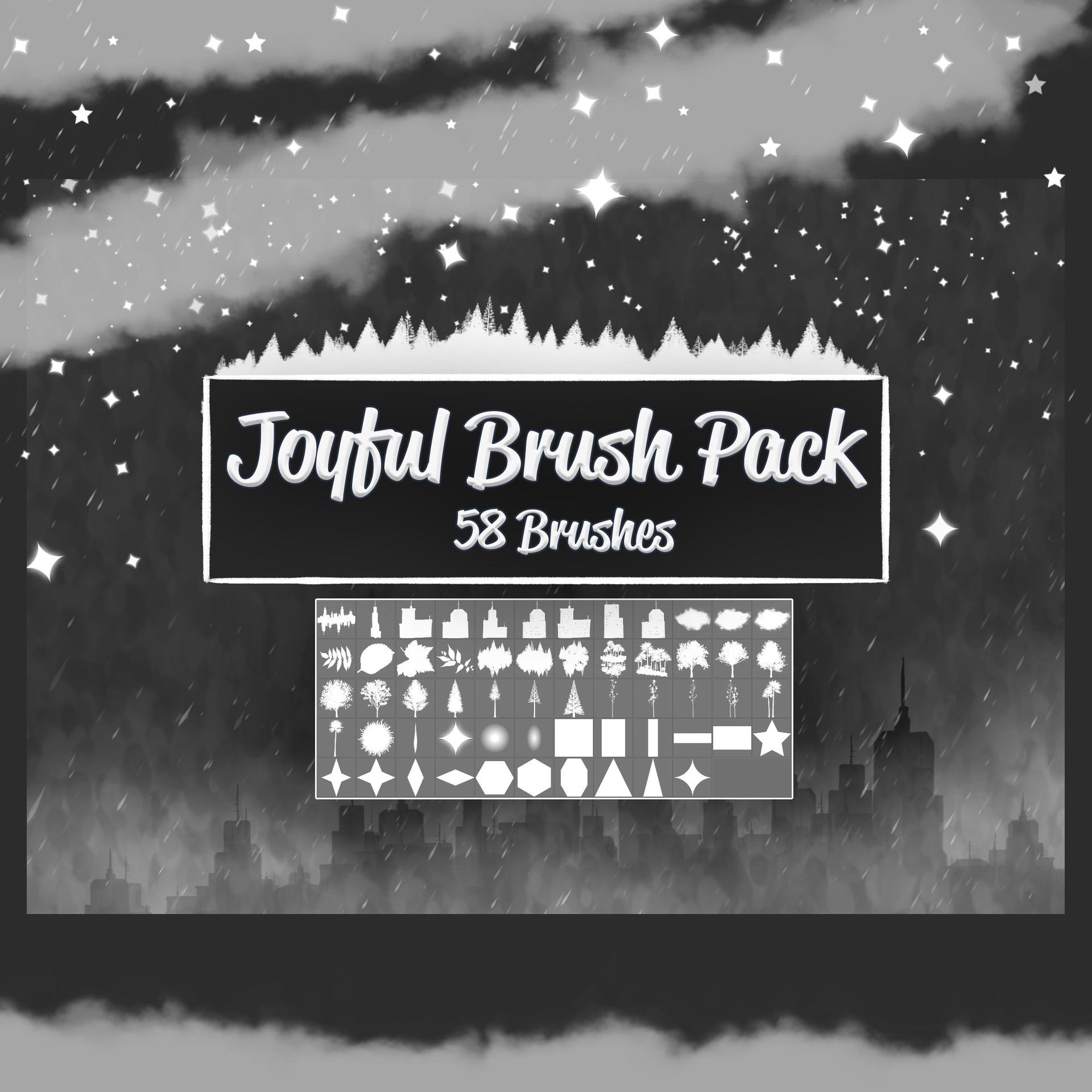
58 Joyful Brushes
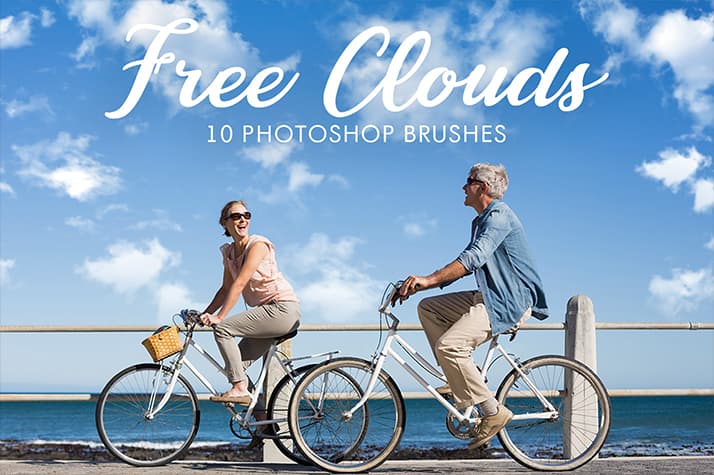
10 Free Realistic Cloud Photoshop Brushes
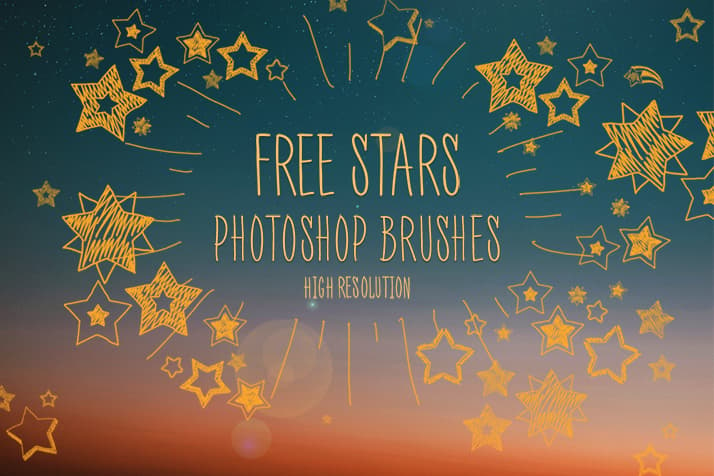
Free Photoshop Star Brushes by FixThePhoto
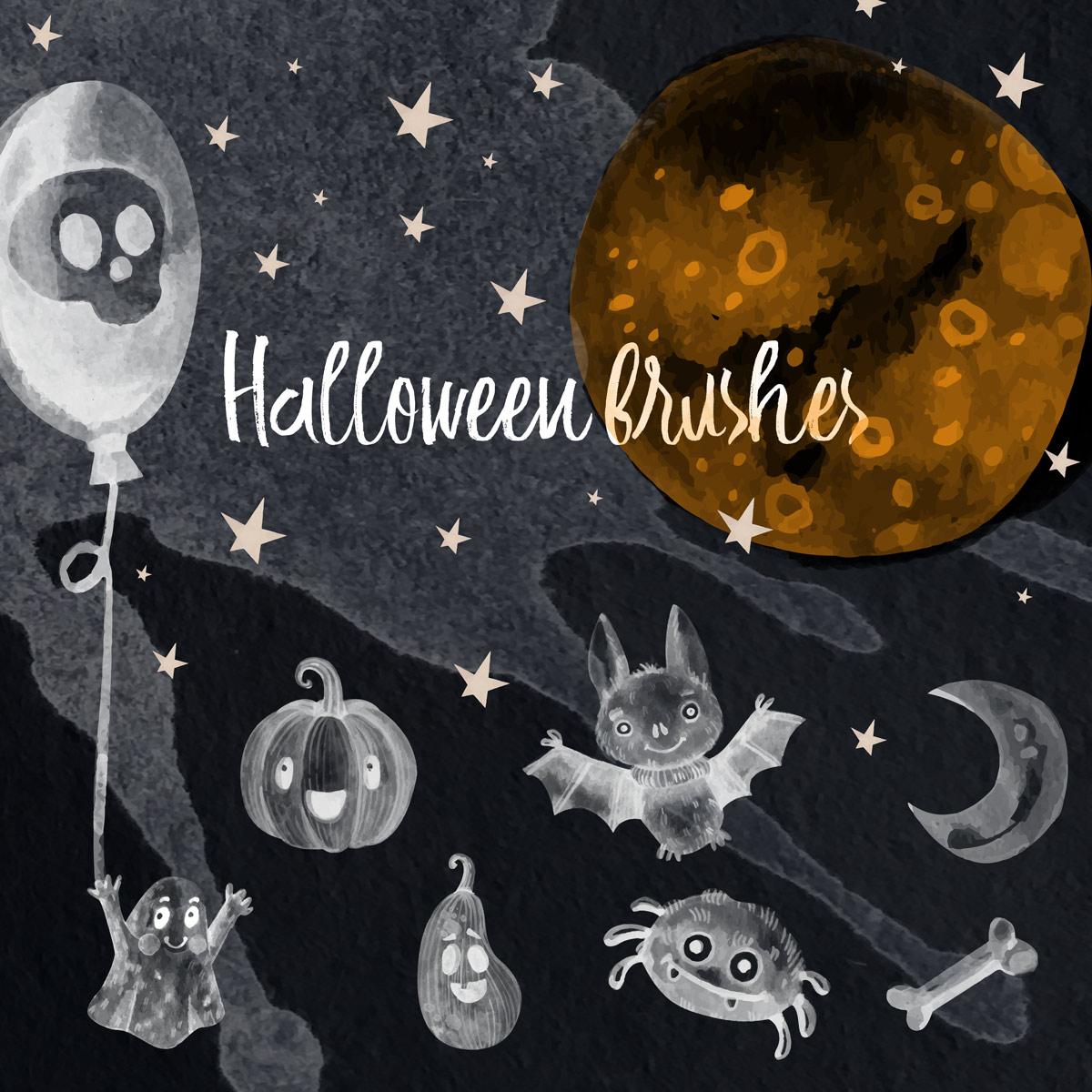
11 Halloween PS Brushes
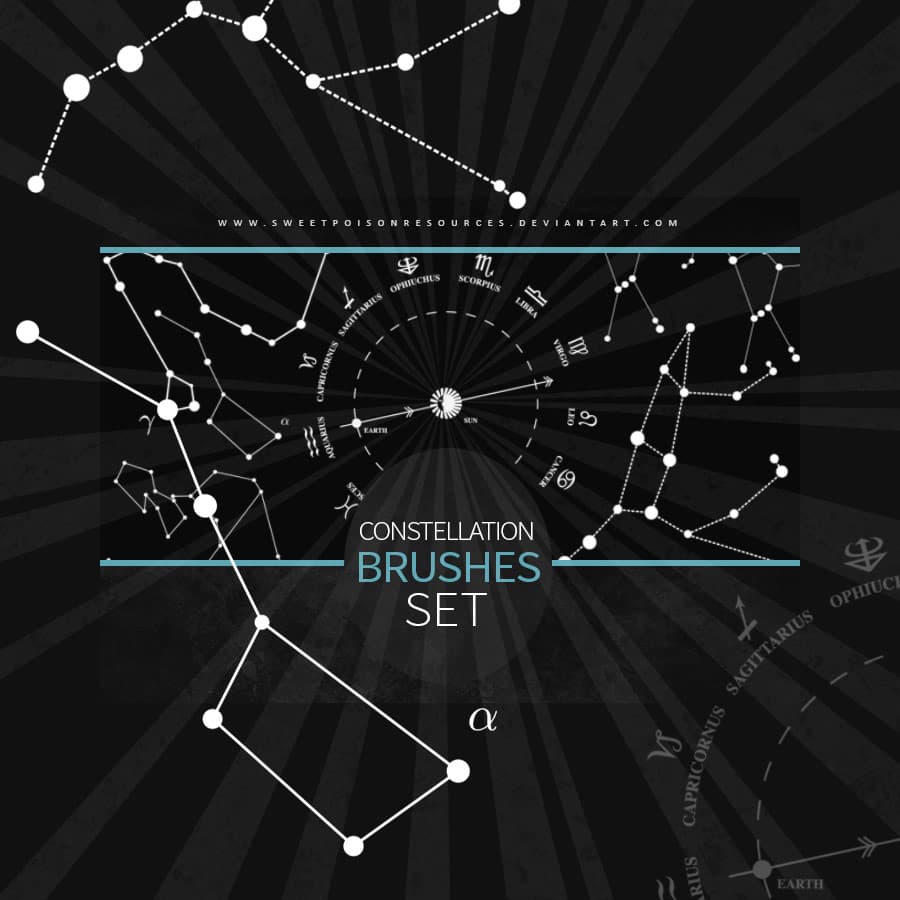
Constellation Brushes
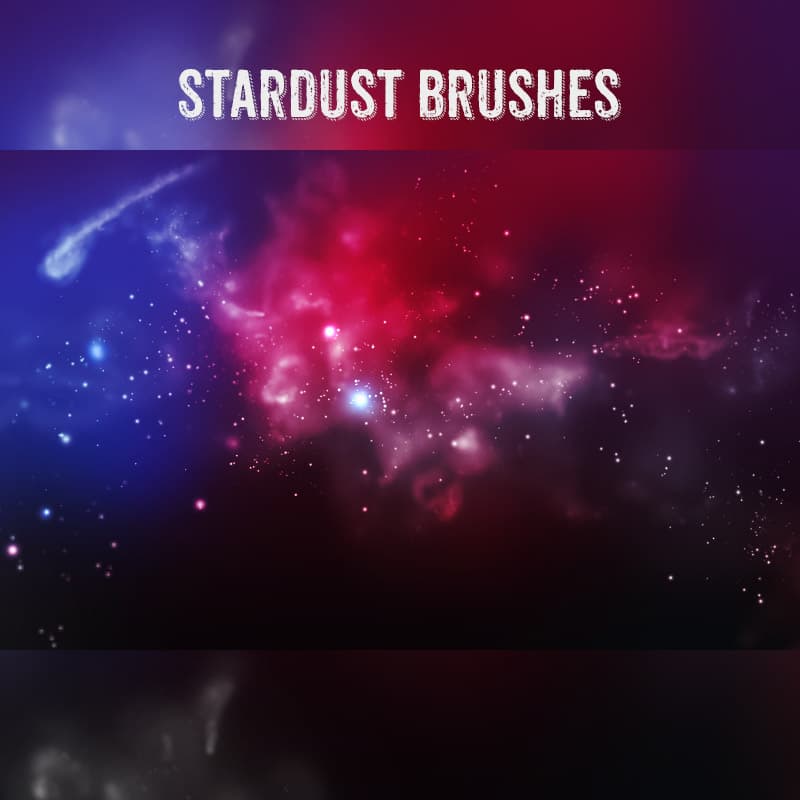
7 Stardust PS Brushes
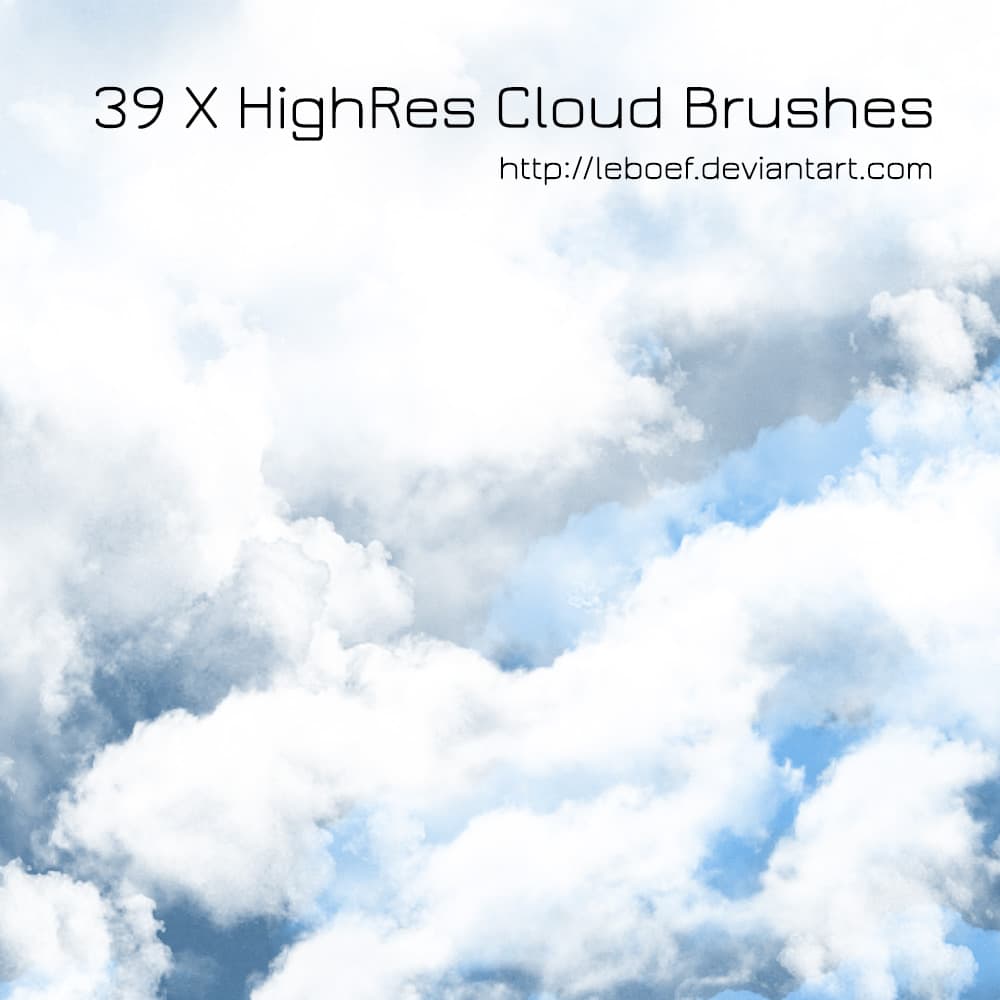
39 Cloud Brushes
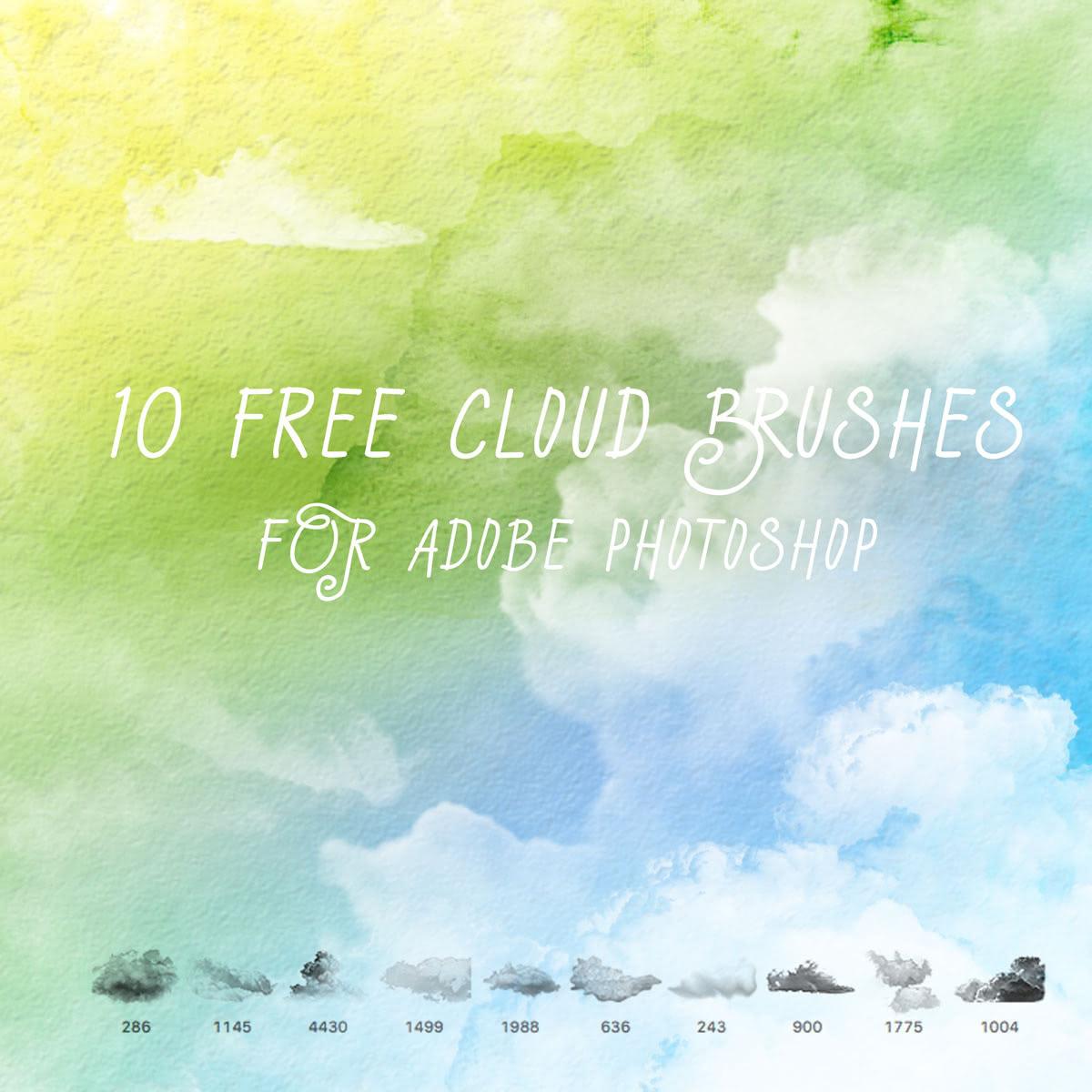
Realistic Sky Cloud Brushes
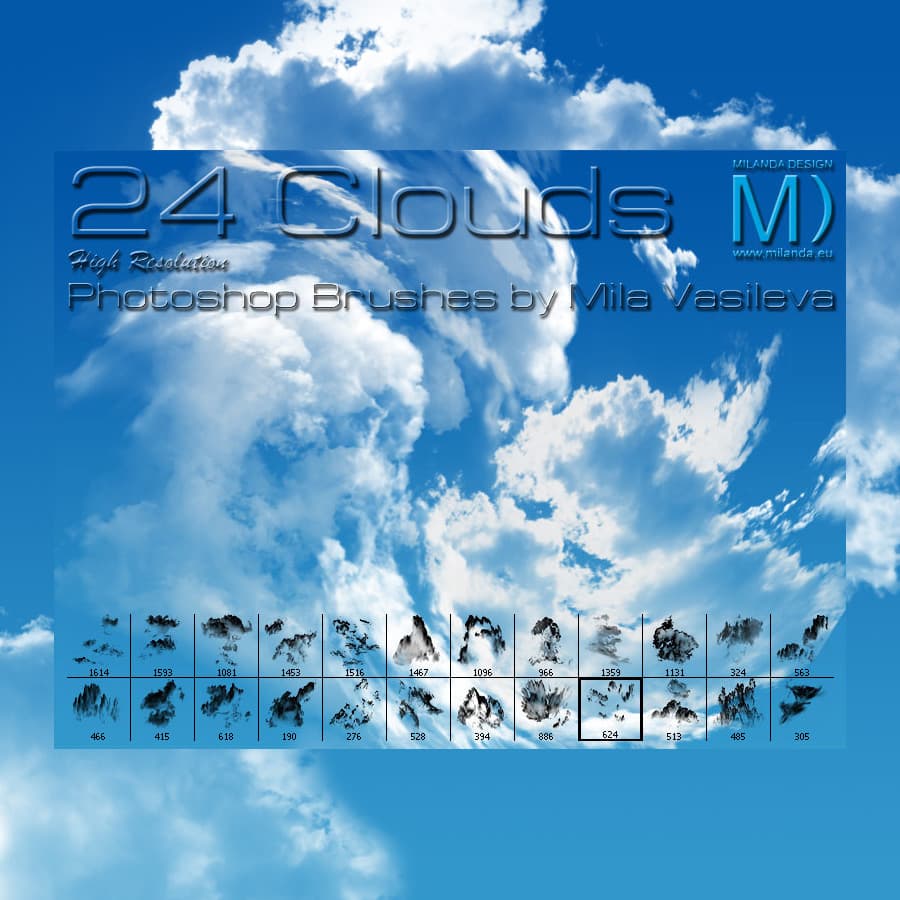
24 Free Clouds PS Brushes
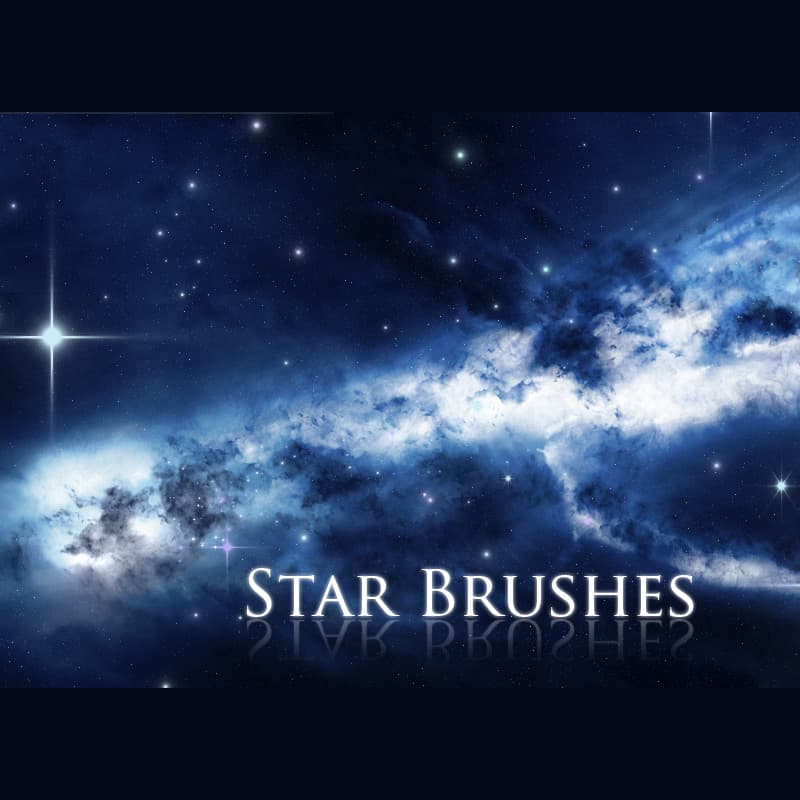
7 Star Brushes
Unique Balloon Brushes
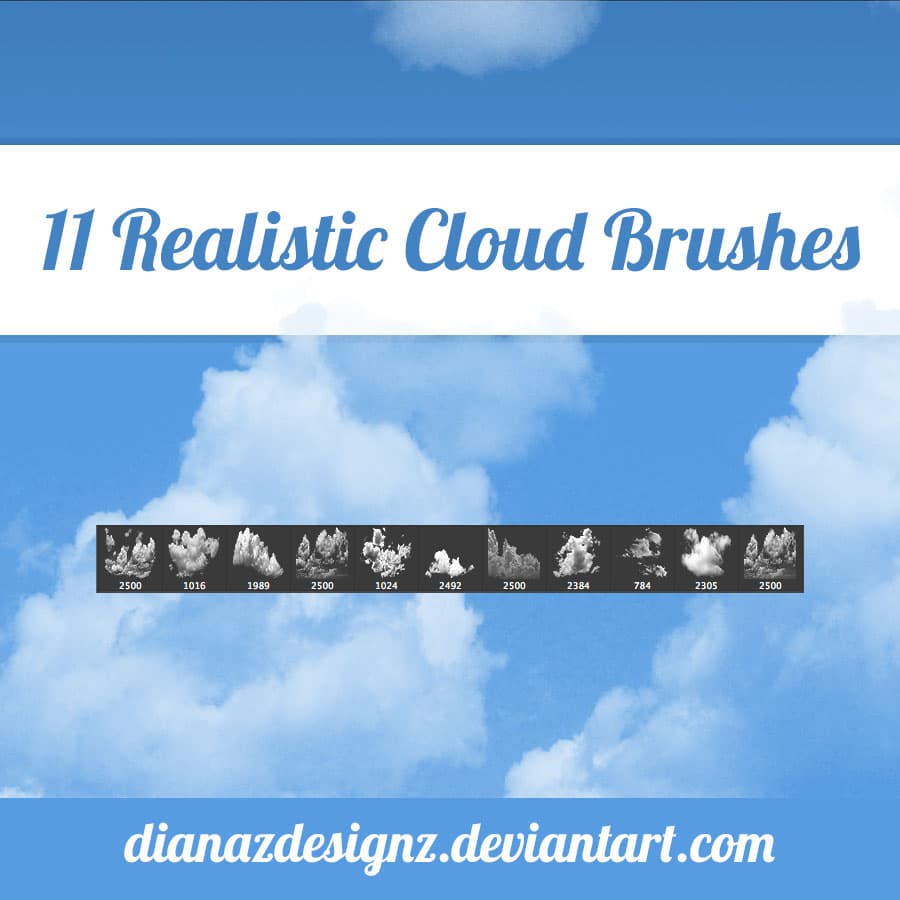
Realistic Cloud Brushes
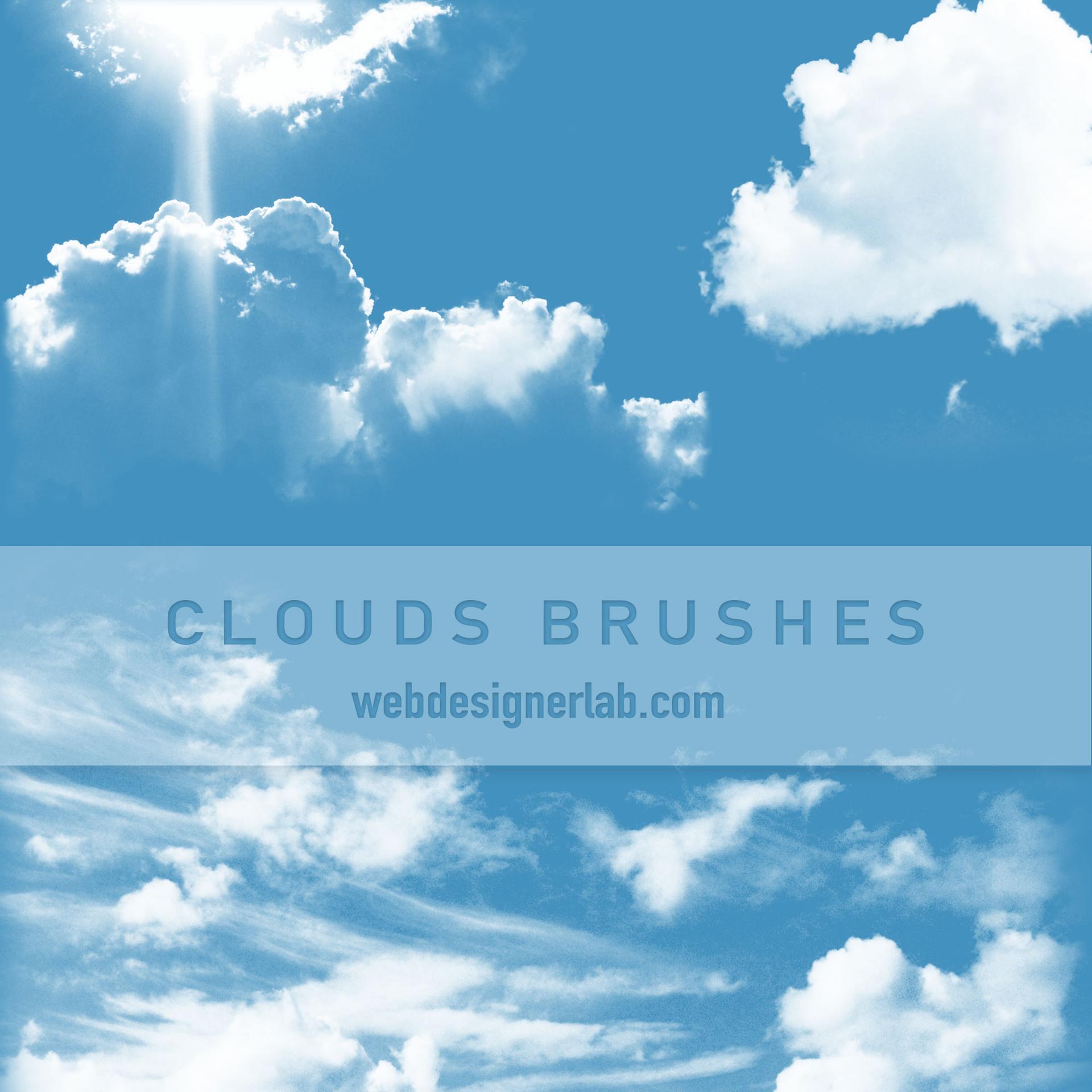
Free Clouds Brushes
Sky and Clouds
Free Clouds Photoshop Brushes
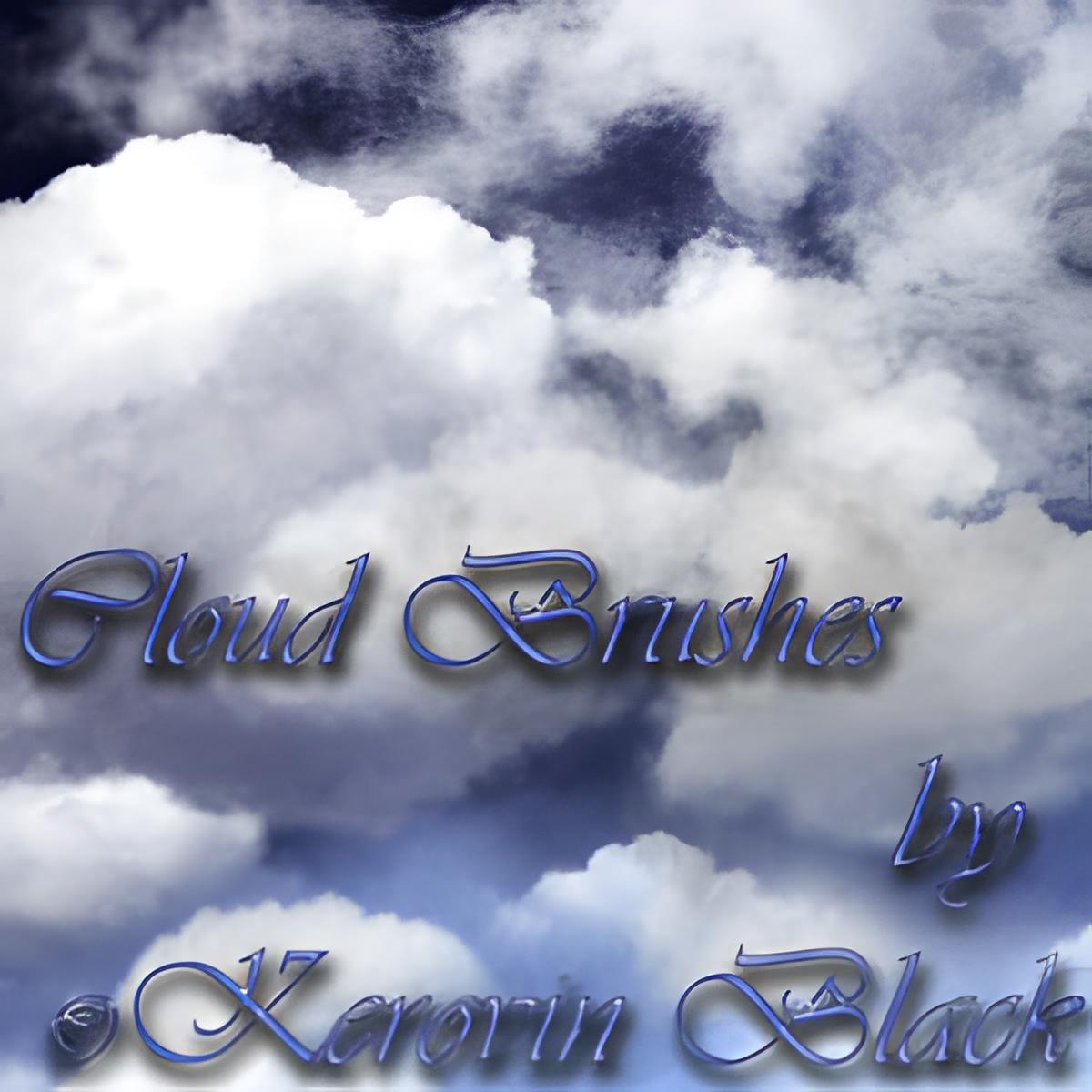
Photo-Based Cloud Brushes
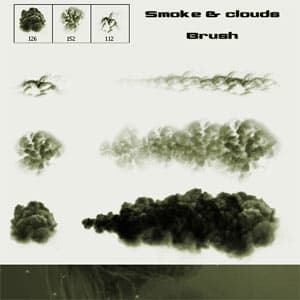
Smoke and Clouds Brush
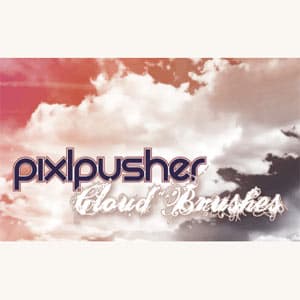
11 Cloud Brushes
Where sky brushes earn their place
Retouching is the obvious case, and the failure mode is always the same: light direction. A cloud stamped at full opacity in the top corner of a frame lit from the left reads as a sticker, no matter how good the brush is. Work out where the sun is in the photograph first, then paint the bright edges of the cloud on that side and let the mass fall away from it. Two or three passes at low flow beat one pass at full strength.
Blend mode matters as much as placement, and it catches people out. Most cloud brushes are drawn as white shapes on black inside the .ABR, so painting in white onto a blue sky works normally, while painting in black punches holes. For light cloud on a darker sky, set the layer to Screen and paint white. For storm structure on a bright sky, paint dark grey on Normal at 20 to 30 per cent flow and build up.
Concept and matte painting uses the same brushes for a different job: establishing depth. Clouds near the horizon should be smaller, flatter and lower in contrast than those overhead, because that is what aerial perspective does. Getting this wrong is the most common reason a painted sky looks like a wallpaper rather than a distance.
Night work is its own discipline and the collection is well stocked for it. The trap with star brushes is uniformity: a field of identically sized dots reads as noise, not as a sky. Vary the brush size between passes, and afterwards pull a Levels adjustment across the star layer to crush the grey halo that most stamps carry around the bright core. That halo is what makes a night sky look milky. The same trick rescues galaxy stamps, which carry more of it than star fields do.
What's in the collection
Twenty-five of the 27 sets are brushes, with two stock photographs alongside them. Clouds dominate heavily, which matches what people come here for.
10 Free Cloud Brushes is the anchor at over 320,000 downloads, and it is the most used file on this page by a wide margin. For volume, 50 Cloud Photoshop Brushes is the deepest single file at 50 stamps, with 39 Cloud Brushes and Free Clouds Photoshop Brushes close behind at 39 and 25. The approaches differ in a way worth knowing: Photo-Based Cloud Brushes is extracted from photographs and carries real edge detail, while Paint your own Clouds is built for building formations up by hand across 18 pieces. Realistic Cloud Brushes and Realistic Sky Cloud Brushes sit in between, and Free Cloud Brushes was made in house.
The night side is smaller but covers the ground. Galaxies is the second most downloaded item here at over 250,000, 15 nebula and galaxy stamps that work as full backgrounds rather than accents. Free Star Brushes Pack, 7 Star Brushes and 7 Stardust PS Brushes handle scattered points and glitter, and Constellation Brushes adds seven named star patterns for anything that needs actual astronomy rather than decoration. Smoke and Clouds Brush bridges the two halves and is useful wherever atmosphere matters more than meteorology.
A few sets sit here on a loose association rather than a strong one, including balloon and Halloween brushes, and the two photographs are winter village scenes. Licensing runs favourably: 21 of the 27 sets are free for commercial use, two are personal use only, and four carry Creative Commons terms, two of which exclude commercial work.
Choosing a style
The first decision is photographic against painted, and it matters more than which cloud shape you pick.
Photo-based sets carry the irregular edge and internal detail that only a camera records, so they hold up next to photography and survive being enlarged less well. Use them when the sky sits in a real photograph, and sample the existing colour rather than painting pure white, because real cloud is rarely white anywhere except the lit edge.
Painted and hand-drawn sets are cleaner, more stylised and more forgiving. They suit illustration, book covers and anything where the sky is a graphic element rather than a photographic one. They also scale better, since there is no photographic grain to fall apart.
Night material behaves differently from both. Stars and galaxies are additive by nature, meaning they belong on a Screen layer over darkness, and they need almost no opacity to register. The most common mistake is using too much: a galaxy at 100 per cent opacity looks like a poster from the 1990s, while the same stamp at 30 per cent reads as depth.
Whichever direction you take, keep one light source across every layer in the sky. If you have not loaded external brush sets into Photoshop before, our guide on how to install brushes covers it in about a minute. For softer atmospheric work our collection of over 1,500 free watercolour brushes suits skies painted rather than composited, and the wider nature brush category holds the trees, water and landscape elements that go underneath the sky you have just built.
Frequently Asked Questions
Are these sky brushes free for commercial use?
Twenty-one of the 27 sets are, with nothing asked in return. Two are limited to personal projects and four carry Creative Commons terms, two of which exclude commercial work entirely. Since the terms sit on the individual set rather than on this page, open the item and read its licence block before billing anyone.
How do I install the brush sets in Photoshop?
Unzip the file, then drag the .ABR onto an open Photoshop window. The stamps appear at the bottom of the brush list and stay loaded between sessions. If the drag does nothing, open Edit, Presets, Preset Manager, set the type to Brushes and use Load. No other files need extracting.
Do these brushes work in older versions of Photoshop?
Mostly yes. The .ABR format has changed little over the years, and a set saved in a newer version usually opens in an older one, though brush dynamics saved with features the older build lacks are dropped. The stamp shapes themselves come through, which is what matters for clouds and stars.
How do these differ from Photoshop's own sky replacement?
Sky Replacement swaps the whole sky for a photograph and masks your subject automatically. These brushes do something narrower: they let you paint structure into a sky that is already there, keeping the original light and horizon. Use replacement when the sky is blown out, and brushes when it is merely empty.
Are there brushes for stars and galaxies?
Yes, roughly a fifth of the collection covers night skies. Galaxies holds 15 nebula stamps large enough to work as a full background, Free Star Brushes Pack and 7 Star Brushes handle scattered points, 7 Stardust adds fine glitter, and Constellation Brushes gives you seven recognisable star patterns.
Which set should I start with?
10 Free Cloud Brushes, which is the most downloaded file on this page and covers most everyday retouching. Add 50 Cloud Photoshop Brushes when you need variety in one file, or Photo-Based Cloud Brushes when the sky sits inside a real photograph and has to match its grain and edges.
Do these sky brushes work in apps other than Photoshop?
Yes. GIMP opens an .ABR set directly with no conversion step, while Procreate and Affinity Photo import it through their own brush panels; Krita brings in the tip shapes. Cloud and sky stamps are large single tips, which is the kind of brush that transfers best: the shape arrives intact, though dynamics such as opacity jitter may vary. For strokes that match the preview images exactly, full Photoshop is still the safest bet.