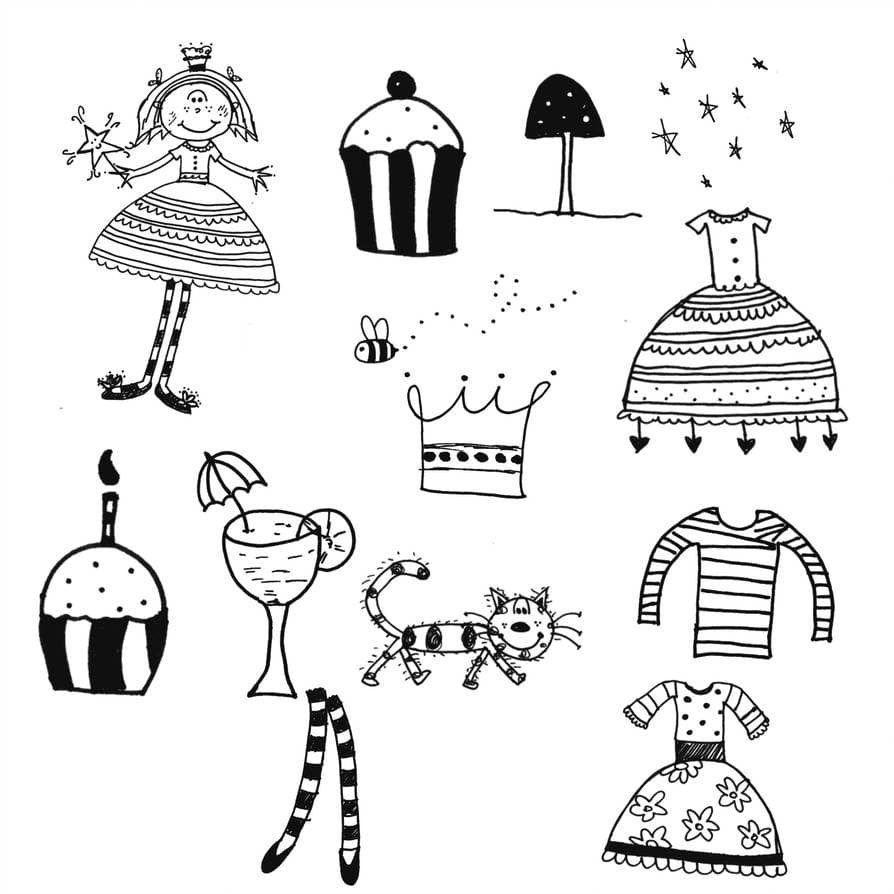
Doodle Graphics
80 free resources: 61 brushes, 13 patterns, 5 custom shapes, 1 free psd
Browse Doodle resources
Doodle art earns its keep where a design has to look approachable rather than corporate: children's books, workshop handouts, party invitations. The style reads as effortless, which is exactly why it is hard to fake. A perfectly even scribble looks like clip art, and a genuinely loose one drawn in a hurry looks like a mistake. What works is line that was drawn by hand and then cleaned up, kept at a consistent weight across the whole set so the pieces sit together. The 80 sets here hold 1,608 separate stamps, shapes and tiles between them, drawn as brushes rather than traced from vectors. They have been downloaded 3.2 million times, mostly by people who needed forty matching icons by Friday.
Most popular
Floral Brushes Made with ScribblerToo
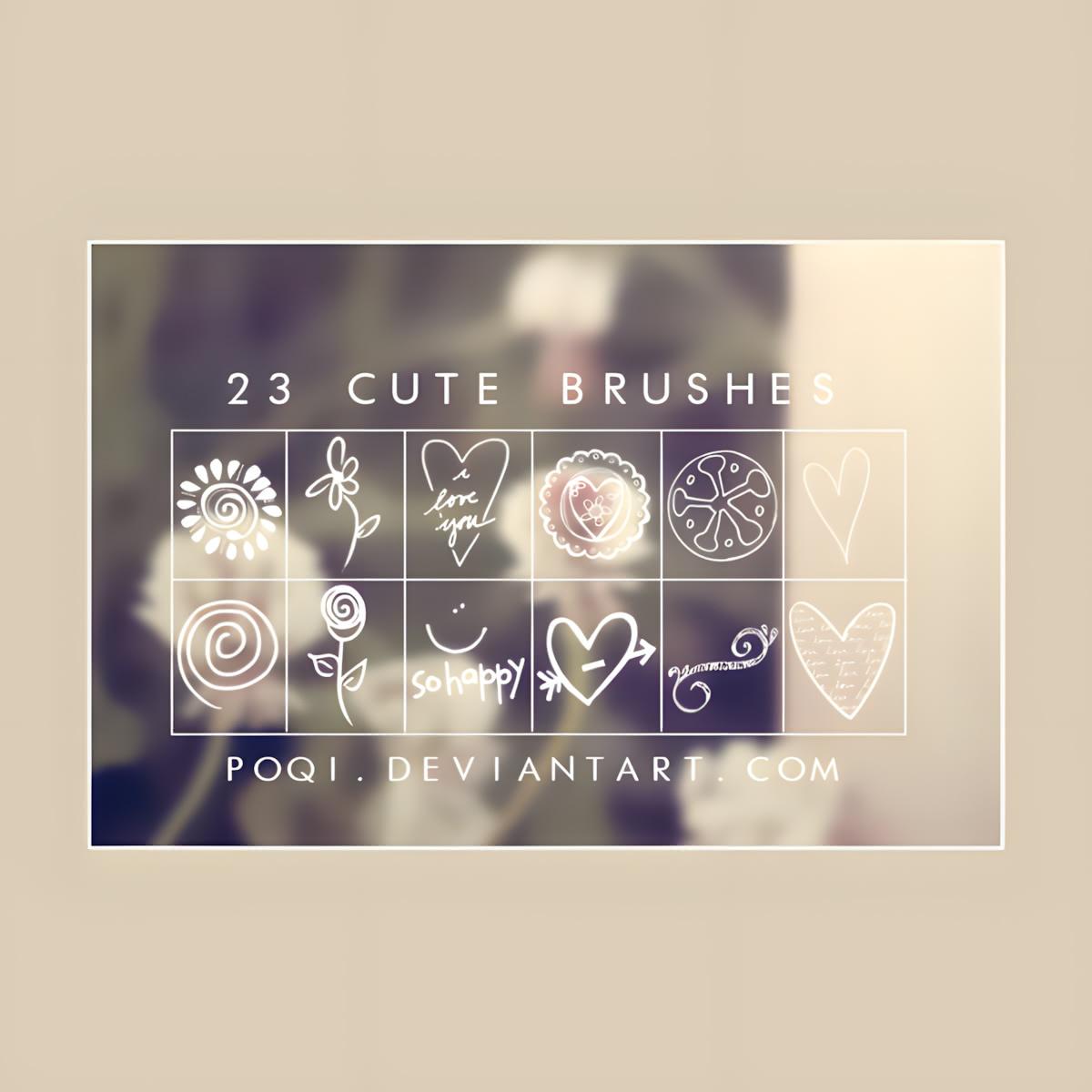
Cute Valentine Doodle Brushes
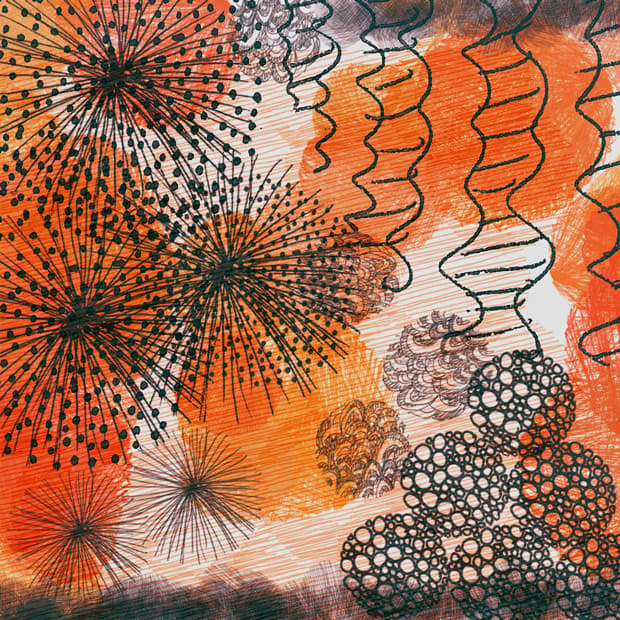
Doodle Brushes
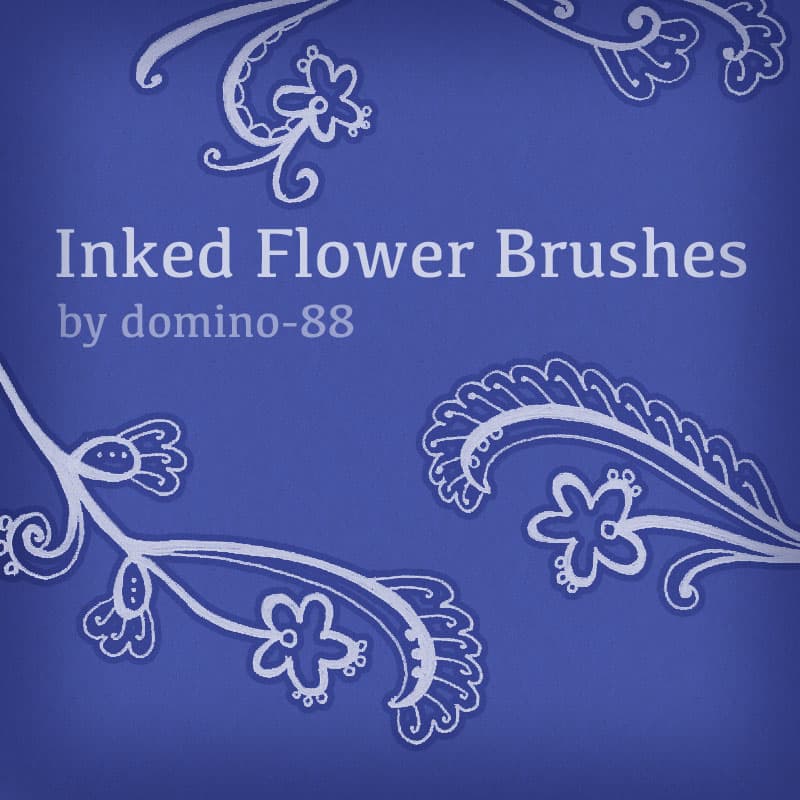
Inked Flower Brushes
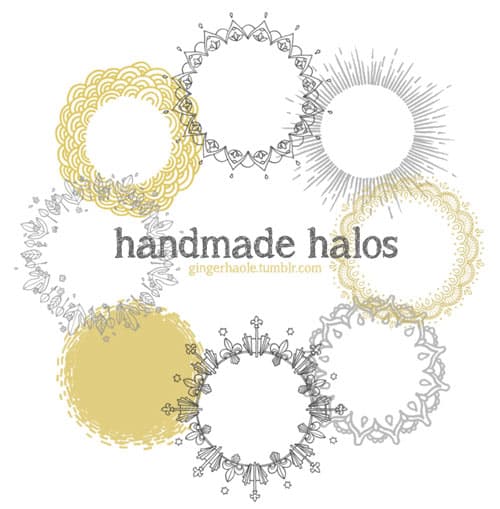
Handmade Halos Brush Set
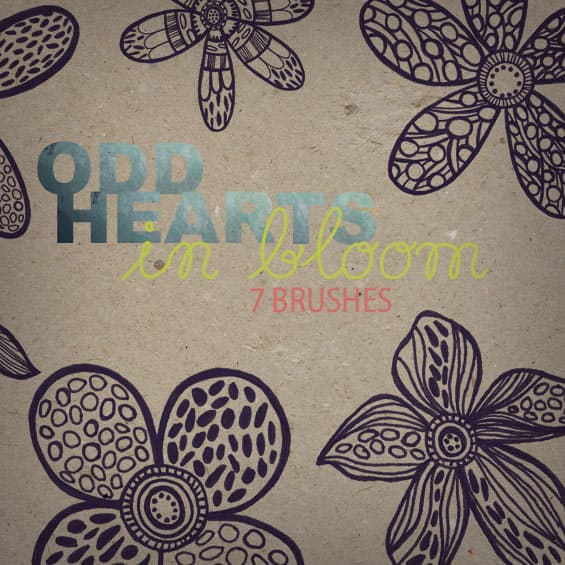
In Bloom - Brushes
Marker Stroke Brushes
Cute Doodle Brushes
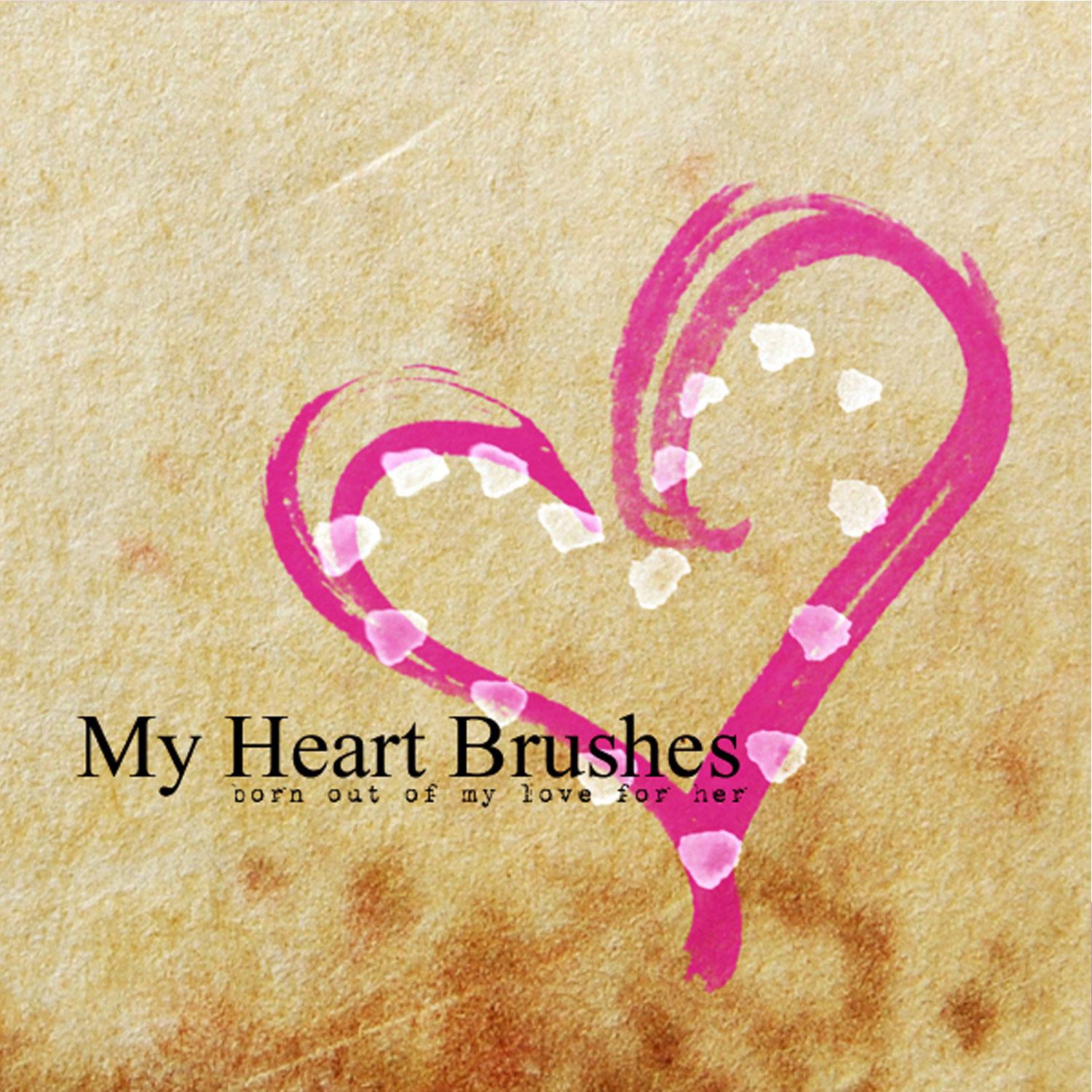
My Heart Brushes
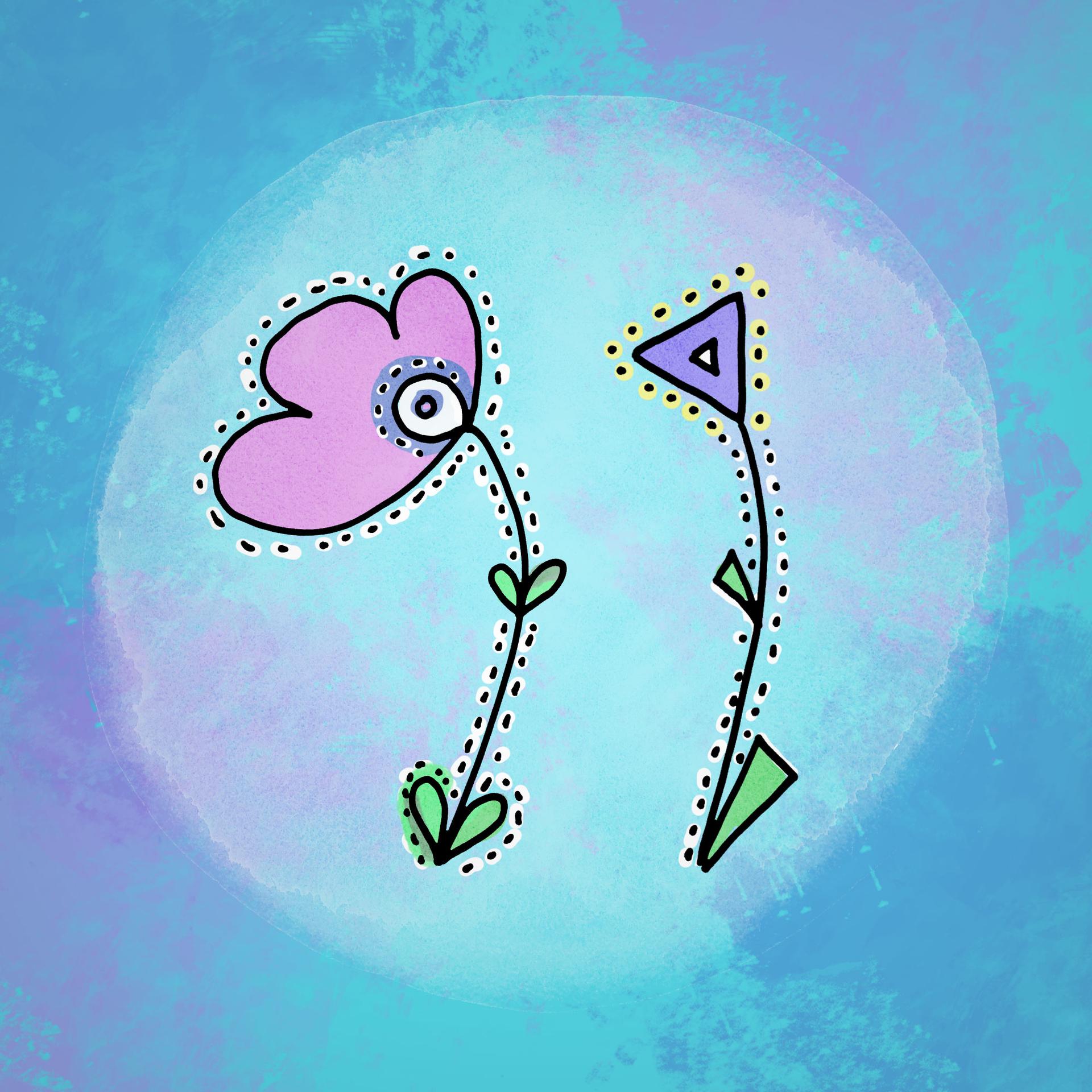
Abstract Dotted Lines Flowers
France
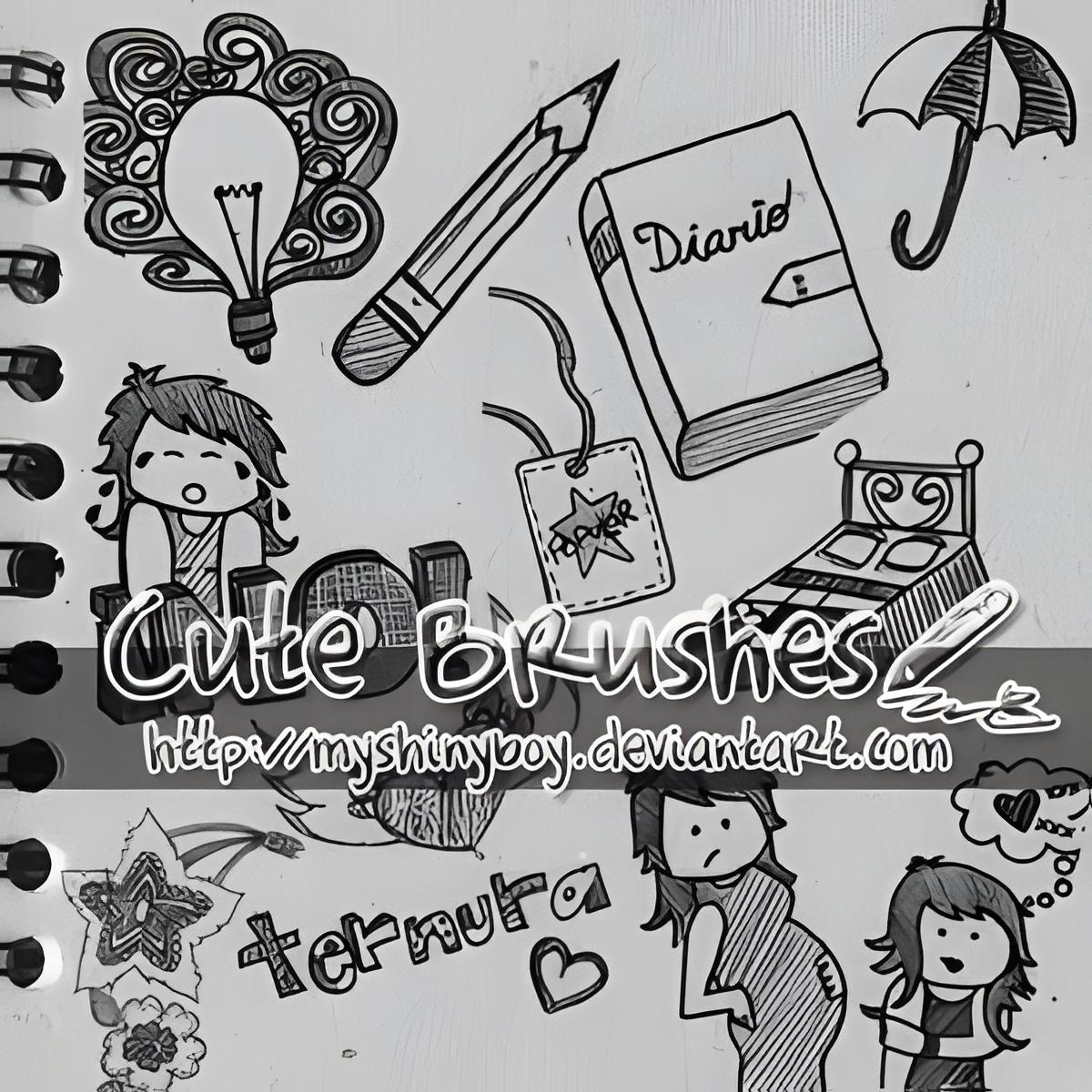
Cute Brushes
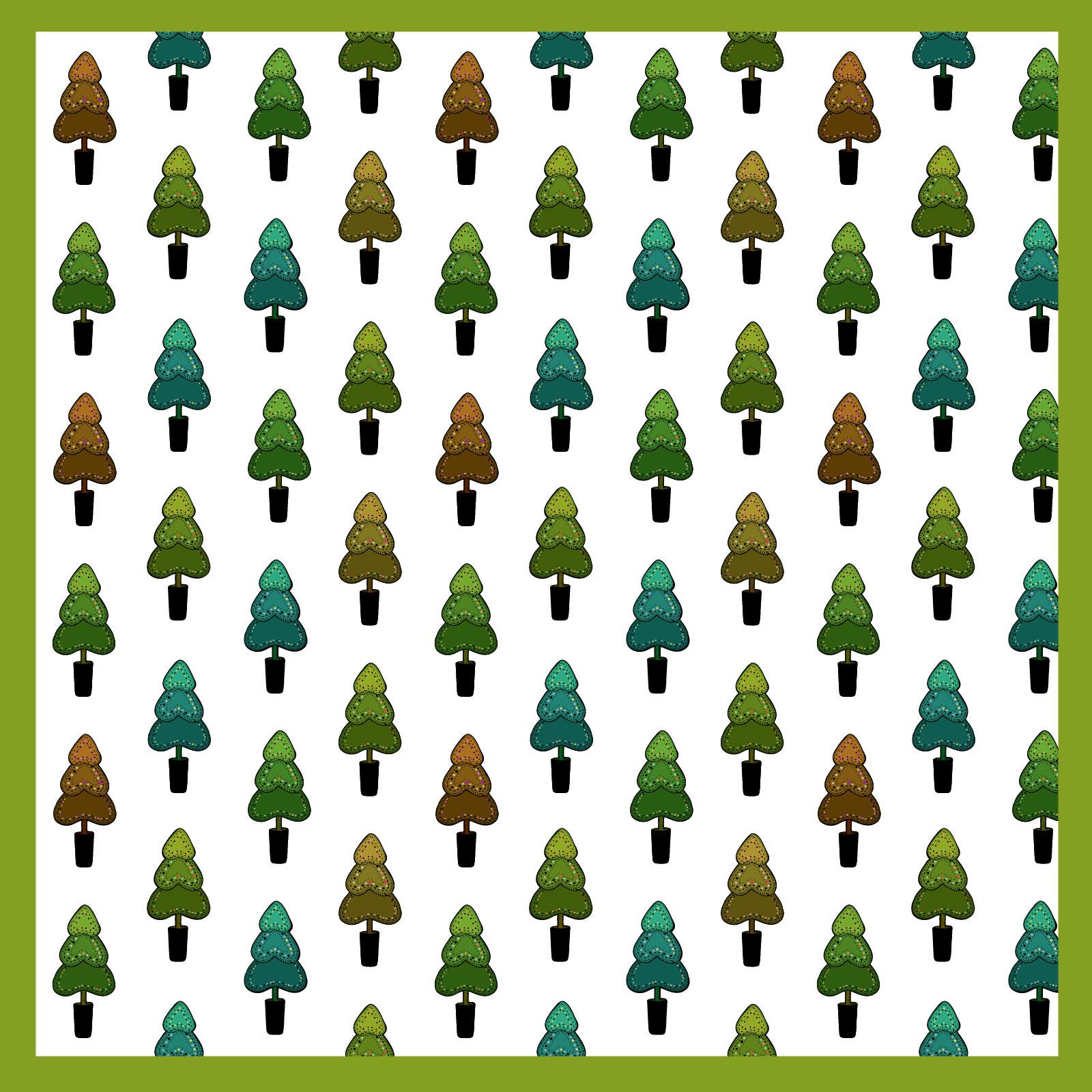
Doodled Christmas Ps Patterns
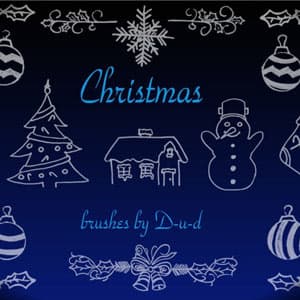
Christmas Handmade Brushes
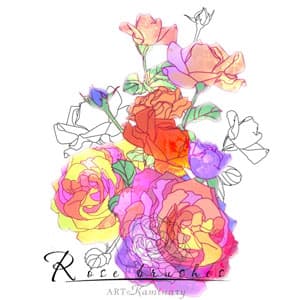
Rose Brushes
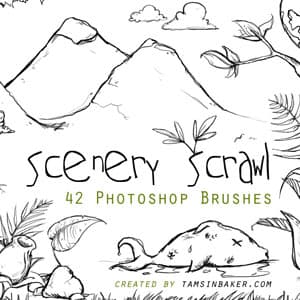
Scenery Scrawl PS Brushes
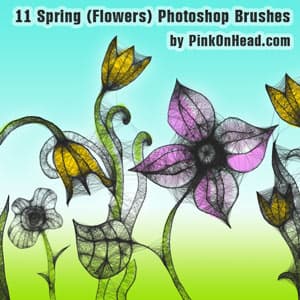
Spring Flower Brushes
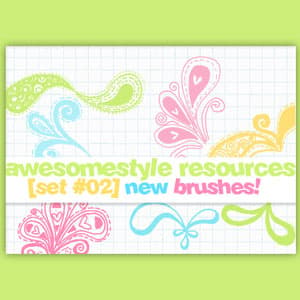
Flourish Doodle Brushes

Doodled PS free patterns: evenin
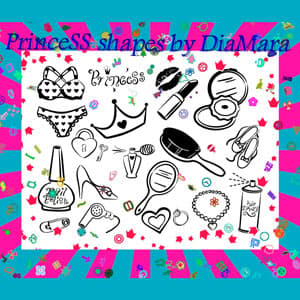
PrinceSS Custom Shapes
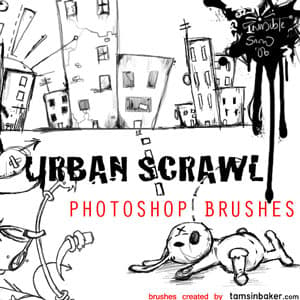
Urban Scrawl Photoshop Brushes
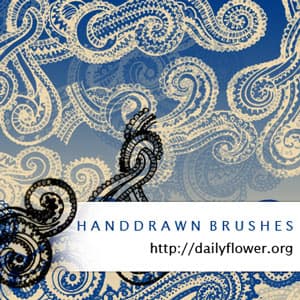
Hand Drawn Swirls
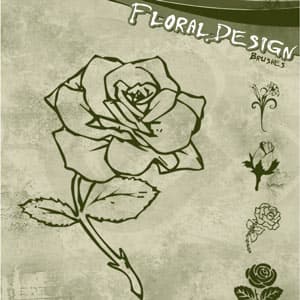
Floral Design Brushes
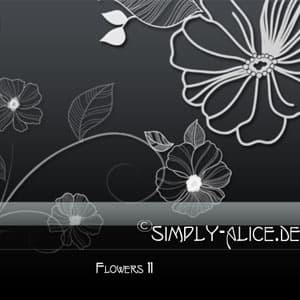
Flowers11 - PS Brushes
Where a hand-drawn line does the work
Educational and children's work is the biggest single use, and it carries the tightest technical constraint: line weight. A doodle drawn at 3 px looks right on screen and vanishes on a workbook page printed on uncoated stock. Stamp the brush at the size you will actually print, then check it at 100 per cent rather than fitted to the window. Anything thinner than about half a millimetre on the final sheet is a gamble.
Social and video annotation is the most forgiving use. Arrows, circles, speech bubbles and underlines dropped over a photo or a screen recording direct the eye without the fussiness of a proper UI overlay. Stamp them in black on their own layer, then recolour with a Color Overlay so one set adapts to whatever palette the campaign is using.
Small-brand packaging pulls the other way. Craft food, soap, candles: a hand-drawn line signals that a person made the thing, and it usually prints in one ink on kraft or uncoated board. One colour means no tonal rescue, so the drawing has to hold up as pure black on brown, and fine cross-hatching fills in on absorbent stock. Proof it before committing.
Interface work has a constraint the print cases do not, and it catches people out: dark mode. A doodle stamped in black sits invisibly on a dark empty state or a 404 page, and there is no filter that rescues it, so keep the stamp on its own layer and swap the colour rather than the artwork. Export at twice the size you need for retina screens, and check the result at the size it will really appear, because a five-pixel line drawn at 2x is a two-and-a-half-pixel line in the browser.
Stationery is where the decorative half of this collection lives. Flourishes, borders, floral sprays and heart motifs suit invitations, place cards and menus, where the doodle is the ornament rather than the illustration. A good deal of what is tagged here is hearts and flowers rather than scribbles, and our round-up of Valentine brushes goes further into that end of the library.
What's in the collection
Brushes make up 61 of the 80 sets, with 13 seamless patterns, five custom shape sets and one layered PSD template alongside them. Fifty-seven of the brush packs are a plain .ABR; the shape sets are .CSH and the patterns .PAT.
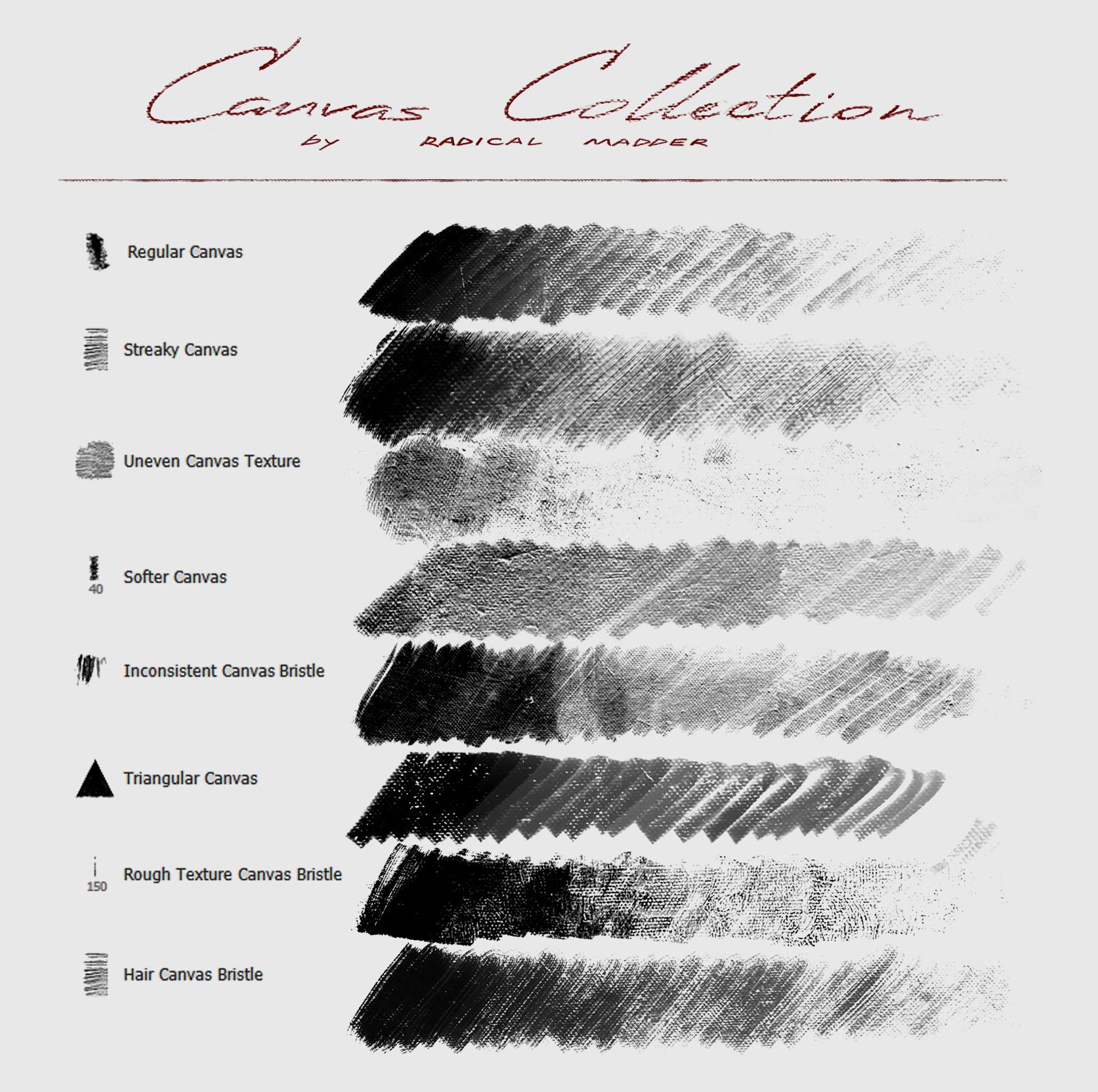
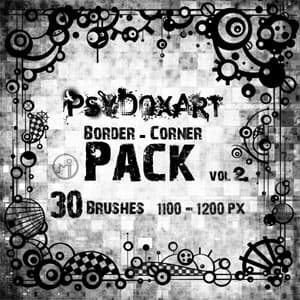
Urban Scrawl Photoshop Brushes is the most downloaded at close to 200,000, and it is the loosest thing here: 29 stamps of urban sketch line, buildings and street furniture drawn fast. Scenery Scrawl is the largest single pack at 42 brushes and works in the same register. At the tidier end, Border - Corner Brushes gives you 30 frame and corner pieces, which is probably the biggest time-saver in the collection, because drawing four corners that actually match is fiddlier than it sounds. Canvas Brushes Collection adds the paper and canvas grain that goes underneath.
The decorative half runs through Flourish Doodle Brushes, Floral Design Brushes, Flowers11 and Rose Brushes for botanical line work, plus My Heart Brushes for 18 hand-drawn heart stamps.
The five custom shape sets are worth knowing separately, because shapes are vectors and scale to billboard size without softening, which no brush stamp will do. Whimsy Floral Custom Shapes is the deepest file in the whole collection at 152 shapes, Divider Custom Shapes adds 43 rules and separators, and 25 shapes and PrinceSS Custom Shapes cover general-purpose motifs. Huge Pack of Arrows sits apart from everything else: 150 arrows shipped as PSD, EPS, PDF and PNG together, the one set here that stays vector from end to end.
The 13 patterns are motif tiles rather than paper textures, which surprises people expecting notebook grain. Doodle Leaves and Doodle Forest tile botanical scenes, and the rest run to hearts, tulips, Christmas motifs, and, for whatever project needs them, bananas and pandas.
Licensing sits on the individual item. Fifty-five of the 80 sets are free for commercial use, nine more allow it with attribution, and 16 are personal use only.
Choosing a style
The sets fall into three groups, and mixing them carelessly is the usual way a doodle layout falls apart.
Clean single-weight line is the safest: even stroke, no shading, closed shapes. It suits icons, infographics and anything that has to survive being scaled down or printed in one colour. If you are building a set of forty matching elements, stay inside this group and resist borrowing one nice stamp from elsewhere. A single heavier line in a row of icons is visible immediately.
Scratchy pen work is the opposite. Uneven pressure and overshooting corners, with sketch marks nobody bothered to erase. It belongs on posters, zines and anything meant to look like a page torn out of a notebook, and it is the group that suffers most from being scaled up, because the wobble stops reading as deliberate and starts reading as a low-resolution file.
Decorative flourish is the third, and it plays by different rules: symmetry matters, and these pieces are meant to frame content rather than sit inside it. Borders and corner pieces, plus the botanical sprays.
If you want to turn your own pen drawings into a matching set, our guide on how to create Photoshop brushes covers scanning, cleaning up the line and defining the tip. And if you have doodle sets of your own to share, submit them here: the shape and pattern side of this collection is thinner than the brush side and could use the company.
Frequently Asked Questions
Are these doodle brushes free for commercial use?
Fifty-five of the 80 sets allow it outright. Nine more permit commercial work if you credit the author, and 16 are personal use only. The terms belong to the individual set rather than to this page, so check the licence block on the item before you put a doodle on something you are selling.
How do I install the brush and custom shape sets?
Both install the same way. Unzip the archive, then drag the .ABR or .CSH file onto an open Photoshop window. Brushes appear at the end of the brush list, shapes at the end of the Custom Shape picker. If dragging does nothing, load the file through Edit, Presets, Preset Manager and pick the matching preset type.
What is the difference between the brush sets and the custom shape sets?
A brush stamp is a bitmap, so it has a native size and softens once you paint above it. A custom shape is a vector path and scales to any size without losing an edge. Use shapes for logos, large print and anything that may be resized later, and brushes when you want texture and an irregular hand-drawn edge.
How do I make a doodle brush repeat along a border?
Open the Brush Settings panel and raise Spacing above 100 per cent, which separates each stamp instead of overlapping them. Then hold Shift and drag to keep the line straight, or draw a path and choose Stroke Path with the brush selected. The corner and border sets are already built for this and need less adjustment.
Are the doodle patterns seamless?
Yes. The .PAT files tile without a visible join, so they fill a whole page with leaves, hearts, forest scenes or Christmas motifs. Load one, then use Edit, Fill, Pattern, or a Pattern Overlay layer style. The tile size is fixed, so scale the pattern inside the fill dialog rather than resizing the layer afterwards.
Do these files work in Photoshop Elements?
The brush and pattern files do. Elements reads .ABR and .PAT, and you load them through the same Preset Manager. Custom shapes in .CSH also load, though Elements gives you fewer controls over them. What does not carry across is the layered PSD template, which uses adjustment layers that Elements handles differently.
Can I recolour a doodle after I have painted it?
Yes, as long as it is on its own layer. Add a Color Overlay layer style, or clip a Solid Color adjustment layer above it, and the whole drawing changes at once. This is why it is worth stamping in plain black to begin with: black keeps the full range of the stamp, so the recolour stays clean.
Do these doodle brushes work in Procreate, Affinity Photo, or GIMP?
They do, and doodle sets travel particularly well because most are single-stamp shapes. GIMP has opened .ABR files natively since version 2.4. Procreate and Affinity Photo both import the format through their brush panels, and Krita loads the tip shapes. The line art itself carries over; pressure response and spacing may behave differently than in Photoshop, so re-check a stroke before starting a big piece.