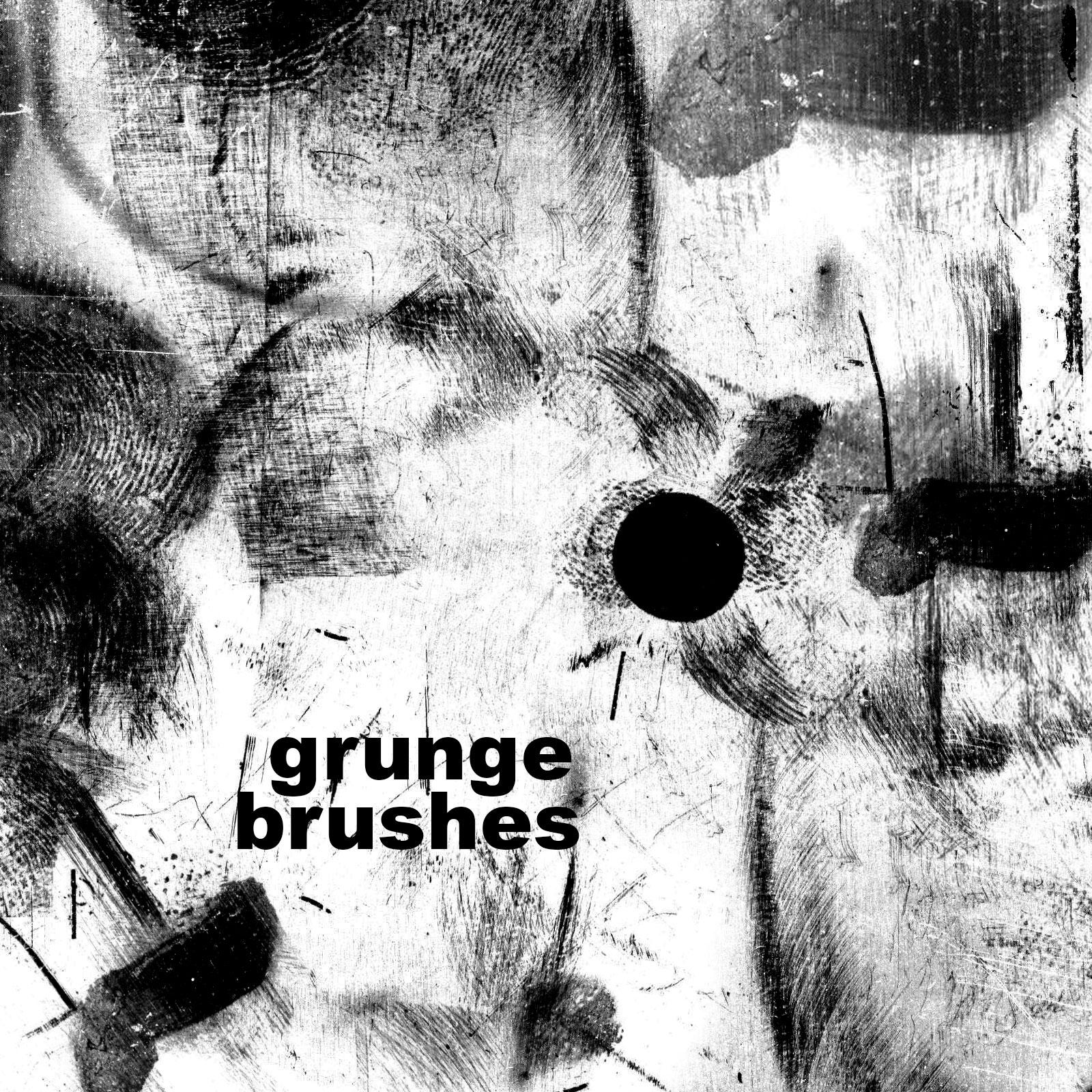
Ten Free Grunge Brushes

Resource Details
- Author
- NomaD
- Format
- ABR
- Size
- 13.6 MB
- Opens in
- Photoshop, GIMP
- Imports into
- Procreate, Affinity Photo, KritaShapes import. Dynamics may not.
- Brush type
- Stamp brushes
- Items in set
- 10
- Downloads
- 24.0k
- Added
- Nov 5, 2013
LicenseCommercial
Learn morePreparing...
Tags
Description
Answering the big questions.
- They are free for commercial and personal use.
- No need to link them, but I would appreciate if you do - your choice.
- You may not sell the file though, don't be a jerk. They are free for all.
- You can build upon them and change them and modify however you like.
- Don't claim them as your own.
- If you wish you can link your work in the comment section here to see if they did you any good. Not necessary, I am just curious what work you did with them. Those were the rules...
How to install?
- Open Photoshop, click [File] -> [New] -> Set your canvas to something big (2500x2500 for example).
- Press the [B] key -> then [Right Mouse Click] on the canvas. This will open brush selection.
- After the brush selection is open click on the small arrow in the circle [>] and it will open a drop down menu.
- Click on [Preset Manager] and then click [Load]. Find the ABR file you bought-downloaded, and load it.
- Close the [Preset Manager], [Right Mouse Click] on the canvas and select the new brushes and test them out.
- Have fun! Farewell.
What's Included

Frequently asked questions
Is "Ten Free Grunge Brushes" free to download?
Yes, this resource is free to download from MyPhotoshopBrushes, with no signup and no paywall. It is published under the Free for Commercial Use license, which allows commercial use. See the license panel on this page for the exact terms.
What file format does this download use?
The download is a ZIP archive containing .ABR files. Unzip it first, then use the files inside.
How do I use it in Photoshop?
Download the .ABR file and double-click it. Photoshop imports the set and appends it to the Brushes panel automatically. You can also drag the file onto the Photoshop window, or open Window → Brushes and choose Import Brushes from the panel menu.