Grunge Frame Brushes
Resource Details
- Format
- ABR
- Size
- 24.4 MB
- Opens in
- Photoshop, GIMP
- Imports into
- Procreate, Affinity Photo, KritaShapes import. Dynamics may not.
- Brush type
- Stamp brushes
- Items in set
- 26
- Downloads
- 1.4k
- Added
- Apr 14, 2026
Description
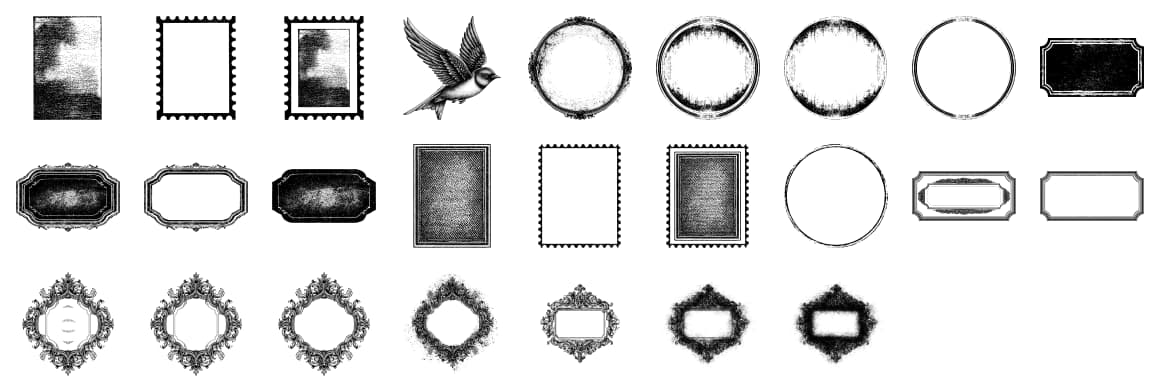
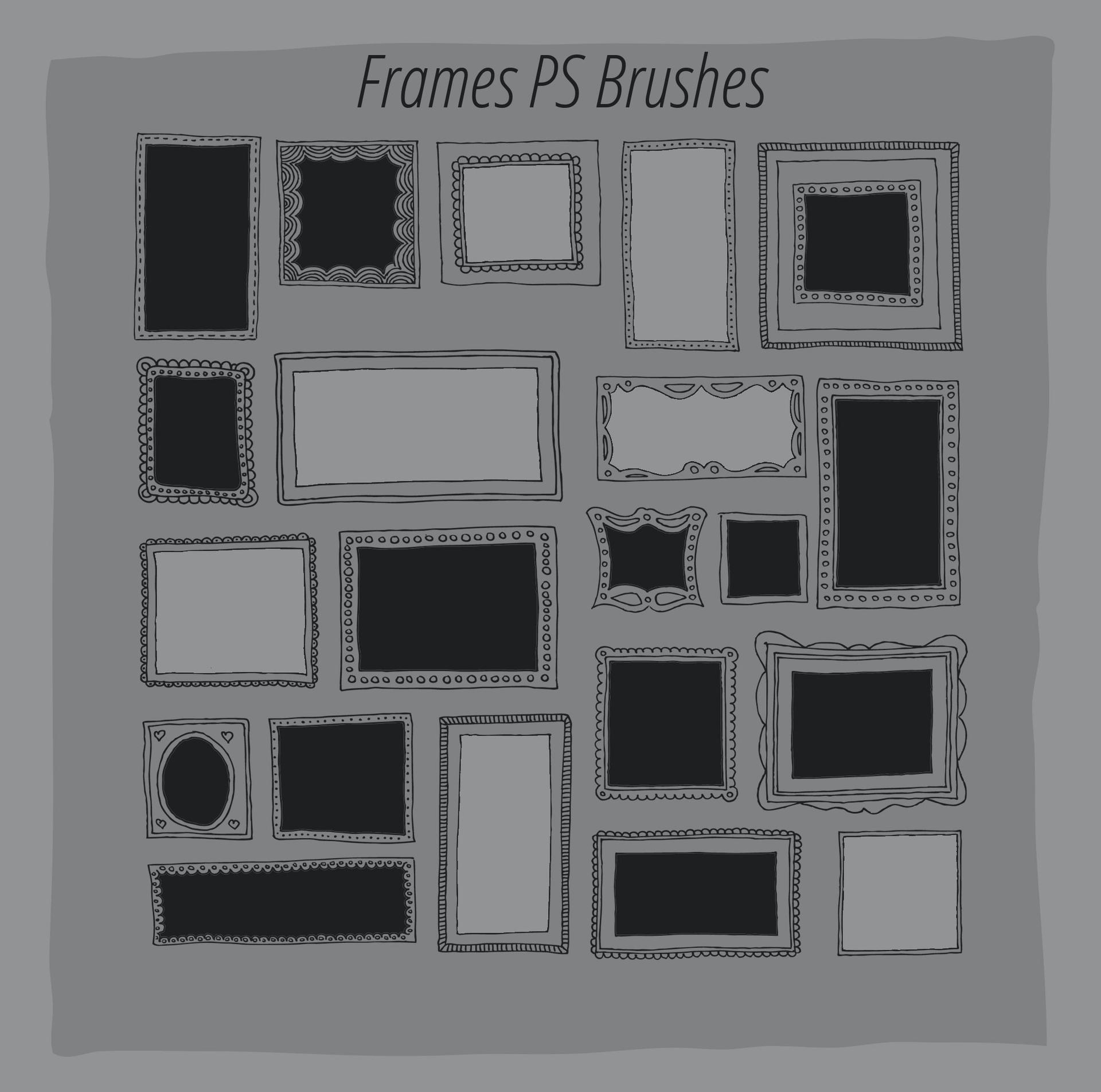
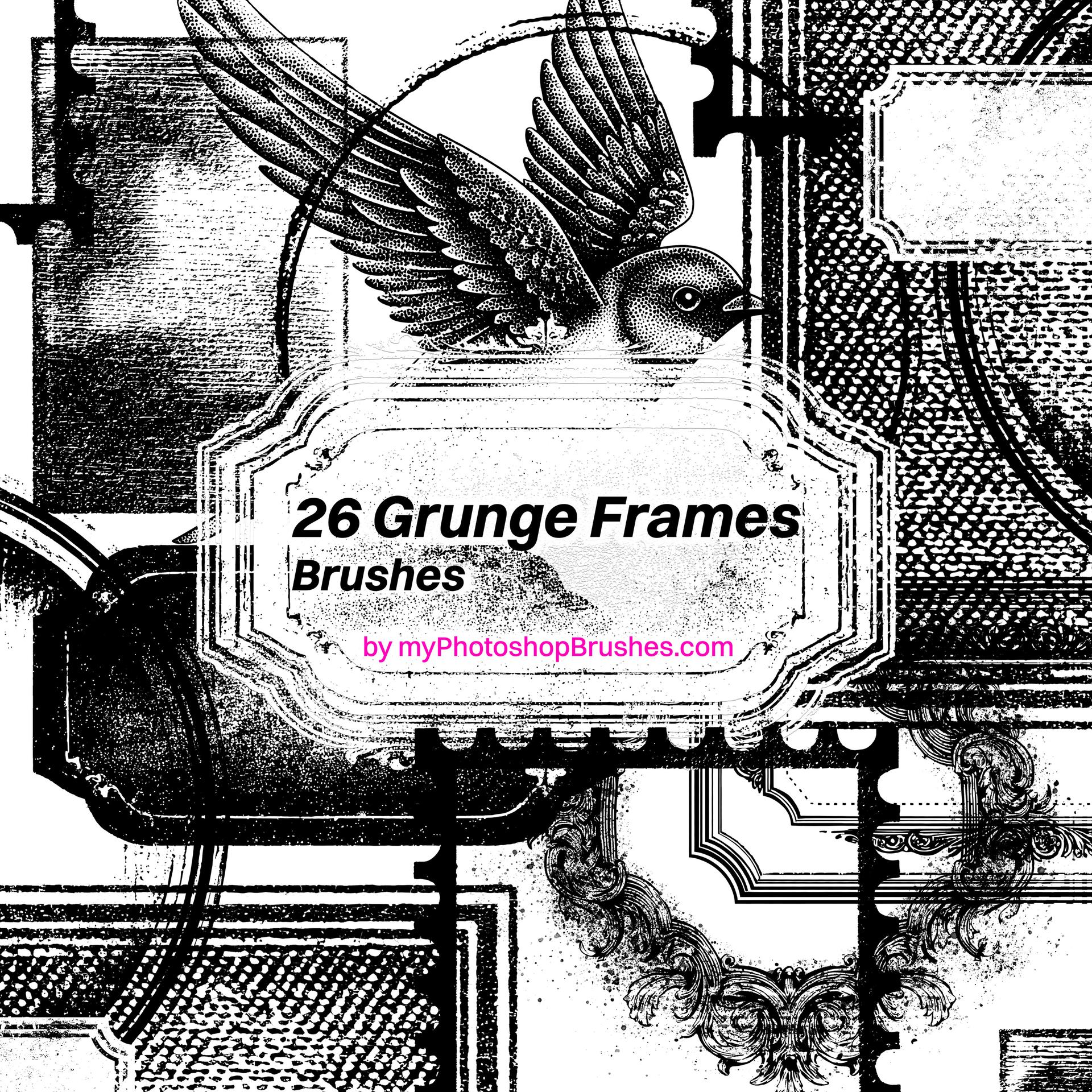
A brush set inspired by vintage aesthetics and a subtle retro feel. It includes a variety of frames, borders, and decorative elements – from softly worn circular shapes and classic rectangles to more ornate, almost jewelry-like designs. The whole collection carries a gently distressed look, reminiscent of old prints, photographs, and aged paper.
These brushes work beautifully in projects that call for a touch of nostalgia: invitations, posters, social media graphics, or branding materials. They can be used as a central visual element or as a delicate detail that ties a composition together.
The set also features more irregular elements – smudges, textures, and subtle imperfections – which help break the overly clean digital look and give your designs a more authentic, handcrafted feel.
A great choice for anyone drawn to old-world charm, while still wanting the flexibility and ease of working in a digital environment.
What's Included