20 Free Fabric Textures
Resource Details
- Format
- JPG
- Size
- 59.1 MB
- Opens in
- Photoshop, Procreate, Affinity Photo, GIMP, Krita
- Items in set
- 20
- Downloads
- 505
- Added
- Aug 9, 2026
Description
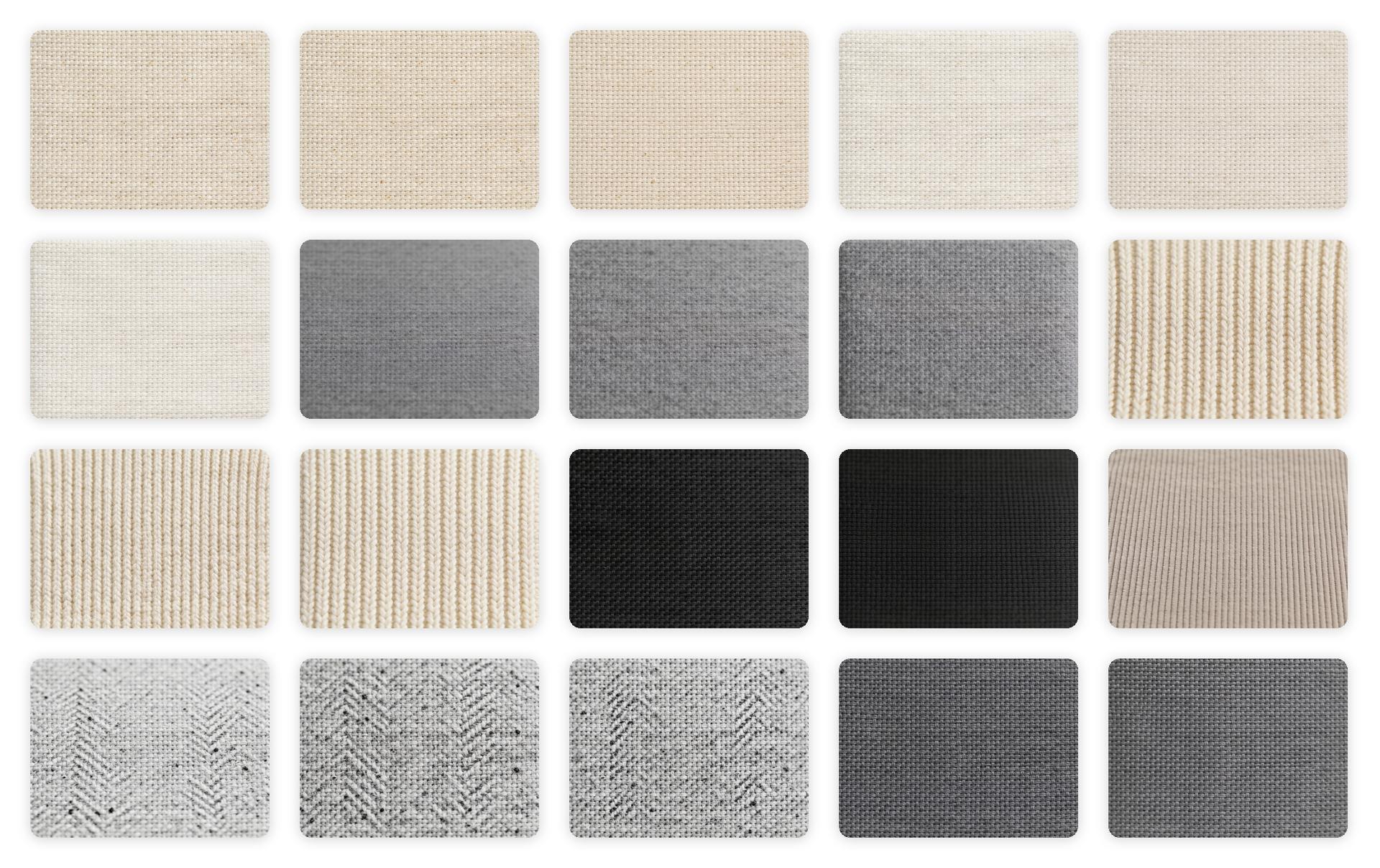
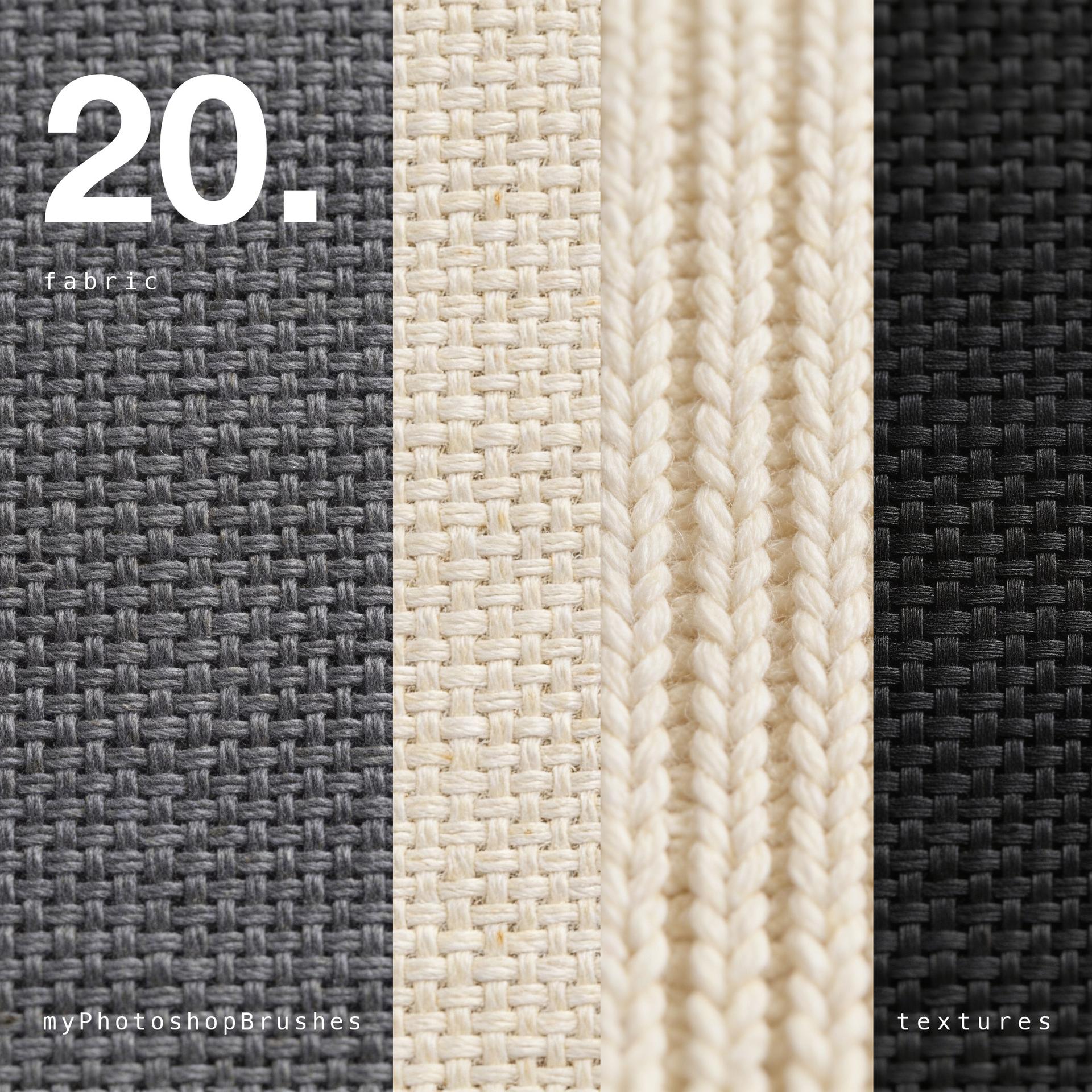
Twenty fabric surfaces shot flat and lit softly, so the weave keeps its relief without any one corner going brighter than the rest. That is the whole point of the set: a texture you can drop over artwork on Multiply or Overlay and have it read as cloth, not as a photograph of a piece of cloth on a table.
The range covers the materials that actually carry weave detail:
- Plain weaves: natural linen and cotton canvas, cream through raw ecru.
- Wool: a dense, matte felted surface in mid grey, and a grey-and-white herringbone.
- Knit: heavy ribbed knit in undyed cream, with the columns running edge to edge.
- Technical weave: matte black synthetic with a fine, tight grid.
- Corduroy: soft tan wale.
- Twill: the diagonal-run greys.
Every file is a 4096 × 3072 JPEG, large enough to cover a full-bleed A4 layout at 300 dpi without repeating anything.
These are not seamless tiles. They are single continuous surfaces, sized so you rarely need to tile them. If your artwork is larger than the frame, mirror the layer rather than repeating it.
How to use them:
- Place the texture on the top layer, set the Blending Mode to Multiply for a printed-on-cloth look or Overlay for weave without the tonal shift, then pull the Opacity back until it sits.
- The neutral palette is deliberate, drop a Hue/Saturation or Gradient Map layer above a texture and it takes colour cleanly. Colouring a neutral is two seconds; the reverse is a fight.
- For mockups, warp the texture to your shape first and add the blending mode after.
Free for personal and commercial work, no attribution required.
What's Included